
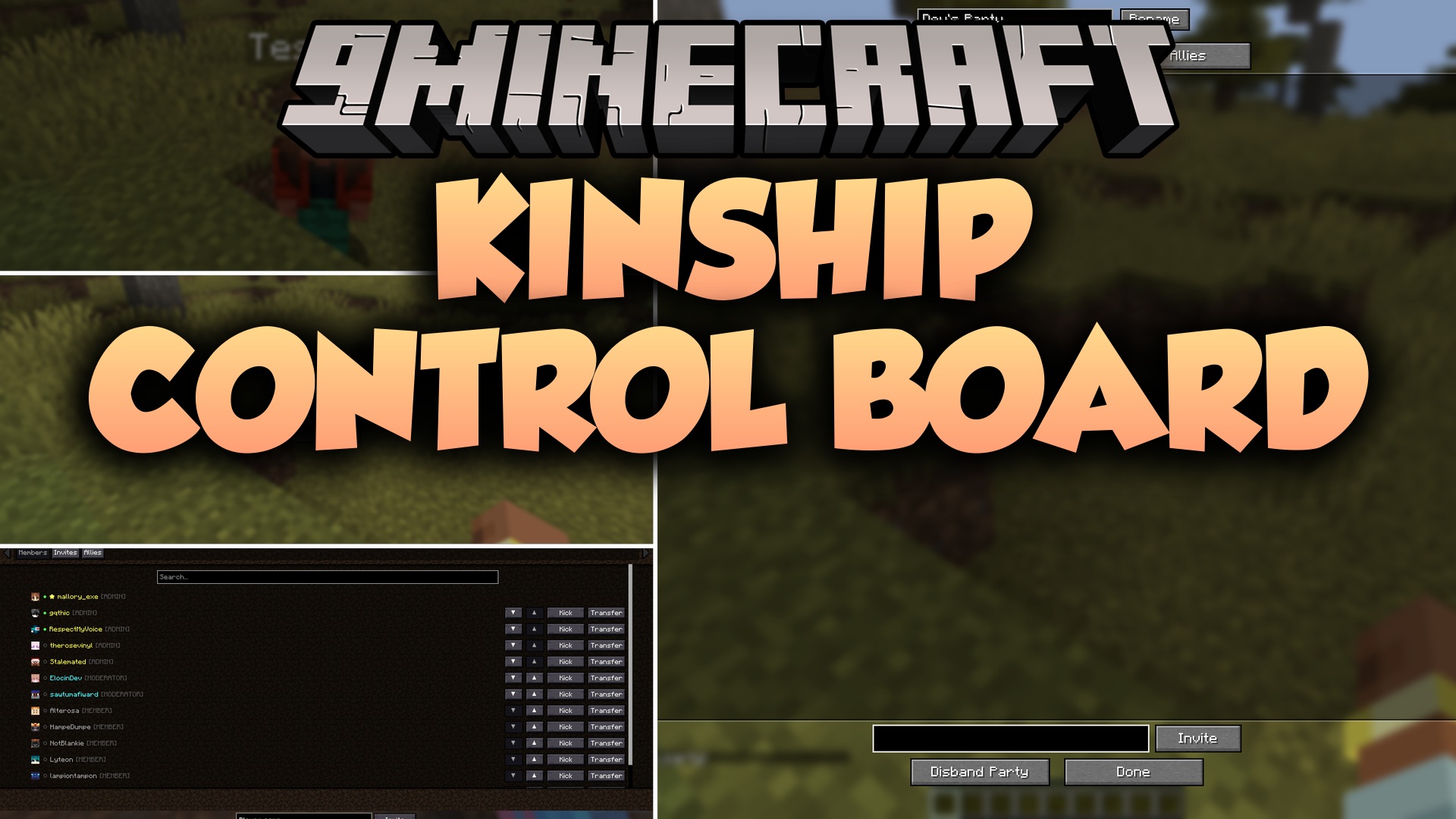
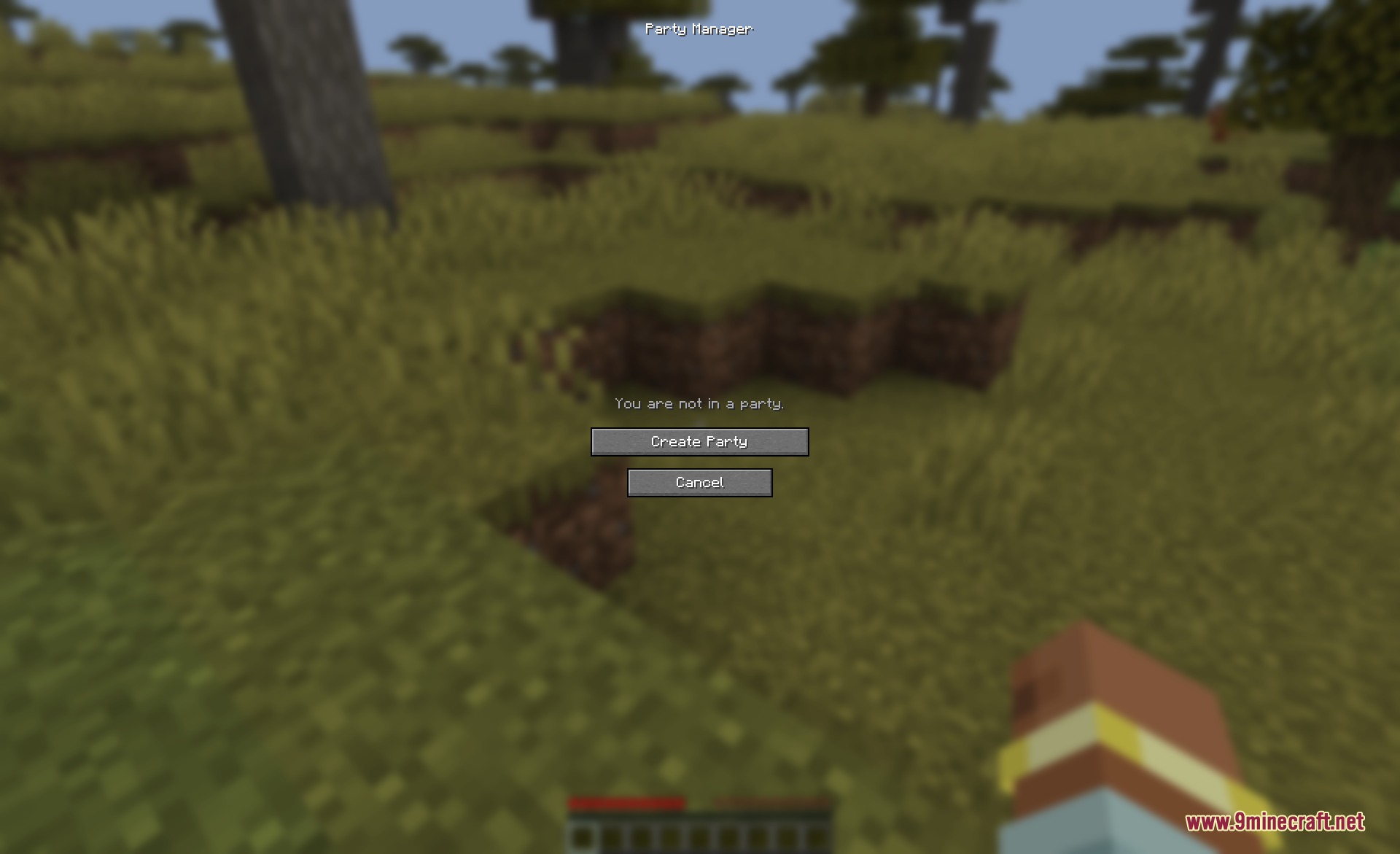
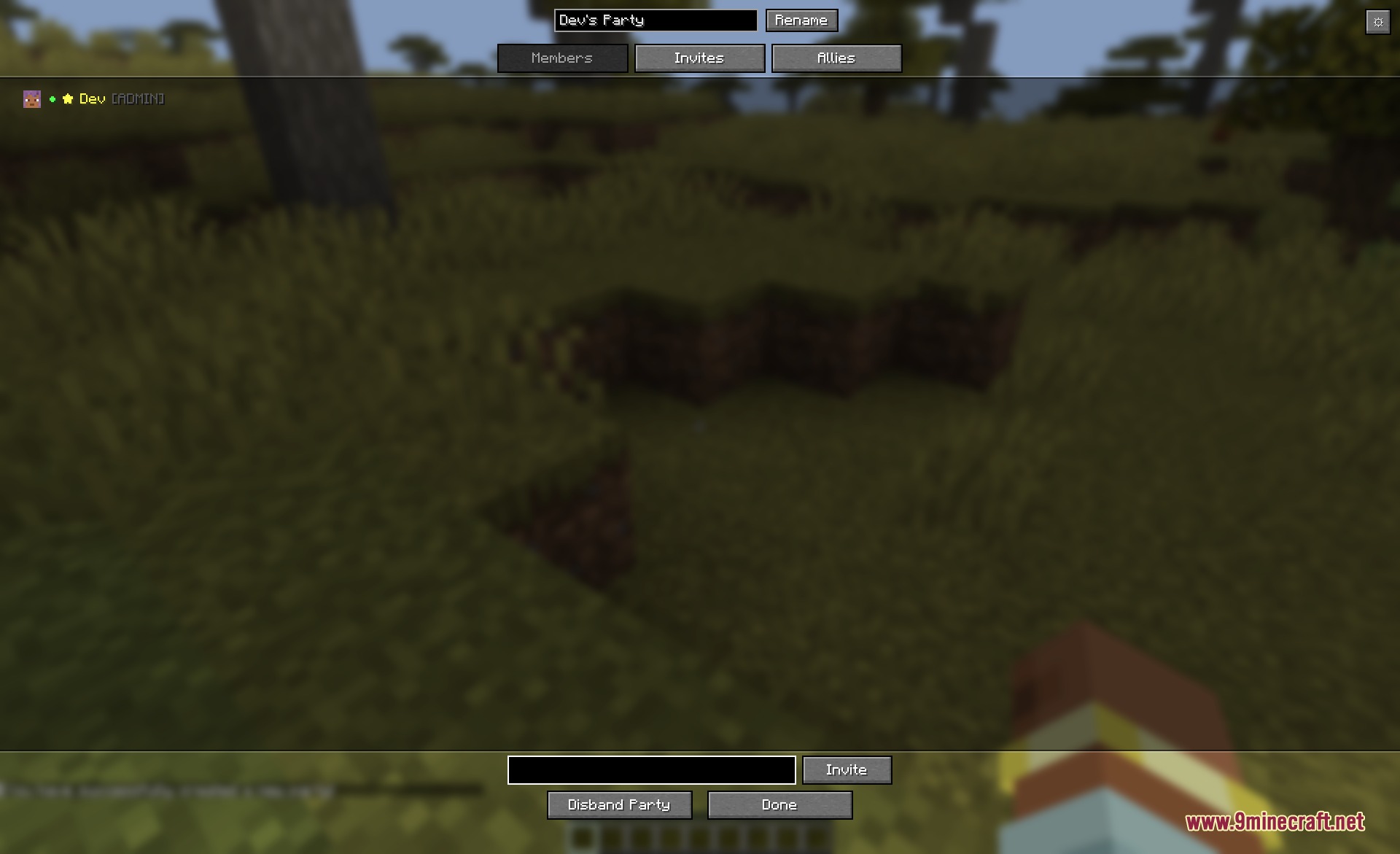
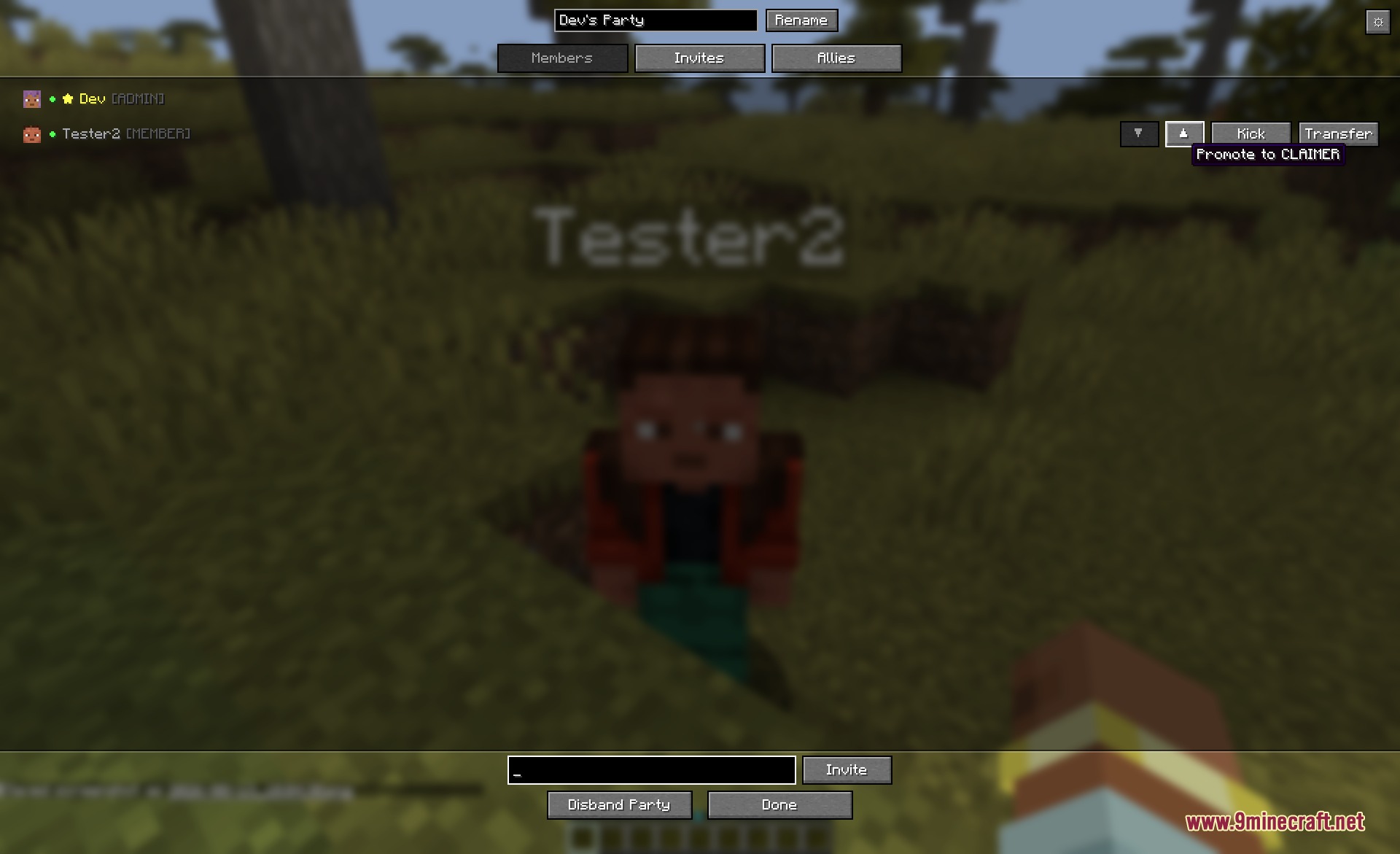
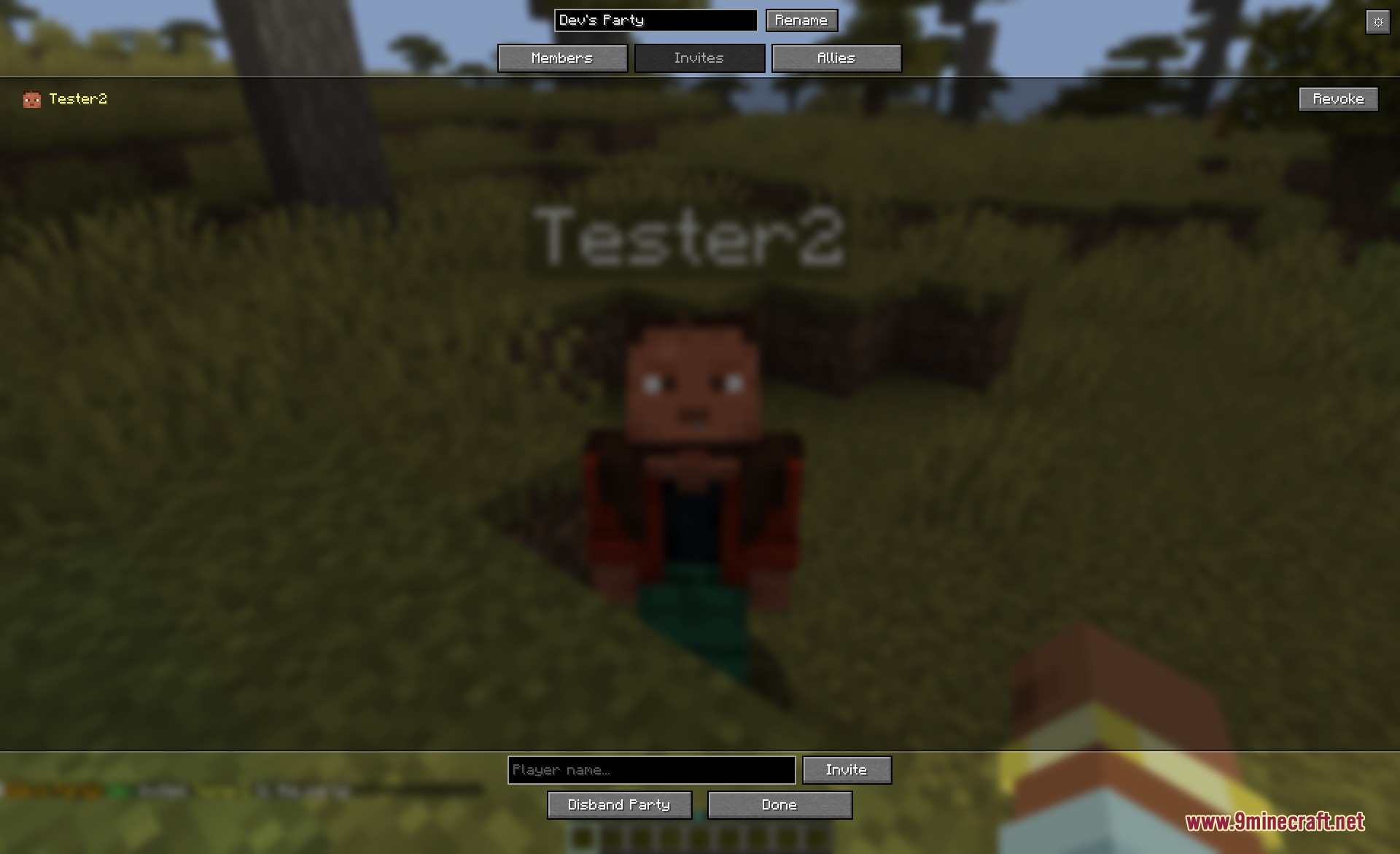
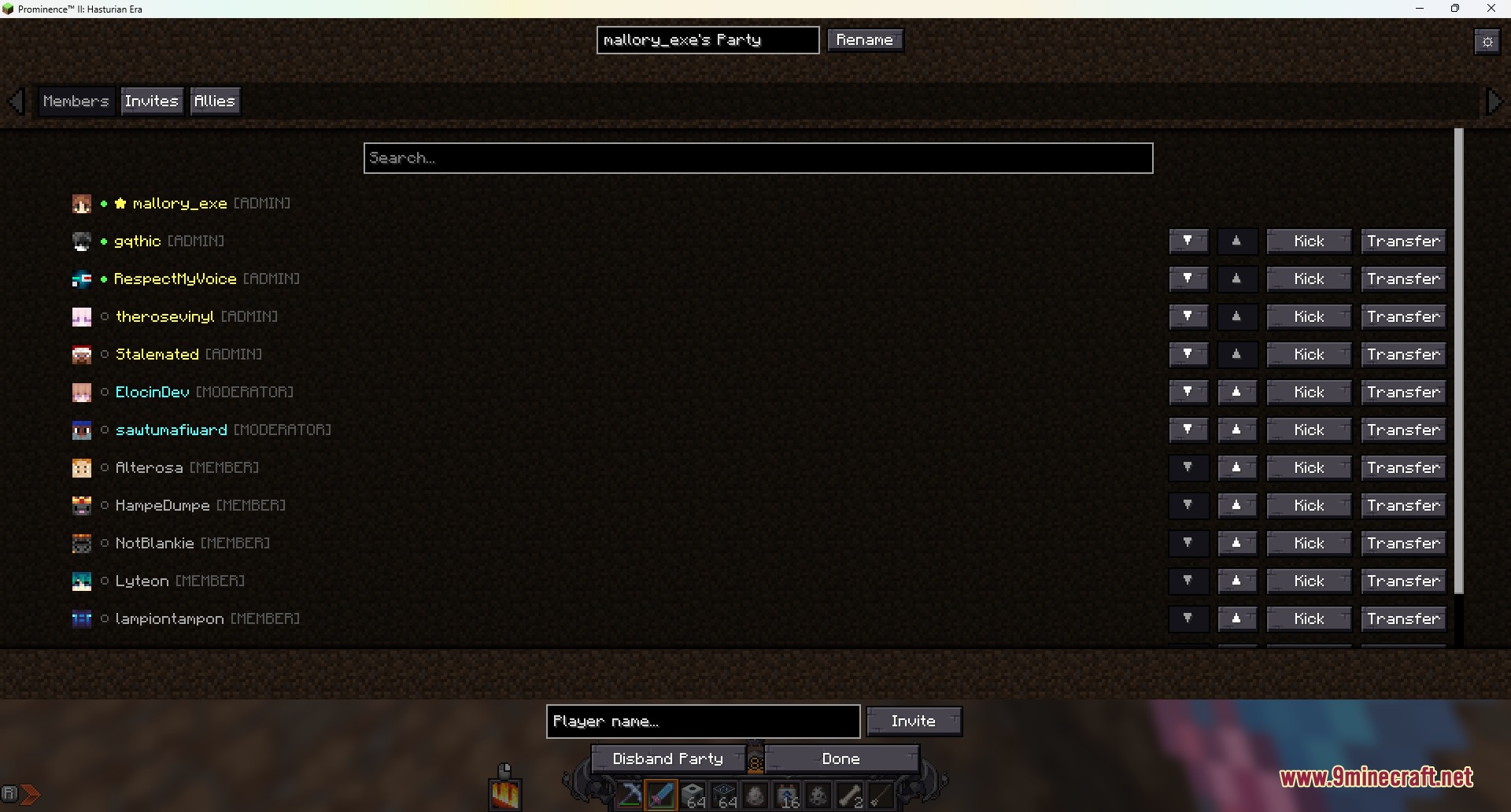
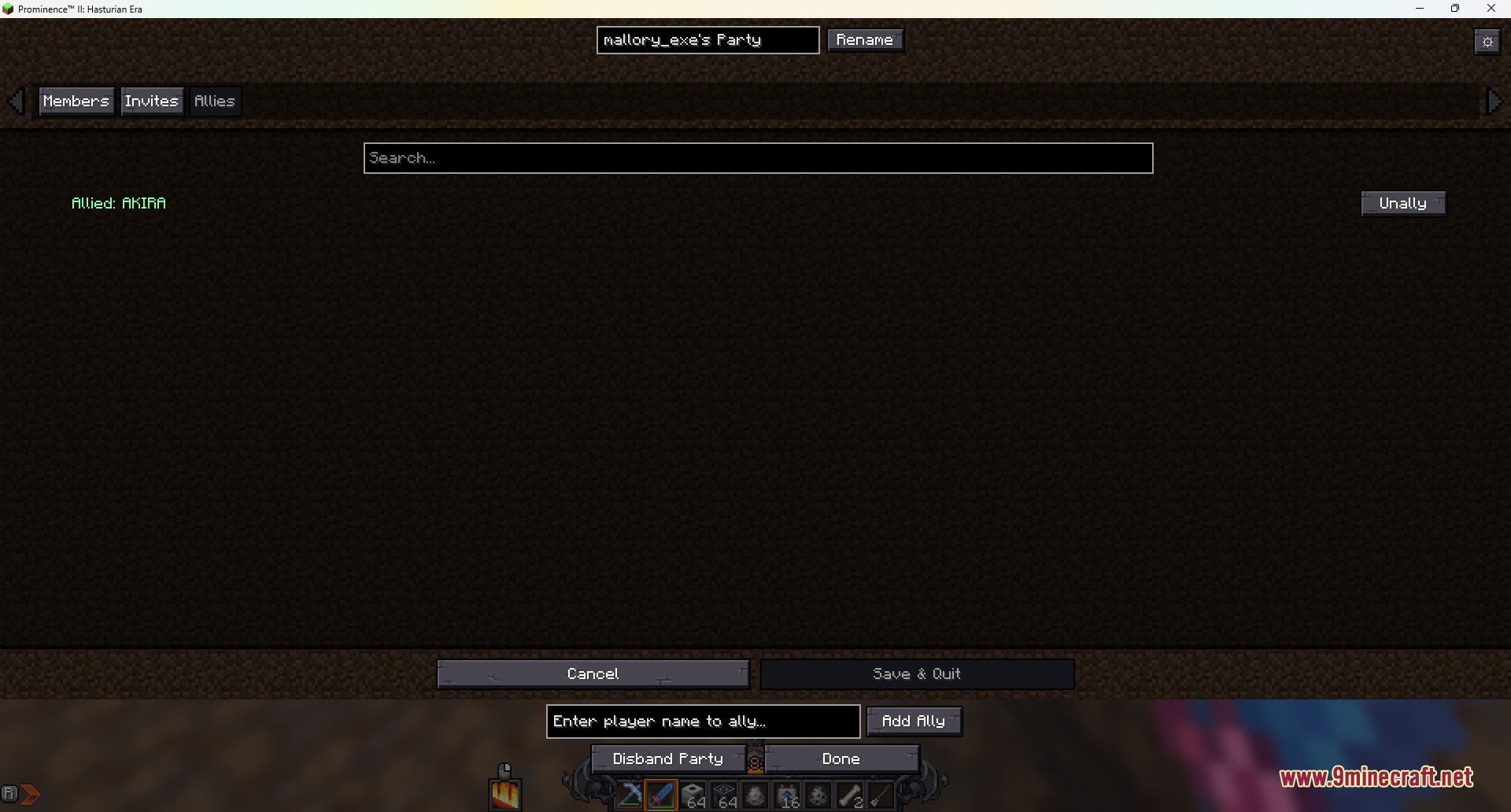
Kinship Control Board Mod adds a visual interface for Open Parties and Claims. Instead of typing chat commands, you can click buttons to form teams, invite friends, and set player ranks. The mod brings clear graphic menus for handling allies and tracking member lists on multiplayer servers. It operates on the client side to make group management faster and simpler during your play sessions.
Features:
- Adds visual buttons to create and customize player groups without typing chat commands.
- Lets you inspect member lists, player details, and group statuses in one clean window.
- Changes member ranks with simple clicks directly inside the menu.
- Shows pending invites so players can accept or decline team requests quickly.
- Organizes allied groups into a dedicated tab for quick coordination on servers.
- Handles large team sizes and server guilds with clear scrollable player lists.
Screenshots:
Kinship Control Board Mod Download Links
Quick facts
- Edition: Minecraft Java
- File type: .jar
- Minecraft version listed: 1.20.1
- How to install: Install the matching mod loader (Forge, Fabric or NeoForge) for your Minecraft version. → Download the .jar. → Put it in the .minecraft/mods folder and launch that loader profile.
- Where to get it: In MC Java Mods, or directly above on this page.
Install steps are the general flow for this file type — How to install Minecraft Java mods & modpacks walks through it step by step.
Verified by MCModsHub
- Downloads as 502039.mcaddon
- Download size: 64 KB
- Download link checked 22 Sept 2026 — working
- Mirrored on our own servers — the download does not depend on the original host
These come from our own check of the pack file, not from the source page.