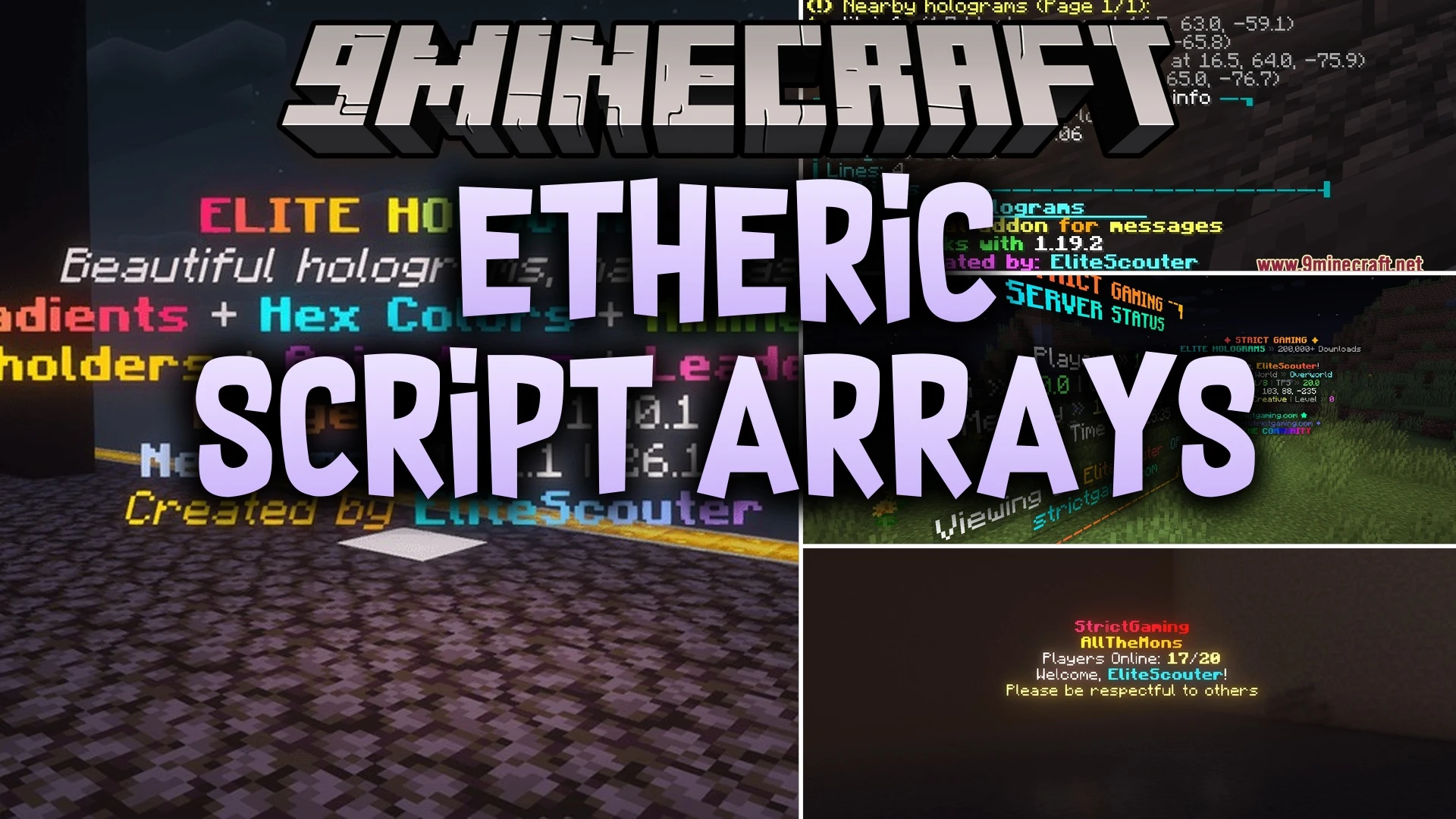
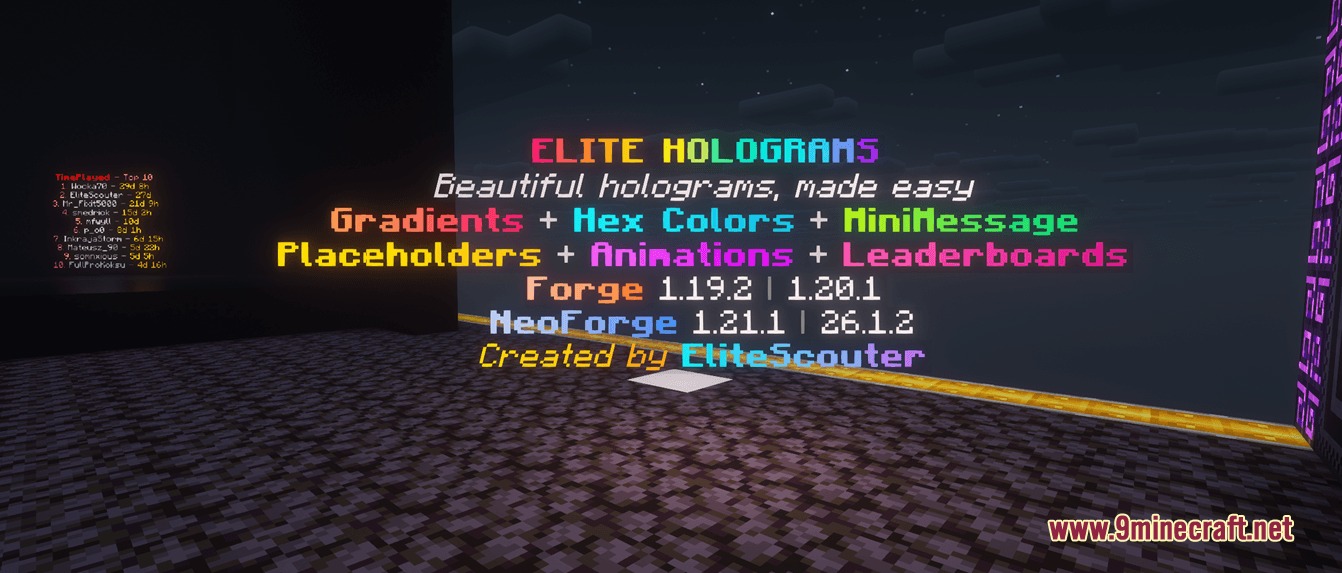
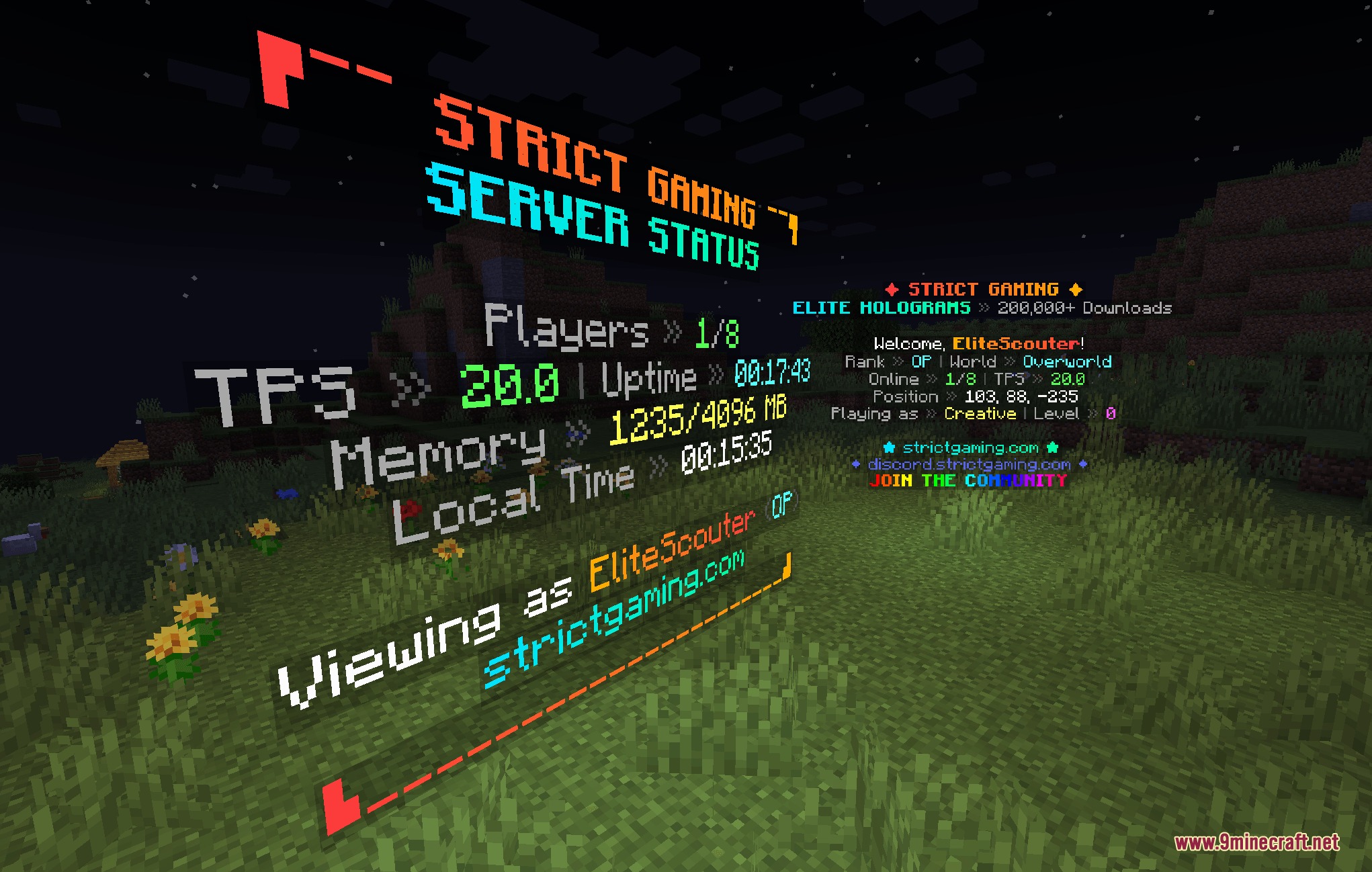
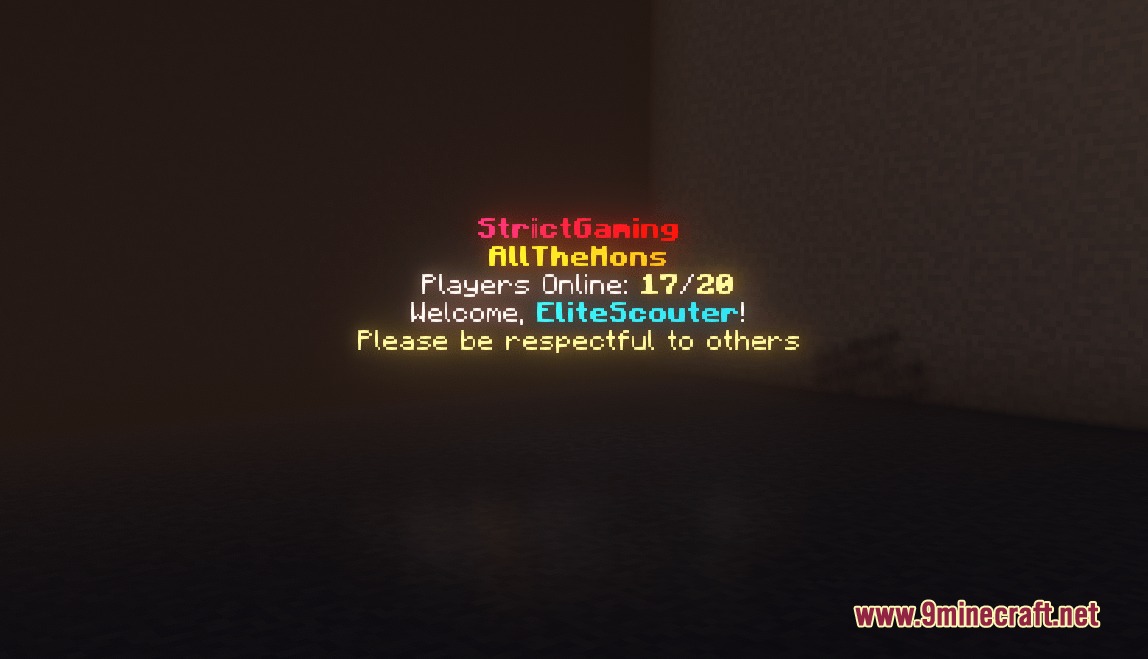
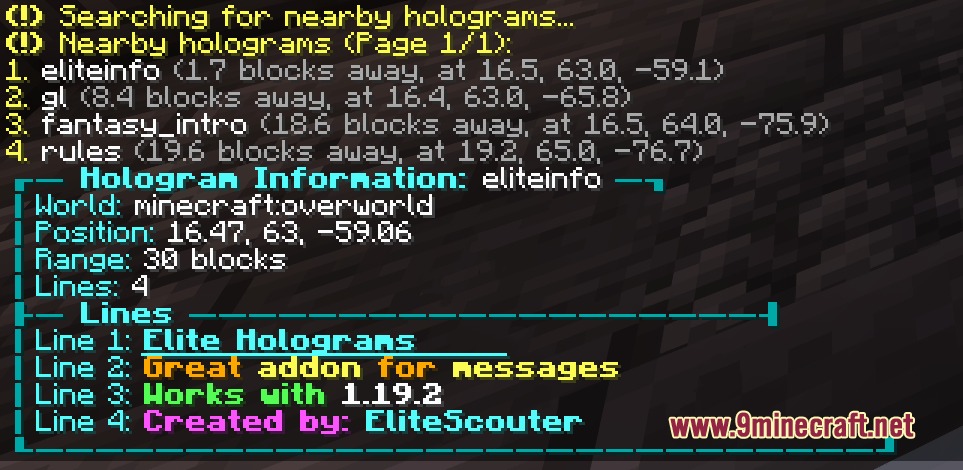
Etheric Script Arrays Mod adds floating customizable text displays and signs to Minecraft worlds. This mod works on servers and single-player saves, letting you place multi-line text, item showcases, and live leaderboards using simple chat commands. Players can join multiplayer servers with normal game clients and read every display without extra client files.
Features:
- Spawns floating text lines that stay readable across world reloads.
- Displays floating 3D items directly above custom text captions.
- Renders live scoreboard leaderboards with automatic ranking and custom themes.
- Rotates animated lines on a timer for announcements and countdowns.
- Adds backlight columns to keep text visible in dark areas without breaking surrounding blocks.
- Anchors text to fixed angles so words look like wall-mounted signs.
- Accepts color codes, gradients, and custom formatting styles on every text line.
- Includes built-in placeholders to show live player counts and world numbers.
- Works entirely on the server side so joining players need no extra files.
Commands:
/eh create <id> <text>: creates a basic floating text line at your position./eh create fixed <id> <text>: spawns a fixed hologram facing your current angle./eh createitem <id> <item> <text>: places a floating item above a line of text./eh setrotation <id> <yaw> [pitch]: changes the view angle of a fixed hologram./eh convert <id> fixed: changes a player-facing hologram into a fixed angle display./eh backlight <id> [height]: raises glowing light blocks behind the text./eh settheme <id> <theme>: applies a visual color theme to a scoreboard hologram./eh movevertical <id> <offset>: shifts the position of a hologram up or down./eh near: lists all active holograms near your character./eh reload: reloads theme configurations from the disk.
How to Use:
- Stand at the location where you want your floating text to appear.
- Type
/eh create <id> <text>in chat to spawn your first hologram. - Turn on background illumination with
/eh backlight <id> onso players can read it in the dark. - Adjust the height or rotation using position commands whenever you want to reposition the lines.
Screenshots:
Etheric Script Arrays Mod Download Links
Quick facts
- Edition: Minecraft Java
- File type: .jar
- Minecraft version listed: 1.20.1
- How to install: Install the matching mod loader (Forge, Fabric or NeoForge) for your Minecraft version. → Download the .jar. → Put it in the .minecraft/mods folder and launch that loader profile.
- Where to get it: In MC Java Mods, or directly above on this page.
Install steps are the general flow for this file type — How to install Minecraft Java mods & modpacks walks through it step by step.
Verified by MCModsHub
- Downloads as 502044.mcaddon
- Download size: 984 KB
- Download link checked 23 Sept 2026 — working
- Mirrored on our own servers — the download does not depend on the original host
These come from our own check of the pack file, not from the source page.