
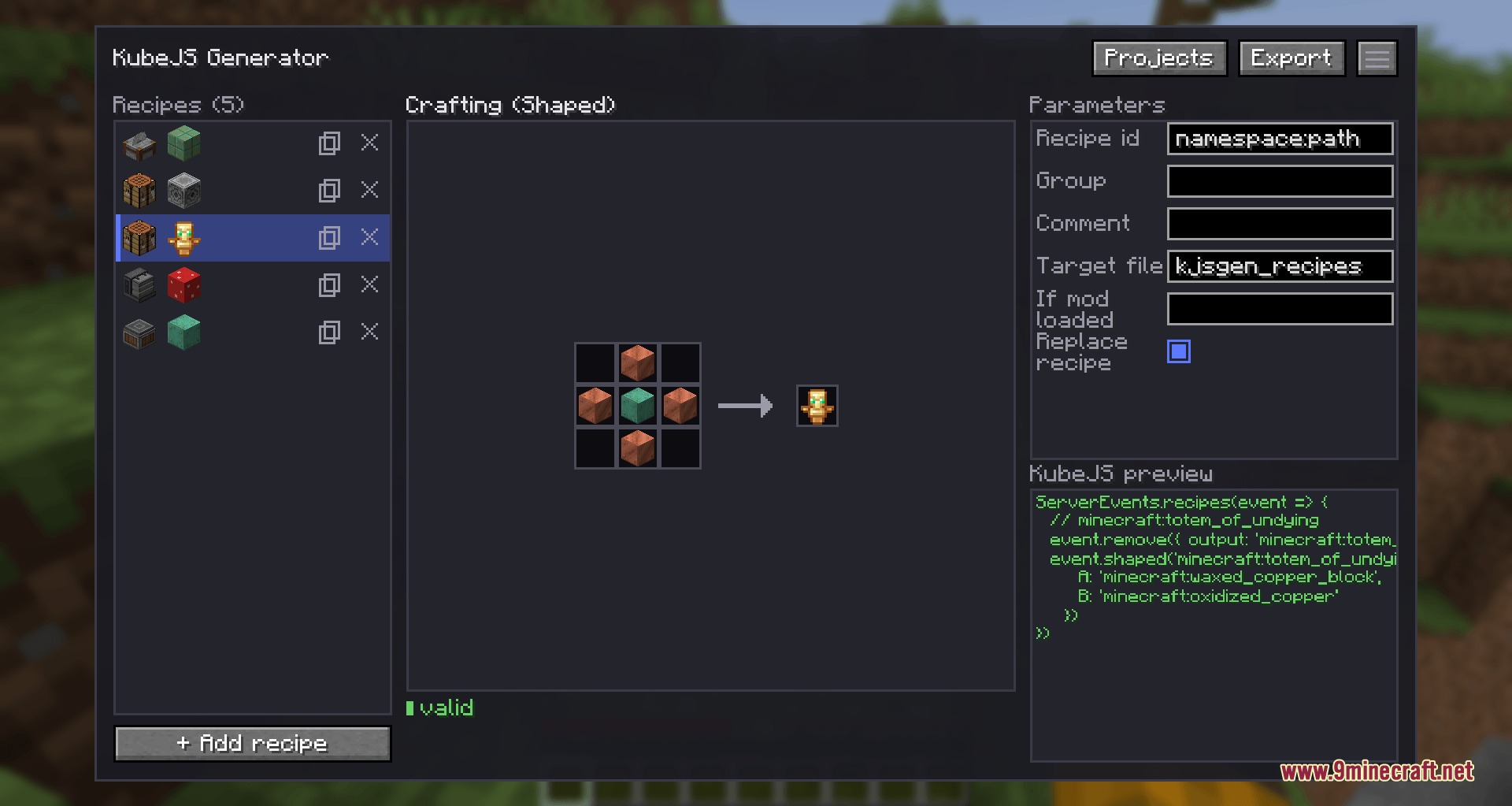
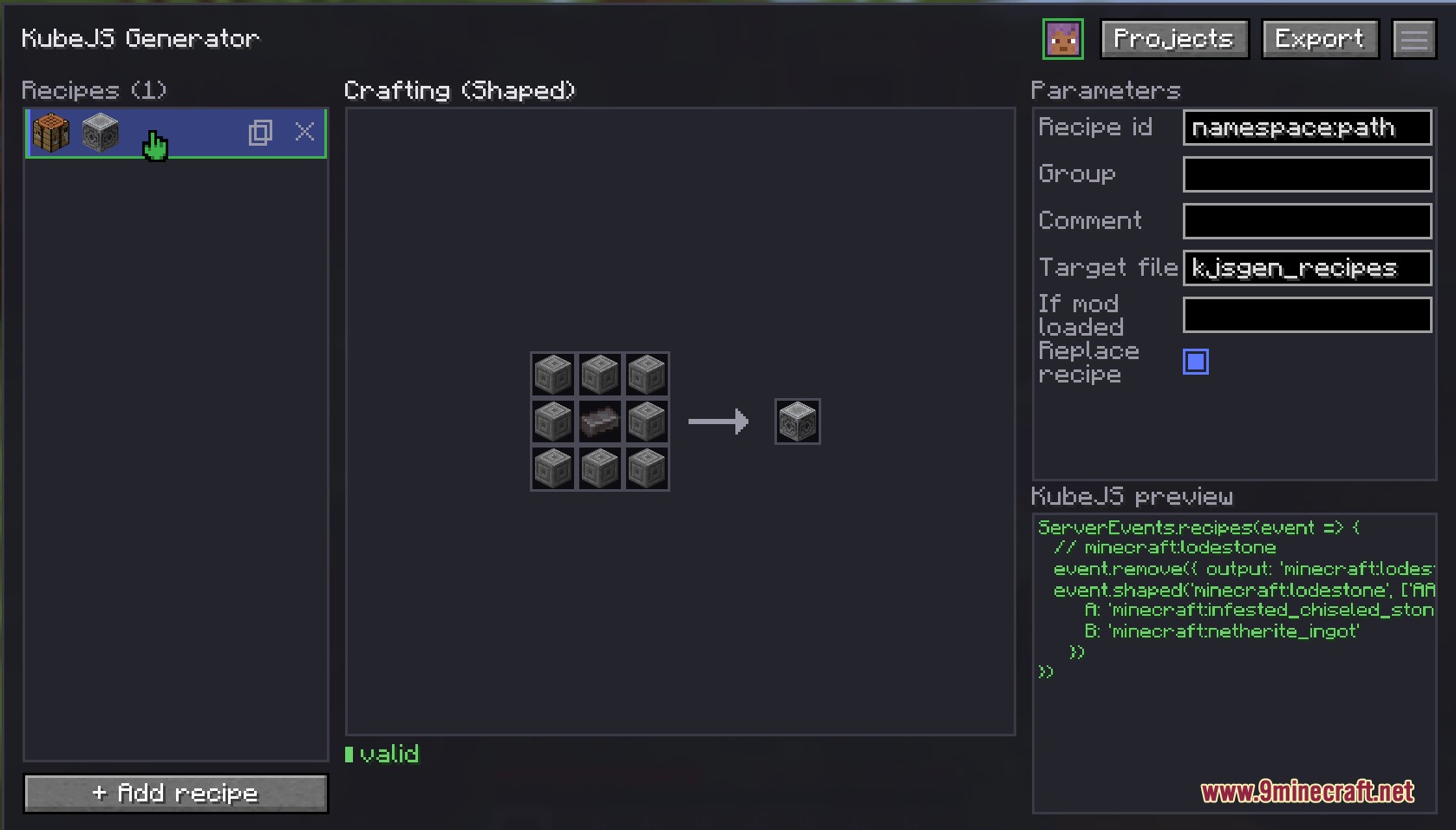
Visual Recipe Architect Mod adds an in-game graphical editor that writes KubeJS recipe scripts for your modpacks and servers. It lets you create, edit, and remove crafting recipes inside a clear user interface instead of typing code by hand. You can pick items, set tags or fluids, and export finished script files straight to your server folder.
Features:
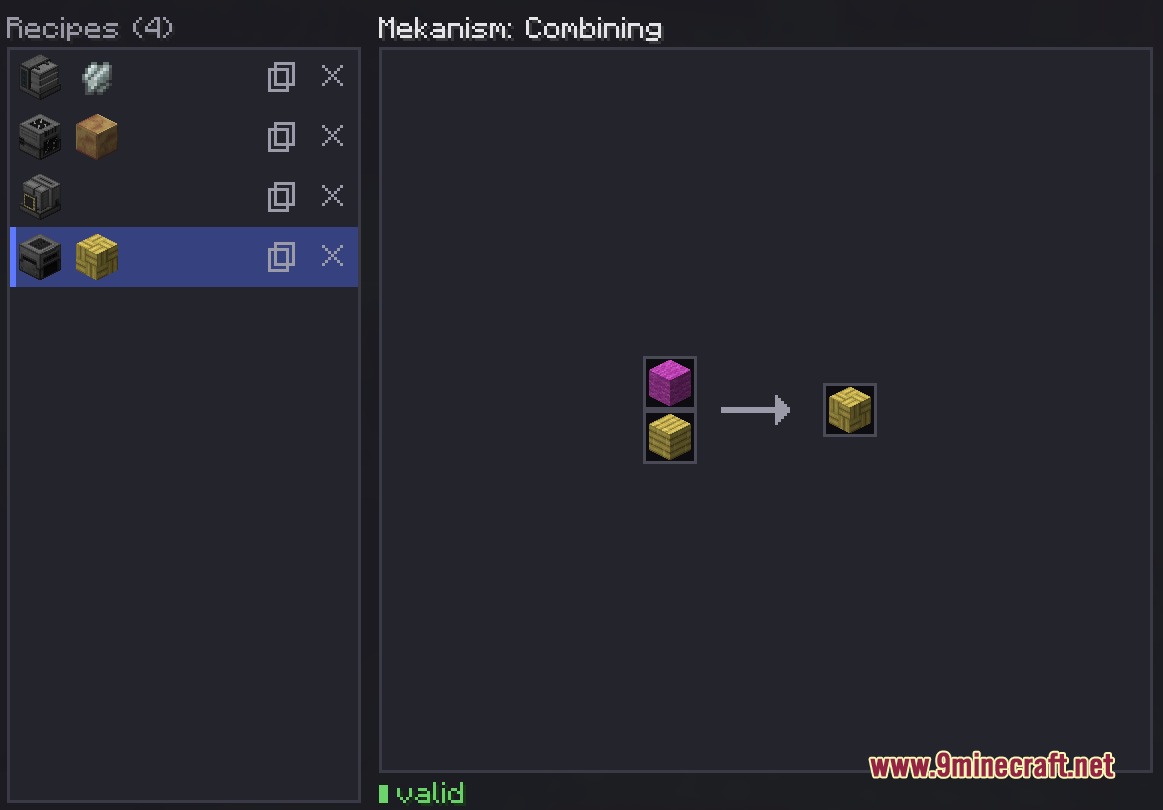
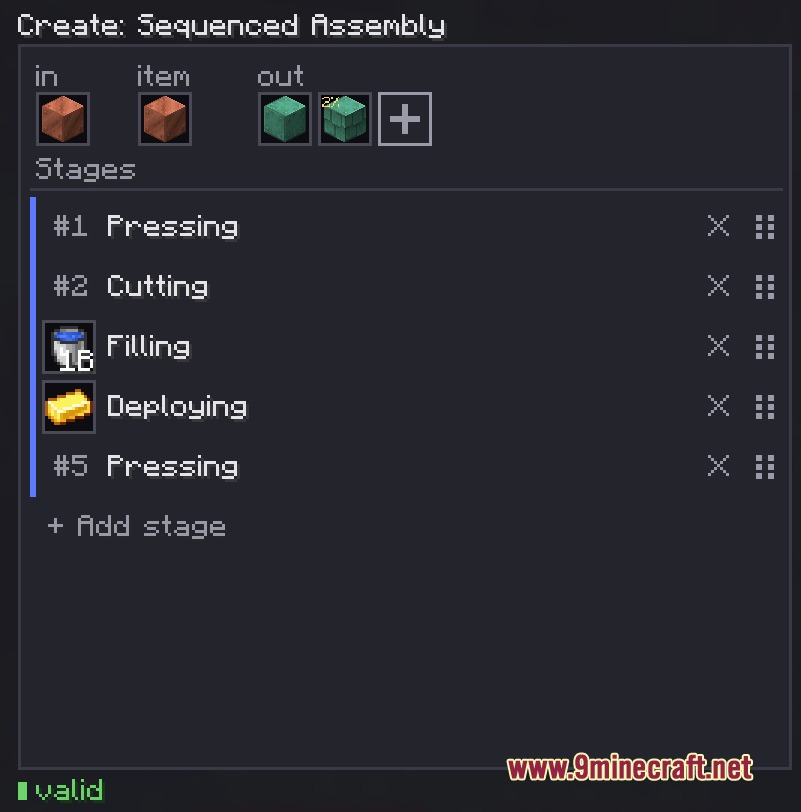
- Opens a visual crafting editor directly inside the game.
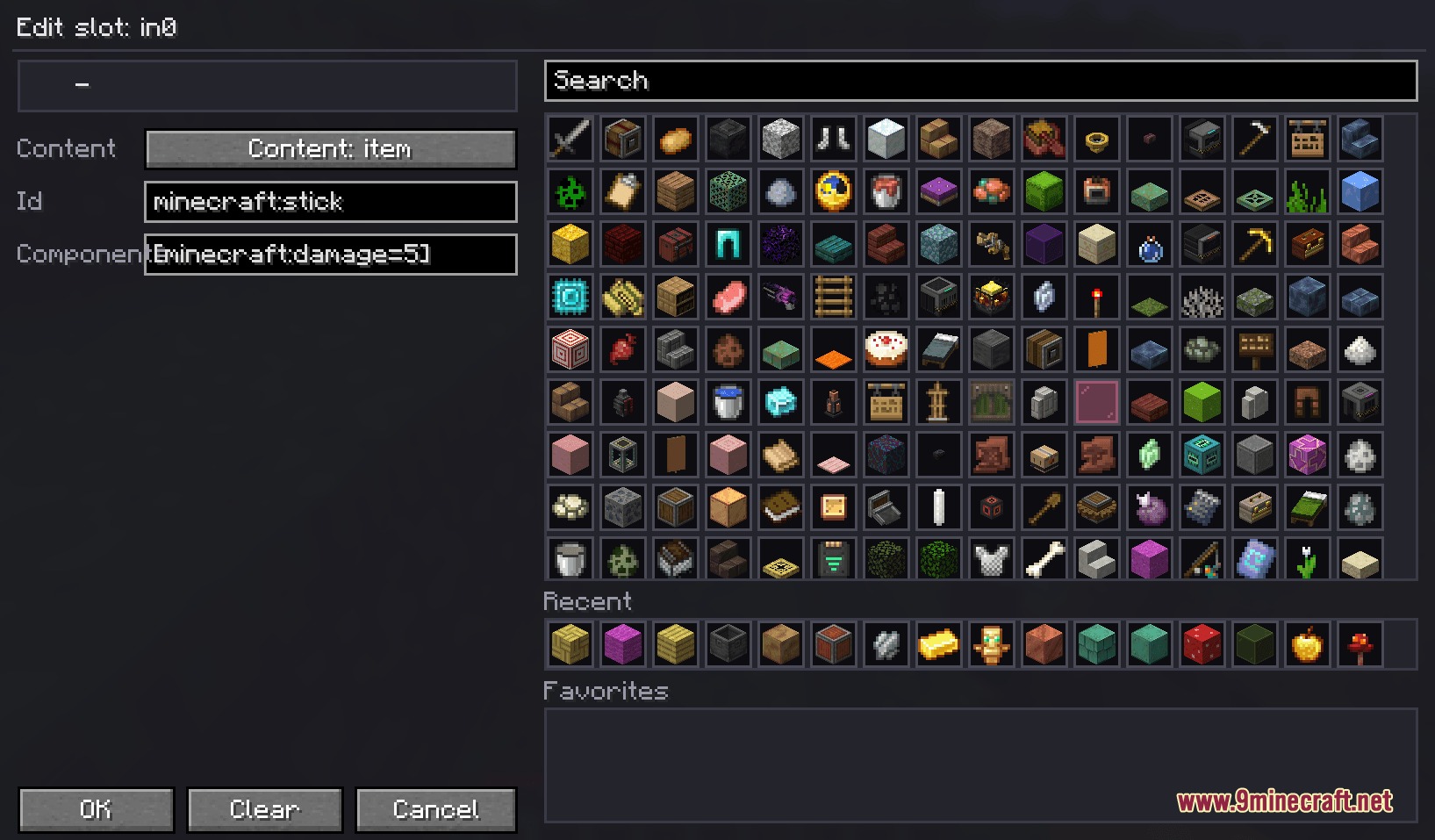
- Search item IDs, pick items, set item counts, and set drop chances with mouse clicks.
- Works with fluid slots, tag ingredients, and item data components.
- Lets server operators edit recipe layouts together in real time.
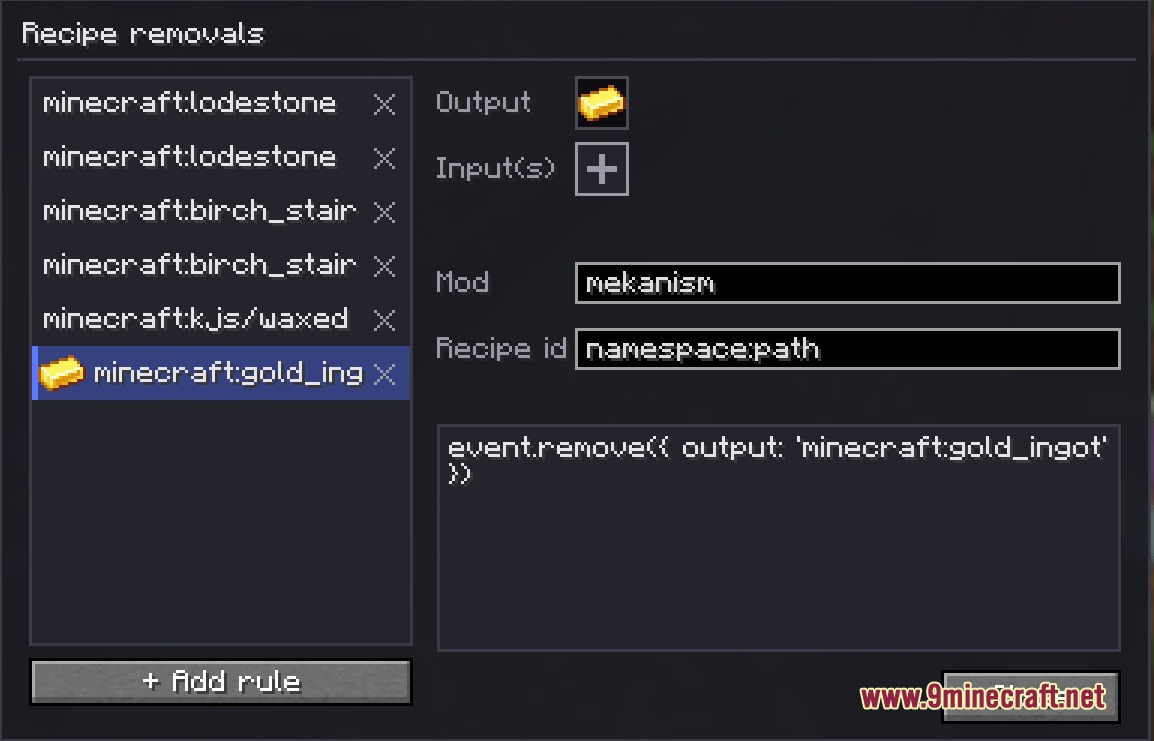
- Lets you remove unwanted crafting recipes with simple clicks.
- Exports finished script files directly into your script folder.
- Works alongside Just Enough Items so you can look up recipe layouts quickly.
Supported Recipe Types:
| Mod | Recipe Types |
|---|---|
| Minecraft | Shaped Crafting, Shapeless Crafting, Smelting, Blasting, Smoking, Campfire Cooking, Stonecutting, Smithing, Potion Brewing |
| Create | Crushing, Milling, Mixing, Compacting, Pressing, Cutting, Deploying, Filling, Emptying, Splashing, Haunting, Sandpaper Polishing, Mechanical Crafting, Sequenced Assembly |
| Mekanism | Enriching, Crushing, Compressing, Combining, Purifying, Sawing, Smelting, Injecting, Oxidizing, Dissolution, Crystallizing, Chemical Infusing, Metallurgic Infusing, Energy Conversion |
How to Use:
- Press K while in the game to open the editor menu.
- Click the + Add Recipe button to choose which recipe type you want to build.
- Click an empty slot to search for an item, tag, fluid, count, or drop chance.
- Right-click any slot if you want to clear its contents.
- Adjust recipe settings on the side panel.
- Click Export to review your generated script files and save them to your server script folder.
Screenshots:
Visual Recipe Architect Mod Download Links
Quick facts
- Edition: Minecraft Java
- File type: .jar
- Minecraft versions listed: 1.21.1, 1.20.1
- How to install: Install the matching mod loader (Forge, Fabric or NeoForge) for your Minecraft version. → Download the .jar. → Put it in the .minecraft/mods folder and launch that loader profile.
- Where to get it: In MC Java Mods, or directly above on this page.
Install steps are the general flow for this file type — How to install Minecraft Java mods & modpacks walks through it step by step.
Verified by MCModsHub
- Downloads as 502049.mcaddon
- Download size: 301 KB
- Download link checked 25 Sept 2026 — working
- Mirrored on our own servers — the download does not depend on the original host
These come from our own check of the pack file, not from the source page.