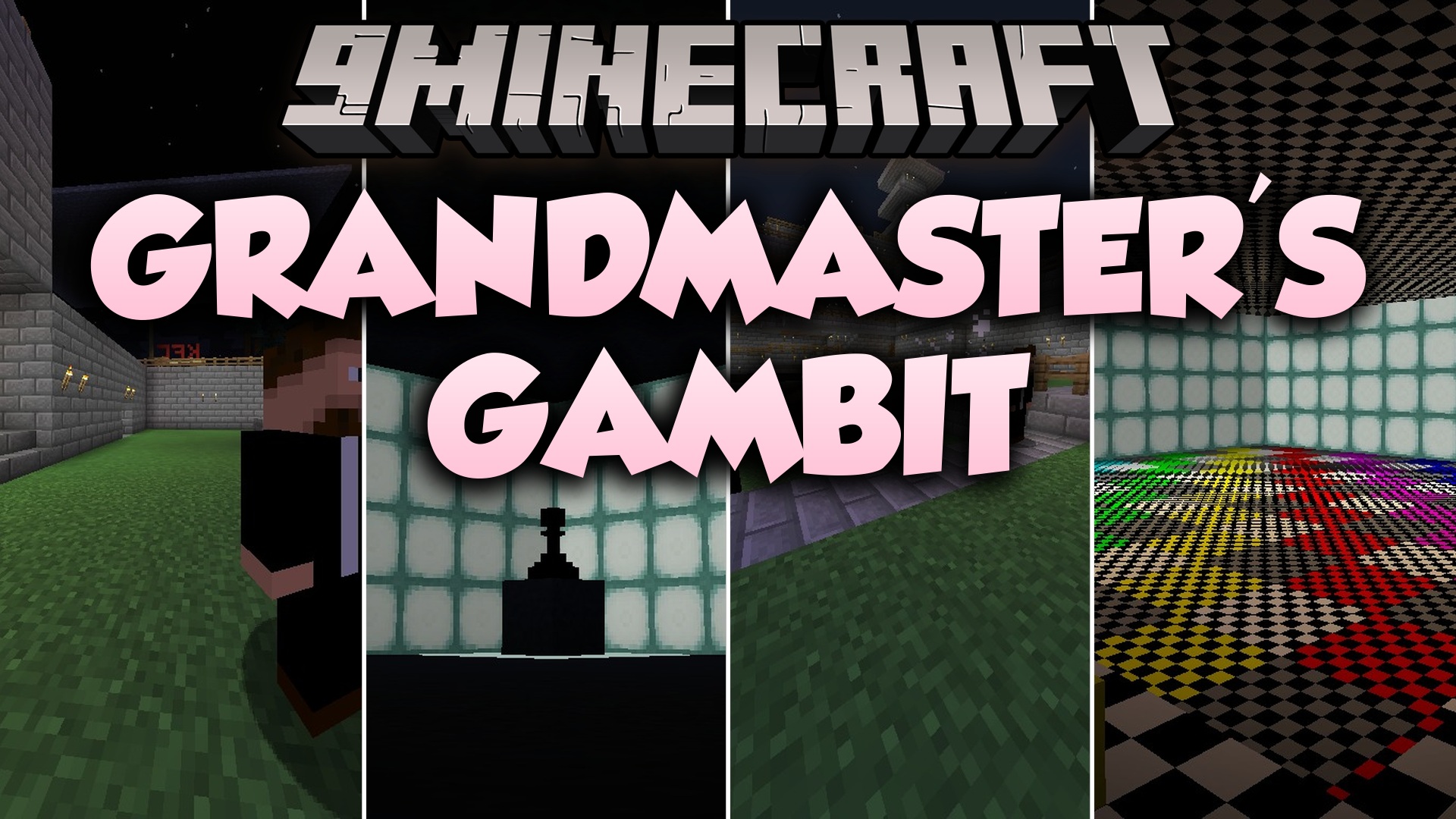
Grandmaster's Gambit Mod (26.1.2, 1.20.1) – Battle Famous Chess Masters
Java mod listed for Minecraft 1.20. Downloads from the MC Java Mods app on Android.
Grandmaster's Gambit Mod adds famous chess players, decorative blocks, and throwable game pieces to your world. You can encounter real-world grandmasters…
⬇ Download
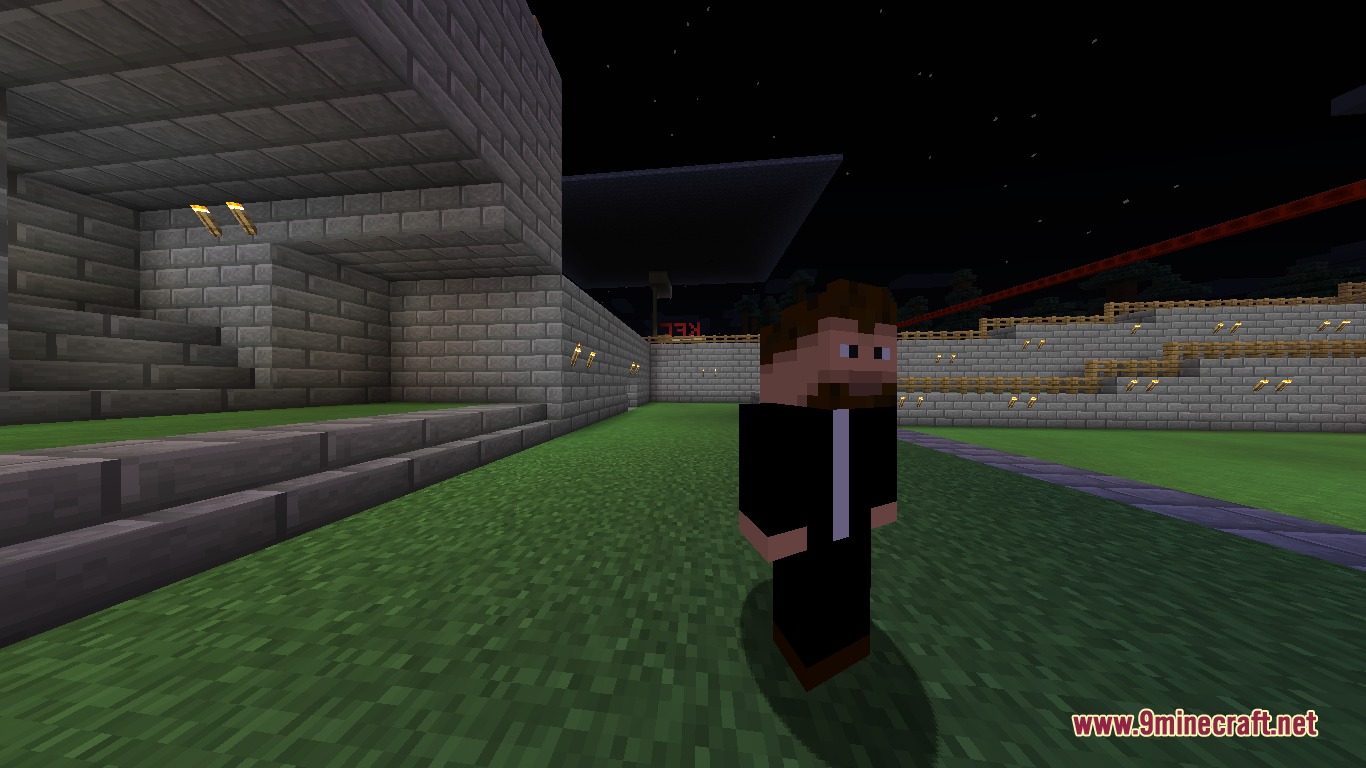
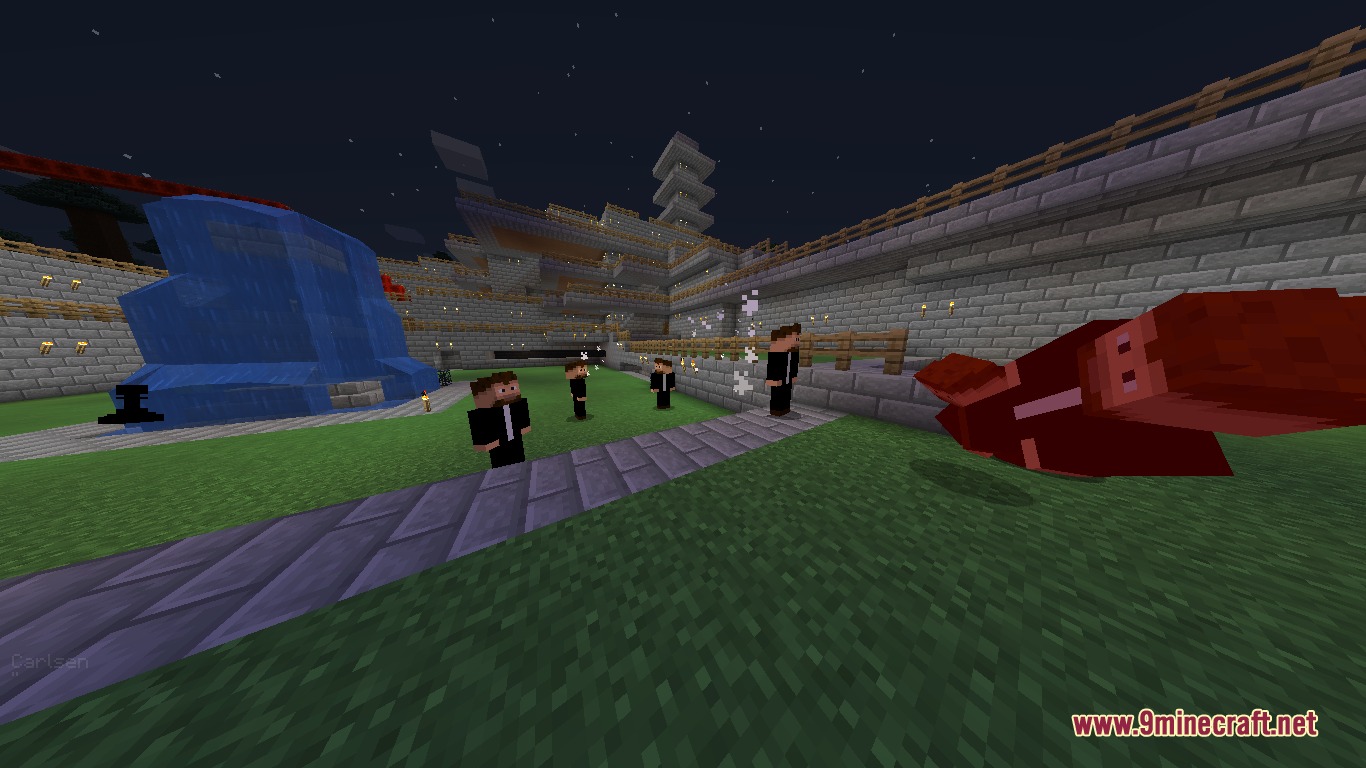
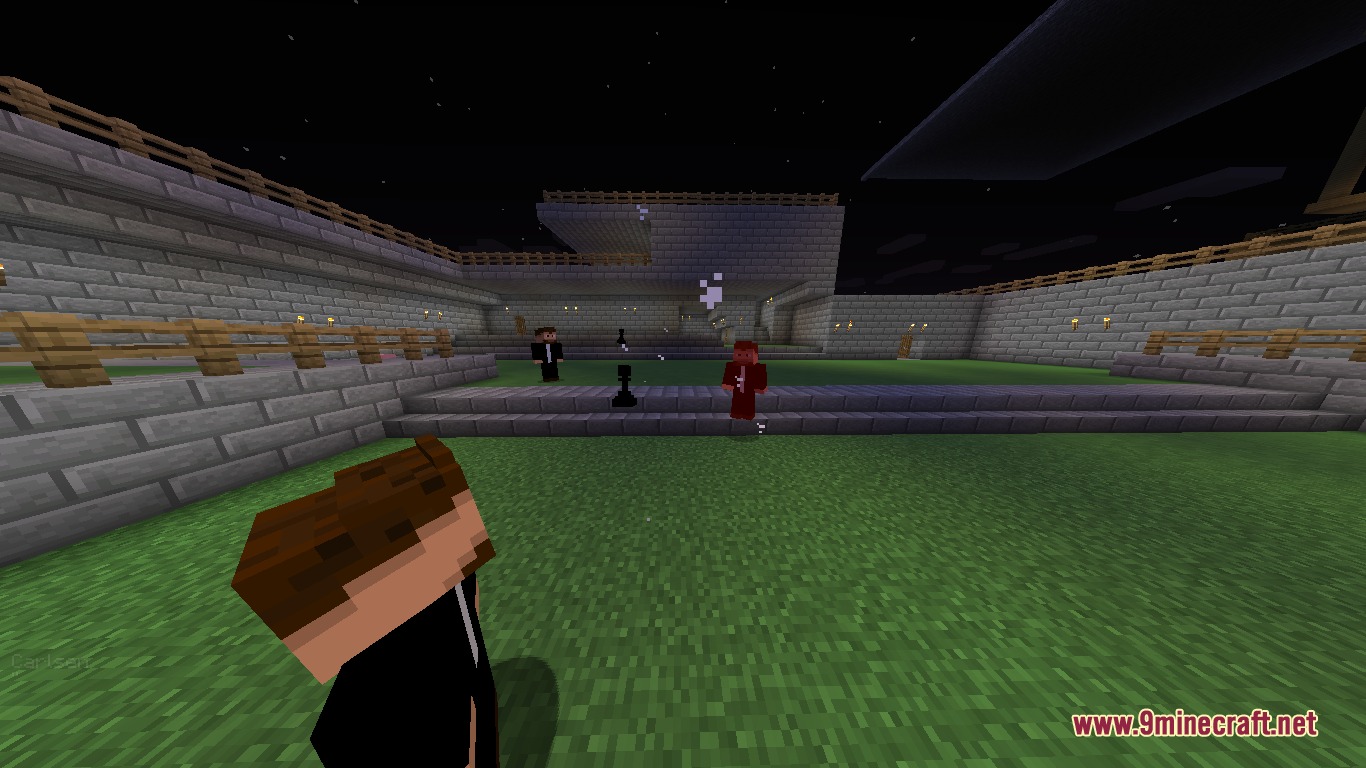
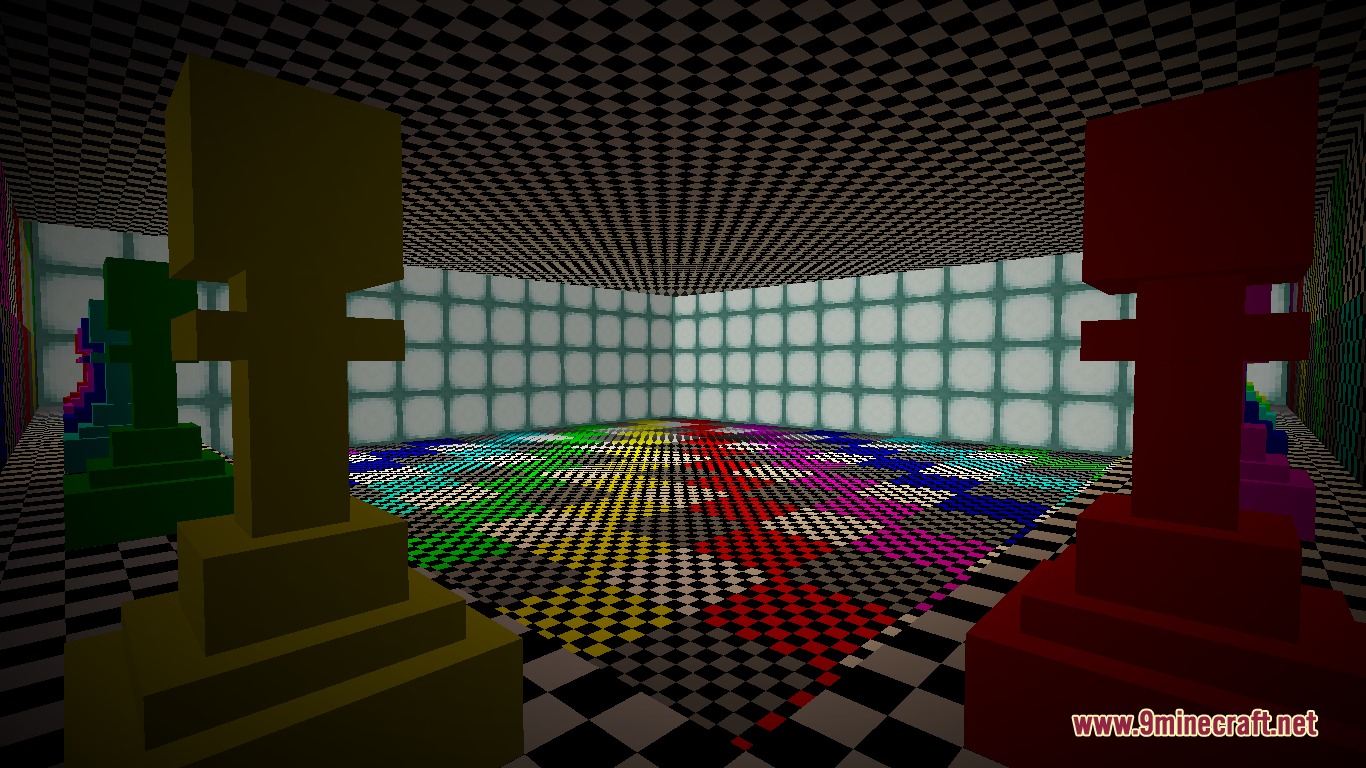
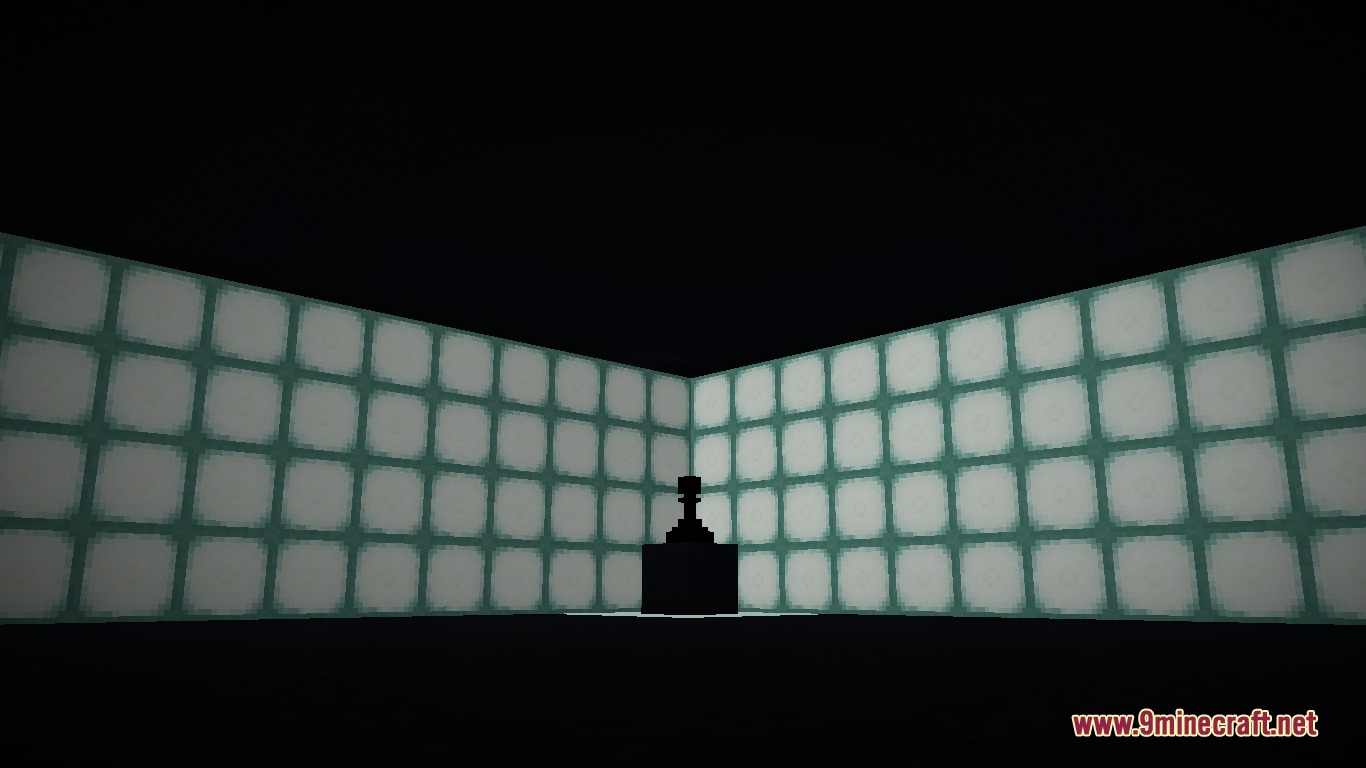
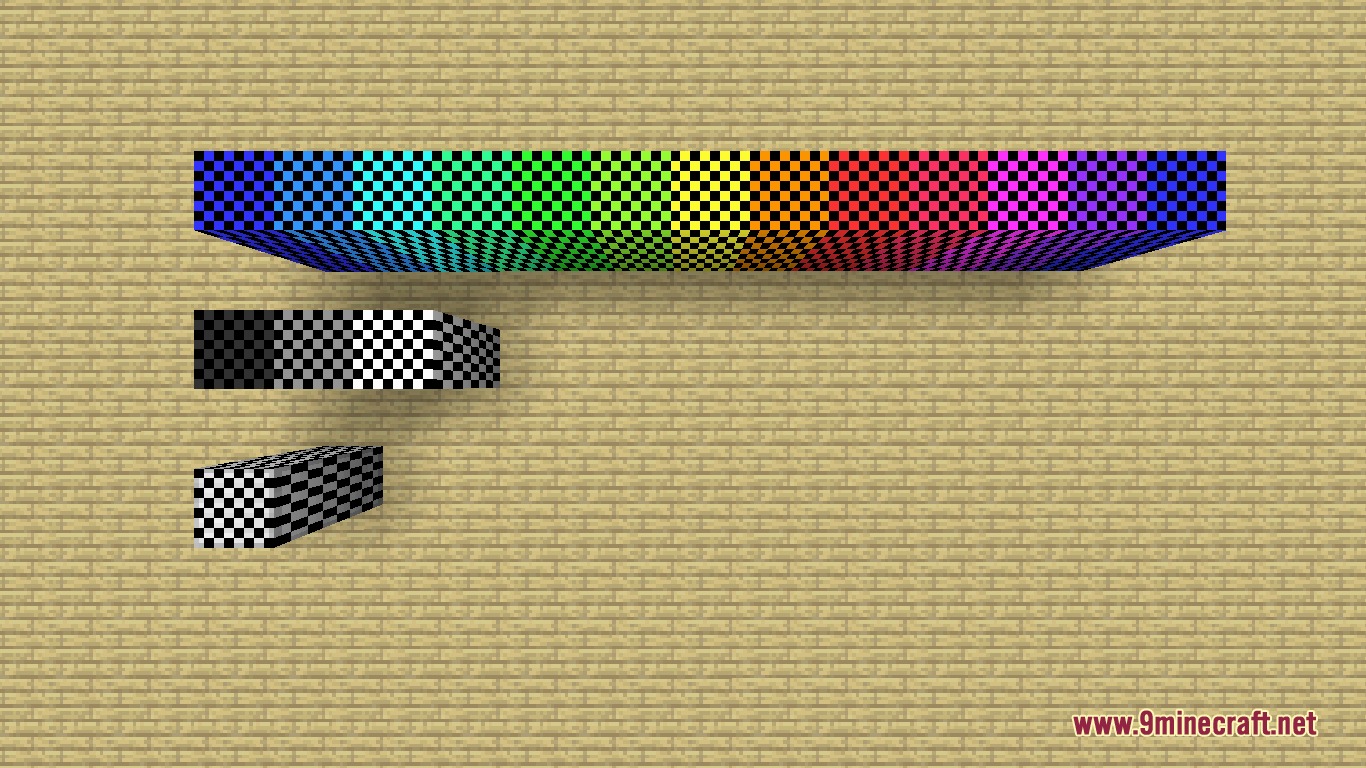
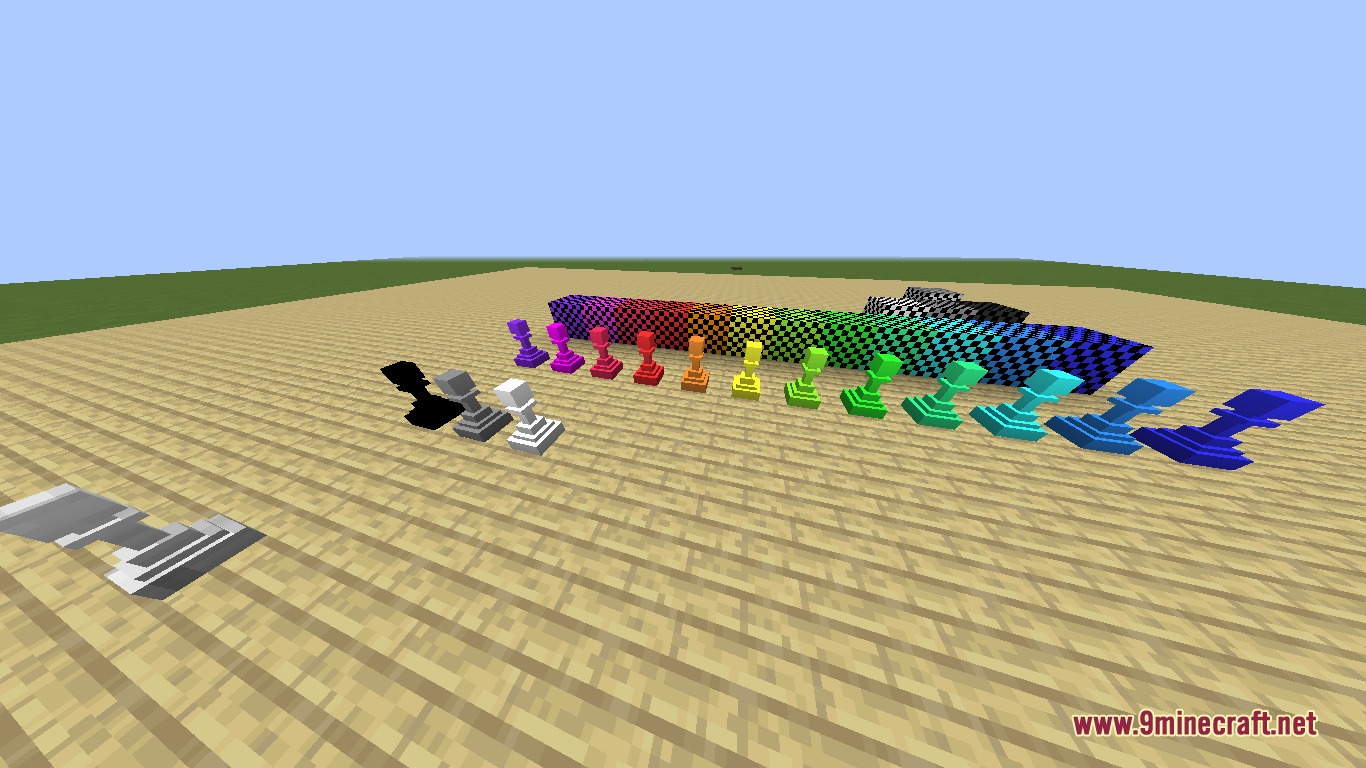
Grandmaster’s Gambit Mod adds famous chess players, decorative blocks, and throwable game pieces to your world. You can encounter real-world grandmasters who attack by hurling colorful pawns at targets. The mod also lets you grow chocolate pawns on farm plots and switch items between decorative 3D models and ranged weapons. It turns classic board game elements into fun survival tools and sweet treats.
Features:
Chess Grandmasters:
- Spawns rare grandmaster mobs like Magnus Carlsen, Hikaru Nakamura, Ding Liren, Anna Rudolf, Fabiano Caruana, Judith Polgar, and Hou Yifan.
- Grandmasters defend themselves by throwing colored pawns at enemies, including creepers, pigs, and bees.
Pawns and Chess Blocks:
- Adds decorative chess blocks and pawns in 15 distinct colors.
- Pawns can be placed as 3D decorations or hurled as weapons to damage foes.
- Introduces Magenta Red and Spring Green dyes.
- Spawns rare Stone Pawn Sculpture structures with hidden surprises inside.
Farming and Food:
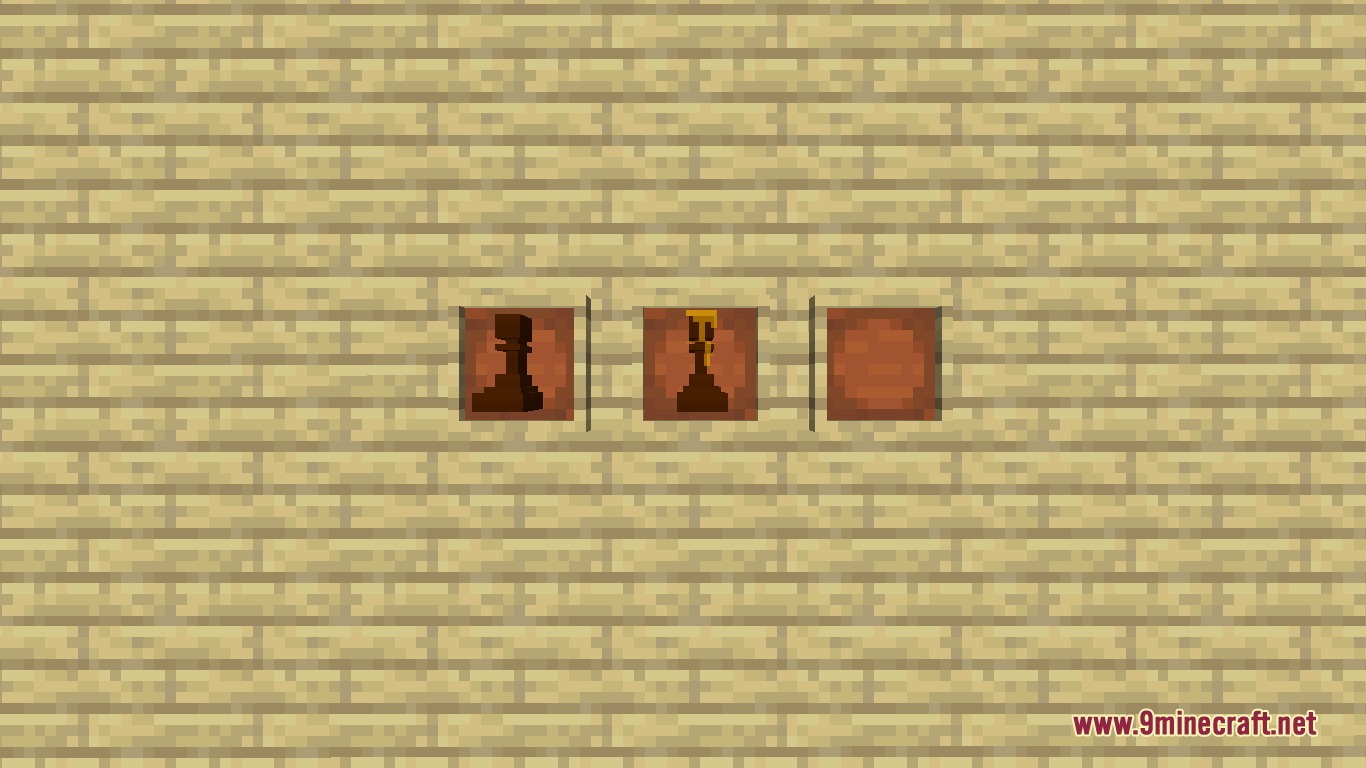
- Lets you plant Chocolate Pawn Crops across 4 growth stages that reset to the base stage after harvest.
- Bone meal accelerates the growth of pawn crops.
- Crafts edible Chocolate Pawns with multiple variants, including a honey blend.
- Adds sweet items like the Bowl With Sprinkles.
How to Use:
- Hold any pawn or mod item in your main hand.
- Press Z to change standard items between 3D placeable form and throwable weapon form.
- Press Z on food items to cycle through edible, throwable, and 3D placeable modes.
- Plant chocolate pawn crops on farmland and harvest them at stage 3.
- Throw converted pawns at hostile targets to deal direct damage.
Screenshots:
Grandmaster’s Gambit Mod Download Links
- Edition: Minecraft Java
- File type: .jar
- Minecraft version listed: 1.20.1
- How to install: Install the matching mod loader (Forge, Fabric or NeoForge) for your Minecraft version. → Download the .jar. → Put it in the .minecraft/mods folder and launch that loader profile.
- Where to get it: In MC Java Mods, or directly above on this page.
Install steps are the general flow for this file type — How to install Minecraft Java mods & modpacks walks through it step by step.
- Downloads as 502056.mcaddon
- Download size: 1.4 MB
- Download link checked 23 Sept 2026 — working
- Mirrored on our own servers — the download does not depend on the original host
These come from our own check of the pack file, not from the source page.