ModsJava
Prism Interface Control Mod (26.2, 1.20.1) – Track Survival Stats with Custom
Java mod listed for Minecraft 1.20. Downloads from the MC Java Mods app on Android.
⬇ Download

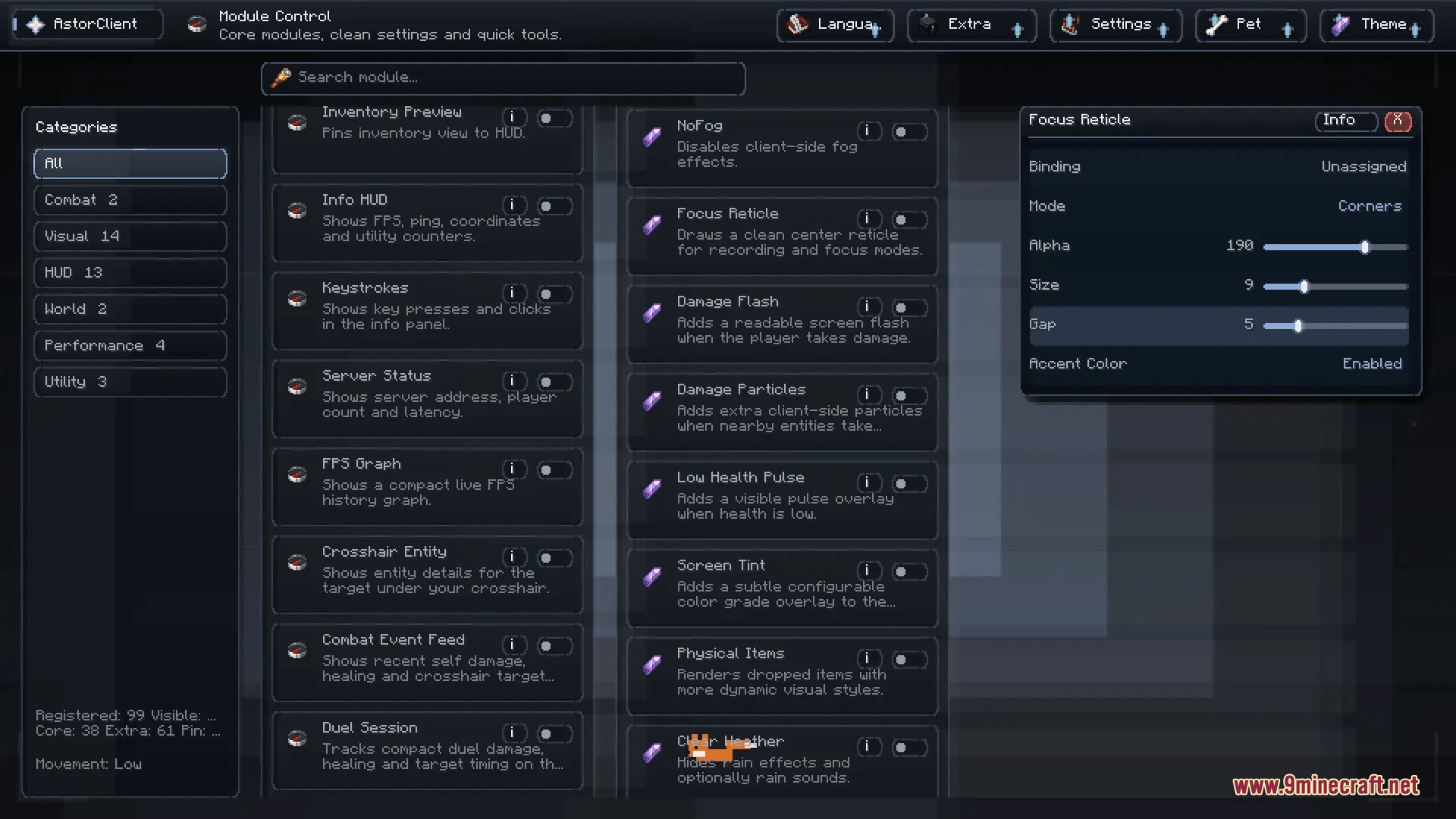
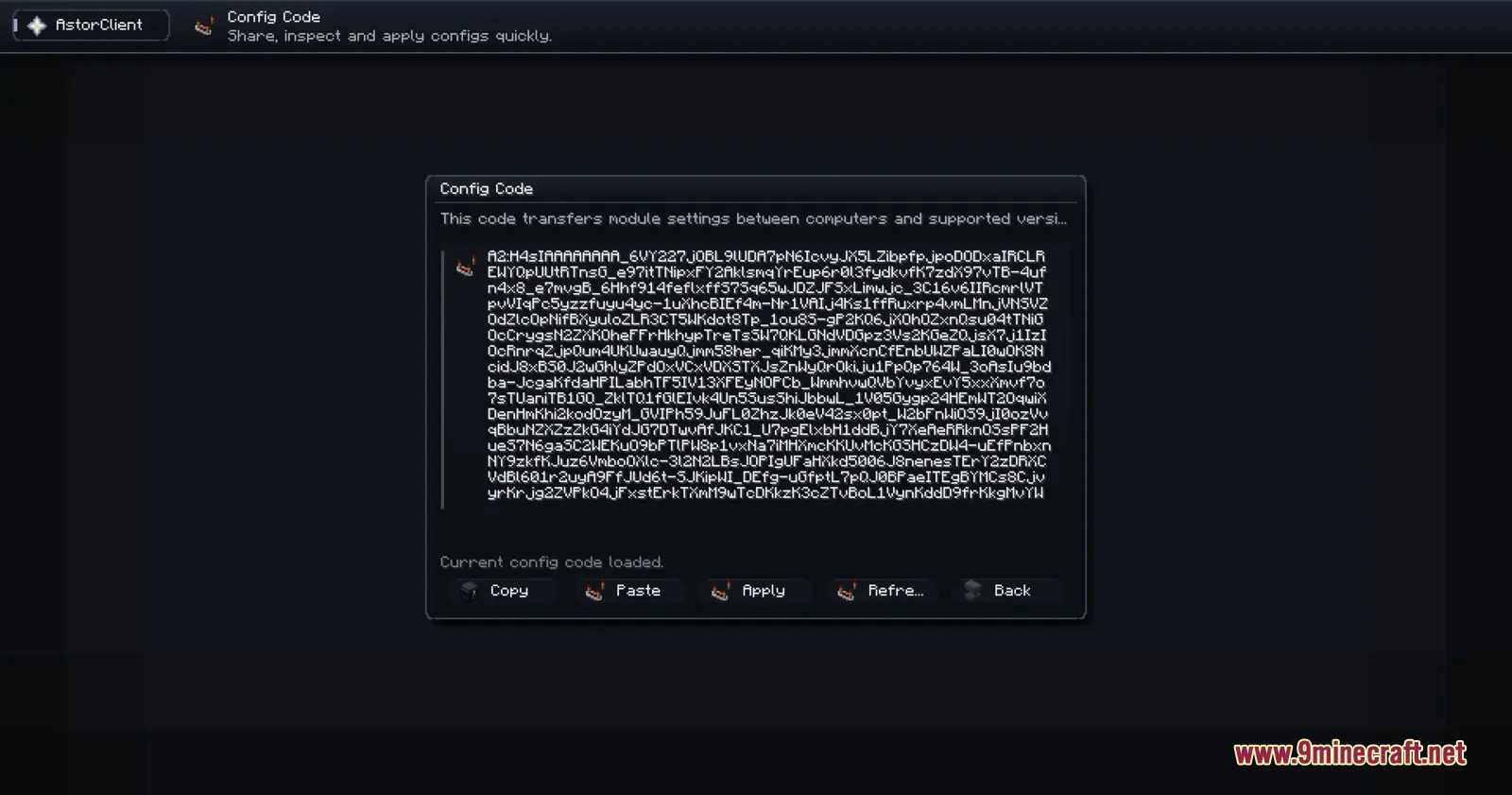
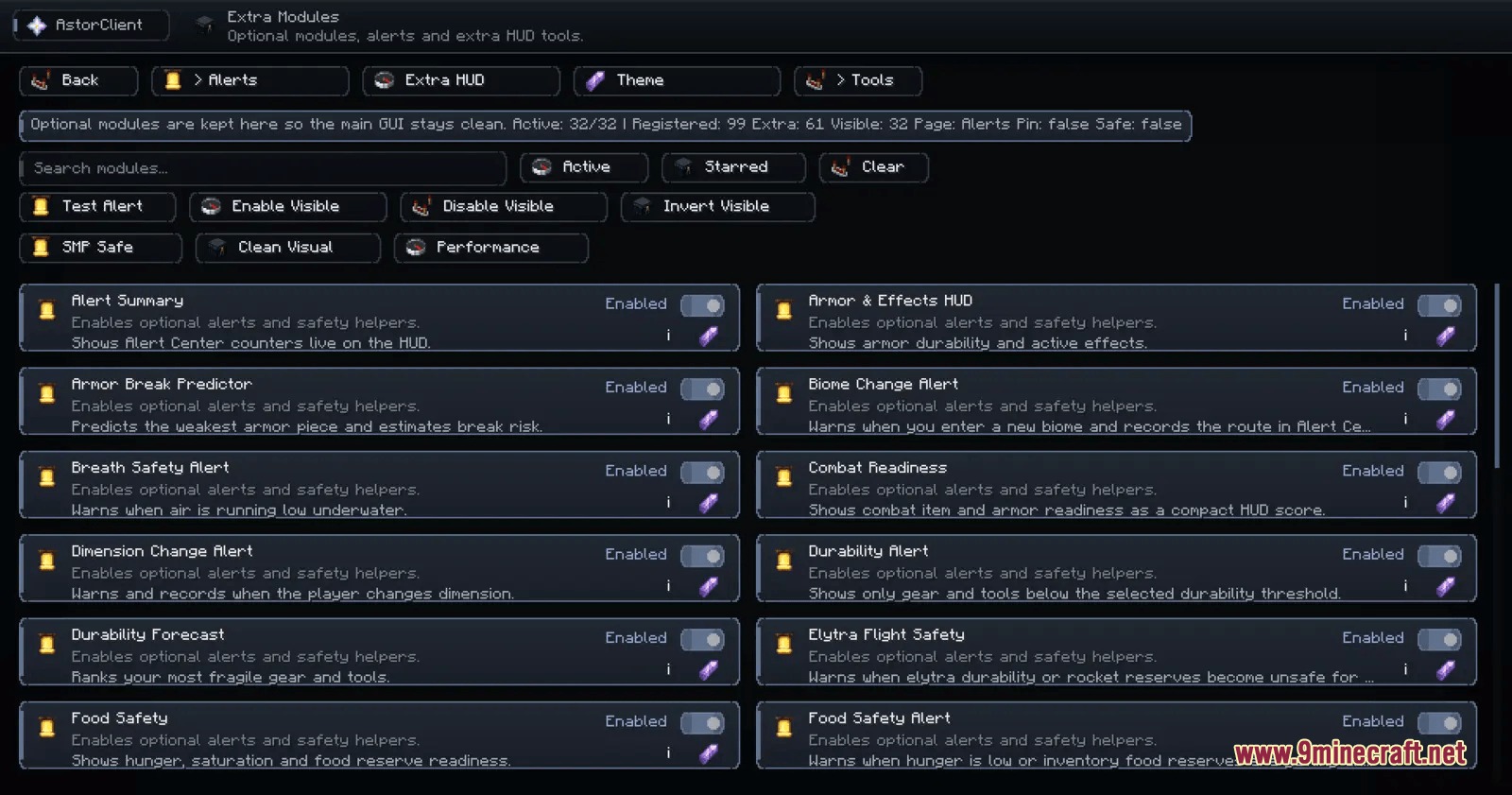
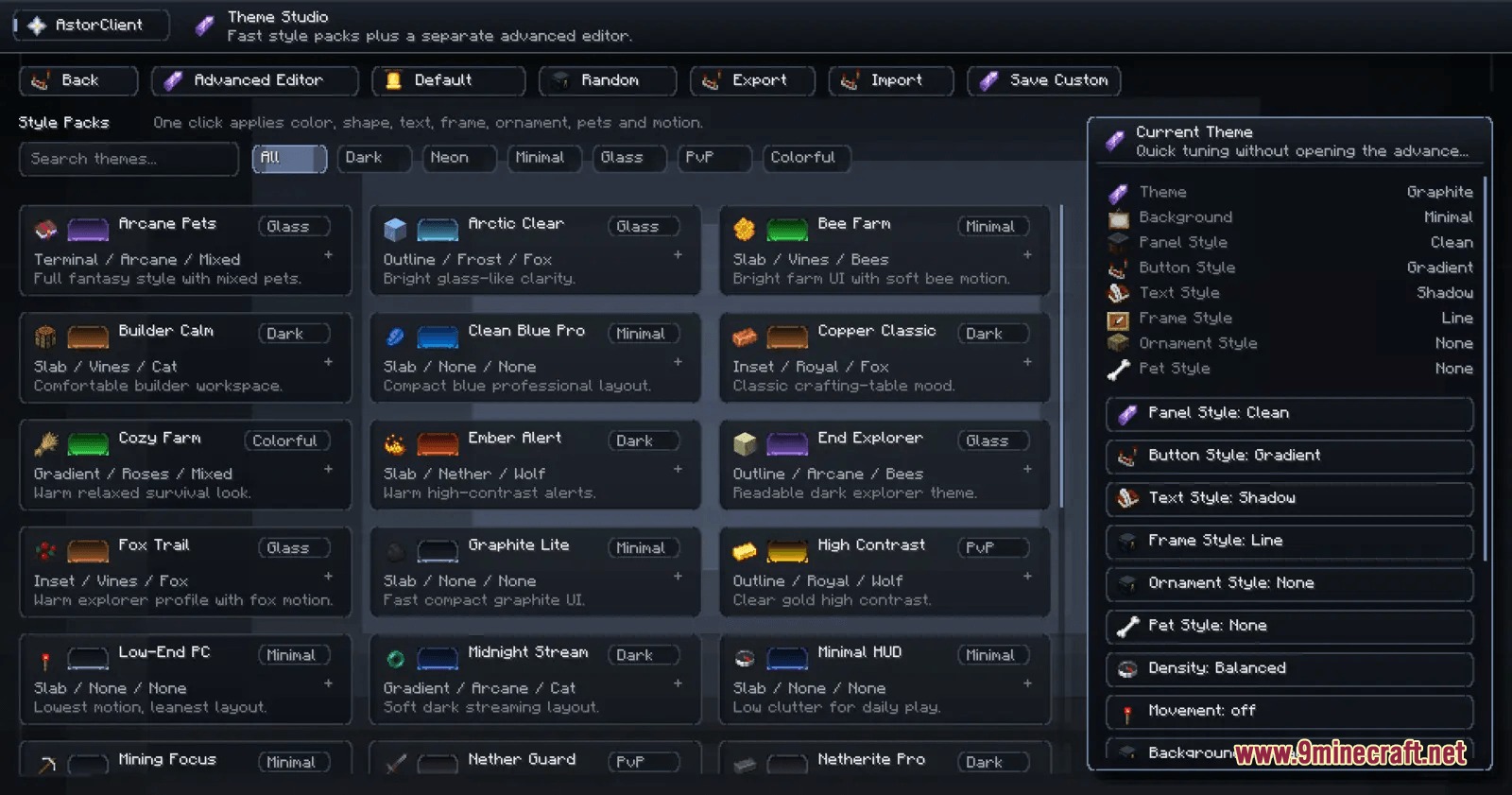
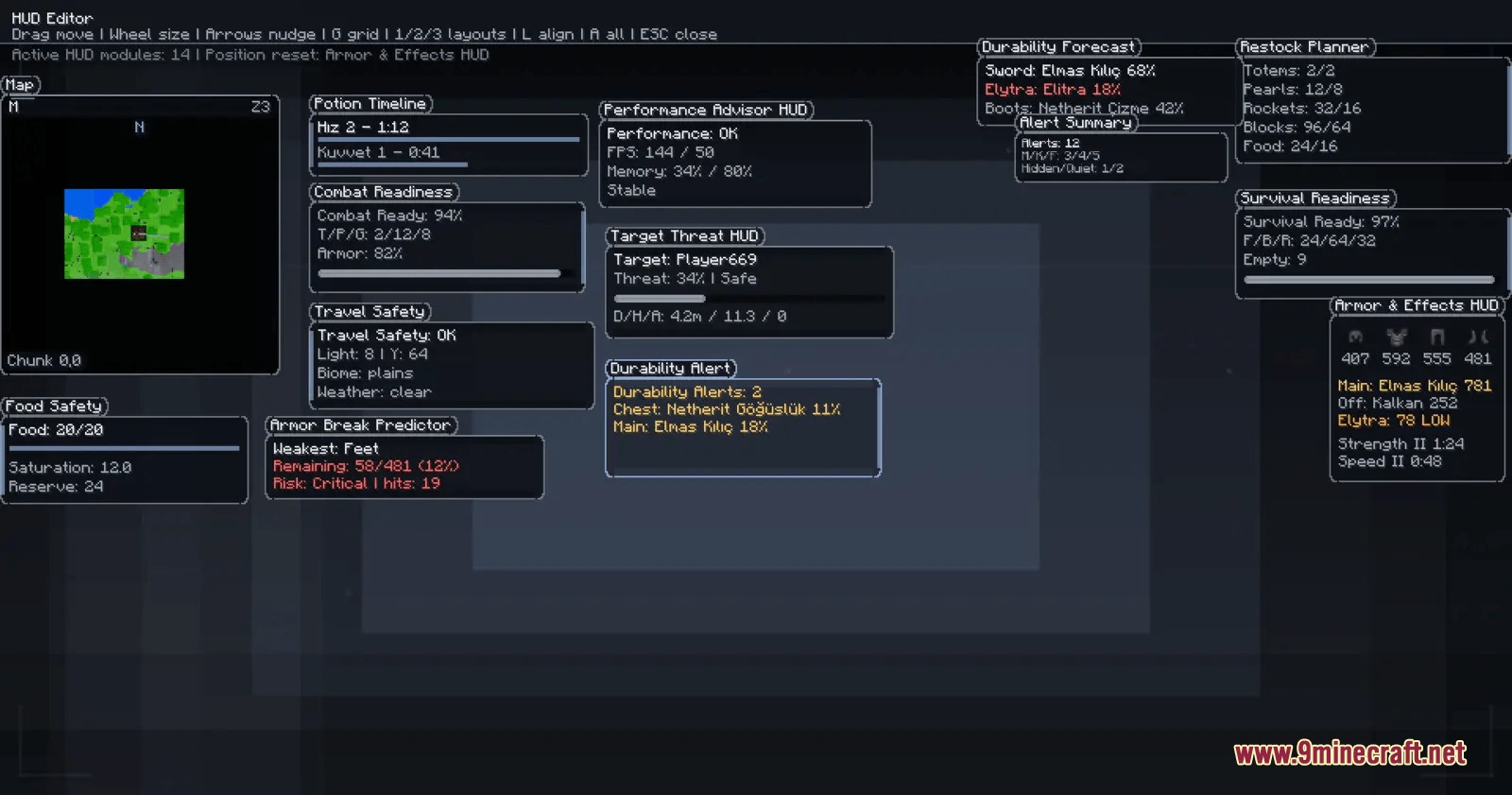
Prism Interface Control Mod brings a customizable on-screen display and utility hub to your game. It organizes key details like maps, inventory previews, and armor durability into neat widgets you can move anywhere. The mod also lets you pick color themes and change settings through one simple menu. You can turn features on or off to keep your screen clear while playing.
Features:
- Drag, resize, and position widgets across your screen using a built-in HUD editor.
- Module manager groups tools into categories with search, favorites, and fast toggles.
- Includes a minimap, fullscreen map, and waypoint system to track routes and locations.
- Displays live stats for armor, inventory, potion effects, item durability, and performance.
- Theme studio provides color presets, custom RGB settings, backgrounds, and extra visual effects.
- Shares setup options between different game instances using simple configuration codes.
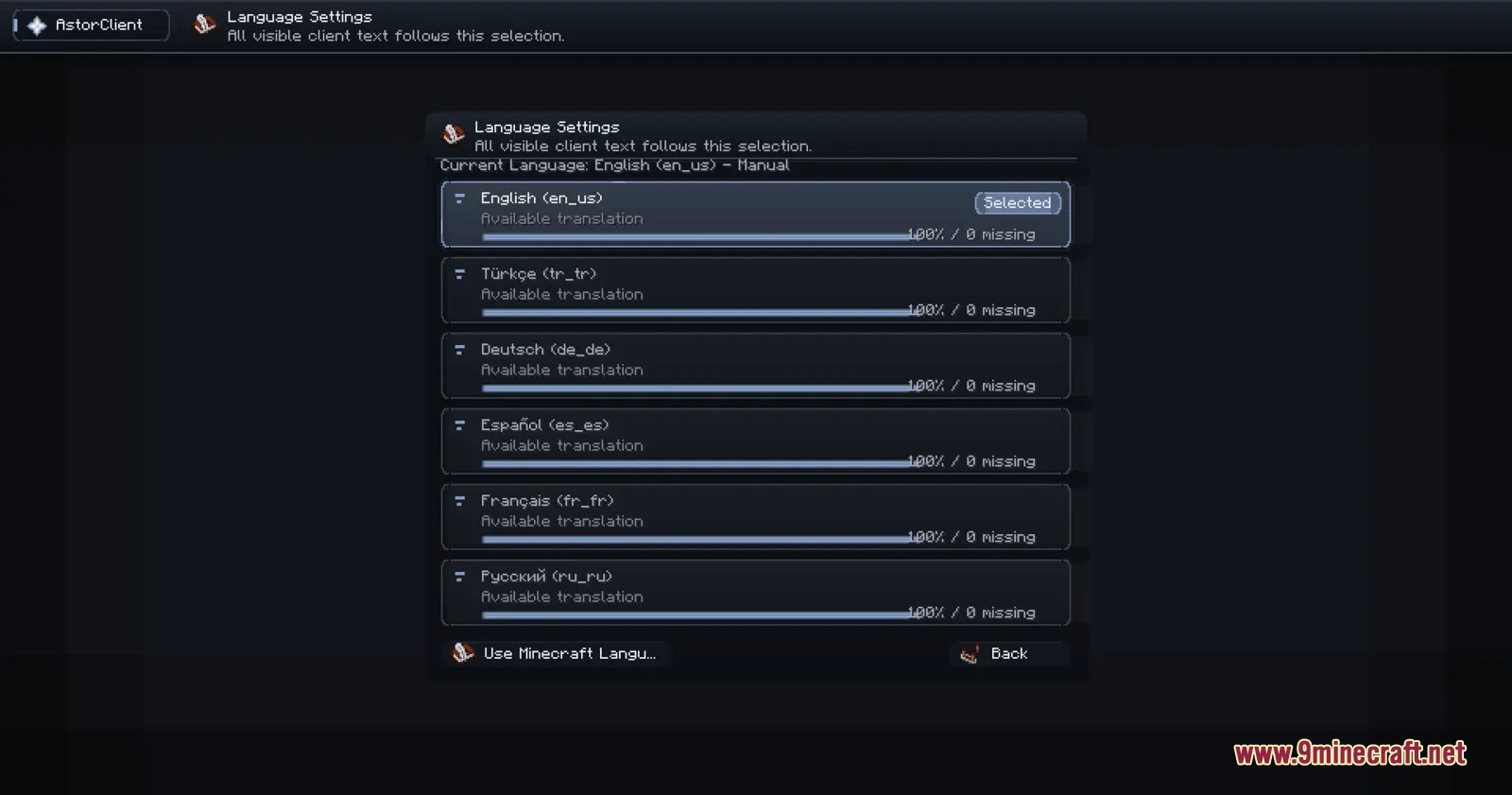
- Offers built-in language translations for English, German, Spanish, French, Russian, and Turkish.
- Hides unsupported tools automatically on older versions to prevent broken menus.
How to Use:
- Press Right Shift in game to open the main client menu.
- Search for widgets or tools in the module manager and switch them on.
- Open the HUD editor to drag and align active panels on your screen.
- Save your changes or export your layout code to use on other profiles.
Screenshots:
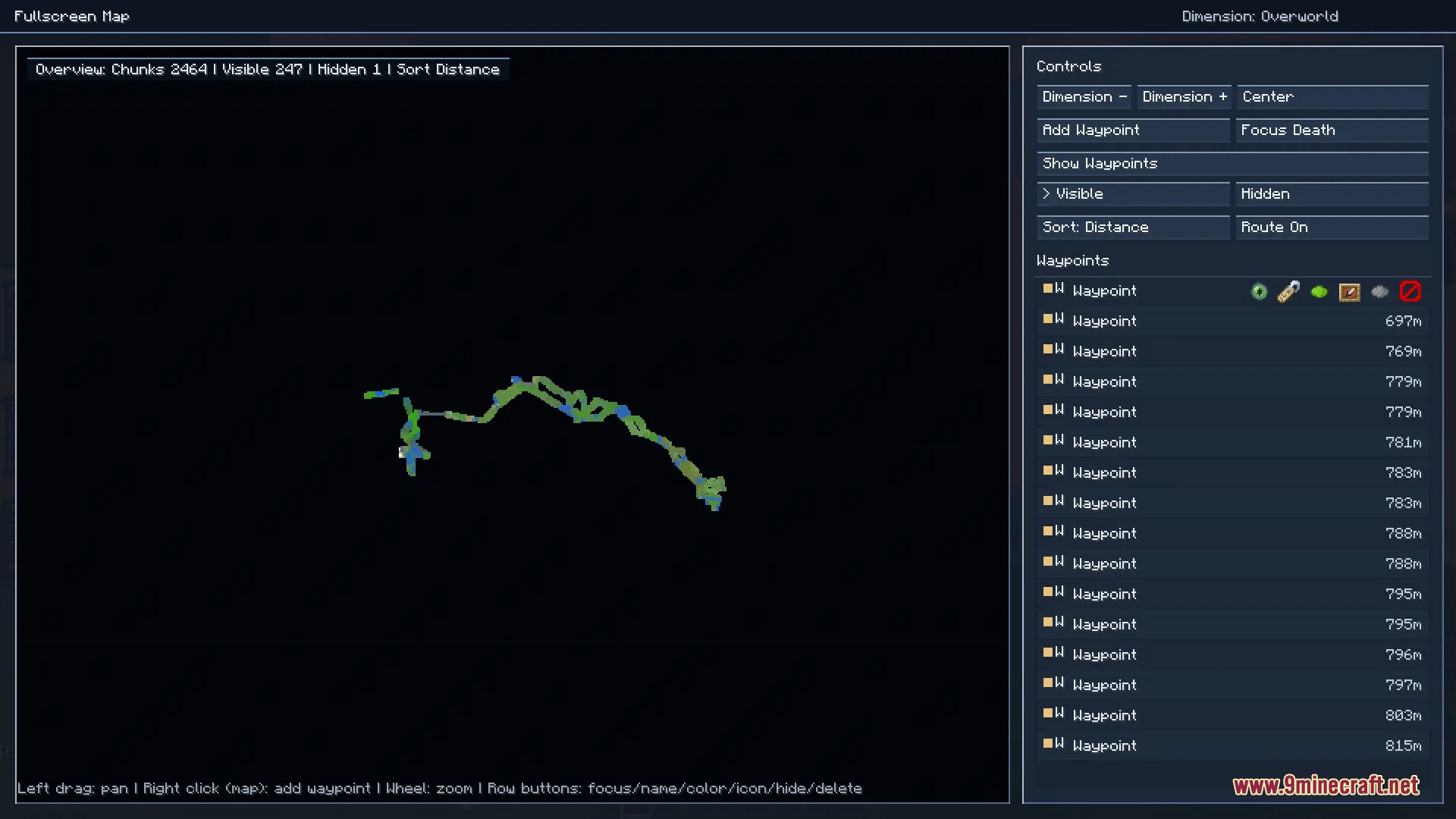
Prism Interface Control Mod Download Links
Quick facts
- Edition: Minecraft Java
- File type: .jar
- Minecraft version listed: 1.20.1
- How to install: Install the matching mod loader (Forge, Fabric or NeoForge) for your Minecraft version. → Download the .jar. → Put it in the .minecraft/mods folder and launch that loader profile.
- Where to get it: In MC Java Mods, or directly above on this page.
Install steps are the general flow for this file type — How to install Minecraft Java mods & modpacks walks through it step by step.
File checked by MCModsHub
- Downloads as 502063.mcaddon
- Download size: 1.3 MB
- Download link checked 25 Sept 2026 — working
- Mirrored on our own servers — the download does not depend on the original host
These come from our own check of the pack file, not from the source page.