
ModsJava
Swift Vault Flow Mod (26.2, 1.20.1) – Sort and Restock Your Base Storage
Java mod listed for Minecraft 1.20. Downloads from the MC Java Mods app on Android.
⬇ Download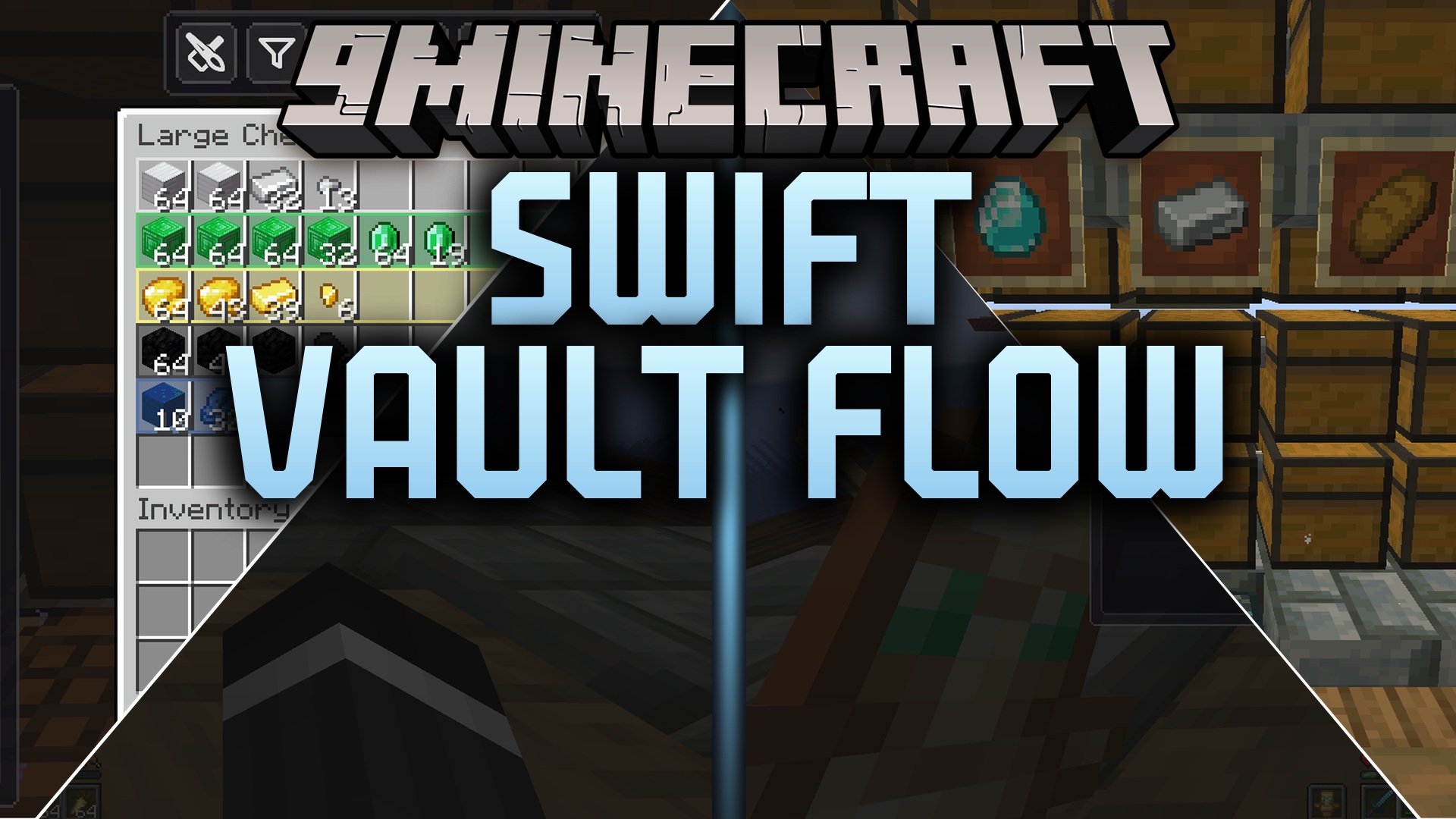
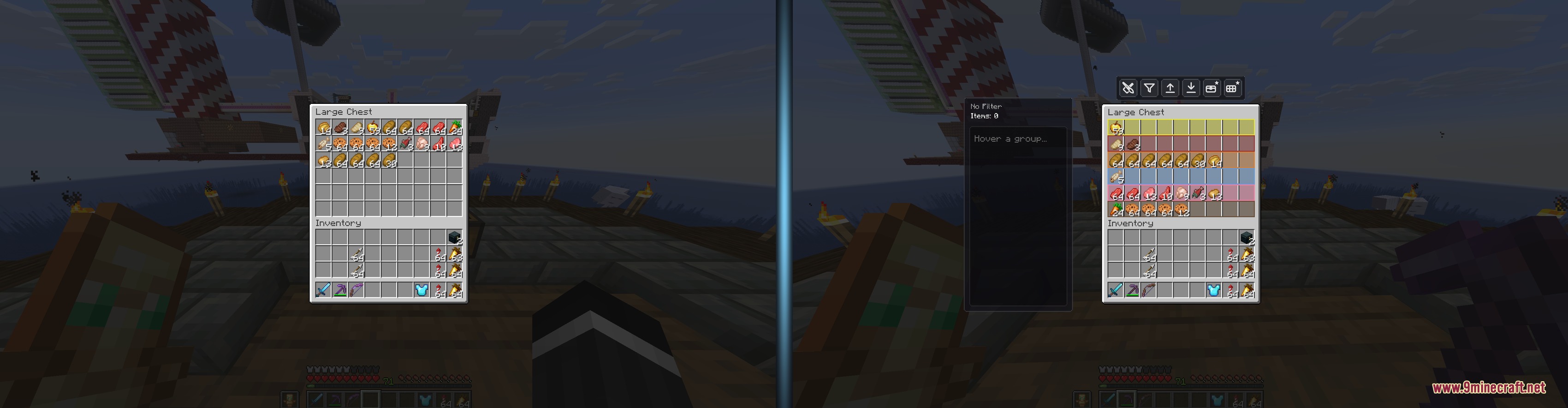
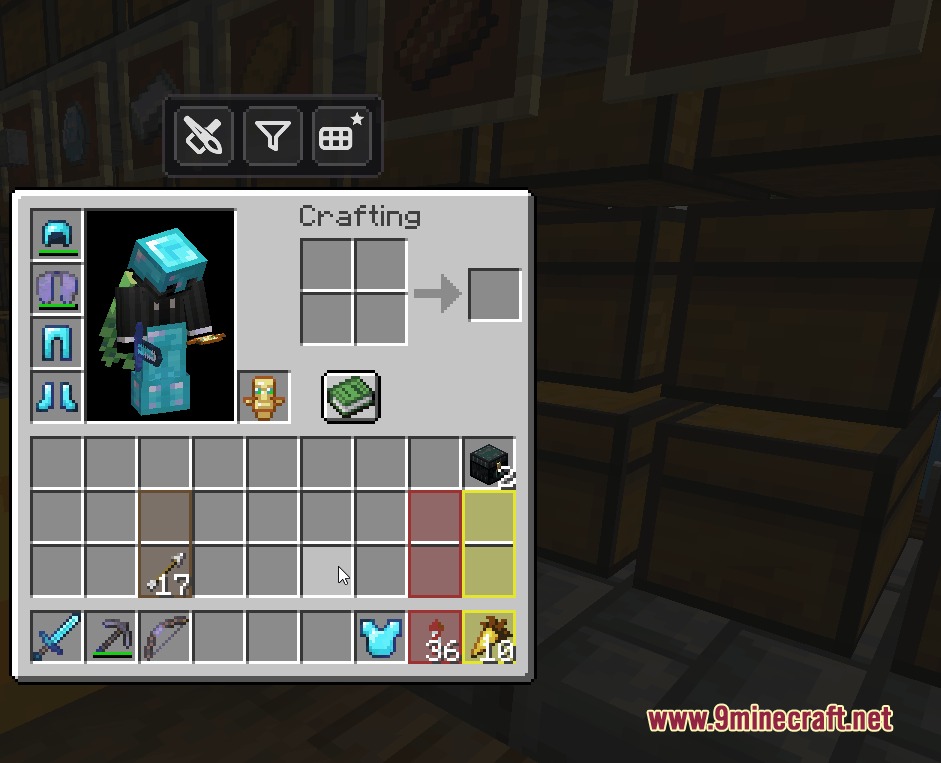
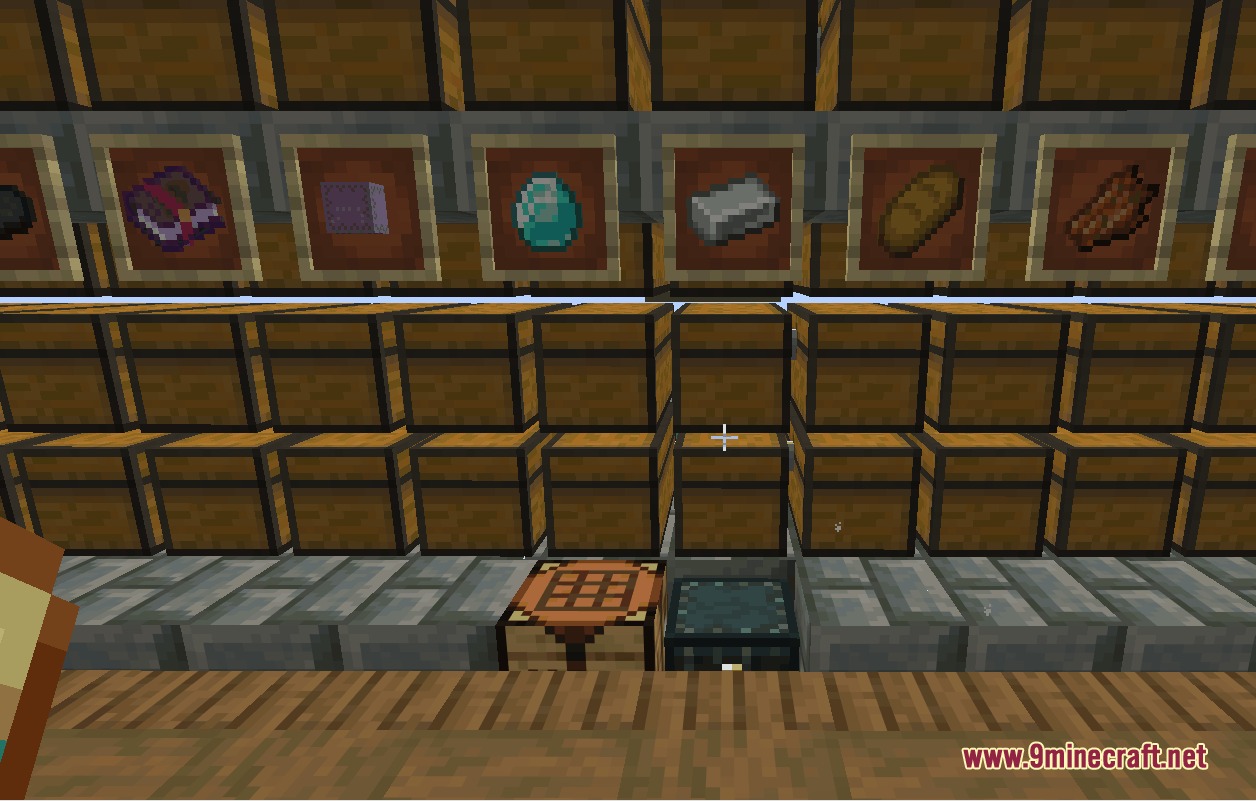
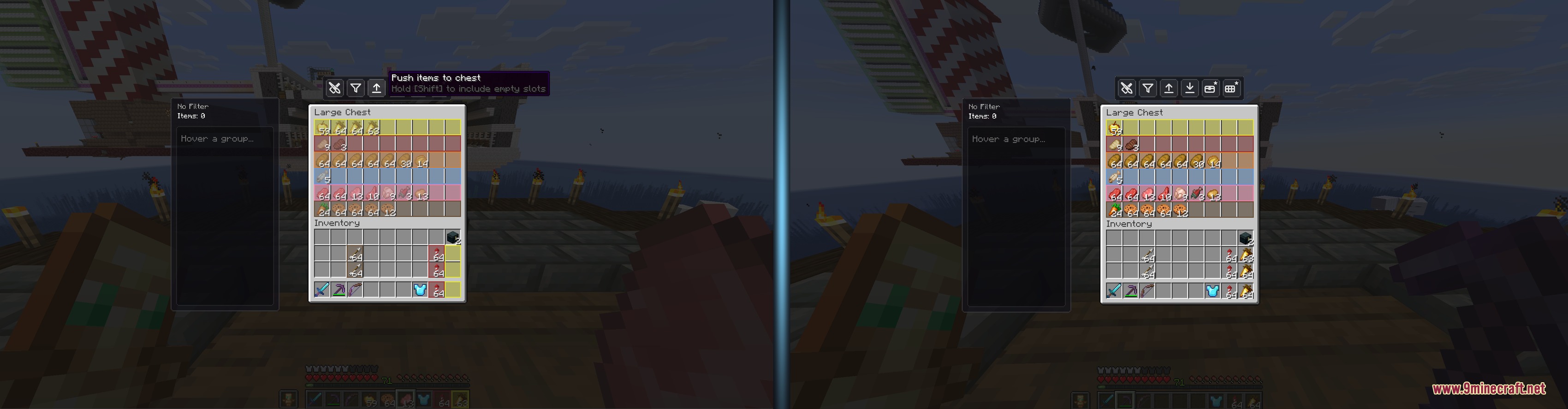
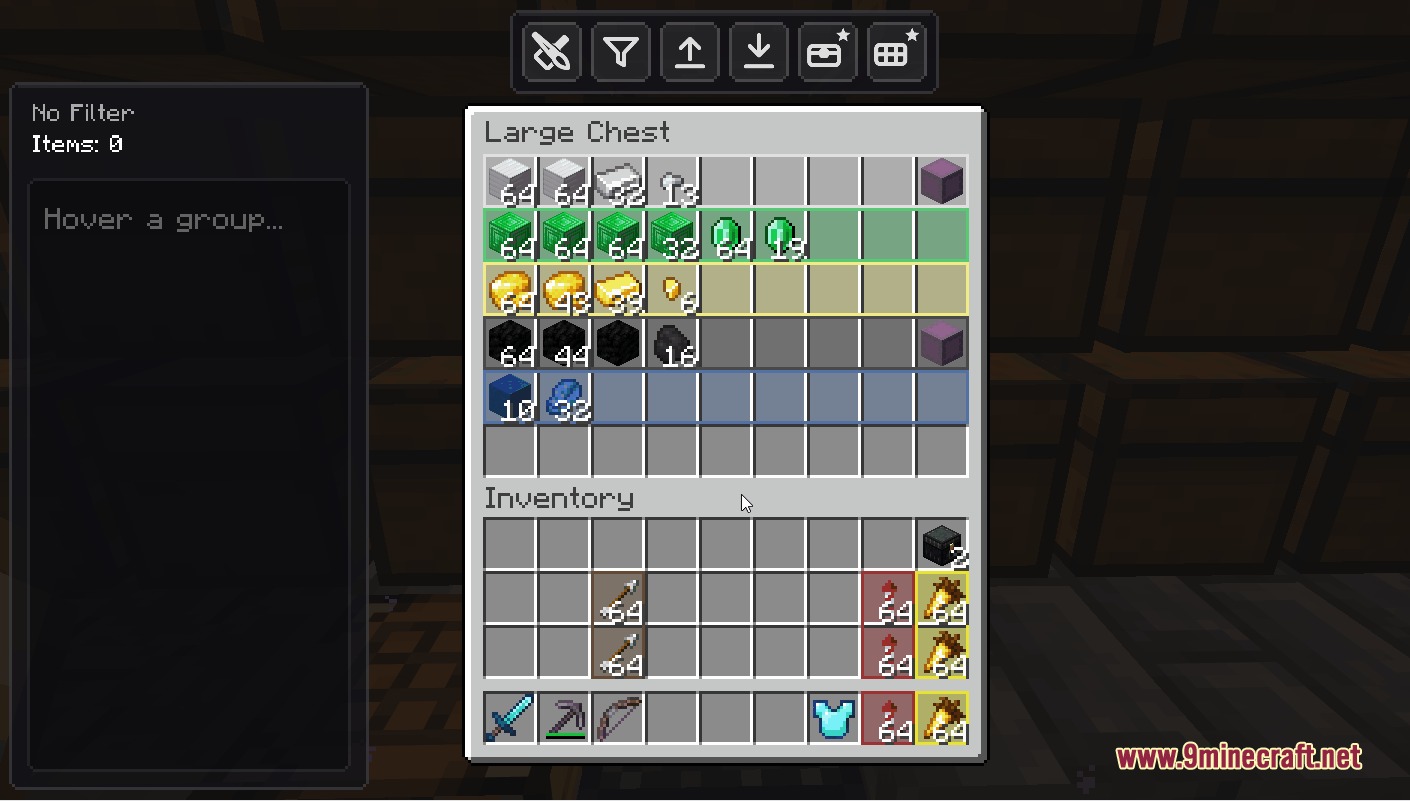
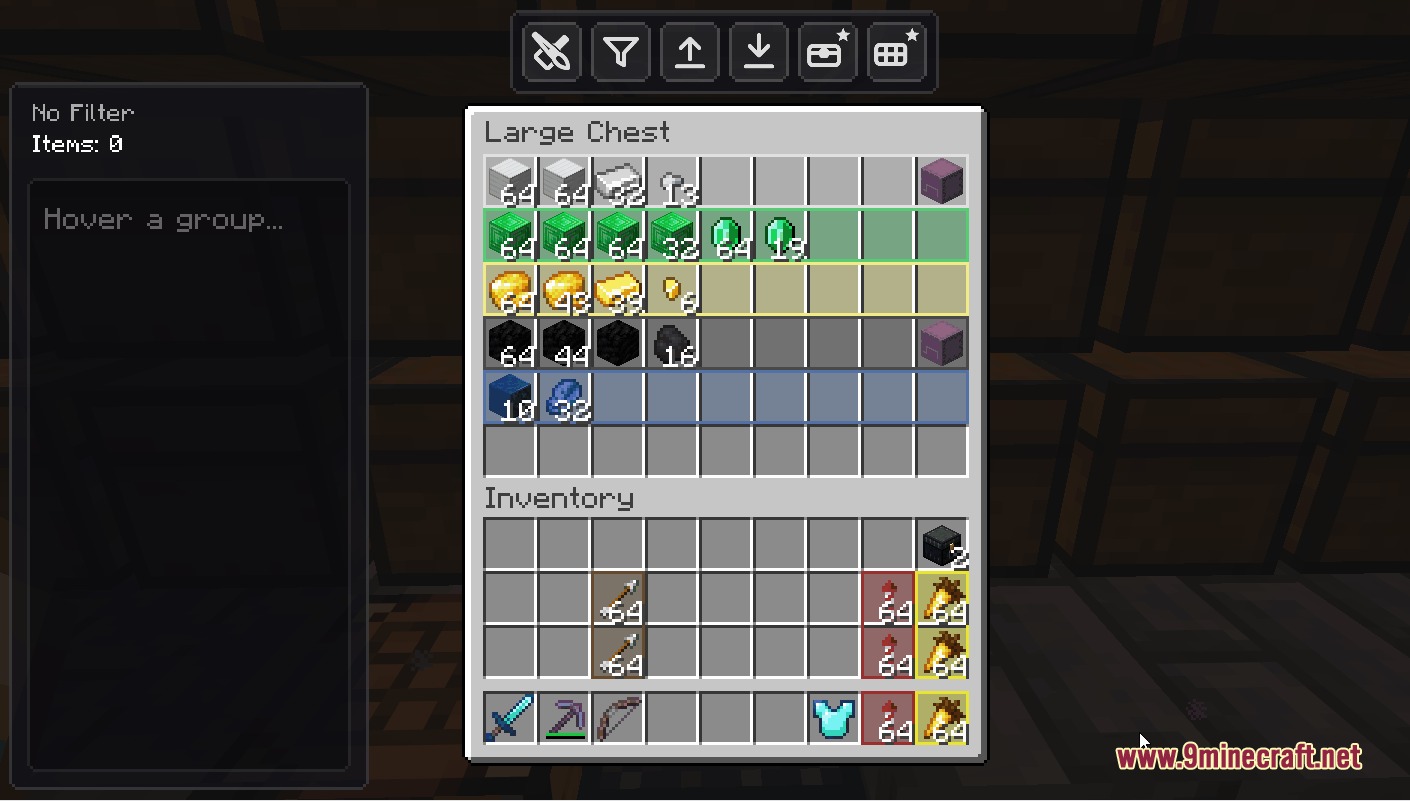
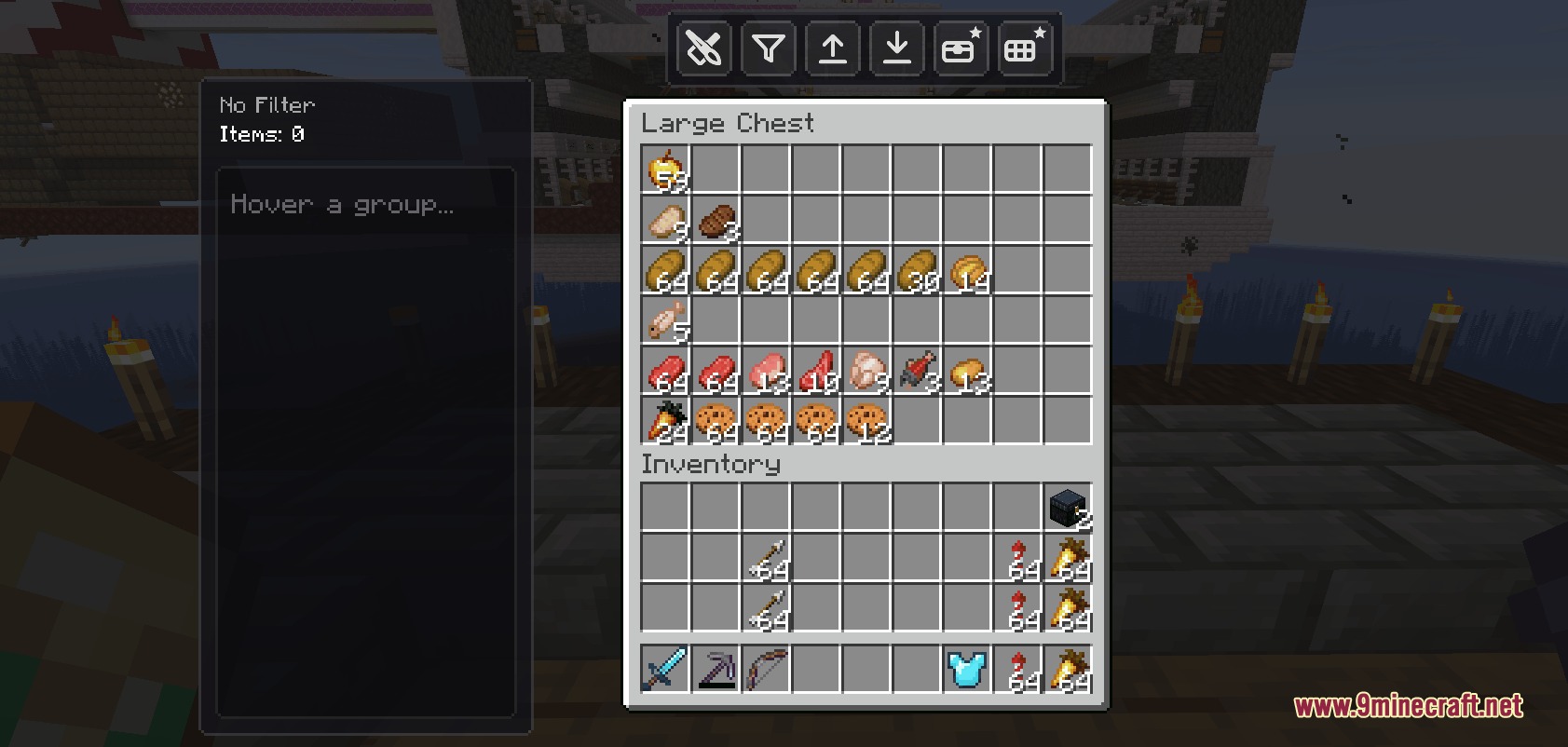
Swift Vault Flow Mod transforms your storage containers into smart, self-sorting chests with one-click item transfers. You can send items from your pockets straight into assigned slots without moving each stack by hand. The mod also lets you pull matching supplies back into your inventory whenever you need a quick restock. Built-in color tools and filter lists make organizing bases simple for any world.
Features:
- One-Click Auto-Deposit: Clears matching items from your inventory into chest slots instantly with a single button press.
- Two-Way Item Flow: Pulls matching supplies back from containers straight into your hotbar or bag.
- Priority Sorting: Arranges stored items automatically based on the top-to-bottom order of your filter list.
- Lets you build custom rules by dragging items directly into or out of the filter menu.
- Adds ready-made layout templates for ores, crops, building blocks, and mob loot.
- Includes visual painting tools to color-code slots and zones inside container menus.
- Stops wrong items from entering reserved slots with a clear rejection animation.
- Saves custom layout settings directly on shulker boxes so rules stay intact when moved.
- Works across vanilla chests, barrels, ender chests, and chest minecarts.
- Offers keybind settings for depositing, pulling, and opening setup panels.
Visual Customization:
- Area Mode: paints whole sections of a chest grid in a single click.
- Trace Mode: draws custom outlines across irregular slot patterns.
- Eyedropper Tool: copies colors from existing slots to keep a clean theme.
- Color Picker: gives you access to full color choices to separate item groups.
Filter Tools:
- Tag Import: adds full categories of items like wood or stone with one click.
- Search Import: finds and adds matching items through a quick search bar.
- Import Extracted: turns all physical items currently in slots into active rules.
How to Use:
- Open any chest, barrel, or storage box in your base.
- Set your item filters by dragging items into the rule list or loading a preset.
- Choose colors to mark separate item zones inside the container.
- Press the deposit button or your set key to send loot straight into sorted slots.
- Click the pull button when you want to restock items into your inventory.
Screenshots:
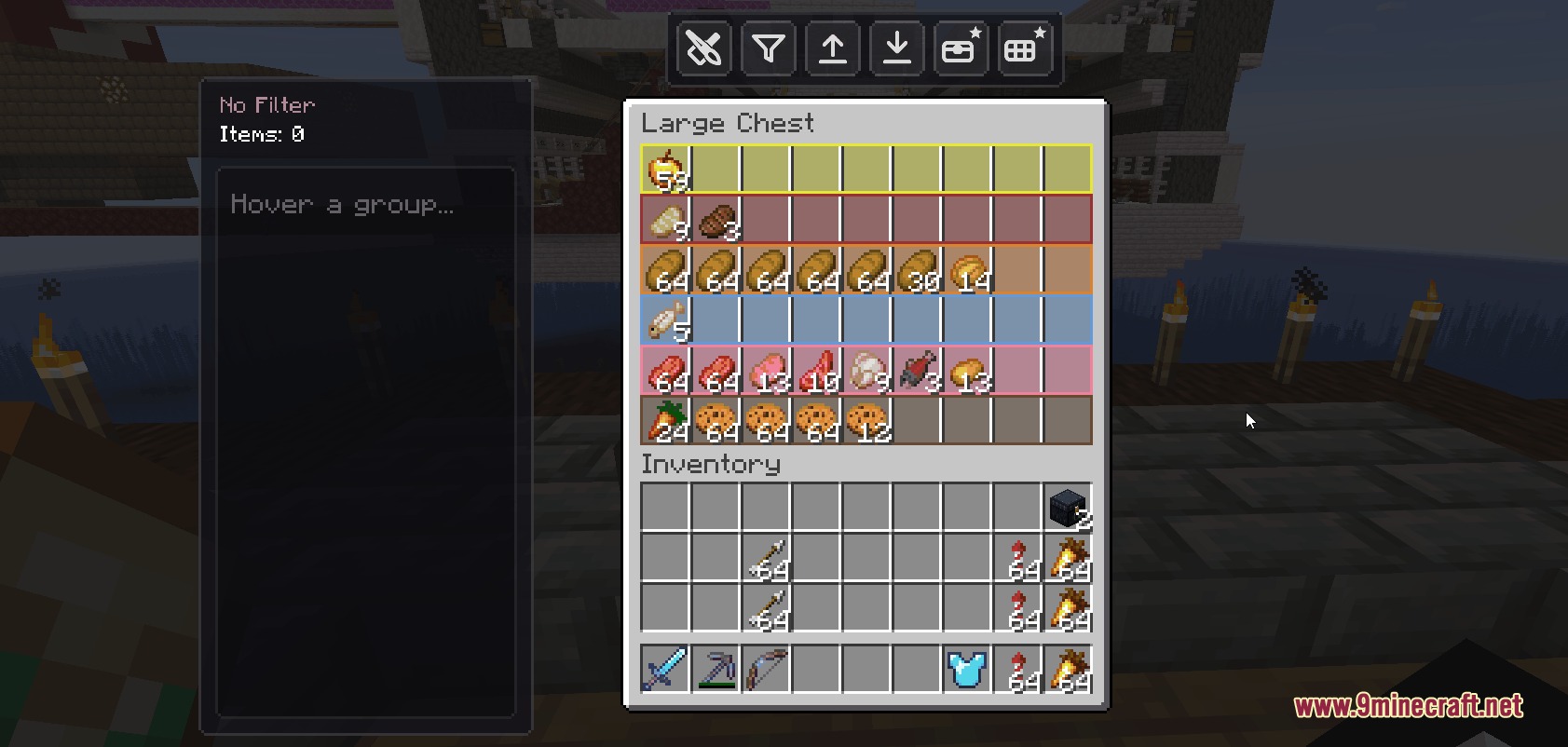
Swift Vault Flow Mod Download Links
Quick facts
- Edition: Minecraft Java
- File type: .jar
- Minecraft version listed: 1.20.1
- How to install: Install the matching mod loader (Forge, Fabric or NeoForge) for your Minecraft version. → Download the .jar. → Put it in the .minecraft/mods folder and launch that loader profile.
- Where to get it: In MC Java Mods, or directly above on this page.
Install steps are the general flow for this file type — How to install Minecraft Java mods & modpacks walks through it step by step.
File checked by MCModsHub
- Downloads as 502066.mcaddon
- Download size: 3.3 MB
- Download link checked 24 Sept 2026 — working
- Mirrored on our own servers — the download does not depend on the original host
These come from our own check of the pack file, not from the source page.