HomeJavaModsClientify
Clientify
ModsJava

Clientify

by xarlaq · on Modrinth

Combines the most popular HUD, PvP, and quality-of-life features into a single lightweight mod.

⬇ Download on Modrinth
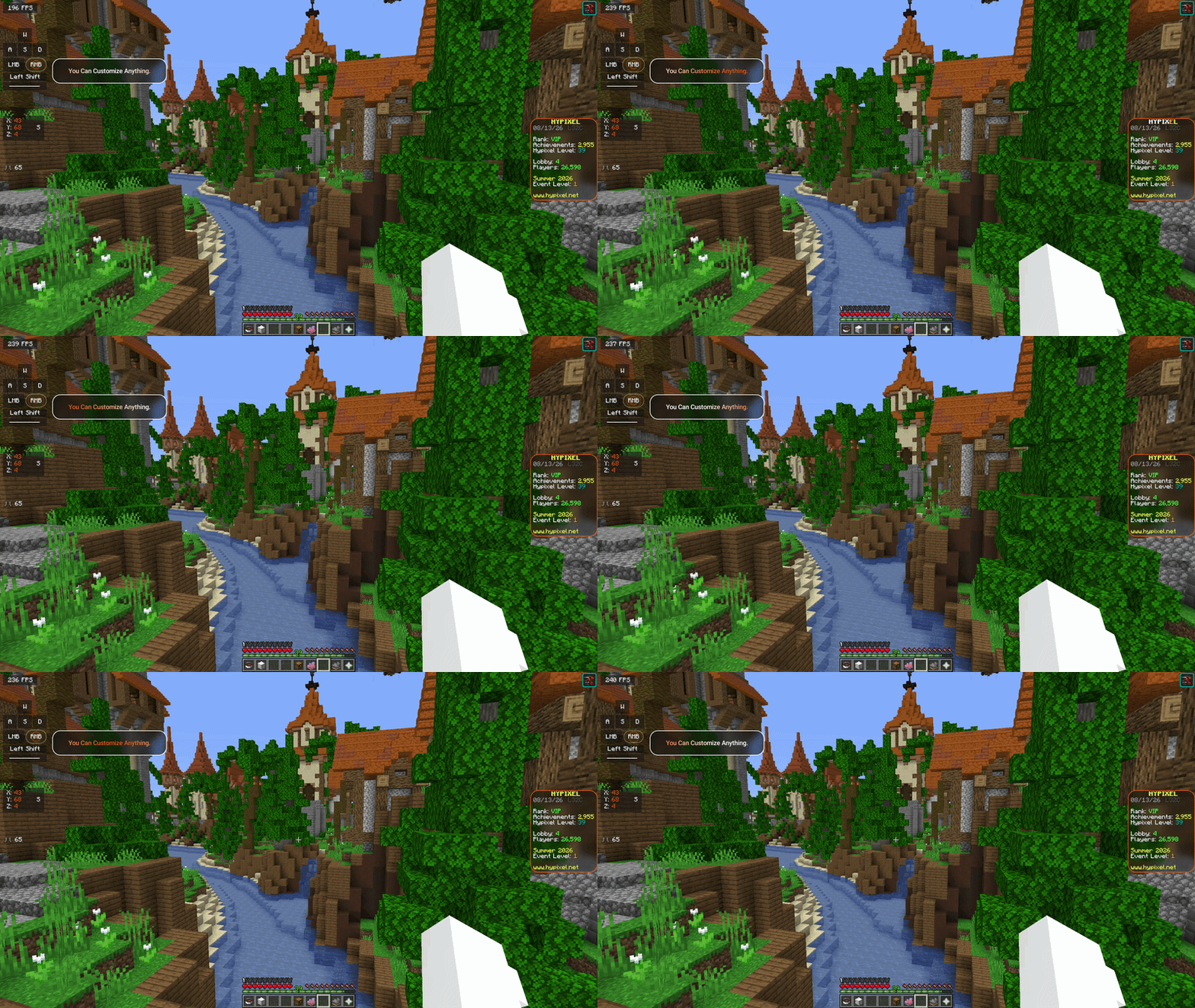
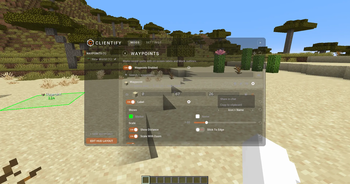
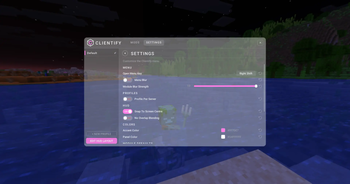
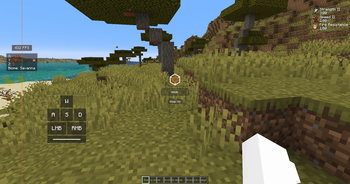
Clientify — screenshot 1Clientify — screenshot 2Clientify — screenshot 3Clientify — screenshot 4

Clientify

One mod. All your essentials.

Clientify combines many of Minecraft's most popular PvP, HUD, and quality-of-life features into a single lightweight mod.

Instead of installing separate mods for Keystrokes, Armour HUD, Potion Effects, Ping, Zoom, Waypoints, Coordinates, and more, everything is available through one editor and one unified appearance system.

Fabric • Minecraft 1.21.11 • Client-side only


Features

HUD Modules
Module What it does
Action Bar Move, scale and restyle the action bar text.
Armor HUD Worn armour and its durability, pieces placeable separately.
Boss Bar Move, scale, recolour or hide boss bars.
Coordinates Position, direction and biome, coords moveable separately.
Custom Text Any text you like, anywhere, as many lines as you want.
Effects HUD Active potion effects with timers, and blink or colour change as they run out.
FPS Your framerate on the HUD.
Item Counter Counts any chosen item from your inventory.
Keystrokes Movement keys and mouse buttons as you press them, with CPS and press animations.
Nametags Nametag scale, background, shadow and whether you see your own.
Ping Your measured ping to the server.
Reach Display How far away your last hit landed.
Saturation Your hidden saturation as text, an overlay or a bar.
Scoreboard The sidebar, moved and restyled with your own font and backgrounds.
Sprint Indicator Your sprint and movement state, including flying and gliding.
Tab List Tab list tweaks: header, footer, heads, ping display and colours.
Title Move, scale and restyle server titles.
Visual & Gameplay Tweaks
Module What it does
Attack Indicator Restyle the attack cooldown indicator, or put it where you want.
Custom Crosshair Presets, or draw your own pixel by pixel.
Fullbright Light up the whole world.
GUI Scale Scale the hotbar and the inventory independently.
Hit Color Recolour the red damage flash on entities.
Hitboxes Customisable entity hitboxes, without F3+B turning on everything else.
Overlay Clean up what is drawn over your view — fire, pumpkin, glass, foliage and more.
Shulker Tooltip Preview shulker box contents in the tooltip.
Time Changer Override the time of day on your screen only.
Totem Tweaks Reposition or hide the totem pop animation, and count your pops.
Waypoints Saved spots with labels, distances and outlines. Shareable in chat.
Weather Changer Override the weather on your screen only.
Zoom Hold a key to zoom; scroll to adjust, with smooth transitions.

Powerful HUD Editor

Press Right Shift to open the editor.

No config files. No commands. Everything is done in-game.


Fully Customisable

Create a setup that matches your style.

Every module follows the same appearance system, making it easy to create a clean and consistent UI.


Server Friendly

No unfair-advantage modules.

Clientify is built around HUD customisation, visual improvements, and quality-of-life features that work on virtually any server without affecting gameplay.


Installation

  1. Install Fabric Loader
  2. Install Fabric API
  3. Place Clientify into your mods folder
  4. Launch Minecraft
Verified by MCModsHub

These come from our own check of the pack file, not from the source page.

Explore more