
Remindest
Java mod listed for Minecraft 26.x. Downloads from the MC Java Mods app on Android.
Remindest is a lightweight reminder mod for Minecraft. Create reminders using real-world times, relative durations, or Minecraft's in-game time.
⬇ Download on Modrinth
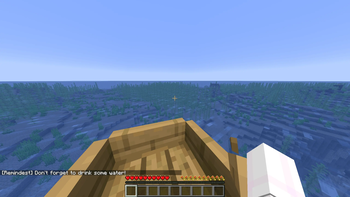
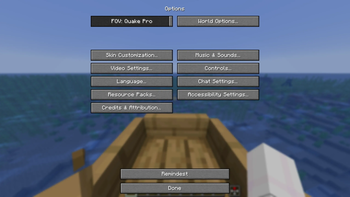
Remindest
A simple, lightweight reminder mod for Minecraft.
Features
Real-time reminders
5m- remind me in 5 minutes2h- remind me in 2 hours6:30pm- remind me at 6:30 PM- Supports both 12-hour and 24-hour time formats
Minecraft time reminders
6am- remind me at 6:00 AM Minecraft time0- remind me at tick 0- Supports recurring daily reminders
Persistent reminders
- Reminders are saved automatically
- Reminders are shared across all servers and worlds
Simple interface
- Manage your reminders through an easy-to-use GUI
- No commands required
Tutorial
Creating a reminder
Open the Remindest menu. You can find it in Options.
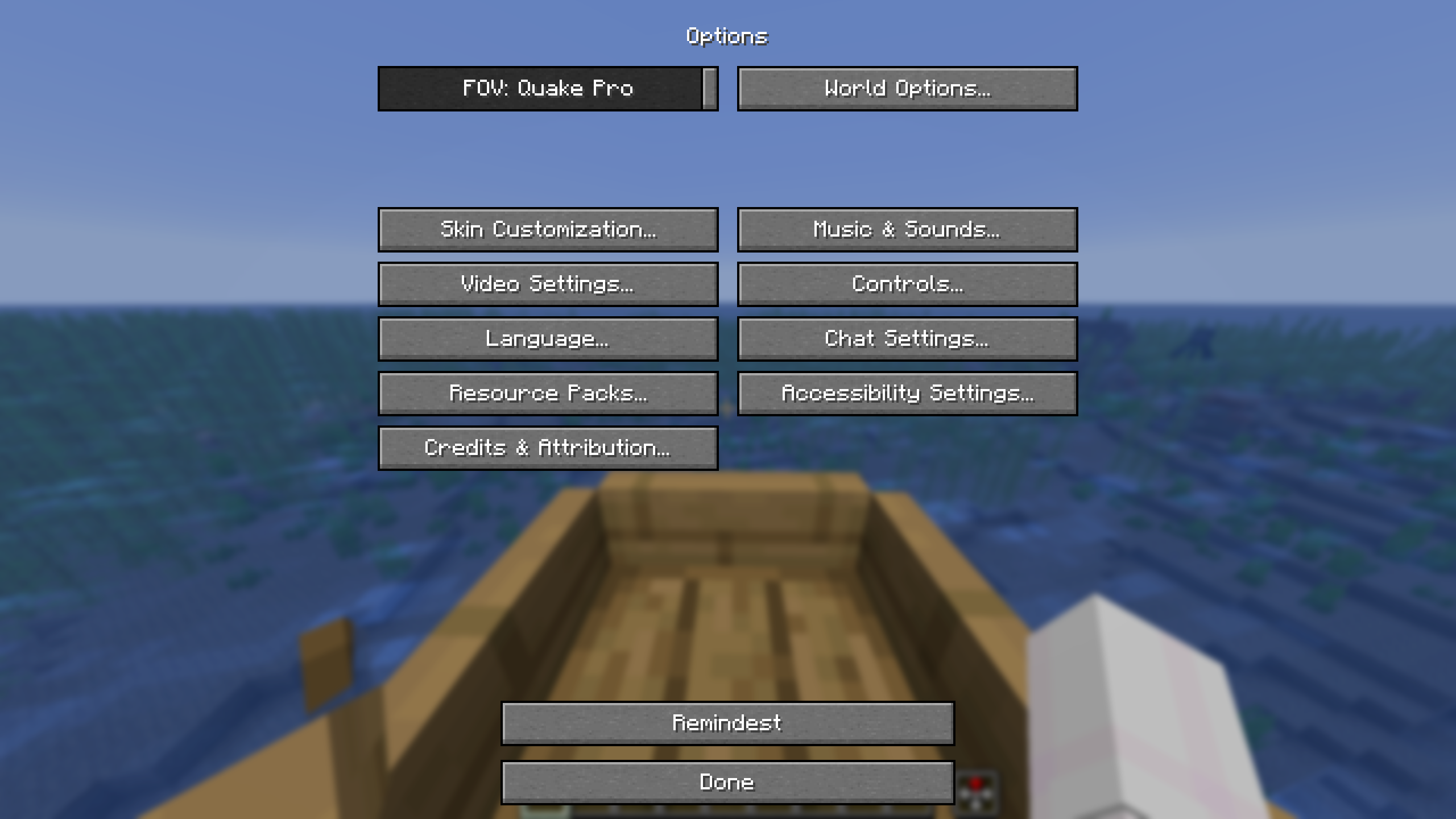
Click Add to create a new reminder.
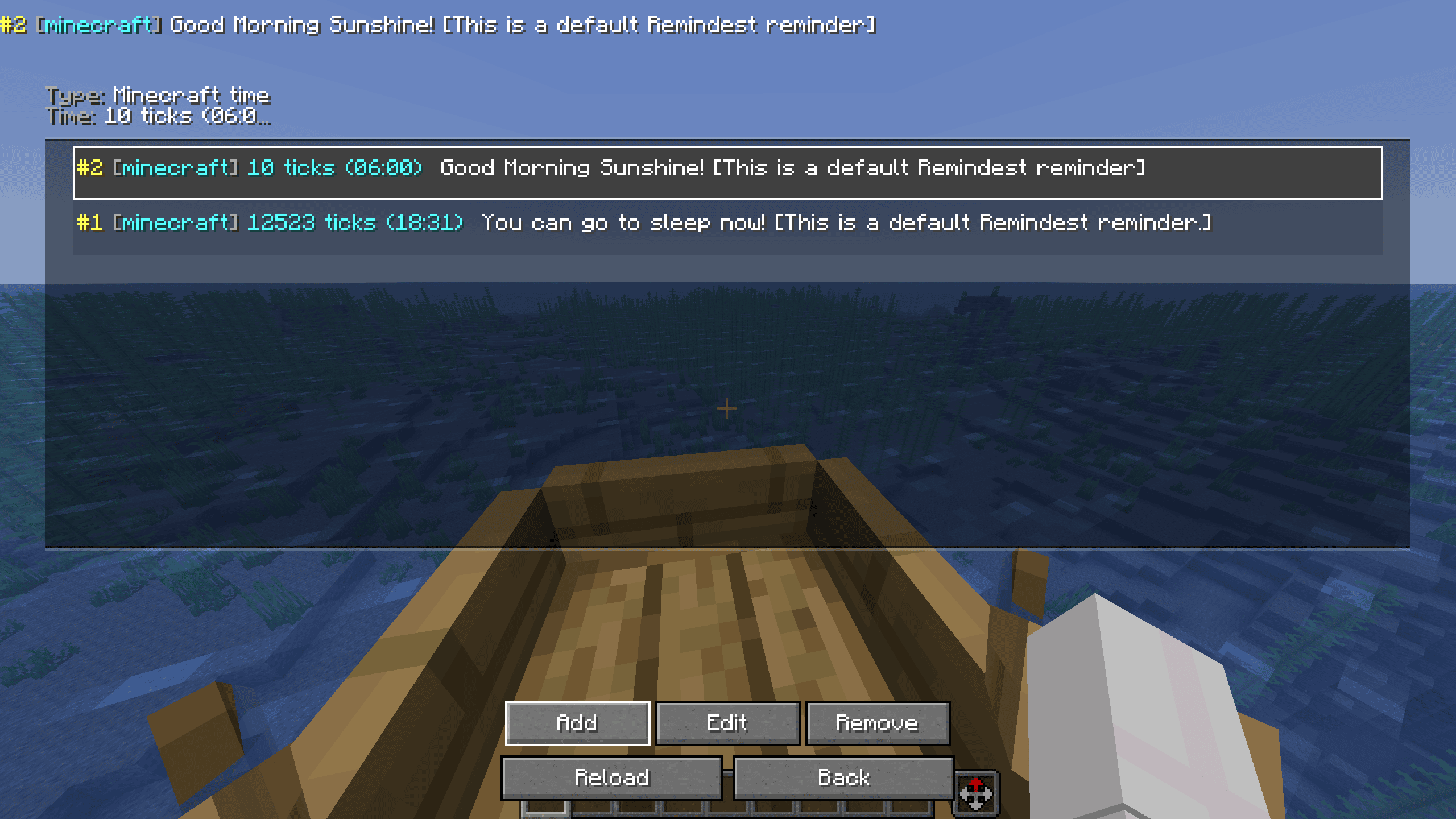
Enter the time and message for your reminder, then save it.
Reminder types
Remindest supports both real-time and Minecraft-time reminders.
Real-time
Real-time reminders use your computer's actual clock.
Examples:
5m- 5 minutes from now2h- 2 hours from now6:30pm- at 6:30 PM18:30- at 6:30 PM
Real-time reminders are independent of Minecraft's day/night cycle.
Minecraft time
Minecraft-time reminders use the world's day/night cycle.
Examples:
6am- 6:00 AM Minecraft time12pm- noon0- tick 018000- tick 18000
Minecraft-time reminders repeat every Minecraft day.
Managing reminders
Your active reminders are displayed in the Remindest menu.
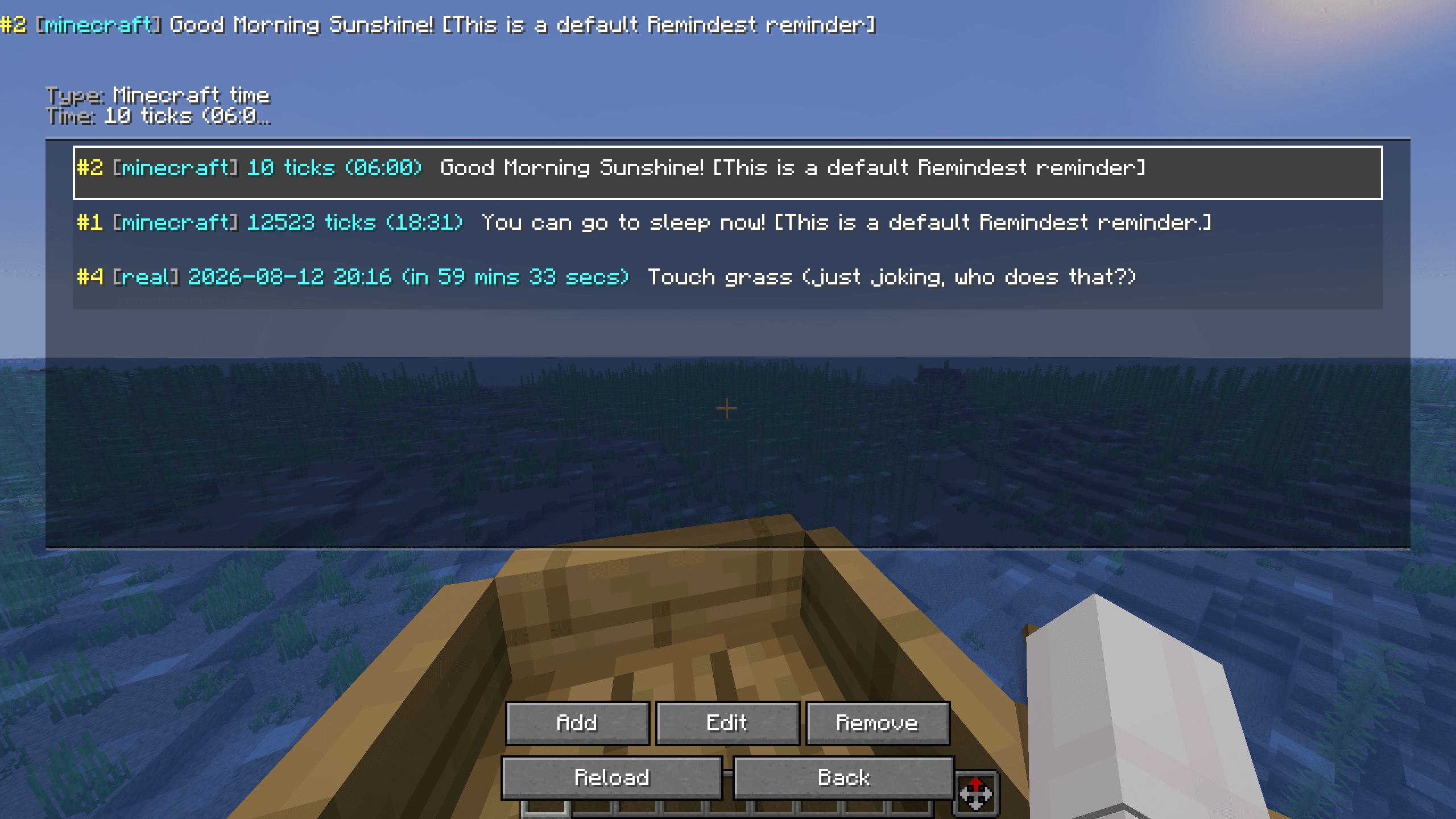
From here, you can view and manage your reminders.
SpoilerNote: Reminders only show if you're in a server, or world
- Edition: Minecraft Java
- File type: .jar
- Minecraft version listed: 26.2
- How to install: Install the matching mod loader (Forge, Fabric or NeoForge) for your Minecraft version. → Download the .jar. → Put it in the .minecraft/mods folder and launch that loader profile.
- Where to get it: Opens on Modrinth — not every file is mirrored on our own servers.
Install steps are the general flow for this file type — How to install Minecraft Java mods & modpacks walks through it step by step.
- Ships as remindest-1.0.0.jar — drop this file into the mods folder
- Download size: 56 KB
- Download link checked 10 Oct 2026 — working
These come from our own check of the pack file, not from the source page.