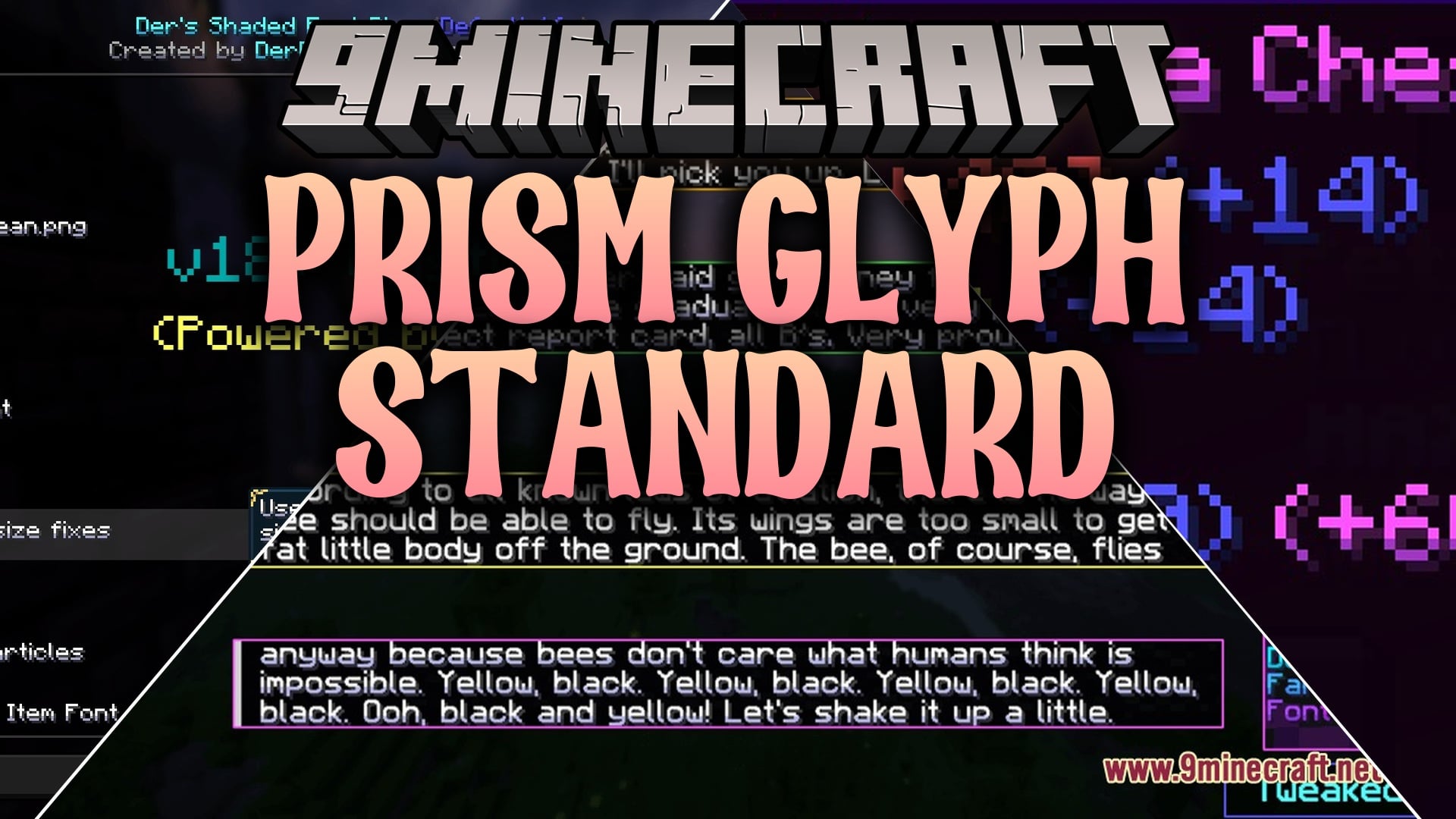
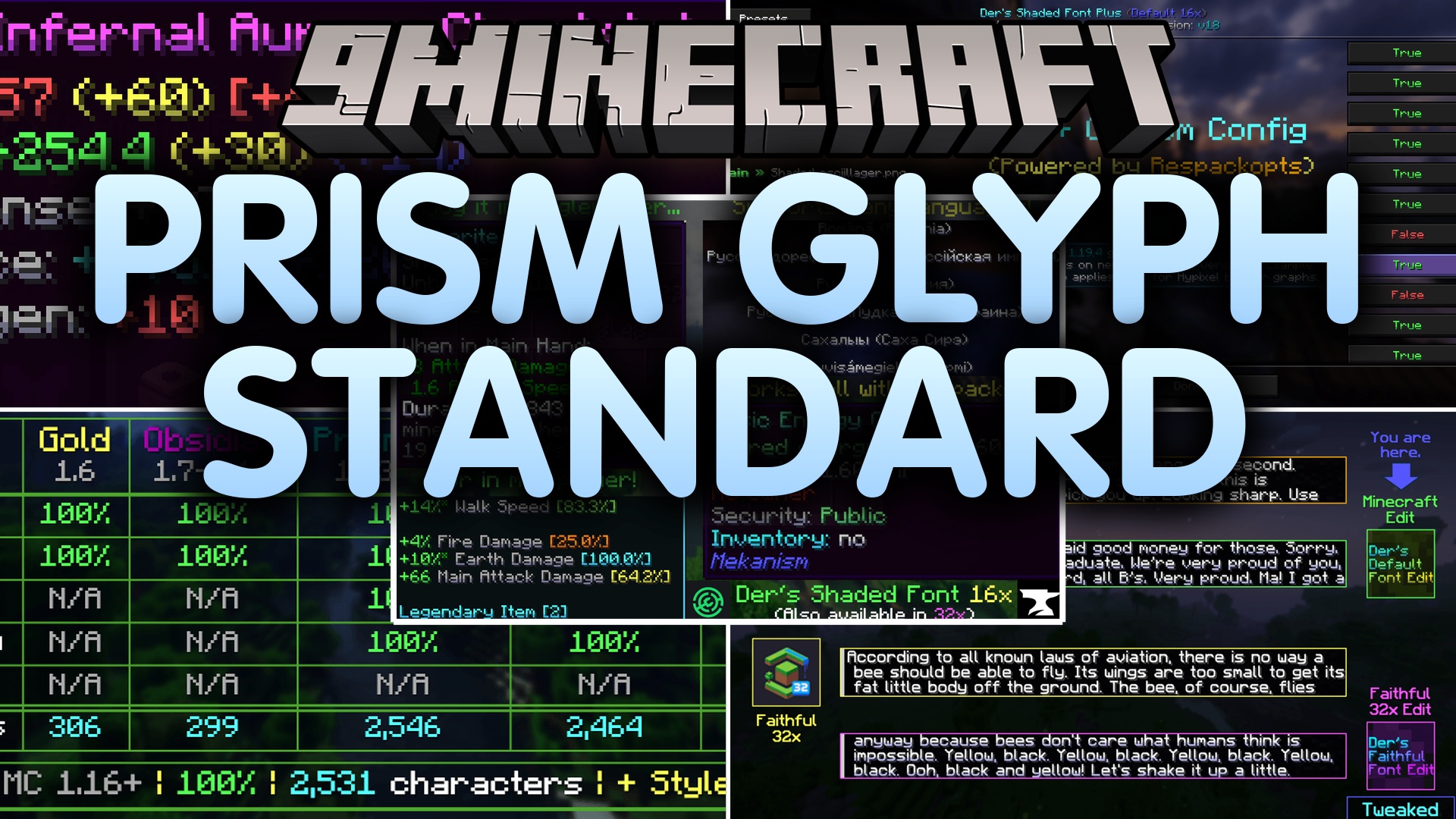
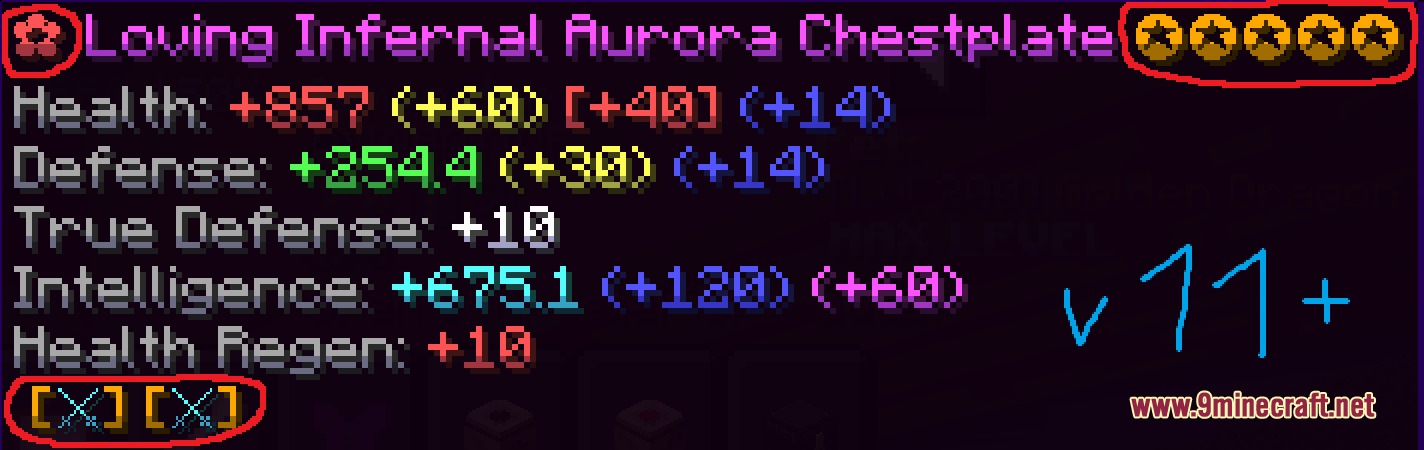
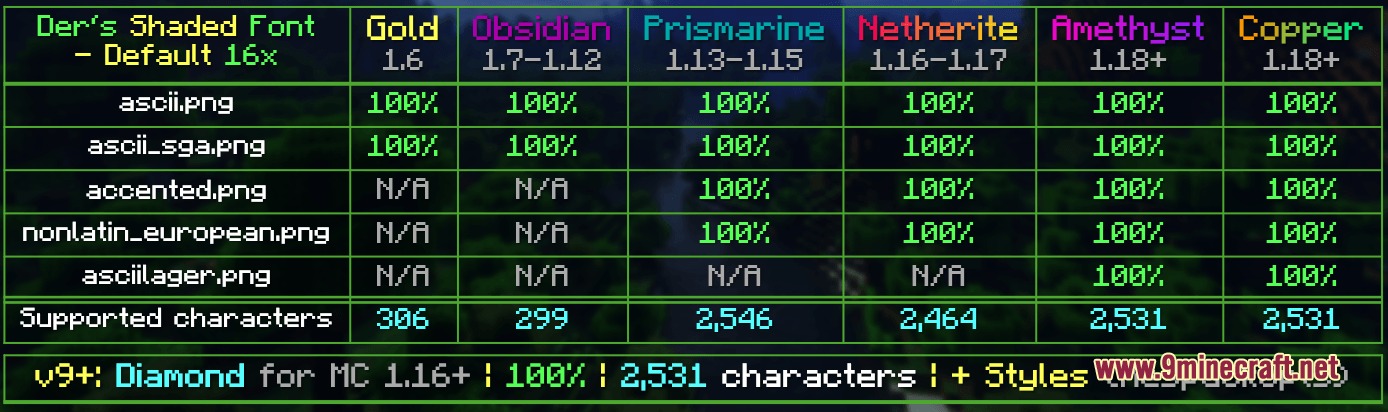
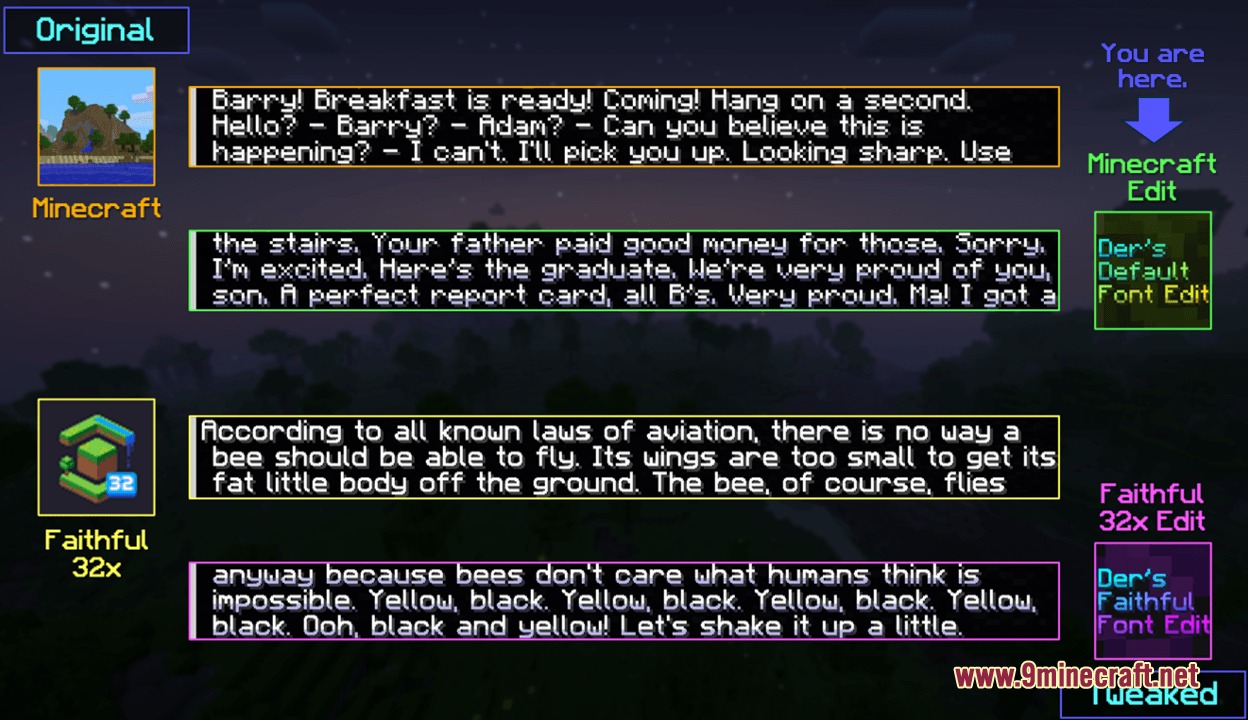
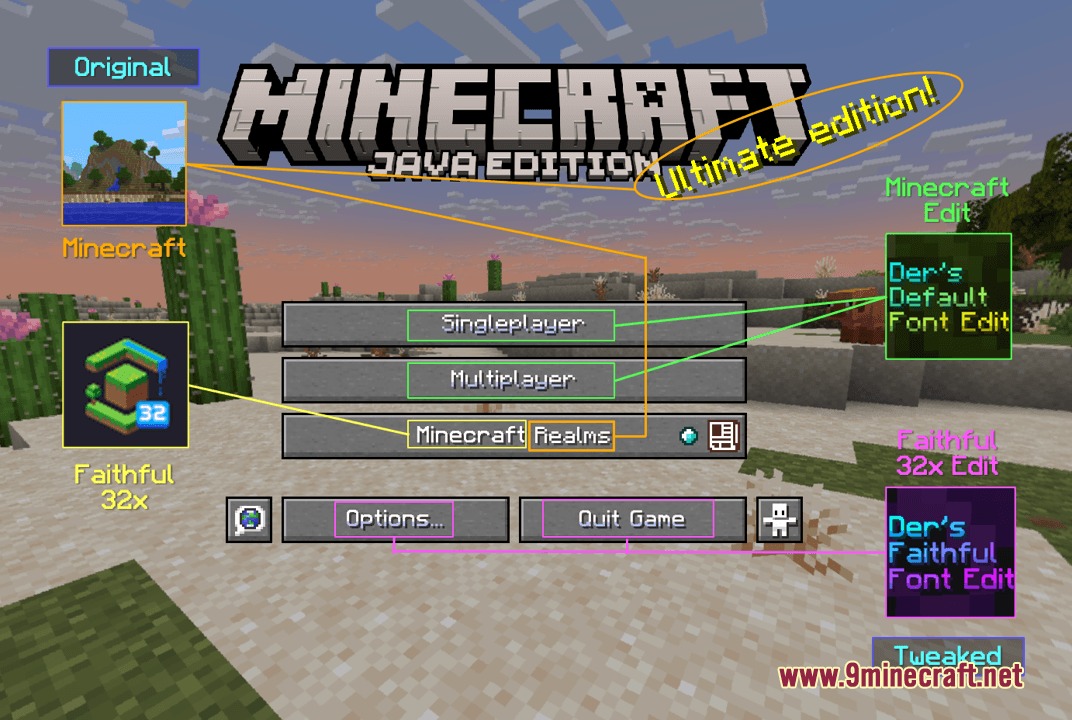
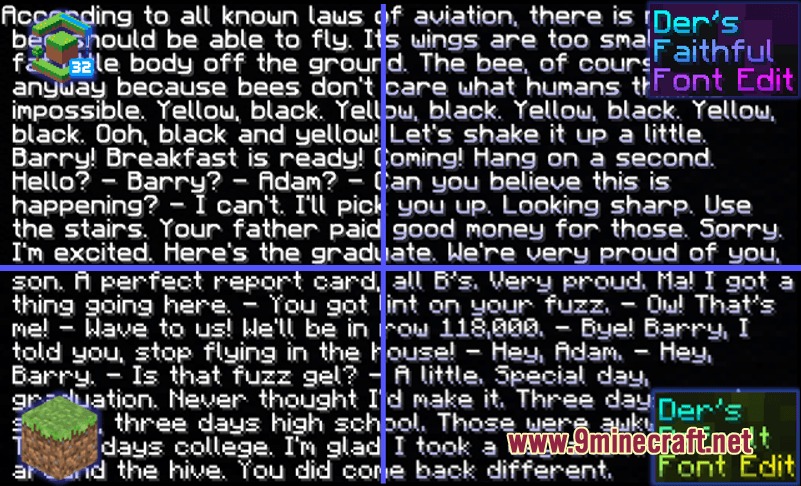
Prism Glyph Standard Resource Pack refreshes the in-game text by adding colorful shading to the bottom of every character. This pack covers thousands of symbols, letters, and custom glyphs across many languages to make chat and menus look cleaner. It works alongside popular multiplayer servers like Hypixel and Wynncraft so your text looks great anywhere you play.
Features:
- Adds smooth colored shadows to more than 10,000 text characters and symbols.
- Includes custom shading for enchanting table runes and hidden illager letters.
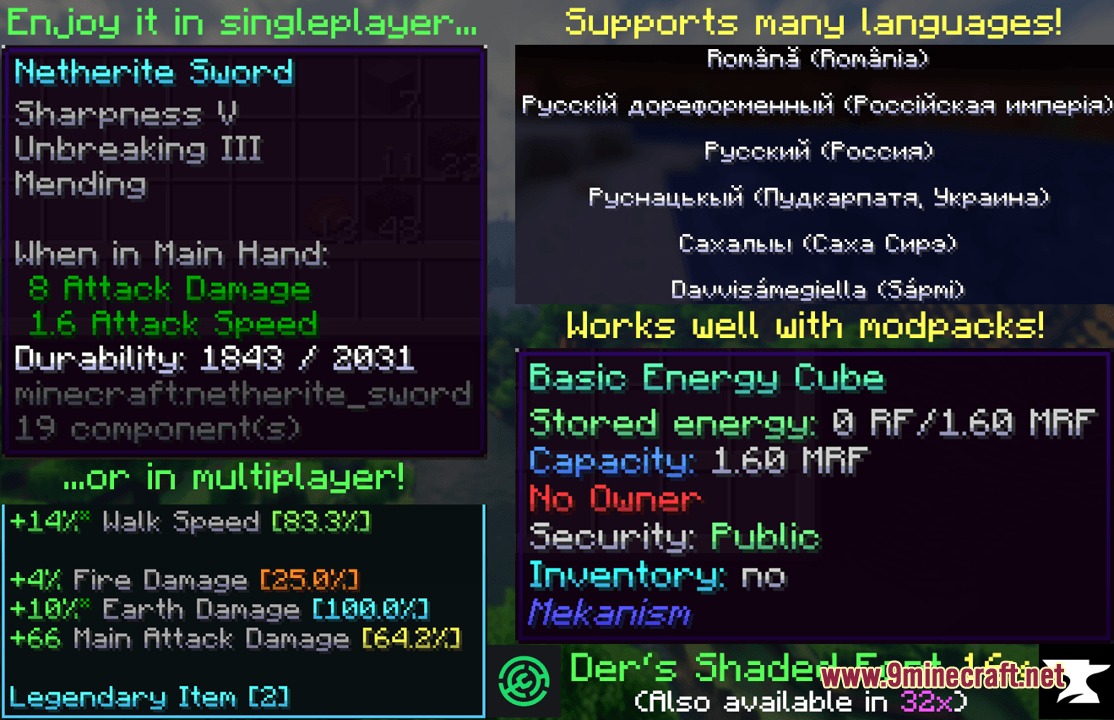
- Works with Wynncraft item descriptions and custom server tooltips.
- Fixes bazaar charts and text colors across Hypixel minigames.
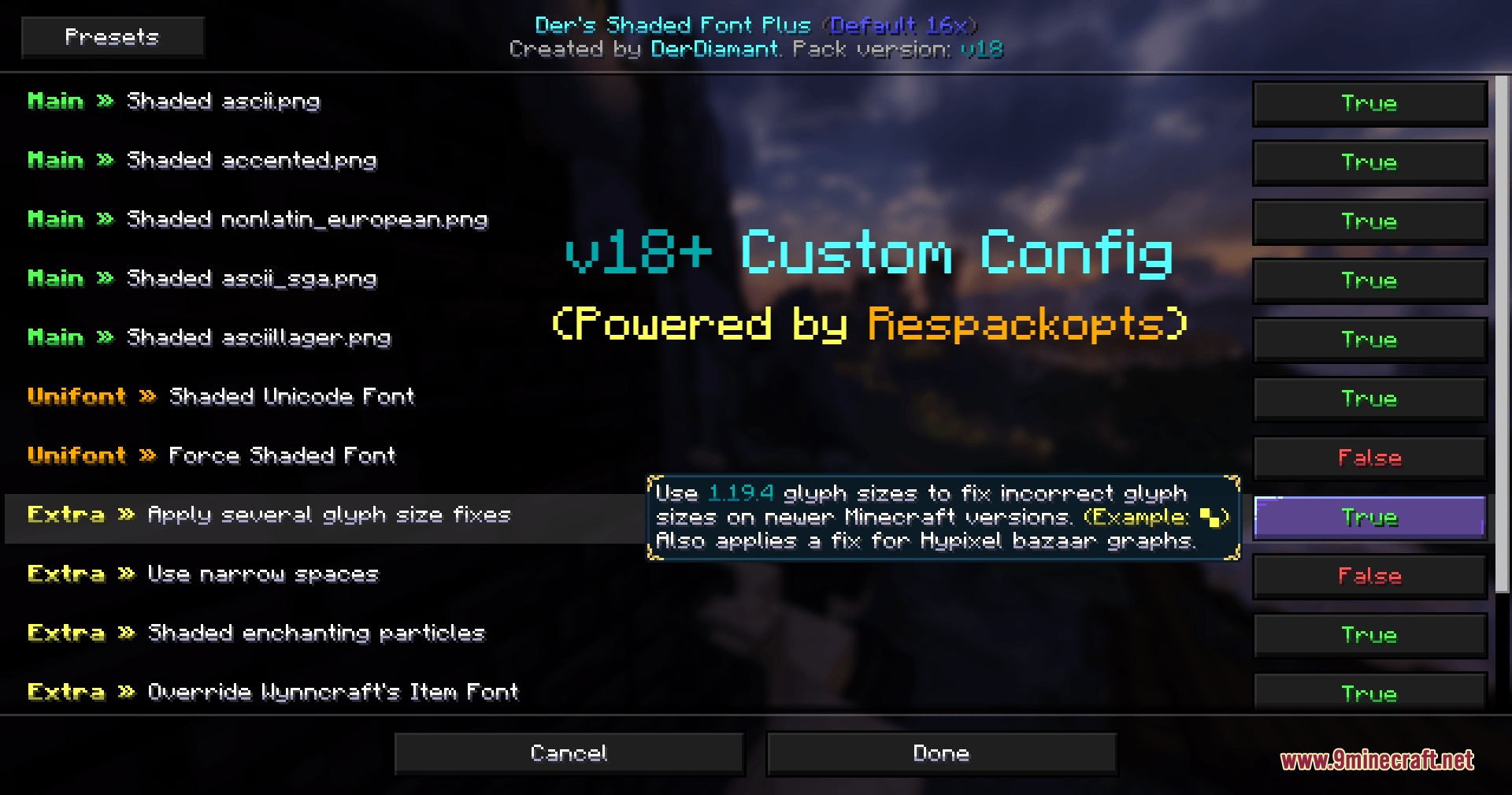
- Offers optional setting adjustments when paired with the Respackopts mod.
- Covers dozens of languages while keeping default text clear and readable.
- Includes standard font provider files for individual adjustments.
Screenshots:
Prism Glyph Standard Resource Pack Download Links
Quick facts
- Edition: Minecraft Java
- File type: .zip (resource pack)
- Minecraft version listed: 1.20.1
- How to install: Download the .zip resource pack — do not unzip it. → Put it in .minecraft/resourcepacks. → Enable it in Options → Resource Packs.
- Where to get it: In MC Java Mods, or directly above on this page.
Install steps are the general flow for this file type — How to install Minecraft Java resource packs walks through it step by step.
Prism Glyph Standard Resource Pack (26.2, 1.20.1) – Colorful Shaded Text is a free Minecraft Java resourcepack. Compatible with Minecraft 1.20.1. Download it and open it directly in the game.