ModsJava
Markdown Manual Mod (1.21.11, 1.20.1) – Read Clean Mod Guides Directly
Java mod listed for Minecraft 1.20–1.21. Downloads from the MC Java Mods app on Android.
⬇ Download
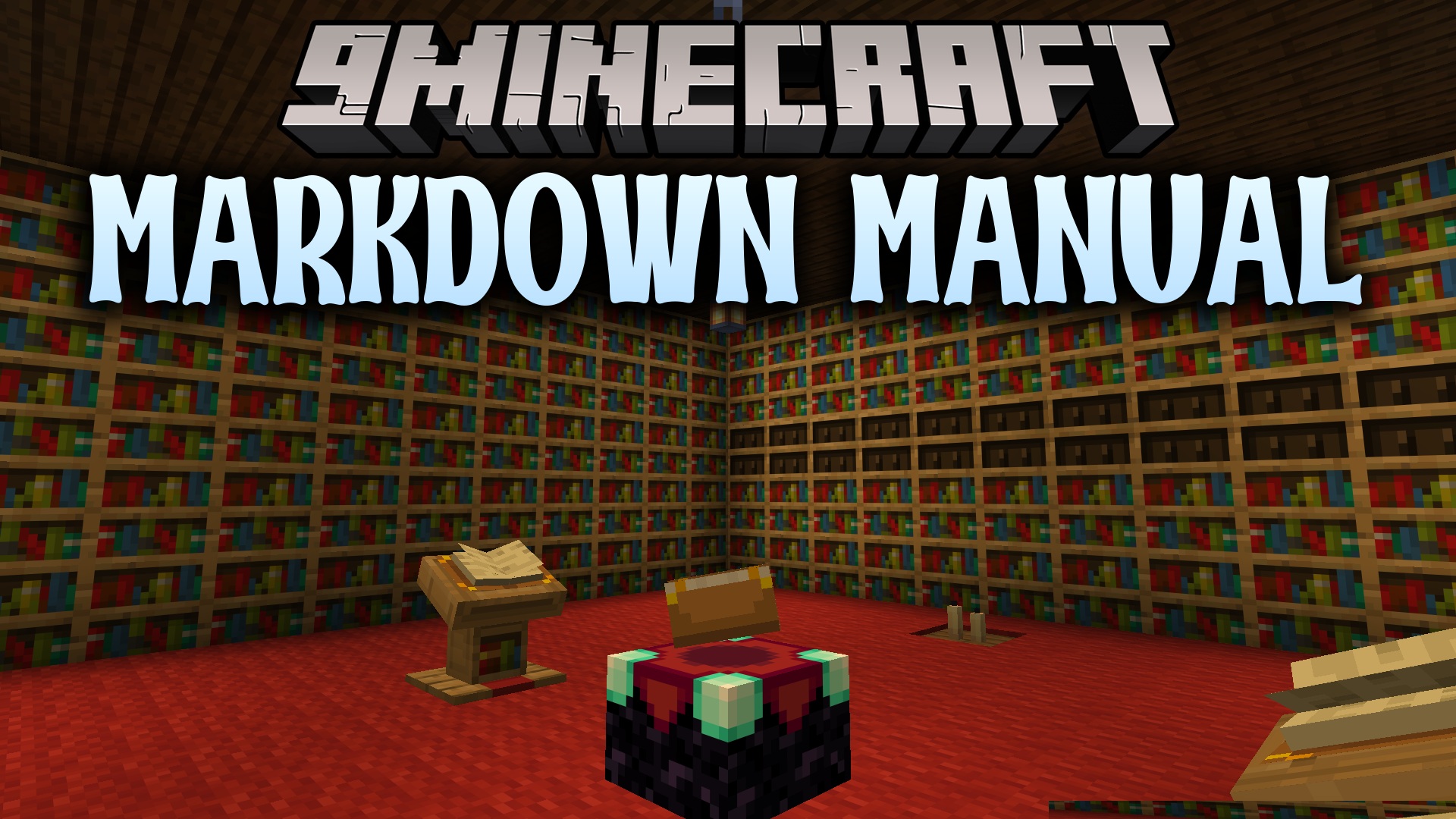
Markdown Manual Mod provides an in-game manual framework powered by Markdown text formatting. This tool serves as a shared library for other mods that need readable in-game guides and item documentation. It gives guidebooks a clean base layout while letting other projects restyle the screens completely to fit custom themes. The system runs behind the scenes and does not add standalone items on its own without another mod present.
Features:
- Renders standard Markdown documents directly inside in-game guide menus.
- Connects separate documentation pages together with clickable links.
- Displays block models and item icons right inside the text using standard image tags.
- Includes a default book theme that works out of the box.
- Allows full visual restyling and custom color schemes like dark mode.
- Operates as a lightweight base library for other content mods.
Markdown Manual Mod Download Links
Quick facts
- Edition: Minecraft Java
- File type: .jar
- Minecraft versions listed: 1.21.11, 1.20.1
- How to install: Install the matching mod loader (Forge, Fabric or NeoForge) for your Minecraft version. → Download the .jar. → Put it in the .minecraft/mods folder and launch that loader profile.
- Where to get it: In MC Java Mods, or directly above on this page.
Install steps are the general flow for this file type — How to install Minecraft Java mods & modpacks walks through it step by step.
File checked by MCModsHub
- Downloads as 502571.mcaddon
- Download size: 136 KB
- Download link checked 23 Sept 2026 — working
- Mirrored on our own servers — the download does not depend on the original host
These come from our own check of the pack file, not from the source page.