
ModsJava
Hoarders Questline Mod (26.2, 1.21.1) – Track Every Item Needed for Mega Builds
Java mod listed for Minecraft 1.21. Downloads from the MC Java Mods app on Android.
⬇ Download
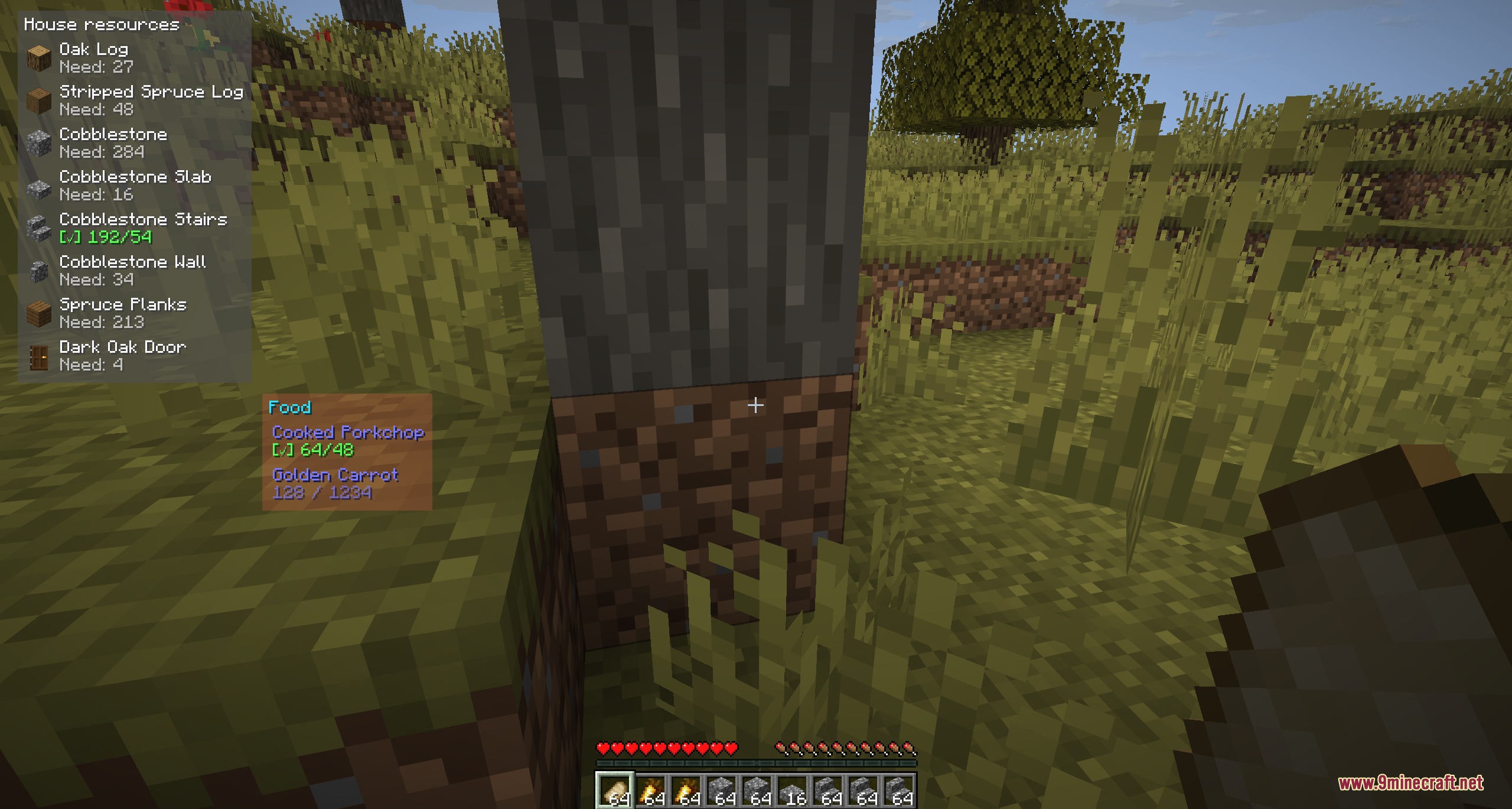
Hoarders Questline Mod places a custom item tracker on your screen to help you gather materials for big projects. You can create lists for survival builds, redstone farms, storage systems, and map art without losing count. The mod counts items in your inventory, shulker boxes, bundles, and open containers as you play. It keeps your targets visible on the screen so you always know what blocks you still need.
Features:
- Tracks multiple item lists for different projects at the same time.
- Shows real-time collection progress directly on your game interface.
- Counts items stored in your inventory, open containers, shulker boxes, and bundles.
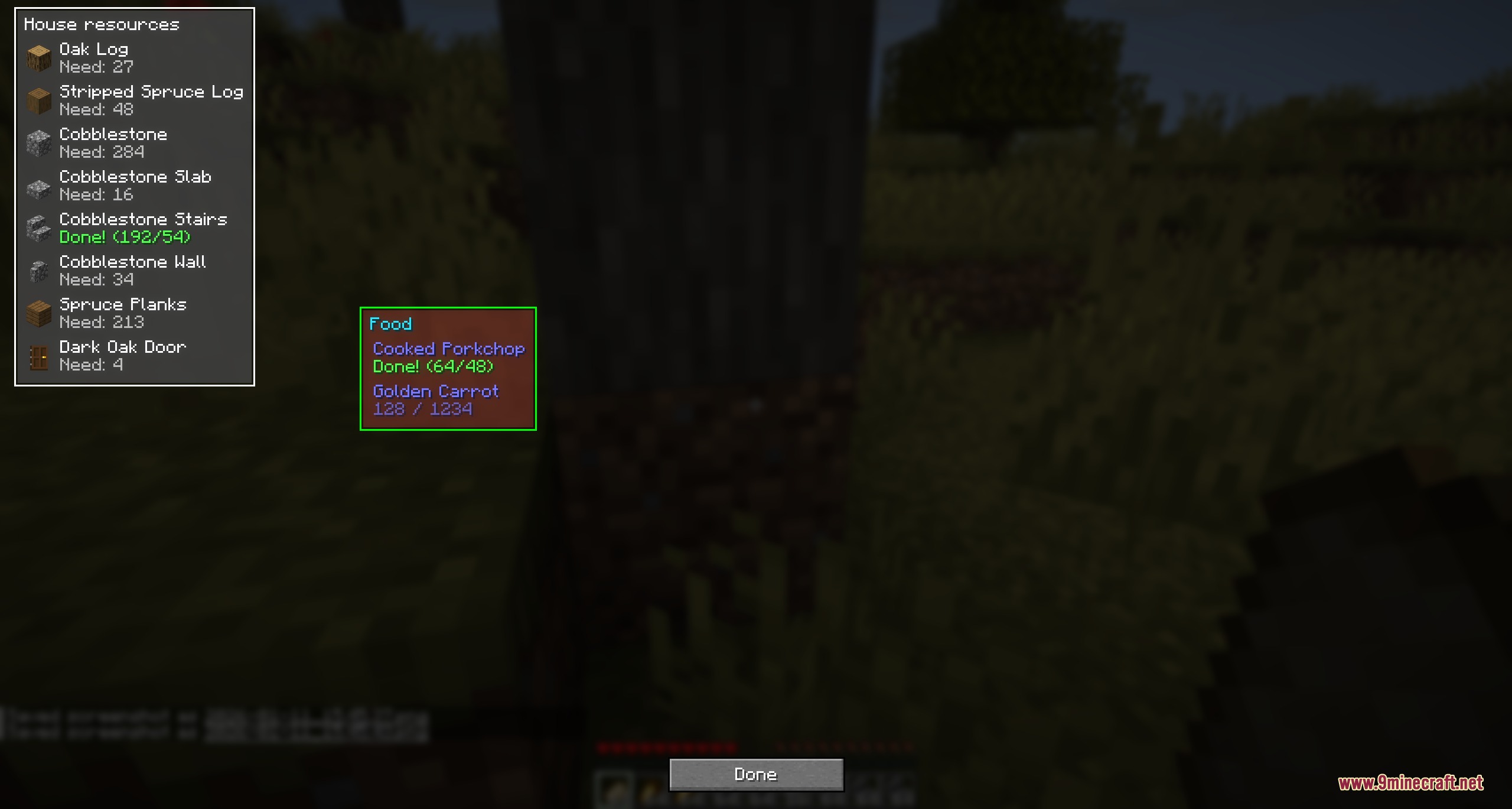
- Lets you move each list around your screen with drag and drop controls.
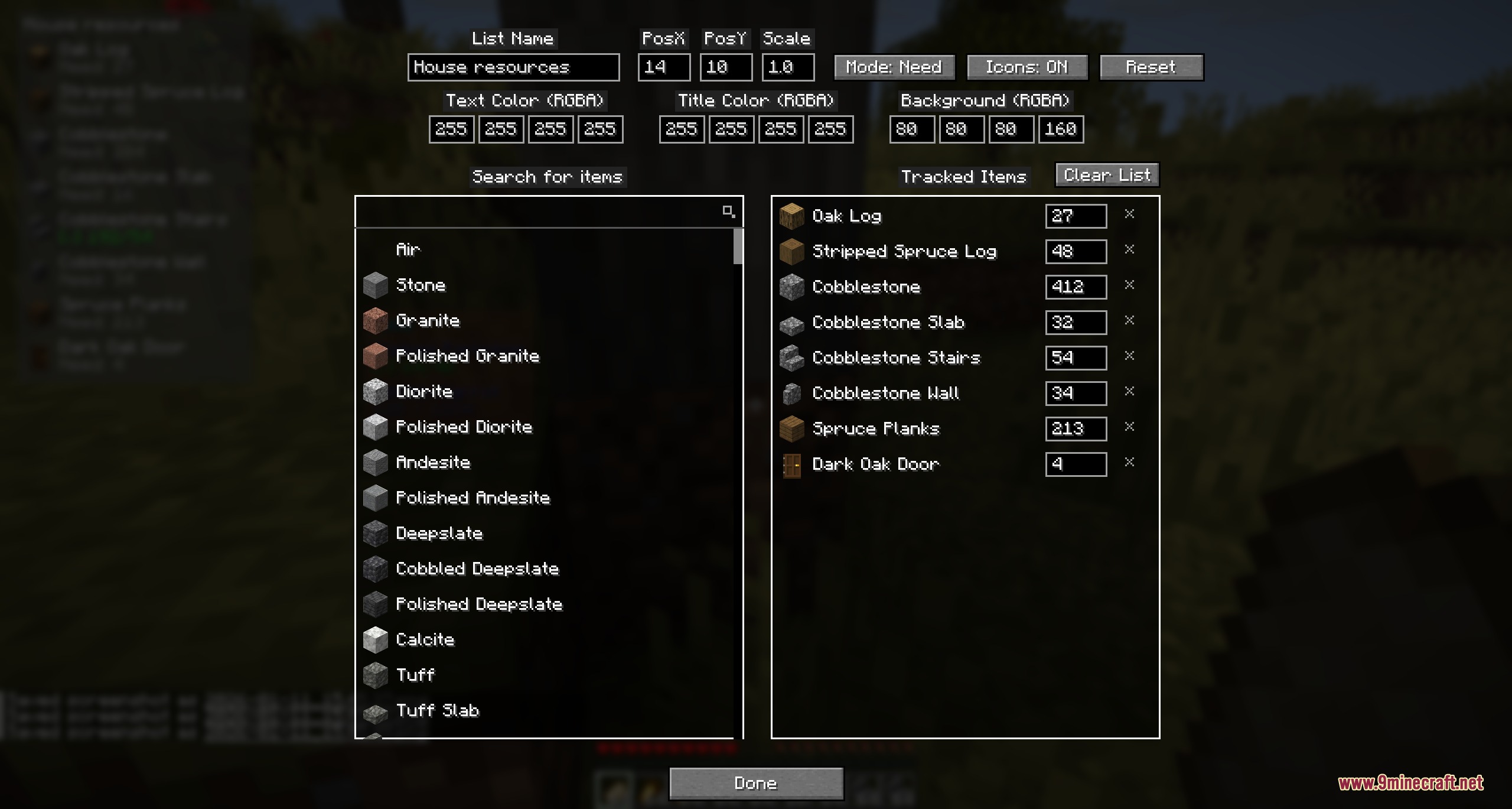
- Allows customization of text colors, background colors, scale, columns, and icons.
- Includes an item search bar by item ID or name.
- Saves separate collection lists for individual singleplayer worlds and servers.
- Lets you edit list text files directly inside the config folder.
- Reloads list files from your disk without restarting the game.
- Supports English and Russian languages.
Display Modes:
- Progress mode shows your current count alongside the target goal.
- Remaining mode displays the exact number of missing items you still need to find.
How to Use:
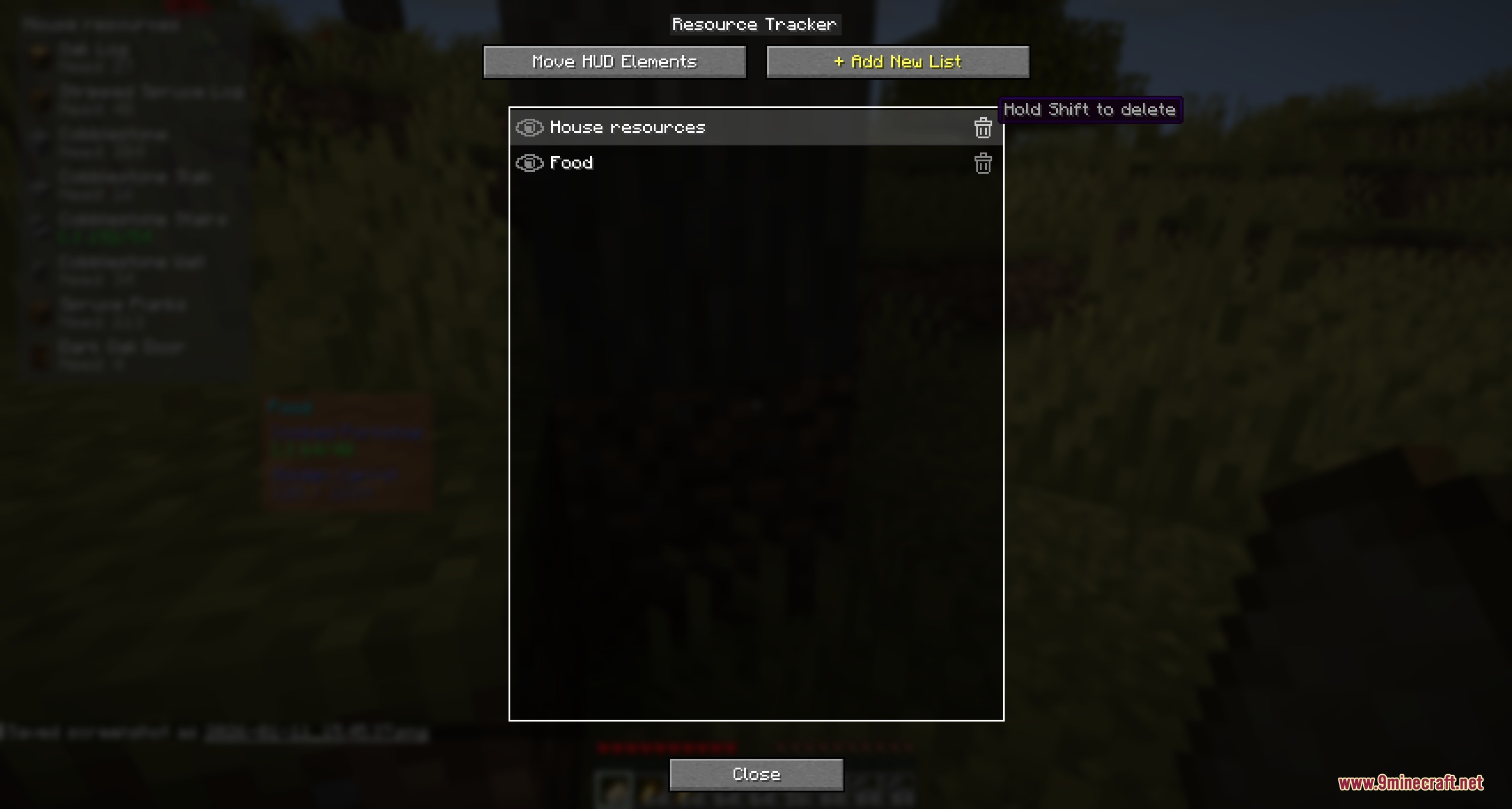
- Press M on your keyboard to open the tracker menu.
- Click the + button to create a new project list.
- Select your list to add target items, adjust quantities, and pick colors.
- Choose the move option to drag the list to your preferred screen position.
- Hold Shift and click delete when you want to remove an old list.
Screenshots:
Hoarders Questline Mod Download Links
Quick facts
- Edition: Minecraft Java
- File type: .jar
- Minecraft version listed: 1.21.1
- How to install: Install the matching mod loader (Forge, Fabric or NeoForge) for your Minecraft version. → Download the .jar. → Put it in the .minecraft/mods folder and launch that loader profile.
- Where to get it: In MC Java Mods, or directly above on this page.
Install steps are the general flow for this file type — How to install Minecraft Java mods & modpacks walks through it step by step.
File checked by MCModsHub
- Downloads as 502656.mcaddon
- Download size: 107 KB
- Download link checked 24 Sept 2026 — working
- Mirrored on our own servers — the download does not depend on the original host
These come from our own check of the pack file, not from the source page.