
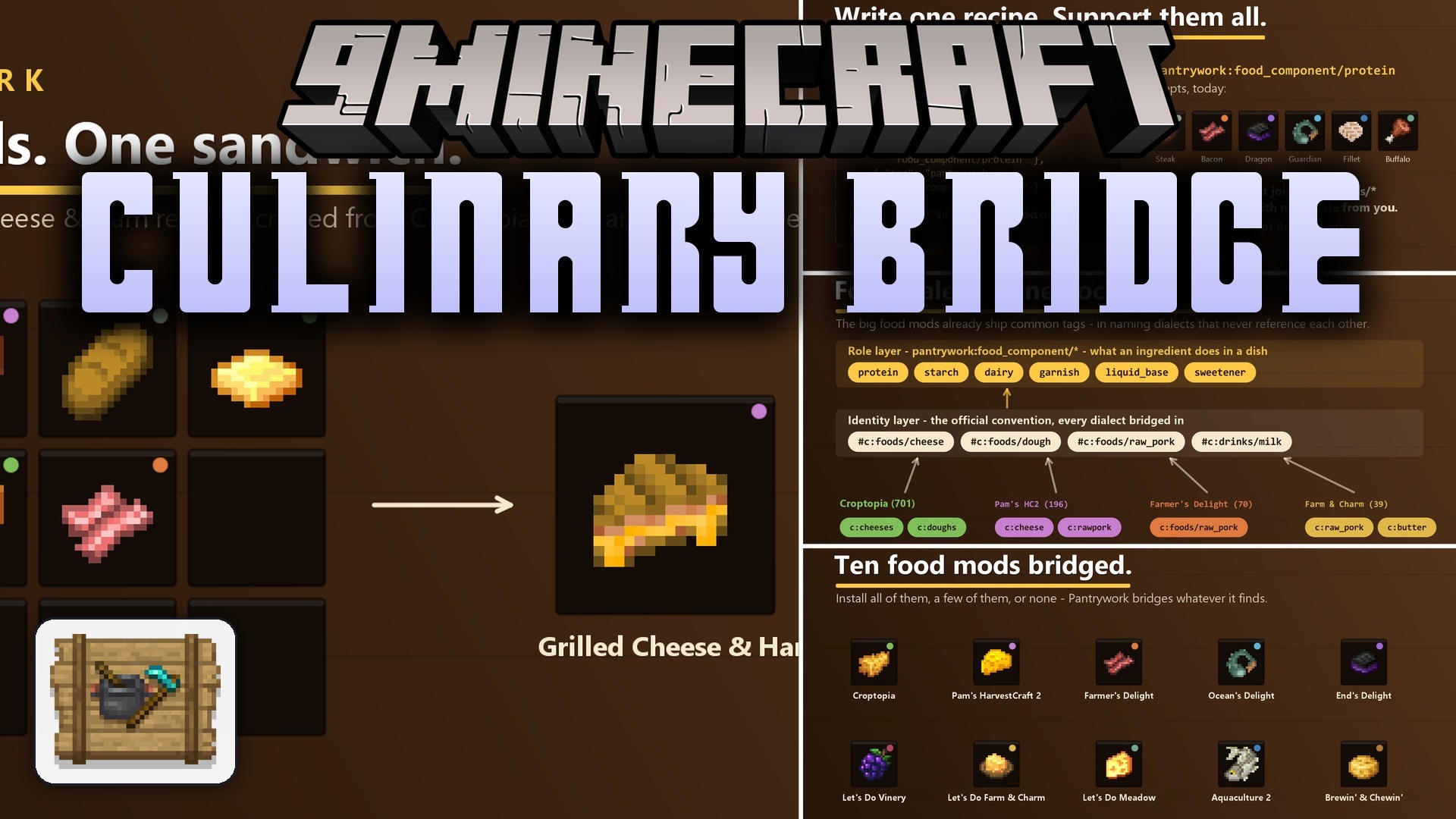
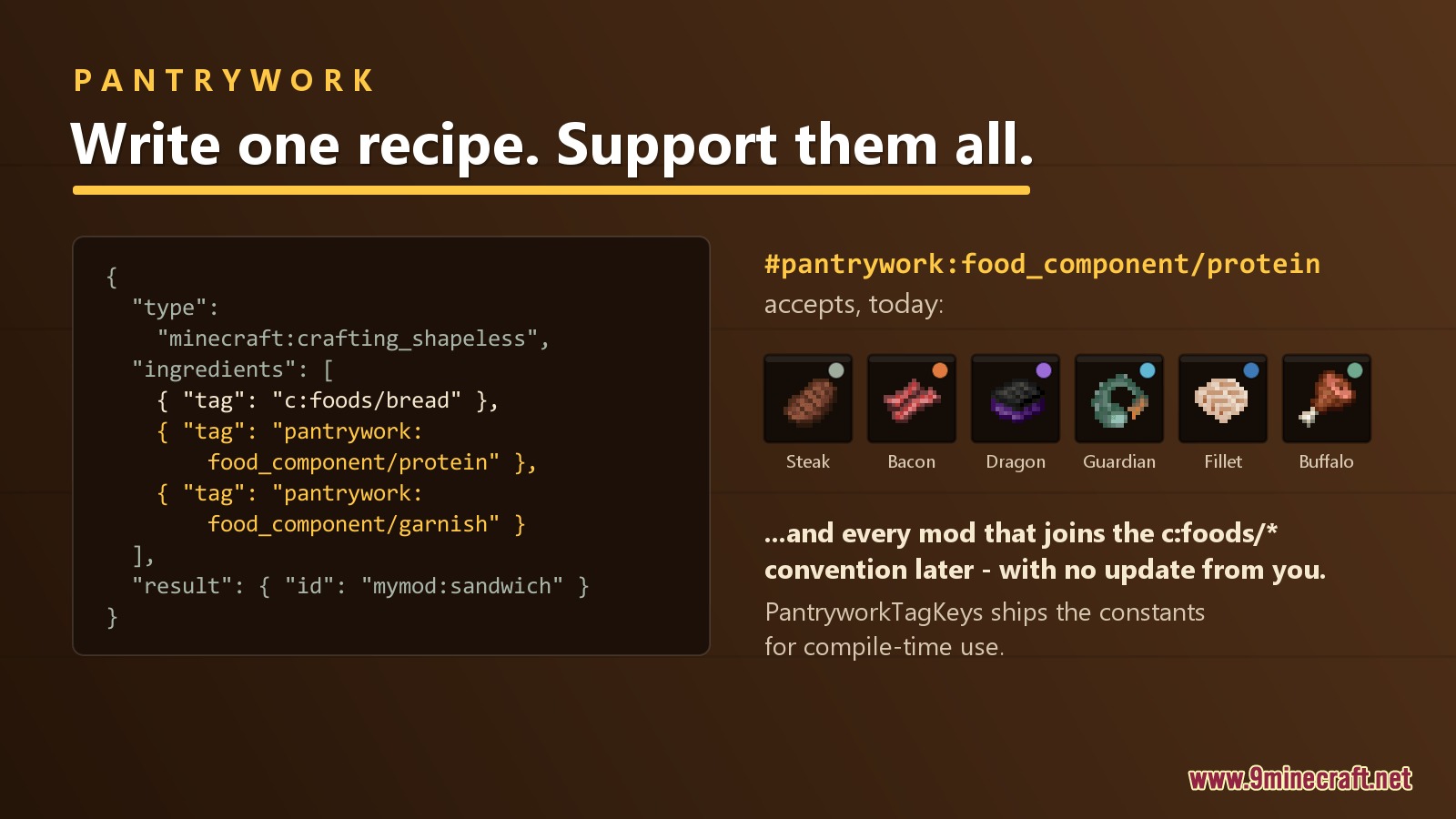
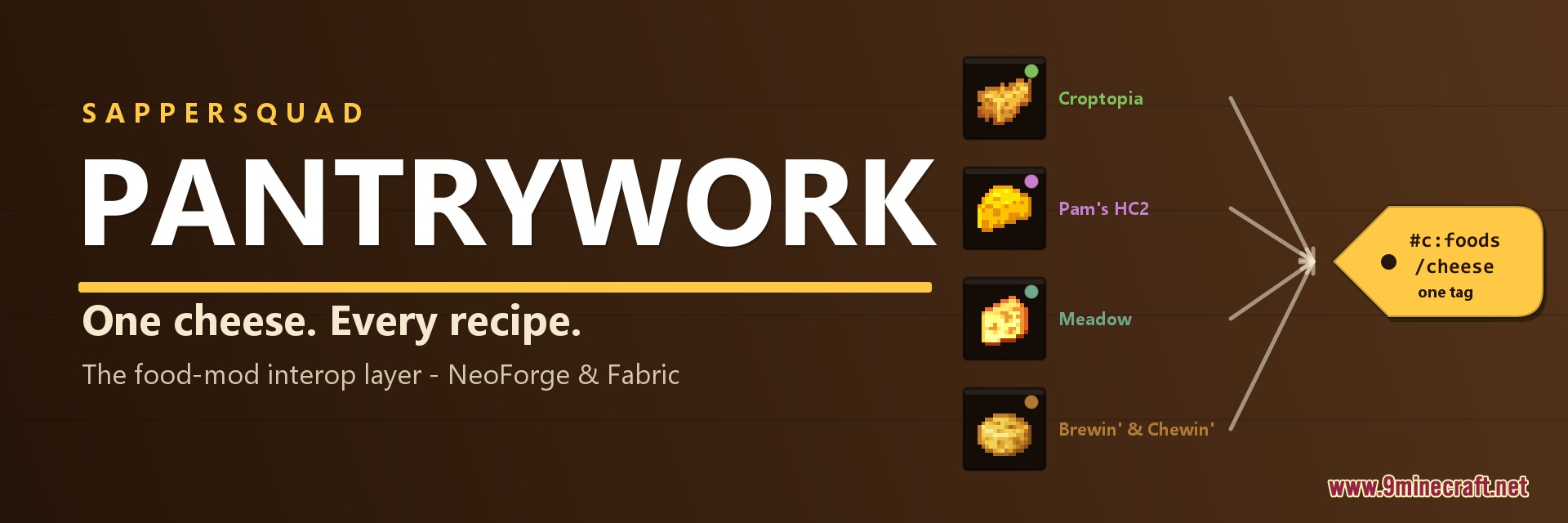
Culinary Bridge Mod bridges food ingredients across popular cooking mods so recipes work together. Different mods often create their own separate versions of items like cheese, meat, and milk that do not work in other kitchens. This mod fixes these naming differences by grouping ingredients into shared tags. You can now use milk or bacon from one mod to cook meals in another without extra steps.
Features:
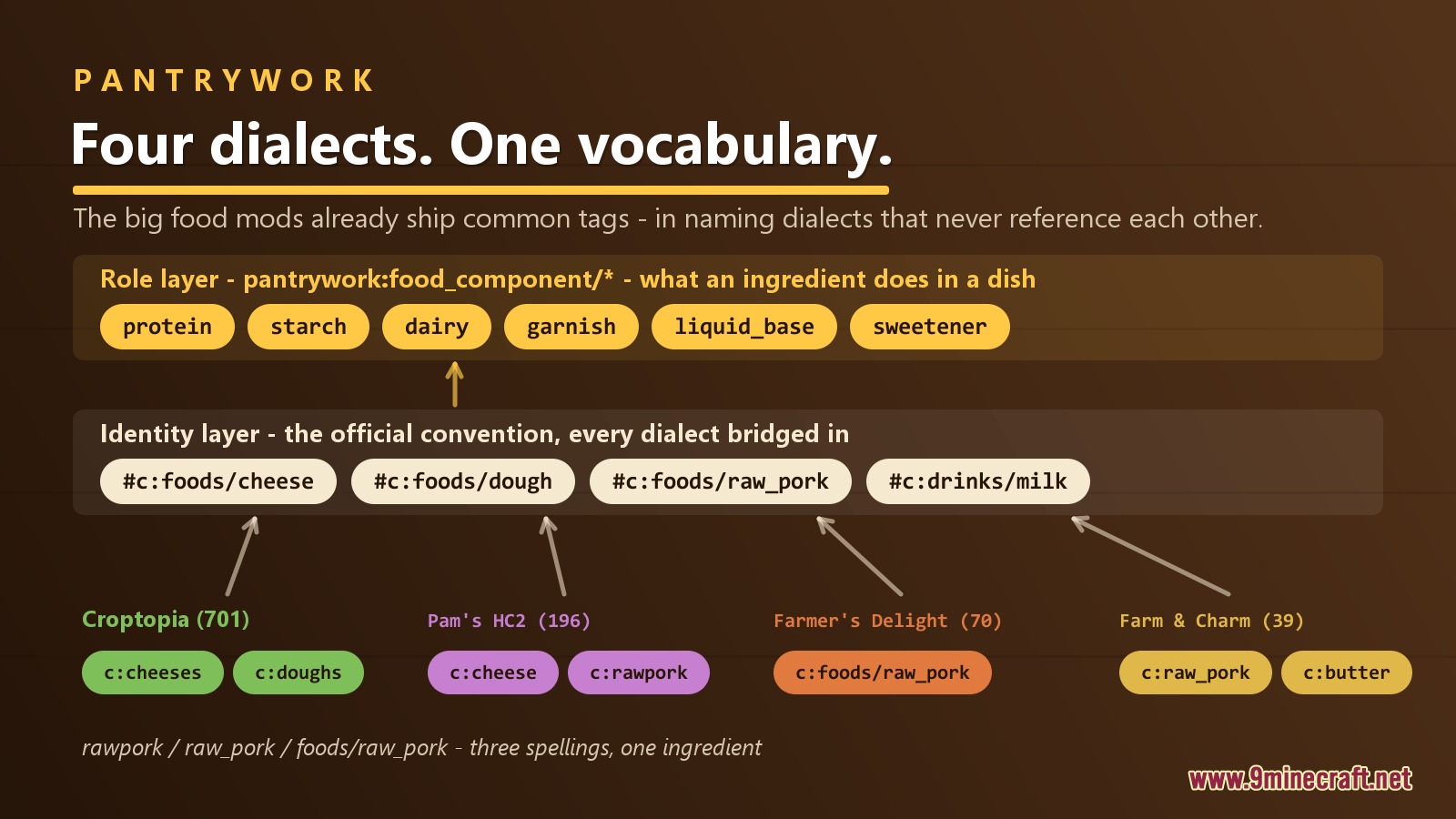
- Two-Way Tag Translation: Converts different naming styles into standard tags so items like cheese and raw pork work across other cooking mods.
- Role-Based Ingredient System: Groups food items by their job, such as proteins, starches, dairy, sweeteners, and liquids.
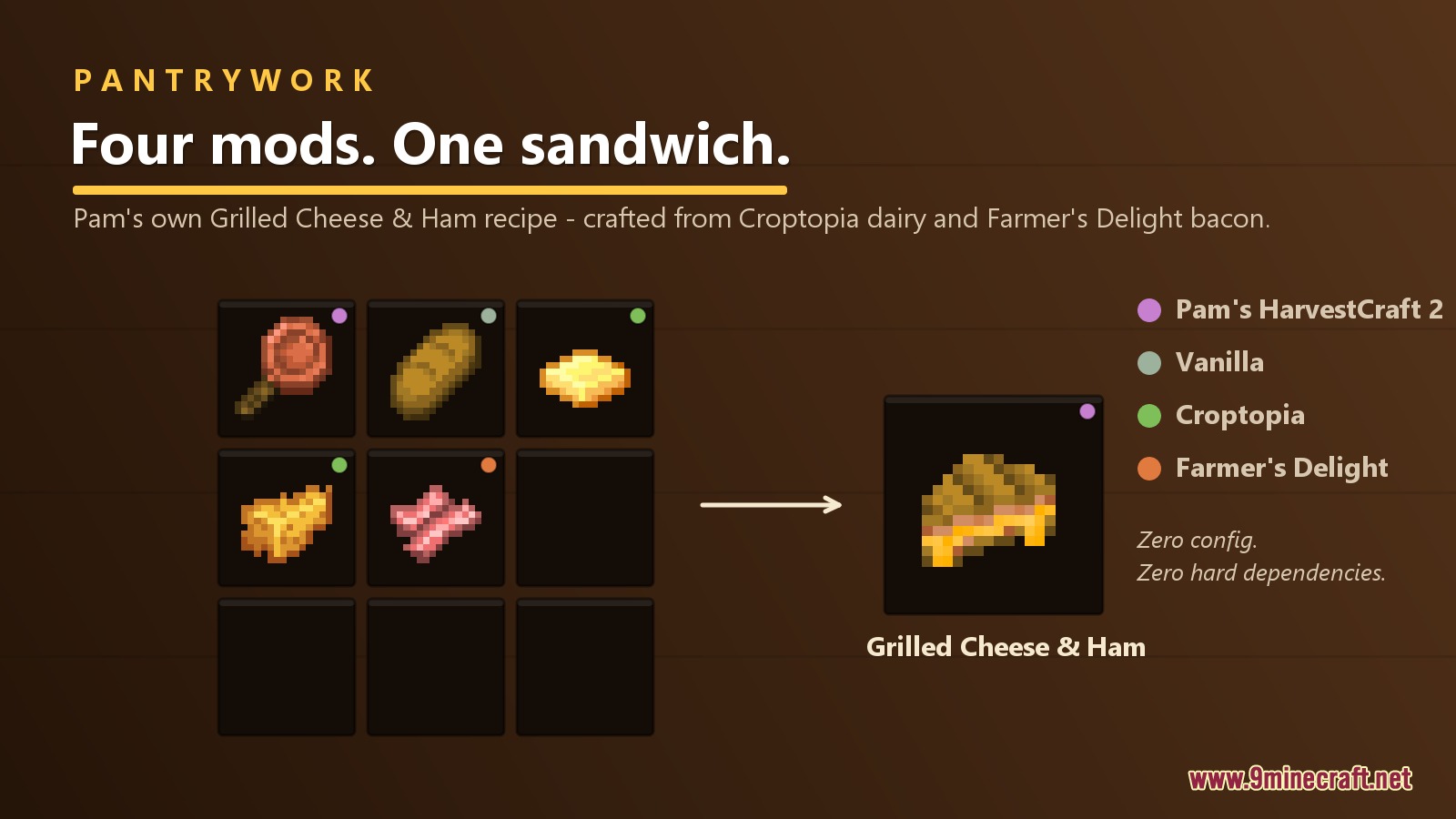
- Recipes from one mod accept matching ingredients from other installed mods automatically.
- Functions entirely on the server side without requiring extra client files for multiplayer.
- Loads safely whether you have all compatible mods installed, only one, or none at all.
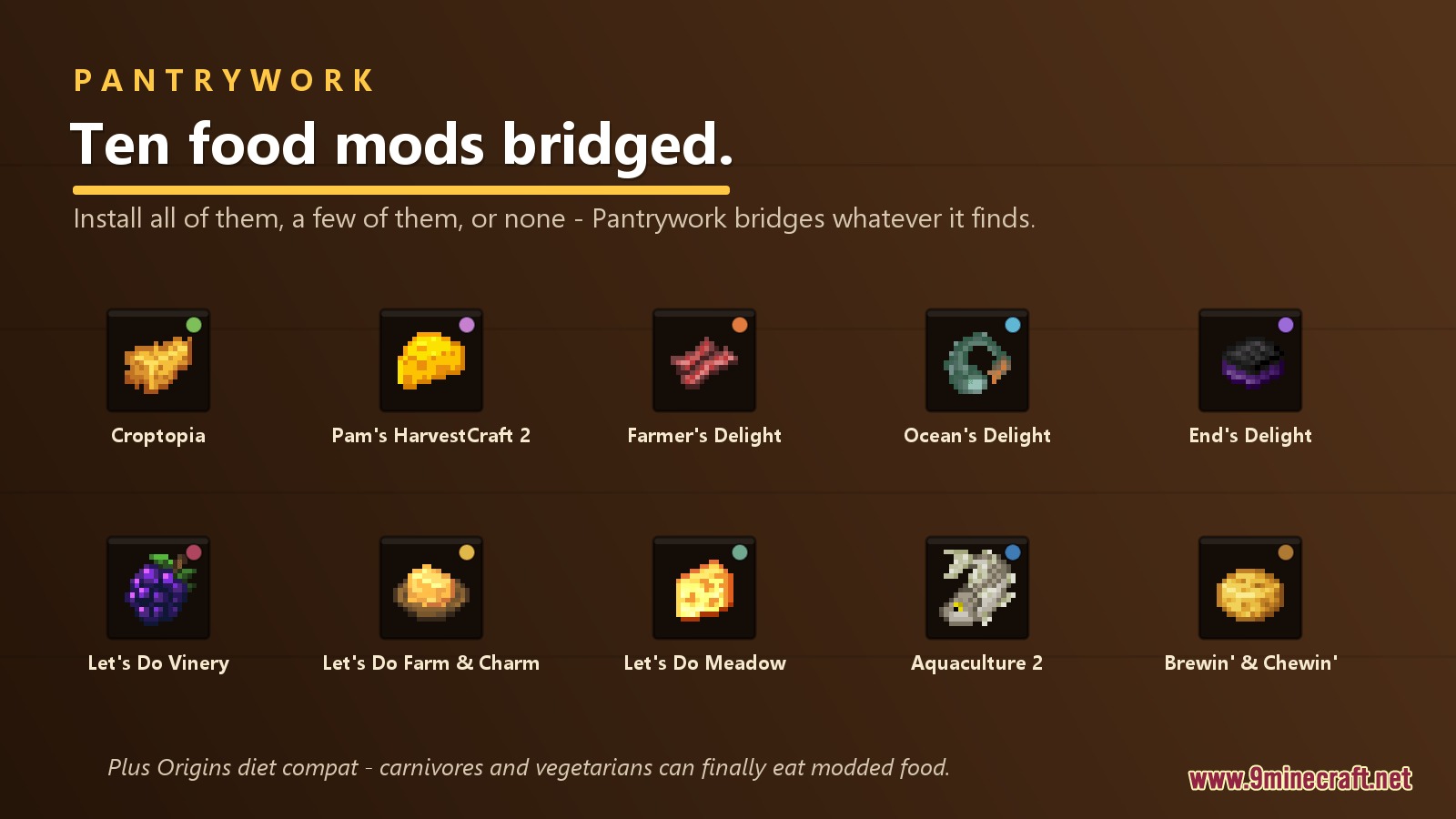
- Works with mods like Farmer’s Delight, Croptopia, Pam’s HarvestCraft 2, Aquaculture 2, and the Let’s Do series.
- Diet tags connect with Origins so custom food matches dietary restrictions.
Screenshots:
Culinary Bridge Mod Download Links
Quick facts
- Edition: Minecraft Java
- File type: .jar
- Minecraft version listed: 1.21.1
- How to install: Install the matching mod loader (Forge, Fabric or NeoForge) for your Minecraft version. → Download the .jar. → Put it in the .minecraft/mods folder and launch that loader profile.
- Where to get it: Opens on the file's original source — not every file is mirrored on our own servers.
Install steps are the general flow for this file type — How to install Minecraft Java mods & modpacks walks through it step by step.
Culinary Bridge Mod (26.2, 1.21.1) – Cook Any Recipe with Ingredients is a free Minecraft Java mod. Compatible with Minecraft 1.21.1. Download it and open it directly in the game.