ModsJava
Stash Tracker Mod (26.2, 1.21.11) – Locate Building Materials Across All
Java mod listed for Minecraft 1.21. File opened and checked on 7 Oct 2026; downloads from the MC Java Mods app on Android.
⬇ Download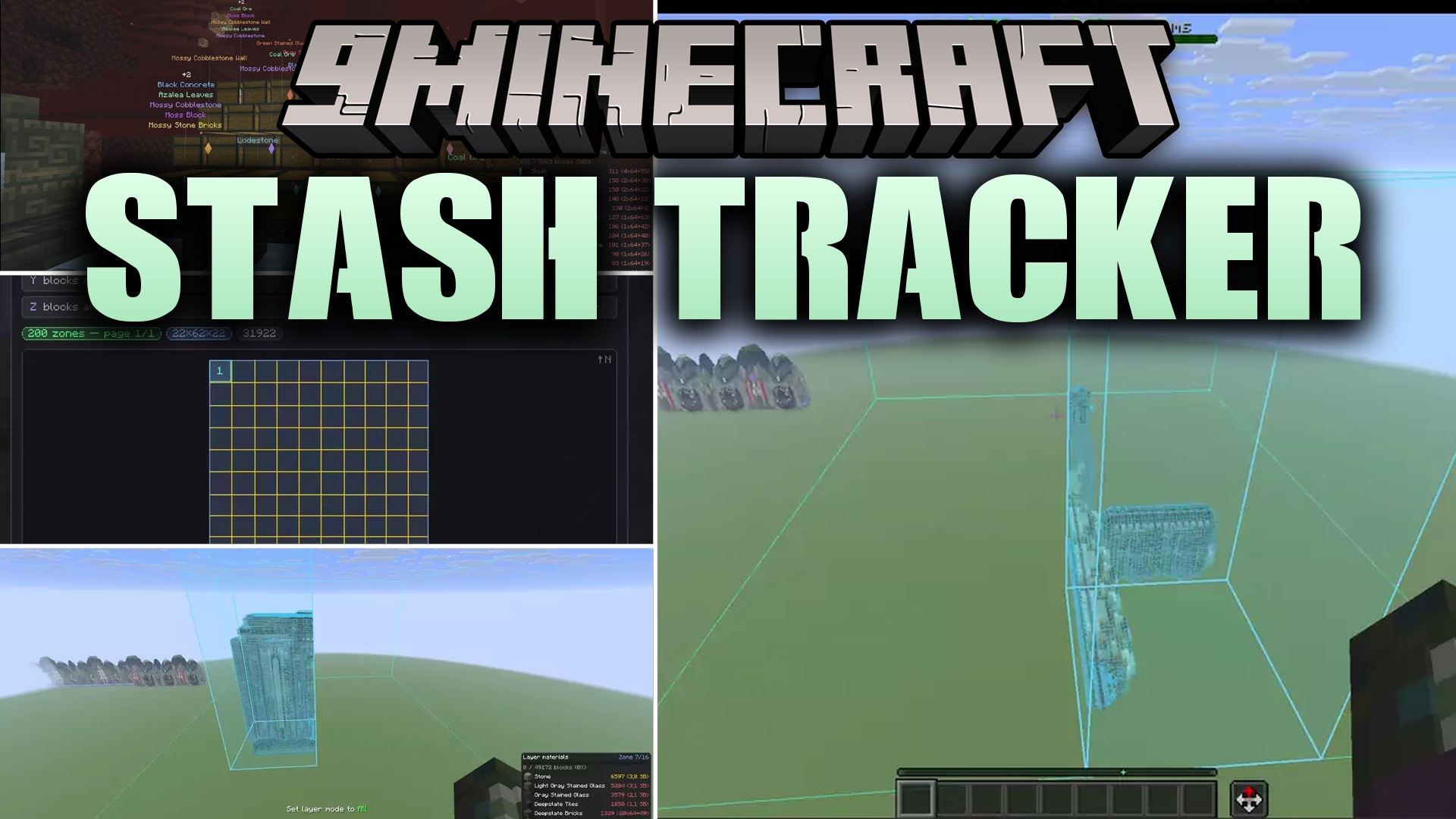
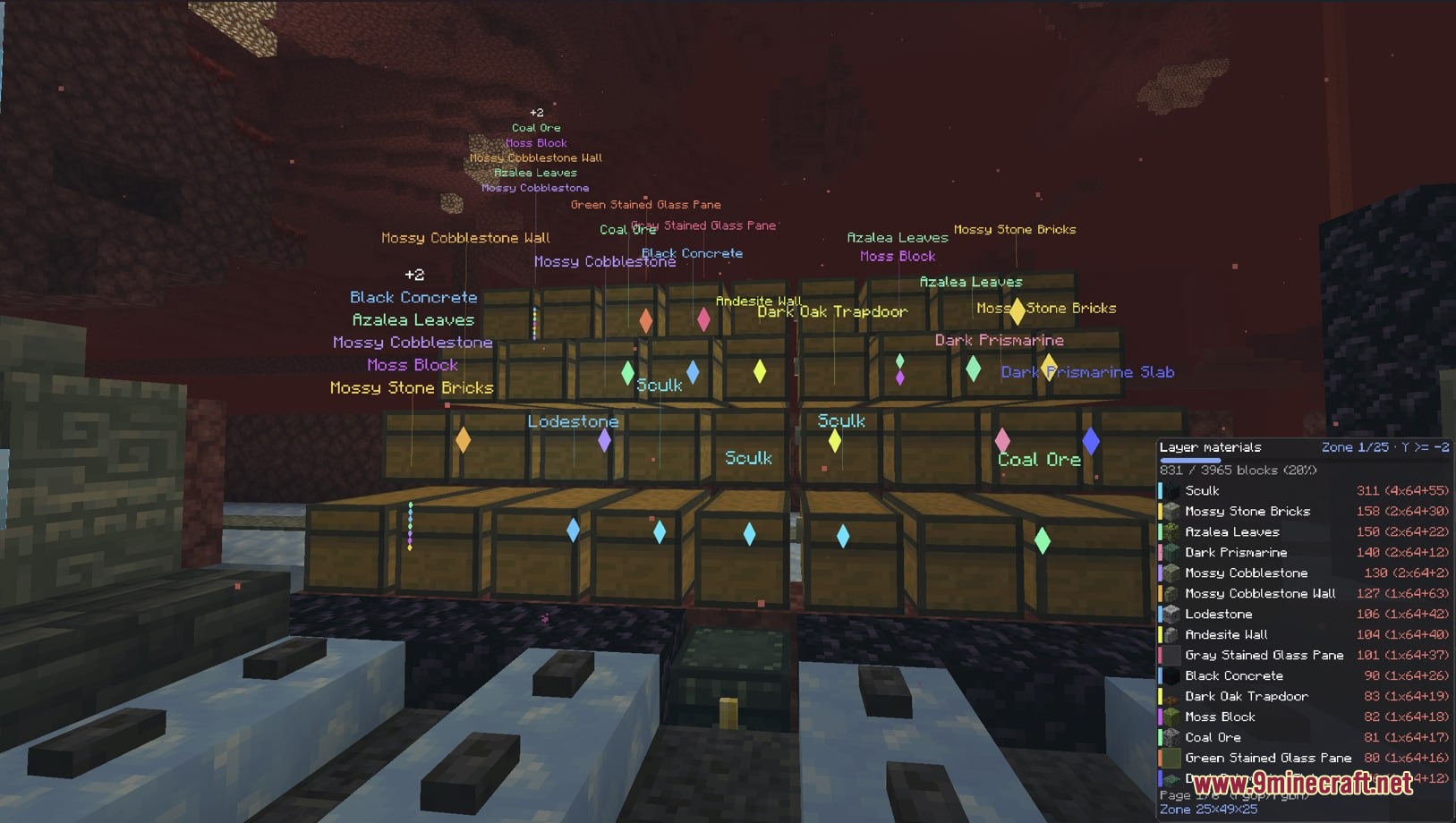
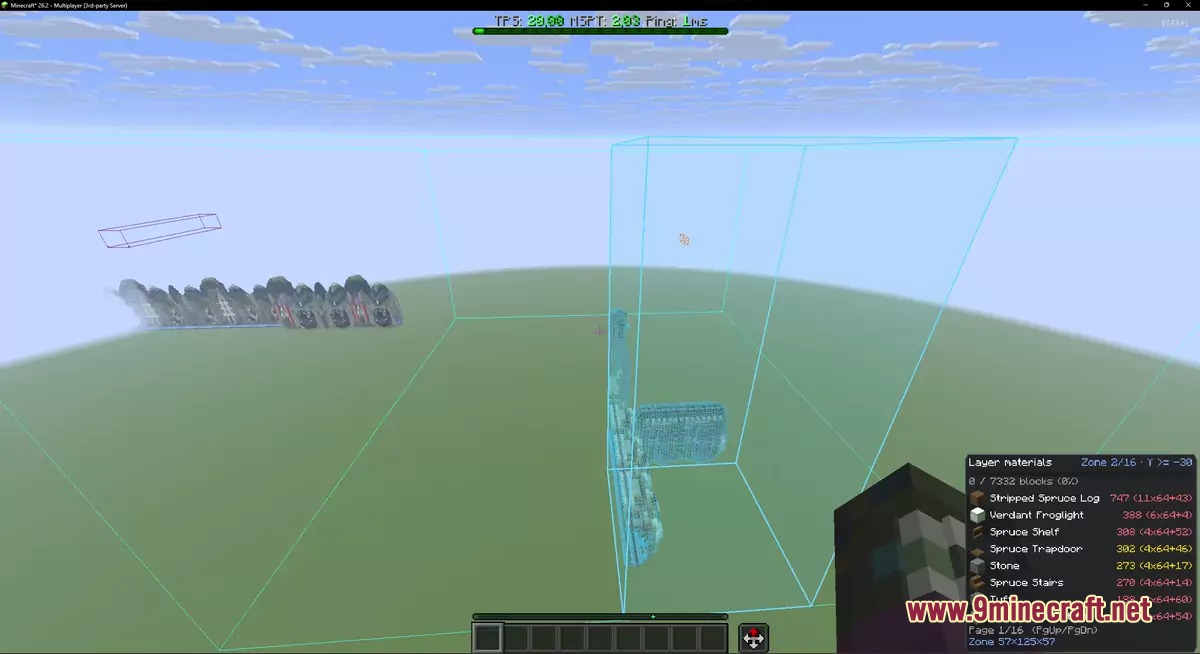
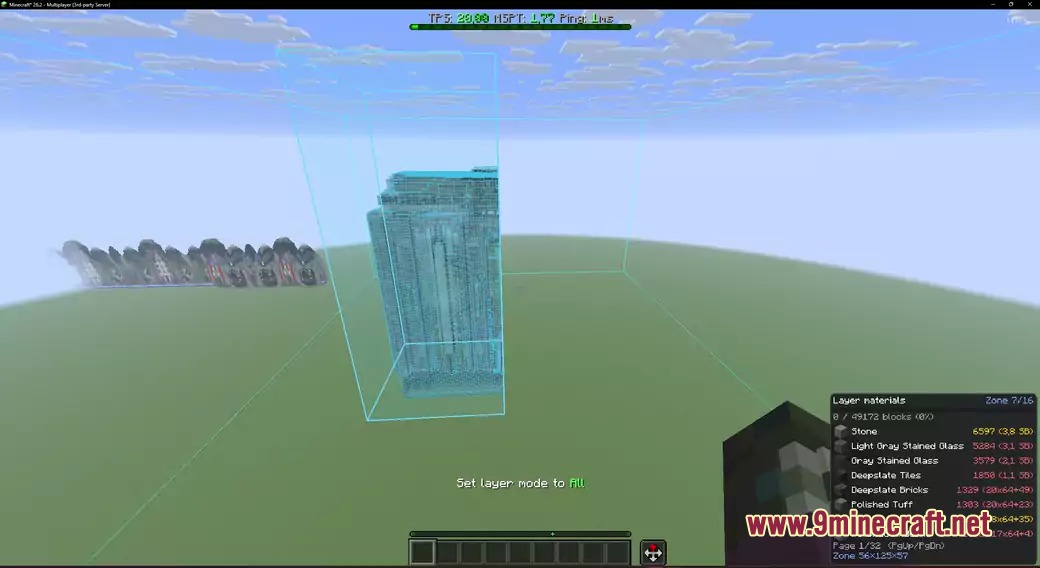
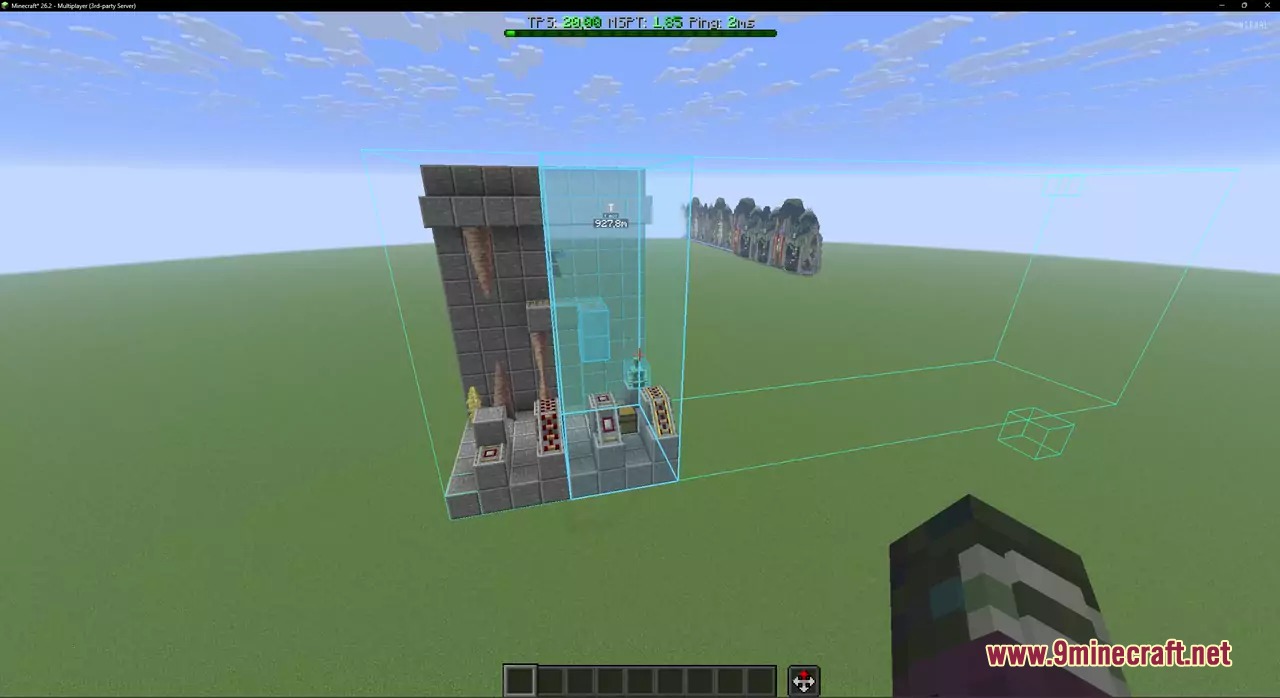
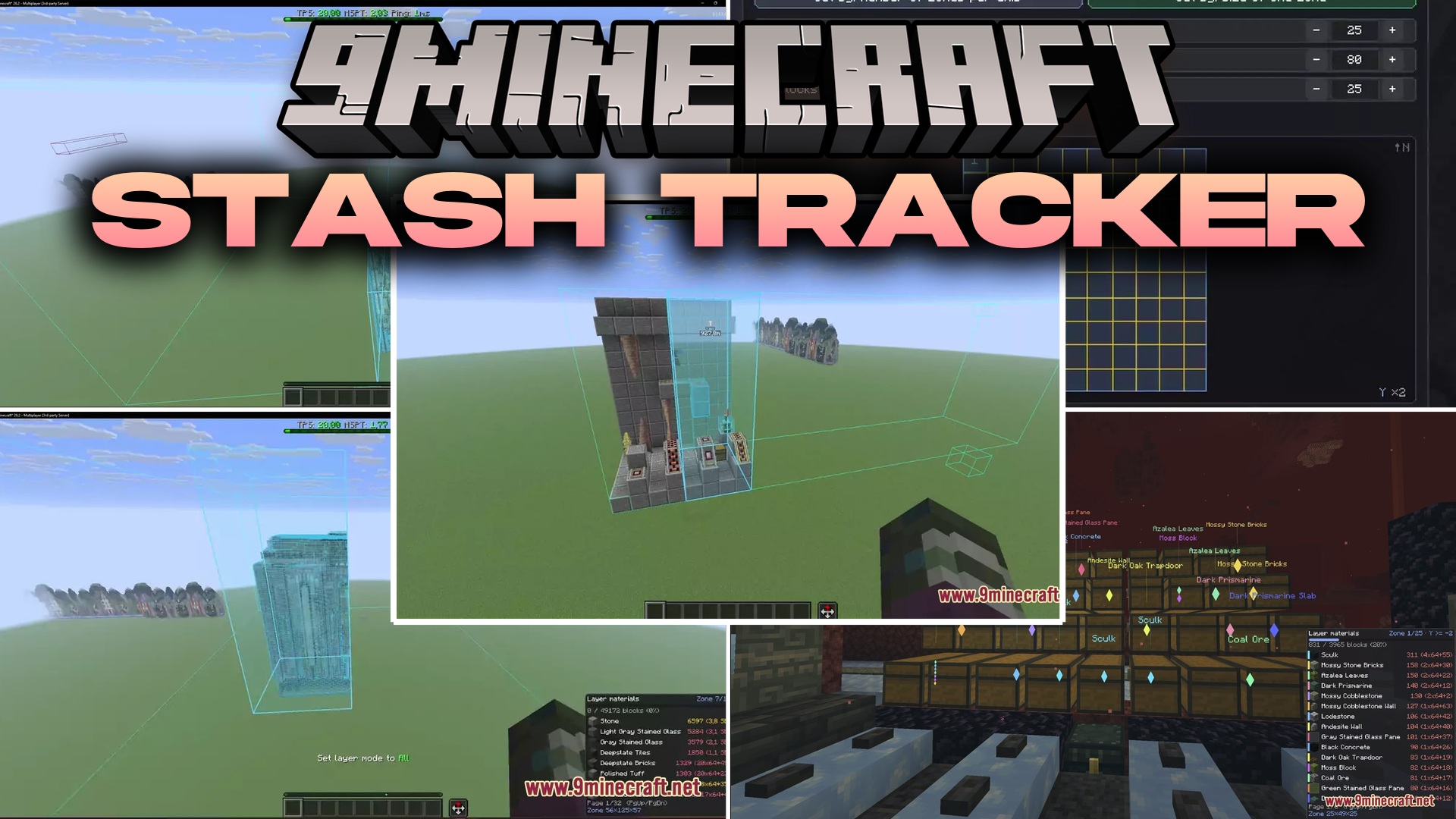
Stash Tracker Mod extends Litematica by displaying required building supplies and marking the exact chests where items sit. It remembers container contents across worlds and servers, pointing you toward missing blocks through walls. The mod also adds visual verification for mistakes and provides clean fixes for block placement angles.
Features:
- Shows a clear list of remaining materials for your active schematic layer with live progress counts.
- Remembers items in every chest, barrel, and shulker box you open or look at with an item frame.
- Highlights nearby storage holding needed items with matching colors visible through solid walls.
- Outlines matching slots inside container screens so you pick items without searching manually.
- Verifies placed blocks and highlights missing spots, wrong rotations, extra blocks, or incorrect items.
- Prevents overclicking when placing multi-layer blocks like candles, snow layers, sea pickles, and petals.
- Simulates block rotation states before placement to avoid crooked stairs, banners, and heads.
- Adjusts holographic schematic transparency directly with an in-game slider.
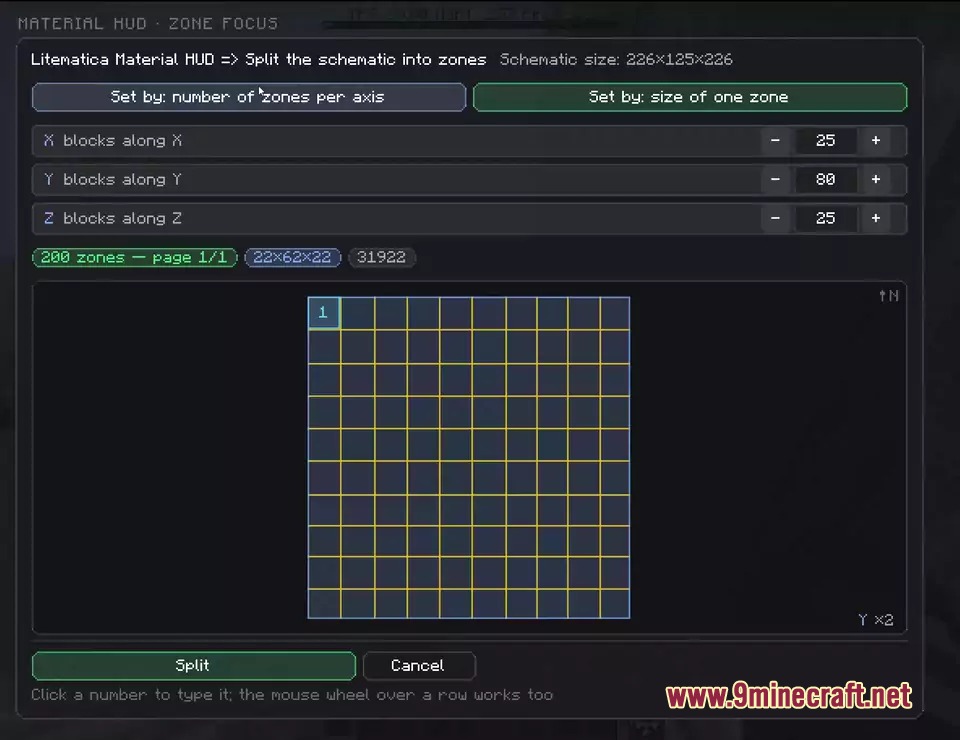
- Includes zone selection tools to break giant schematics into smaller sections.
- Lets you move and rescale the on-screen display panel to fit your preferred layout.
How to Use:
- Load a schematic in Litematica and choose your desired render layer mode.
- Press Y to show the material list HUD for the selected layer.
- Press U to highlight all nearby chests and storage containers holding needed items.
- Open highlighted containers to grab matching glowing slots directly into your inventory.
- Press Ctrl + B once finished building to verify correct block placement.
- Press Ctrl + Y to open the mod settings and customize HUD options.
Screenshots:
Stash Tracker Mod Download Links
Quick facts
- Edition: Minecraft Java
- File type: .jar
- Minecraft version listed: 1.21.11
- How to install: Install the matching mod loader (Forge, Fabric or NeoForge) for your Minecraft version. → Download the .jar. → Put it in the .minecraft/mods folder and launch that loader profile.
- Where to get it: In MC Java Mods, or directly above on this page.
Install steps are the general flow for this file type — How to install Minecraft Java mods & modpacks walks through it step by step.
File checked by MCModsHub
- Downloads as 502667.mcaddon
- Download size: 589 KB
- Download link checked 23 Sept 2026 — working
- Mirrored on our own servers — the download does not depend on the original host
These come from our own check of the pack file, not from the source page.