ModsJava
Etherlink Streamline Mod (1.21.11) – Teleport and Trade Directly
Java mod listed for Minecraft 1.21. Downloads from the MC Java Mods app on Android.
⬇ Download
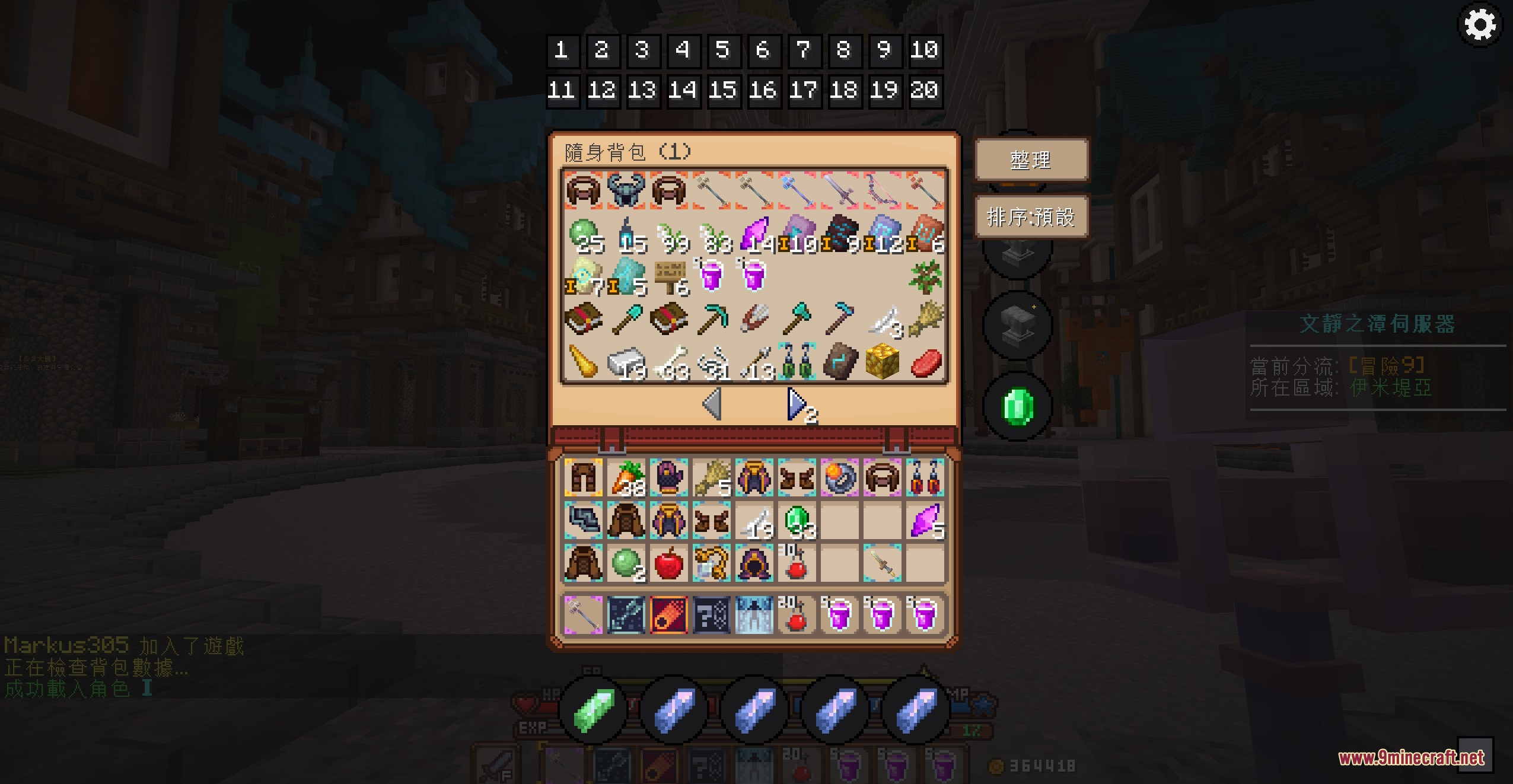
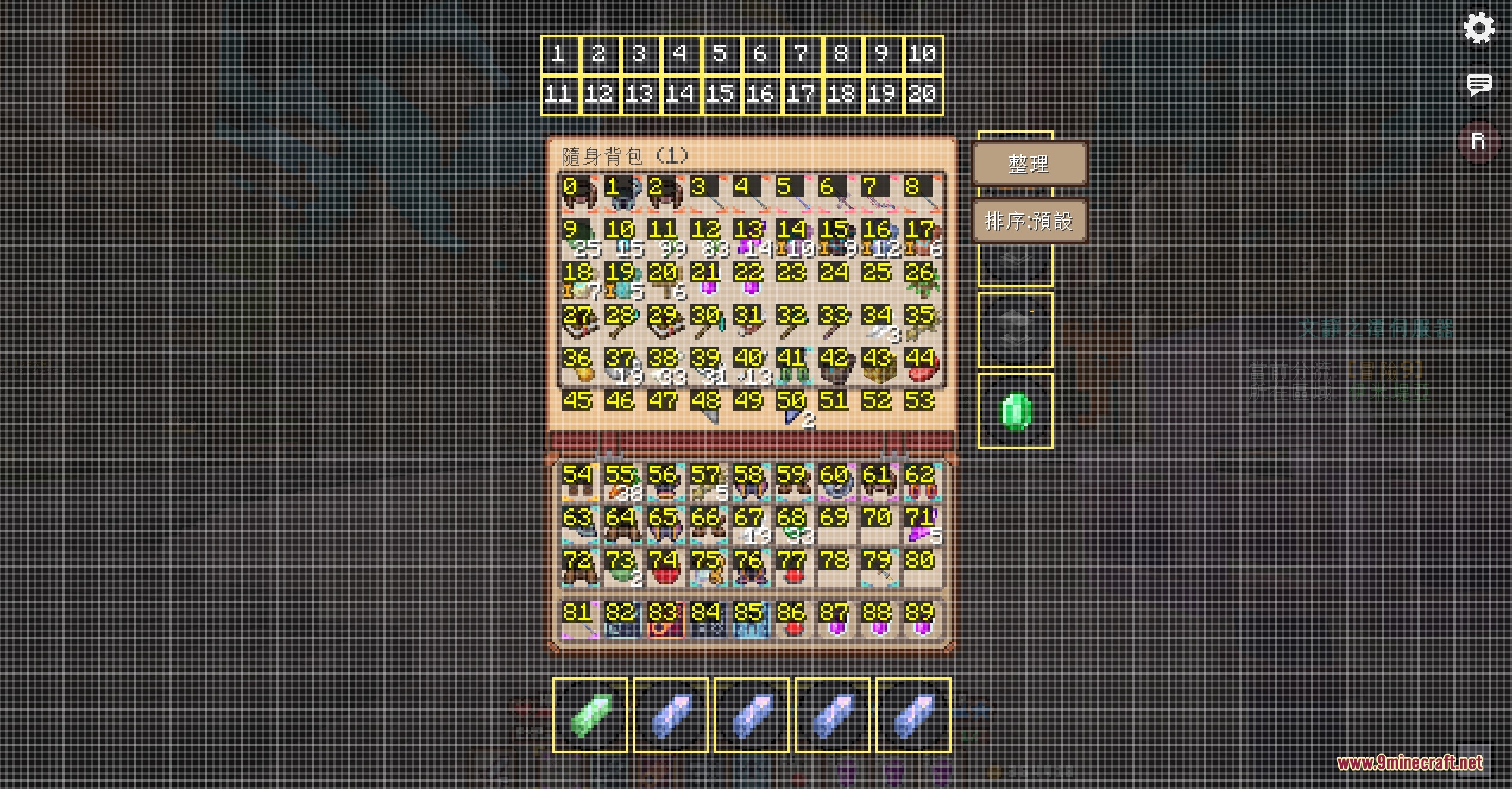
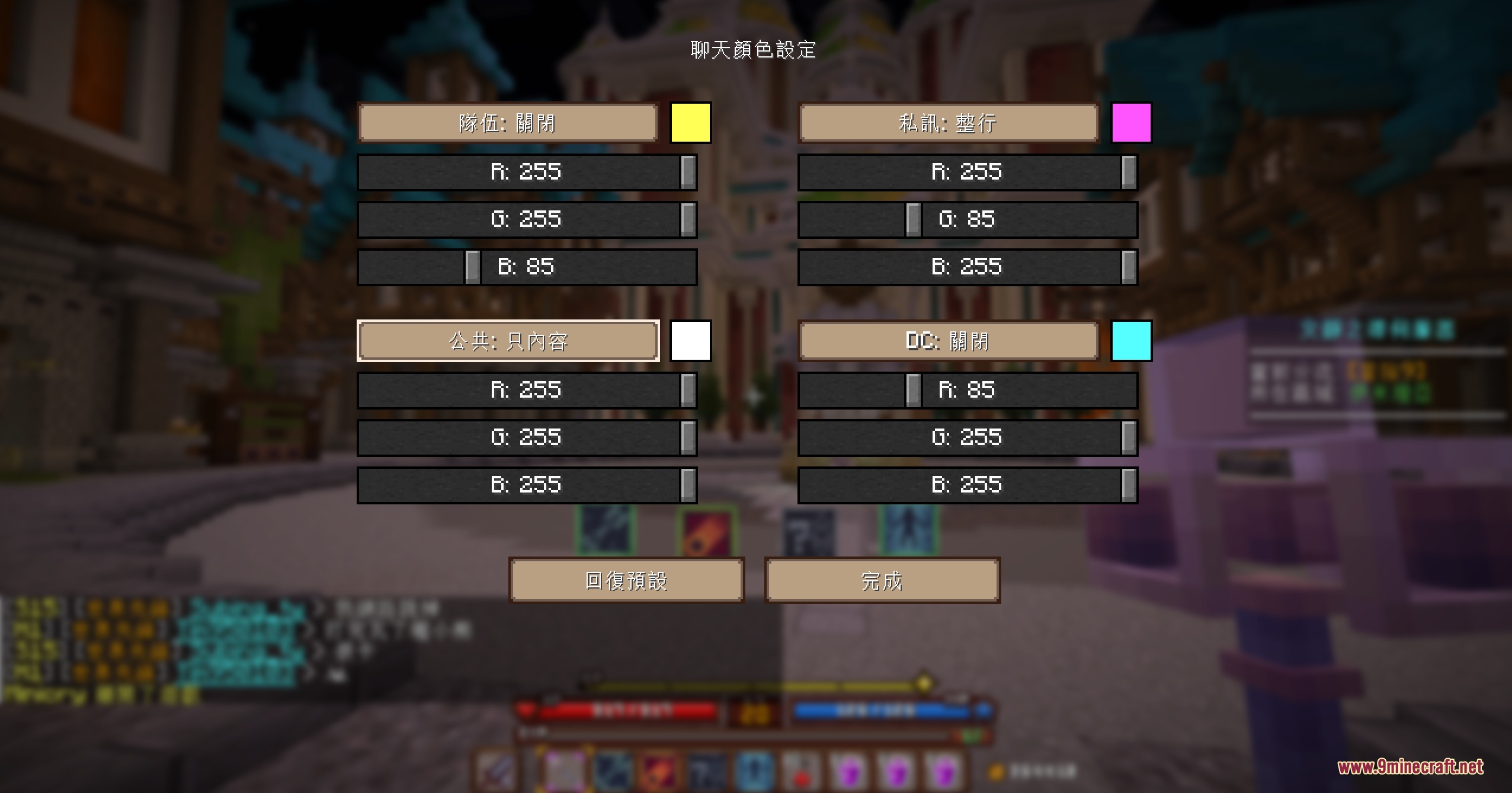
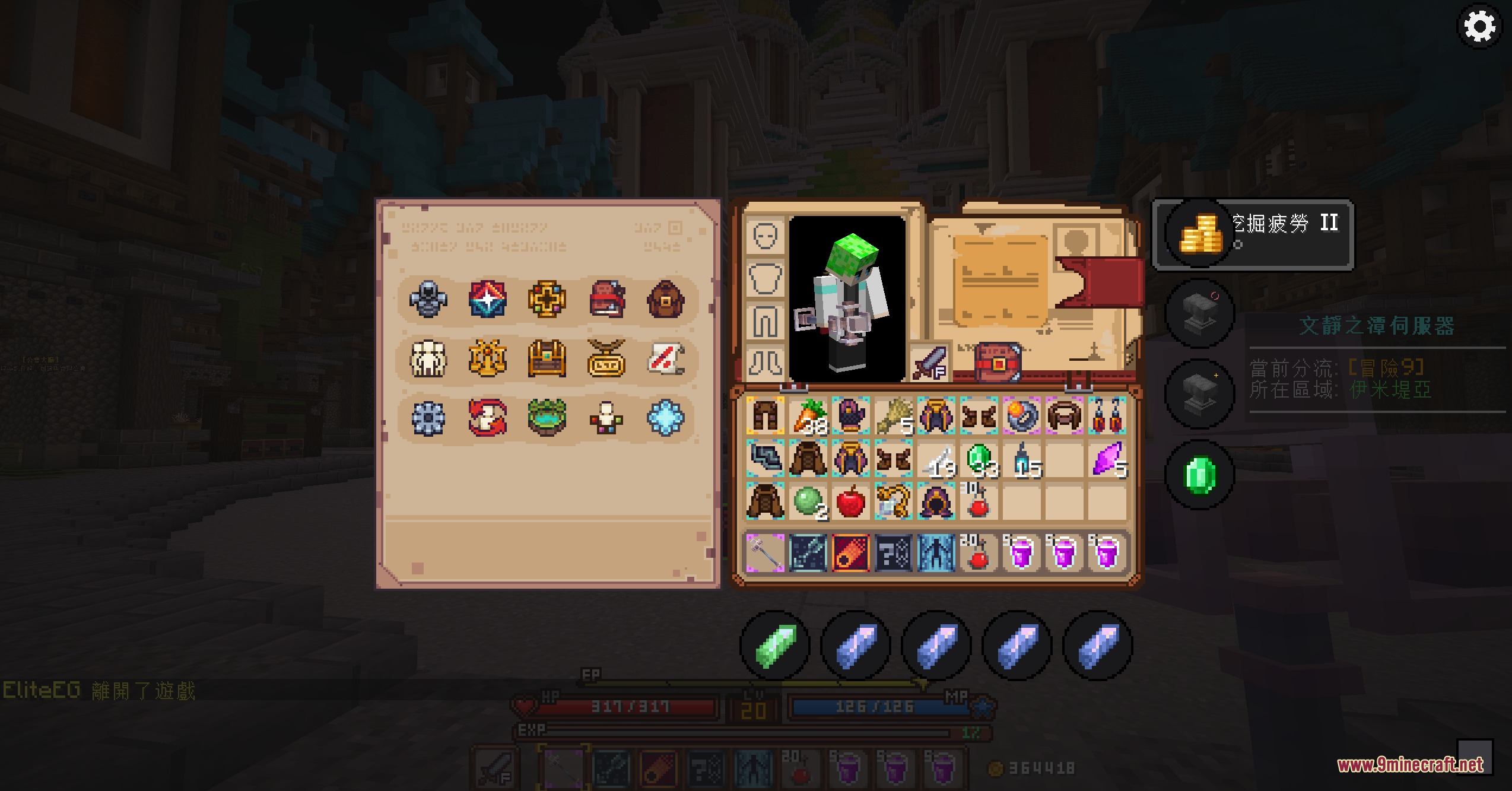
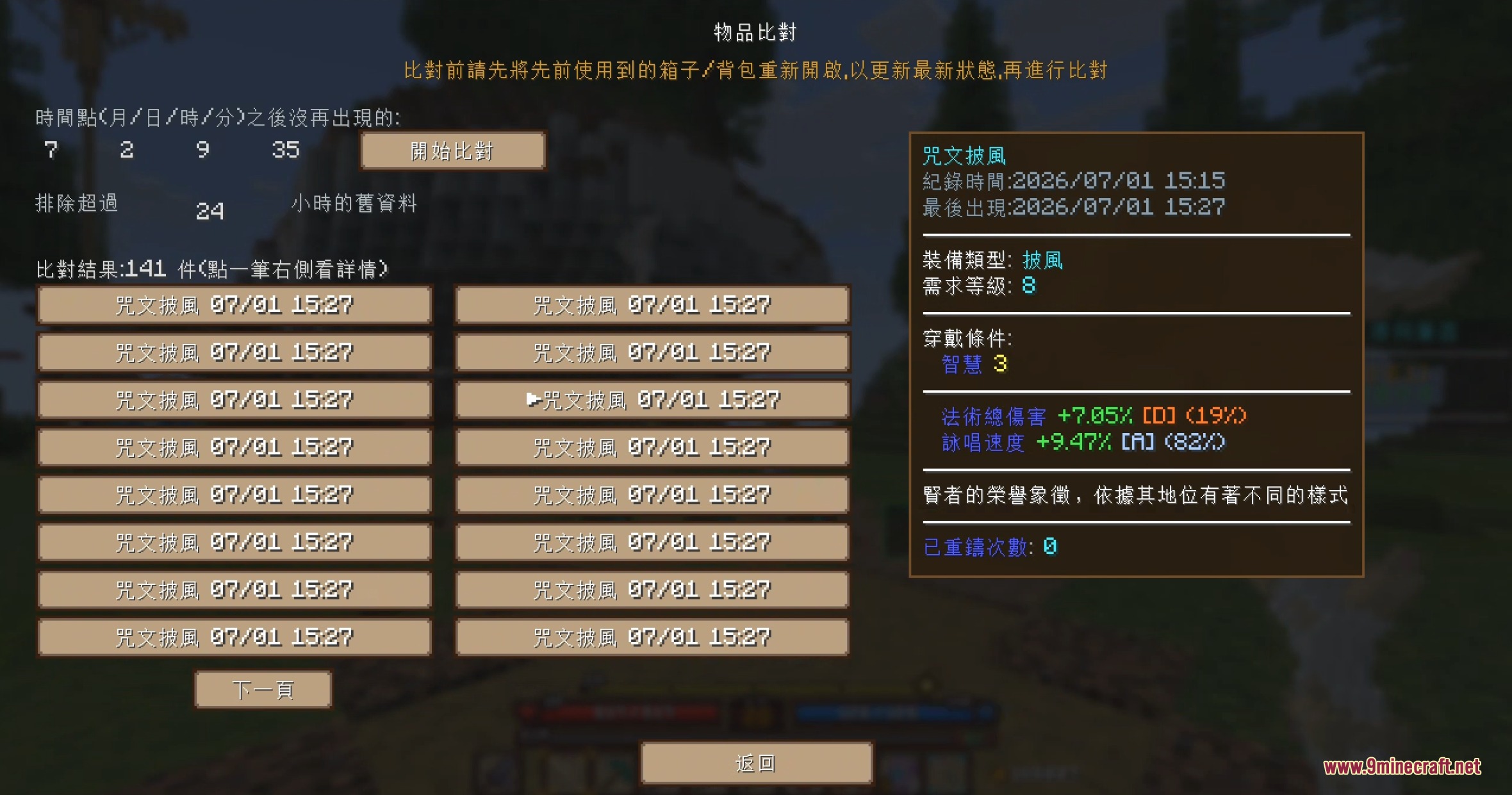
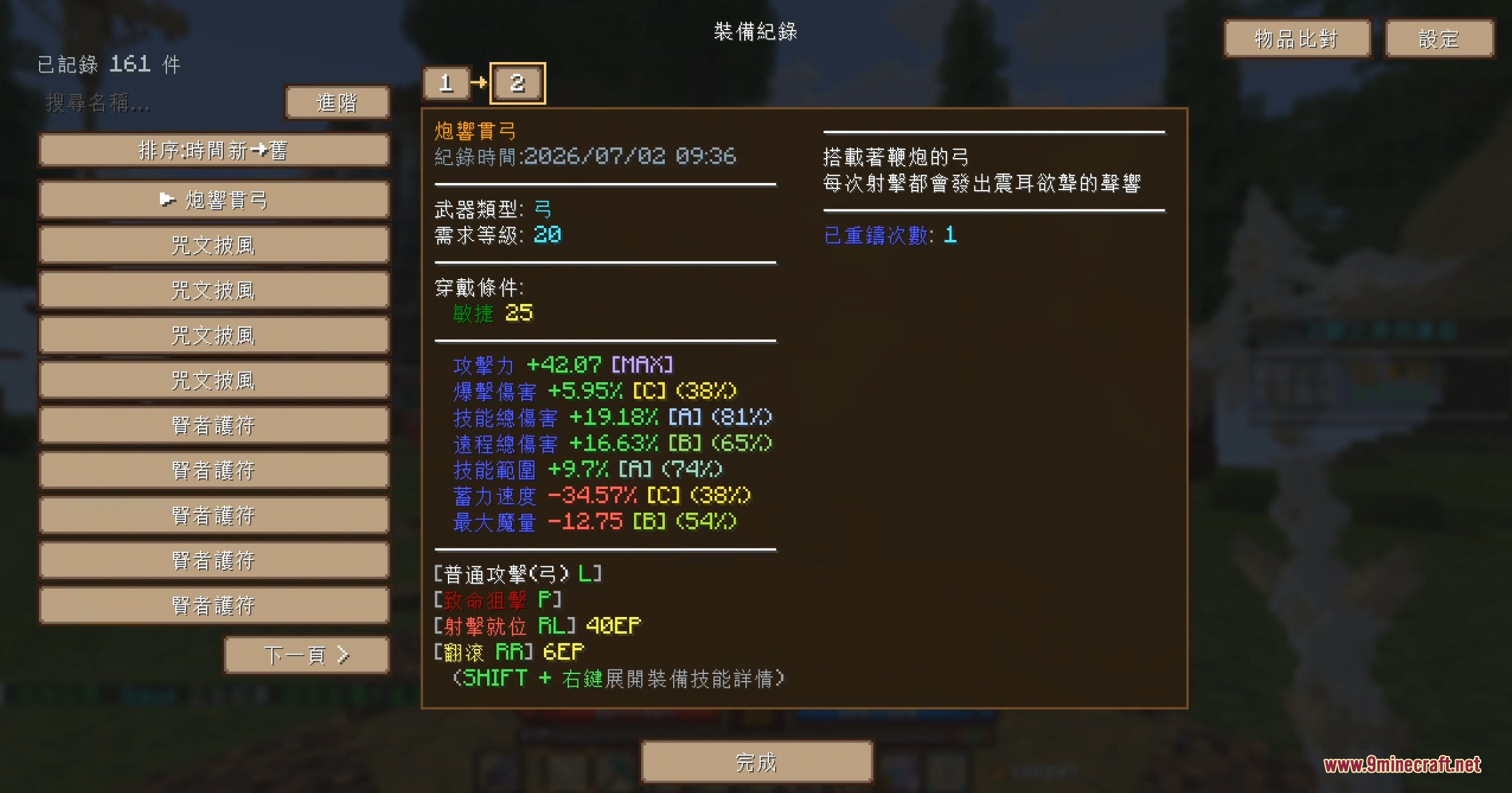
Etherlink Streamline Mod brings fast one-click shortcut menus and handy chat tools specifically for players on the Celestmere Server. It places quick buttons right inside your inventory screen to open trading shops, weapon reforging, and instant teleports without typing long commands. The mod also lets you send direct messages by clicking player names in chat, inspect gear logs, and adjust menu layouts to fit your screen.
Features:
- Adds quick-access side buttons inside your inventory for item sales, enhancement, reforging, and the trading market.
- Provides bottom inventory buttons for instant teleportation to key destinations.
- Switches buttons automatically to housing functions when you visit skyblock islands.
- Fills in the private message command automatically whenever you click a player name in the chat box.
- Allows full adjustment of interface position by left-clicking and interface size by right-clicking.
- Adds page-turning controls to temporary backpacks when opened.
- Lets you set separate interface positions for small chests and large chests.
- Switches equipment and skill sets automatically based on your setup.
- Includes an equipment logging and comparison system to track reforges and stat changes.
- Features tools to search, view, and delete saved equipment logs.
- Lets you change text channel colors directly in chat.
- Sends optional notifications in-game whenever an update is available.
Commands:
/pm <player>: sends a private direct message to the selected player.
How to Use:
- Open your inventory screen while connected to the Celestmere Server.
- Click the buttons on the right side to access server shops, gear enhancement, and trading markets.
- Click the bottom buttons to teleport or access housing menus.
- Left-click on menu elements to drag their positions, or right-click them to resize.
- Click any player username in the chat window to prepare a private message.
Screenshots:
Etherlink Streamline Mod Download Links
Quick facts
- Edition: Minecraft Java
- File type: .jar
- Minecraft version listed: 1.21.11
- How to install: Install the matching mod loader (Forge, Fabric or NeoForge) for your Minecraft version. → Download the .jar. → Put it in the .minecraft/mods folder and launch that loader profile.
- Where to get it: In MC Java Mods, or directly above on this page.
Install steps are the general flow for this file type — How to install Minecraft Java mods & modpacks walks through it step by step.
File checked by MCModsHub
- Downloads as 502671.mcaddon
- Download size: 2.4 MB
- Download link checked 23 Sept 2026 — working
- Mirrored on our own servers — the download does not depend on the original host
These come from our own check of the pack file, not from the source page.