
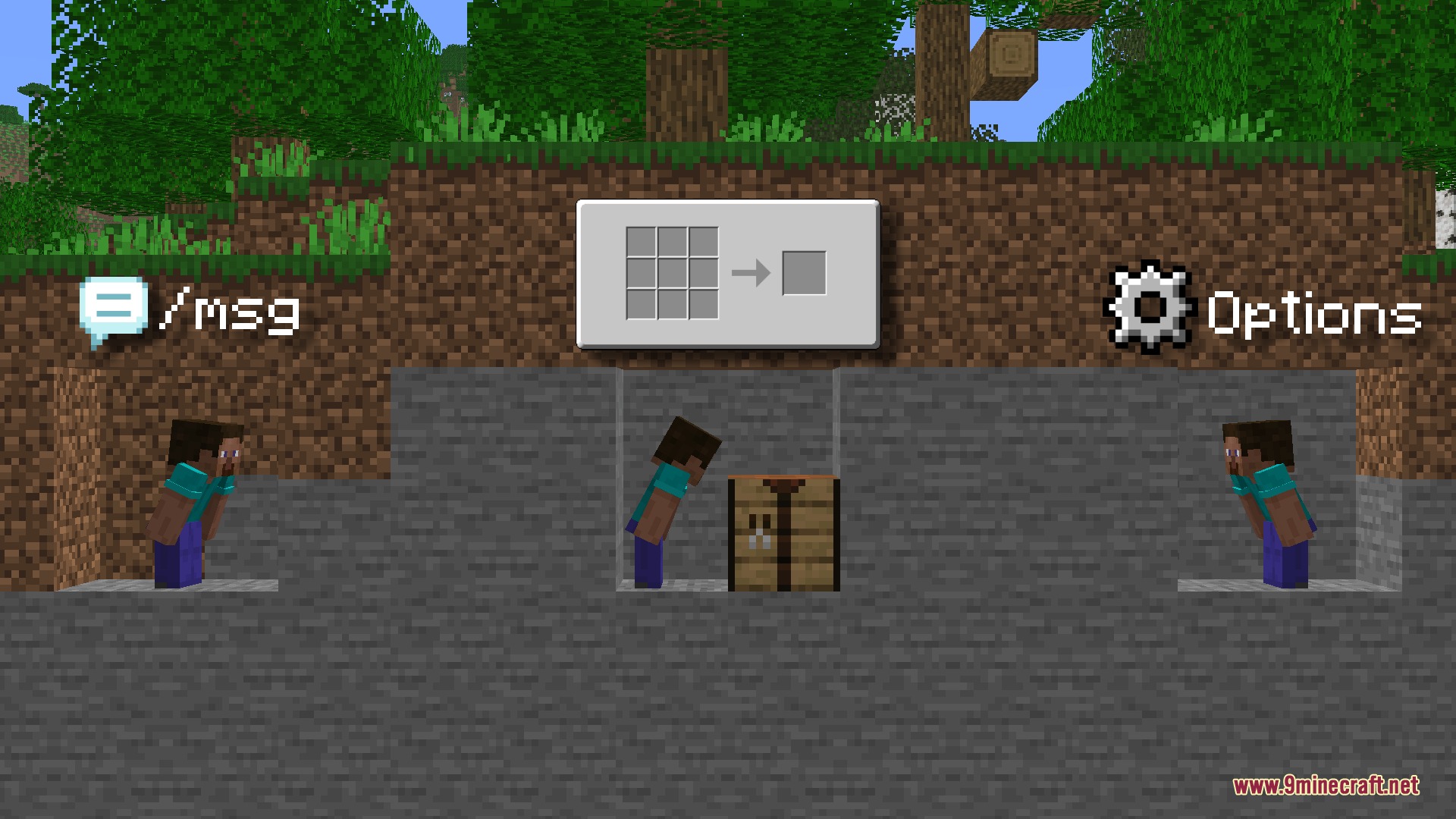
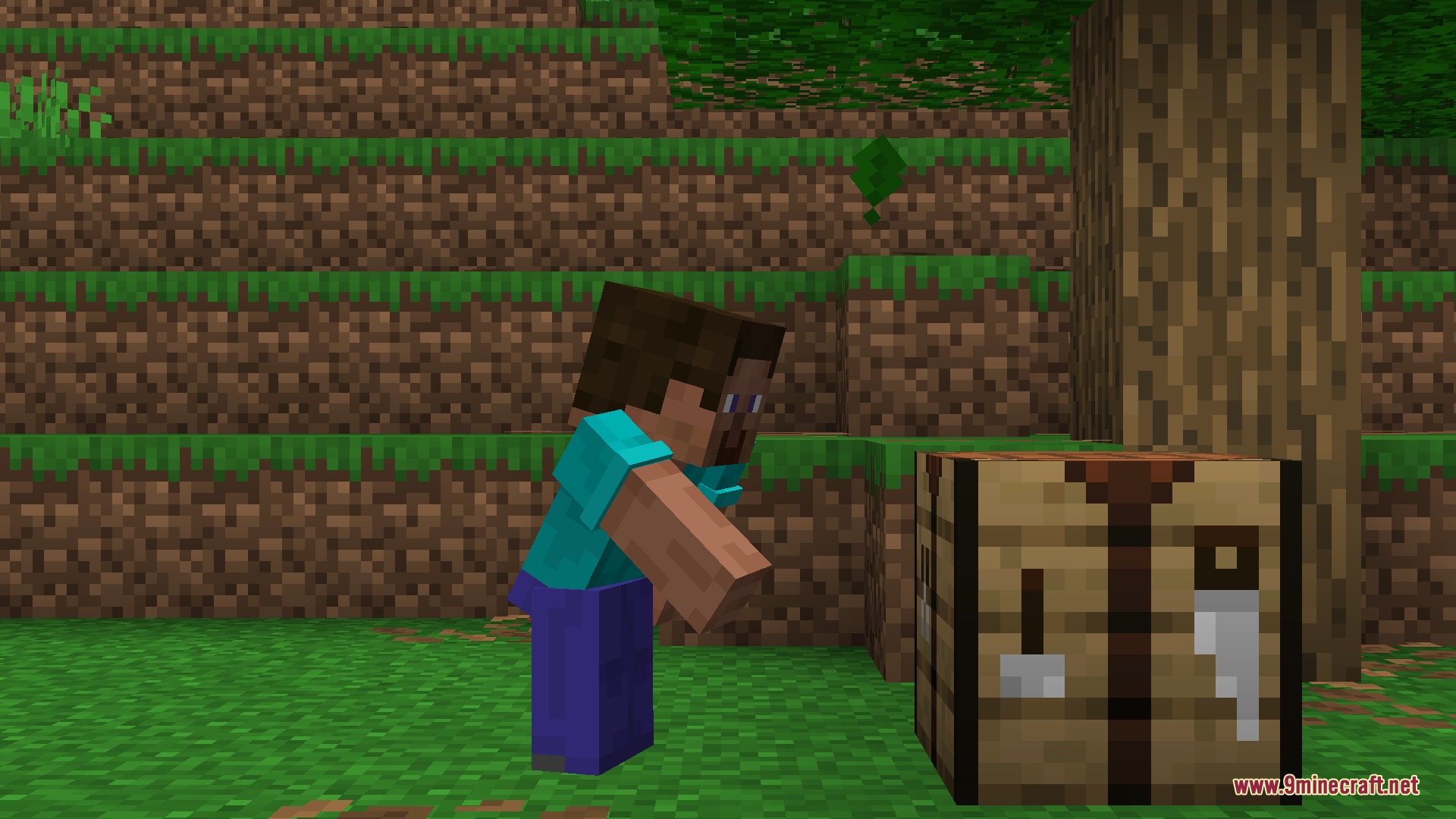
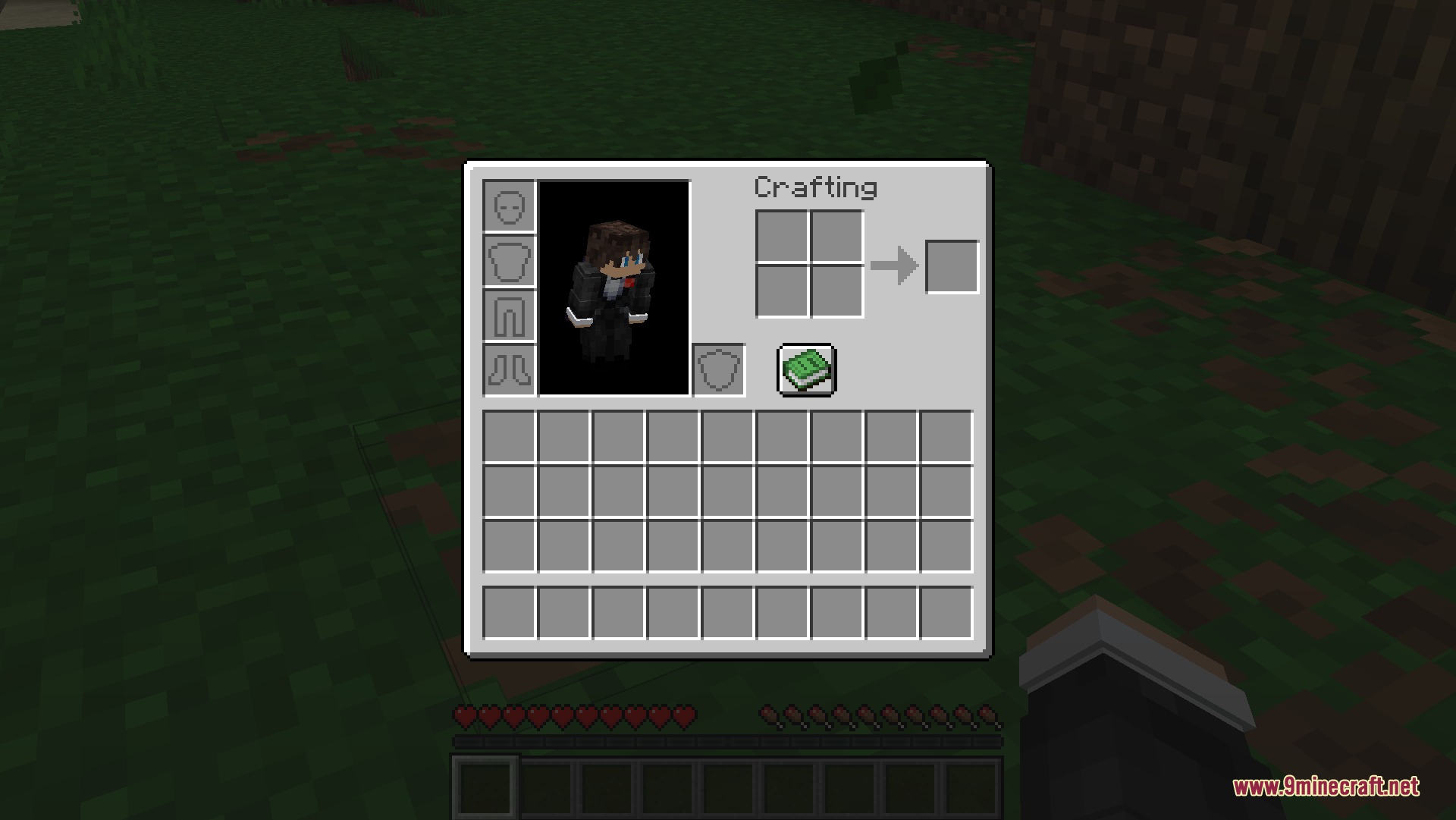
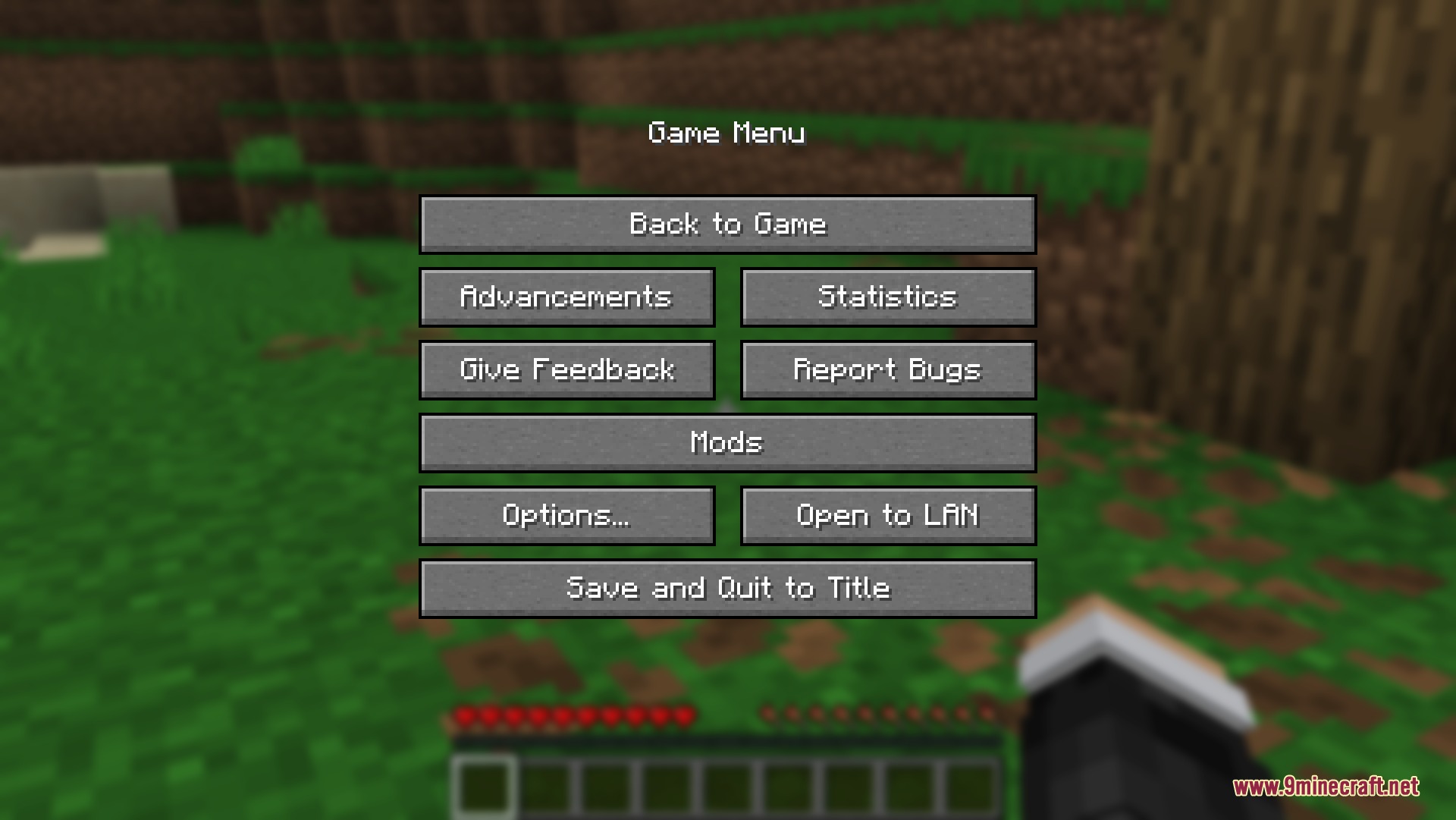
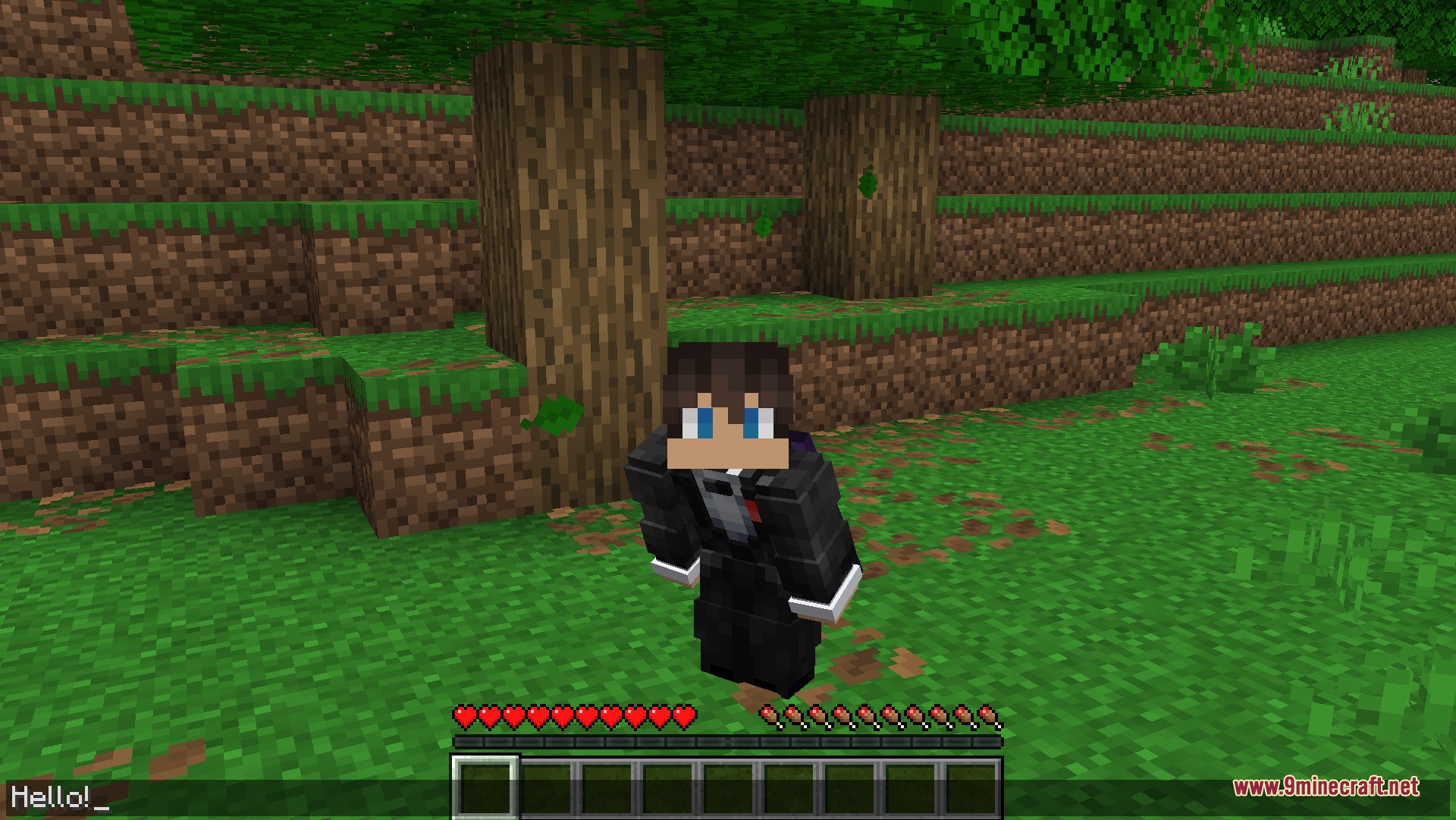
Crouch Locked Open Mod keeps your character crouching whenever you open an inventory or game menu. In standard gameplay, opening a crafting grid or typing in chat forces your character to stand up. This mod stops that interruption so your nametag stays hidden from opponents at all times. It works for both hold-to-sneak and toggle-sneak controls, making it ideal for base defense and ambushes.
Features:
- Keeps you crouching while crafting, sorting chests, or changing game options.
- Lets you hide your nametag while typing messages and commands in chat.
- Brings full sneak support to players who prefer hold-to-sneak controls.
- Includes a dedicated toggle-sneak keybind to crouch hands-free.
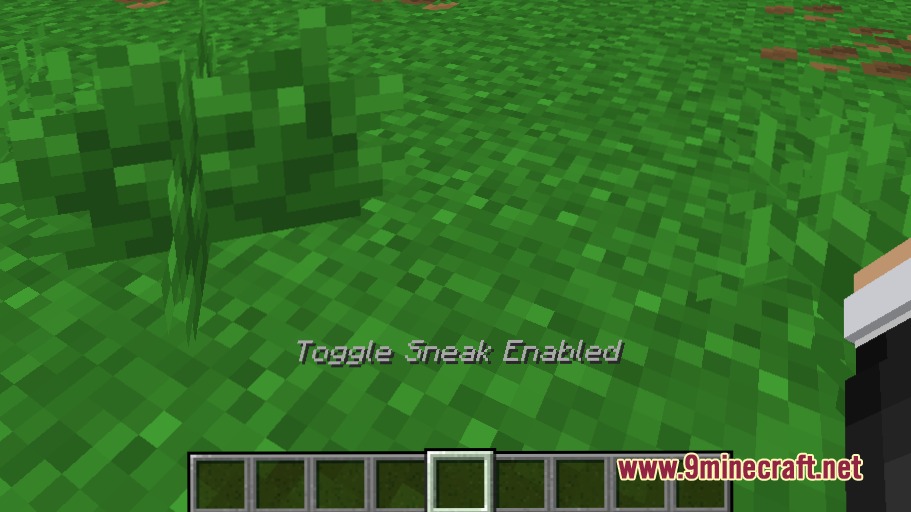
- Displays an on-screen status text above your hotbar when toggle sneak is active.
- Cancels your crouch status instantly whenever you press your standard sneak key.
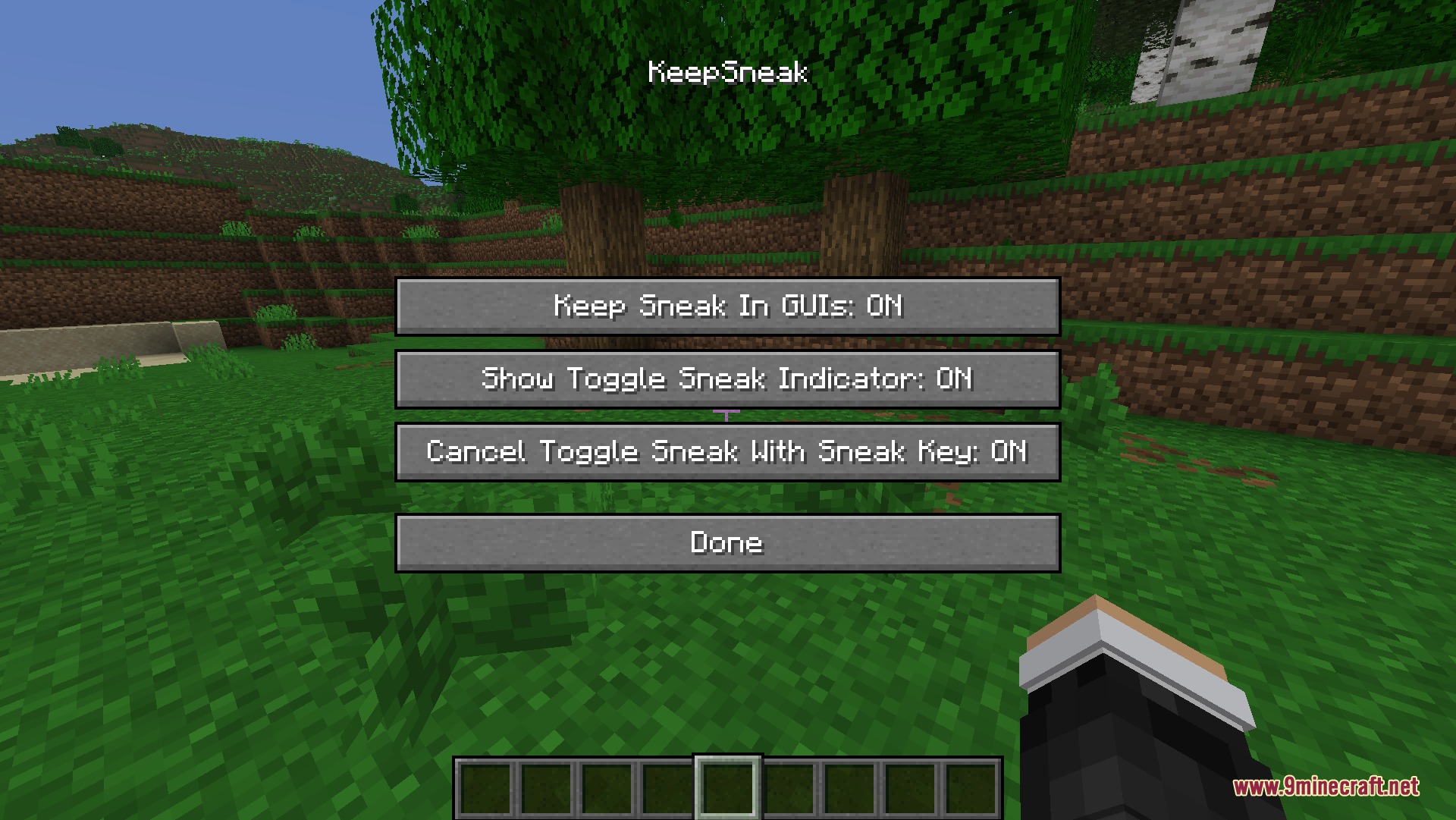
- Offers simple config options to turn specific indicators or mechanics on and off.
How to Use:
- Crouch using your sneak key, or press your toggle-sneak keybind.
- Open any container, crafting table, chat bar, or pause menu while remaining hidden.
- Press your normal sneak key again to stand back up.
Screenshots:
Crouch Locked Open Mod Download Links
Quick facts
- Edition: Minecraft Java
- File type: .jar
- Minecraft version listed: 1.21.11
- How to install: Install the matching mod loader (Forge, Fabric or NeoForge) for your Minecraft version. → Download the .jar. → Put it in the .minecraft/mods folder and launch that loader profile.
- Where to get it: In MC Java Mods, or directly above on this page.
Install steps are the general flow for this file type — How to install Minecraft Java mods & modpacks walks through it step by step.
Verified by MCModsHub
- Downloads as 502673.mcaddon
- Download size: 204 KB
- Download link checked 23 Sept 2026 — working
- Mirrored on our own servers — the download does not depend on the original host
These come from our own check of the pack file, not from the source page.