ModsJava
Prism Flight Geometry Mod (26.2, 1.20.1) – Glide Across Skies with Cockpit
Java mod listed for Minecraft 1.20. Downloads from the MC Java Mods app on Android.
⬇ Download
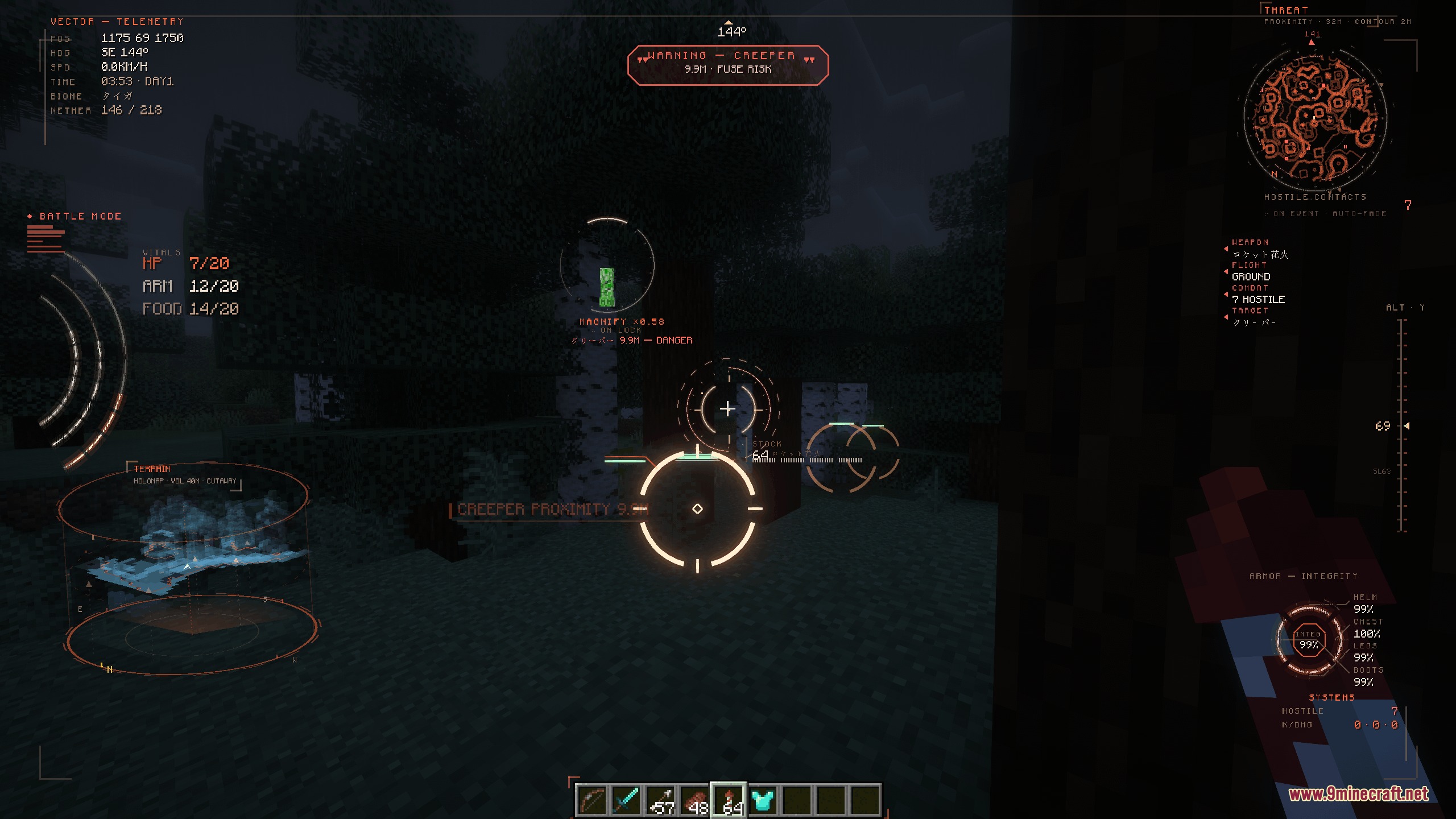
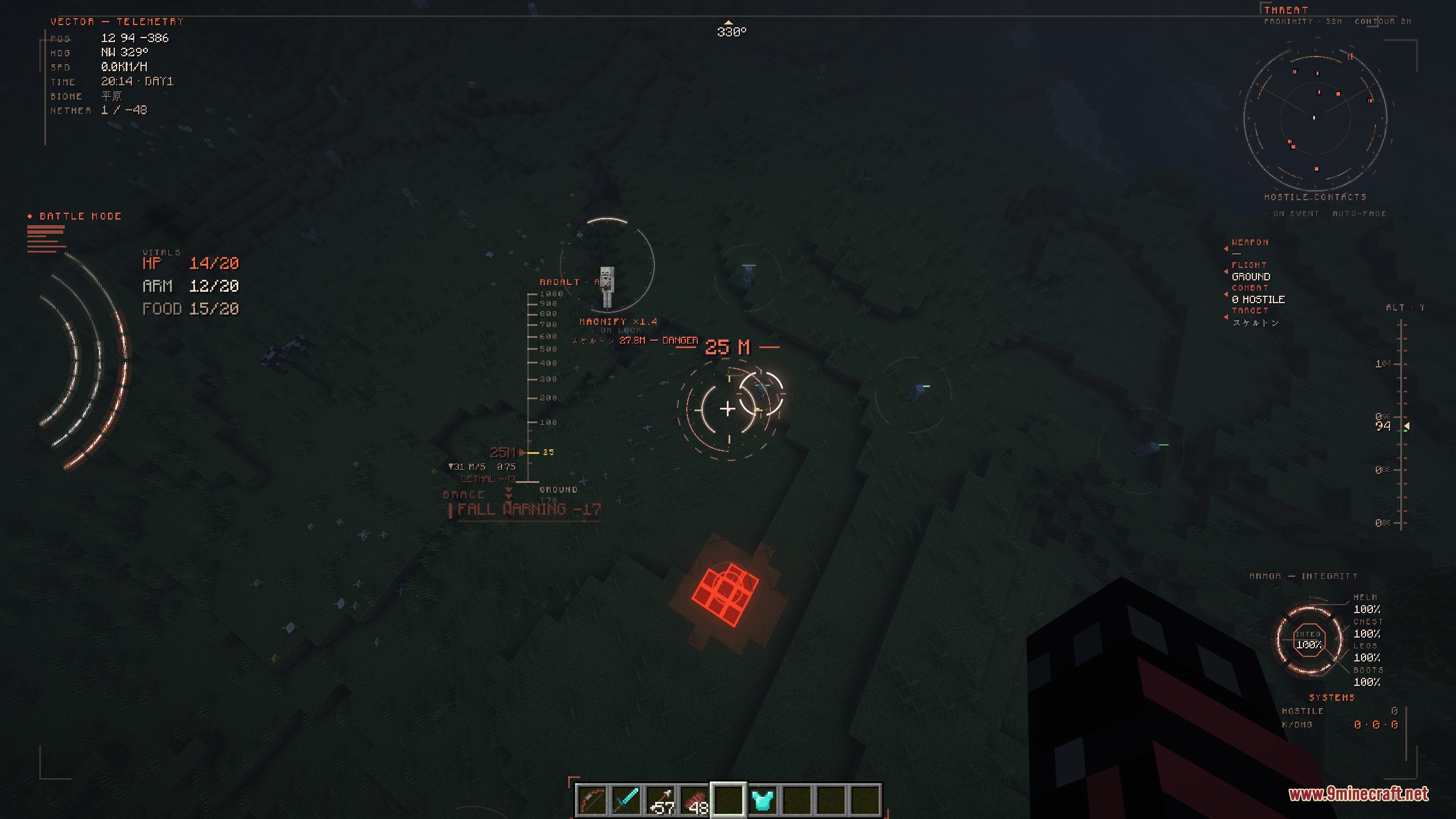
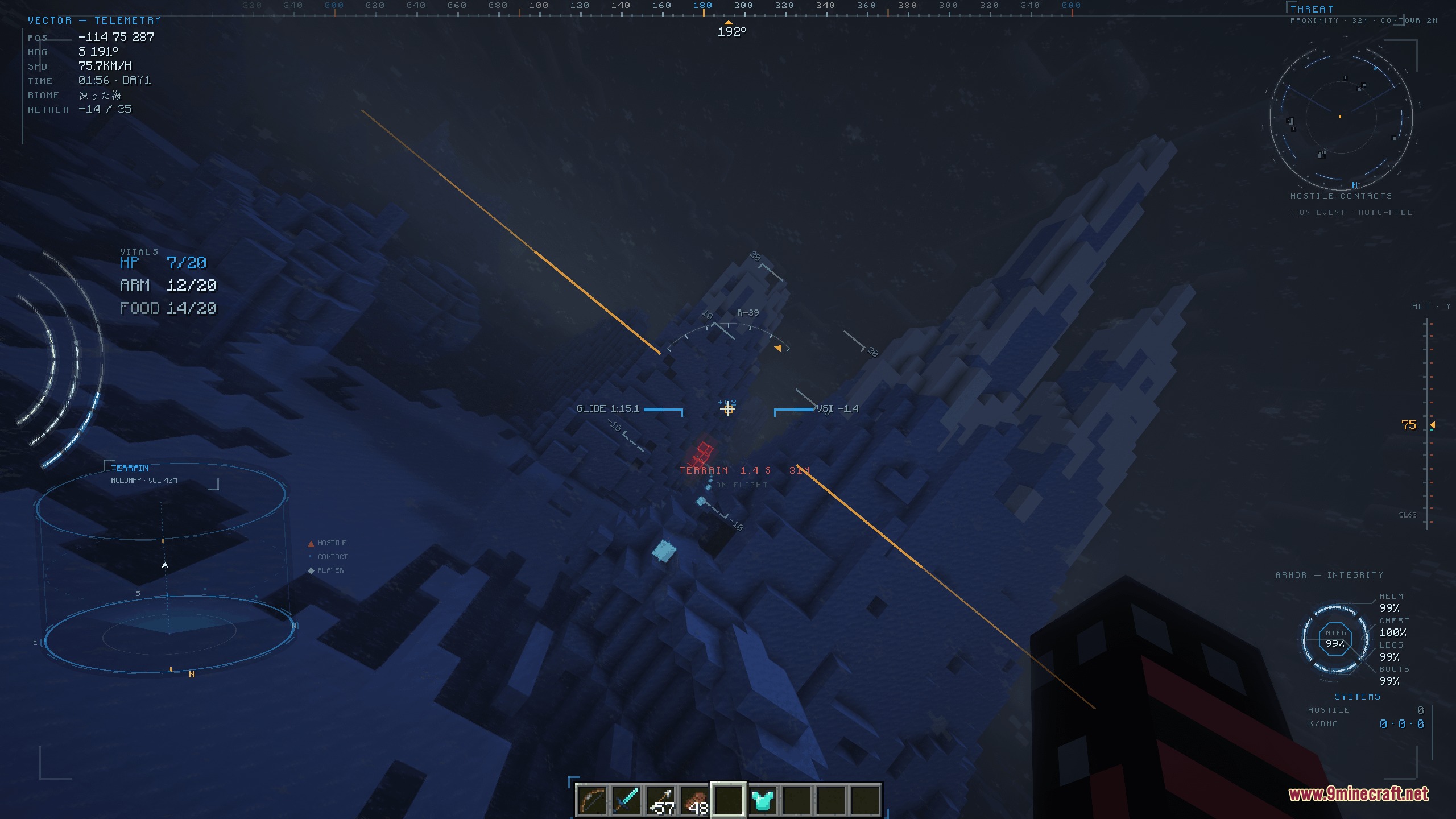
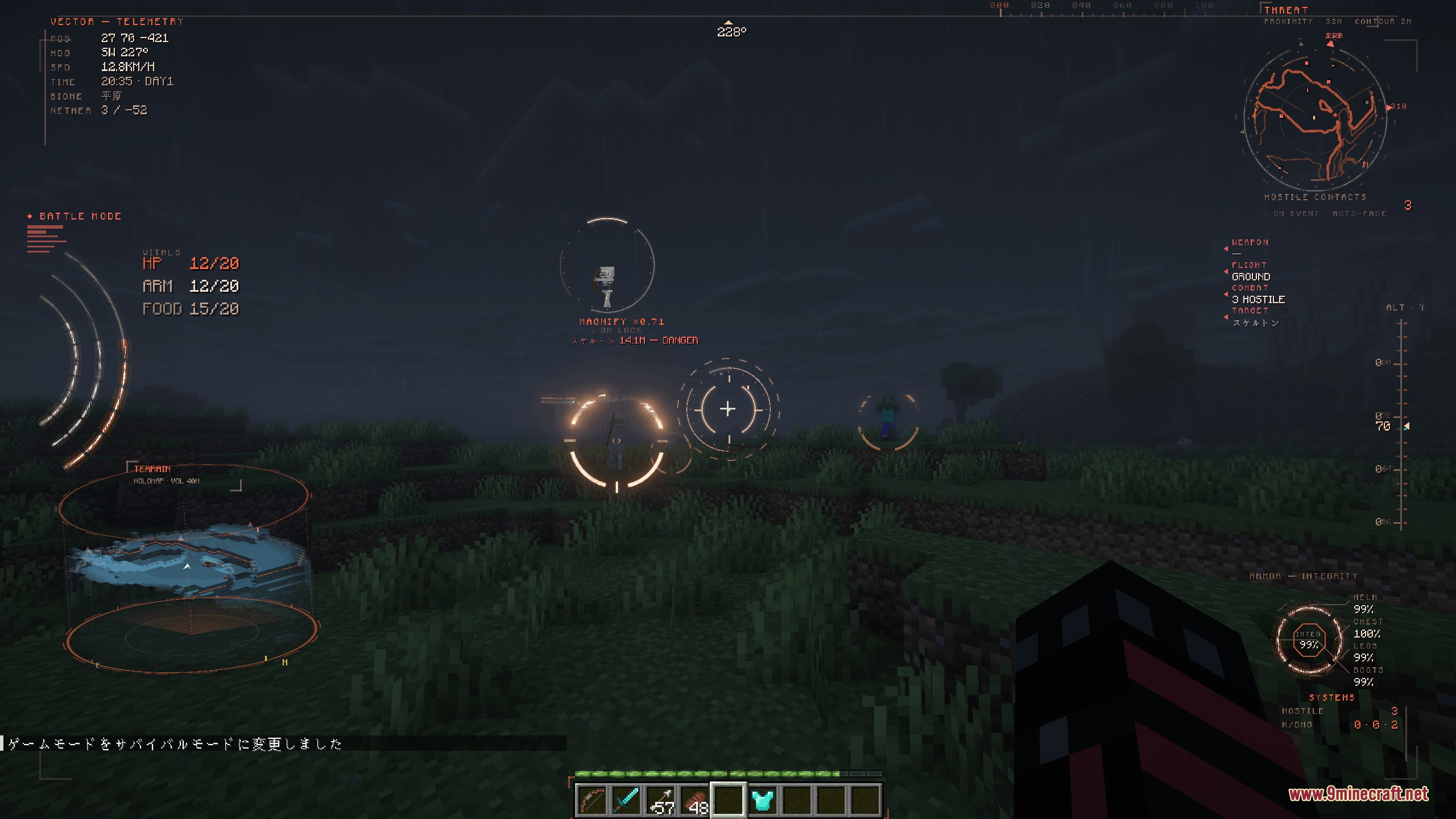
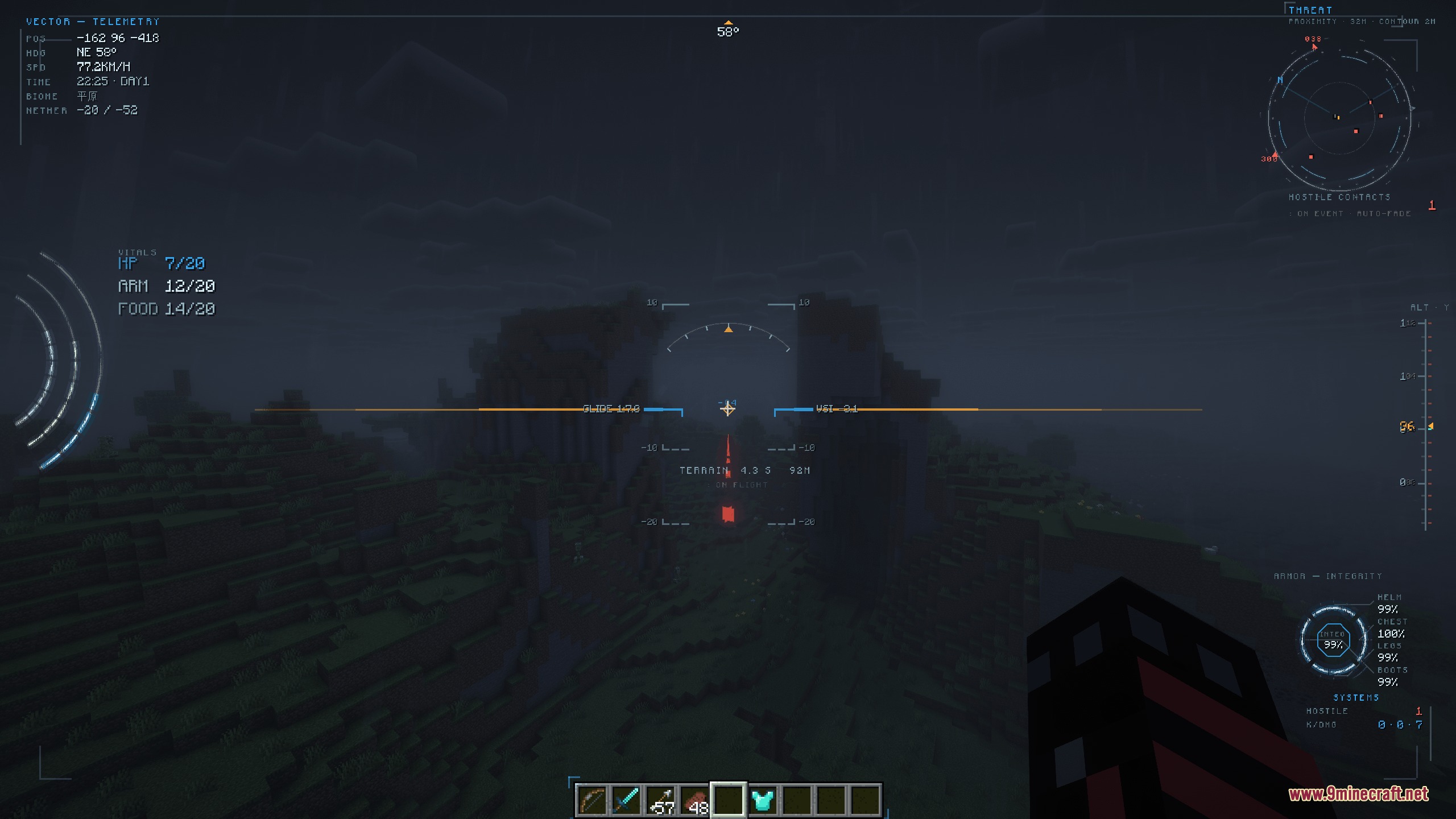
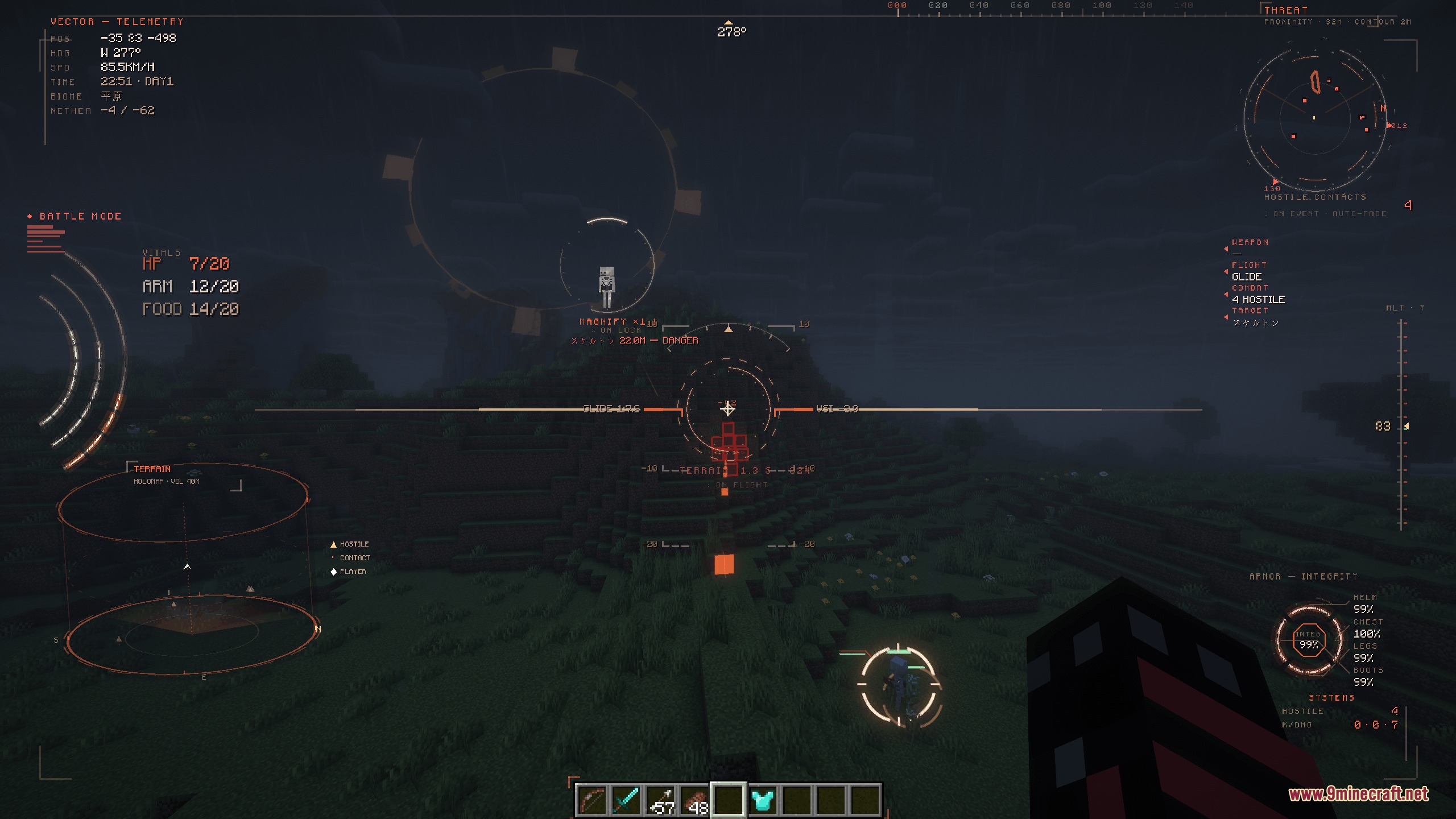
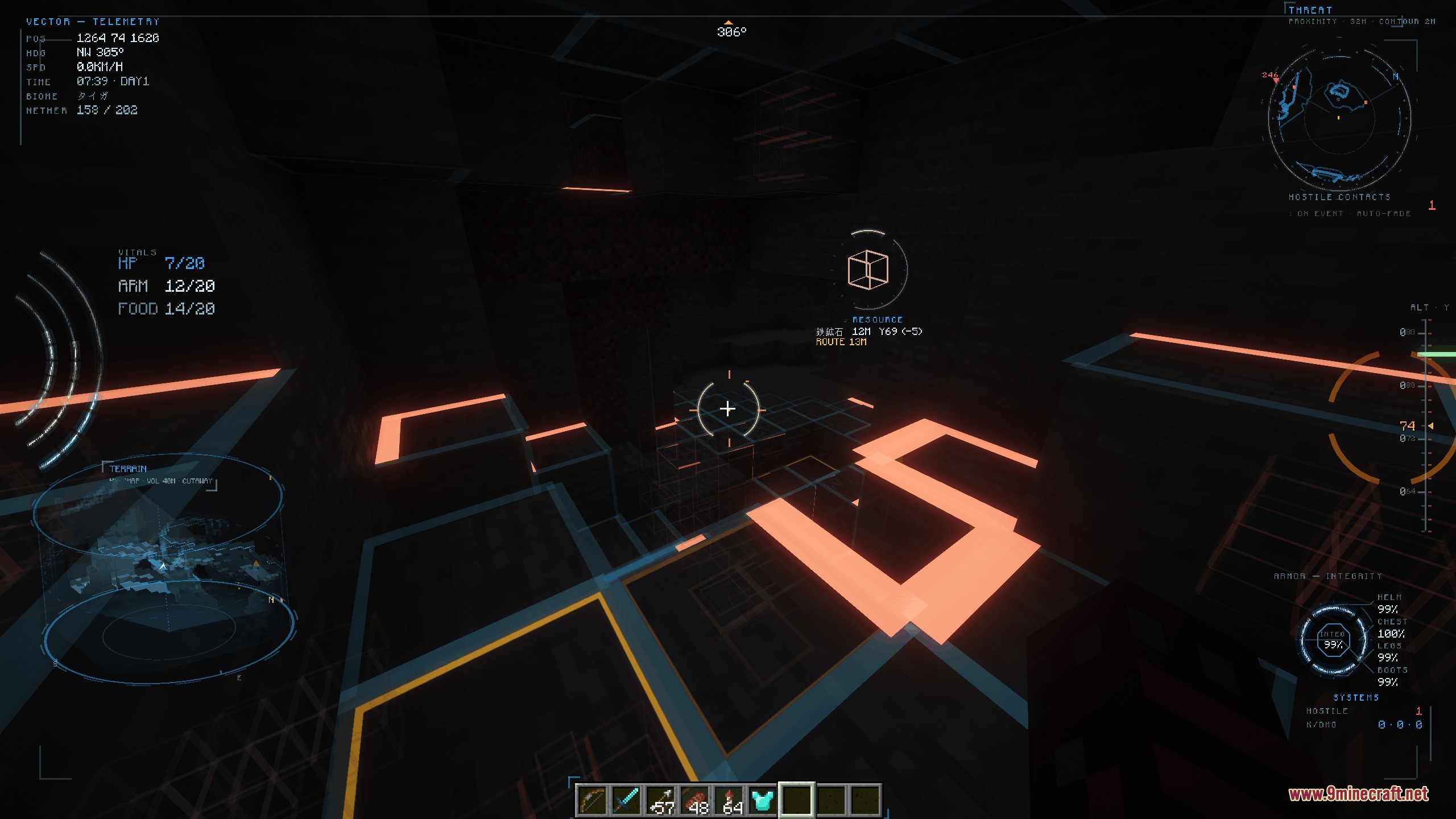
Prism Flight Geometry Mod transforms your screen with a futuristic vector-drawn flight display. It renders crisp instruments, 3D terrain projections, and combat alerts in real time without using flat textures. You can open the full cockpit interface with a single keypress to monitor your flight speed, altitude, vitals, and nearby dangers while gliding through the skies.
Features:
- Vector-Drawn Display: Draws every ring, gauge, and text line using vector geometry computed directly on your screen.
- Flight Instruments: Shows an artificial horizon, climb altitude tape, heading direction, ground speed, and live glide ratio during elytra flight.
- 3D Holographic Map: Renders a tilted 3D view of surrounding terrain that tilts with your look angle and reveals nearby hostiles.
- Displays target health, player vitals, active status effects, and incoming threats directly in your field of view.
- Warns you about incoming arrows, attack directions, nearby creepers, and critical health using clear visual markers.
- Includes ten distinct themes such as Apex, Ghost, Raptor, and Minimal to match different visual styles.
- Ships with unfair tools like ore scanning, entity radar, and wall-piercing vision turned off by default for fair play.
- Automatically switches into battle mode when multiple hostile mobs attack or approach you.
How to Use:
- Press J to open or close the instrument display.
- Press H to open the theme menu and pick a layout.
- Press C to look through the scope view.
- Press B to switch battle mode on or off.
- Rebind any of the four shortcut keys inside the standard Controls options menu.
Commands:
/vectorhud <feature>: toggles a specific HUD panel or feature in your world.
Configuration:
config/vectorhud.json: contains switches for each panel, theme choices, and optional scan features.
Screenshots:
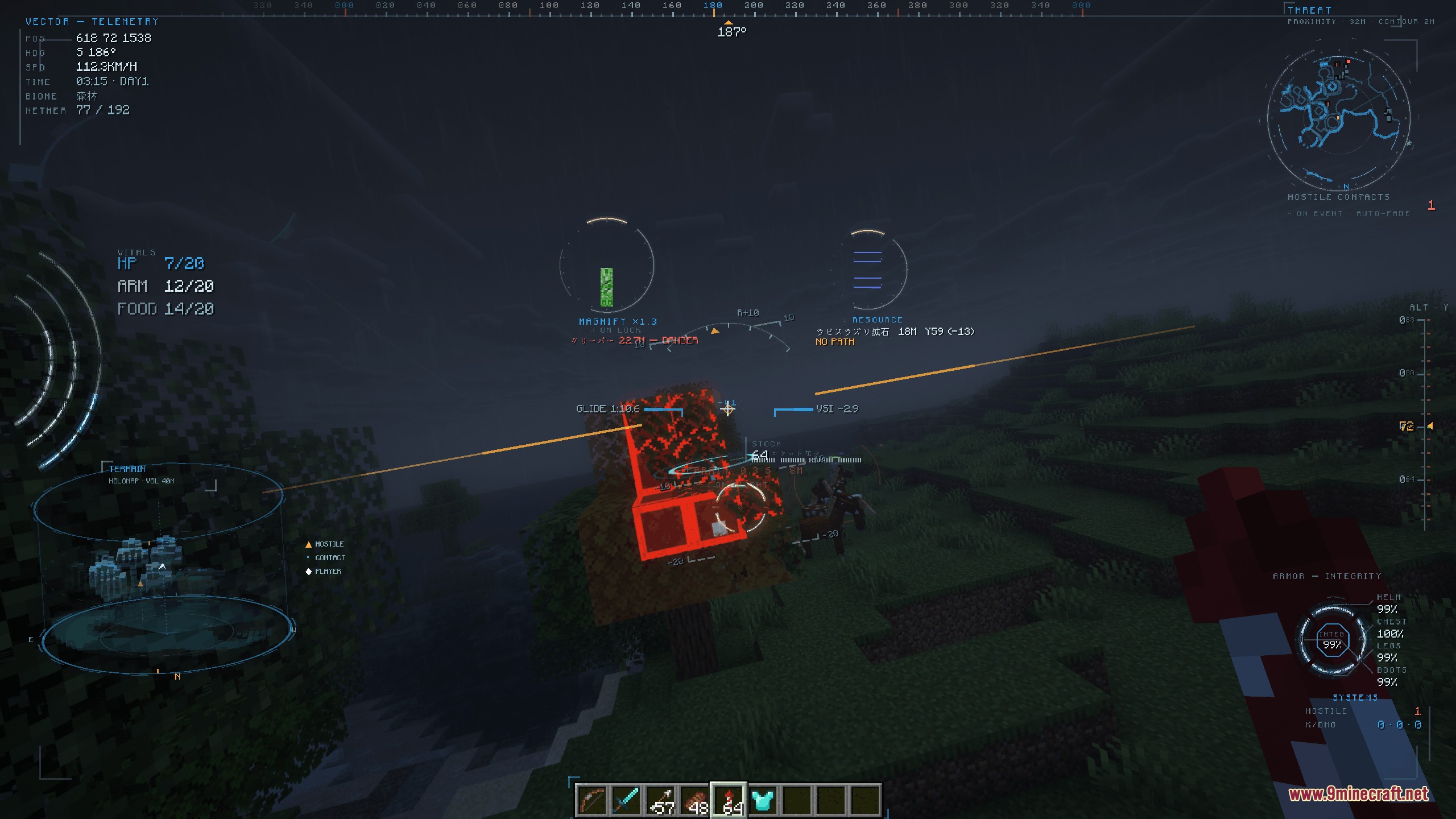
Prism Flight Geometry Mod Download Links
Quick facts
- Edition: Minecraft Java
- File type: .jar
- Minecraft version listed: 1.20.1
- How to install: Install the matching mod loader (Forge, Fabric or NeoForge) for your Minecraft version. → Download the .jar. → Put it in the .minecraft/mods folder and launch that loader profile.
- Where to get it: In MC Java Mods, or directly above on this page.
Install steps are the general flow for this file type — How to install Minecraft Java mods & modpacks walks through it step by step.
File checked by MCModsHub
- Downloads as 502692.mcaddon
- Download size: 209 KB
- Download link checked 22 Sept 2026 — working
- Mirrored on our own servers — the download does not depend on the original host
These come from our own check of the pack file, not from the source page.