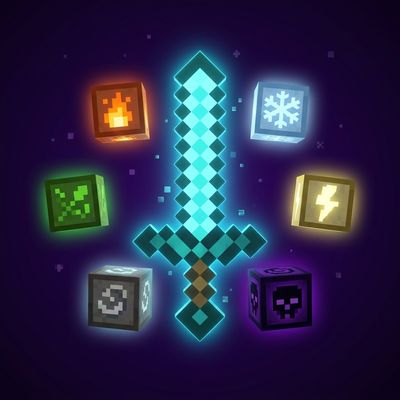
NovaGlyphs - Glyph Carving System
Bedrock add-on listed for Minecraft 1.21–26.x (behavior pack only). File opened and checked on 31 Aug 2026; installs from the MC Bedrock Mods app on Android.
Carve ancient glyphs onto your weapons! 5 elemental glyph stones, 60+ combinations. ORDER MATTERS — same glyphs in different order create different…
⬇ Download on CurseForge
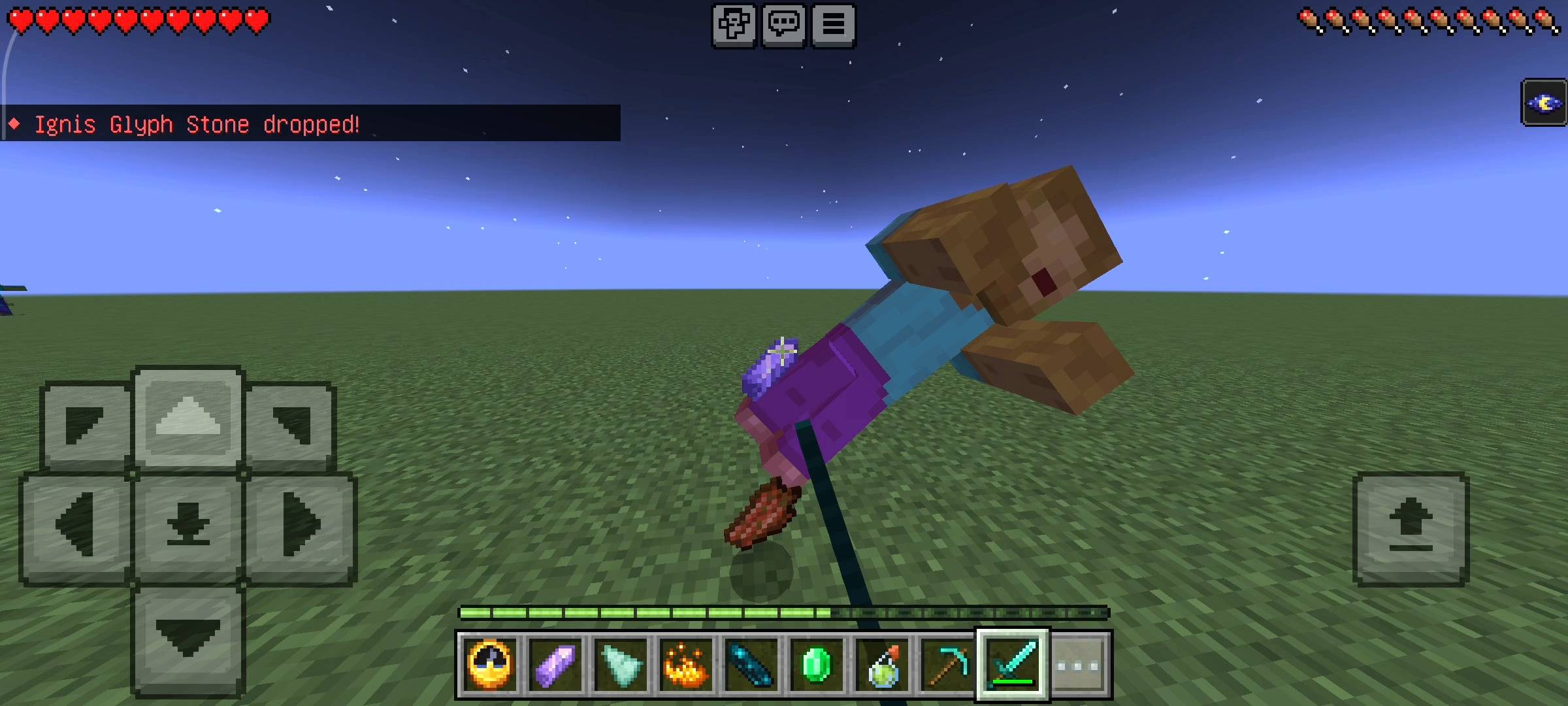
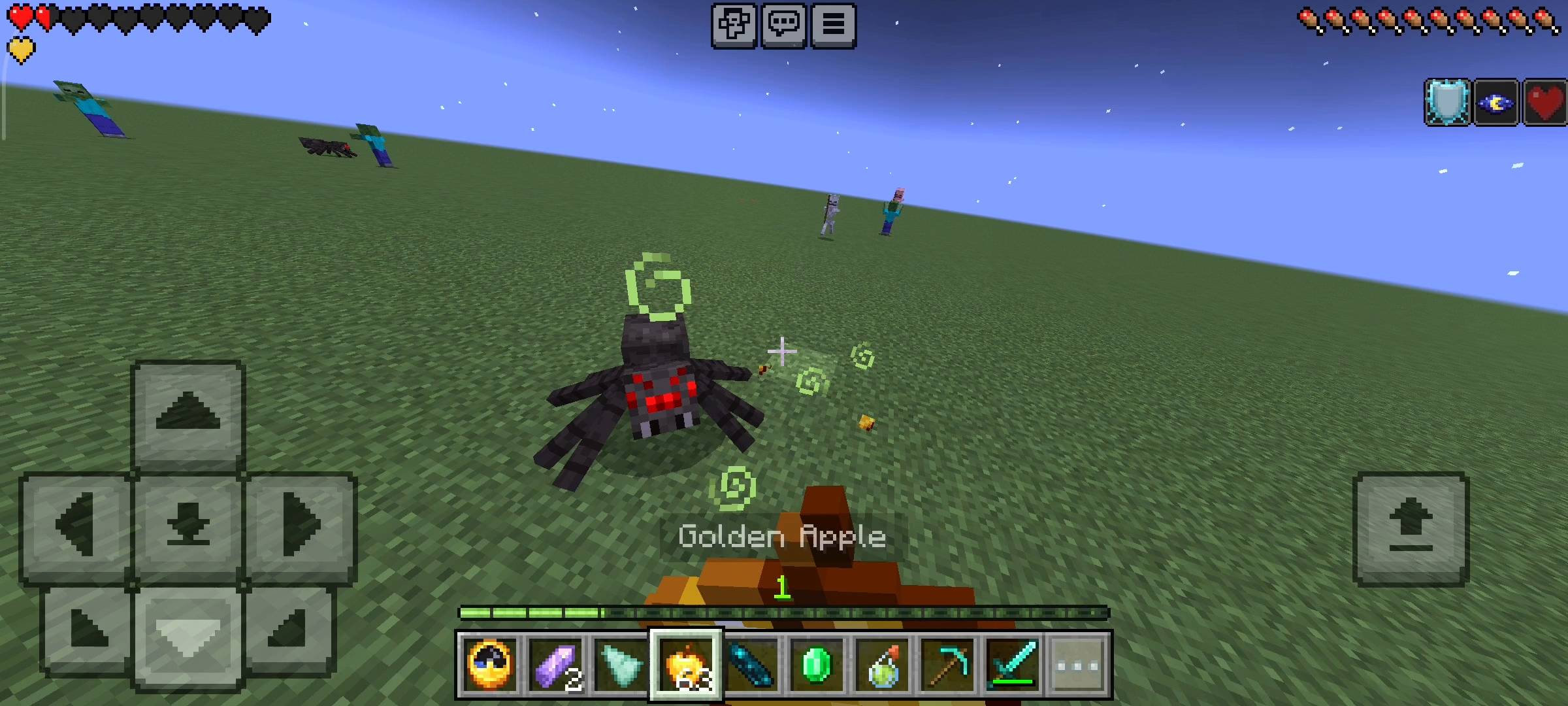
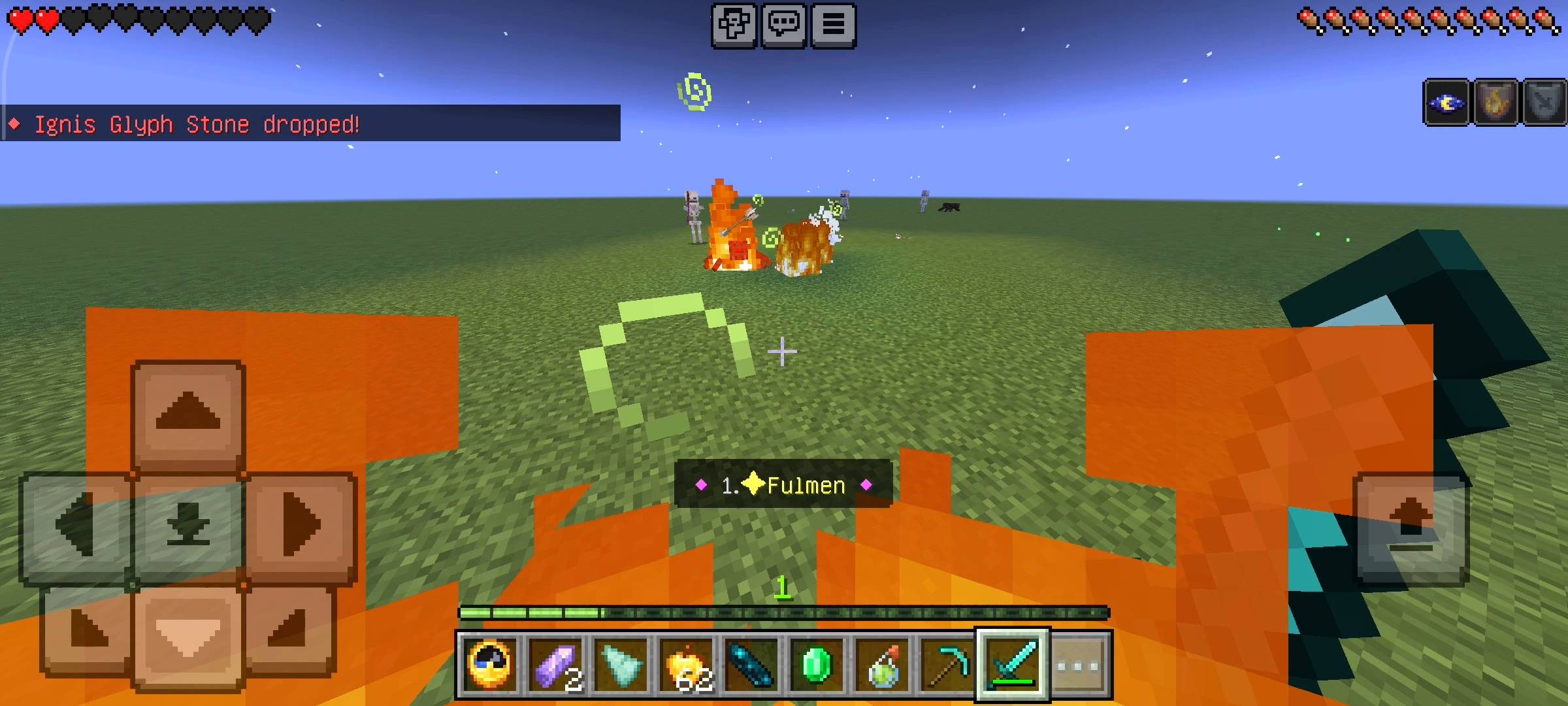
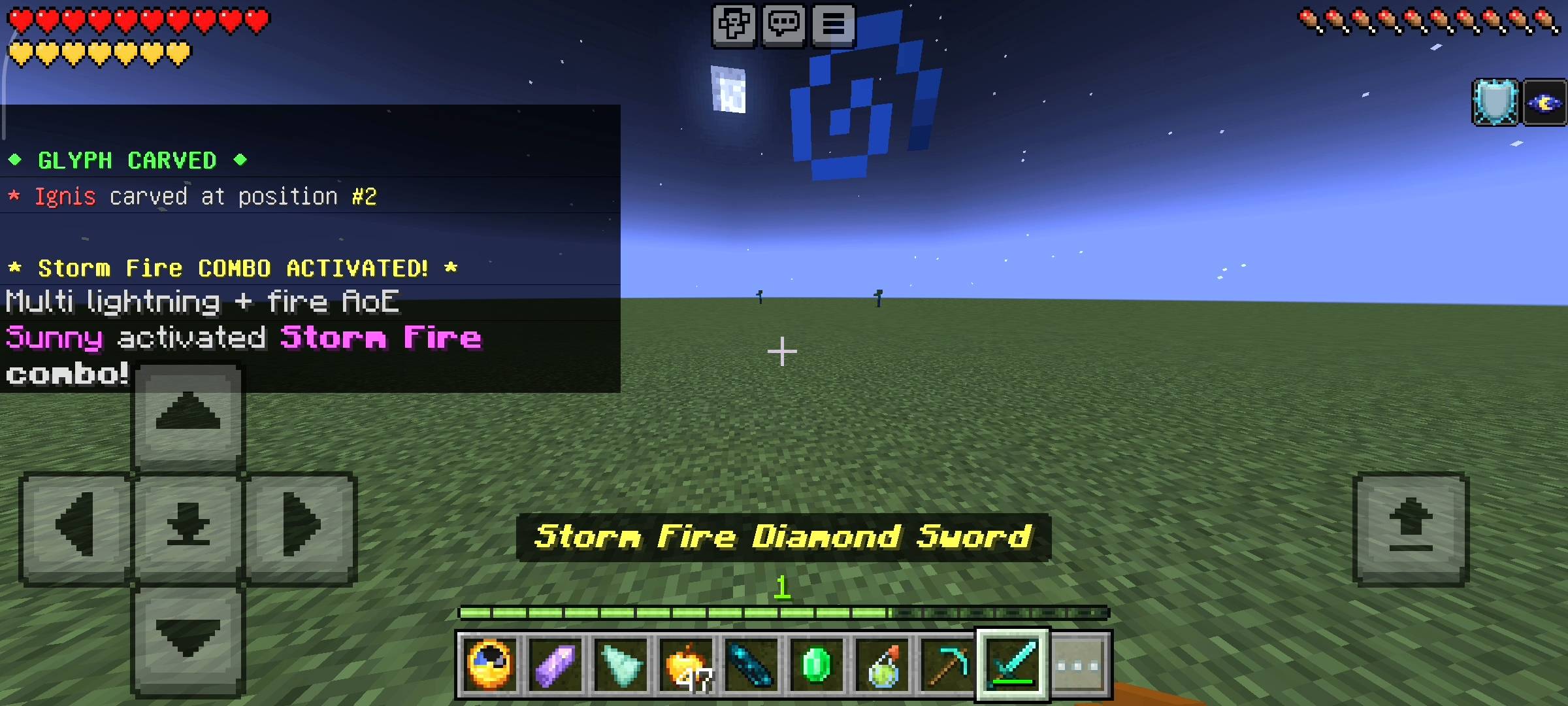
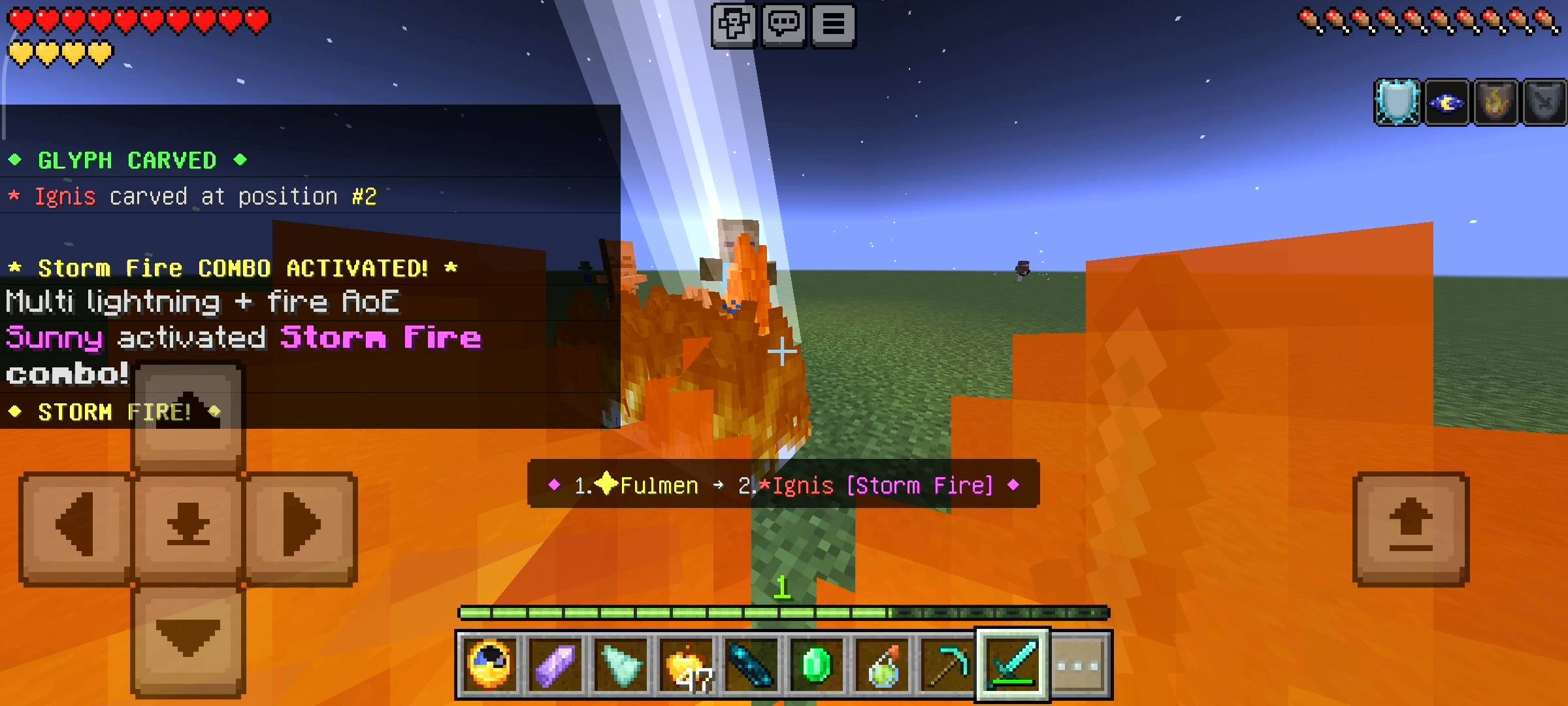
Listen bro, we all know the vanilla Minecraft combat system gets super stale after a few weeks on a survival realm. You grind for diamonds, upgrade to netherite, slap Sharpness five and Mending on your sword, and then... what? That is it. You are done.
There is absolutely zero weapon customization or magical abilities in the base game. As someone who plays a lot of heavy RPGs and fantasy games, I always felt like Minecraft desperately needed a way to infuse crazy elemental magic into our weapons.
I did not want a mod that just adds fifty new boring swords with higher damage stats. I wanted a highly strategic, customizable magic system. That is exactly why I sat down at NovaCraft Studios and built the NovaGlyphs addon.
This is a complete elemental carving system that lets you infuse raw magic into your standard swords, axes, and bows. It completely changes the meta of how you fight bosses, handle mob swarms, and even PvP against your friends. Prepare to completely rethink your loadouts.
THE FIVE ELEMENTAL STONES AND THE GRIND
Before you can become overpowered, you actually have to put in the work. You cannot just craft these magical runes out of dirt and sticks. There are five ancient base glyphs in this addon, and you have to grind for them through raw survival gameplay.
First, there is Ignis (The Fire Glyph), which drops from Zombies and Husks. Then we have Glacius (The Ice Glyph), which you can farm from Skeletons and Strays. For the crazy area-of-effect damage, you need Fulmen (The Lightning Glyph), which drops from Creepers. If you want dark magic, you have to hunt Endermen and Phantoms for the Umbra (Shadow Glyph).
Finally, there is Vita (The Nature Glyph), which drops from Spiders and Witches, or you have a rare five percent chance of finding it while deep underground mining rare ores like diamonds and emeralds. Every time a mob drops one of these, you get a satisfying custom sound and a chat notification. The RNG grind actually feels super rewarding.
THE TWIST: CARVING ORDER ACTUALLY MATTERS
This is the absolute best feature of the entire addon, and it is what makes the combat so deep. You can carve a maximum of three glyphs onto a single weapon. But here is the catch: The sequence in which you carve the stones changes the spell completely.
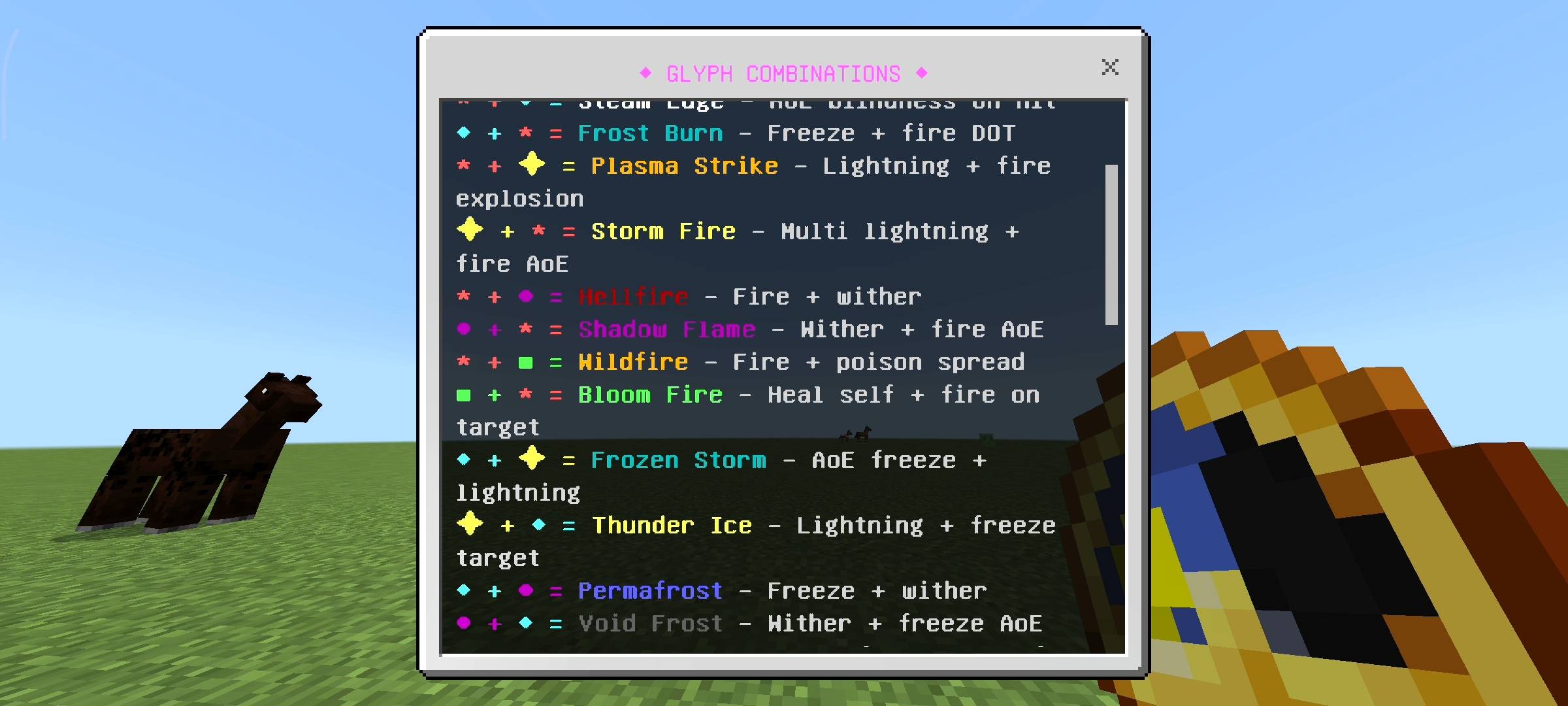
Let me give you an example. If you take your diamond sword and carve the Fire glyph first, and then the Ice glyph second, you create the Steam Edge combo, which deals raw damage and casts blindness on all enemies around you. But, if you reverse it and carve the Ice glyph first followed by the Fire glyph, you get Frost Burn, a completely different spell that severely slows down the target while hitting them with heavy fire damage over time.
There are over twenty-five unique hidden combinations coded into this addon. If you manage to carve a perfect three-glyph combo like Elemental Fury (Fire + Ice + Lightning) or Abyss Storm (Shadow + Lightning + Ice), you will literally turn into a walking nuke.
The three-glyph combos call down massive lightning strikes, cause wither decay, and give you insane buffs like instant health and damage resistance. When you trigger a triple combo, the whole server gets an epic broadcast message in the chat letting everyone know you just unleashed absolute chaos.
THE CUSTOM UI CARVING PANEL
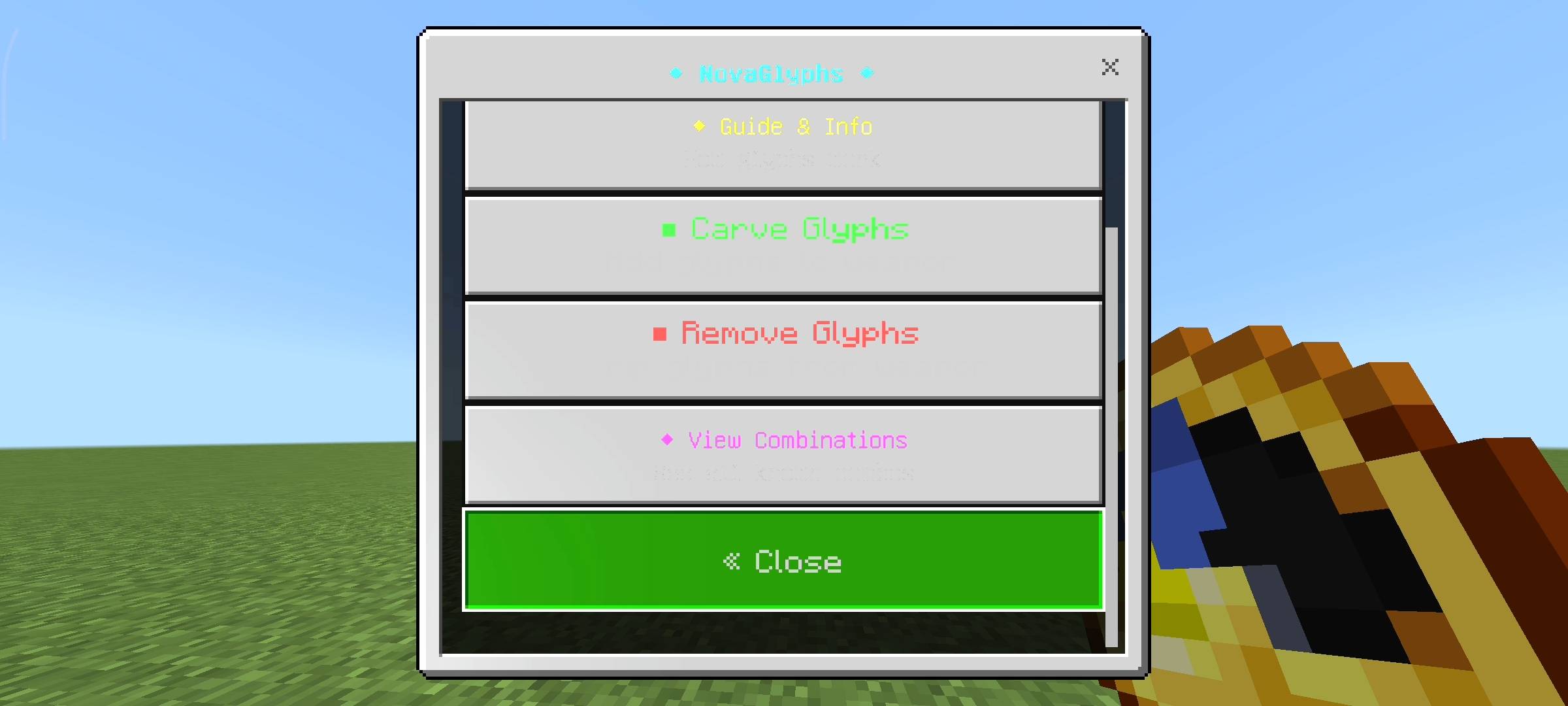
I hate it when addons force you to build ten different complicated crafting tables just to use their features. I wanted this to be extremely smooth for bedrock players. When you first join a world with this addon, you will automatically receive the NovaGlyphs Panel right in your inventory. It looks like a clock, but it is your ultimate admin tool.
All you have to do is sneak and interact with this item, and a beautifully clean user interface menu pops up on your screen. From this single menu, you can select any weapon in your inventory, view how many empty slots it has, pick a glyph stone from your backpack, and carve it right there on the spot.
If you mess up your combo order, there is also a removal tool in the menu to strip the glyphs off your weapon (though you do lose the stone, so think before you carve!). The panel also includes a full built-in guide and a combination dictionary so you do not have to alt-tab to a wiki page while playing. Plus, an action bar physically displays your active combo right above your hotbar while you are holding your weapon.
AI Disclaimer
Just a quick note about the pictures on this Add-on. The main cover thumbnail and the screenshots in the gallery were enhanced using ai image tools.
- Edition: Minecraft Bedrock
- File type: .mcpack or .mcaddon
- Minecraft versions listed: 26.0.02, 26.0, 26.3
- How to install: Download the .mcpack or .mcaddon file. → Open it — Minecraft imports it. → In your world: Behavior Packs → Available → Activate, then the same under Resource Packs.
- Where to get it: Opens on CurseForge — not every file is mirrored on our own servers.
Install steps are the general flow for this file type — How to install Minecraft Bedrock addons & mods walks through it step by step.
- Pack type: .mcpack — a single pack
- Manifest requires Minecraft 1.21.0 or newer
- Complete pack — everything it depends on is inside the file
- Download size: 468 KB
- Download link checked 11 Oct 2026 — working
These come from our own check of the pack file, not from the source page.