
Mood creater storage
Bedrock add-on listed for Minecraft 26.x. File opened and checked on 3 Sep 2026; installs from the MC Bedrock Mods app on Android.
Automate your Minecraft storage and crafting! This mod adds smart storage blocks, connected networks, and automatic crafting to help you organize…
I don't know my version
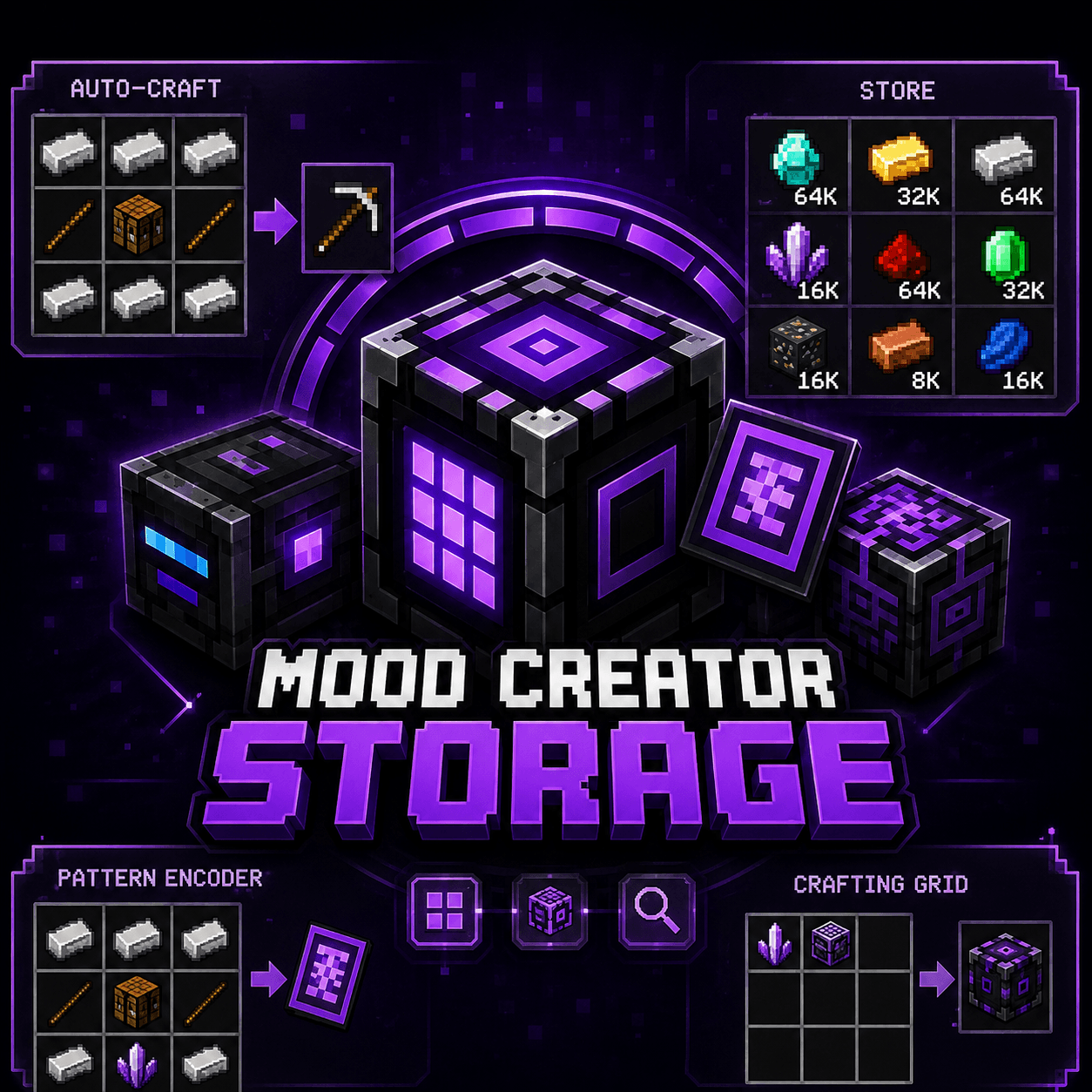
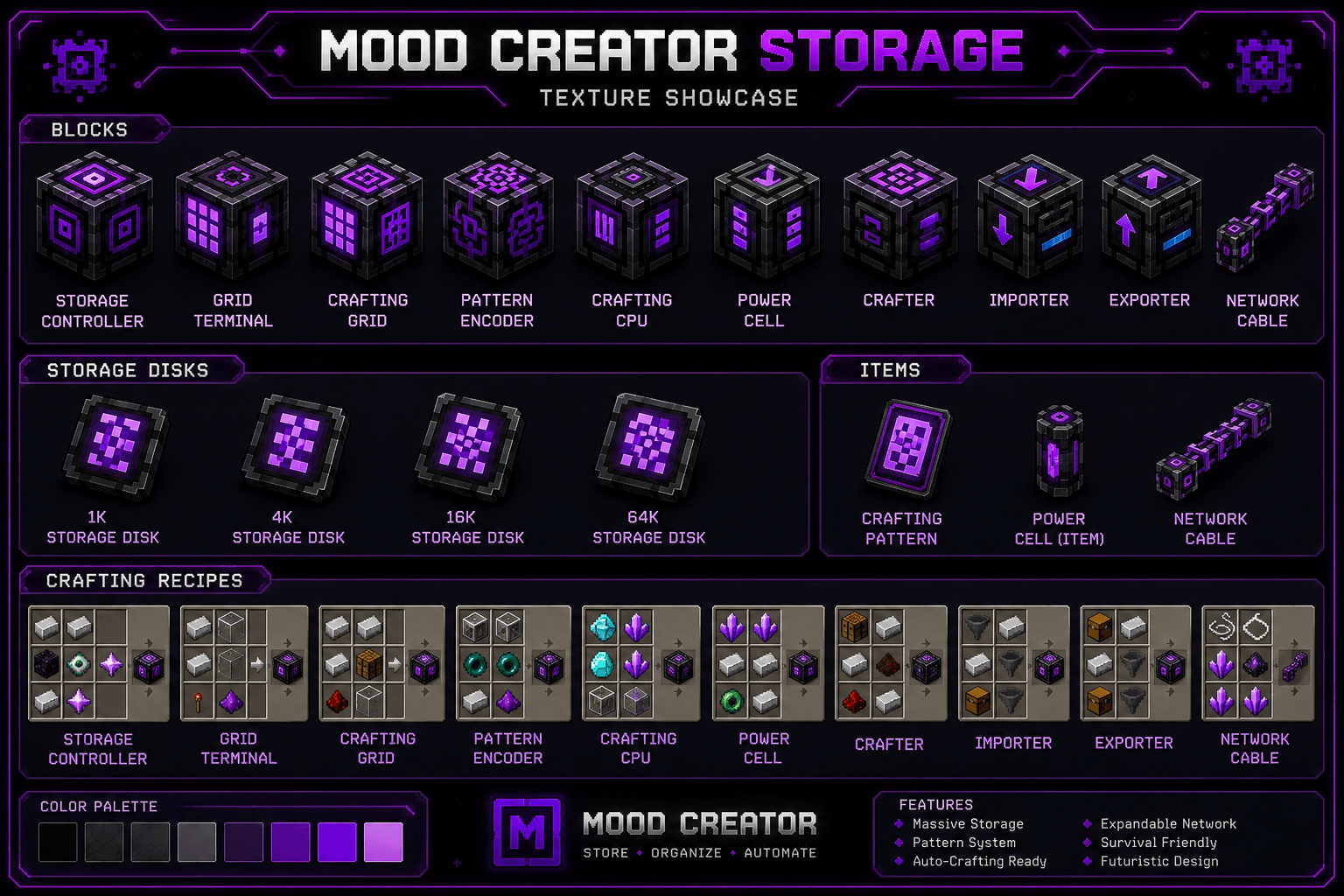
Smart Storage & Auto Crafting
Make your Minecraft world more organized and automated with a powerful storage and crafting system!
This mod adds a convenient way to store, manage, and automatically craft items without constantly searching through dozens of chests. Connect your storage blocks into a network and access your resources from one central system.
✨ Features
- 📦 Smart and expandable item storage
- 🔗 Connect multiple storage blocks together
- ⚙️ Automated crafting system
- 🧰 Easy access to stored items
- 🔍 Quickly find the resources you need
- 📈 Upgrade your storage and automation
- 🏠 Perfect for survival bases and technical builds
- ⛏️ Designed to fit naturally into Minecraft progression
Build your storage network, connect your machines, organize your resources, and let the system handle repetitive crafting tasks for you.
Whether you're a casual survival player or an automation enthusiast, this mod helps make item management faster, cleaner, and more efficient while keeping the Minecraft experience fun.
- Edition: Minecraft Bedrock
- File type: .mcpack or .mcaddon
- Minecraft versions listed: 26.40, 26.20
- How to install: Download the .mcpack or .mcaddon file. → Open it — Minecraft imports it. → In your world: Behavior Packs → Available → Activate, then the same under Resource Packs.
- Where to get it: Opens on CurseForge — not every file is mirrored on our own servers.
Install steps are the general flow for this file type — How to install Minecraft Bedrock addons & mods walks through it step by step.
- Pack type: .mcaddon — behaviour and resource pack in one file
- Download size: 13 KB
- Download link checked 11 Oct 2026 — working
These come from our own check of the pack file, not from the source page.