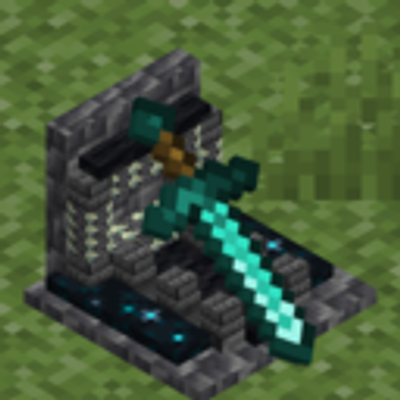
Grave GT
Bedrock add-on listed for Minecraft 26.x. Download on the author's site.
⬇ Download on CurseForge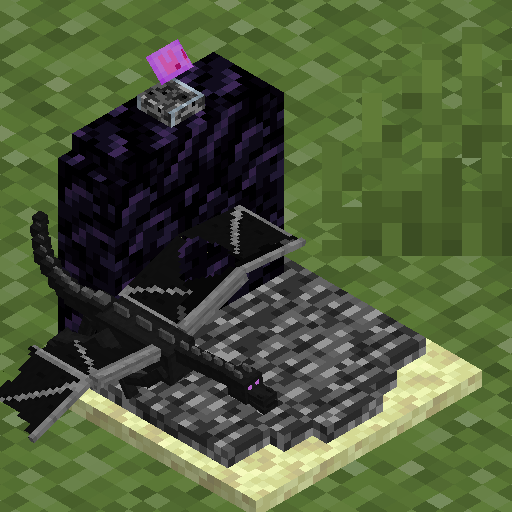
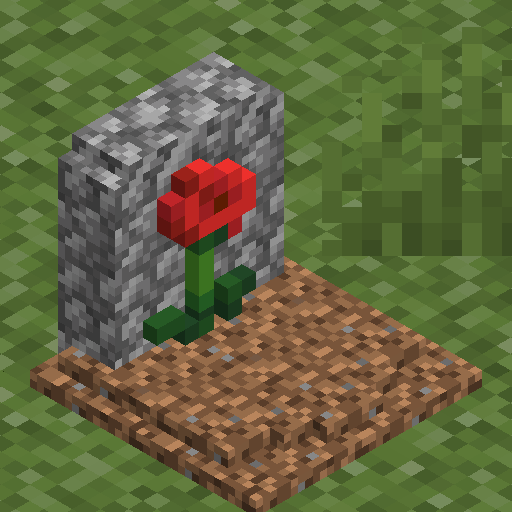
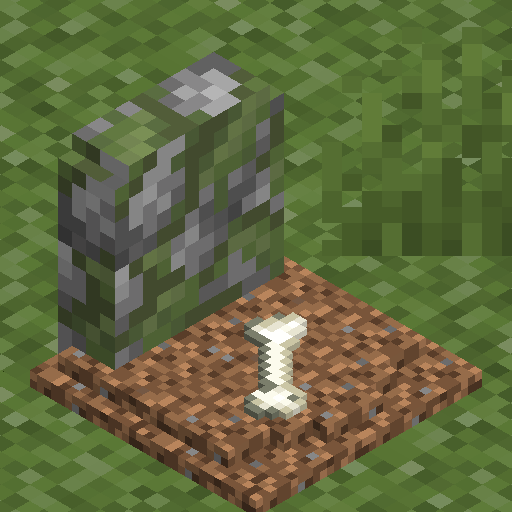
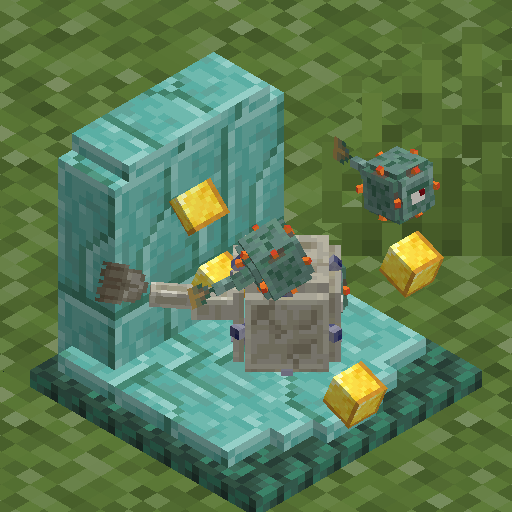
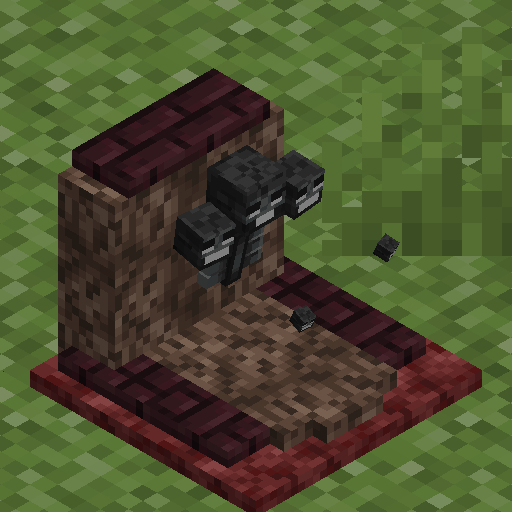
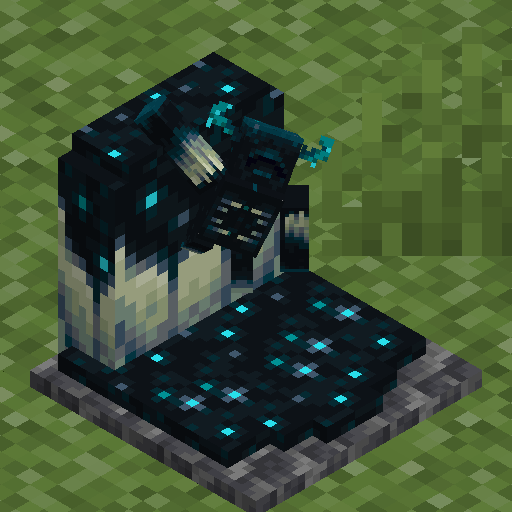
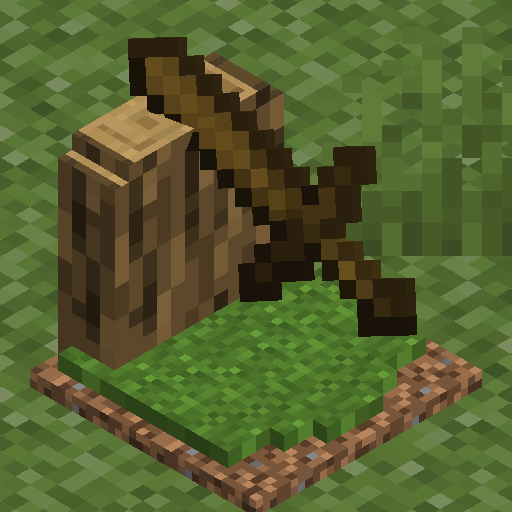
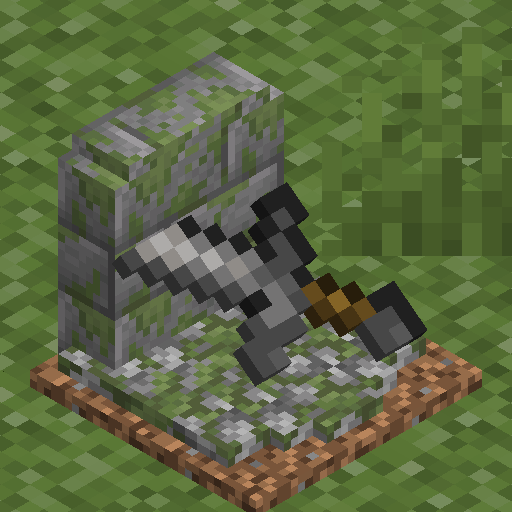
Grave GT — A collection of gravestones, each with its own unique theme, so you can choose the one that fits your world. No fixed order, no restrictions: open the selection menu and pick the one you like.
| No Experimental Features | Achievement Friendly | Multiplayer Ready |
|---|---|---|
| Full Theme Selection | Instant Switching | Settings Menu |
Everything in its place with a single action

FEATURES
Full selection, no restrictions — All gravestone themes are available to you right from the start. Open the selection menu and pick your favorite, whenever you want.
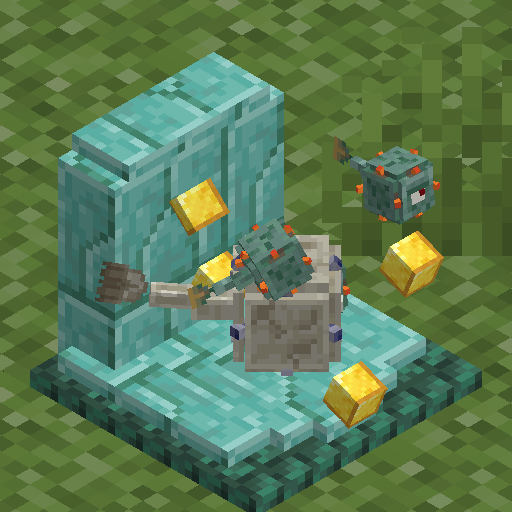
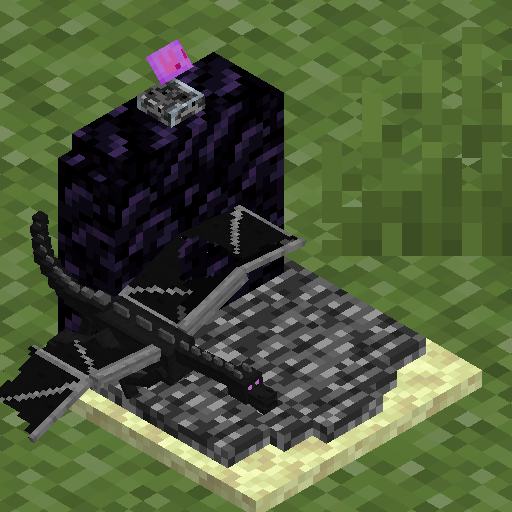
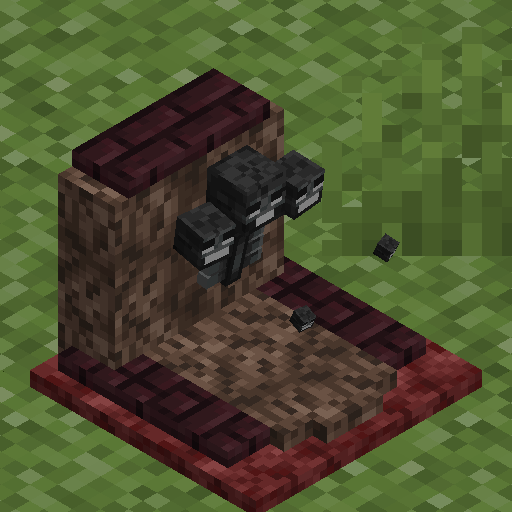
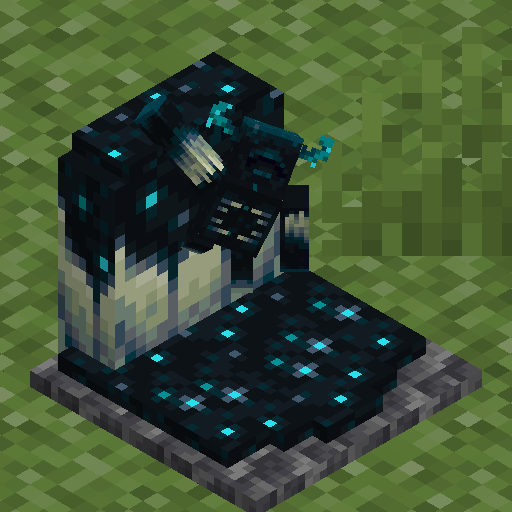
A theme for every style — Each gravestone has its own identity, built around a different material and setting: from rustic, earthy wood to weathered stone, polished copper, worn iron, shining gold, and gleaming diamond.
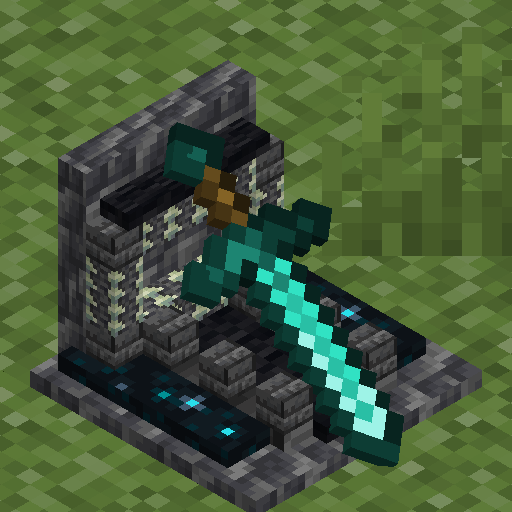
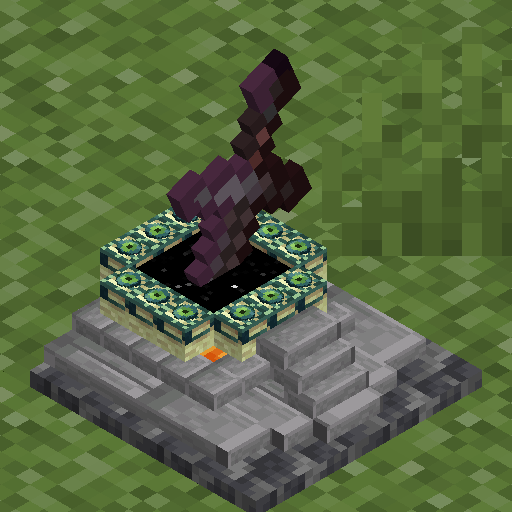
Change anytime — Not feeling your current gravestone? Open the menu again and switch to a different theme in seconds.
Theft protection
Full, Unified Customization — Manage your gravestone selection through Menu Settings GT. Run /pmenu to open the shared panel and configure Grave GT alongside every other GT addon you have installed.
COMPATIBILITY
- No experimental features required
- Full achievement support
- Compatible with multiplayer and Realms
REQUIREMENTS
- Minecraft Bedrock Edition 1.26.40+
- Edition: Minecraft Bedrock
- File type: .mcpack or .mcaddon
- Minecraft version listed: 26.40
- How to install: Download the .mcpack or .mcaddon file. → Open it — Minecraft imports it. → In your world: Behavior Packs → Available → Activate, then the same under Resource Packs.
- Where to get it: Opens on CurseForge — not every file is mirrored on our own servers.
Install steps are the general flow for this file type — How to install Minecraft Bedrock addons & mods walks through it step by step.
Grave GT is a free Minecraft Bedrock addon. Compatible with Minecraft 26.40. Downloaded 50 times (via CurseForge). Download it and open it directly in the game.