ModsJava
Phalanx Volley Combat Mod (1.21.1) – Fight Tactical Battles with Smart Combat
Java mod listed for Minecraft 1.21. Downloads from the MC Java Mods app on Android.
⬇ Download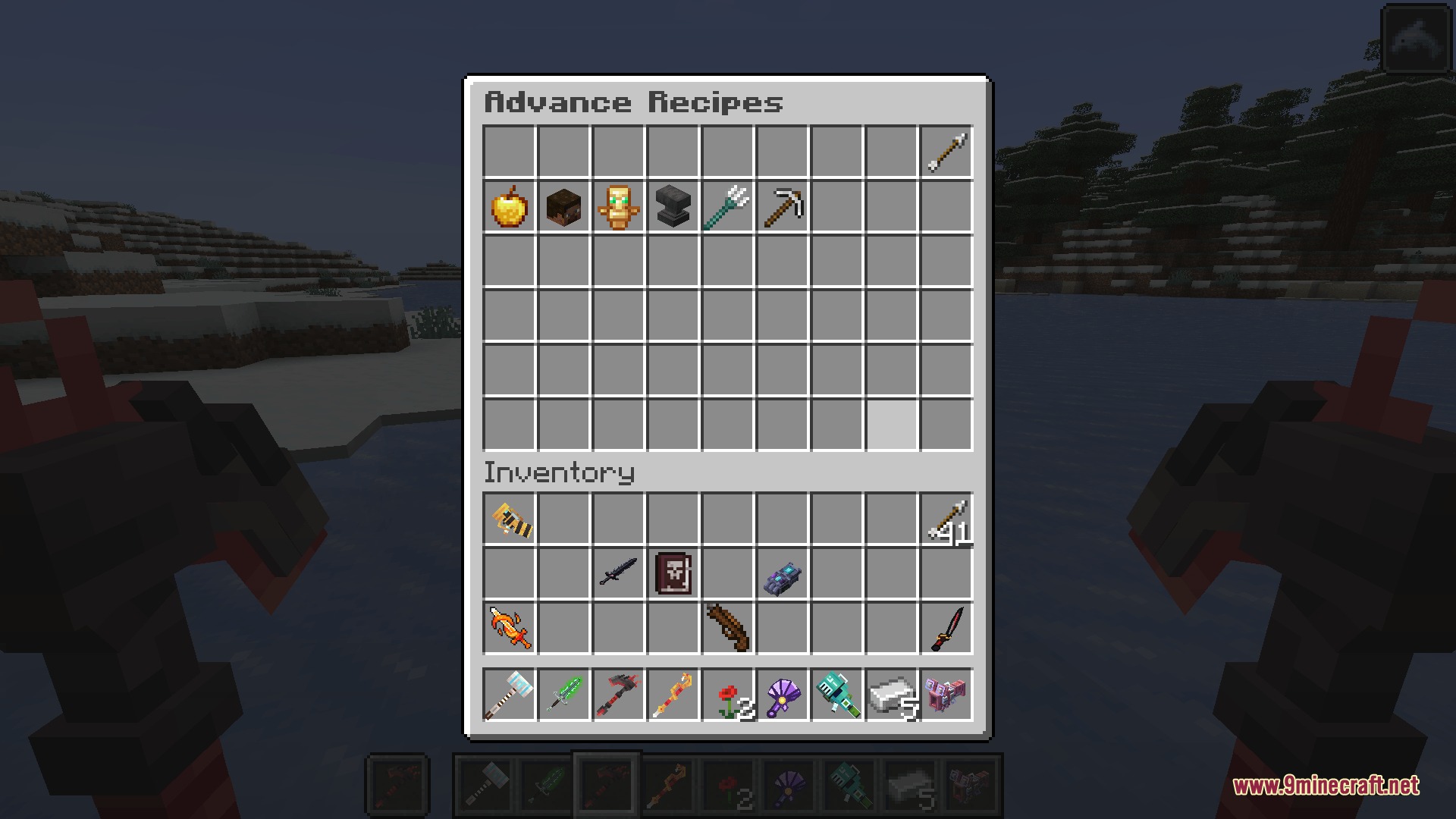
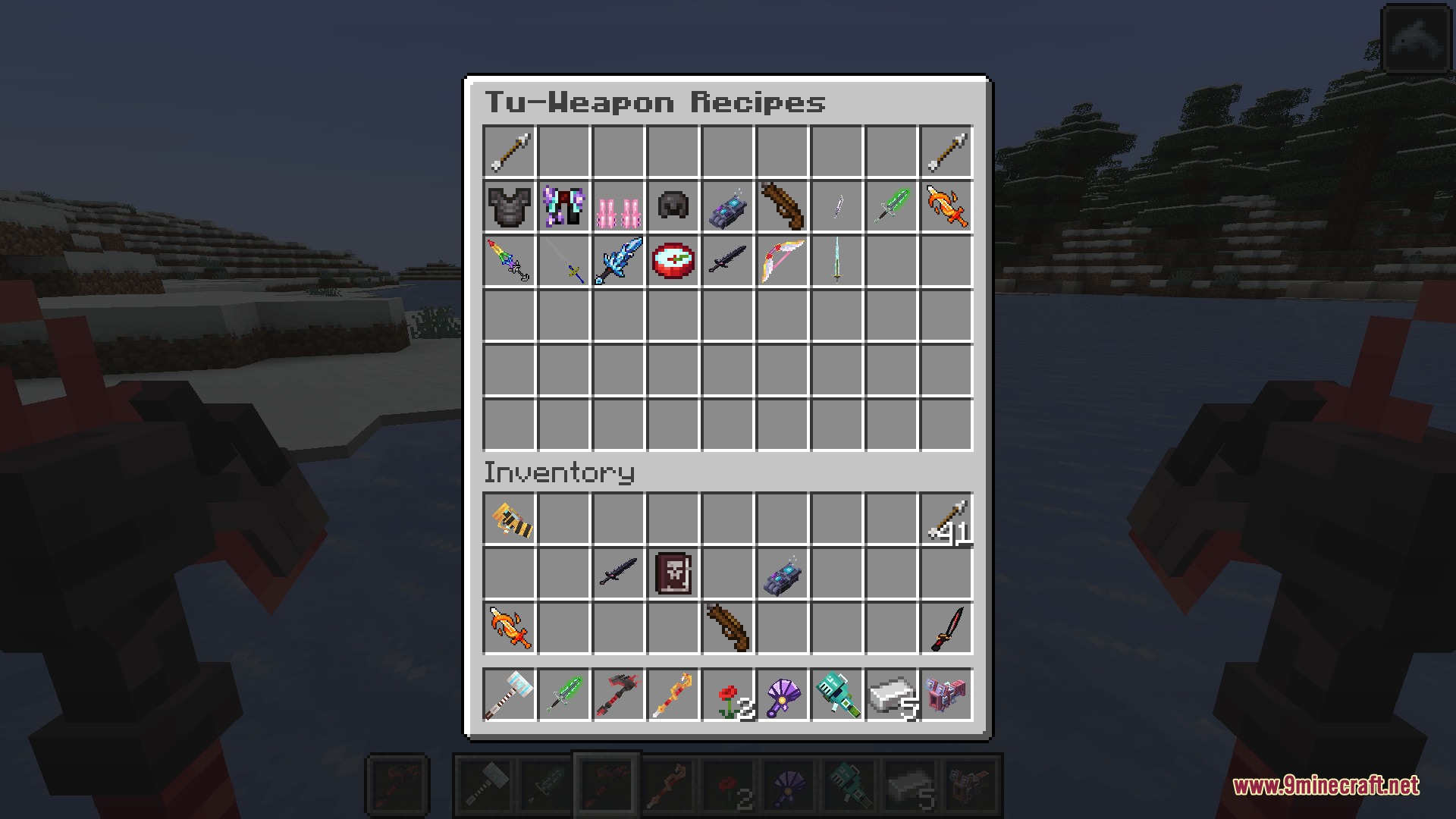
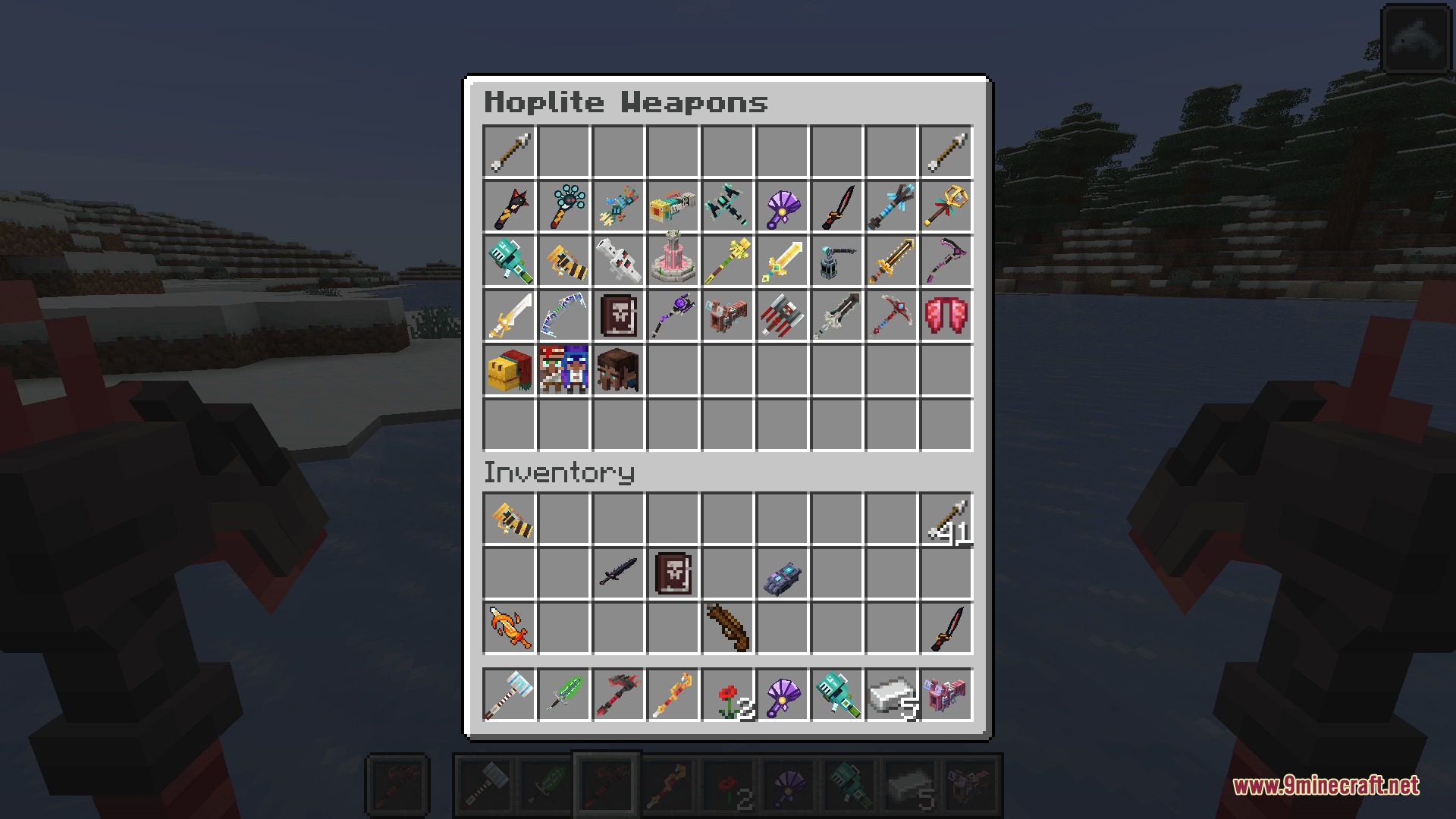
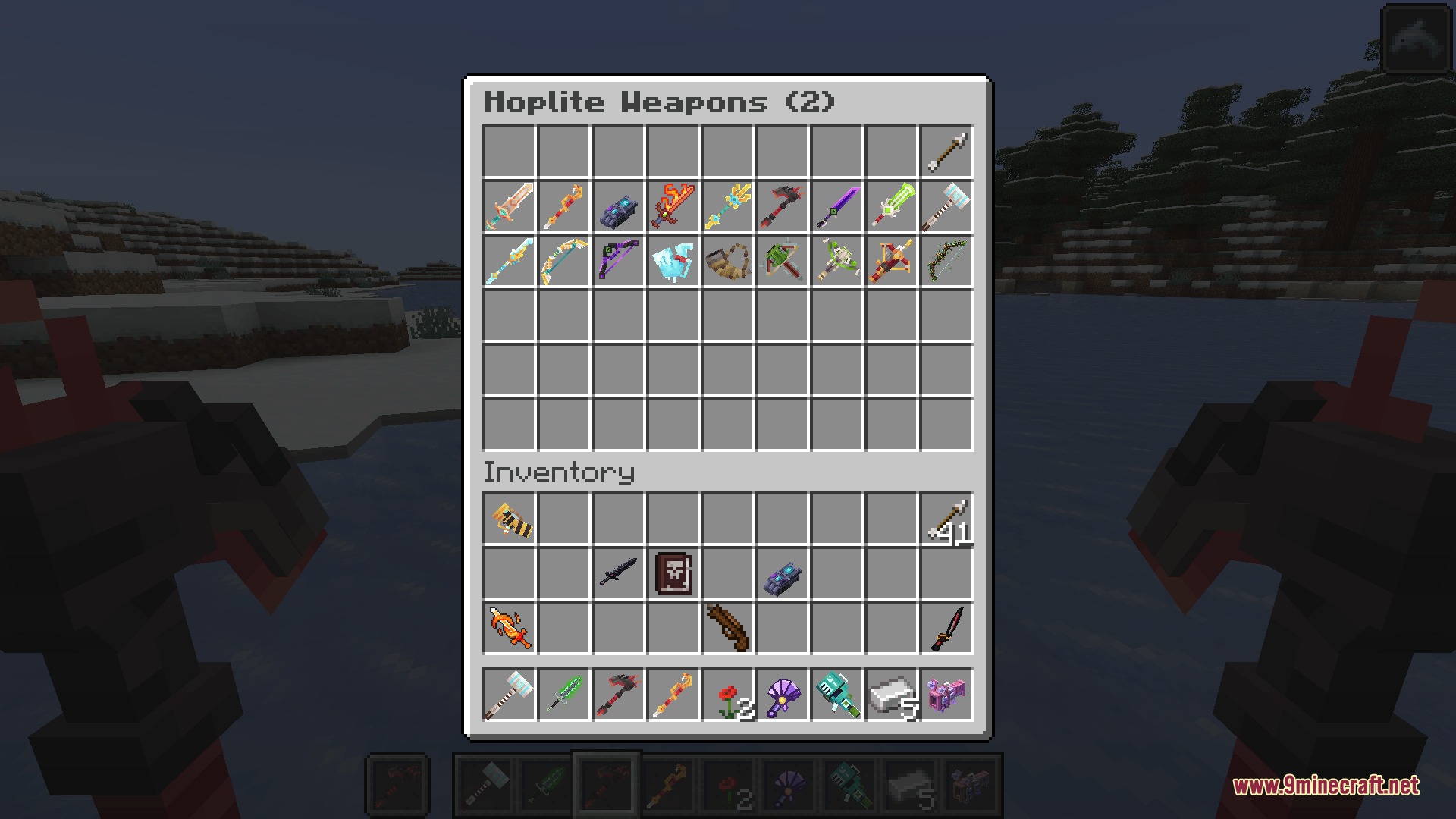
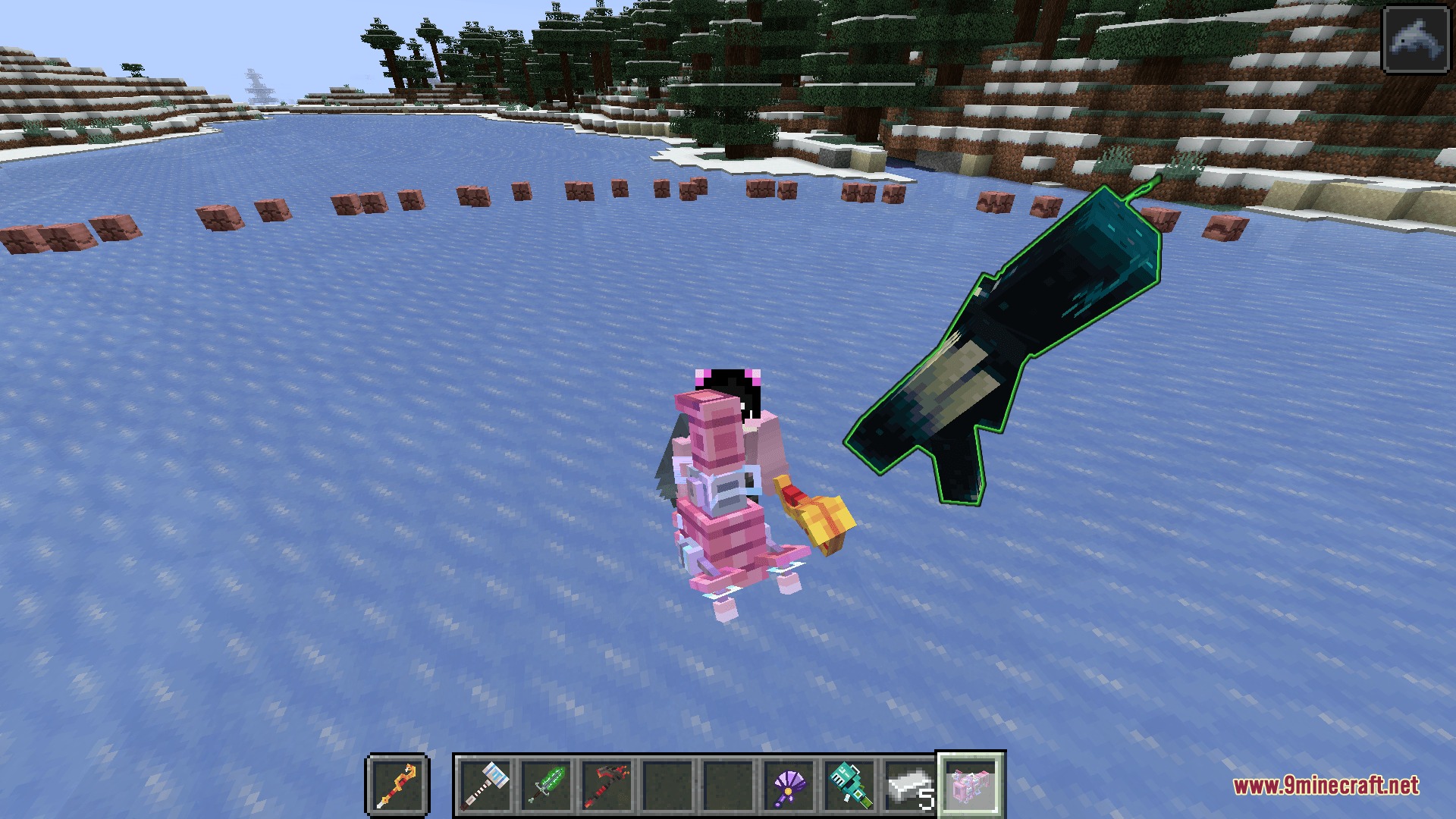
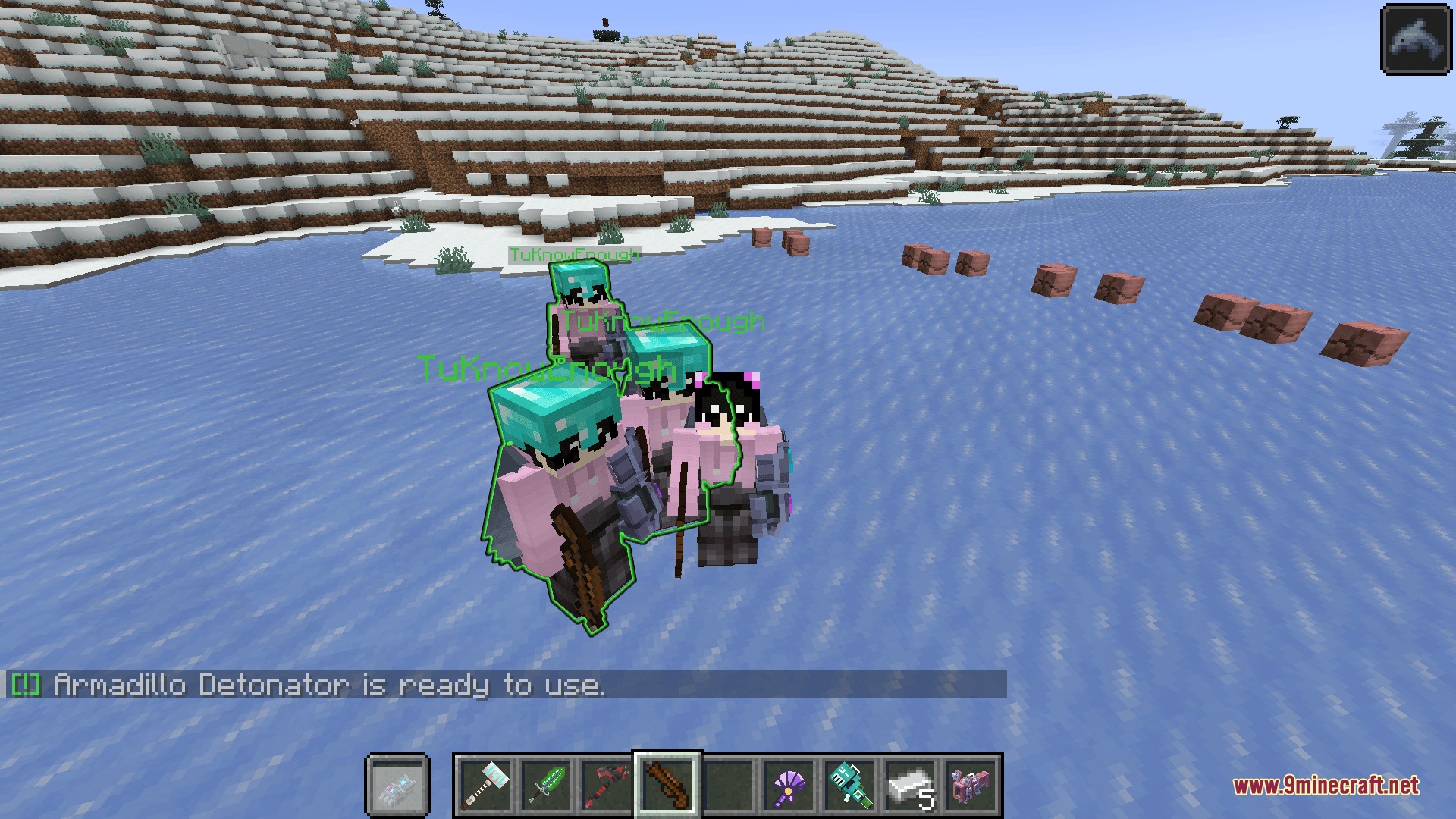
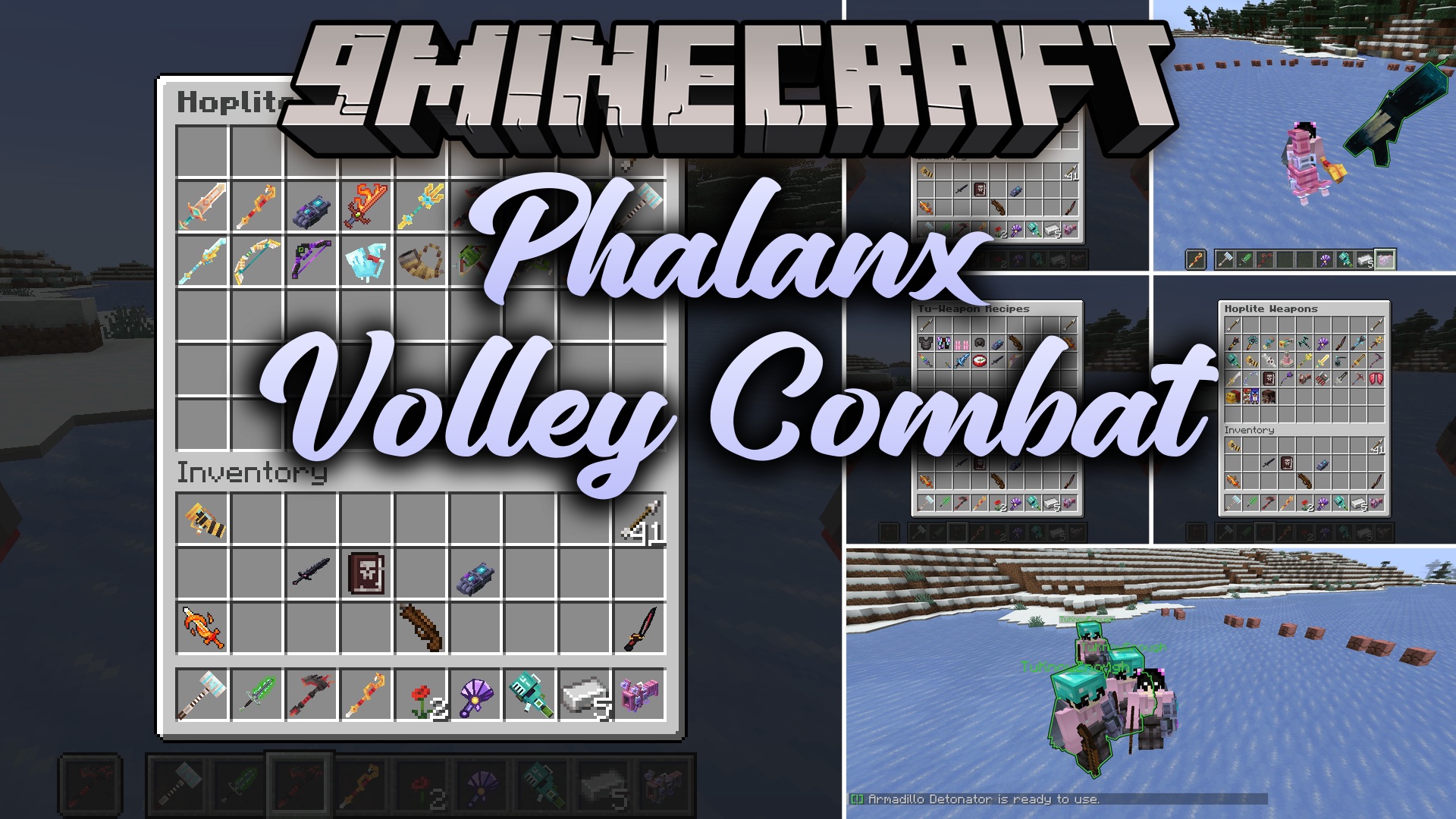
Phalanx Volley Combat Mod adds Hoplite-inspired custom weapons, unique abilities, and tactical combat mechanics to Minecraft. This mod equips players with specialized gear that brings deeper strategy to both PvP and PvE battles. It introduces smart bots that can duel with you or fight by your side during adventures. Players also gain a built-in party system to team up with friends directly in chat.
Features:
- Adds custom weapon sets inspired by tactical Hoplite combat.
- Equips weapons with unique special abilities and passive combat stats.
- Spawns intelligent combat bots that dodge attacks, use weapon skills, and place water buckets.
- Causes enemy bots to naturally spawn across the Overworld during the day.
- Lets you summon ally or enemy practice bots with a quick chat command.
- Includes a built-in team party system to manage groups and fight together.
Commands:
/weapontu spawnbot [ally/enemy]: Spawns a smart practice bot as an ally or enemy./weapontu setting: Opens general settings./wteam create [team_name]: Creates a new team with you as the leader./wteam invite <Player_Name>: Invites a player to your team, creating a team first if you are not in one./wteam accept <Inviter_Name>: Accepts an invitation to join a team./wteam info: Shows current team information, leader name, and online members./wteam leave: Leaves your current team./wteam kick <Player_Name>: Removes a member from the team (leader only)./wteam transfer <Player_Name>: Transfers team leadership to another member (leader only).
How to Use:
- Type
/wteam invite <Player_Name>to start a team and invite a friend. - Have your friend type
/wteam accept <Your_Name>to accept the invitation and join. - Summon a combat partner or opponent anytime by typing
/weapontu spawnbot enemyor/weapontu spawnbot ally.
Screenshots:
Phalanx Volley Combat Mod Download Links
Quick facts
- Edition: Minecraft Java
- File type: .jar
- Minecraft version listed: 1.21.1
- How to install: Install the matching mod loader (Forge, Fabric or NeoForge) for your Minecraft version. → Download the .jar. → Put it in the .minecraft/mods folder and launch that loader profile.
- Where to get it: In MC Java Mods, or directly above on this page.
Install steps are the general flow for this file type — How to install Minecraft Java mods & modpacks walks through it step by step.
File checked by MCModsHub
- Downloads as 503135.mcaddon
- Download size: 9.1 MB
- Download link checked 23 Sept 2026 — working
- Mirrored on our own servers — the download does not depend on the original host
These come from our own check of the pack file, not from the source page.