
ModsJava
Apex Mon Standings Mod (1.21.1) – Track Live Cobblemon Trainer Rankings
Java mod listed for Minecraft 1.21. Downloads from the MC Java Mods app on Android.
⬇ Download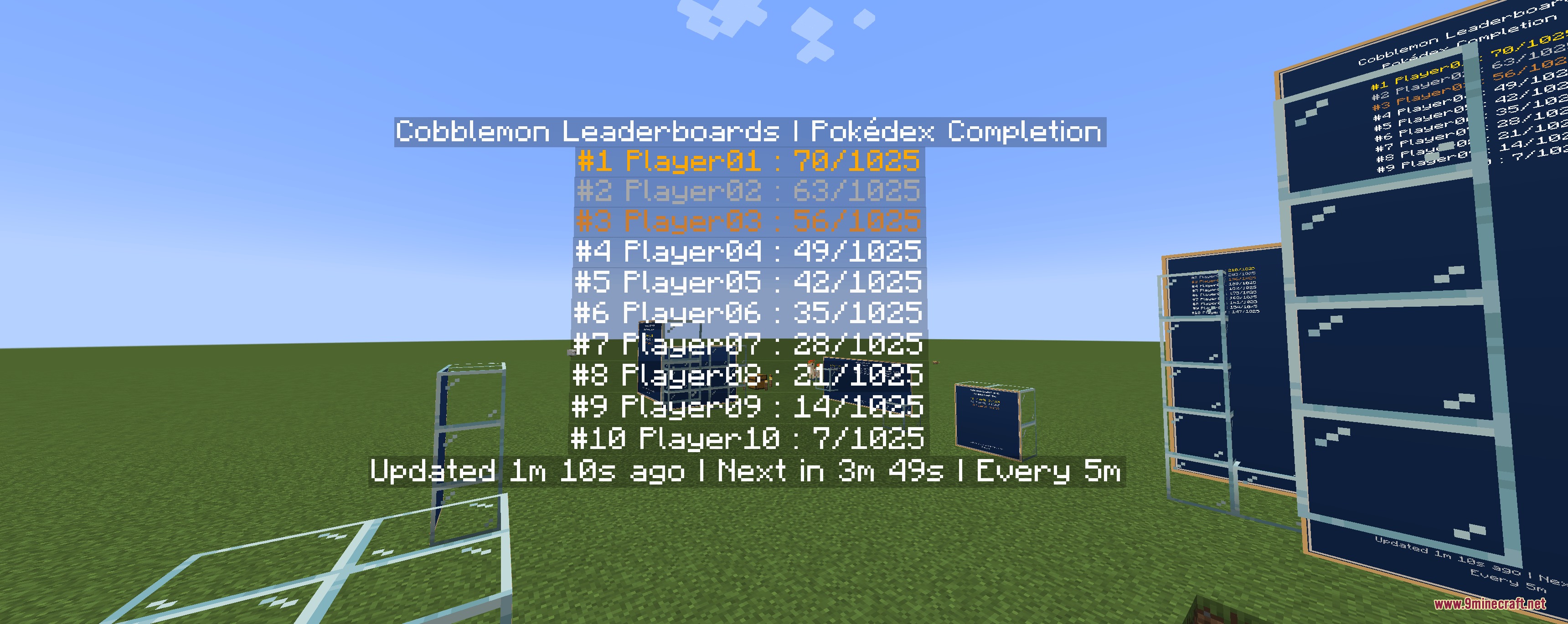
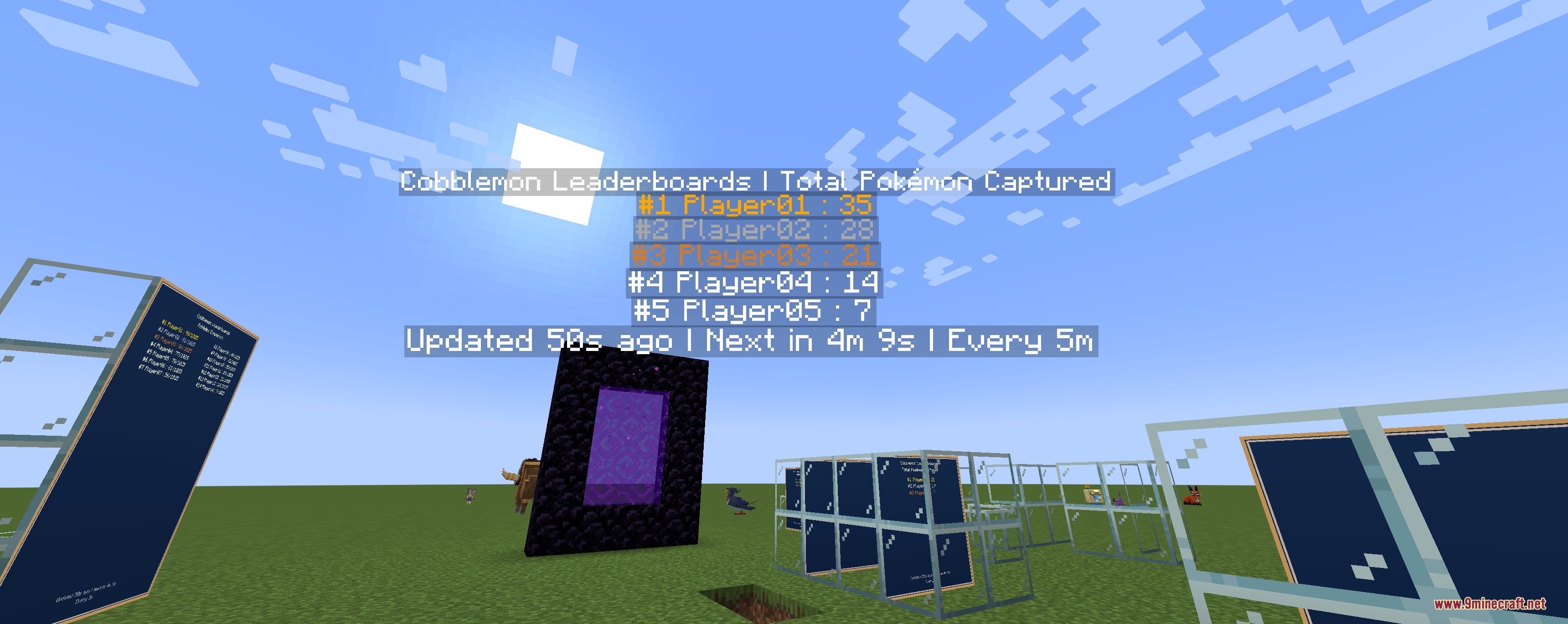
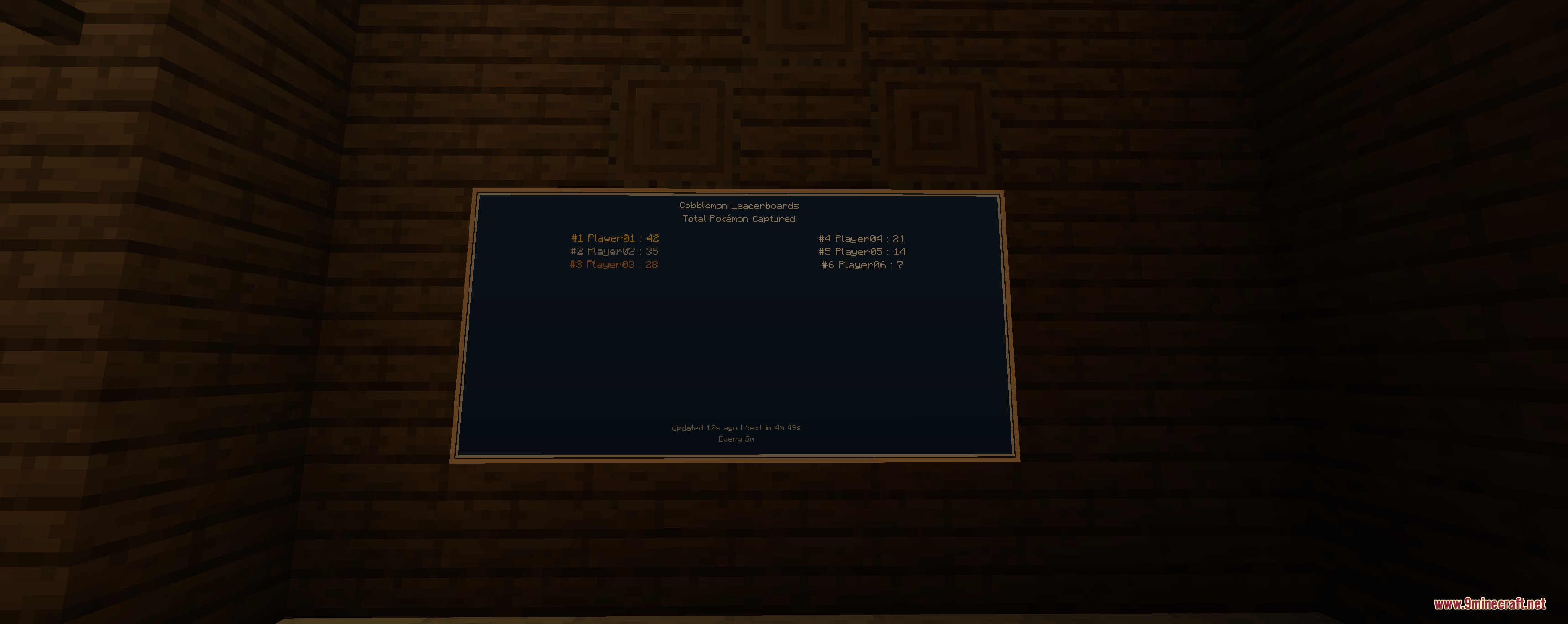
Apex Mon Standings Mod adds customizable in-game leaderboards for Cobblemon. It displays top trainers on physical wall boards or floating holograms right inside your server world. The mod tracks Pokédex completion, shiny hunting milestones, battle wins, and breeding stats automatically. Players can check live rankings with countdown timers directly at spawn or inside battle arenas.
Features:
- Displays player rankings in the world as physical boards or floating holograms.
- Updates standings automatically with live timer footers showing the next refresh.
- Allows server admins to place multiple leaderboards across different dimensions.
- Adapts the text capacity automatically based on the board size.
- Offers a selection wand to outline custom wall areas quickly.
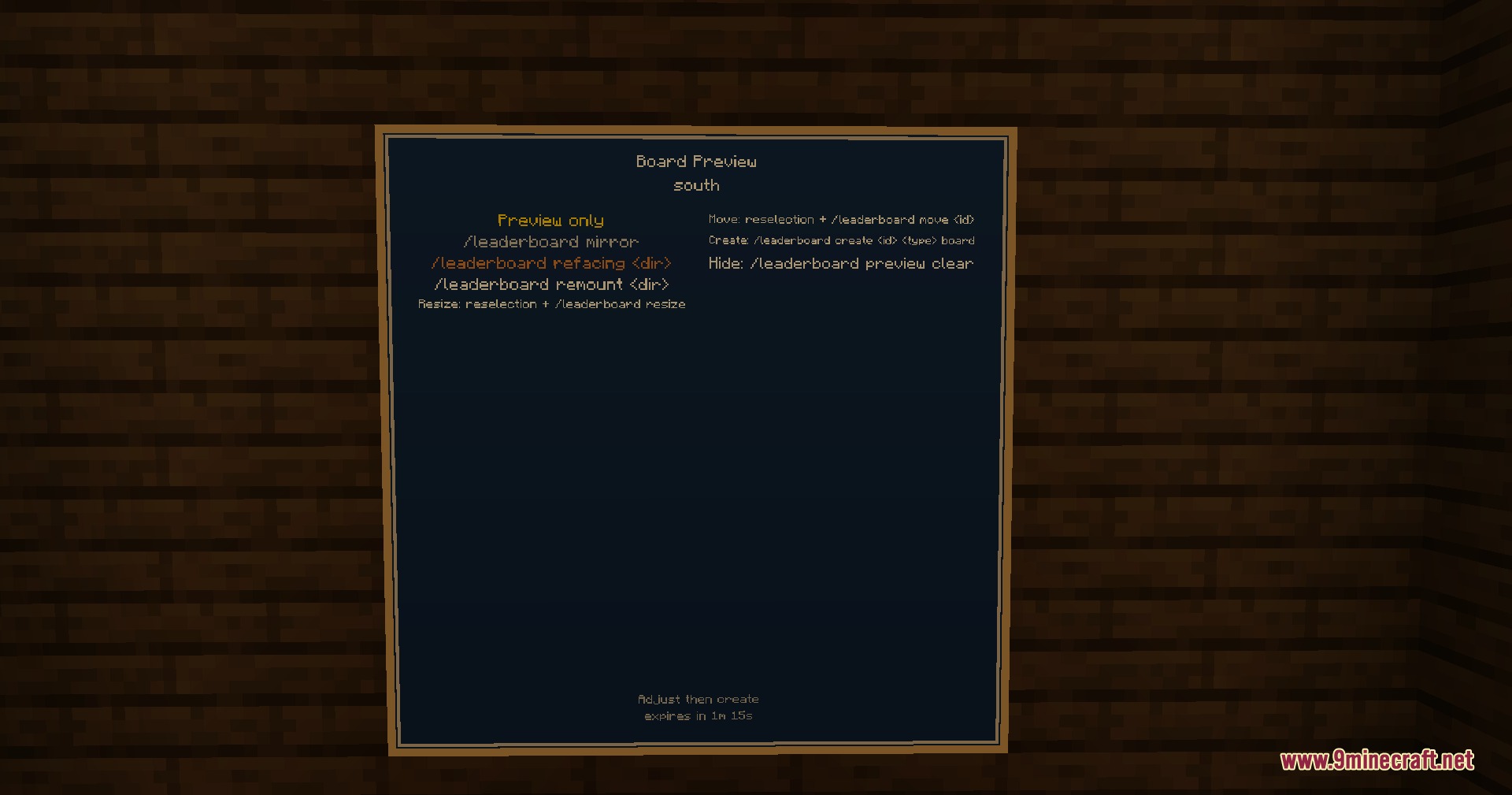
- Shows a placement preview before creating the board in the world.
- Lets you move, resize, clone, mirror, remount, or delete boards at any time.
- Customizes board text colors using standard Minecraft color names.
- Highlights the top three players with distinct color choices.
- Includes preset file options for modpacks using JSON files in the config folder.
- Includes a debug mode with test entries to check layouts before going live.
Core Progression:
- Pokédex completion percentage.
- Total Pokémon caught.
- Top shiny hunters.
- Total battles won.
- Total eggs hatched.
Collection Trackers:
- Unique, shiny, and regional forms collected.
- Paradox, Alpha, Legendary, Mythical, and Ultra Beast Pokémon owned.
- Total shiny and level 100 Pokémon owned.
- Highest level and total Pokémon owned.
Breeding and Encounters:
- Perfect IV, Hidden Ability, and shiny Pokémon bred.
- Highest IV total and IV average Pokémon owned.
- PvP, trainer, and wild battles won, plus best win streaks.
- Legendary, shiny, and first-time encounters tracked.
- Pokémon nicknamed, traded, and released.
Commands:
/leaderboard wand: gives you the wand tool to select placement corners./leaderboard pos1: sets the first position for the board layout./leaderboard pos2: sets the second position for the board layout./leaderboard create <id> <type>: creates a new leaderboard with the chosen display style./leaderboard list: lists all active leaderboards on the server./leaderboard info <id>: shows detailed information about a specific leaderboard./leaderboard move <id>: moves an existing leaderboard to your current target area./leaderboard resize <width> <height>: changes the size of the selected board./leaderboard clone <new_id>: creates a copy of an existing leaderboard./leaderboard remove <id>: deletes the specified leaderboard from the world./leaderboard refresh: updates leaderboard data across the server./leaderboard refresh looked: updates only the leaderboard you are looking at.
Configuration:
config/cobblemon_leaderboards/preset_leaderboards/: directory where preset JSON files are stored per dimension.
{
  "dimension": "minecraft:overworld",
  "version": "1.0",
  "leaderboards": [
    {
      "key": "spawn_pokedex",
      "type": "POKEDEX_COMPLETION",
      "mode": "BOARD",
      "facing": "south",
      "mountedFacing": "north",
      "min": { "x": 10, "y": 64, "z": 20 },
      "max": { "x": 13, "y": 61, "z": 20 }
    }
  ]
}
Screenshots:
Apex Mon Standings Mod Download Links
Quick facts
- Edition: Minecraft Java
- File type: .jar
- Minecraft version listed: 1.21.1
- How to install: Install the matching mod loader (Forge, Fabric or NeoForge) for your Minecraft version. → Download the .jar. → Put it in the .minecraft/mods folder and launch that loader profile.
- Where to get it: In MC Java Mods, or directly above on this page.
Install steps are the general flow for this file type — How to install Minecraft Java mods & modpacks walks through it step by step.
File checked by MCModsHub
- Downloads as 503137.mcaddon
- Download size: 1.5 MB
- Download link checked 24 Sept 2026 — working
- Mirrored on our own servers — the download does not depend on the original host
These come from our own check of the pack file, not from the source page.