ModsJava
Vanilla Breach Paradox Mod (1.20.1) – Survive Creepy Anomalies in Eerie
Java mod listed for Minecraft 1.20. Downloads from the MC Java Mods app on Android.
⬇ Download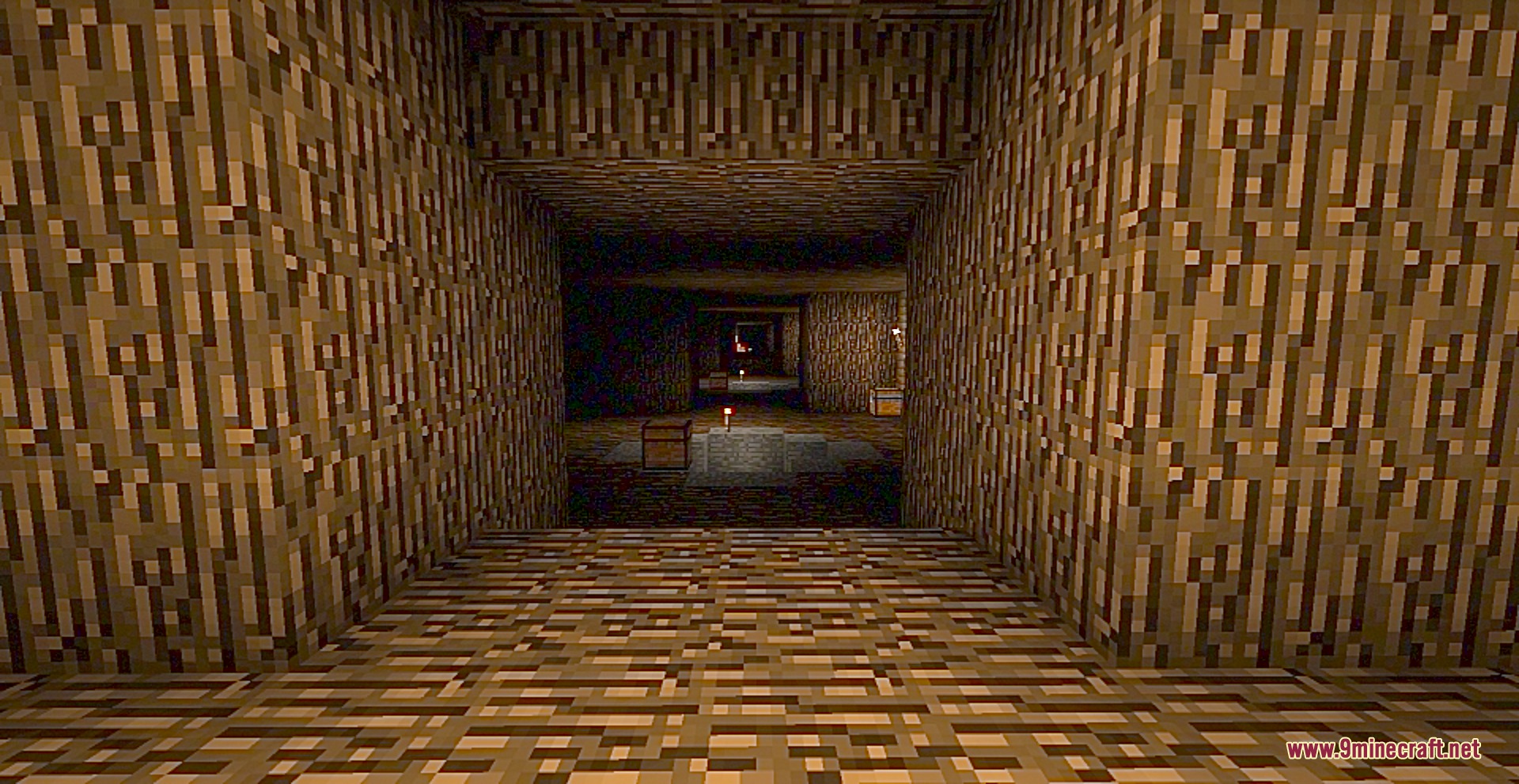
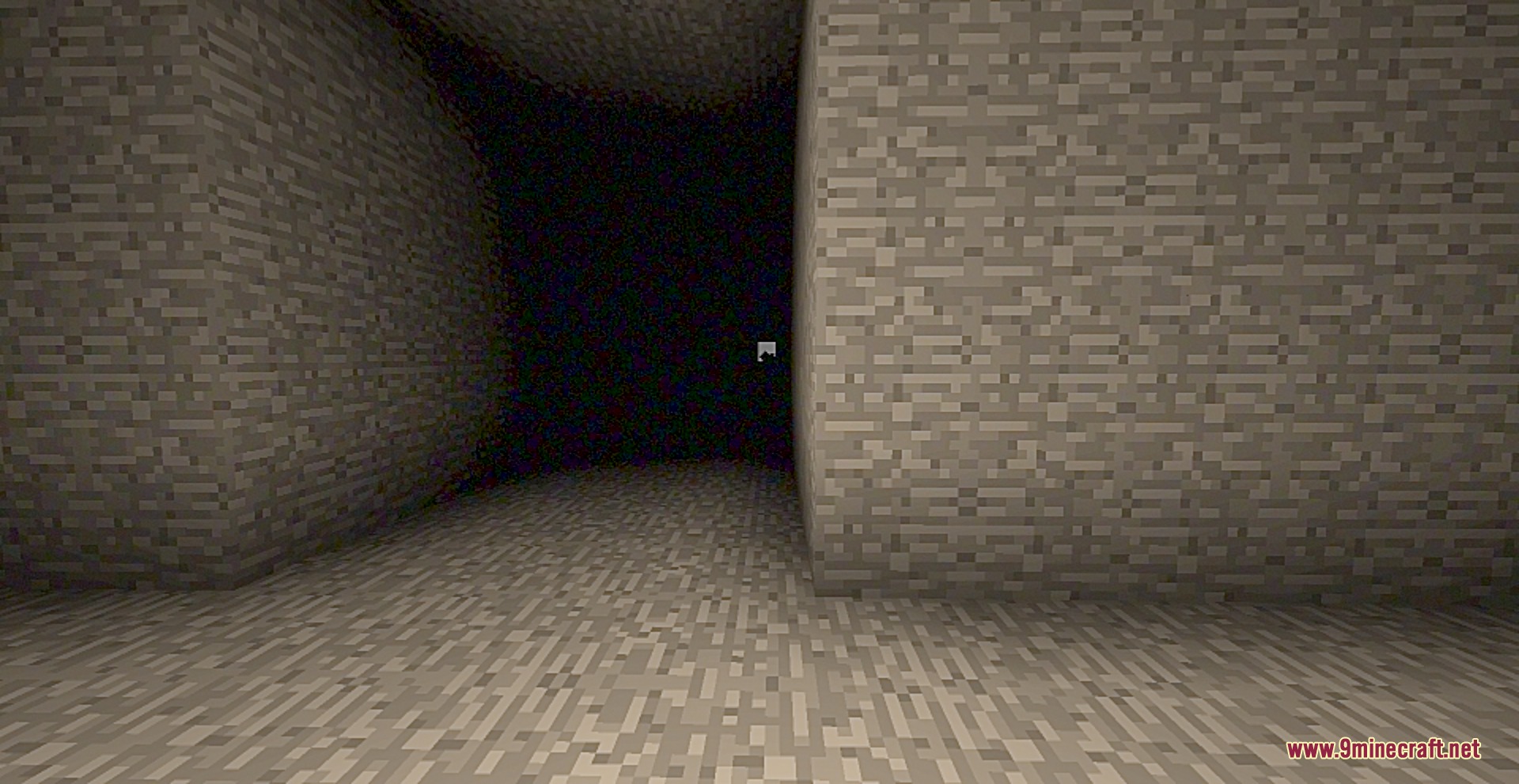
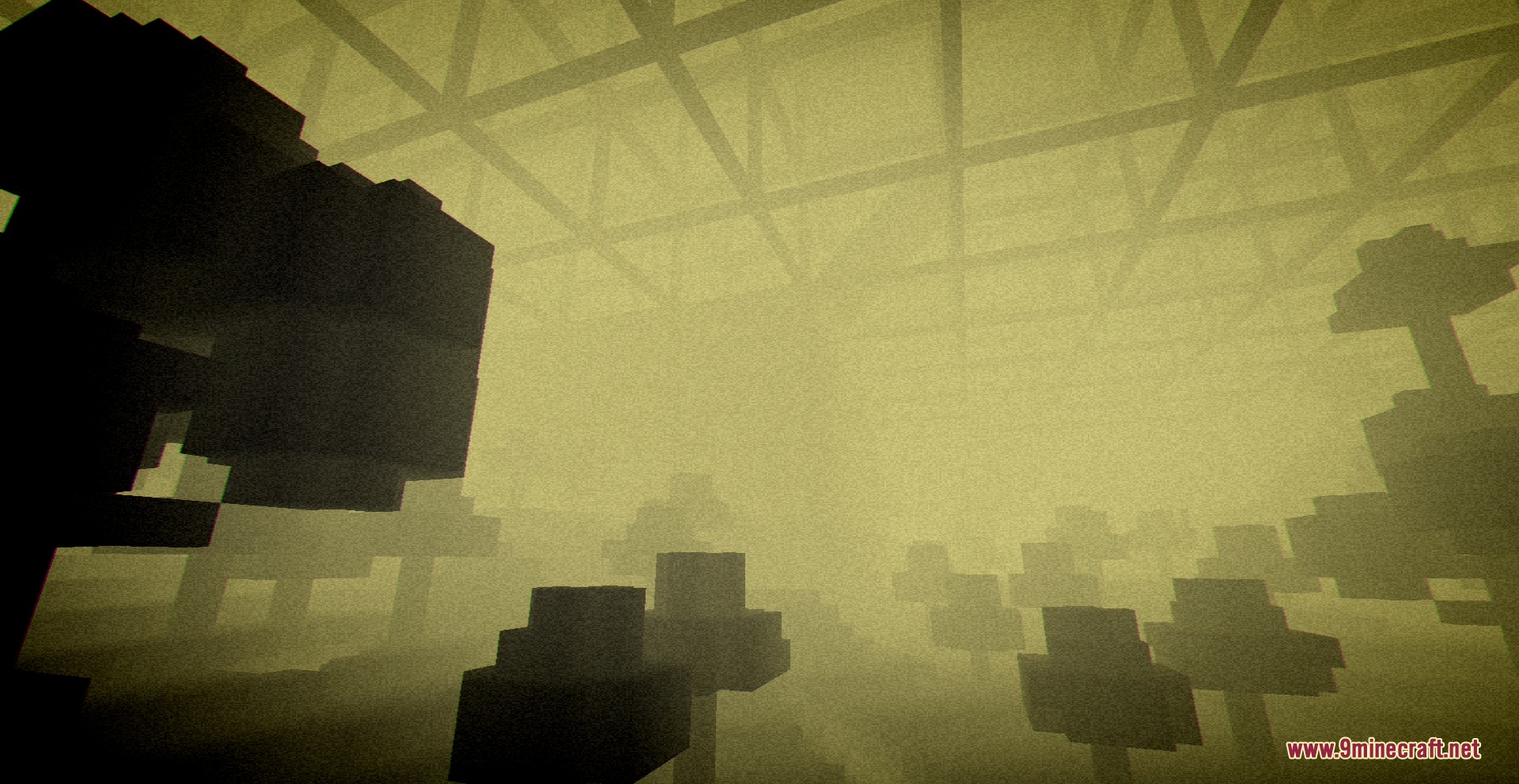

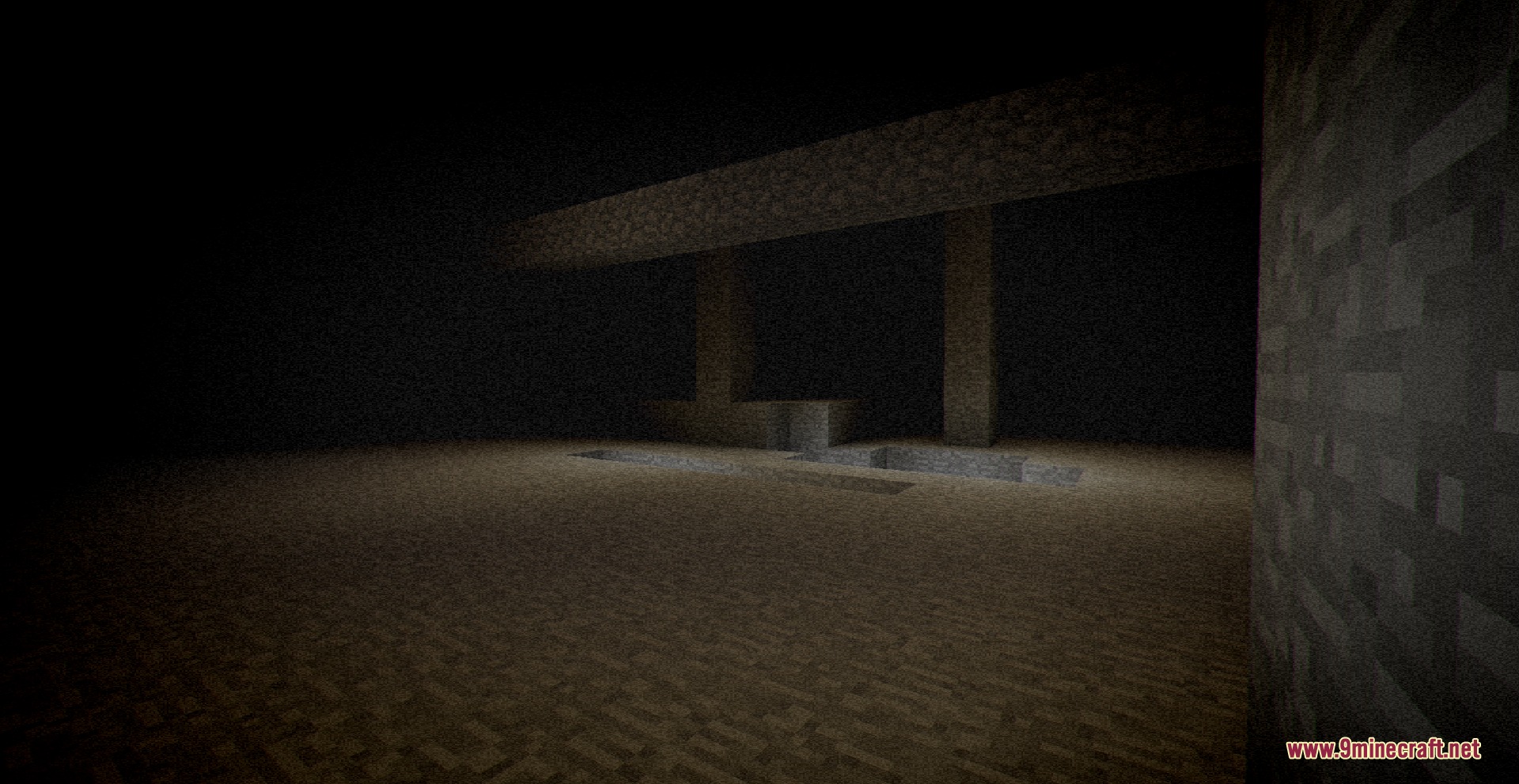
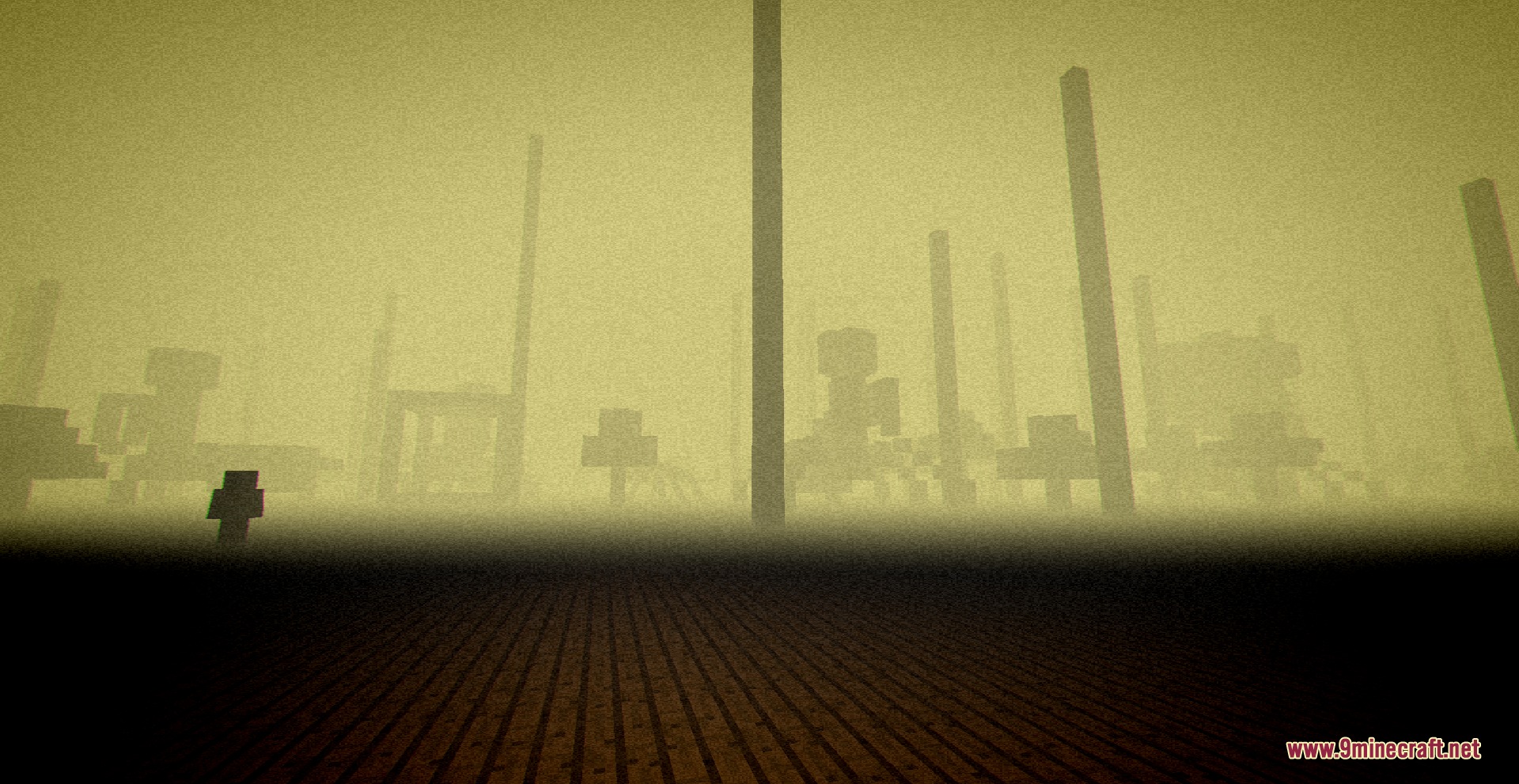
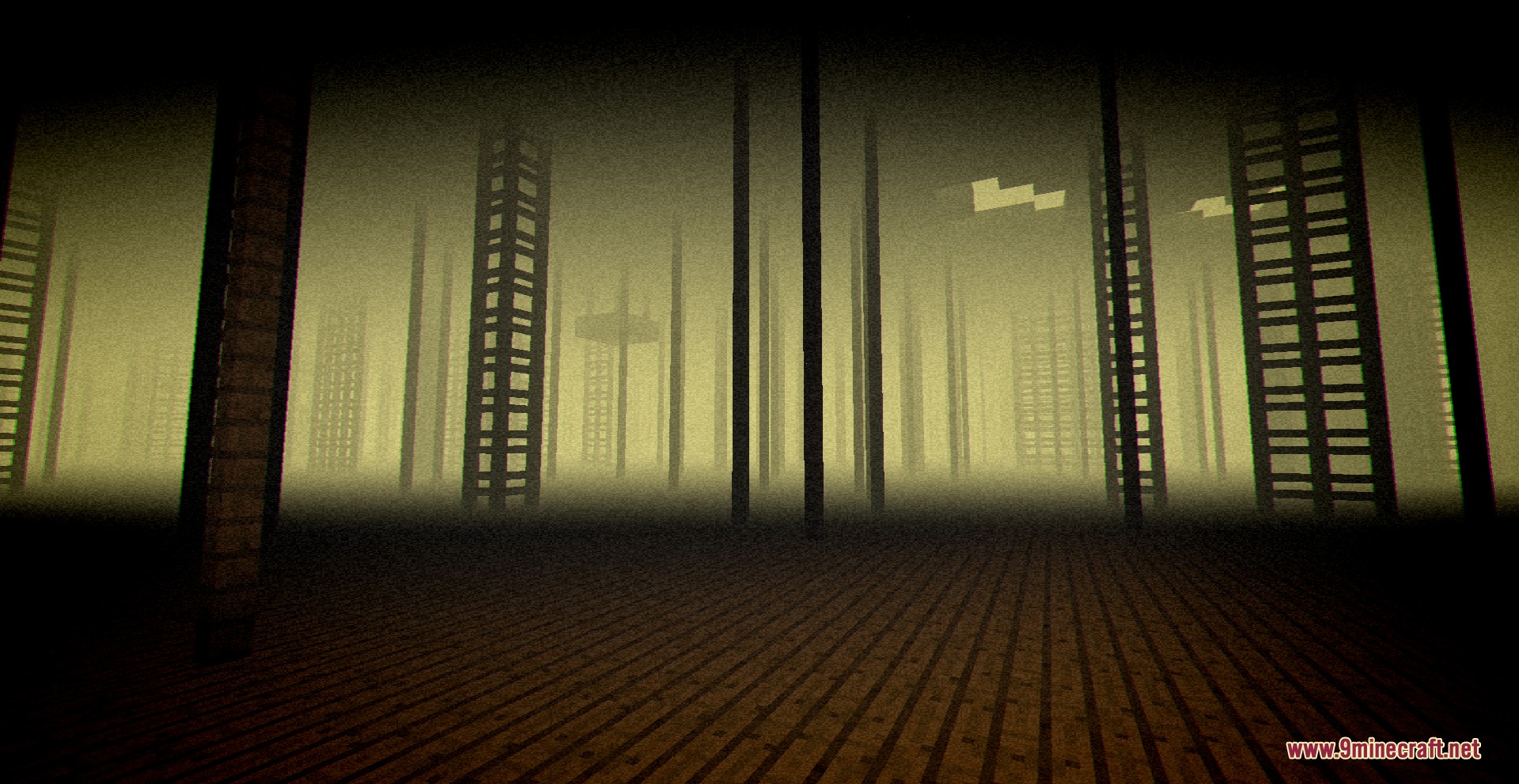

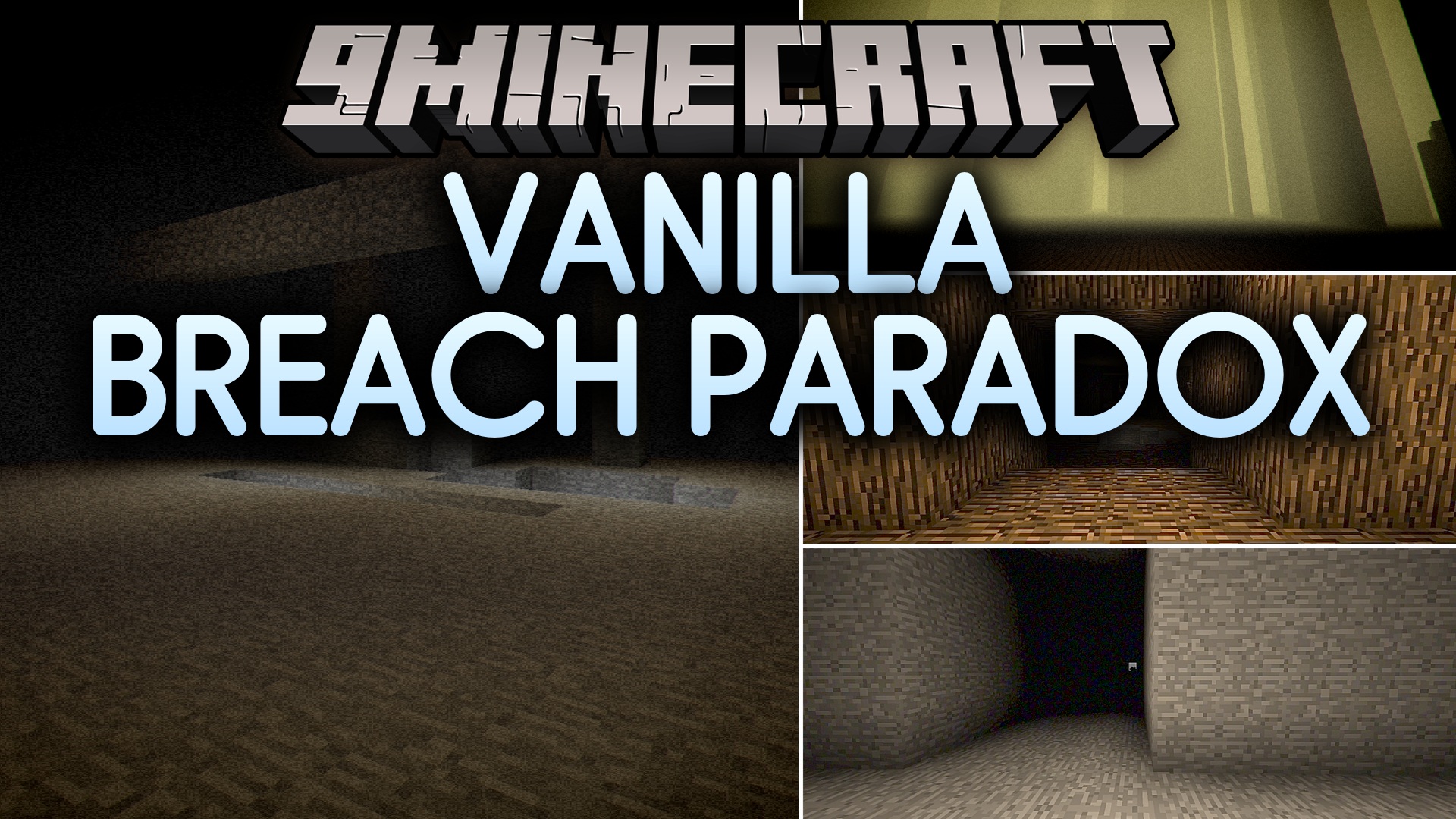
Vanilla Breach Paradox Mod fills your world with uncanny horror entities and eerie realms built from ordinary vanilla materials. It introduces sixteen anomalous mobs alongside two spooky custom dimensions. While some creatures wander the Overworld, most of the danger awaits deeper inside the wooden and stone realms. You can enter the first realm by building a portal frame from oak planks.
Features:
- Spawns 16 anomalous entities across your world and custom dimensions.
- Adds two strange dimensions made entirely of basic building blocks.
- Lets you build custom portals using oak planks to reach the first realm.
- Features custom mob animations, custom sounds, and unique chase behaviors.
- Works in multiplayer worlds so you can explore the creepy zones with friends.
- Includes customizable spawn chances for overworld creatures.
Entity Types:
- Stonecrawler: a hostile stone mob found in deep areas.
- Cobbled Warrior: an armored monster constructed from cobblestone.
- Stone Stalker: an ominous figure that chases players with custom sounds.
- Woodweaver: a wooden creature with custom moving animations.
- Flowerman: an anomalous mob with distinct sound effects.
Commands:
/config showfile the_unkept COMMON: opens the common configuration file for the mod.
How to Use:
- Build a standard Nether portal frame using oak planks instead of obsidian blocks.
- Light the oak portal frame to open the gateway to the wooden dimension.
- Travel down to the bottom levels of the wooden dimension to reach the stone realm.
- Adjust spawn rates in the configuration file if overworld mobs appear too often or too rarely.
Screenshots:
Vanilla Breach Paradox Mod Download Links
Quick facts
- Edition: Minecraft Java
- File type: .jar
- Minecraft version listed: 1.20.1
- How to install: Install the matching mod loader (Forge, Fabric or NeoForge) for your Minecraft version. → Download the .jar. → Put it in the .minecraft/mods folder and launch that loader profile.
- Where to get it: In MC Java Mods, or directly above on this page.
Install steps are the general flow for this file type — How to install Minecraft Java mods & modpacks walks through it step by step.
File checked by MCModsHub
- Downloads as 503147.mcaddon
- Download size: 9.4 MB
- Download link checked 23 Sept 2026 — working
- Mirrored on our own servers — the download does not depend on the original host
These come from our own check of the pack file, not from the source page.