Instant Concrete
Bedrock add-on listed for Minecraft 1.21–26.x (behavior pack only). File opened and checked on 2 Sep 2026; installs from the MC Bedrock Mods app on Android.
Instant Concrete turns concrete powder into solid concrete when placed. Each player has their own settings. Toggle it via /concrete or a stick named…
⬇ Download on CurseForge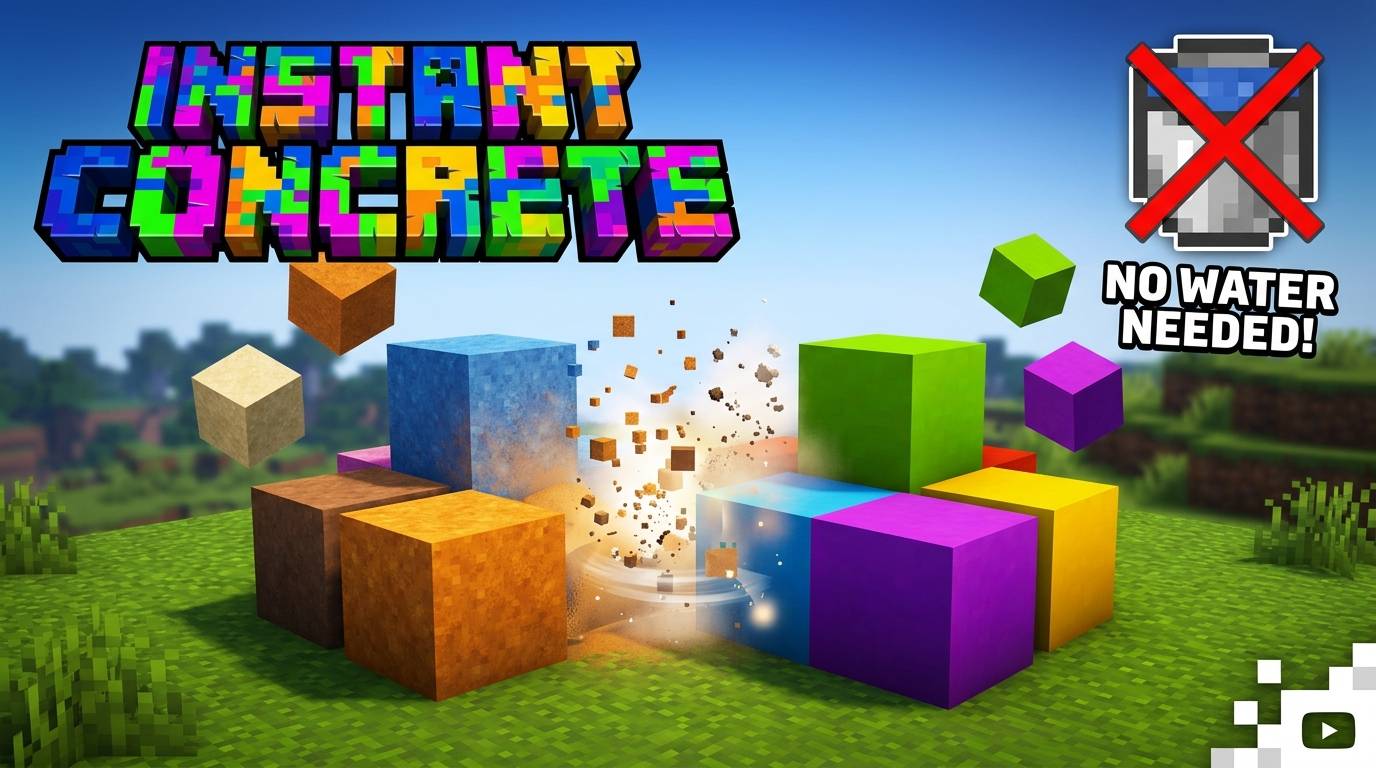
Instant Concrete
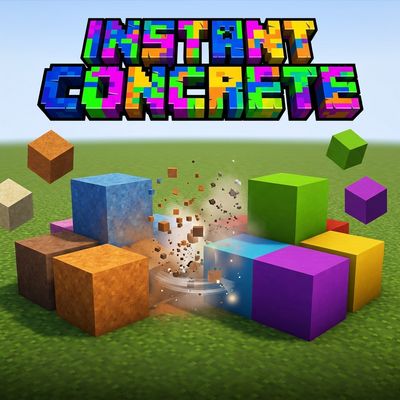
Instant Concrete makes building with concrete powder faster and easier! When the addon is enabled, any concrete powder block placed by a player is instantly converted into its corresponding solid concrete block.
⚙️ Features
-
🧱 Instantly converts concrete powder into solid concrete.
-
👤 Individual player settings — each player has their own configuration.
-
🔄 Easily enable or disable the addon whenever you want.
-
🏆 Does not disable achievements.
-
💧 No water is required to turn concrete powder into solid concrete.
-
📦 Supports all 16 concrete colors.
-
⏱️ Only affects concrete powder when a player places it while the addon is enabled.
-
🚫 Concrete powder that was already placed before enabling the addon will not be changed.
🎮 How to Open the Menu
There are two ways to open the Instant Concrete menu:
1. Command
Use:
/concrete
2. Special Stick
Rename a stick to:
Concrete
Then use the stick to open the Instant Concrete menu.
From the menu, you can enable or disable Instant Concrete.
👥 Multiplayer
Instant Concrete is designed for multiplayer worlds.
Each player has their own independent configuration, so one player can have Instant Concrete enabled while another player has it disabled.
For example:
Player A: Enabled ✅
Player B: Disabled ❌
Their settings do not affect each other.
🧱 Important
Instant Concrete does not convert concrete powder that is already placed in the world.
The conversion only happens when:
-
The player has Instant Concrete enabled.
-
The player places the concrete powder themselves.
-
The placed block is one of the supported concrete powder blocks.
This means existing builds are completely safe.
❤️ Support & More Addons
If you enjoy Instant Concrete, consider following my account for more addons!
I plan to create all kinds of Minecraft Bedrock addons, from useful technical tools and utilities to fun, experimental, and completely different projects.
Follow for more addons by ByShoni!
- Edition: Minecraft Bedrock
- File type: .mcpack or .mcaddon
- Minecraft versions listed: 1.21.100, 26.40
- How to install: Download the .mcpack or .mcaddon file. → Open it — Minecraft imports it. → In your world: Behavior Packs → Available → Activate, then the same under Resource Packs.
- Where to get it: Opens on CurseForge — not every file is mirrored on our own servers.
Install steps are the general flow for this file type — How to install Minecraft Bedrock addons & mods walks through it step by step.
- Save it as InstantConcrete.mcaddon before opening — it downloads as .mcpack, but it is a .mcaddon pack
- Manifest requires Minecraft 1.21.0 or newer
- Complete pack — everything it depends on is inside the file
- Download size: 710 KB
- Download link checked 12 Oct 2026 — working
These come from our own check of the pack file, not from the source page.