HomeJavaModsPhase Gates
Phase Gates
ModsJava

Phase Gates

by NoxVia · on Modrinth

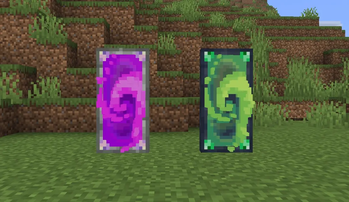
Phase Gates allow simple movement across and between dimensions. A little bit of magic and science!

⬇ Download on Modrinth
Phase Gates — screenshot 1Phase Gates — screenshot 2Phase Gates — screenshot 3Phase Gates — screenshot 4

logo-big

Phase Gate adds a simple but powerful teleportation system to Minecraft, allowing entities to travel instantly to recorded locations, without requiring a second portal at the destination.

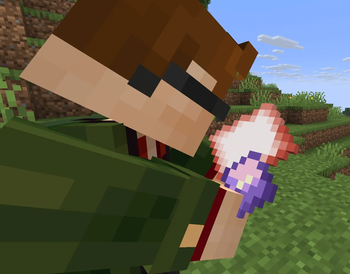
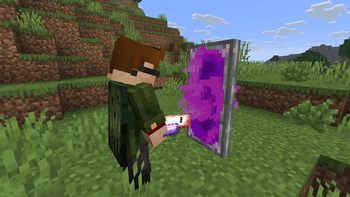
Create a gate, record a location with a Coordinate Inscriber, bind the gate to it, and step through.

separator

Features

Two video demonstrations

separator

How It Works

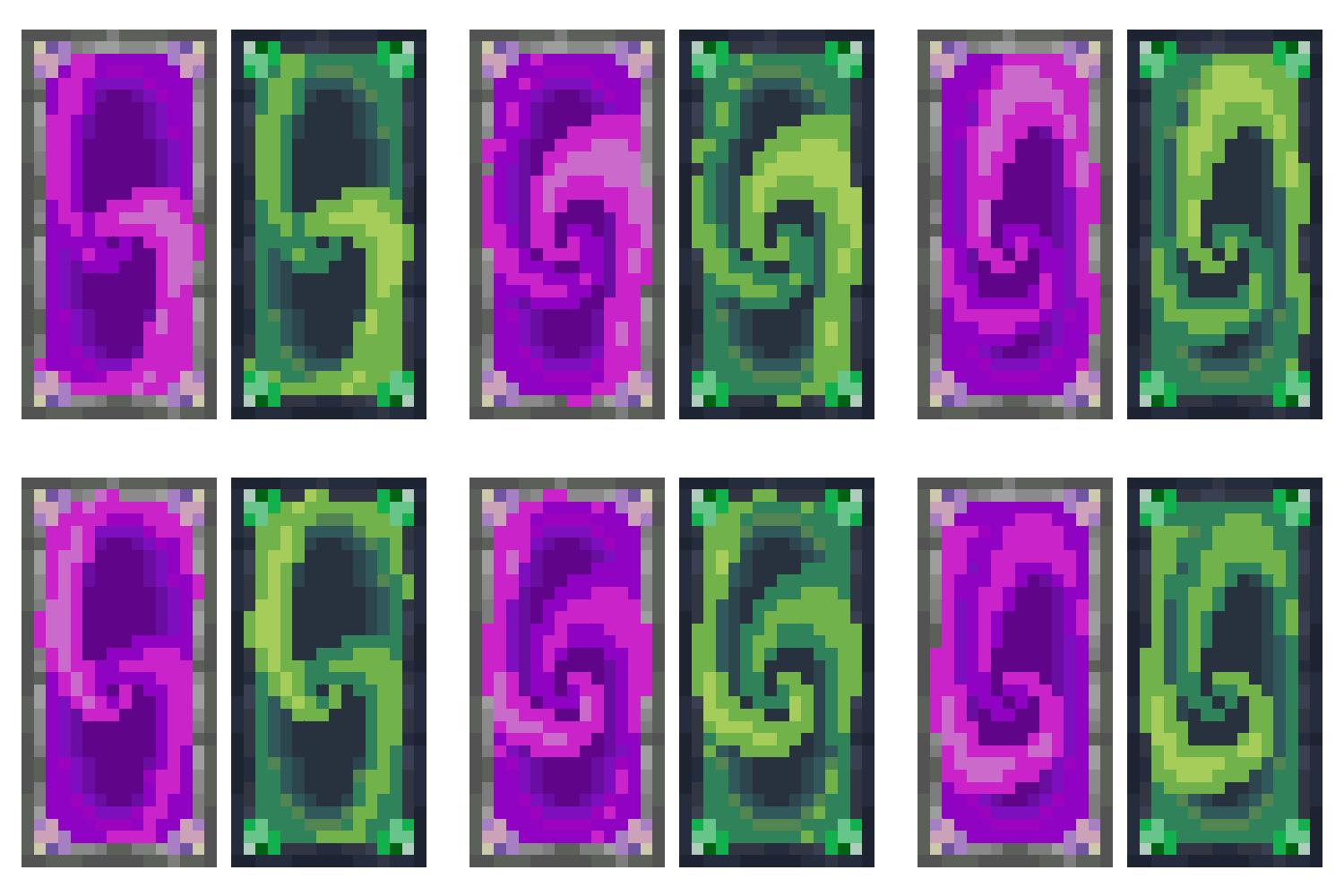
Phase Gate

simple_phase_gate
The regular Phase Gate is designed for safe and reliable travel within a single dimension.

To use one:

  1. Craft and place a Phase Gate.
  2. Use a Coordinate Inscriber to record your current location.
  3. Right-click the Gate Frame with the Inscriber.
  4. The gate is now bound to those coordinates.
  5. Enter the gate to teleport there.

Regular Phase Gates are also more stable: they will prevent teleportation if the destination contains an unsafe obstruction, such as a solid block or lava. Water and other non-solid blocks such as trapdoors, fences, chains, etc. are considered safe.
The gate does not, however, check what is beneath the destination, so falling is still possible.

Interdimensional Phase Gate

interdimensional_phase_gate
The Interdimensional Phase Gate works similarly, but can also travel between dimensions.
It requires an Advanced Coordinate Inscriber, which records both the coordinates and the dimension.

Interdimensional Gates are considerably more unstable. They do not check the destination for obstructions and will teleport entities regardless of what is waiting at the destination.

Important: Regular Coordinate Inscribers cannot be used with Interdimensional Gates, and Advanced Coordinate Inscribers cannot be used with regular Phase Gates.

separator

Coordinate Inscribers

Coordinate Inscribers store a location that can later be written into a Phase Gate. Each time you record a location, the previous coordinates are overwritten.

Coordinate Inscriber

coordinate_inscriber
The regular Inscriber has 3 uses. Once all uses are consumed, it can be restored using Dissolvent in an anvil. Each Dissolvent restores 1 use, meaning 3 are required for a full recharge.
The remaining uses can be seen through the item's durability and its texture, which gradually fills as coordinates are recorded.

Advanced Coordinate Inscriber

advanced_coordinate_inscriber
The Advanced Inscriber has 8 uses and records both the location and dimension. It can be recharged in an anvil using End Crystals. Each End Crystal restores 2 uses, so 4 are required for a full recharge.
Unlike the regular Inscriber, its remaining uses are only visible through durability.

Important: Once an Inscriber's uses run out, it can still be used to bind a gate using the last recorded location. Binding a gate does not consume durability, only recording new coordinates does.
Fully repairing an Inscriber will erase its stored coordinates.

separator

Crafting

Phase Gate

gate_simple_craft

Coordinate Inscriber

inscriber_craft

Interdimensional Phase Gate

gate_interdim_craft

Advanced Coordinate Inscriber

adv_inscriber_craft

Emerald Powder

emerald_powder_craft

(Stonecutter recipe)

Pollinated Amethyst Shard

pollinated_amethyst_shard_craft

Unstable End Crystal

unstable_end_crystal_craft

Brewing

Gate Stabilizer

gate_stabilizer_craft

Neutral Solution

neutral_solution_craft

Dissolvent

dissolvent_craft

Emerald Extract

emerald_extract_craft

Recycling

Several recipes use liquid/potion-like ingredients:

Using these items in crafting leaves behind empty flasks.
Empty flasks can be crafted back into Glass, at a rate of 1x Flask → 1x Glass, allowing you to recover exactly the amount of glass originally used for the bottles.
flask_recraft

separator

Unstable End Crystal

The Unstable End Crystal is exactly what its name suggests. Attempting to place one will cause it to explode immediately. The crystal itself is not lost, it transforms back into a regular End Crystal in your hand.

If you don't want this behavior, it can be disabled with the: unstable_crystal_explodes gamerule.

The gamerule by default is set to true.

Additionally, setting the world difficulty to Peaceful prevents Unstable End Crystals from exploding, regardless of the gamerule's value.

separator

‼️ Important Notes

separator

License & Permissions

All Rights Reserved (ARR).

You may freely use this mod in private or public modpacks, servers, and online content.

You may not redistribute, re-upload, modify, or republish the mod as a standalone project, nor reuse its original models, textures, artwork, or other assets in other projects without permission.

separator_end

Phase Gates is a free Minecraft Java mod. Compatible with Minecraft 26.1.2. Available via Modrinth. Download it and open it directly in the game.

Explore more