DatapacksJava
Chronos Counter Data Pack (1.21.11, 1.20.1) – Track Your World Days Right Above
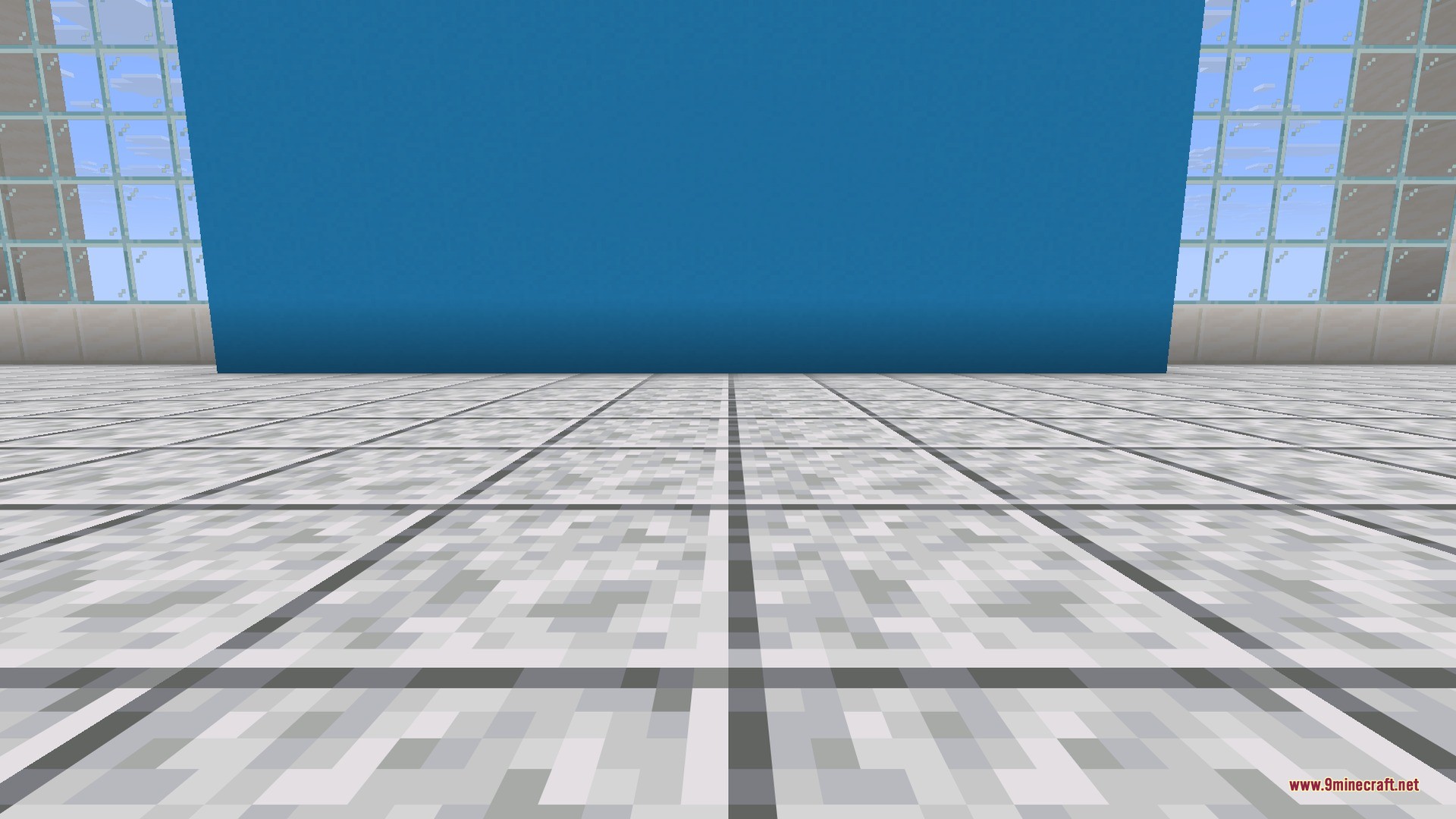
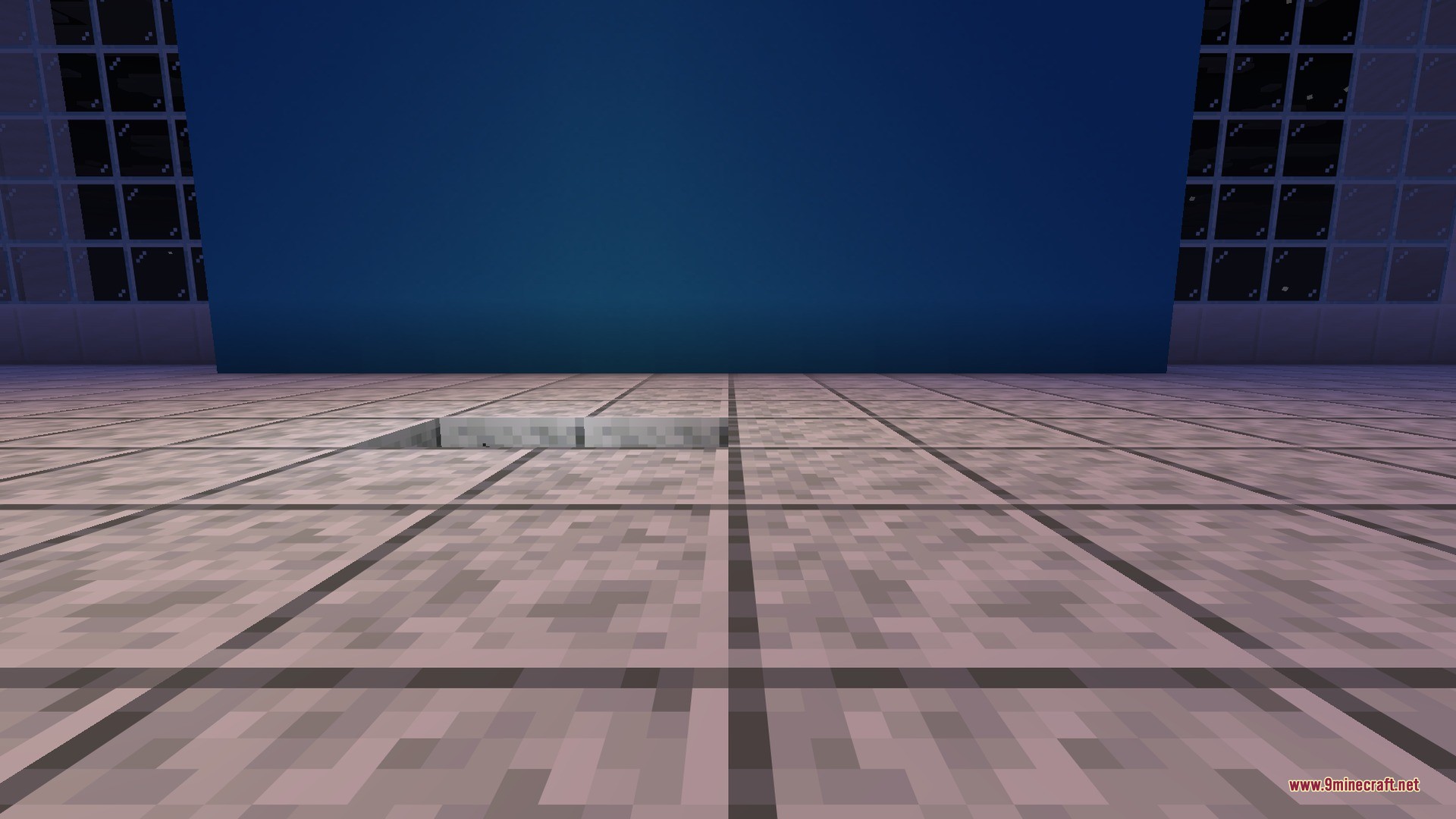
Chronos Counter Data Pack puts your current world day directly above your hotbar. You do not need to open the F3 debug screen just to check how long your world has been running. The counter stays visible during your adventures, which is useful for 100 days challenges and hardcore survival worlds.
Features:
- Places the current world day counter directly above your hotbar.
- Removes the need to open the F3 menu to see the day count.
- Helps you track your time during survival runs and 100-day challenges.
- Works on existing worlds without causing issues to your save.
How to Use:
- Place the pack file into your world’s datapacks folder.
- Load your Minecraft save.
- Look directly above your hotbar to see the active day counter.
Screenshots:
Chronos Counter Data Pack Download Links
Quick facts
- Edition: Minecraft Java
- File type: .jar
- Minecraft versions listed: 1.21.11, 1.20.1
- How to install: Install the matching mod loader (Forge, Fabric or NeoForge) for your Minecraft version. → Download the .jar. → Put it in the .minecraft/mods folder and launch that loader profile.
- Where to get it: In MC Java Mods, or directly above on this page.
Install steps are the general flow for this file type — see the MC Java Mods guides for the full walkthrough.
Verified by MCModsHub
- Downloads as 503518.mcpack
- Download size: 5 KB
- Download link checked 3 Sept 2026 — working
- Mirrored on our own servers — the download does not depend on the original host
These come from our own check of the pack file, not from the source page.