ModsJava
Magnetic Velocity Rail Mod (1.21.1) – Build Realistic Magnetic Launch Coasters
Java mod listed for Minecraft 1.21. Downloads from the MC Java Mods app on Android.
⬇ Download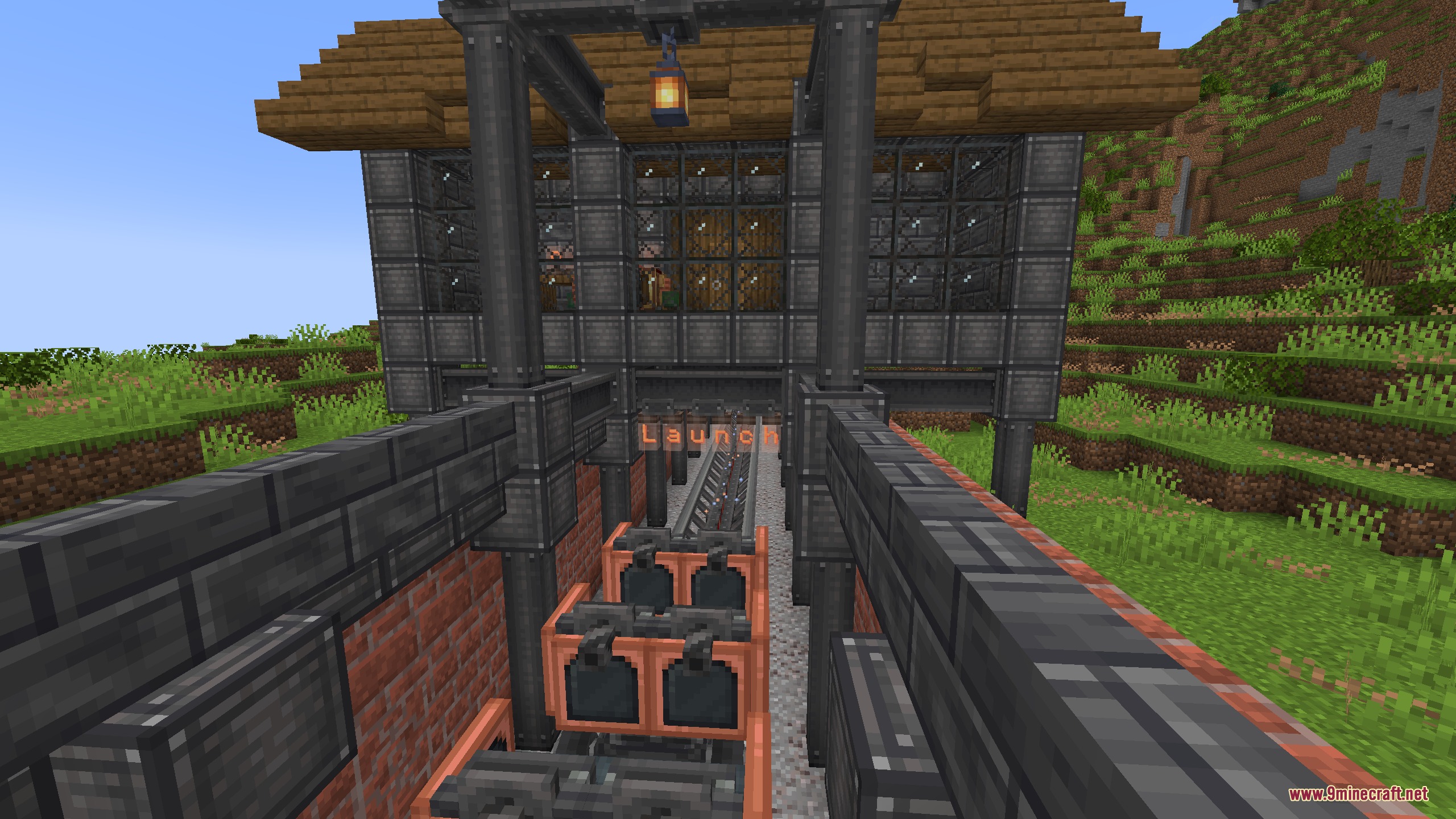
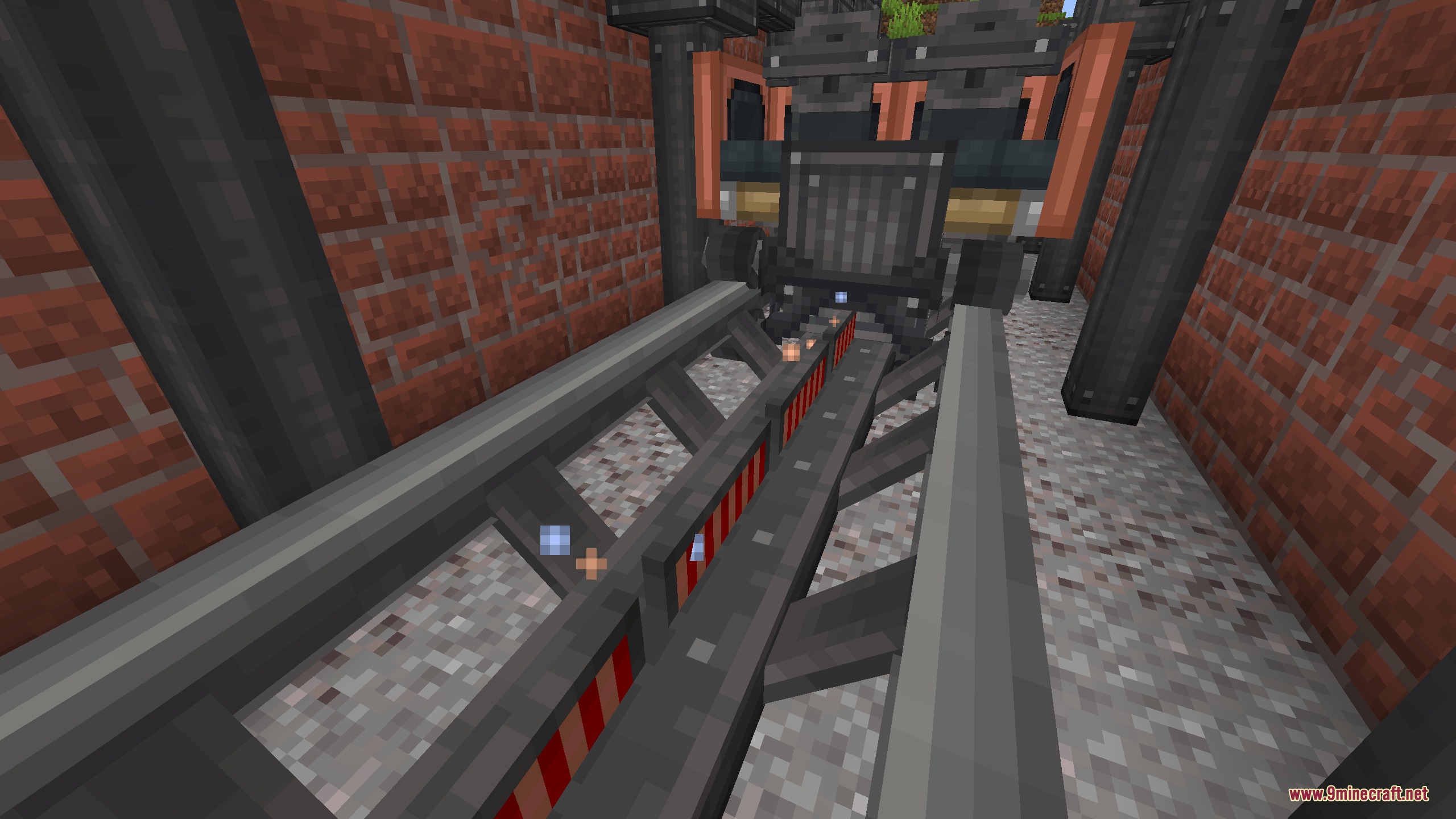
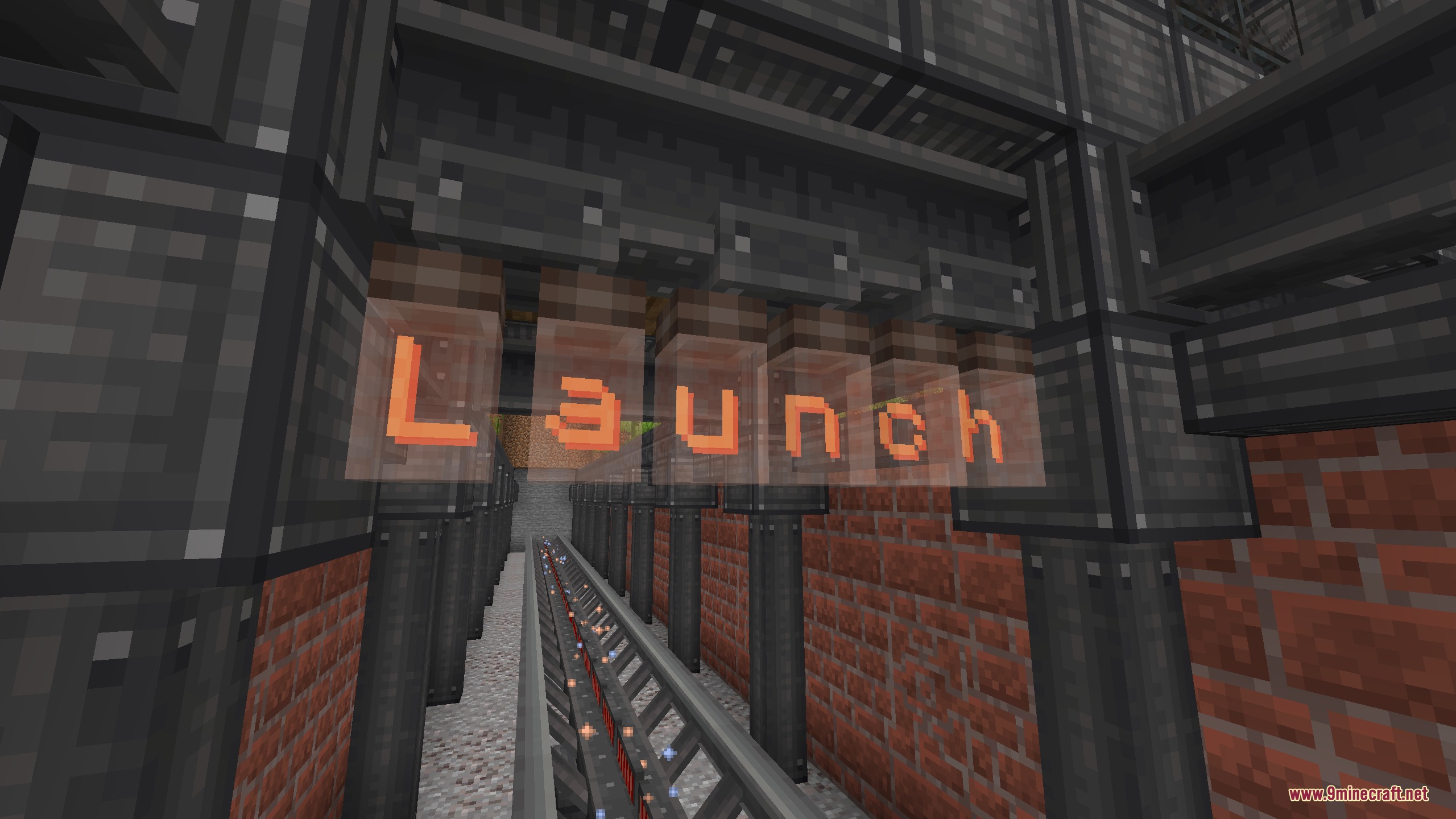
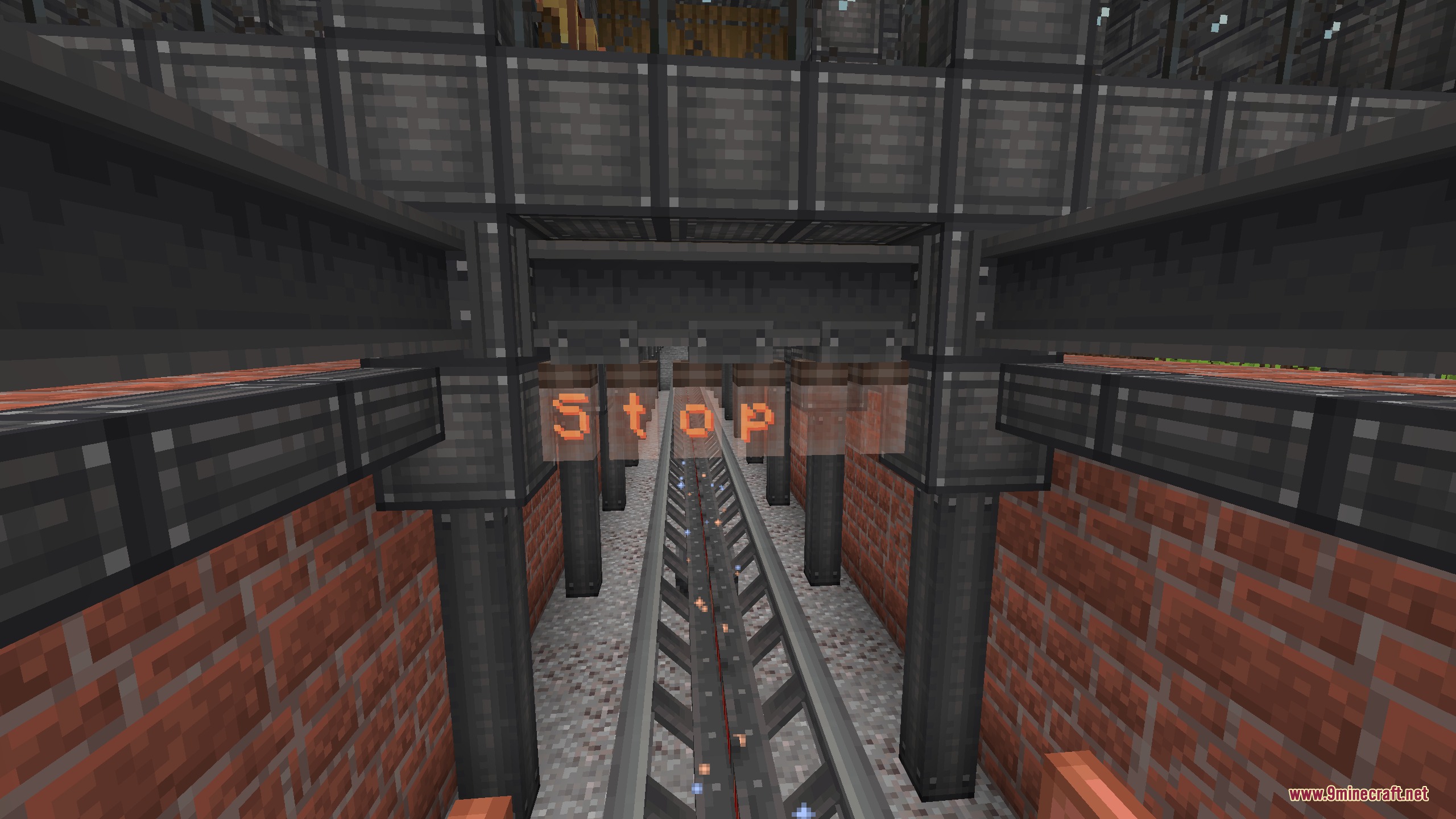
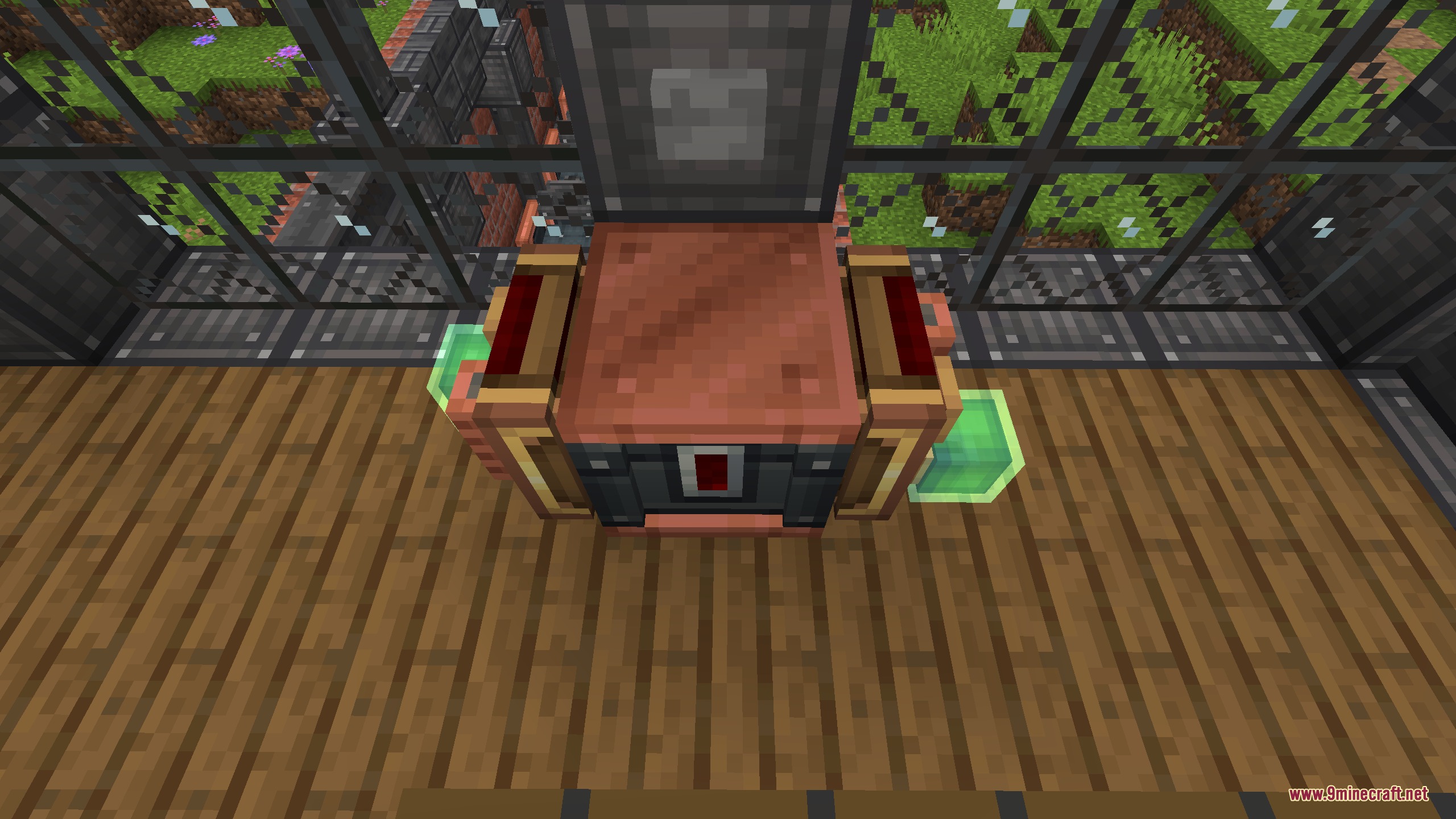
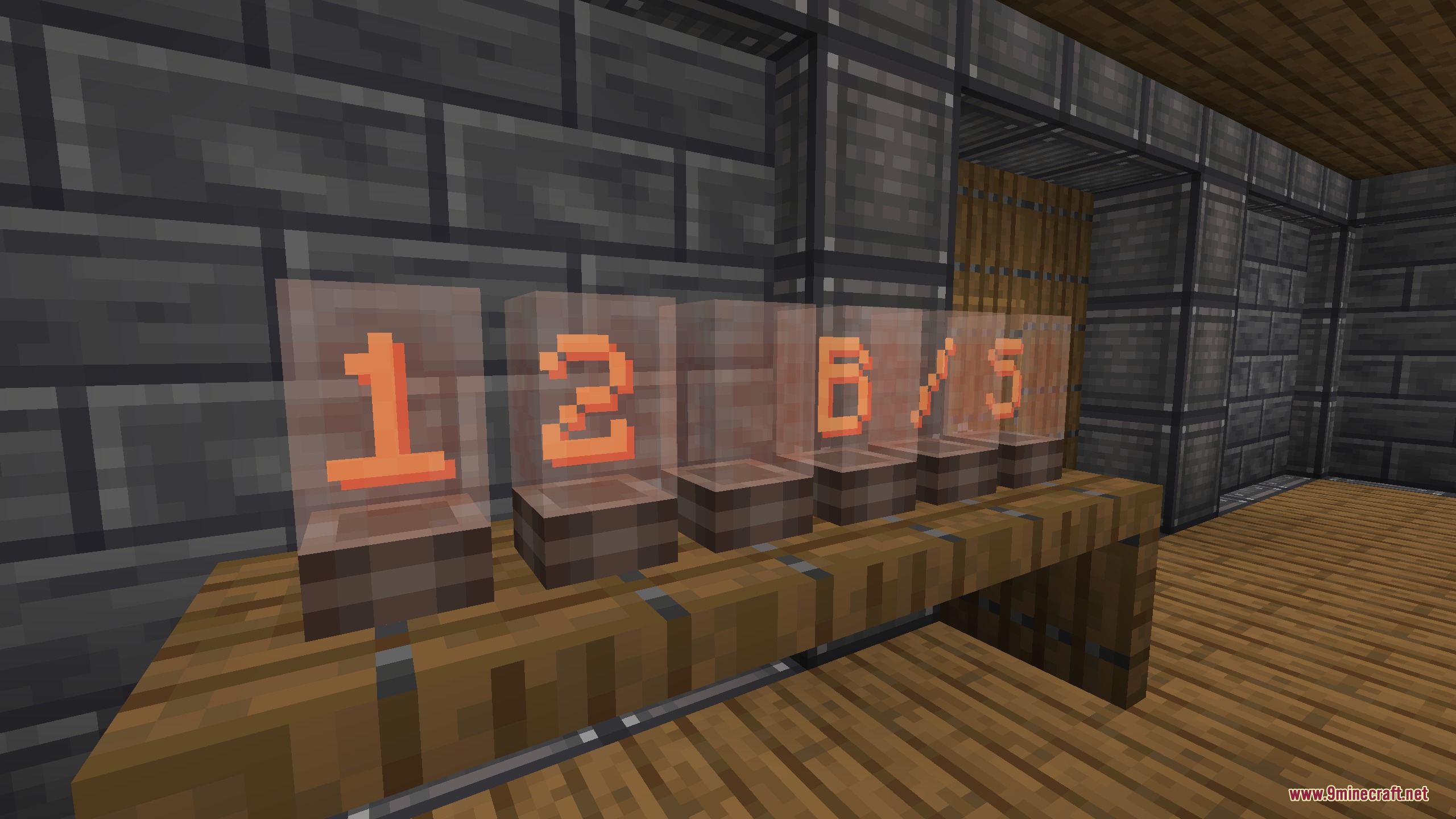
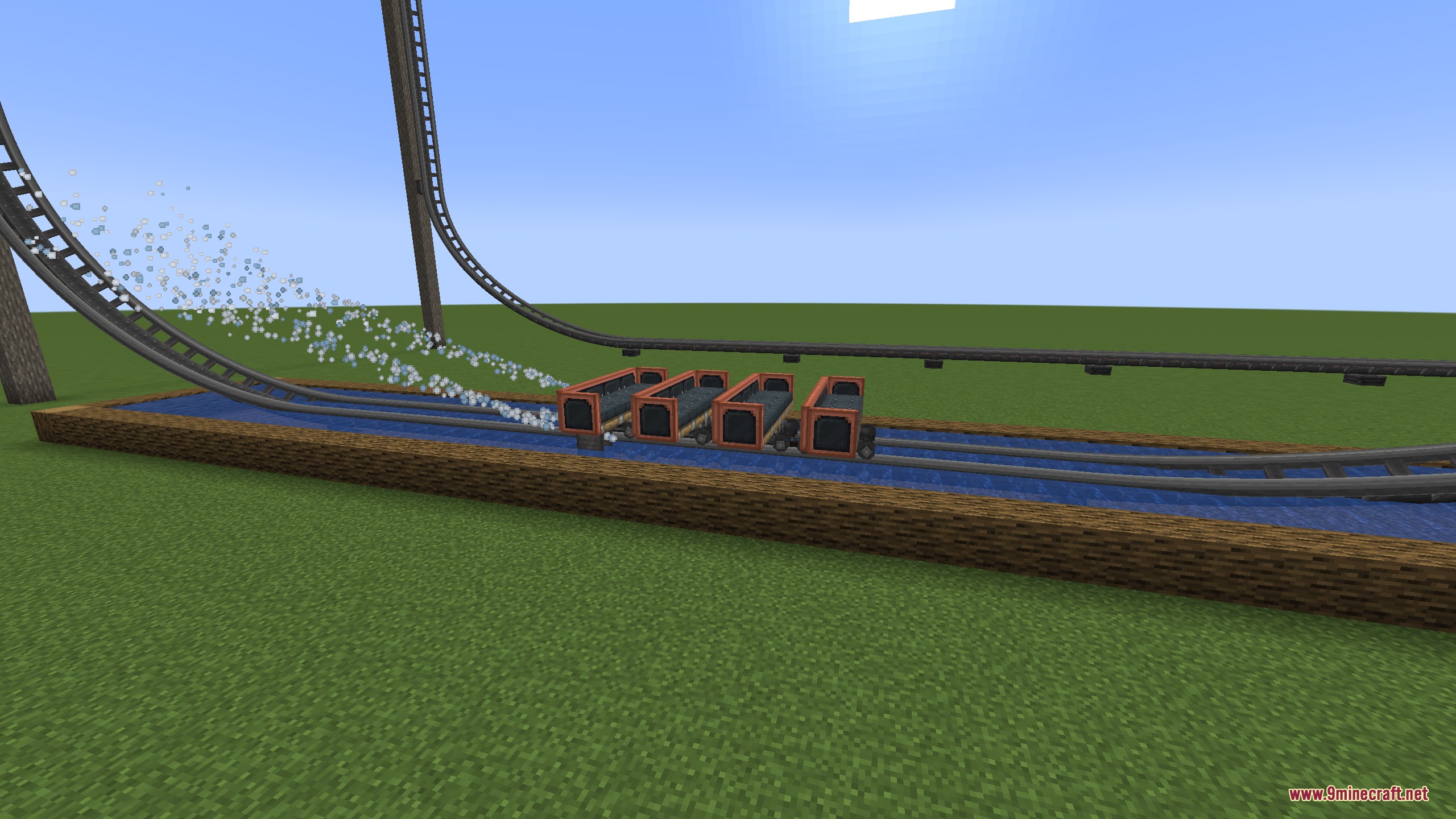
Magnetic Velocity Rail Mod extends Create: Coasters Simulated with magnetic launch tracks, speed sensors, and braking systems. This mod adds linear motors that physically push or slow down coaster carts on custom tracks. You can build realistic multi-pass swing launches, detect exact train speeds with specialized observers, and create splashdown water brakes. It works in both single-player and multiplayer worlds.
Features:
- Linear Motors: Apply physical force directly onto tracks to speed up carts, slow them down, or catch rollbacks automatically.
- Linear Motor Controller: Sequences track sections into modes like Launch, Trim, Coast, Stop, and End to build complex multi-pass rides.
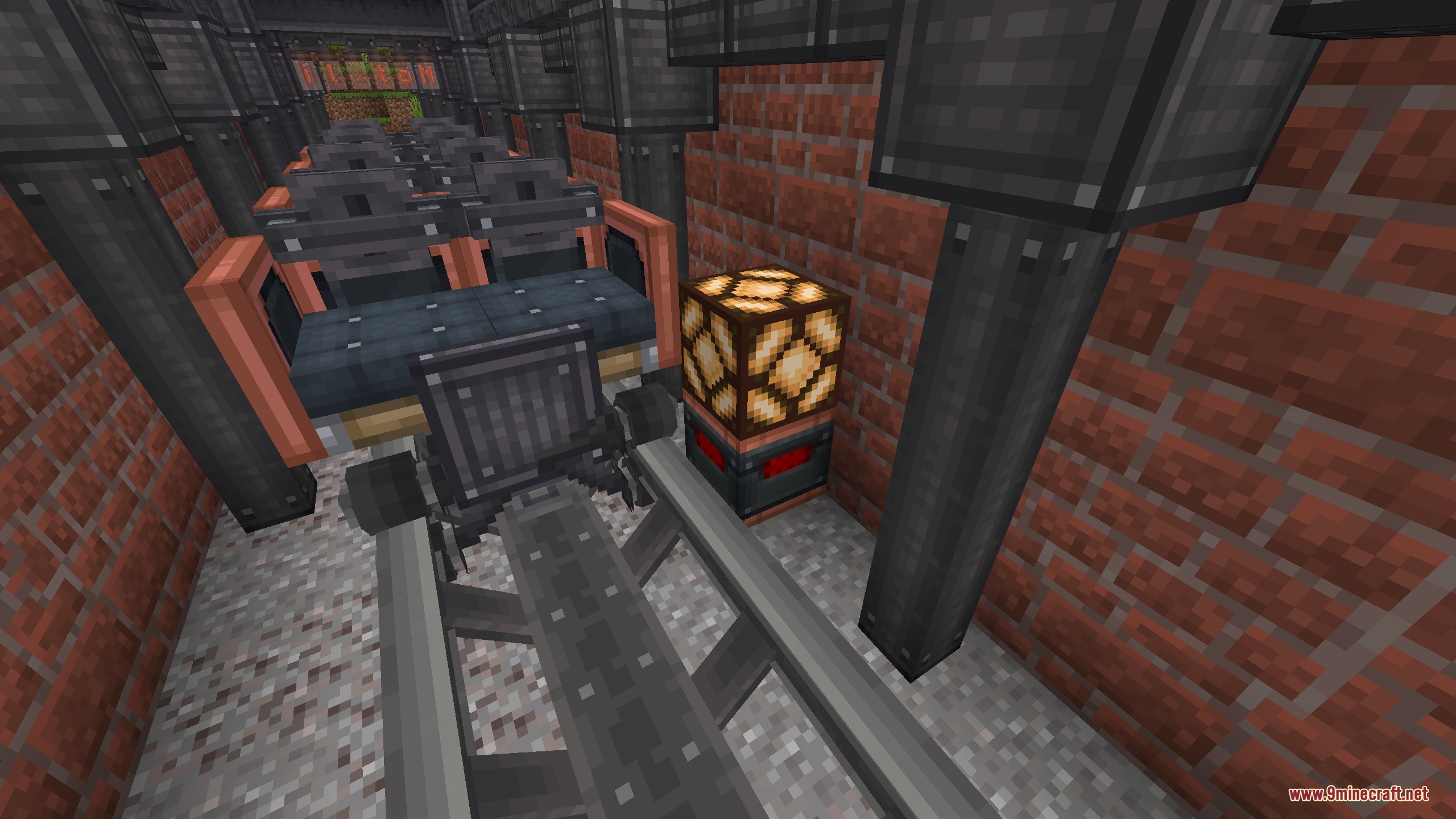
- Coaster Observer: Reads cart speeds in Blocks per Second and outputs an analog redstone signal that lasts for 10 seconds.
- Splashdown scoops slow water-submerged coaster trains while throwing up visible water spray.
- Coaster Casing serves as a structural building block and base crafting material.
- Optional Forge Energy setting requires power cables to launch carts and returns power through regenerative braking.
- Display Links, Engineer’s Goggles, and Jade can read cart speed, check motor states, and track power usage.
How to Use:
- Place linear motors along track lines by clicking an anchor point, aiming down the track, and clicking again to set length.
- Attach a Linear Motor Controller to set specific track actions such as Launch, Coast, or Stop.
- Send a redstone signal to release carts held by a motor controller step.
- Mount a splashdown scoop to cart bottoms and submerge track sections in water for realistic water braking.
Screenshots:
Magnetic Velocity Rail Mod Download Links
Quick facts
- Edition: Minecraft Java
- File type: .jar
- Minecraft version listed: 1.21.1
- How to install: Install the matching mod loader (Forge, Fabric or NeoForge) for your Minecraft version. → Download the .jar. → Put it in the .minecraft/mods folder and launch that loader profile.
- Where to get it: In MC Java Mods, or directly above on this page.
Install steps are the general flow for this file type — How to install Minecraft Java mods & modpacks walks through it step by step.
File checked by MCModsHub
- Downloads as 503536.mcaddon
- Download size: 549 KB
- Download link checked 24 Sept 2026 — working
- Mirrored on our own servers — the download does not depend on the original host
These come from our own check of the pack file, not from the source page.