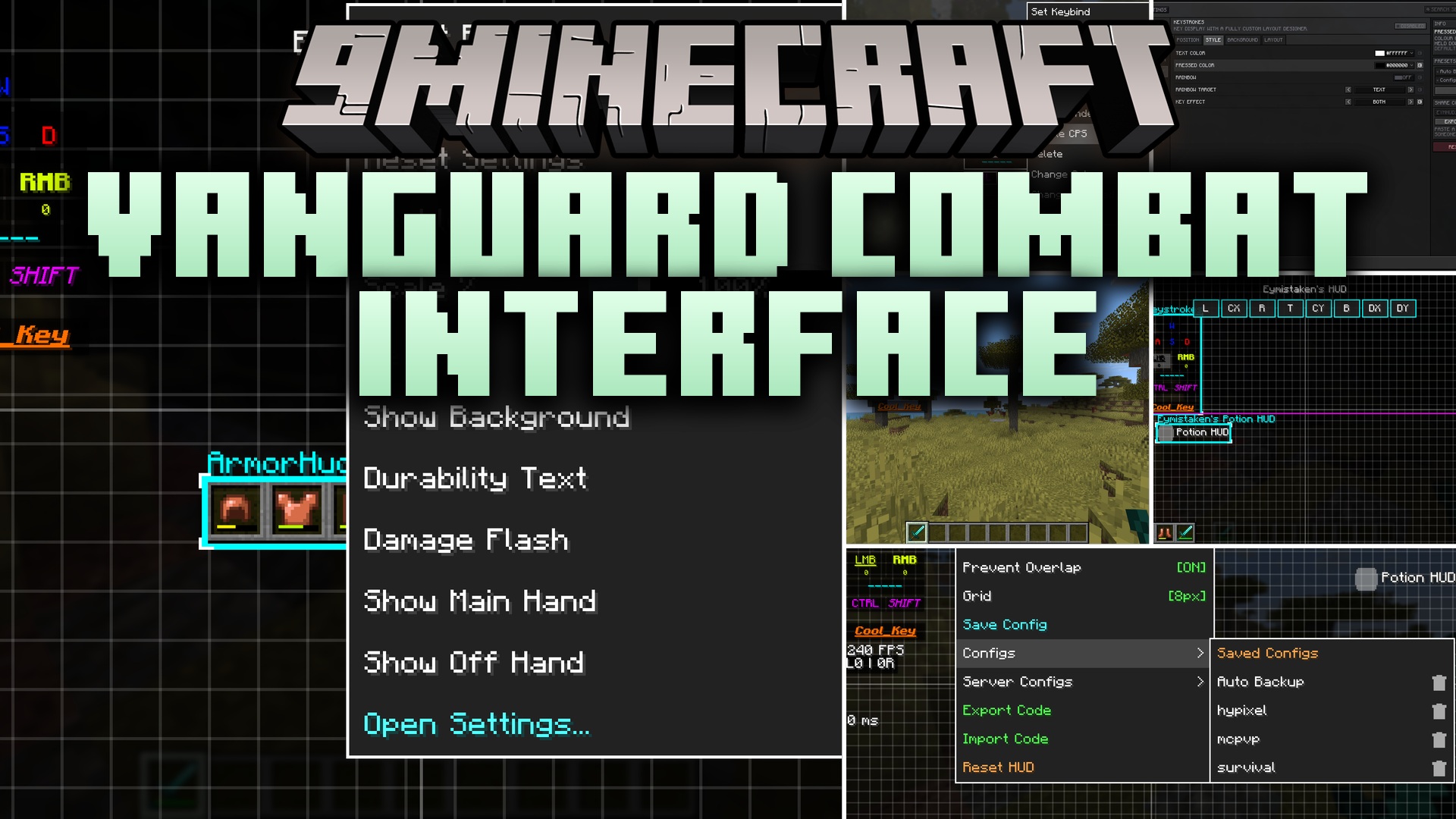
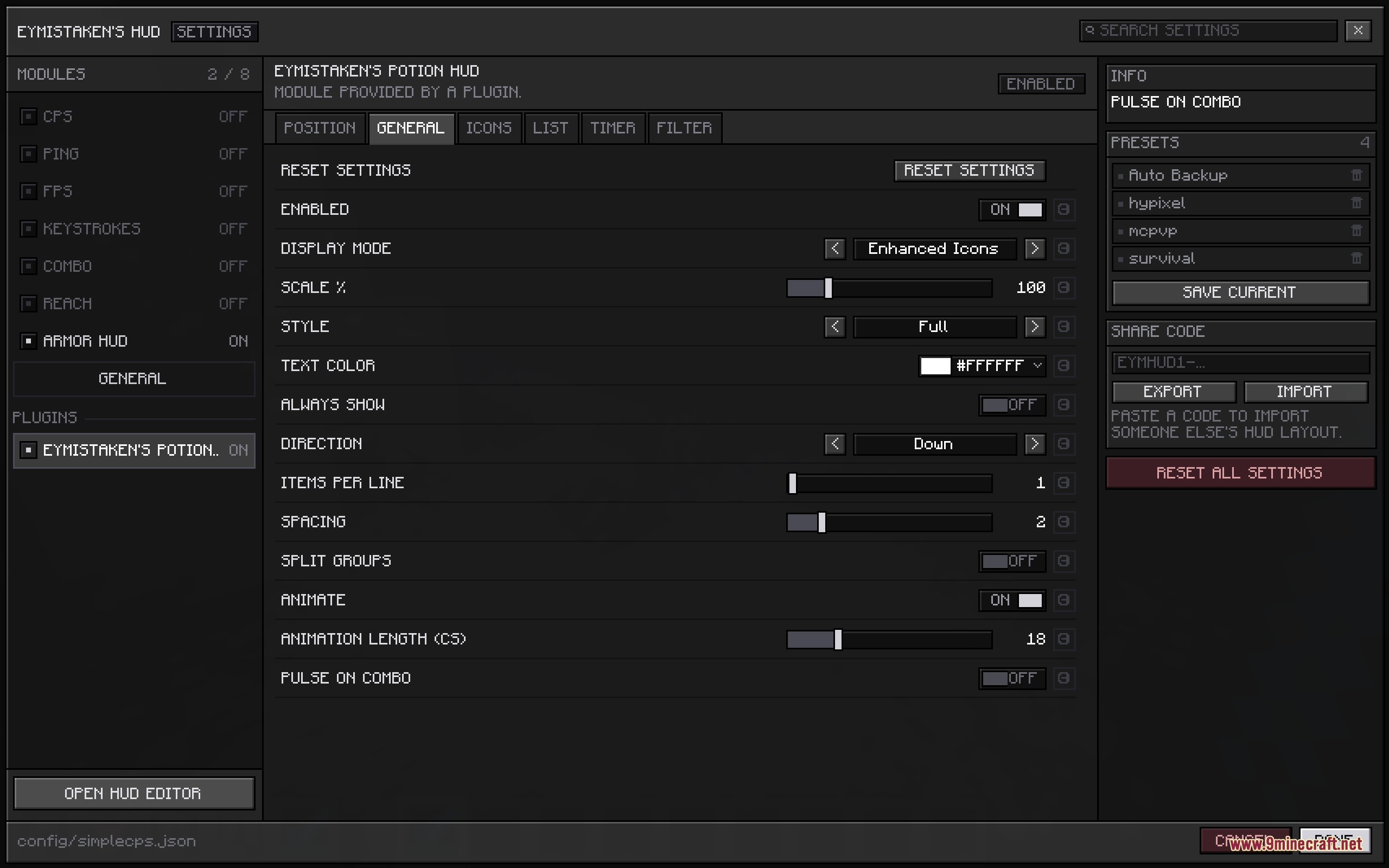
Vanguard Combat Interface Mod adds a clean combat overlay to your screen with on-screen tracking tools. You can drag and drop every element in real time to create your ideal battle setup. The mod works entirely on your client, meaning you can join any multiplayer server without server-side setups. It packs several useful trackers like hit streaks, reach distance, clicking speed, and armor durability without cluttering your screen.
Features:
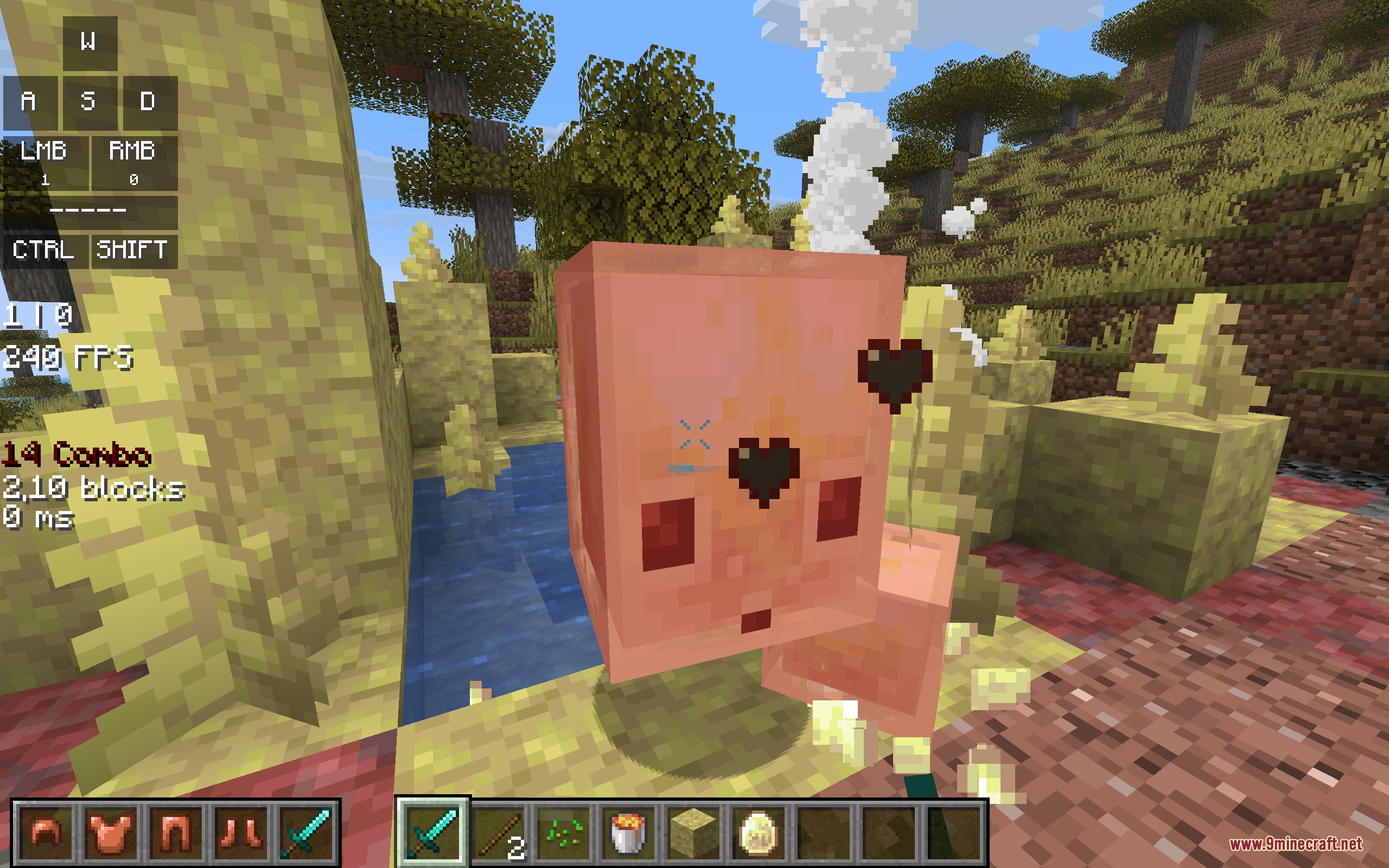
- Displays left and right click counts with custom text separators and labels.
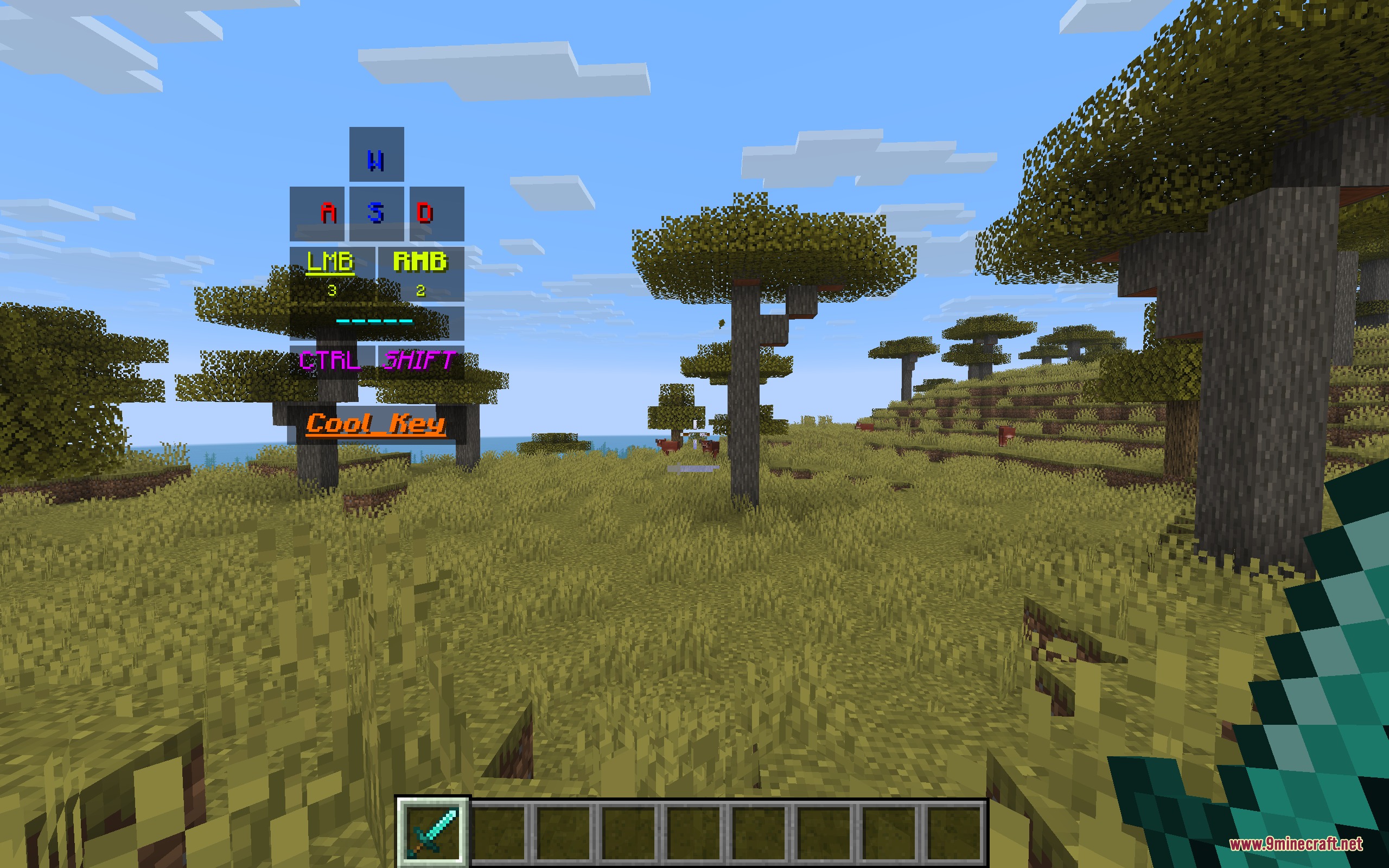
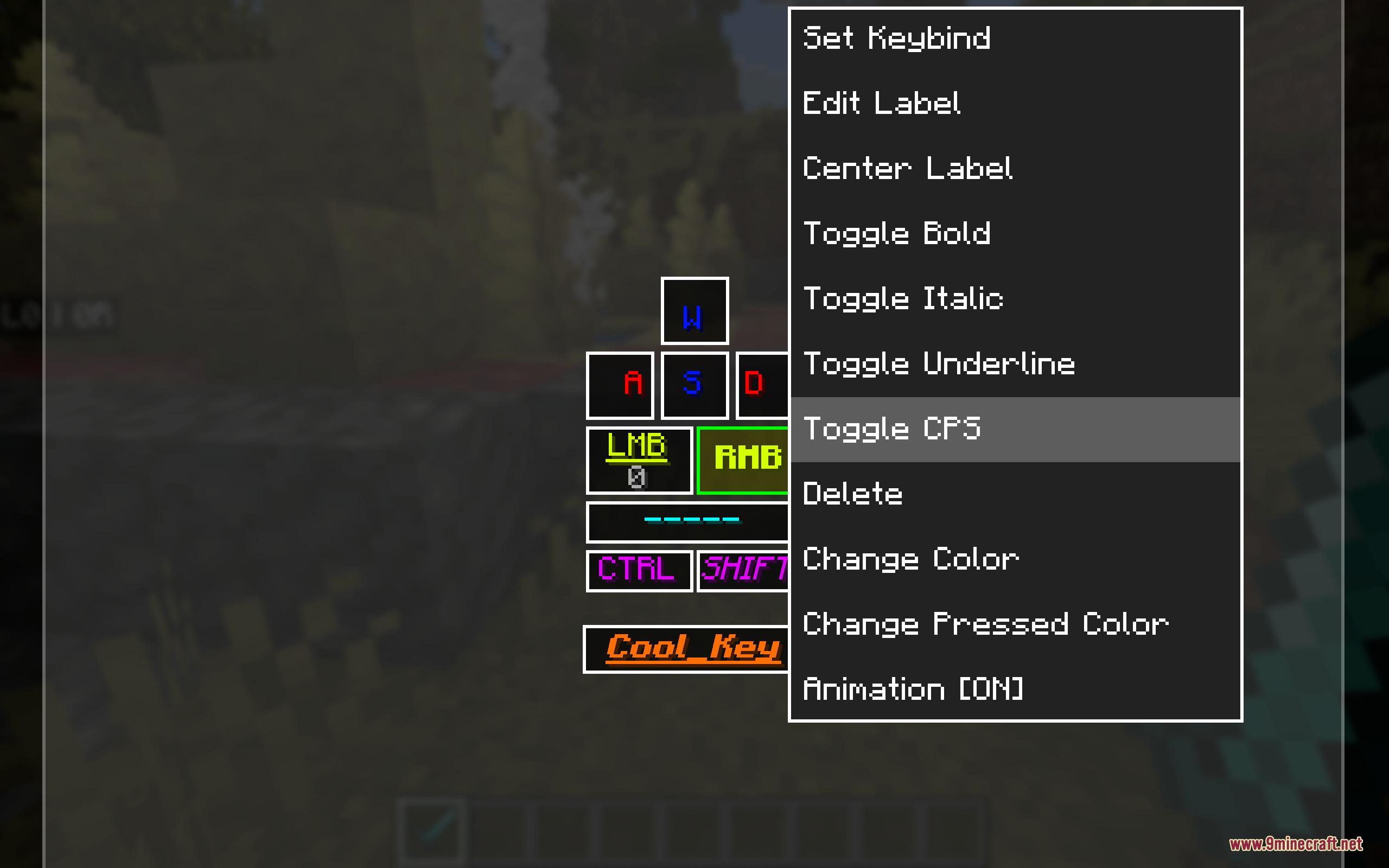
- Includes a keystrokes builder where you can add any key, resize buttons, and pick press animations.
- Tracks hit streaks with a combo counter that changes color as your combo climbs.
- Offers both classic swing tracking and modern attack cooldown timing for combo counters.
- Measures hit distance with exact decimals and optional player-only filters.
- Shows armor and held items with clear durability bars, exact damage numbers, and red flashing hit alerts.
- Allows moving individual armor and hand slots anywhere across the screen.
- Provides lightweight FPS and ping numbers without opening the debug screen.
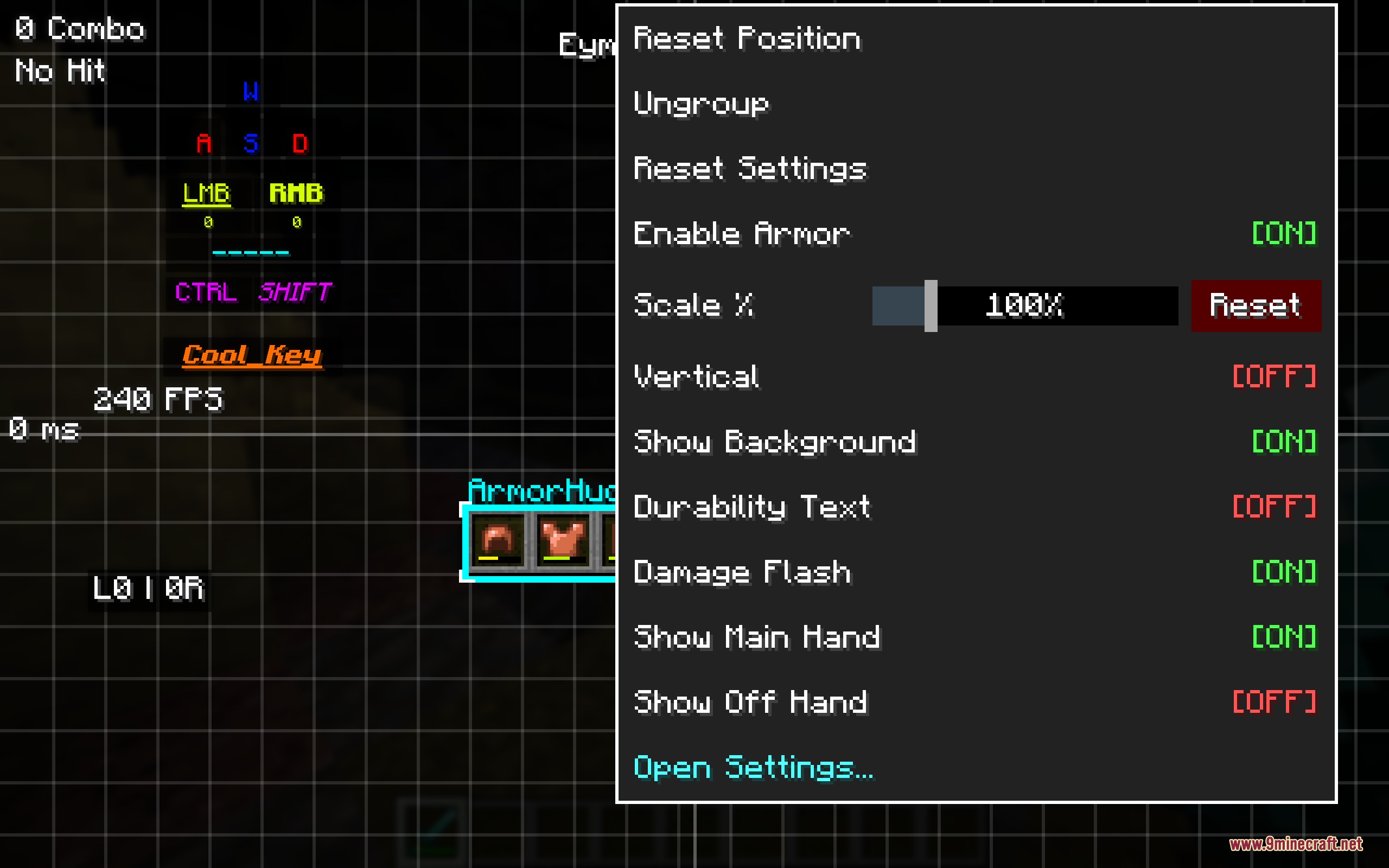
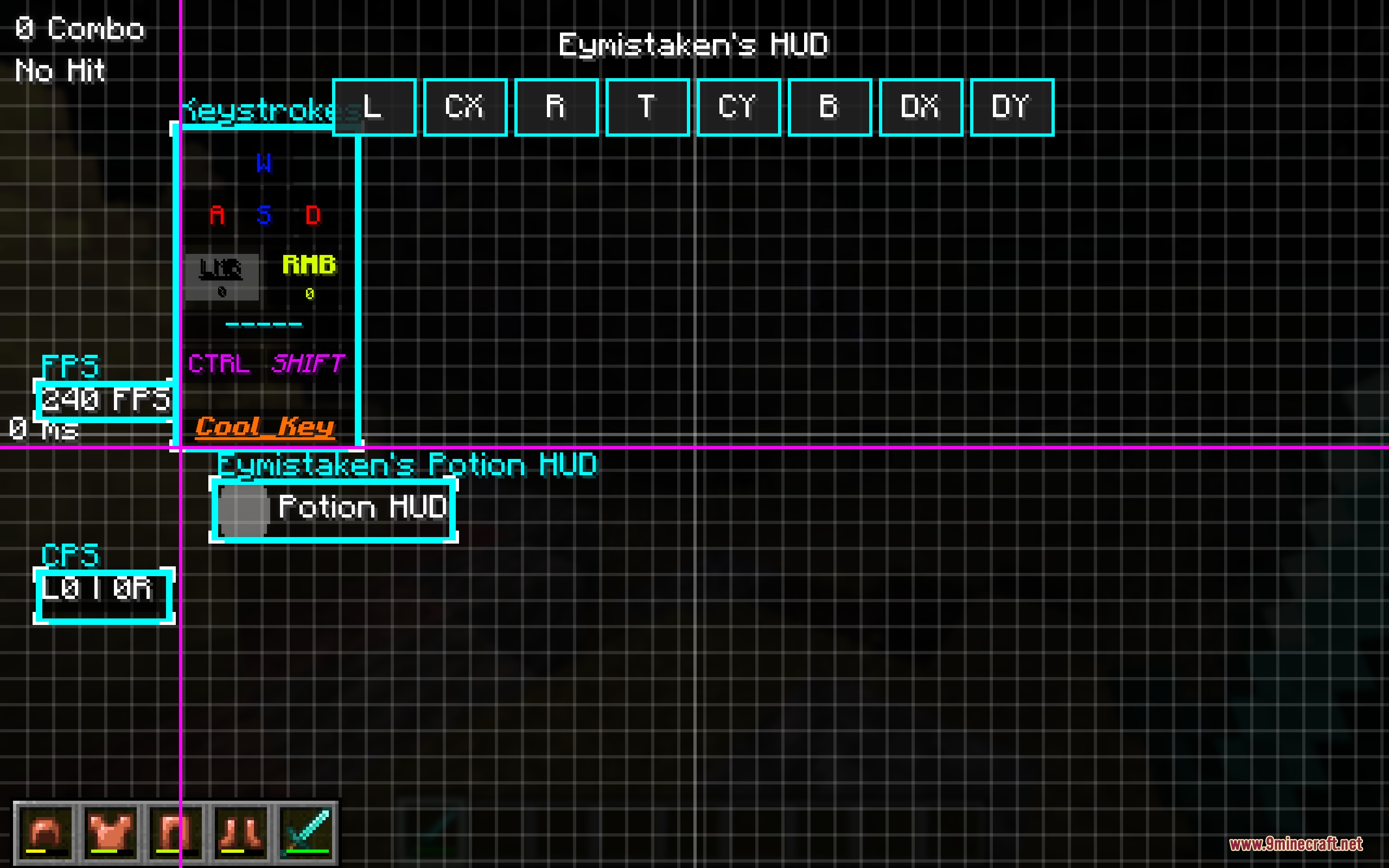
- Features a live in-game editor with grid snapping, alignment tools, and overlap prevention.
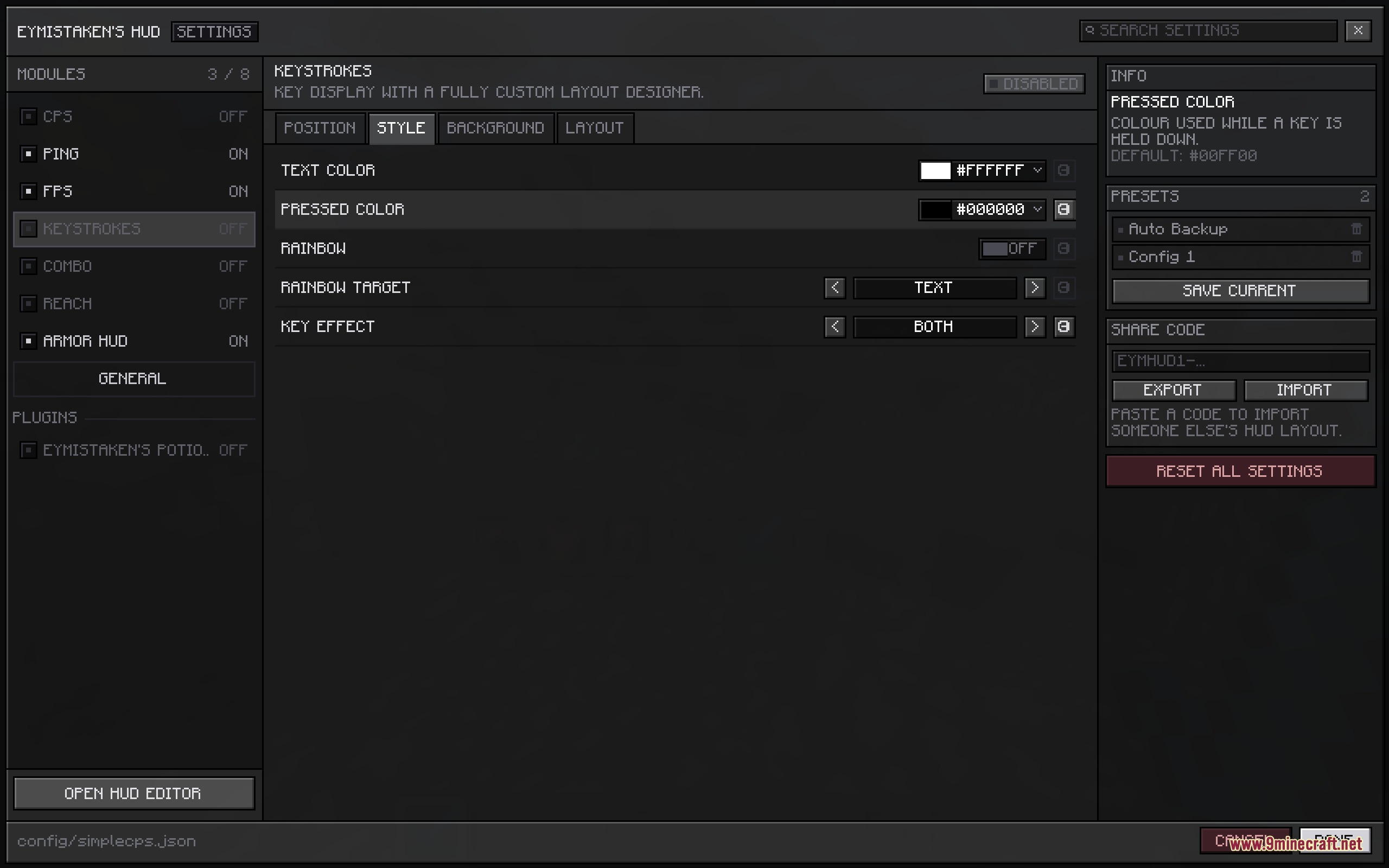
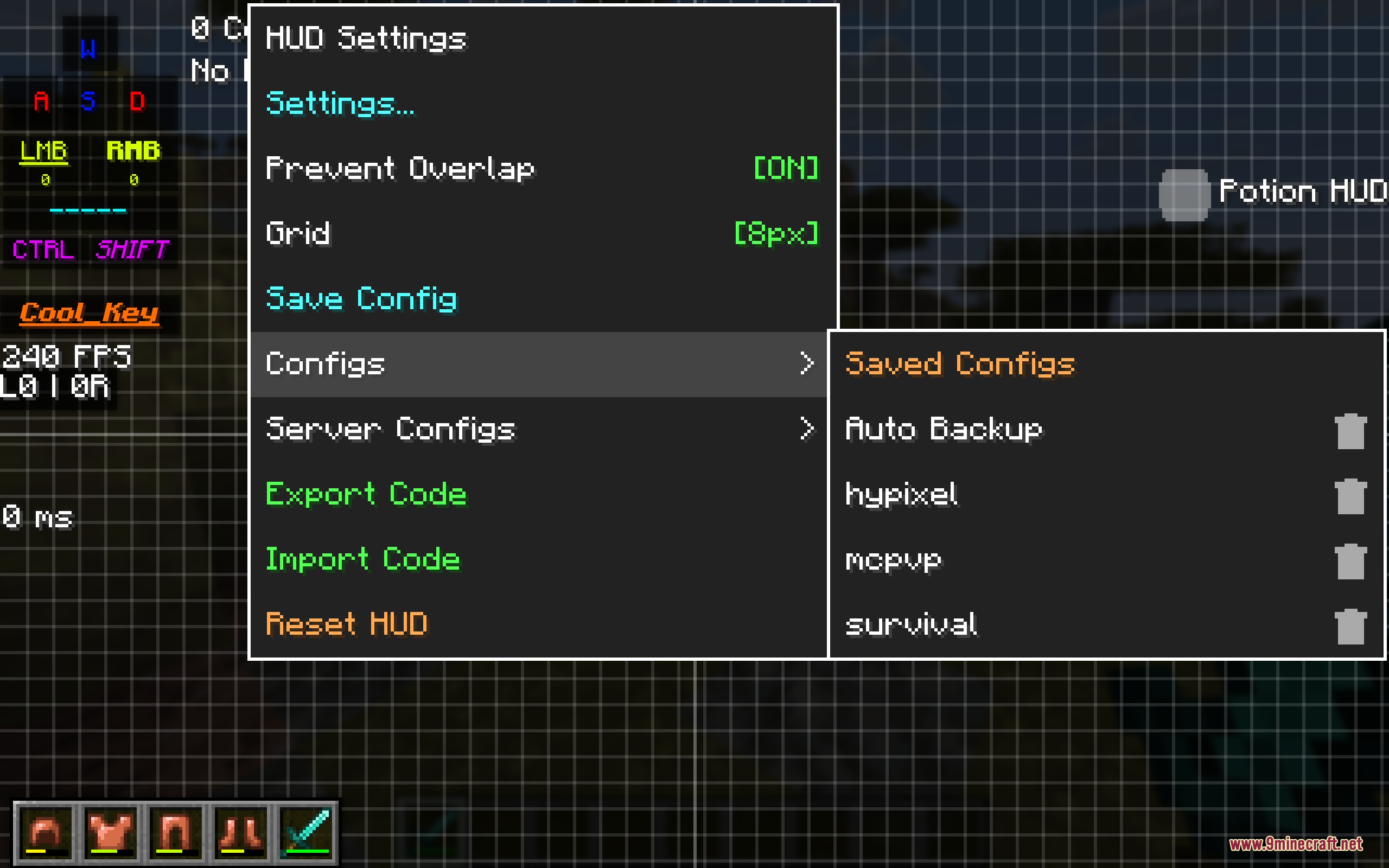
- Saves custom setups into named presets and remembers distinct layouts for every server you visit.
- Lets you export and import full screen layouts using text share codes.
- Bundles five distinct fonts along with text outlines, scale sliders, and background opacity controls.
HUD Modules:
- CPS: Tracks left and right mouse clicks per second with custom formatting.
- Keystrokes: Shows pressed movement keys, mouse clicks, and individual CPS readouts with ripple and squish animations.
- Combo: Counts consecutive hits through easy, medium, and hard difficulty curves with screen shakes at top tiers.
- Reach: Displays hit distance in blocks down to the decimal point.
- Armor Status: Monitors helmet, chestplate, leggings, boots, main hand, and offhand durability independently.
- Performance: Shows current frames per second and server latency readouts.
How to Use:
- Press Right Shift in game to open the live editor screen.
- Click and drag any HUD module to place it on your screen.
- Right-click any individual module to adjust its colors, text, and scale.
- Right-click empty space on your screen to open presets, server profiles, or import share codes.
- Select multiple modules at once to align or distribute them evenly across the screen.
Screenshots:
Vanguard Combat Interface Mod Download Links
- Edition: Minecraft Java
- File type: .jar
- Minecraft version listed: 1.21.11
- How to install: Install the matching mod loader (Forge, Fabric or NeoForge) for your Minecraft version. → Download the .jar. → Put it in the .minecraft/mods folder and launch that loader profile.
- Where to get it: Opens on the file's original source — not every file is mirrored on our own servers.
Install steps are the general flow for this file type — How to install Minecraft Java mods & modpacks walks through it step by step.
Vanguard Combat Interface Mod (26.2, 1.21.11) – Track Every Hit and Keystroke is a free Minecraft Java mod. Compatible with Minecraft 1.21.11. Download it and open it directly in the game.