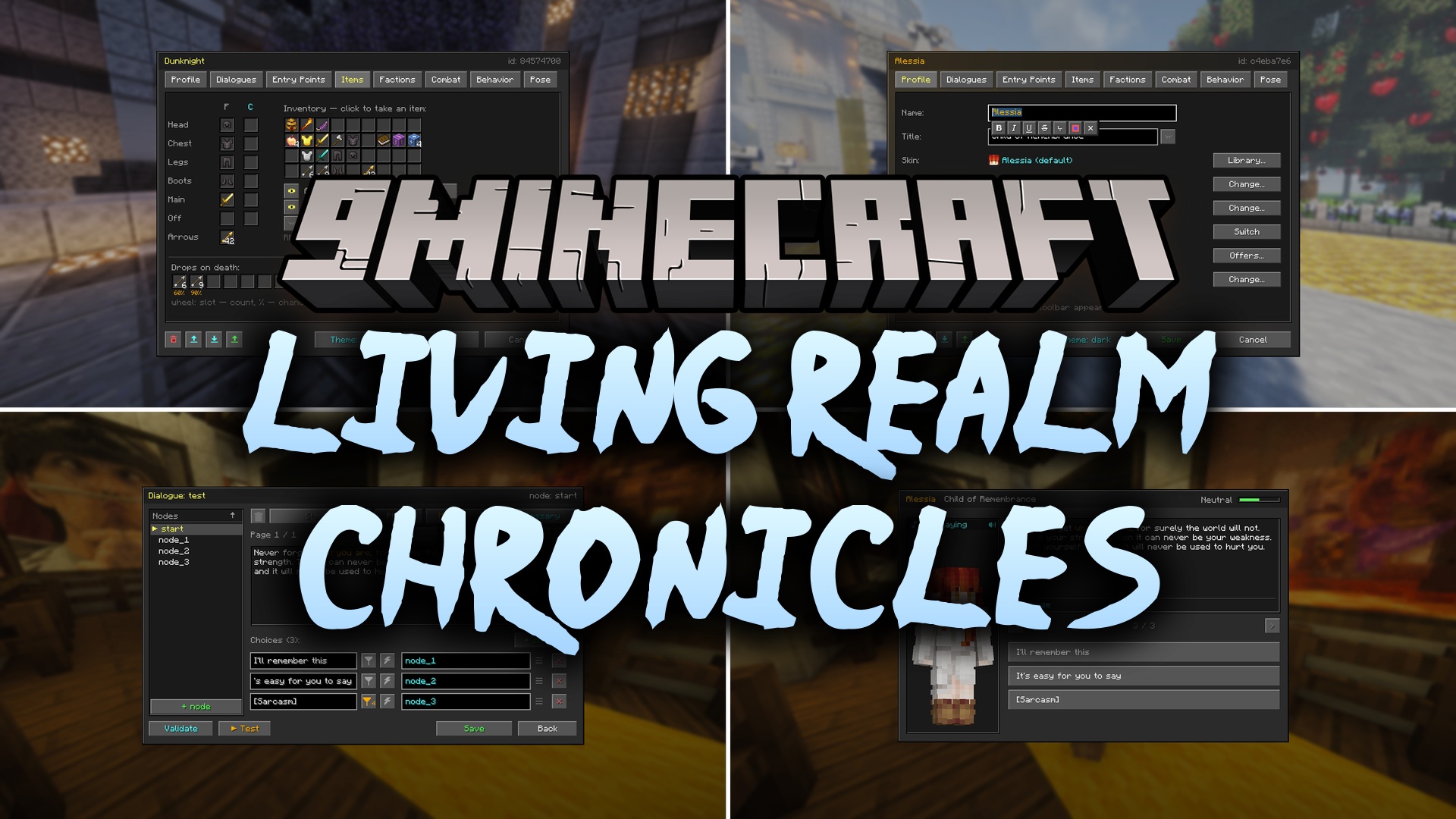
Living Realm Chronicles Mod (1.20.1) – Populate Your World with Talking RPG
Java mod listed for Minecraft 1.20. Download on the author's site.
⬇ Download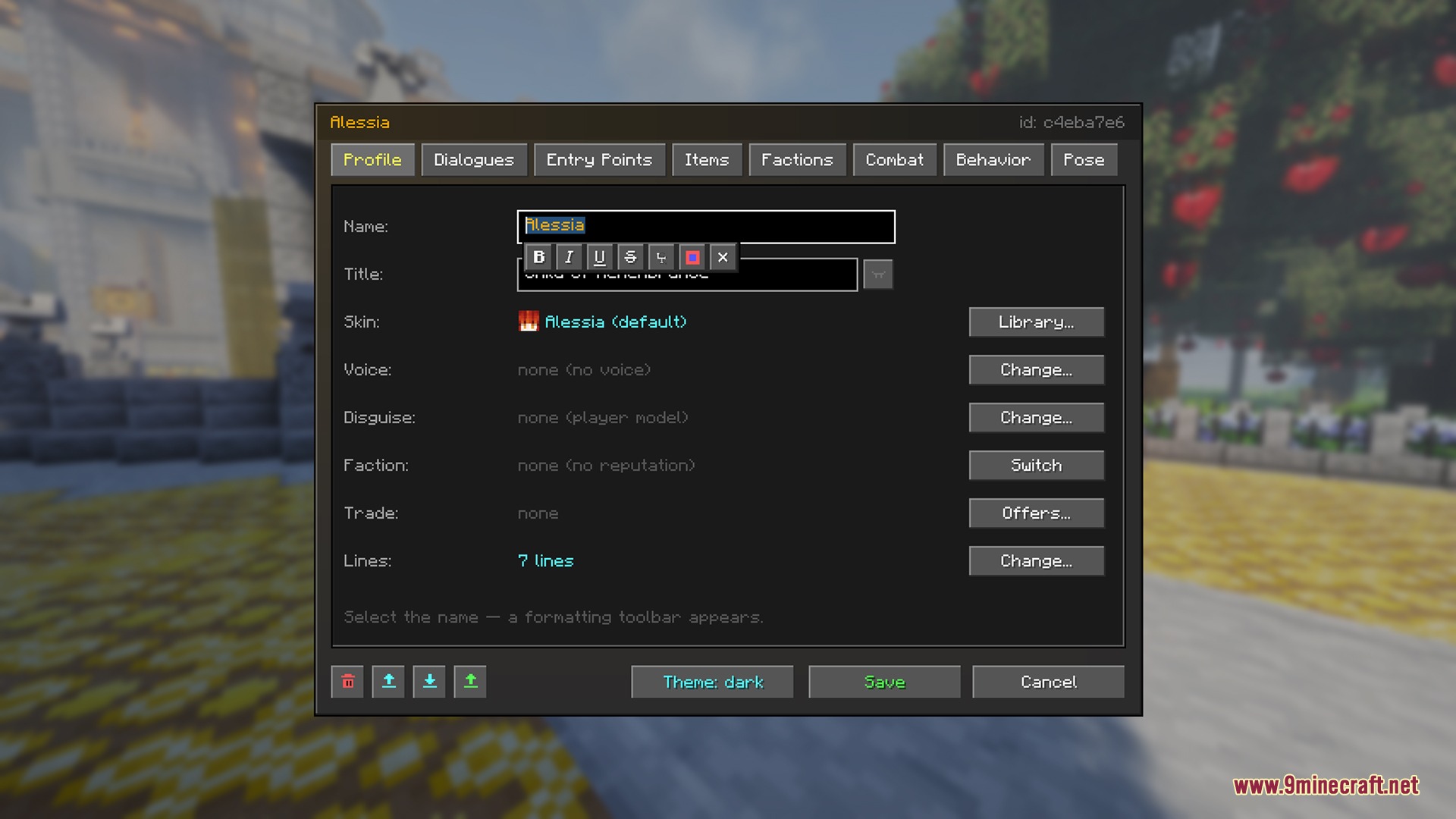
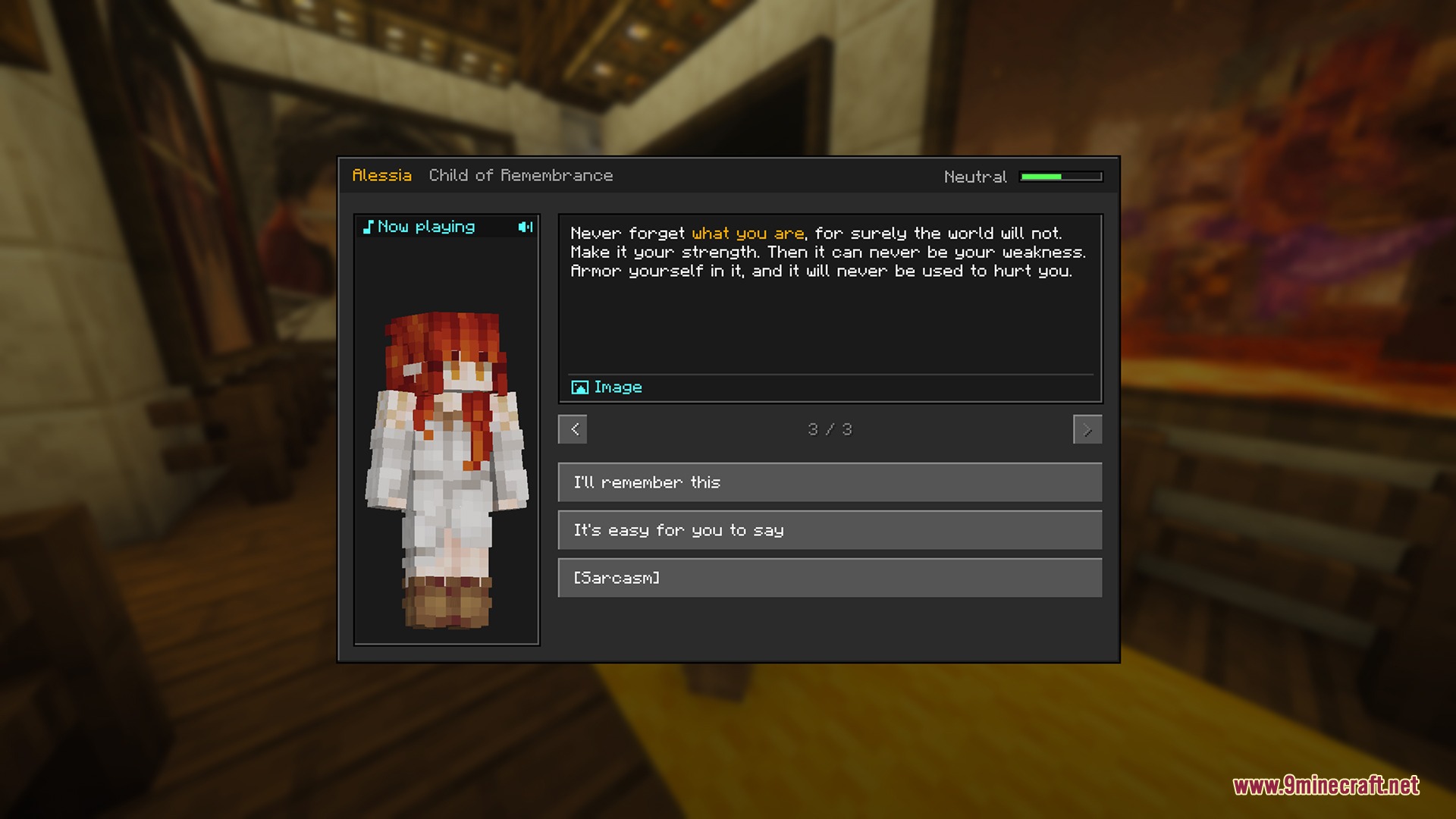
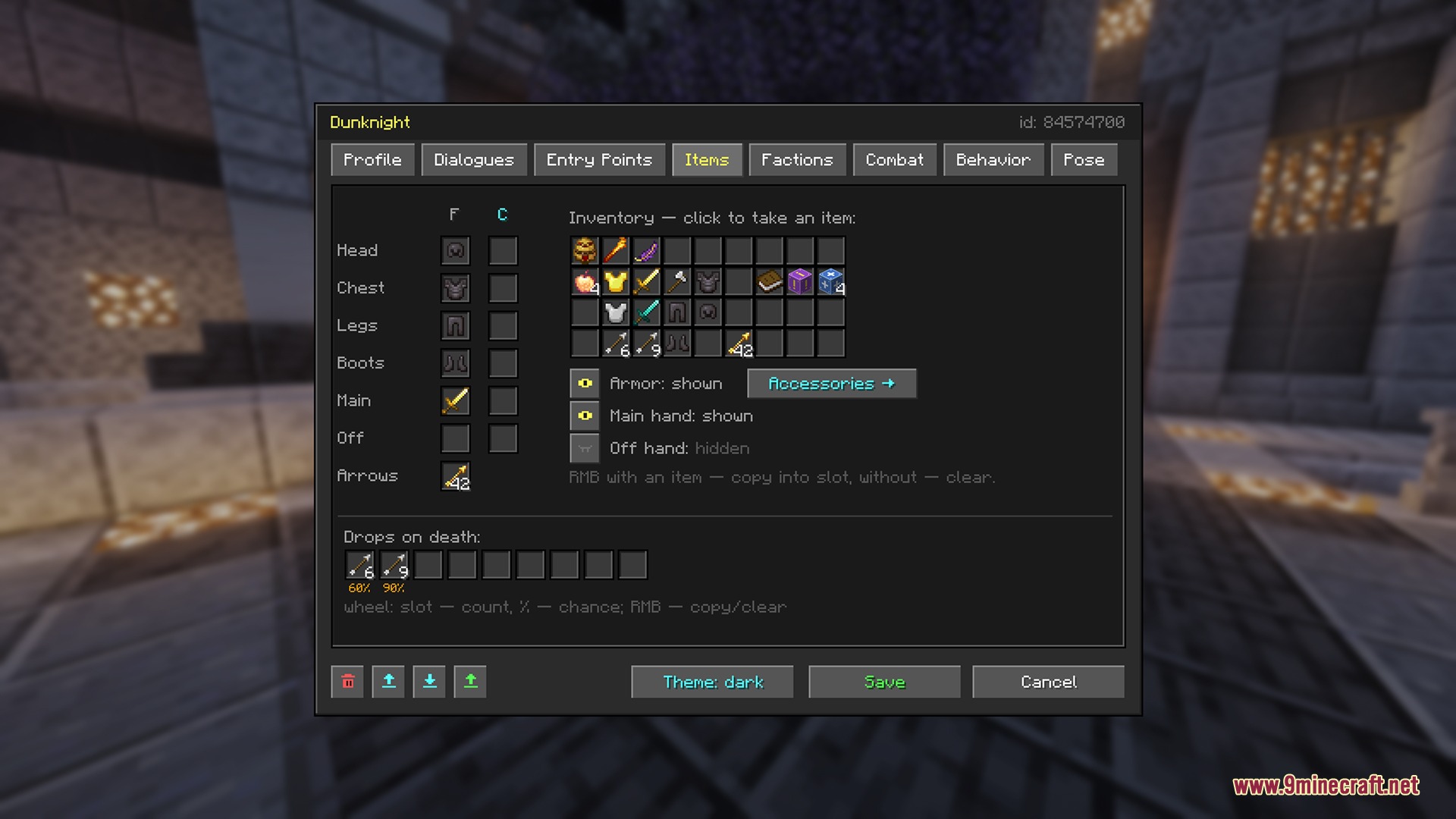
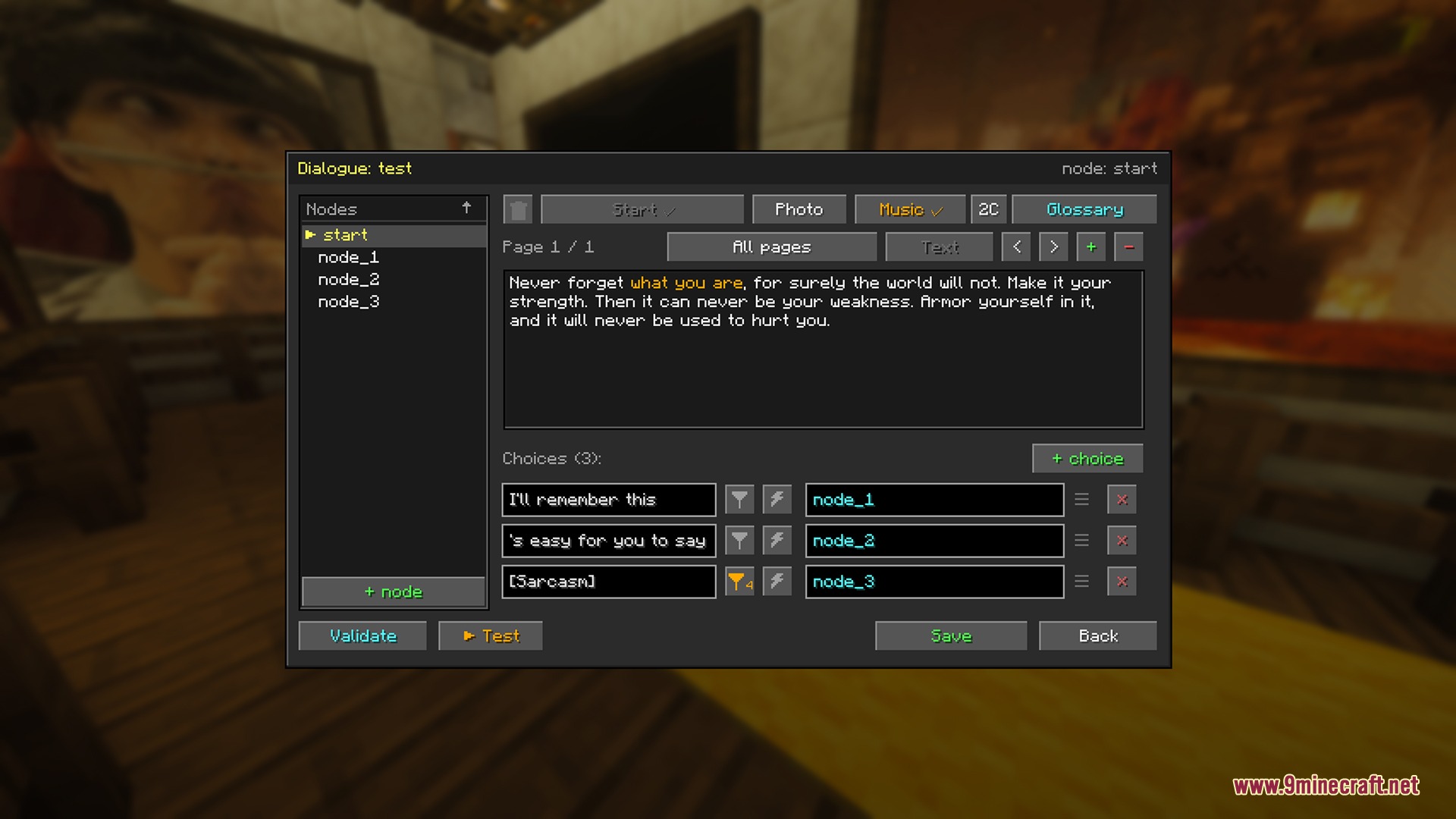
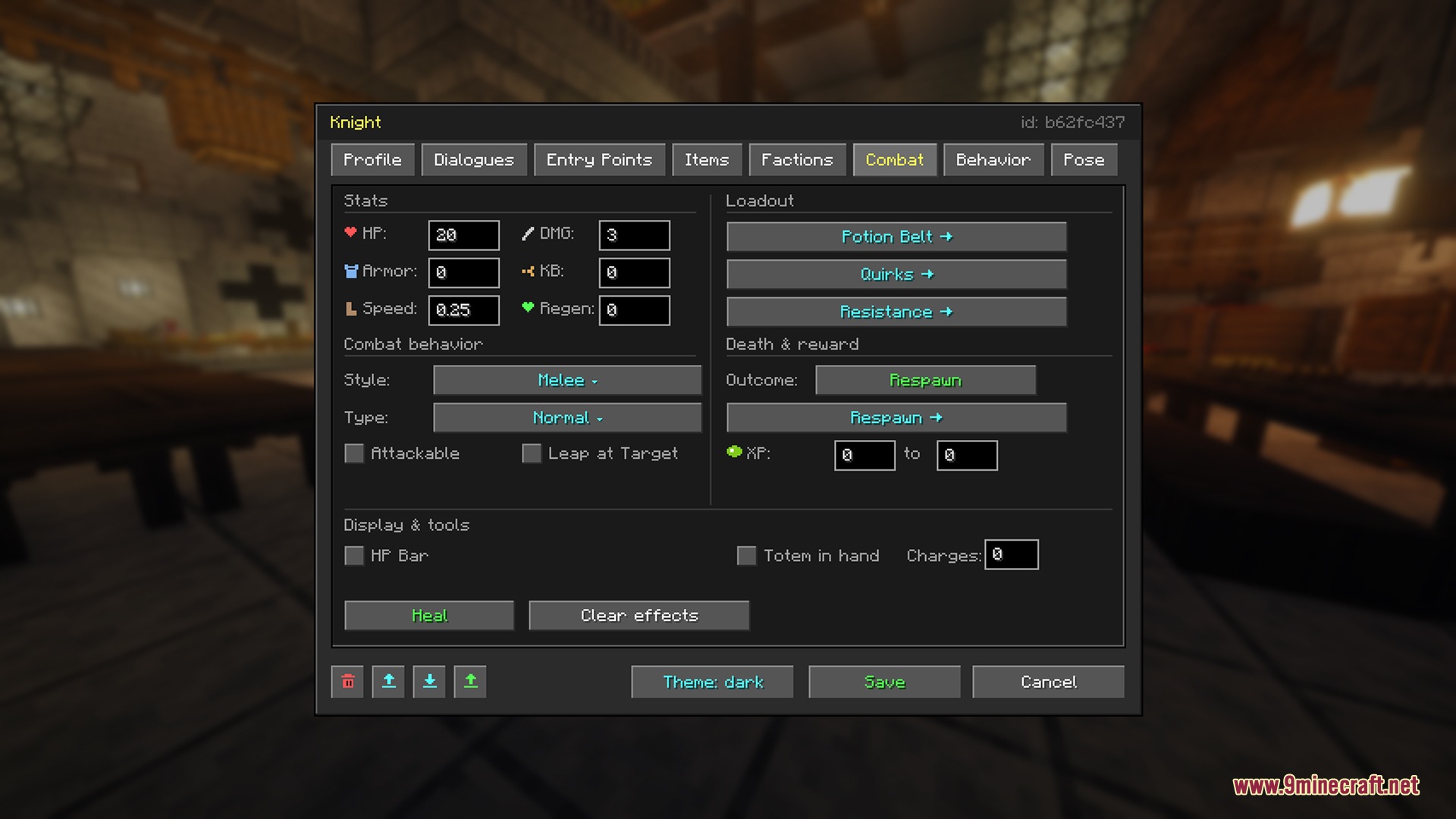
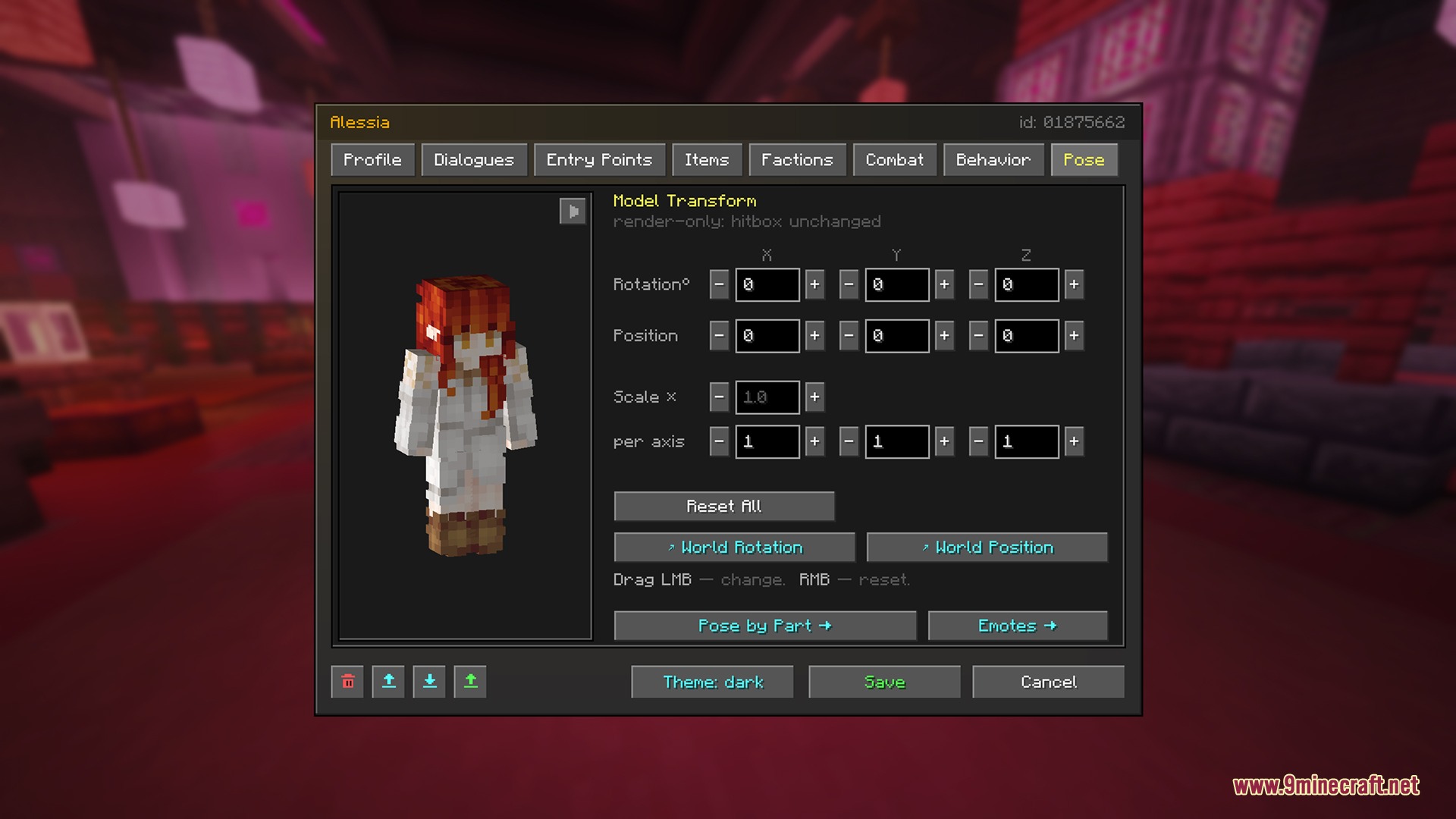
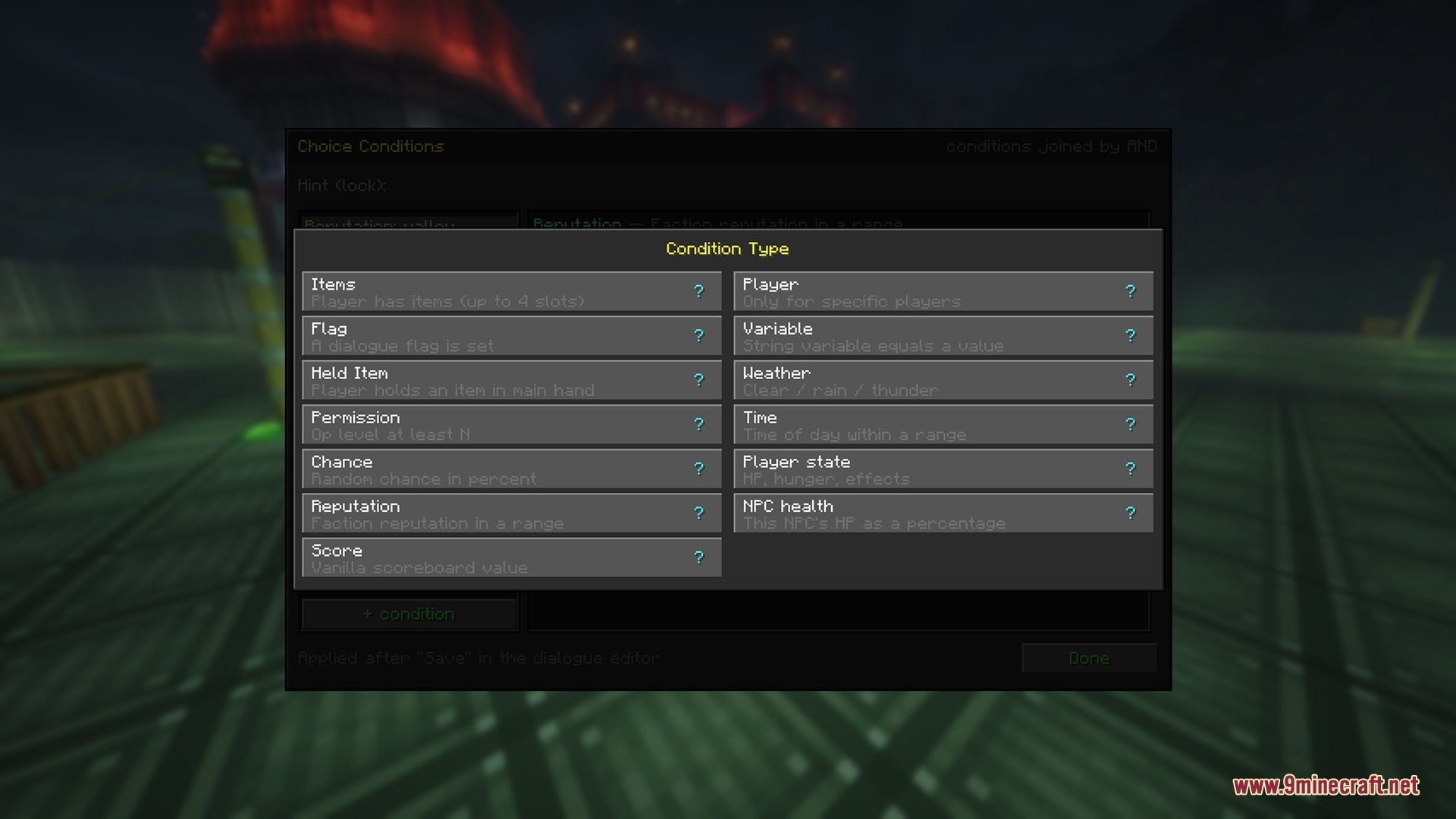
Living Realm Chronicles Mod lets you build talking NPCs with custom story paths, shops, quests, and daily routines right inside your world. You can customize dialogue trees, give characters combat styles, and assign daily schedules through an in-game editor. The mod brings trading setups, faction reputation, and boss battles to turn your world into a living RPG adventure.
Features:
Dialogue and Story Tools:
- Offers branching dialogue trees with player input, random outcomes, and condition checks.
- Shows character portraits, pop-up images, and second characters during conversations.
- Plays sound cues, music discs, or typewriter text along the bottom of the screen.
- Adds a hover glossary so players can read helpful tooltips for highlighted story terms.
Living World and Behavior:
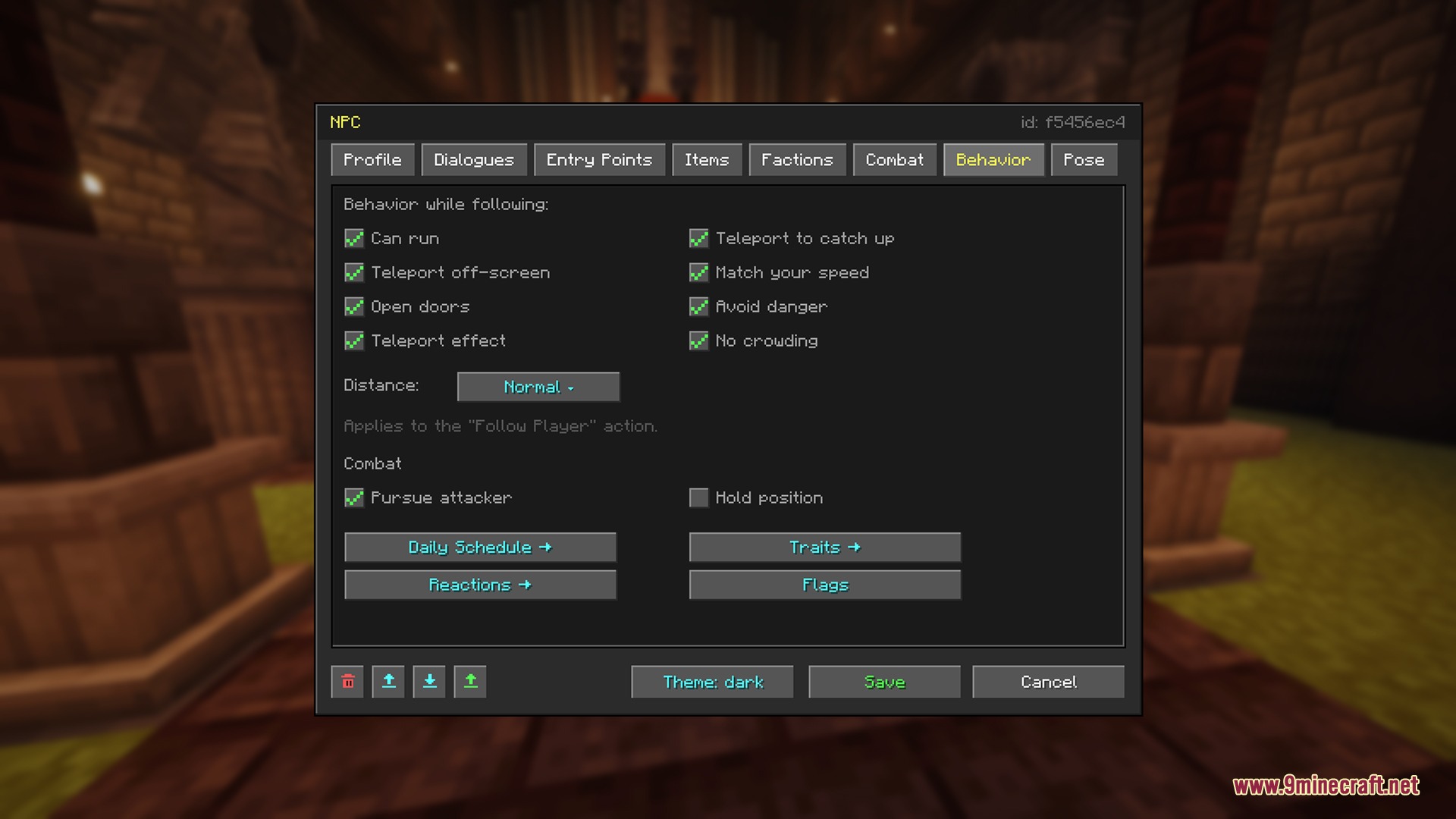
- Gives NPCs daily schedules so they walk around, work, or sleep depending on the time of day.
- Features a pose library that lets you freeze animations or pose limbs for sitting, sleeping, and working.
- Triggers reactions when an NPC gets hurt, meets a player, or drops in combat.
- Plays random ambient voice lines when characters stand idle or fight enemies.
RPG and Combat Systems:
- Tracks player reputation, faction standing, and custom quest flags.
- Provides trading shops with stock limits, restock timers, and reputation requirements.
- Includes melee, ranged, shield, magic, and potion combat styles.
- Adds customizable boss health bars and damage resistances.
- Lets NPCs disguise as monsters, burn in sunlight, or respawn on a timer.
How to Use:
- Hold the Memorion Feather in your main hand.
- Right-click on an NPC to open the in-game editor menu.
- Set up dialogue trees, trade offers, poses, or combat behaviors inside the menu.
- Use the mover wand or spawner blocks to place and reposition your characters around town.
- Export your finished NPC profiles to share them between worlds or servers.
Screenshots:
Living Realm Chronicles Mod Download Links
- Edition: Minecraft Java
- File type: .jar
- Minecraft version listed: 1.20.1
- How to install: Install the matching mod loader (Forge, Fabric or NeoForge) for your Minecraft version. → Download the .jar. → Put it in the .minecraft/mods folder and launch that loader profile.
- Where to get it: Opens on the file's original source — not every file is mirrored on our own servers.
Install steps are the general flow for this file type — How to install Minecraft Java mods & modpacks walks through it step by step.
Living Realm Chronicles Mod (1.20.1) – Populate Your World with Talking RPG is a free Minecraft Java mod. Compatible with Minecraft 1.20.1. Download it and open it directly in the game.