ModsJava
Flux Script Architect Mod (26.1.2, 1.20.1) – Edit Recipes and Loot Tables
Java mod listed for Minecraft 1.20. Downloads from the MC Java Mods app on Android.
⬇ Download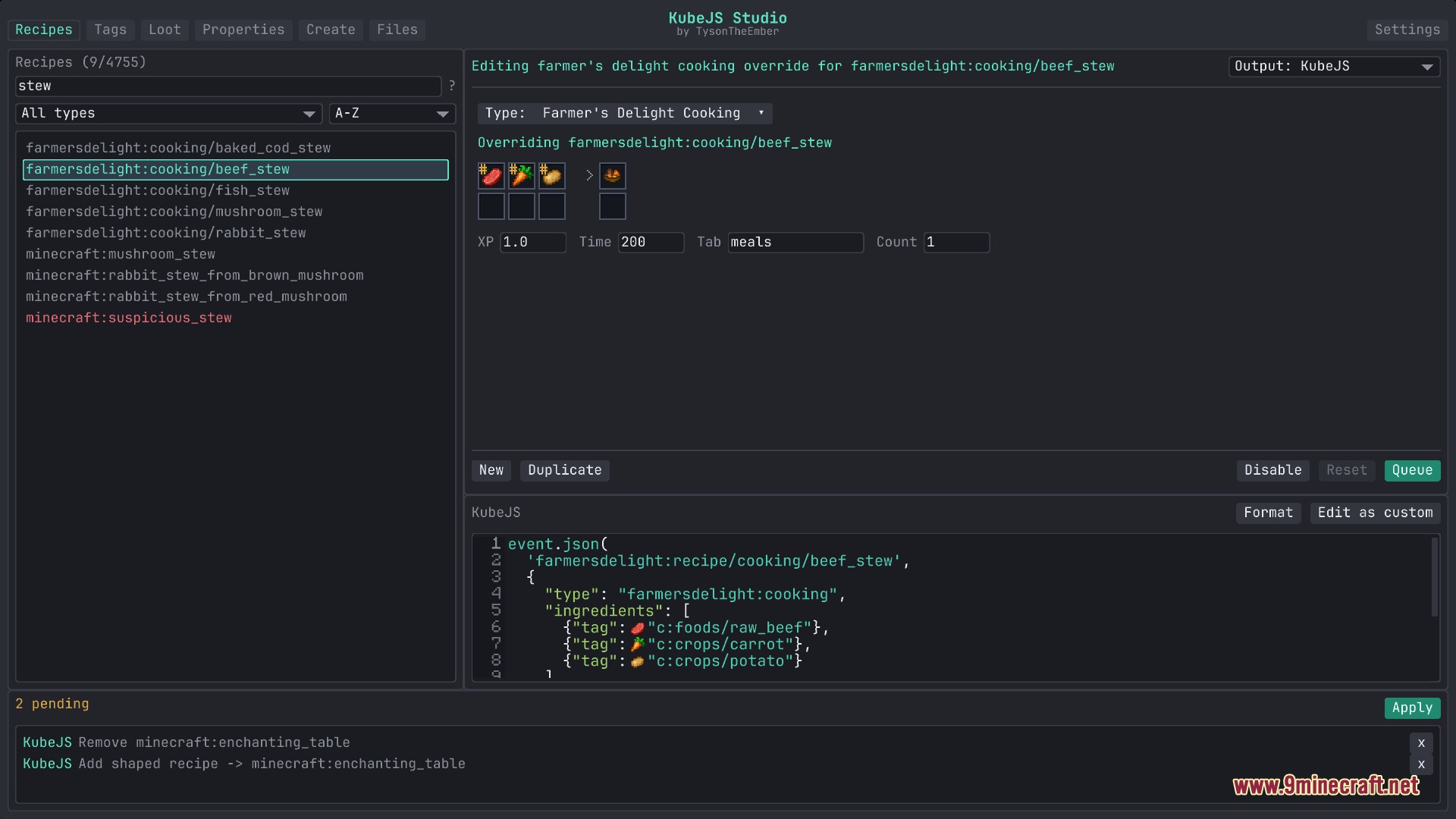
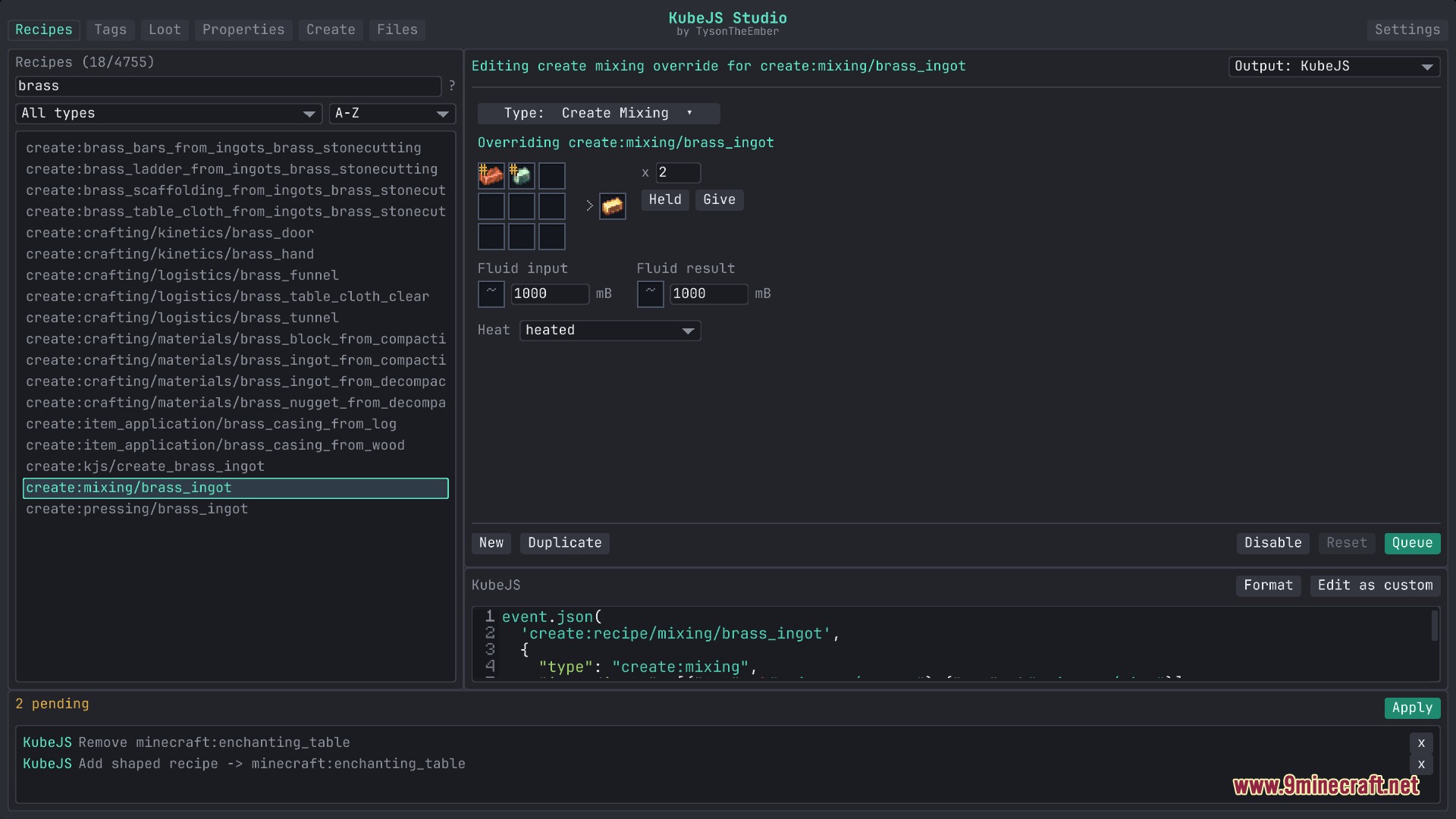
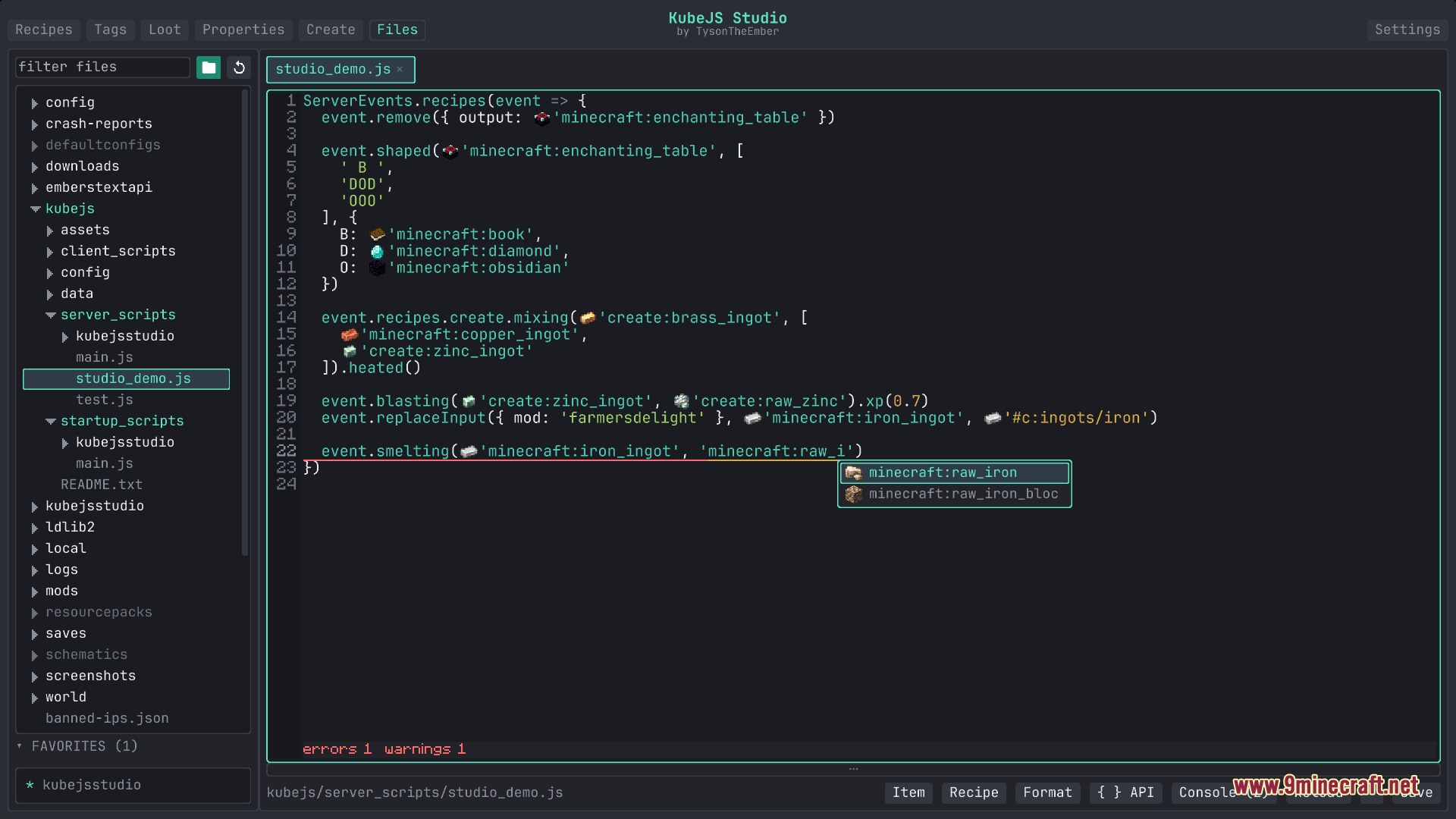
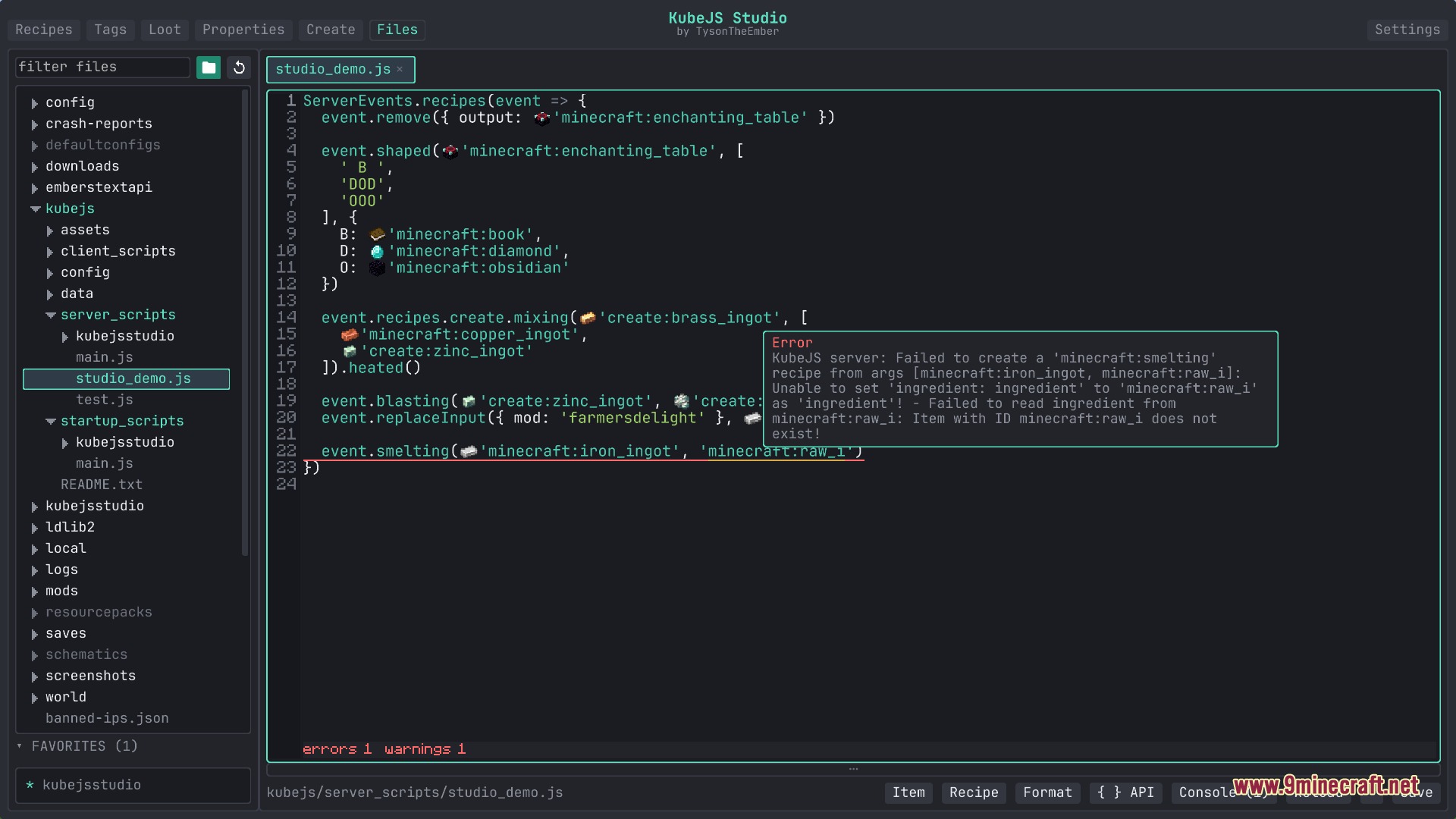
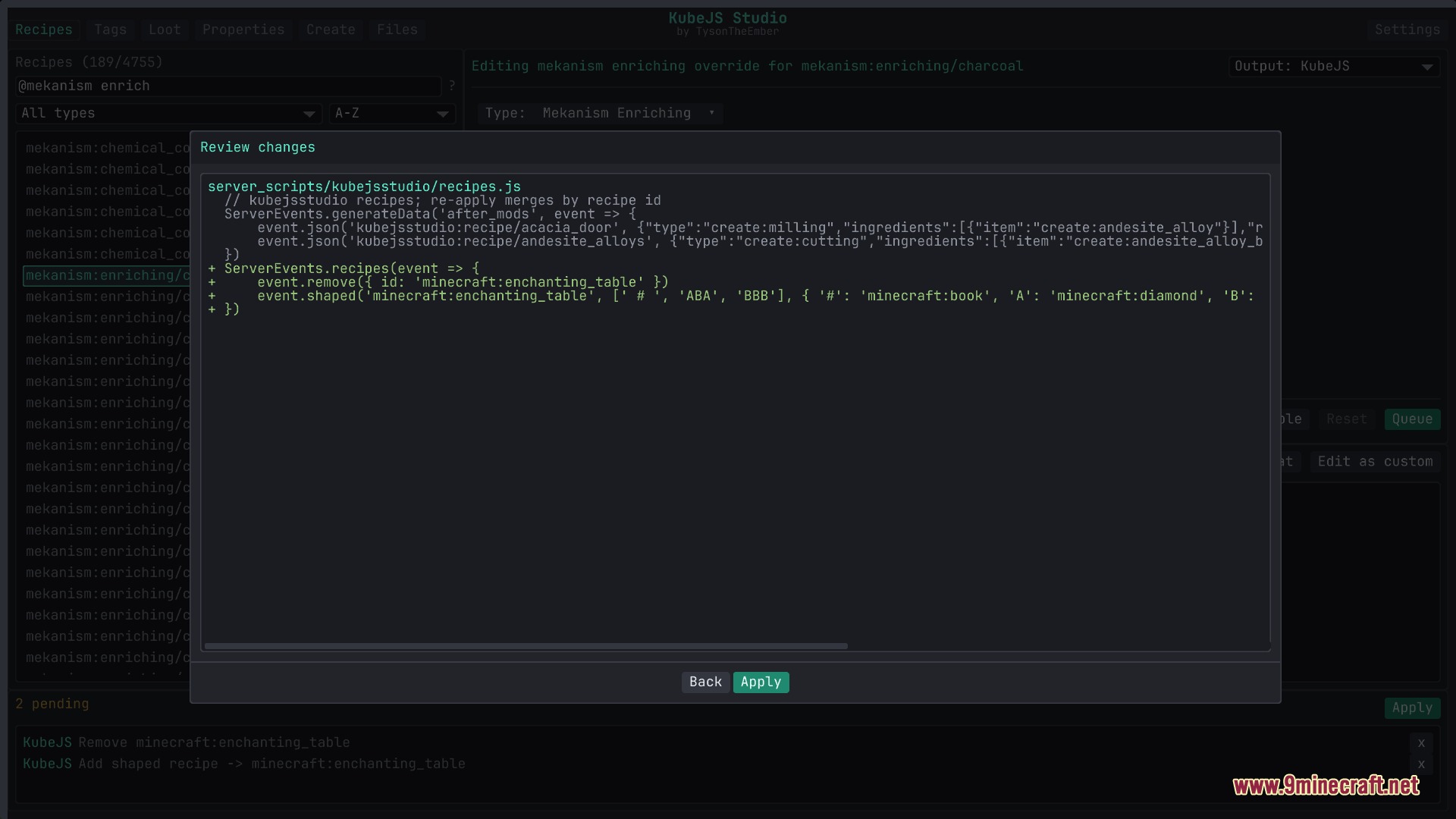
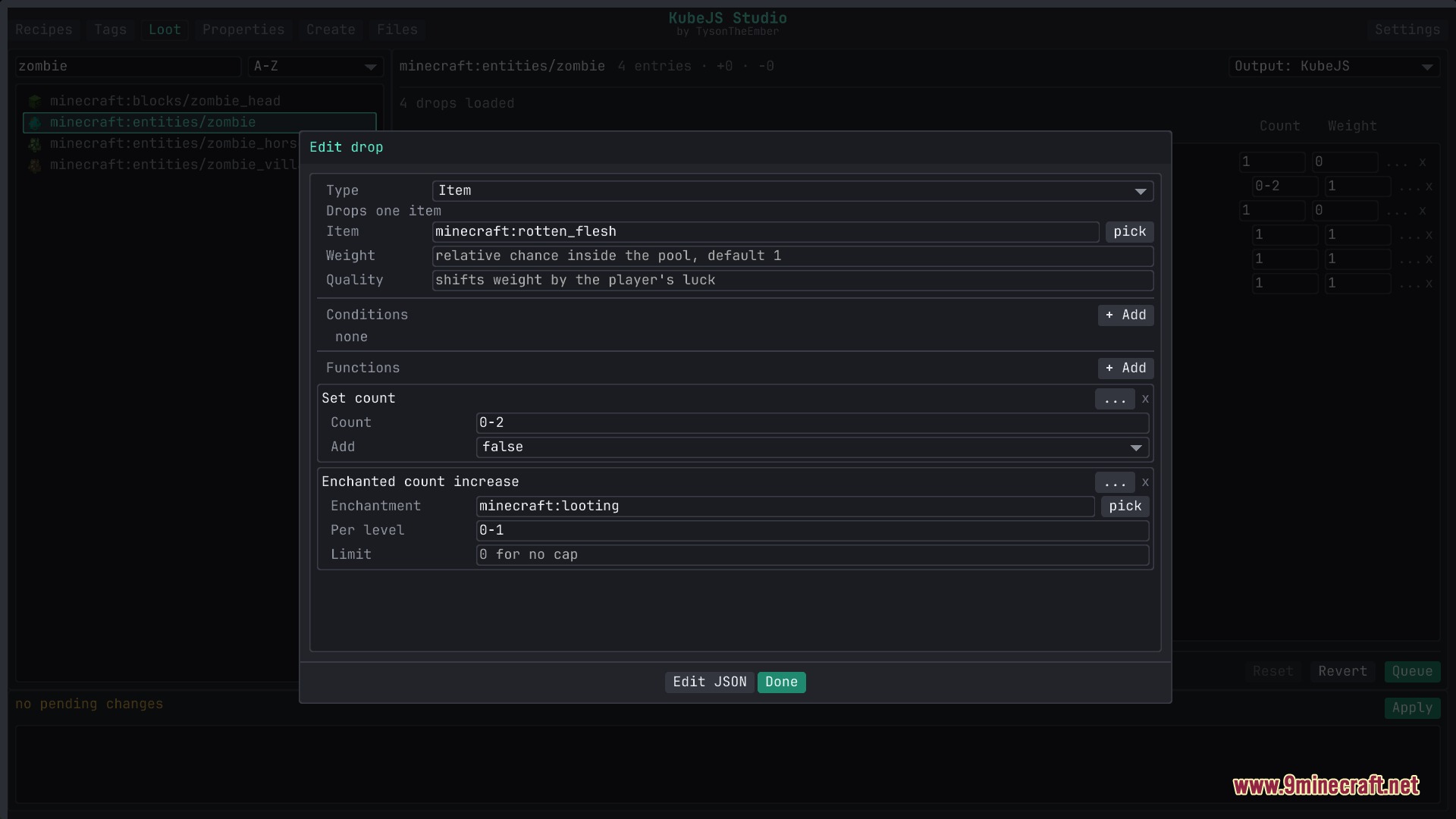
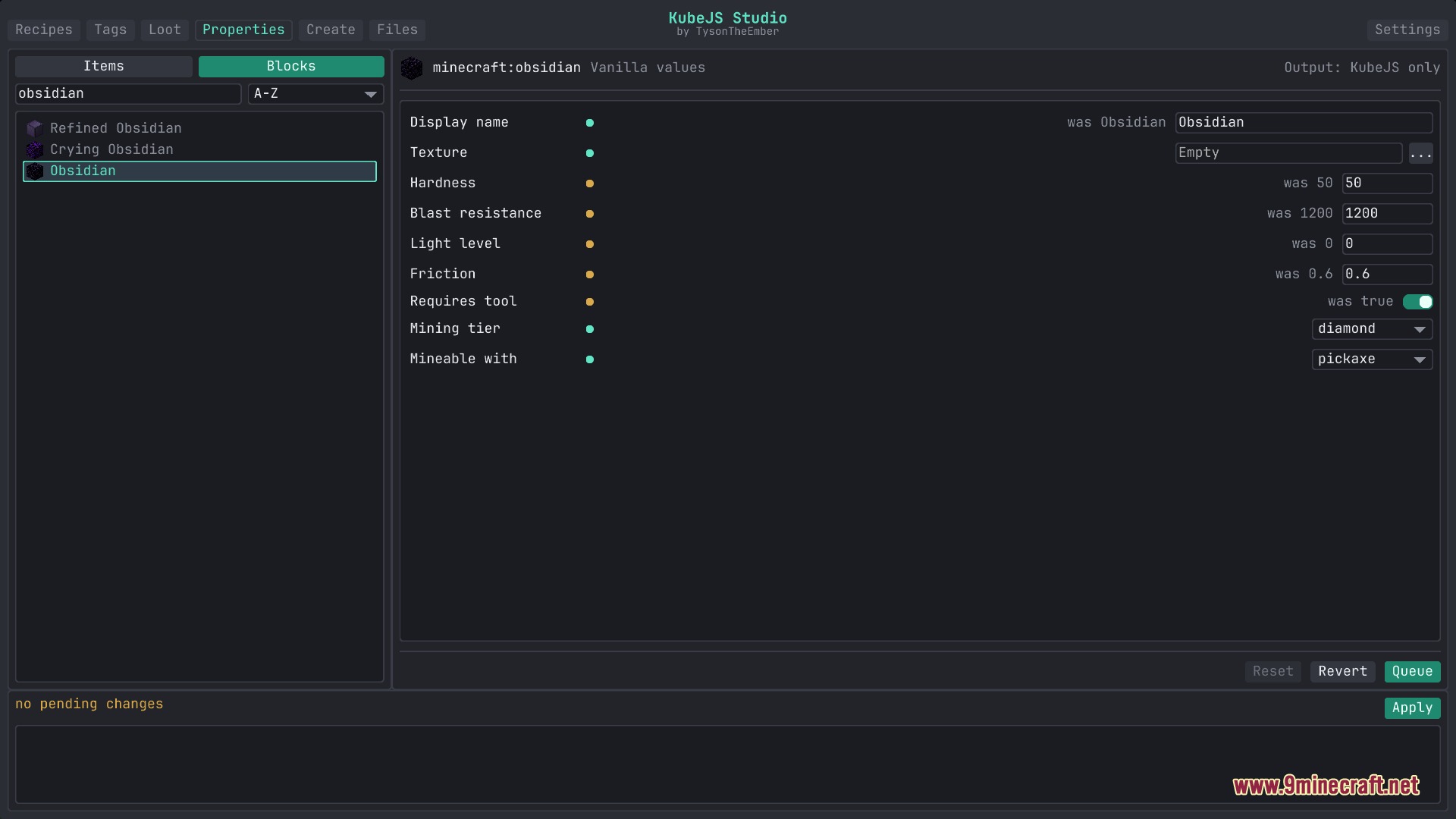
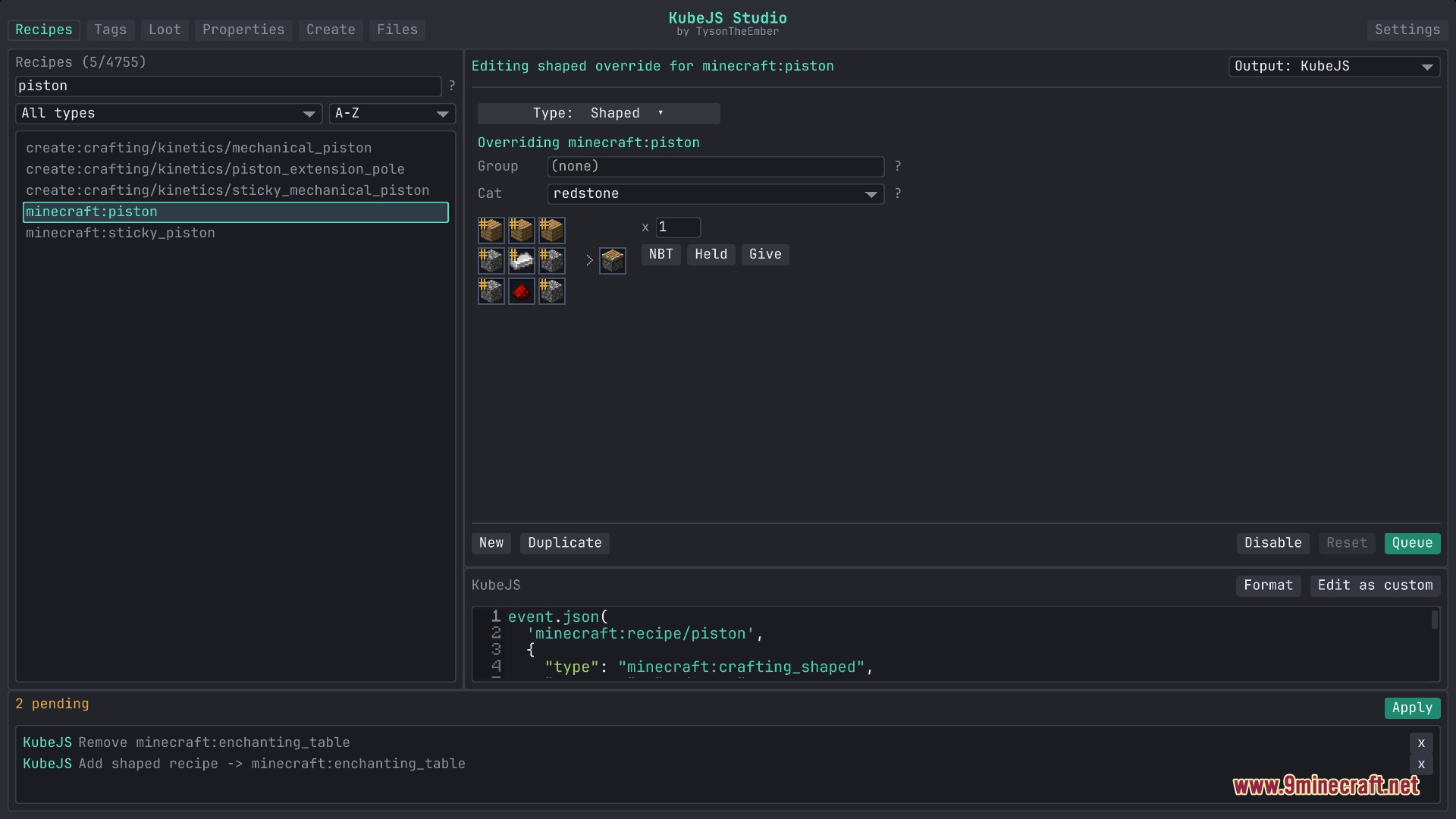
Flux Script Architect Mod adds an in-game visual workspace and script editor for KubeJS. It lets players edit recipes, item tags, loot tables, and block stats right inside Minecraft. The mod also includes a built-in code editor with instant word completion and error checks. All edits save directly as clean script files in your game folder.
Features:
- Opens an in-game studio with visual tools and a direct text editor for your game scripts.
- Lets you create, adjust, or remove recipes for vanilla blocks, Create machines, and cooking pots.
- Provides quick tag tools to add or remove items, blocks, and fluids from game tags.
- Builds custom loot tables with simple forms for drop rates, conditions, and tool requirements.
- Adjusts item durability, stack sizes, block hardness, light levels, and mining tools.
- Creates new custom items, blocks, tools, armor, and fluids without writing startup files by hand.
- Shows live autocompletion and hover documentation inside the built-in code editor.
- Highlights code errors and warns about missing tags or wrong item names as you type.
- Saves clean files directly into the kubejs folder without extra export steps.
How to Use:
- Press K in-game to open the main studio interface.
- Pick a tab to change recipes, tags, loot tables, properties, or custom content.
- Fill in the visual slots and fields or switch to the Files tab to write script code directly.
- Review your staged changes and save them straight to the game files.
Screenshots:
Flux Script Architect Mod Download Links
Quick facts
- Edition: Minecraft Java
- File type: .jar
- Minecraft version listed: 1.20.1
- How to install: Install the matching mod loader (Forge, Fabric or NeoForge) for your Minecraft version. → Download the .jar. → Put it in the .minecraft/mods folder and launch that loader profile.
- Where to get it: In MC Java Mods, or directly above on this page.
Install steps are the general flow for this file type — How to install Minecraft Java mods & modpacks walks through it step by step.
File checked by MCModsHub
- Downloads as 503562.mcaddon
- Download size: 7.7 MB
- Download link checked 22 Sept 2026 — working
- Mirrored on our own servers — the download does not depend on the original host
These come from our own check of the pack file, not from the source page.