
🌍 MineTranslator
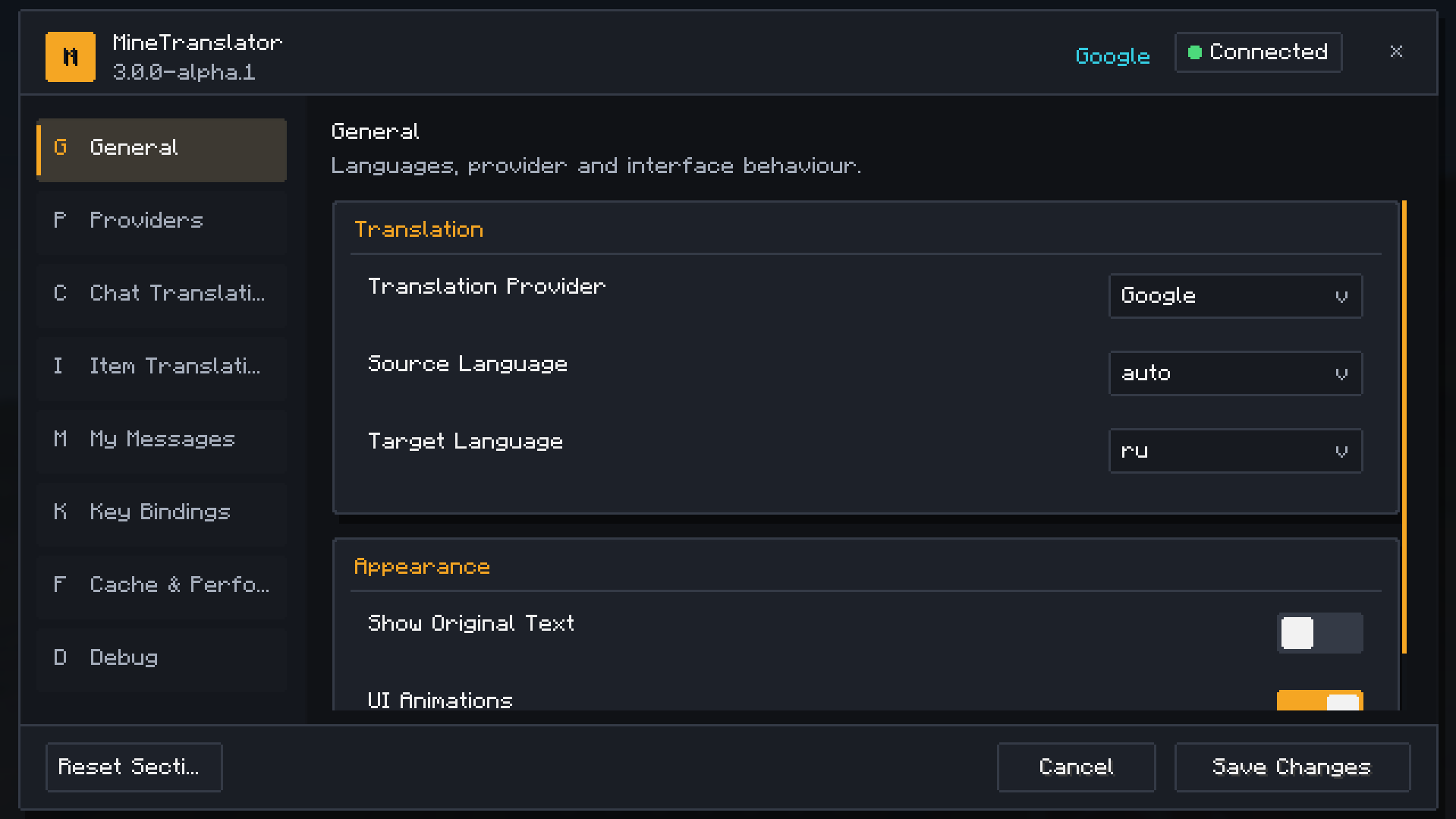
MineTranslator is a client-side Minecraft translation mod for Fabric.
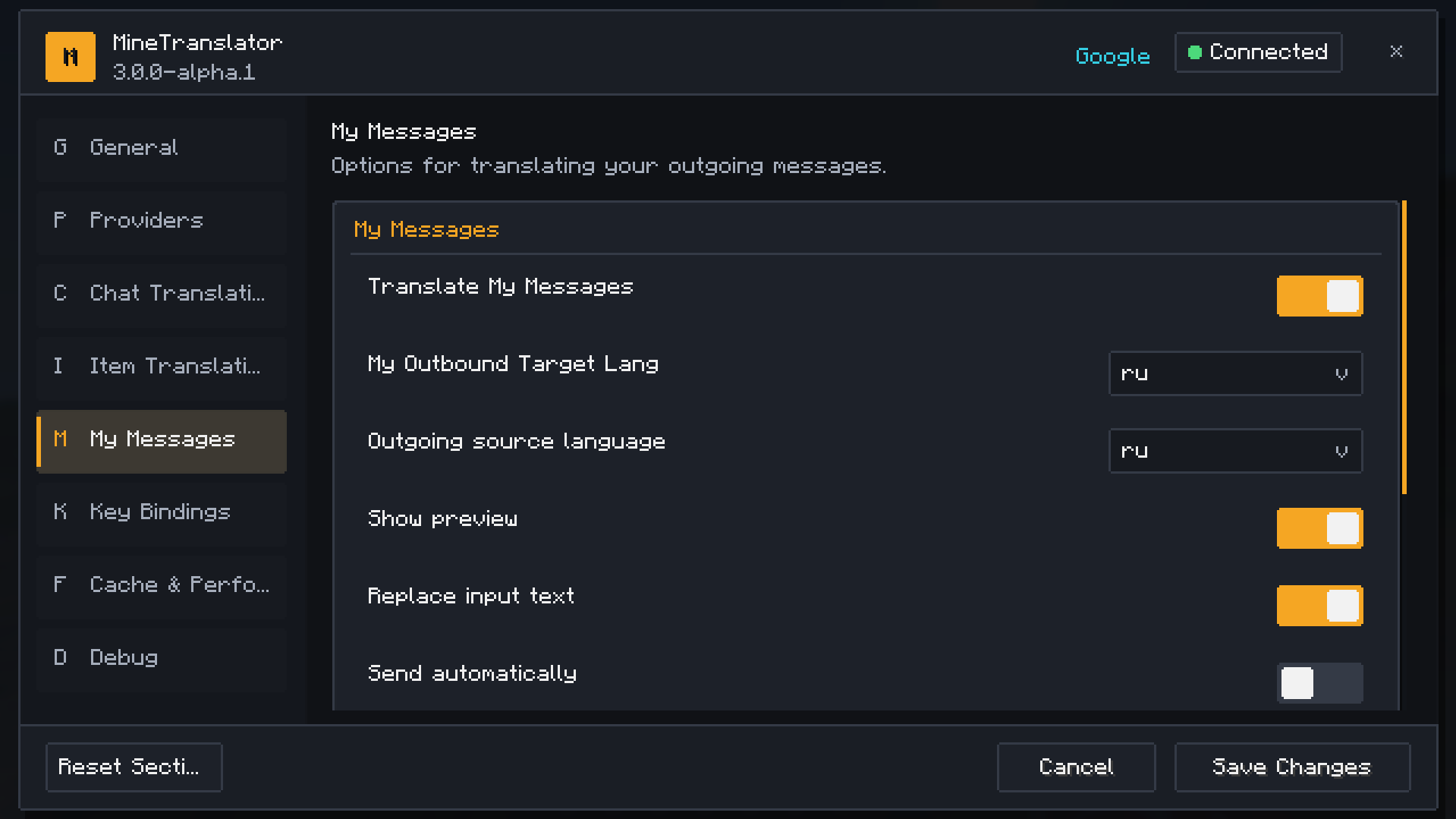
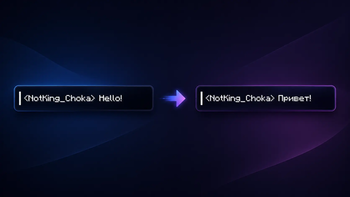
Play on multilingual servers without language barriers. MineTranslator can translate chat messages, player messages, NPC dialogue, item names, tooltips, lore, and more — directly inside Minecraft.
No server installation is required. Install it on your client and start playing! ✨
📚 Required Library
⚠️ MineTranslator requires the MineTranslator Library to work.
You must install both files:
- 🌍 MineTranslator
- 📚 MineTranslator Library
➡️ Download MineTranslator Library
Make sure that the versions of MineTranslator, MineTranslator Library, and Minecraft are compatible with each other.
Without the library, the mod will not launch or function correctly.
✨ Features
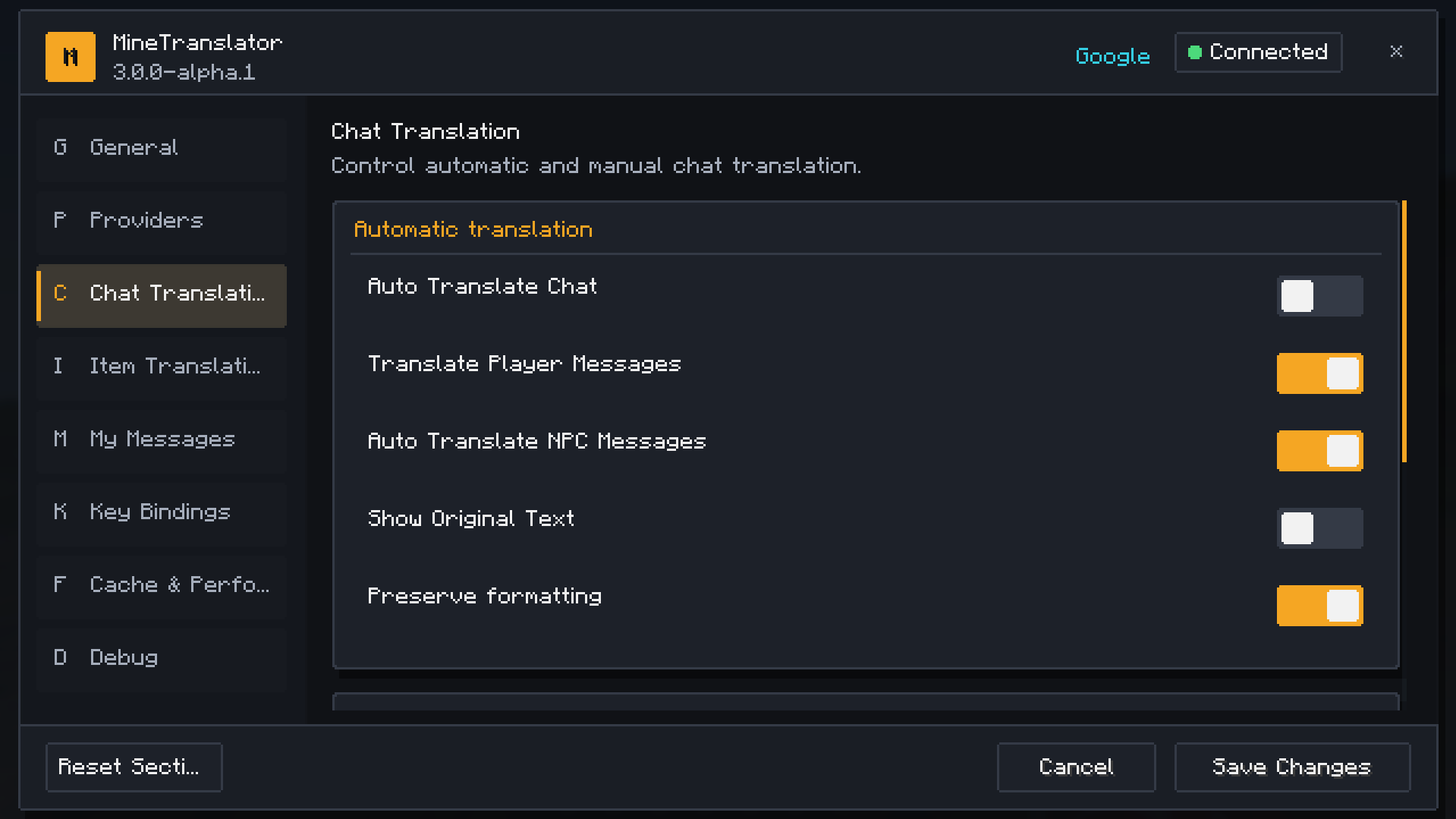
- 💬 Automatic chat translation
- 👥 Player message translation
- 🧙 NPC dialogue translation
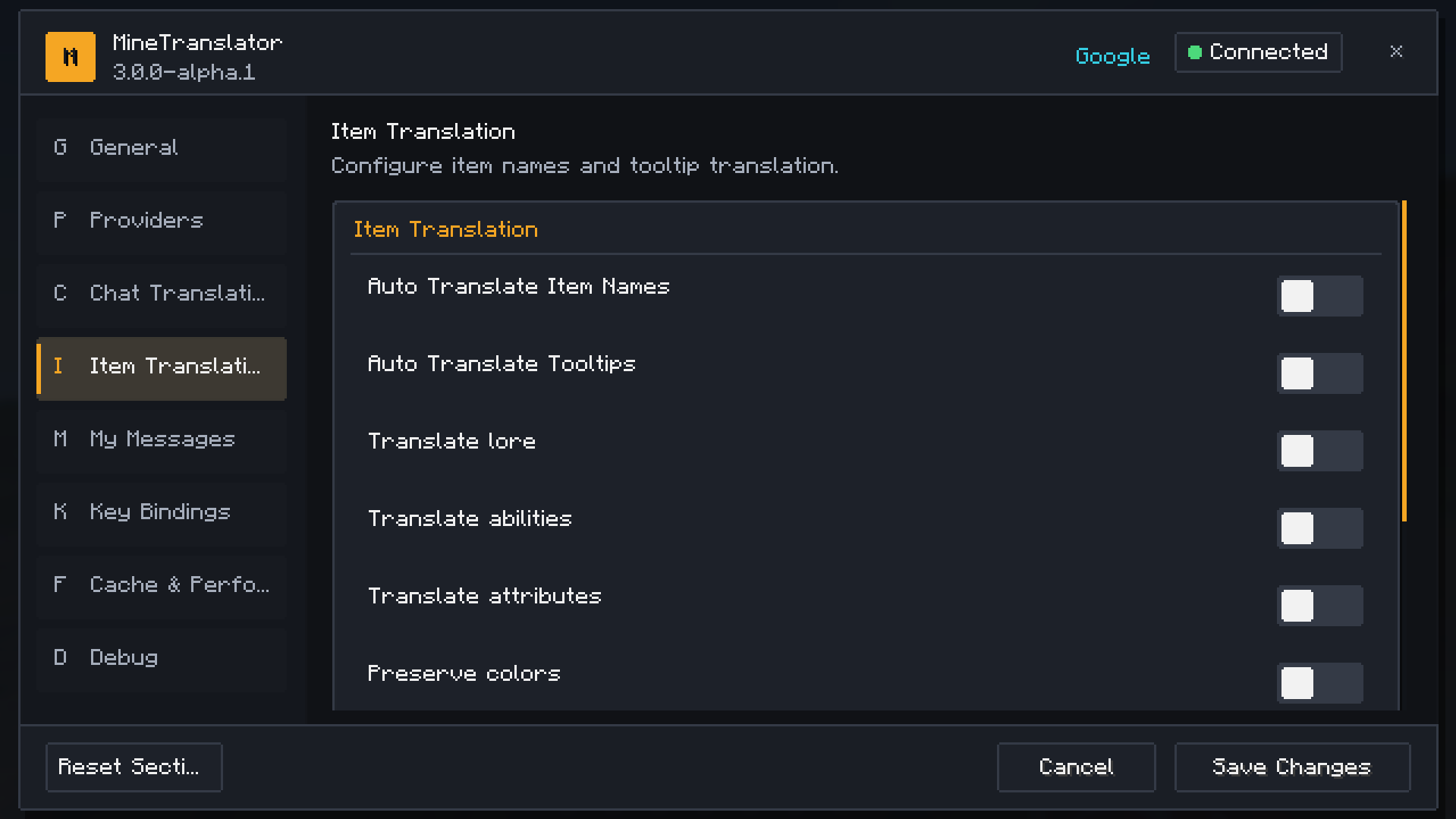
- ⚔️ Item name translation
- 📜 Item tooltip and lore translation
- ⌨️ Manual translation with keybinds
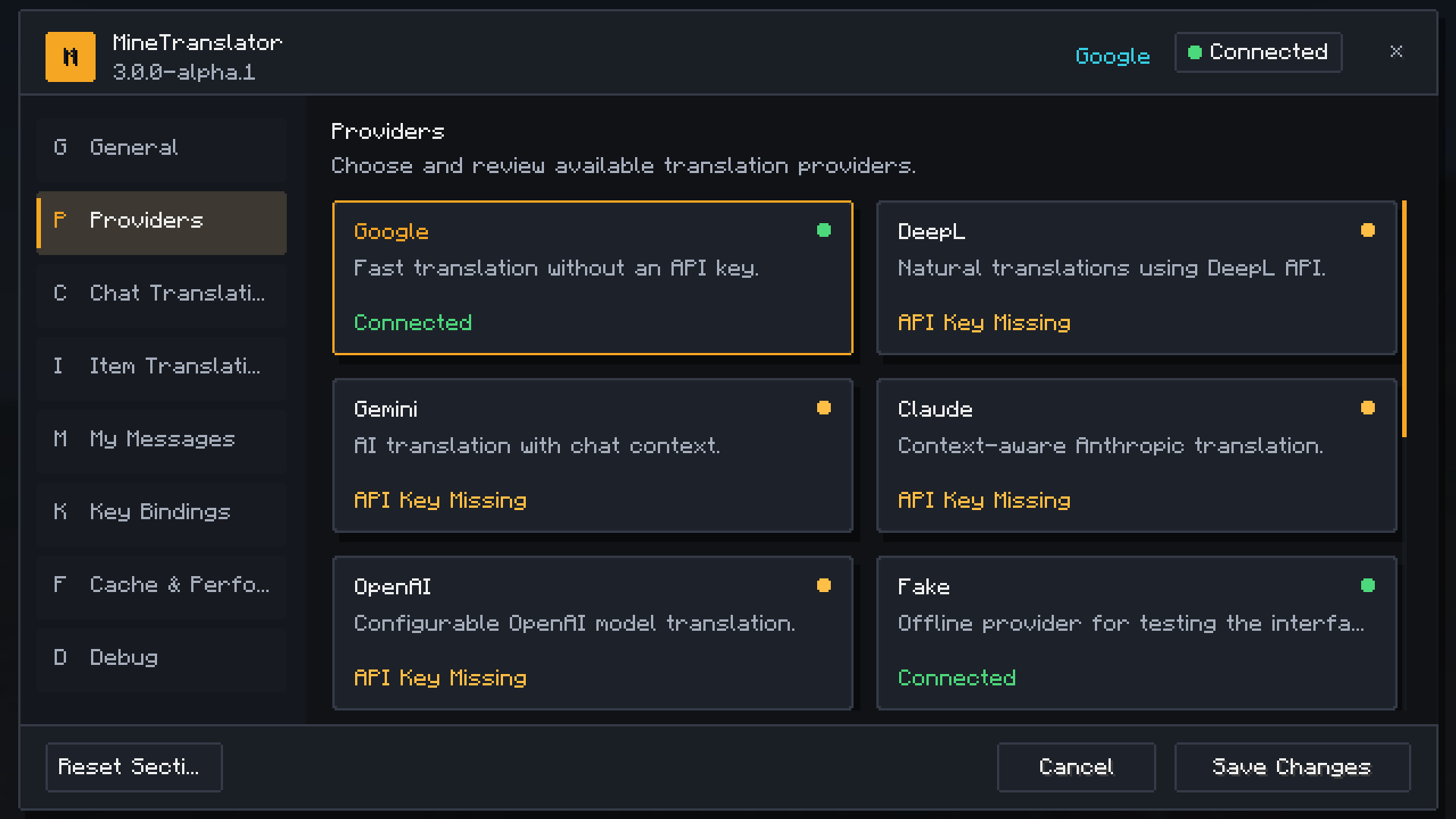
- 🌐 Multiple translation providers
- ⚡ Translation cache for faster repeated translations
- 🎨 Modern in-game settings menu
- 🧩 Client-side only
- 🖌️ Preserves Minecraft text colors and formatting where possible
- 🧱 Fabric support
- 📦 Supports Minecraft 1.16.5 and newer versions
💬 Chat Translation
MineTranslator helps you understand messages from other players in real time.
It can translate:
- normal chat messages;
- player messages;
- NPC messages;
- server dialogue;
- mixed-language messages;
- manually selected chat messages.
You can choose between automatic translation and manual translation using a keybind.
⚔️ Item Translation
MineTranslator can also translate item information.
Supported item translation:
- item names;
- item descriptions;
- lore;
- abilities;
- stats;
- tooltip text.
The mod tries to preserve the original Minecraft colors and formatting, keeping translated items clean and natural.
🌐 Translation Providers
MineTranslator supports several translation providers depending on the mod version:
- Google Translation
- DeepL
- Gemini
- Claude
- OpenAI
Some providers may require an API key.
🔐 API keys are stored locally on your computer and are never sent to Minecraft servers.
🧩 Client-side Only
MineTranslator works only on the client.
That means:
- ✅ You can use it on multiplayer servers.
- ✅ The server does not need to install anything.
- ✅ Other players do not need the mod.
- ✅ It does not change server-side gameplay.
📦 Installation
- Install Fabric Loader for your Minecraft version.
- Install Fabric API if required by your build.
- Download the correct version of MineTranslator.
- Download the matching version of MineTranslator Library.
- Place both
.jarfiles in your Minecraftmodsfolder. - Launch Minecraft.
Required files
MineTranslator-[version]+[minecraft-version].jar
MineTranslator-Library-[version]+[minecraft-version].jar
- Edition: Minecraft Java
- File type: .jar
- Minecraft version listed: 26.2
- How to install: Install the matching mod loader (Forge, Fabric or NeoForge) for your Minecraft version. → Download the .jar. → Put it in the .minecraft/mods folder and launch that loader profile.
- Where to get it: Opens on Modrinth — not every file is mirrored on our own servers.
Install steps are the general flow for this file type — How to install Minecraft Java mods & modpacks walks through it step by step.
- Ships as MineTranslator-26.2.jar — drop this file into the mods folder
- Download size: 131 KB
- Download link checked 3 Sept 2026 — working
These come from our own check of the pack file, not from the source page.