Universal Shortcut Interface Mod lets you create custom command shortcuts and aliases on your Minecraft server. It gives server hosts and players a simple way to trigger long commands with short, custom names through chat or an interactive menu. The mod stores shortcut definitions cleanly in JSON and applies updates without needing a full server restart.
Features:
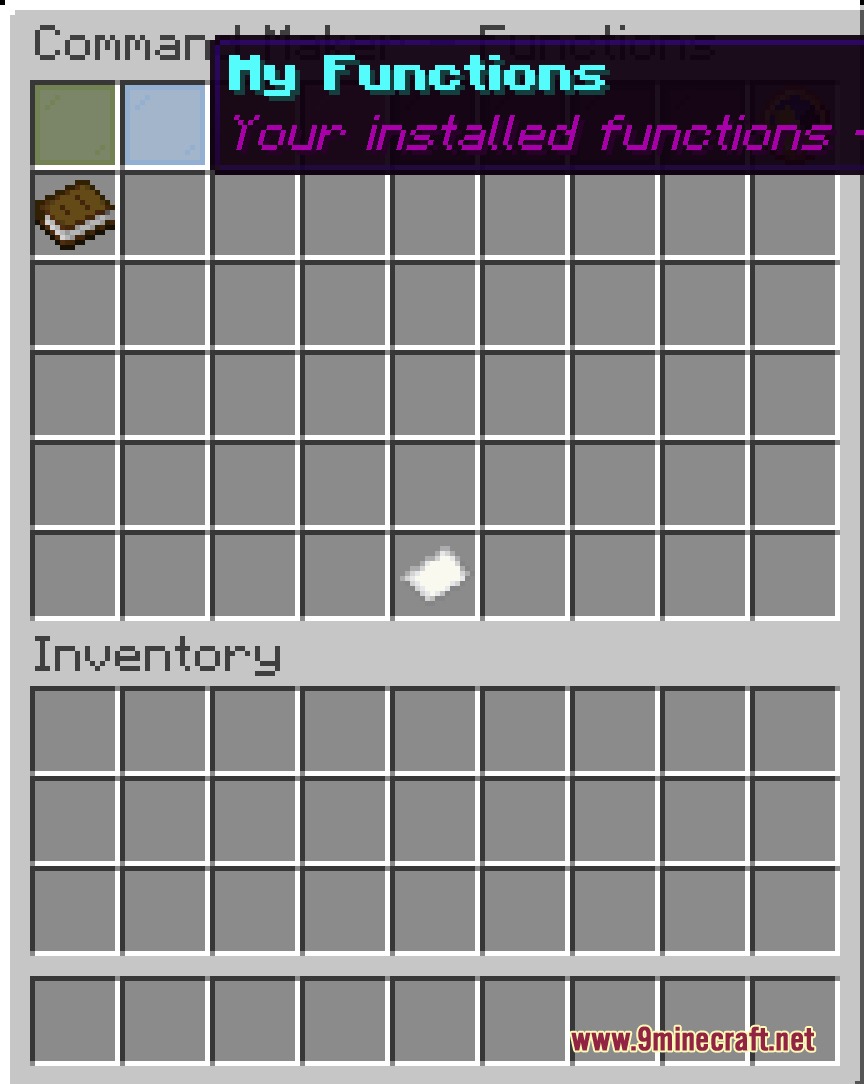
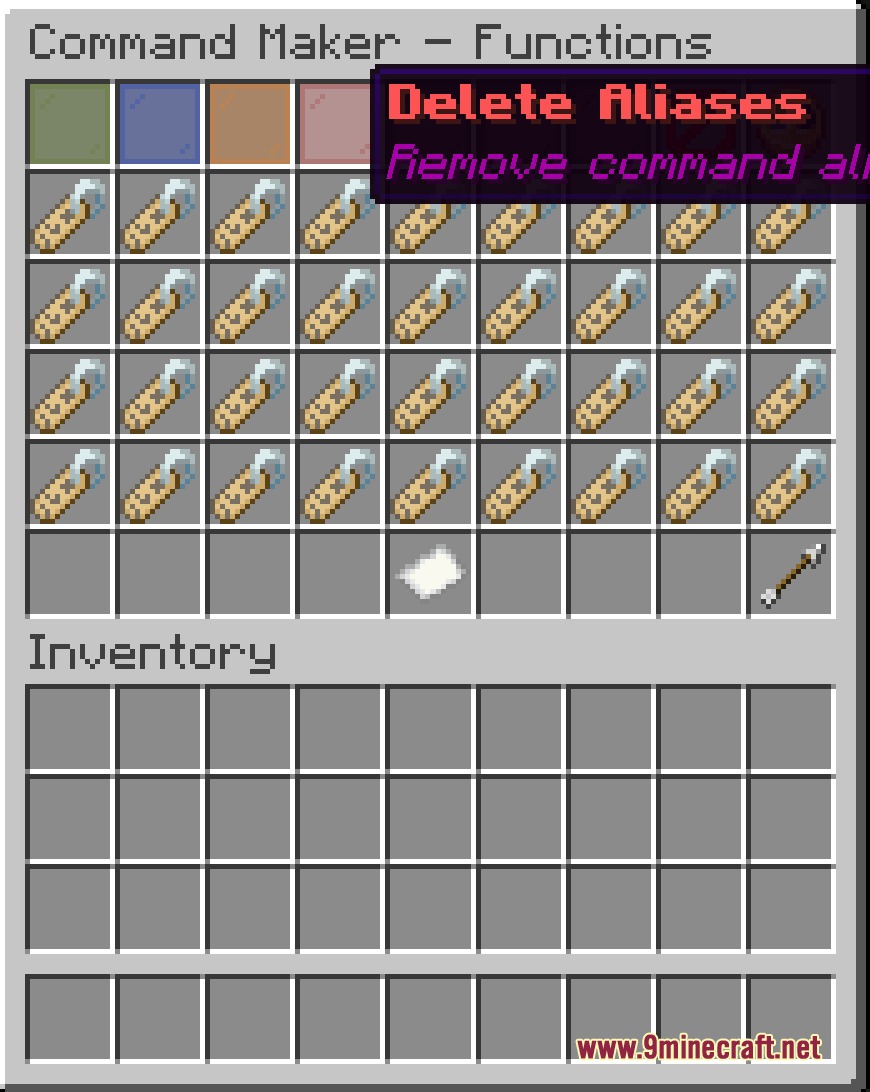
- Adds custom command shortcuts directly through in-game chat or a menu.
- Reloads aliases instantly without restarting the server.
- Stores custom shortcuts in a clean JSON format.
- Works on the server side without requiring client installations.
- Includes permission handling through LuckPerms integration.
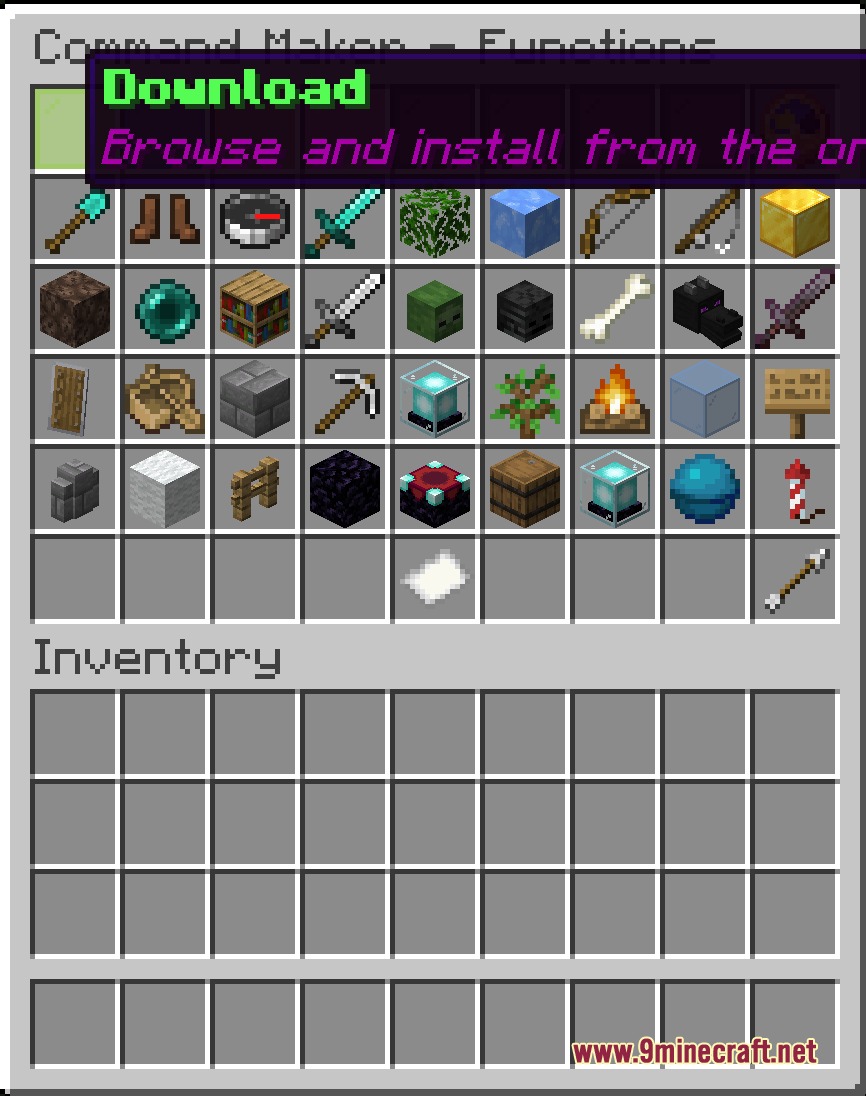
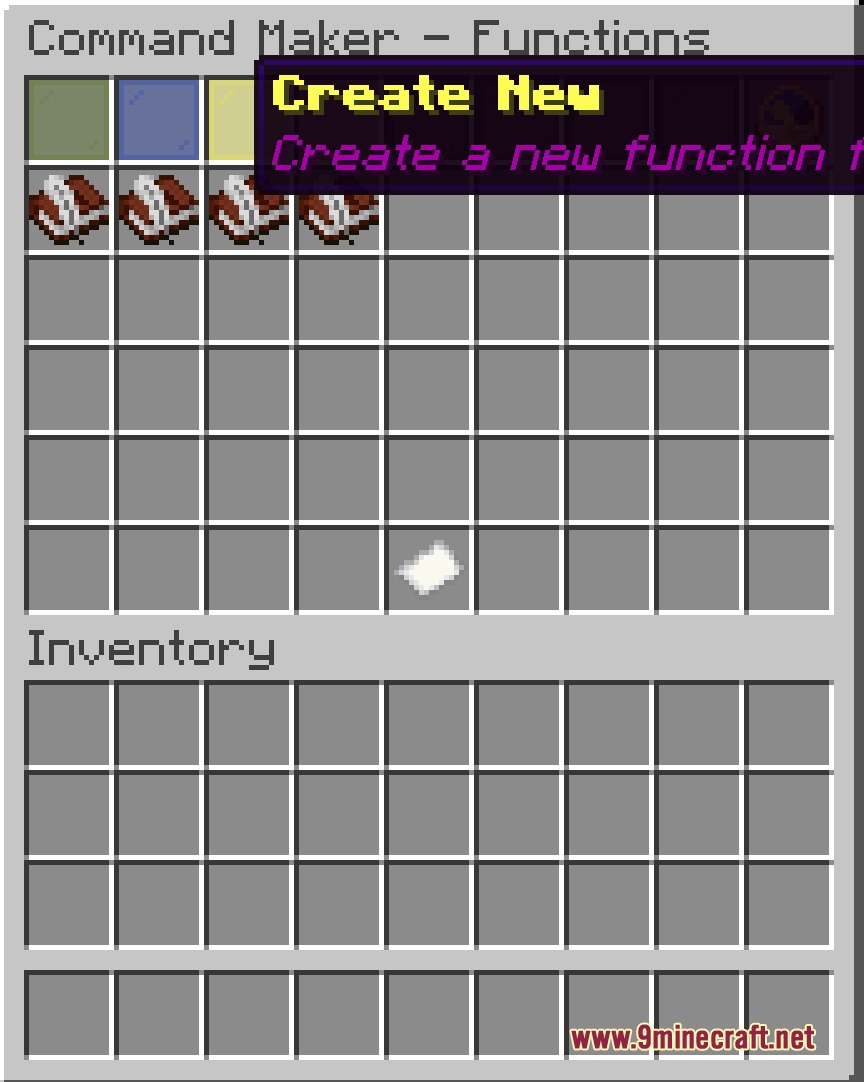
- Lets you download functions directly inside the game.
Commands:
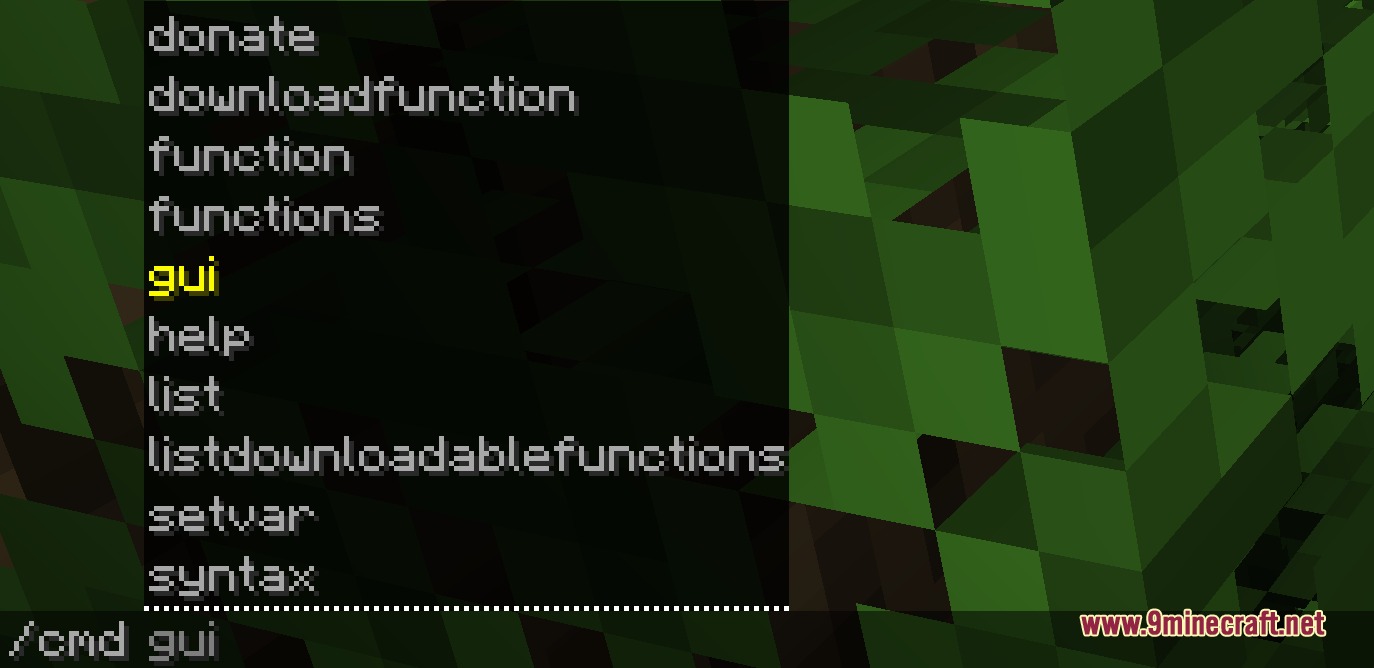
/addcommand add <alias> <command>: Creates a new shortcut alias that runs the chosen command./addcommand del <alias>: Removes an existing shortcut alias./addcommand reload: Reloads the configuration file and updates all active shortcuts./cmd downloadfunction: Downloads available function files.
Configuration:
{
  "crashme": "kill @s",
  "greet": "say Hello, world!"
}
How to Use:
- Open the in-game chat window.
- Type
/addcommand add <alias> <command>to set up a new shortcut. - Run the new shortcut by typing
/<alias>in chat. - Type
/addcommand reloadwhenever you edit the configuration file manually.
Screenshots:
Universal Shortcut Interface Mod Download Links
Quick facts
- Edition: Minecraft Java
- File type: .jar
- Minecraft version listed: 1.20.1
- How to install: Install the matching mod loader (Forge, Fabric or NeoForge) for your Minecraft version. → Download the .jar. → Put it in the .minecraft/mods folder and launch that loader profile.
- Where to get it: In MC Java Mods, or directly above on this page.
Install steps are the general flow for this file type — How to install Minecraft Java mods & modpacks walks through it step by step.
Verified by MCModsHub
- Downloads as 503665.mcaddon
- Download size: 32 KB
- Download link checked 23 Sept 2026 — working
- Mirrored on our own servers — the download does not depend on the original host
These come from our own check of the pack file, not from the source page.