ModsJava
Vitals Under Siege Mod (1.20.1) – Survive Realistic Injuries and Medical
Java mod listed for Minecraft 1.20. Downloads from the MC Java Mods app on Android.
⬇ Download
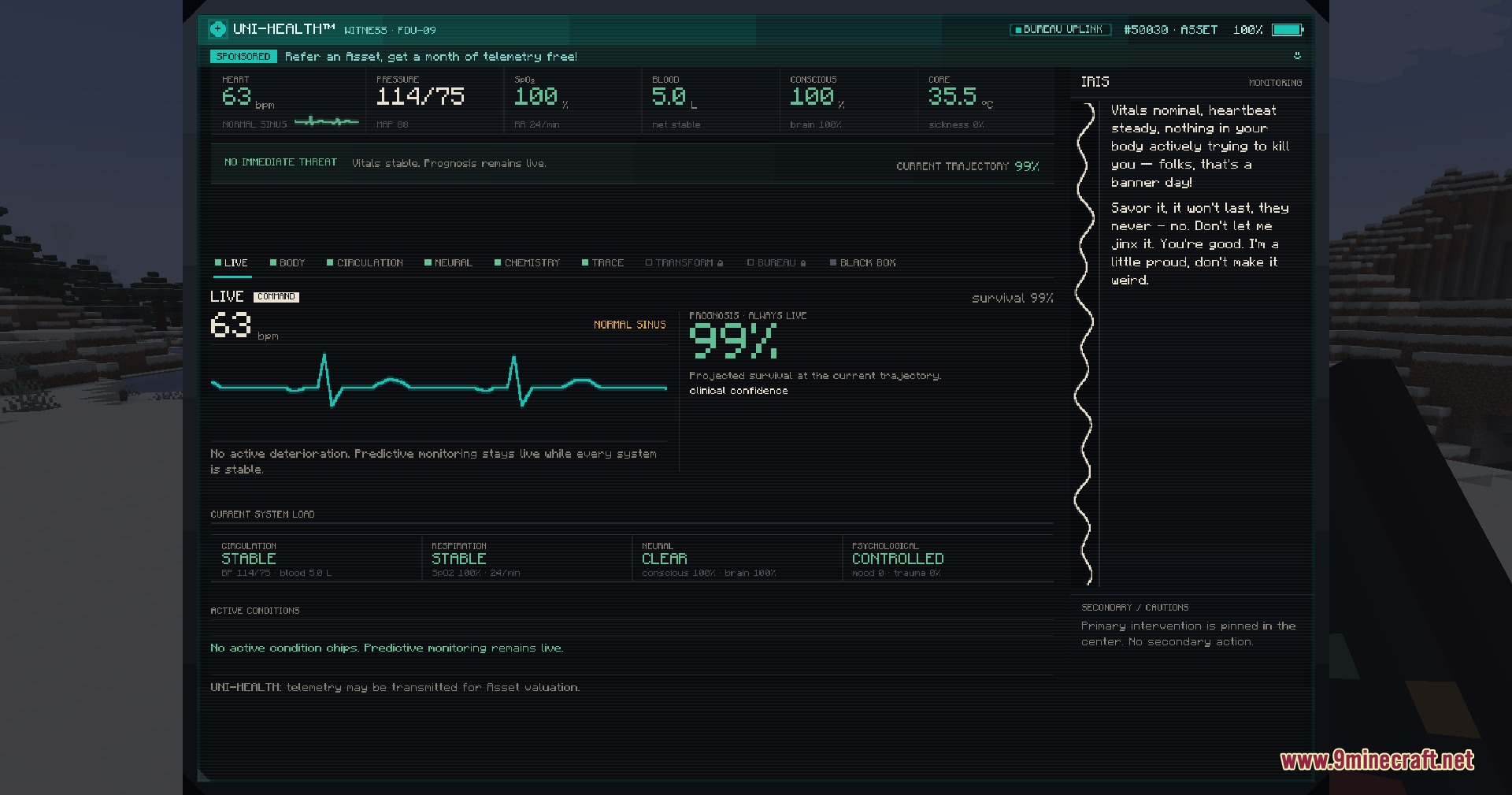
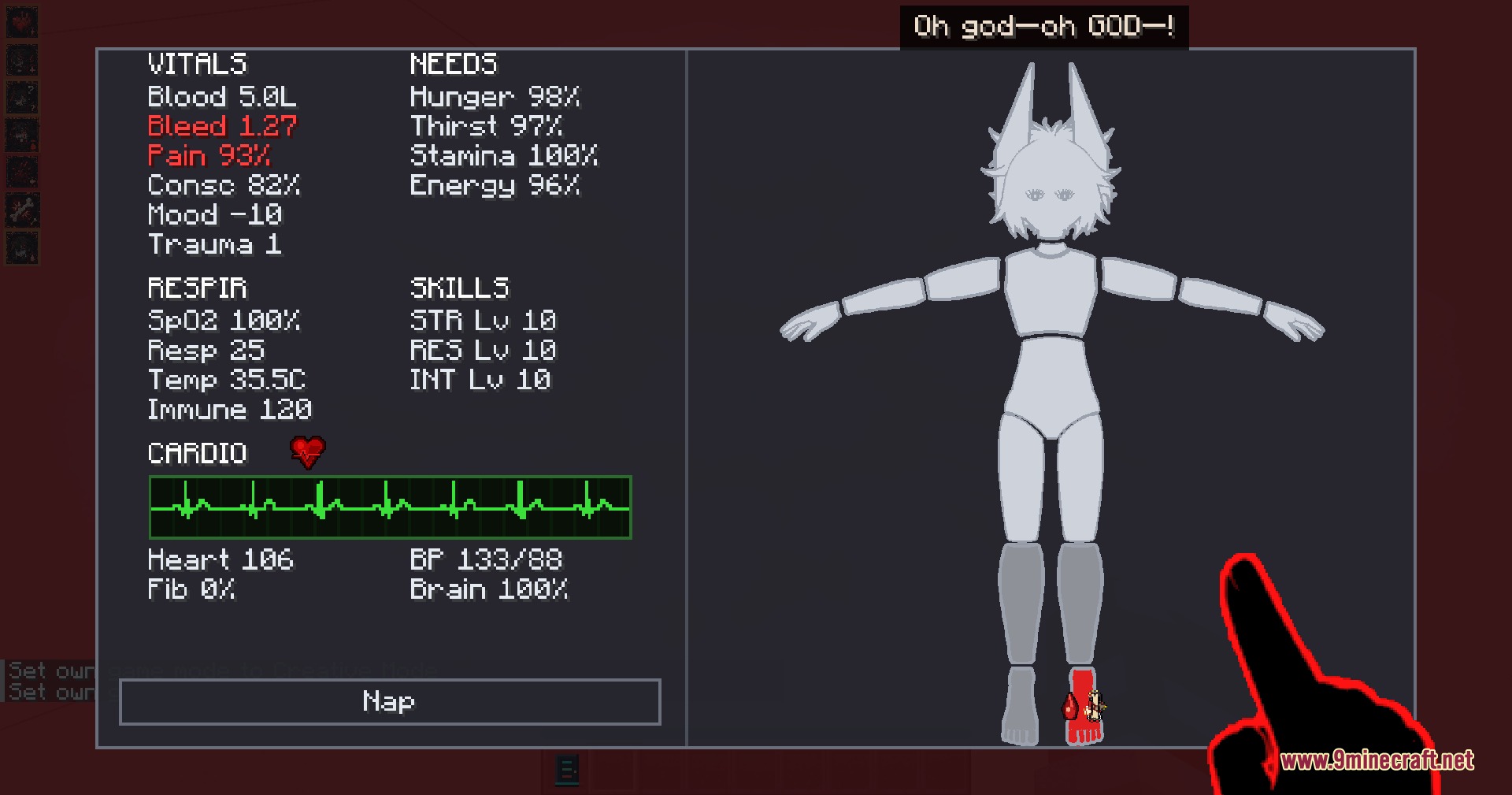
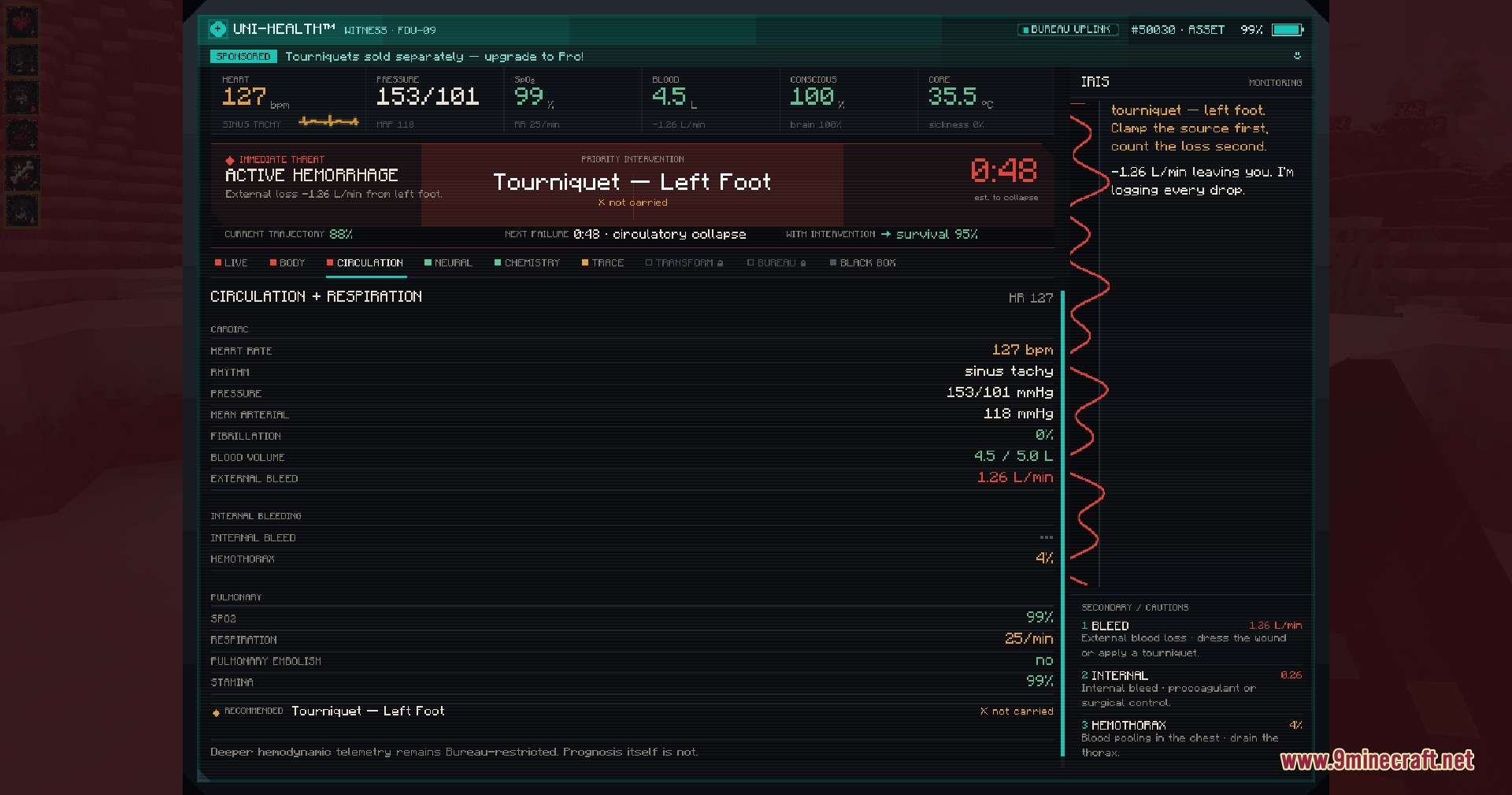
Vitals Under Siege Mod replaces the classic Minecraft health bar with a realistic body simulation. It tracks separate organs, blood types, bone fractures, and unique wound types across your character. Healing requires hands-on medical steps and careful treatment instead of simple food consumption. Players can opt into this survival system at any time during singleplayer or multiplayer worlds.
Features:
- Detailed Body Simulation: Tracks blood pressure, heart rhythm, core temperature, oxygen levels, and brain function.
- Individual Wound Tracking: Treats each cut and injury separately based on depth, bleeding, dirt, and age.
- Adds over 280 medical items and tools to treat injuries and stabilize failing organs.
- Assigns one of eight real blood types to each player for transfusions.
- Adds bone fractures, joint dislocations, and spine damage that limit movement and eating.
- Lets nearby teammates perform surgery and medical steps with steadier hands during danger.
- Works as an opt-in mechanic so standard players can share a server without custom health rules.
Commands:
/doom: activates the realistic body and injury system./doom off: turns off the custom body mechanics and restores standard health.
How to Use:
- Type
/doomin the chat window to start the custom body system. - Press H to open your body status panel and inspect your vital signs.
- Craft medical supplies to clean open cuts, set broken bones, or stop heavy bleeding.
- Ask a teammate to apply bandages or perform surgery when your own hands shake from pain.
- Type
/doom offin chat if you want to leave the system and return to normal play.
Screenshots:
Vitals Under Siege Mod Download Links
Quick facts
- Edition: Minecraft Java
- File type: .jar
- Minecraft version listed: 1.20.1
- How to install: Install the matching mod loader (Forge, Fabric or NeoForge) for your Minecraft version. → Download the .jar. → Put it in the .minecraft/mods folder and launch that loader profile.
- Where to get it: In MC Java Mods, or directly above on this page.
Install steps are the general flow for this file type — How to install Minecraft Java mods & modpacks walks through it step by step.
File checked by MCModsHub
- Downloads as 503667.mcaddon
- Download size: 24.0 MB
- Download link checked 24 Sept 2026 — working
- Mirrored on our own servers — the download does not depend on the original host
These come from our own check of the pack file, not from the source page.