
ModsJava
Lens Memory Explorer Mod (26.2, 1.20.1) – View Saved Screenshots Without
Java mod listed for Minecraft 1.20. Downloads from the MC Java Mods app on Android.
⬇ Download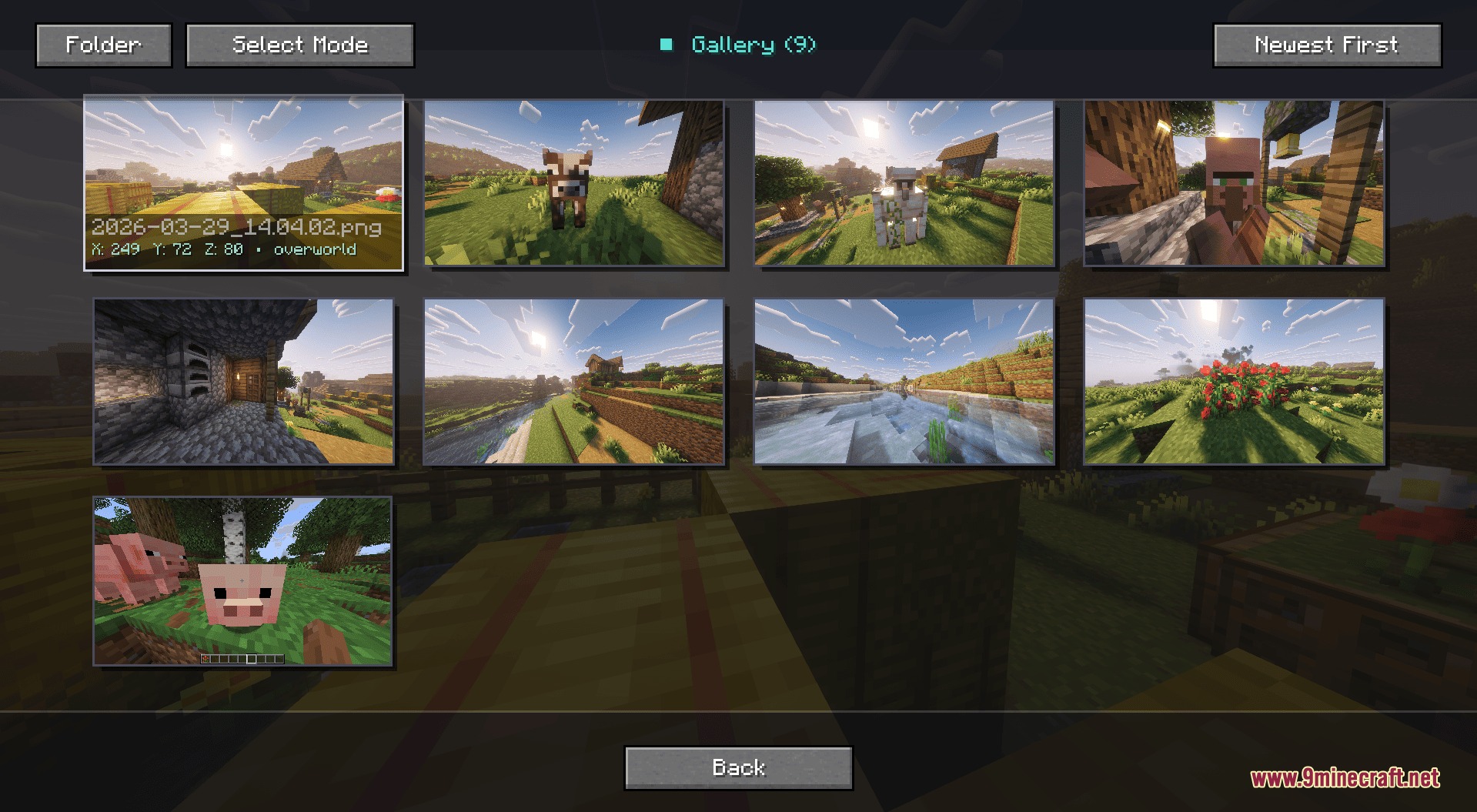
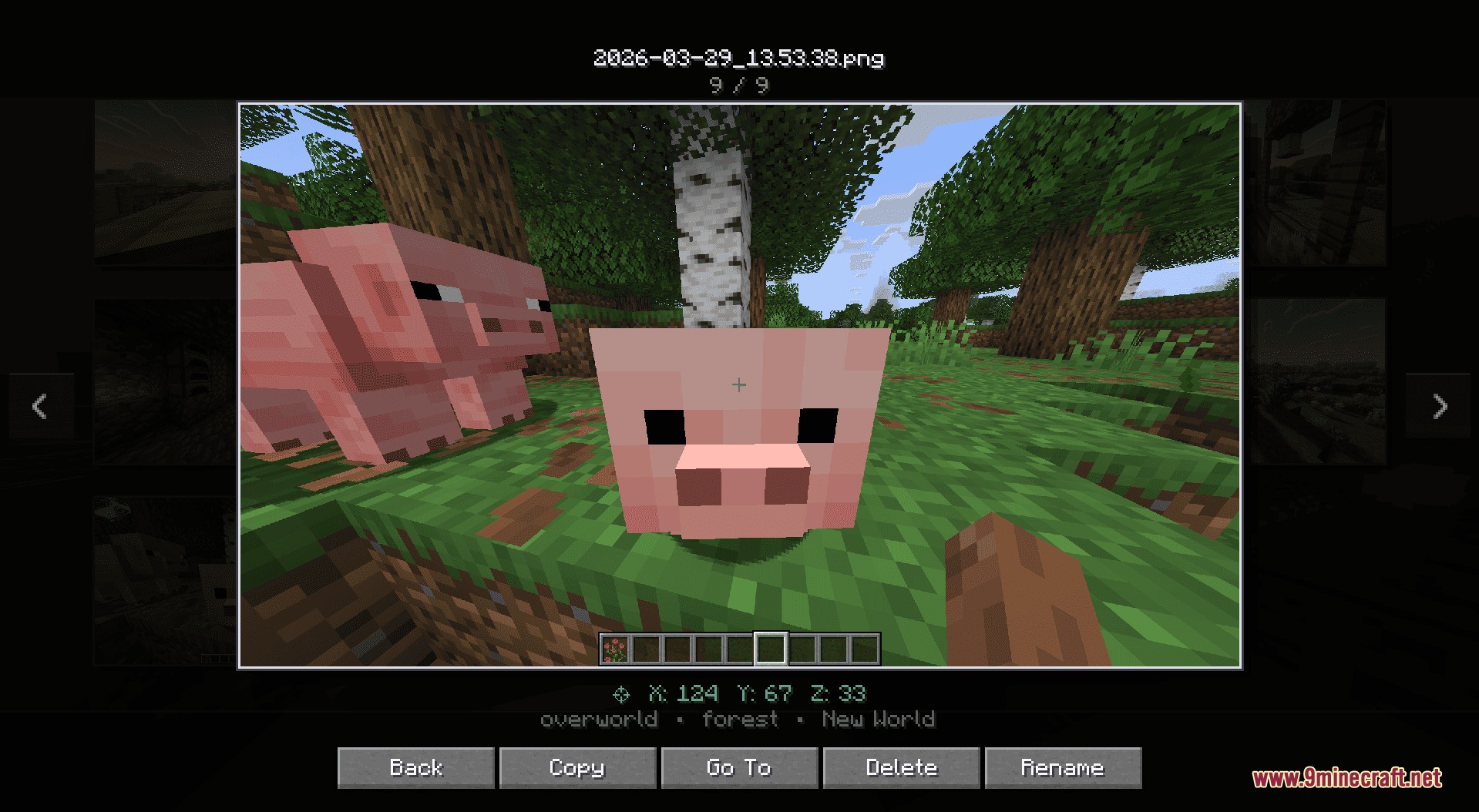
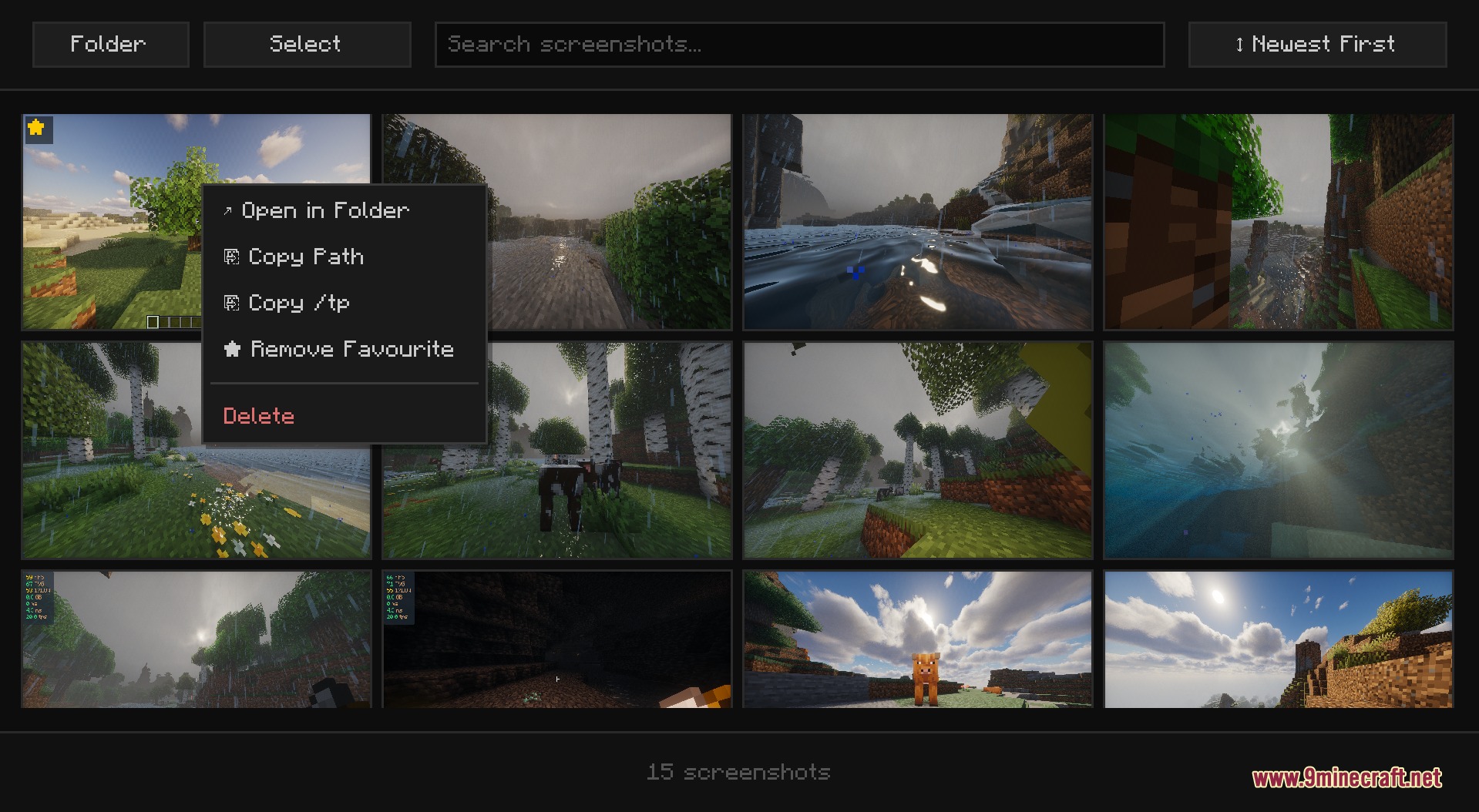
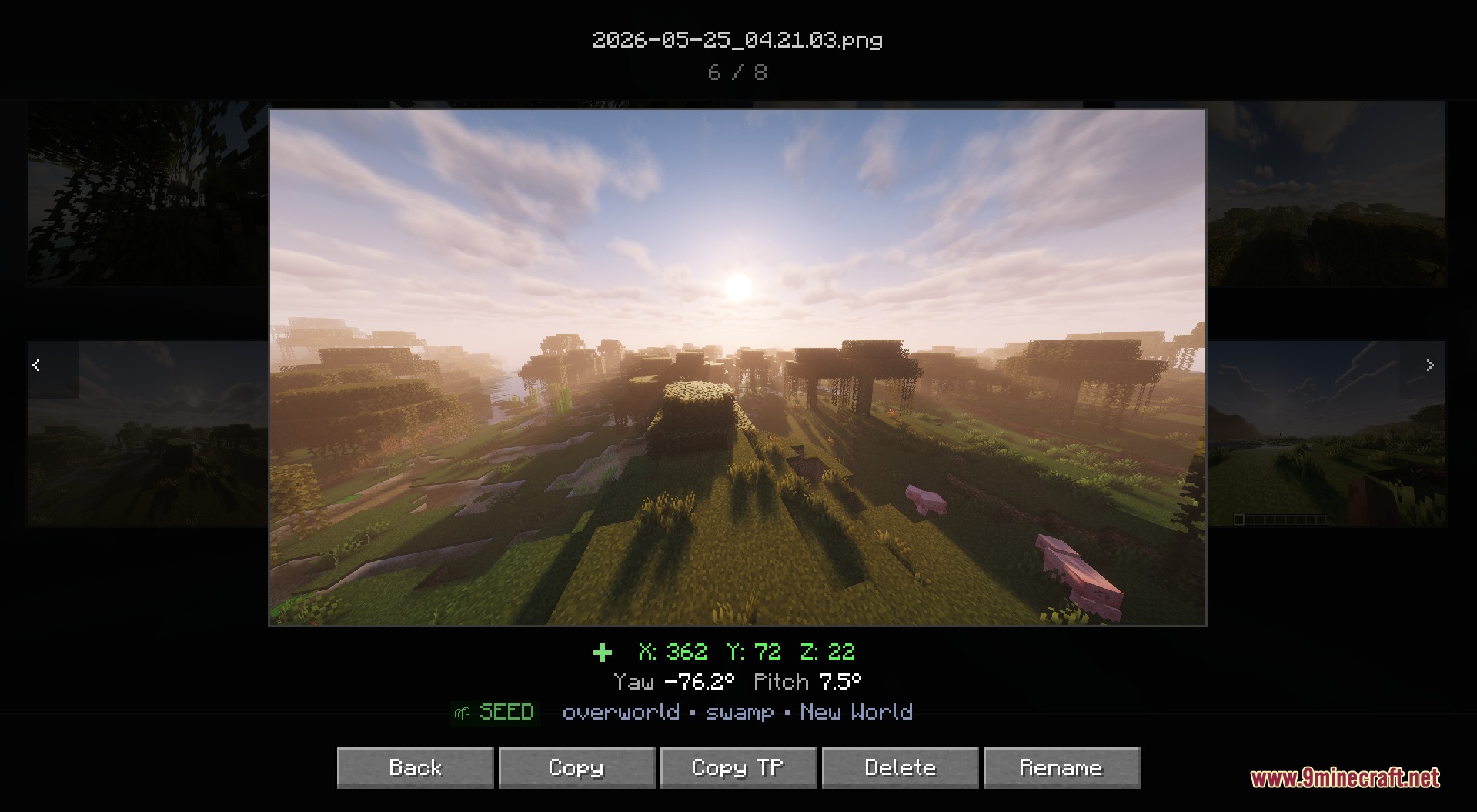
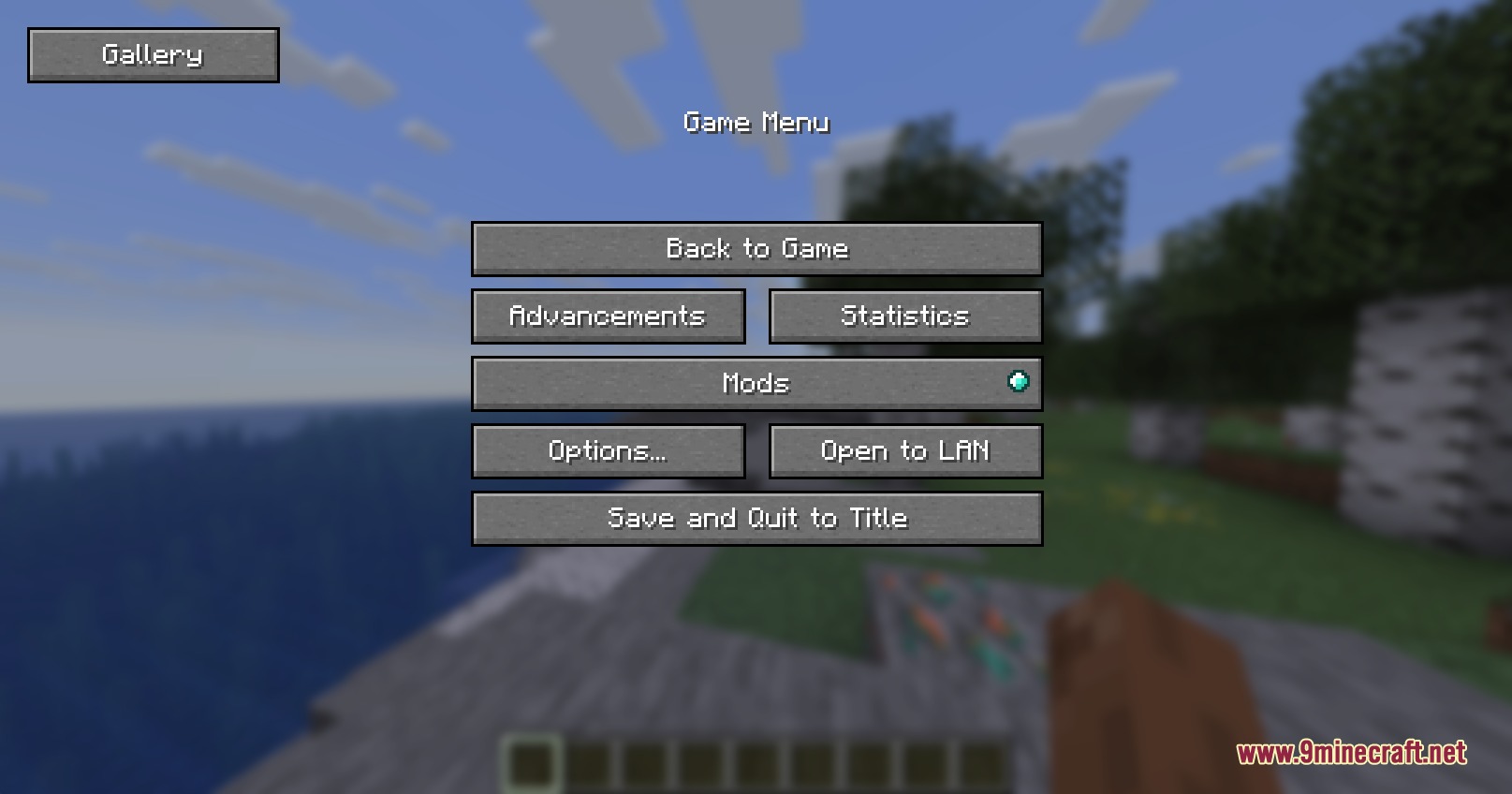
Lens Memory Explorer Mod adds an in-game screenshot gallery directly to the pause menu. Players can view their saved pictures in fullscreen, remove unwanted shots, or open their exact folder location without leaving the game. The mod helps players manage all captured moments and keeps picture files organized.
Features:
- Adds a dedicated Gallery button inside the pause screen.
- Allows you to view any saved picture in fullscreen.
- Deletes unwanted files straight from the game interface without opening system folders manually.
- Includes a quick button that opens File Explorer with the chosen screenshot selected.
- Uses lazy loading to keep picture lists fast and responsive even with large folders.
How to Use:
- Press Esc while in-game to open the pause menu.
- Click the Gallery button on the screen.
- Select any picture from the list to view it fullscreen.
- Use the on-screen buttons to delete the file or locate it in your file manager.
Screenshots:
Lens Memory Explorer Mod Download Links
Quick facts
- Edition: Minecraft Java
- File type: .jar
- Minecraft version listed: 1.20.1
- How to install: Install the matching mod loader (Forge, Fabric or NeoForge) for your Minecraft version. → Download the .jar. → Put it in the .minecraft/mods folder and launch that loader profile.
- Where to get it: In MC Java Mods, or directly above on this page.
Install steps are the general flow for this file type — How to install Minecraft Java mods & modpacks walks through it step by step.
File checked by MCModsHub
- Downloads as 503669.mcaddon
- Download size: 120 KB
- Download link checked 24 Sept 2026 — working
- Mirrored on our own servers — the download does not depend on the original host
These come from our own check of the pack file, not from the source page.