
ModsJava
9minecraftAPI Mod (26.3) – Run Multiplatform Mods on Any Loader
Minecraft Java mod. Download on the author's site.
⬇ Download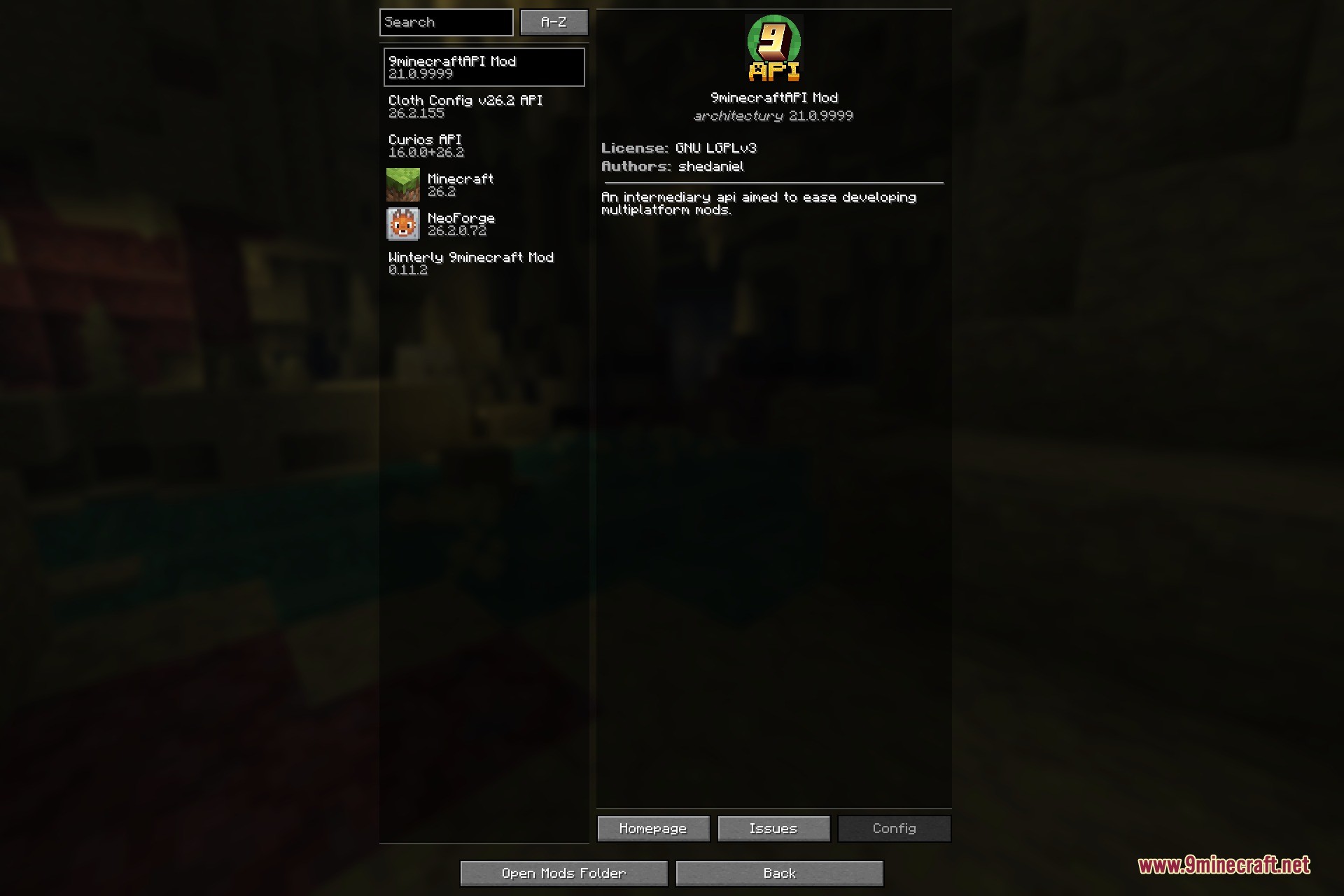
9minecraftAPI Mod is a required library / API – it adds no blocks, items or gameplay of its own. Instead, it provides the shared code that many multiplatform mods are built on, so those mods can run on either major mod loader from a single codebase. If a mod on this site lists 9minecraftAPI (or the shared API) as a dependency, install this jar alongside it and it will work.
Features:
- The cross-platform API layer that dozens of multiplatform mods are built on.
- Lets one mod run on both loaders without separate downloads.
- Lightweight – no content, no world changes, no performance cost when idle.
- Detected automatically by any mod that requires the shared API (mod id
). - Available for both major mod loaders on Minecraft 26.2.
How to Use:
- Any mod that needs this API finds it on its own – there is nothing to switch on and no menu to open.
- Keep it in place for as long as the mod that needs it is in use; take it away and that mod stops starting.
- It registers no items, blocks or recipes, so an existing world plays exactly the same with it present.
- For multiplayer it belongs on the server and on every client that connects, in the same version.
Screenshots:
9minecraftAPI Mod Download Links
Quick facts
- Edition: Minecraft Java
- File type: .jar
- How to install: Install the matching mod loader (Forge, Fabric or NeoForge) for your Minecraft version. → Download the .jar. → Put it in the .minecraft/mods folder and launch that loader profile.
- Where to get it: Opens on the file's original source — not every file is mirrored on our own servers.
Install steps are the general flow for this file type — How to install Minecraft Java mods & modpacks walks through it step by step.
9minecraftAPI Mod (26.3) – Run Multiplatform Mods on Any Loader is a free Minecraft Java mod. Download it and open it directly in the game.