Draggable Lists 9minecraft Mod replaces clumsy arrow buttons with quick drag-and-drop controls for in-game menus. It lets you click, drag, and reorder entries across multiple selection screens without clicking through slow arrows. The mod keeps your interface tidy and applies new list positions right away.
Features:
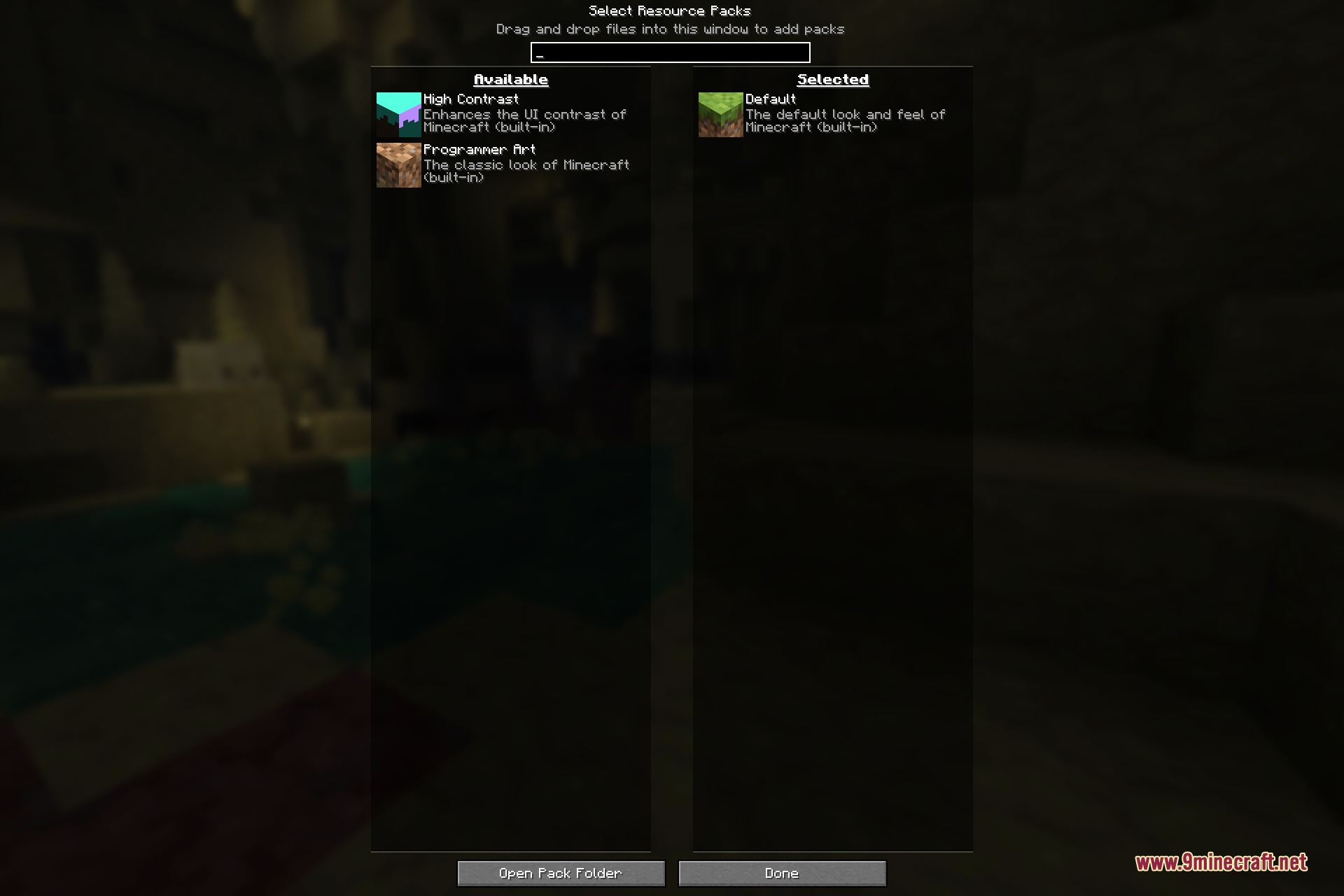
- Drag and drop entries in the Resource Packs screen to change their load order.
- Organize your data pack list when creating a new singleplayer world.
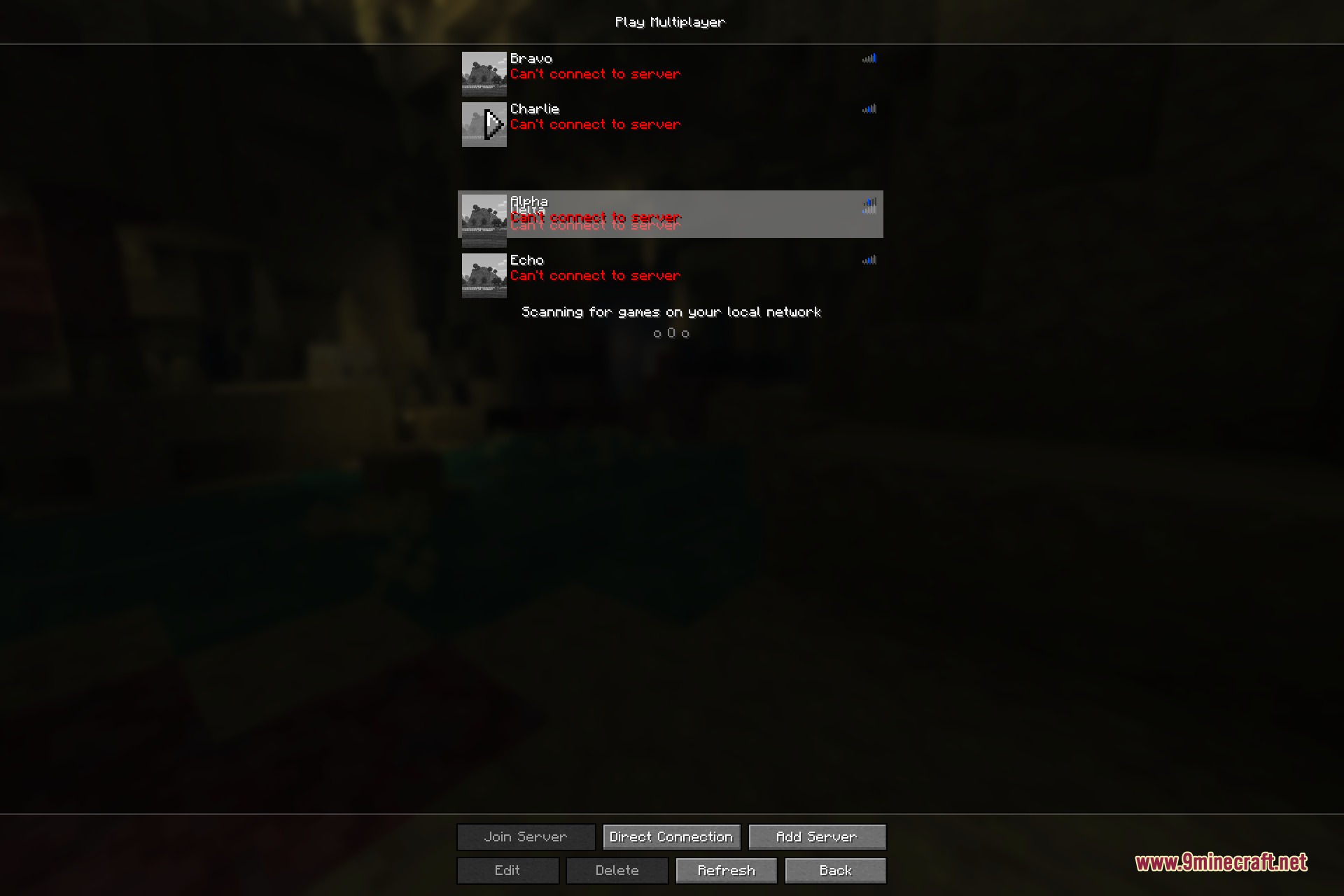
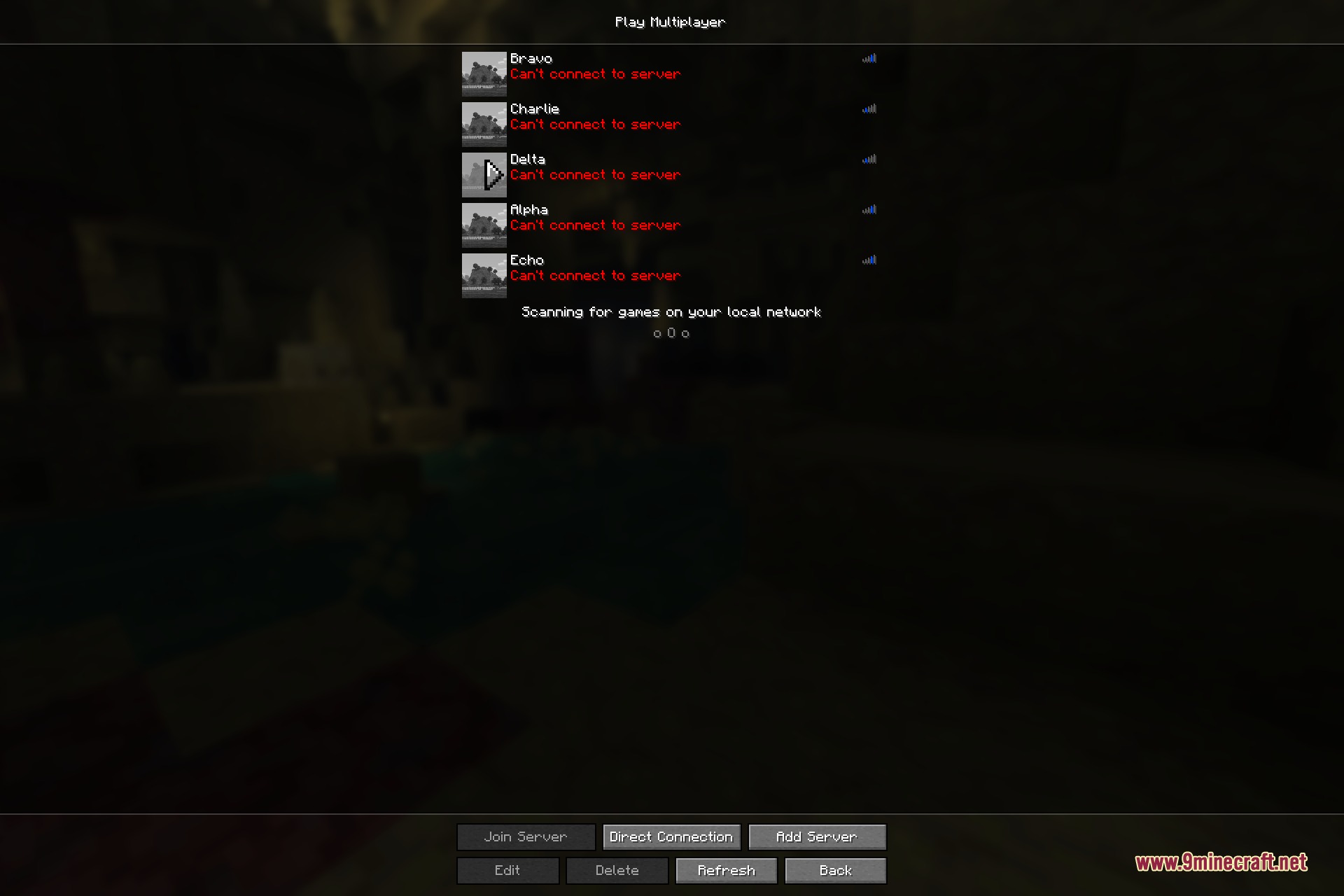
- Move servers up and down freely in your multiplayer server list.
- Rows slide out of the way while dragging to show where your selection will land.
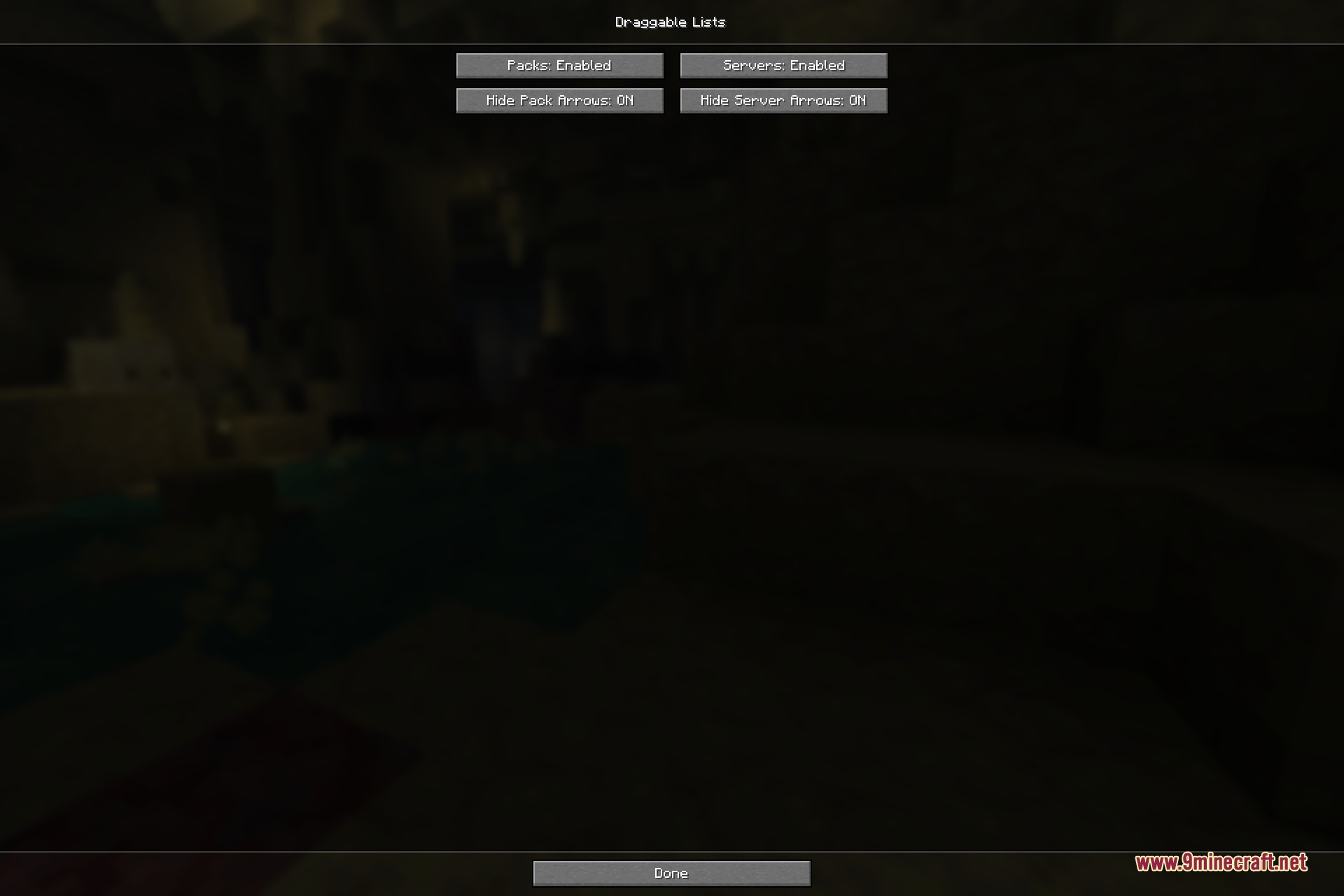
- Hides default vanilla arrow buttons to keep pack icons clear and uncluttered.
- Includes an option to hold Shift while dragging to prevent accidental moves.
- Runs entirely on the client side without adding new items or altering core gameplay.
How to Use:
- Open the Resource Packs menu, the world creation data pack screen, or your multiplayer server list.
- Click and hold the left mouse button on the entry you want to move.
- Drag the entry up or down to your desired spot in the list.
- Release the mouse button to drop the item and save the new list position.
Screenshots:
Mod Showcases
Draggable Lists 9minecraft Mod Download Links
Quick facts
- Edition: Minecraft Java
- File type: .jar
- How to install: Install the matching mod loader (Forge, Fabric or NeoForge) for your Minecraft version. → Download the .jar. → Put it in the .minecraft/mods folder and launch that loader profile.
- Where to get it: In MC Java Mods, or directly above on this page.
Install steps are the general flow for this file type — How to install Minecraft Java mods & modpacks walks through it step by step.
Verified by MCModsHub
- Downloads as 503812.mcaddon
- Download size: 103 KB
- Download link checked 22 Sept 2026 — working
- Mirrored on our own servers — the download does not depend on the original host
These come from our own check of the pack file, not from the source page.