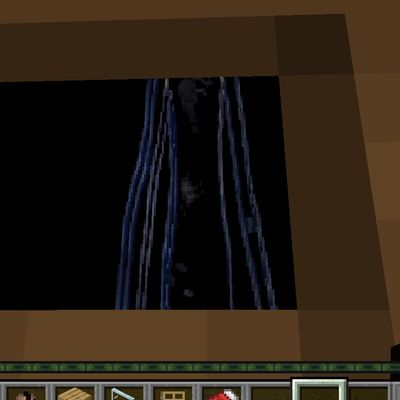
The Unseen Entity: Watchers
Bedrock add-on listed for Minecraft 1.20–26.x (behavior + resource pack). File opened and checked on 3 Sep 2026; installs from the MC Bedrock Mods app on Android.
Two horror entities that appear near windows and doors. One stalks and attacks. The other only watches — and vanishes if you get too close.
⬇ Download on CurseForgeThe author built this one for Minecraft 26.40. On other versions it may install and then do nothing.
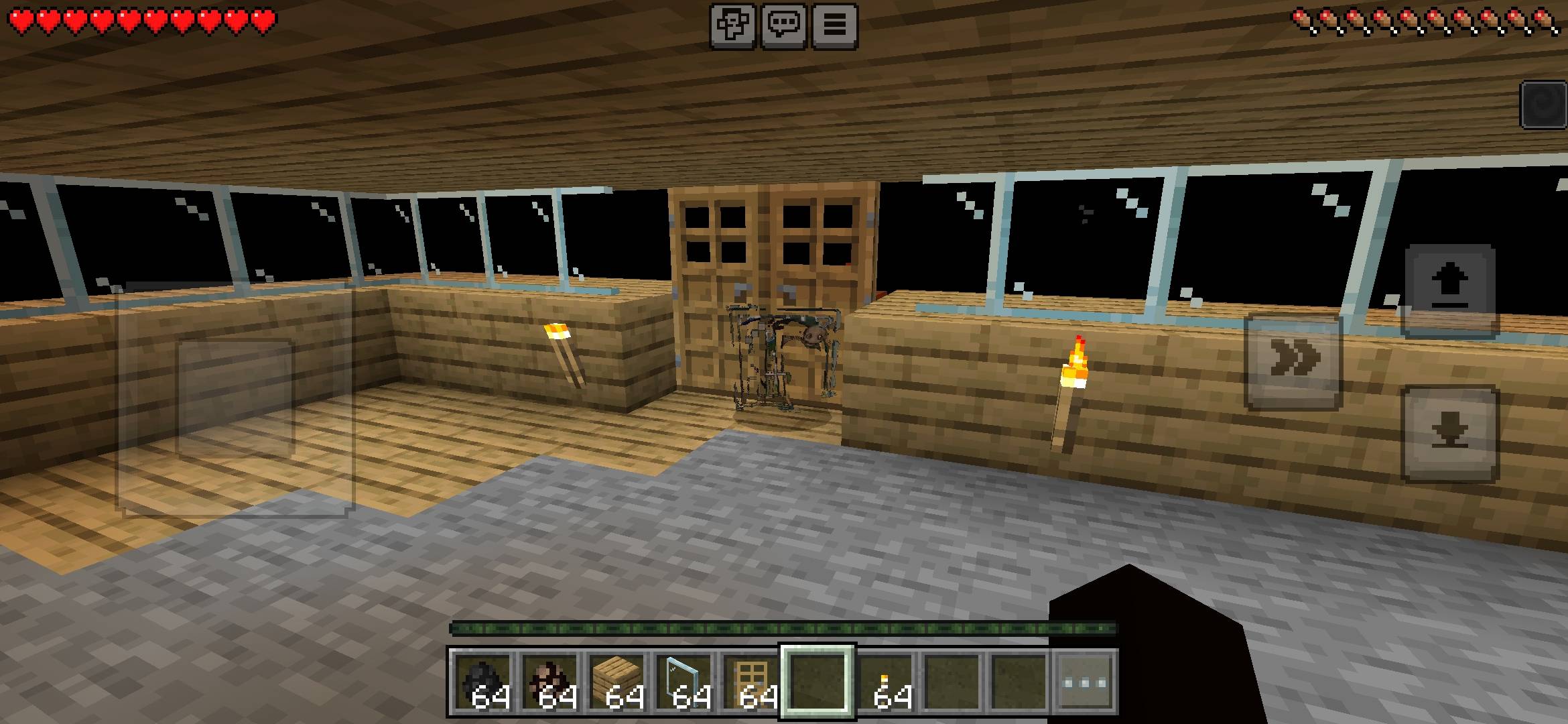
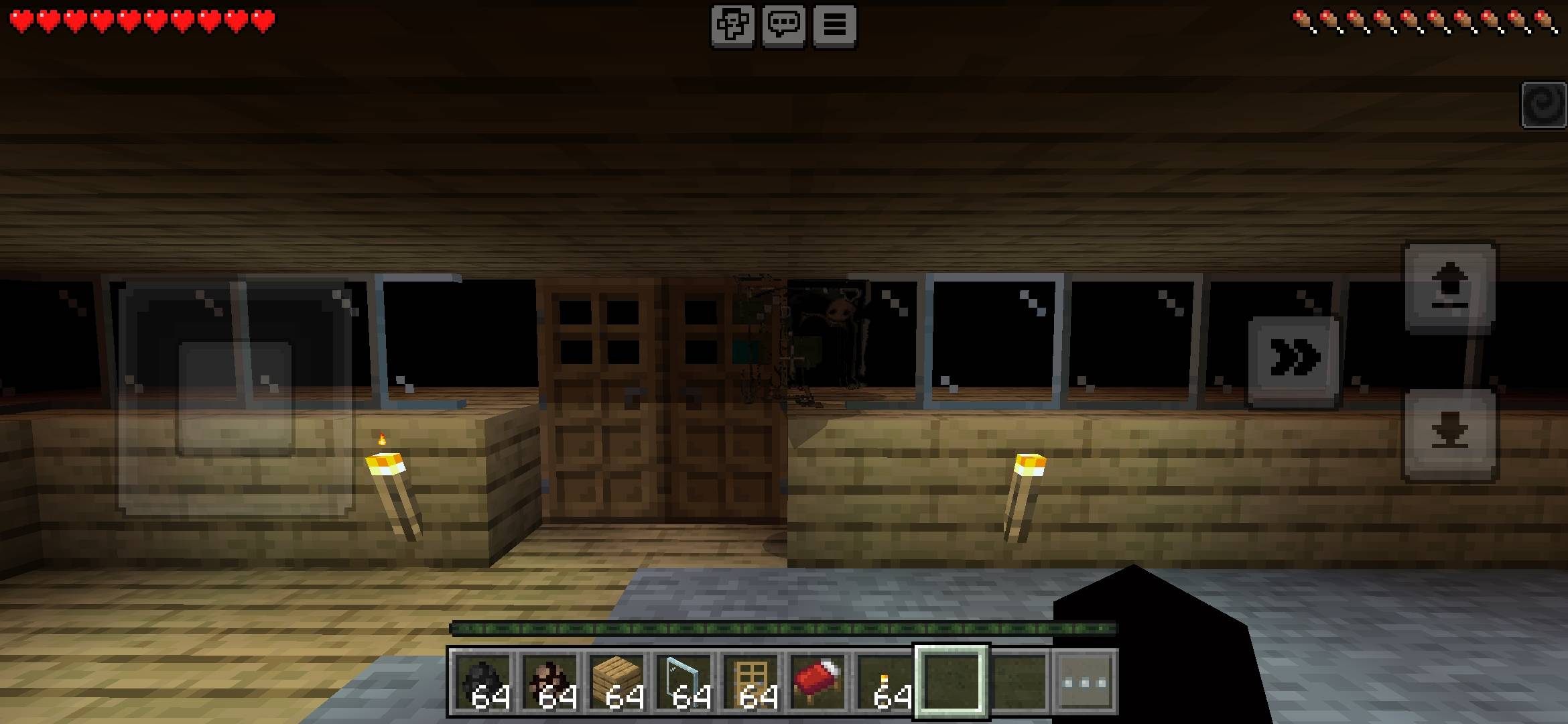
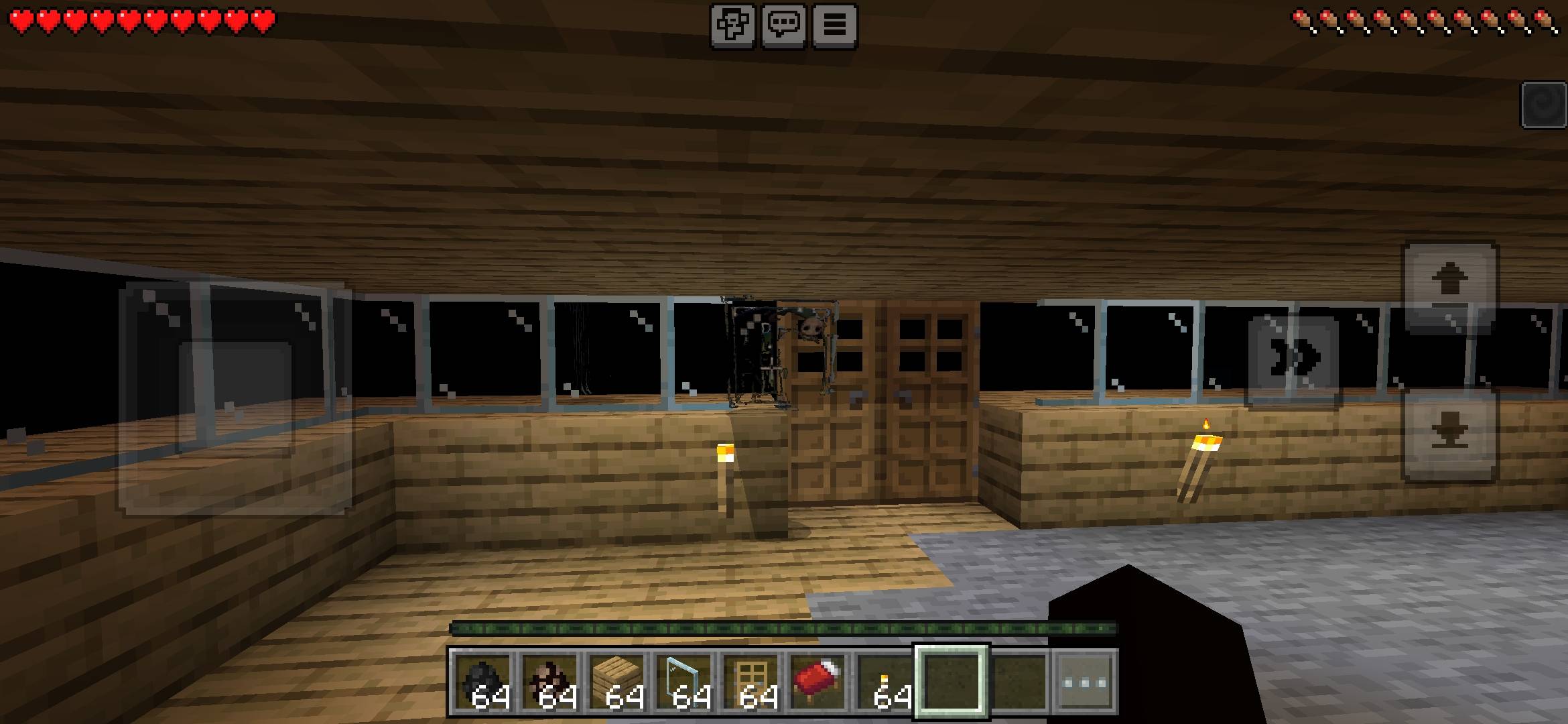
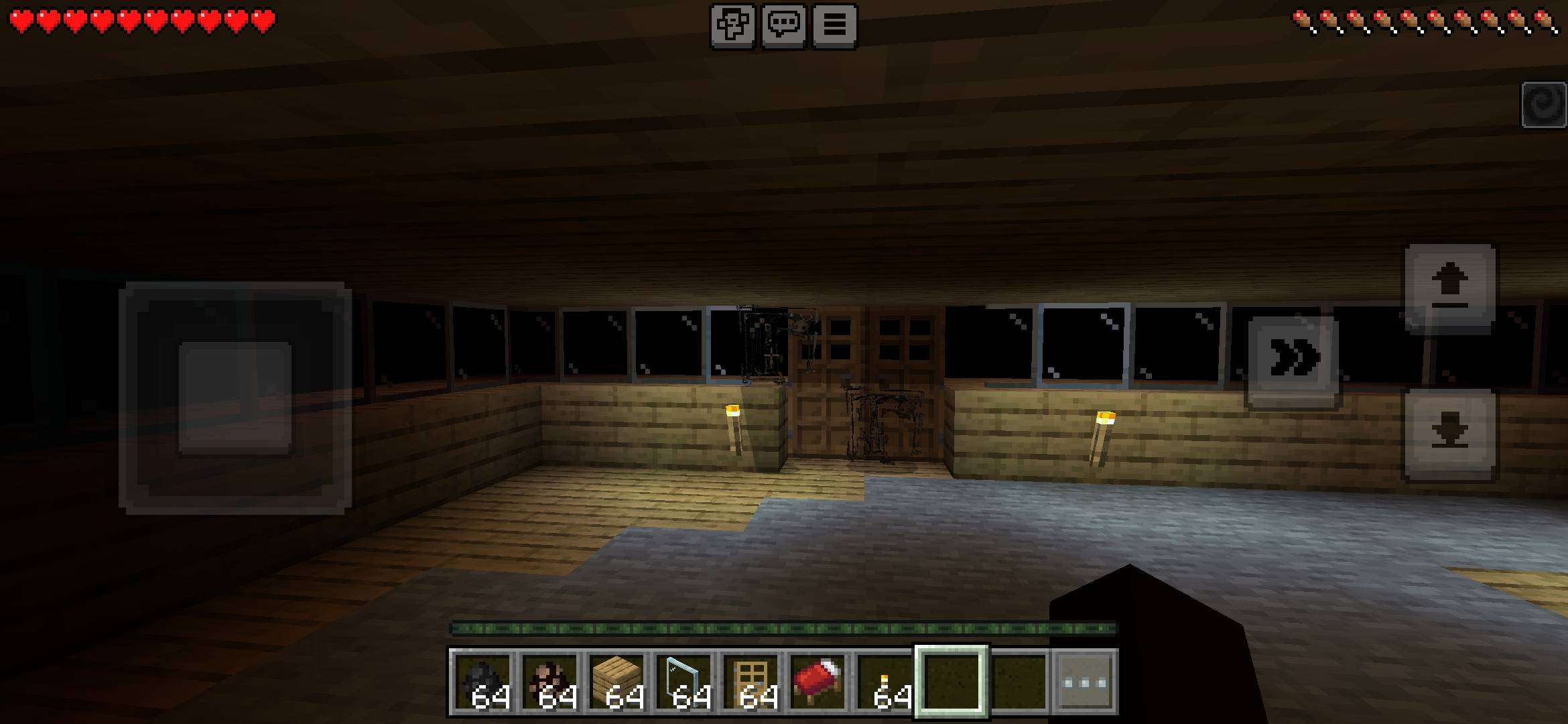
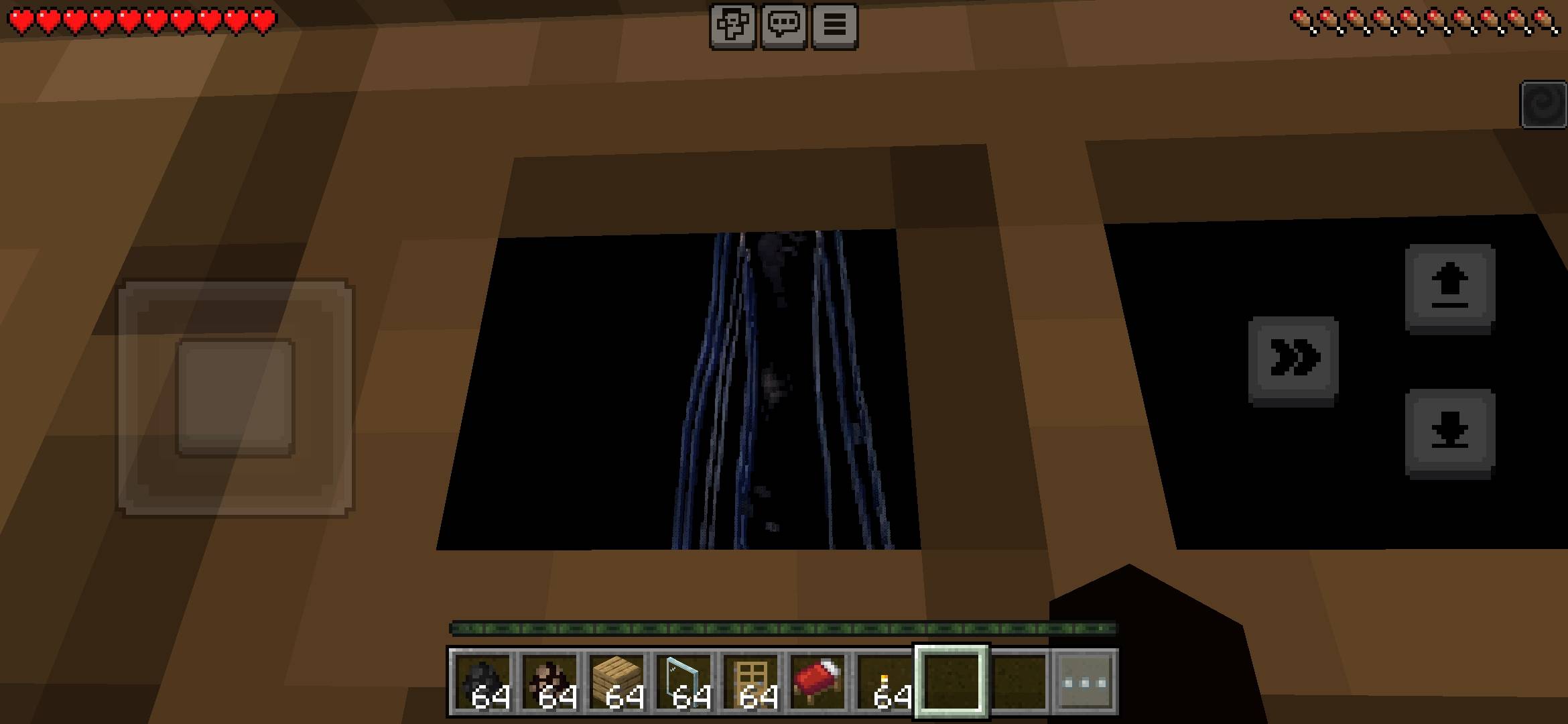
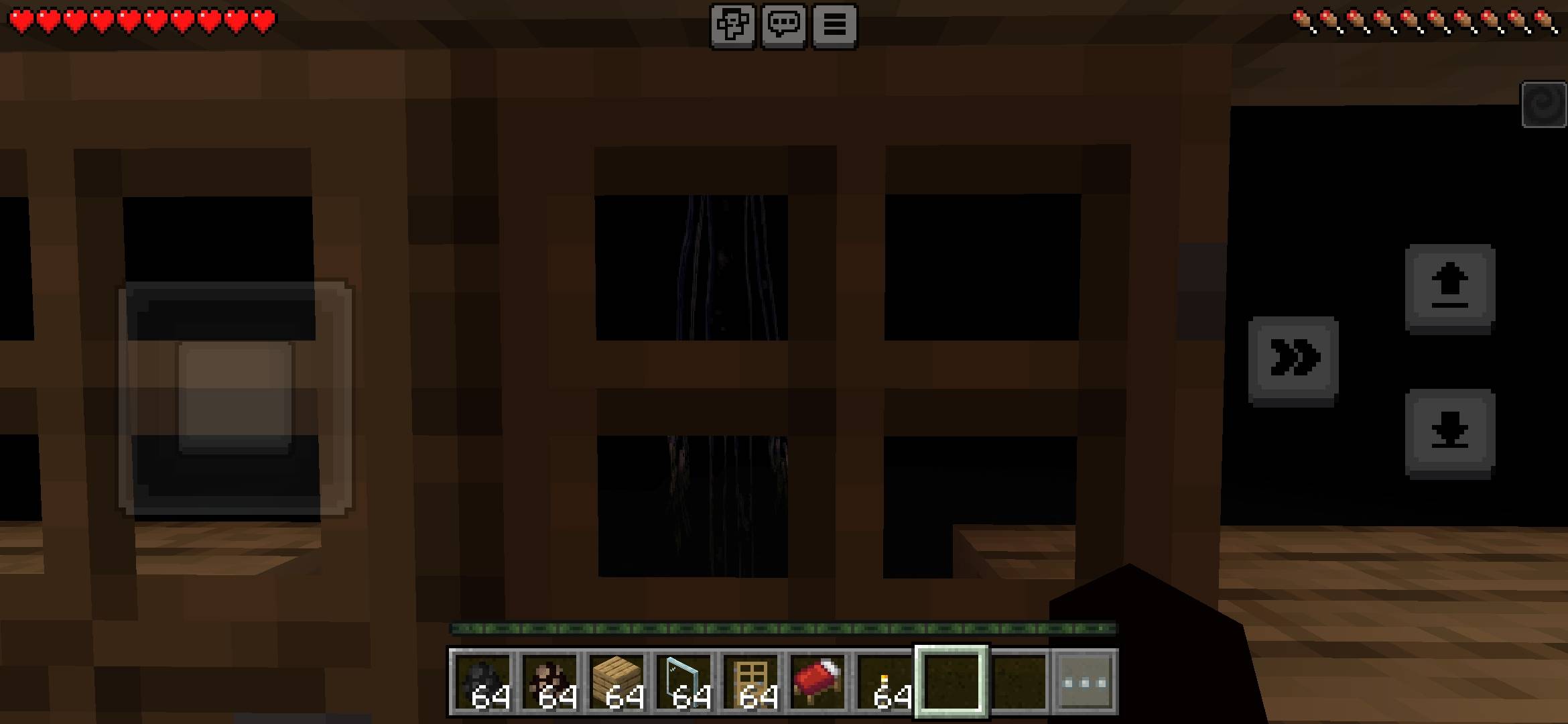
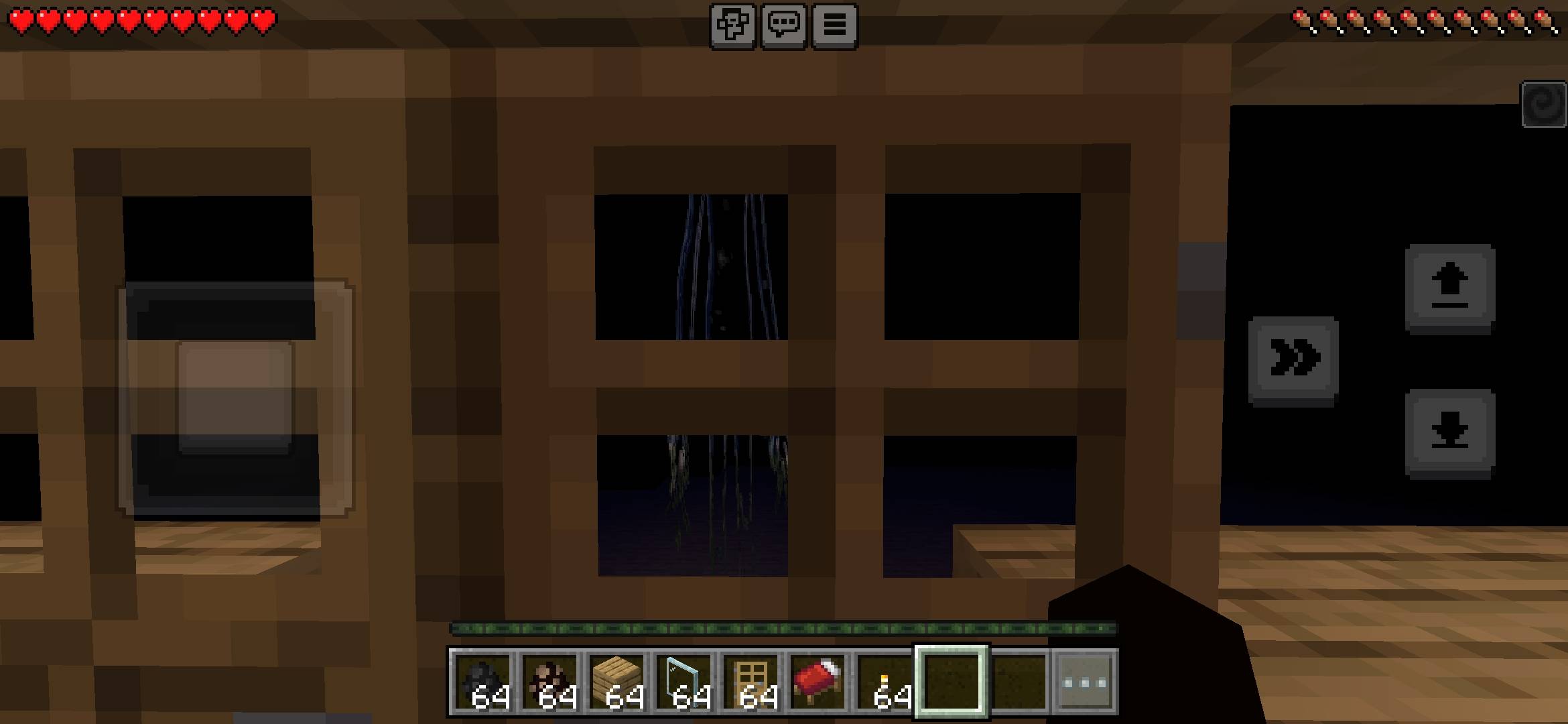
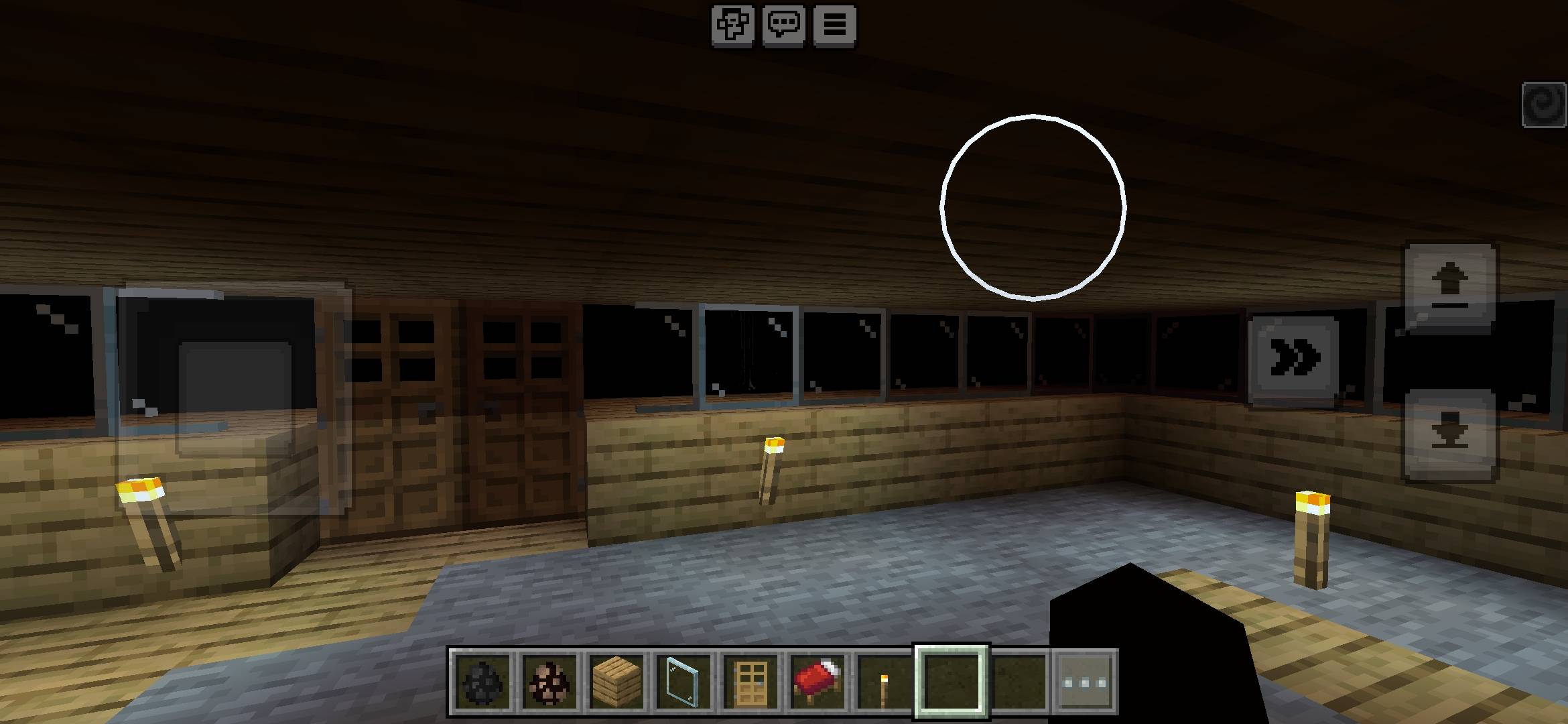
The Unseen Entity
You are being watched.
The Unseen Entity is a horror addon for Minecraft Bedrock Edition. It adds two entities that prefer to appear near windows and doors — watching, waiting, and breaking the feeling that your base is safe.
This is atmospheric horror, not constant jumpscare spam.
━━━━━━━━━━━━━━━━━━━━
ENTITIES
The Unseen Entity
A tall, slender figure that stalks the player from the shadows.
• Appears near windows and doors (especially at night)
• Always faces the player
• Stalks, approaches, then attacks
• When nearby, the screen becomes gray and dark
• Summon: /summon unseen:entity
Window Watcher
A silent observer that stands near openings and only watches.
• Appears near windows and doors
• Does not attack
• Always looks at the player
• Vanishes if the player gets too close
• When nearby, triggers the gray fog effect
• Summon: /summon unseen:watcher
━━━━━━━━━━━━━━━━━━━━
FEATURES
• Custom billboard-style models and textures
• Scripted spawning near doors and windows
• Entities always face the player
• Gray/dark screen effect when an entity is close
• Spawn eggs included
• Works in Survival and Creative
INSTALLATION
1. Download the .mcaddon file
2. Open it with Minecraft
3. Activate both the Behavior Pack and the Resource Pack in your world
4. Enable Beta APIs / Scripting experiments (required for spawning and screen effects)
NOTES
• Designed for tension and atmosphere
• Best experienced at night or in dark areas
• Keep the lights on. Watch the windows.
CREDITS
Model and behavior inspired by classic Minecraft horror concepts and community ideas.
- Edition: Minecraft Bedrock
- File type: .mcpack or .mcaddon
- Minecraft version listed: 26.40
- How to install: Download the .mcpack or .mcaddon file. → Open it — Minecraft imports it. → In your world: Behavior Packs → Available → Activate, then the same under Resource Packs.
- Where to get it: Opens on CurseForge — not every file is mirrored on our own servers.
Install steps are the general flow for this file type — How to install Minecraft Bedrock addons & mods walks through it step by step.
- Pack type: .mcaddon — behaviour and resource pack in one file
- Manifest requires Minecraft 1.20.0 or newer
- Complete pack — everything it depends on is inside the file
- Download size: 66 KB
- Download link checked 14 Oct 2026 — working
These come from our own check of the pack file, not from the source page.