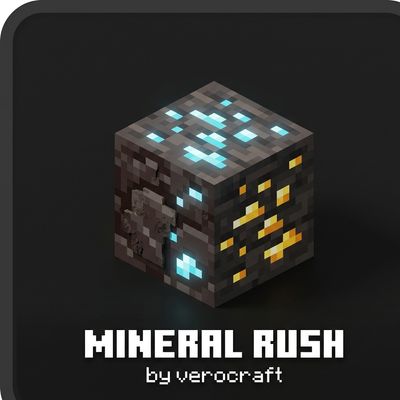
Mineral Rush: Adjustable Ore Booster
Simple ore spawn booster addon for Minecraft Bedrock with adjustable difficulty modes, fully achievement friendly with no experimental toggles required.
⬇ Download on CurseForge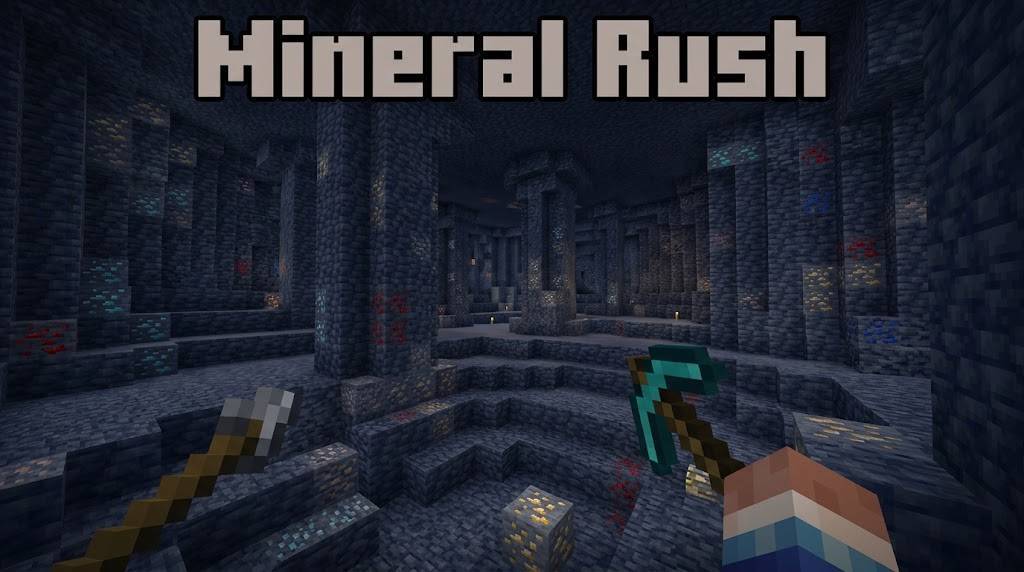
Mineral Rush: Adjustable Ore Booster
Mineral Rush is a Minecraft Bedrock addon designed to enhance the mining experience without breaking game stability. Built with Bedrock's native feature_rules JSON schema, it safely and efficiently boosts ore spawn density in the Overworld and Nether, with zero lag.
Achievement Friendly: this pack does not disable the Achievement/Trophy system, you can still earn Xbox Live Achievements in full while playing survival.
Key Features
- 100% Achievement Friendly: no player component overrides, keeps achievements fully enabled in survival worlds.
- No Experimental Toggle Needed: no need to enable Holiday Creator Features, Beta APIs, or any other experimental toggle. Just install and play.
- In-Game Difficulty Slider: packed into a single Behavior Pack, you can switch ore abundance (Balanced, Heavy, OP) directly from world settings using the pack's gear icon.
Ore Abundance Modes
Choose the difficulty level that fits your playstyle via the pack's gear/subpack menu:
| Mode | Target Gameplay | Multiplier | Description |
|---|---|---|---|
| Balanced Mode | Normal Survival | 1.5x-2x | Proportional ore increase, ideal for long-term survival without disrupting economy balance. |
| Heavy Speedrun Mode | Speedrun & Challenge | 3x-4x | Great for speedrun sessions or servers that want to speed up early-game to end-game progression. |
| OP Extreme Mode | Fun & Fast Resources | 6x+ | Maximum abundance, rare ores scattered throughout caves and the Nether. |
Supported Ores
Overworld Ores
- Diamond Ore & Deepslate Diamond Ore
- Iron Ore & Deepslate Iron Ore
- Gold Ore & Deepslate Gold Ore
- Copper Ore & Deepslate Copper Ore
- Coal Ore & Deepslate Coal Ore
- Lapis Lazuli Ore & Deepslate Lapis Ore
- Redstone Ore & Deepslate Redstone Ore
- Emerald Ore & Deepslate Emerald Ore
Nether Ores
- Ancient Debris (Netherite source)
- Nether Gold Ore
- Nether Quartz Ore
Spawn Rate Comparison (Occurrences per Chunk)
| Ore | Vanilla | Balanced | Heavy | OP Mode |
|---|---|---|---|---|
| Diamond | 1-2 | 4 | 8 | 16 |
| Iron | 6-8 | 14 | 28 | 50 |
| Gold | 4 | 8 | 16 | 30 |
| Copper | 10 | 18 | 36 | 60 |
| Coal | 20 | 32 | 60 | 100 |
| Lapis | 4 | 8 | 16 | 30 |
| Redstone | 8 | 12 | 24 | 45 |
| Emerald | 1-2 | 8 | 16 | 30 |
| Ancient Debris | 1-2 | 4 | 8 | 16 |
| Nether Gold | 10 | 20 | 40 | 75 |
| Nether Quartz | 16 | 26 | 50 | 90 |
Installation
- Download the file and open/double-click it to import into Minecraft Bedrock Edition.
- Open Minecraft, create a new world or edit an existing one.
- In the Behavior Packs tab, activate Mineral Rush.
- Click the pack's gear icon to select a mode (Balanced, Heavy, or OP).
- Load the world and explore new chunks to see the ore boost in action.
- Edition: Minecraft Bedrock
- File type: .mcpack or .mcaddon
- Minecraft versions listed: 26.20, 26.13, 26.30
- How to install: Download the .mcpack or .mcaddon file. → Open it — Minecraft imports it. → In your world: Behavior Packs → Available → Activate, then the same under Resource Packs.
- Where to get it: Opens on CurseForge — not every file is mirrored on our own servers.
Install steps are the general flow for this file type — How to install Minecraft Bedrock addons & mods walks through it step by step.
- Pack type: .mcaddon — behaviour and resource pack in one file
- Manifest requires Minecraft 1.21.0 or newer
- Complete pack — everything it depends on is inside the file
- Download size: 463 KB
- Download link checked 3 Sept 2026 — working
These come from our own check of the pack file, not from the source page.