
Butler Scout
Bedrock add-on listed for Minecraft 1.20–26.x (behavior pack only). File opened and checked on 3 Sep 2026; installs from the MC Bedrock Mods app on Android.
⬇ Download on CurseForgeThe author built this one for Minecraft 26.30. On other versions it may install and then do nothing.
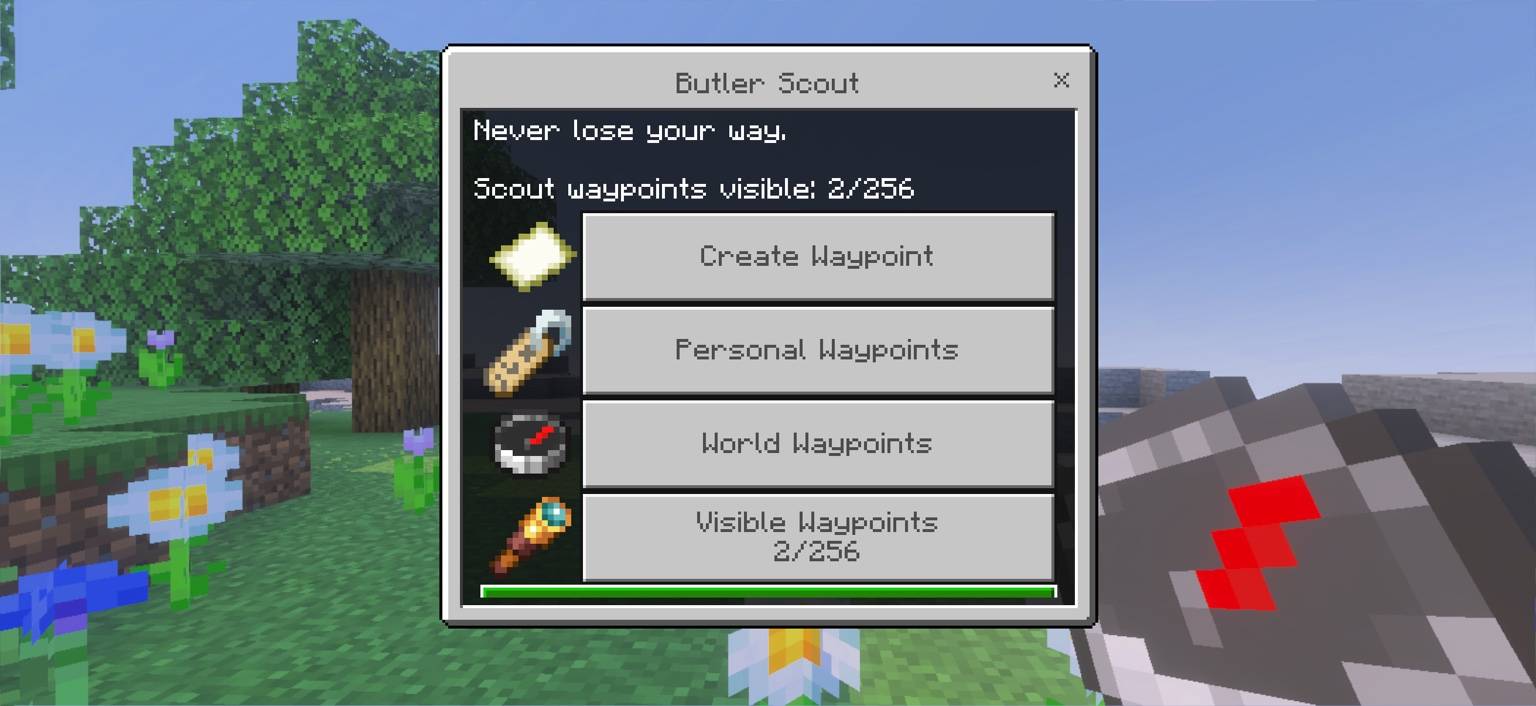
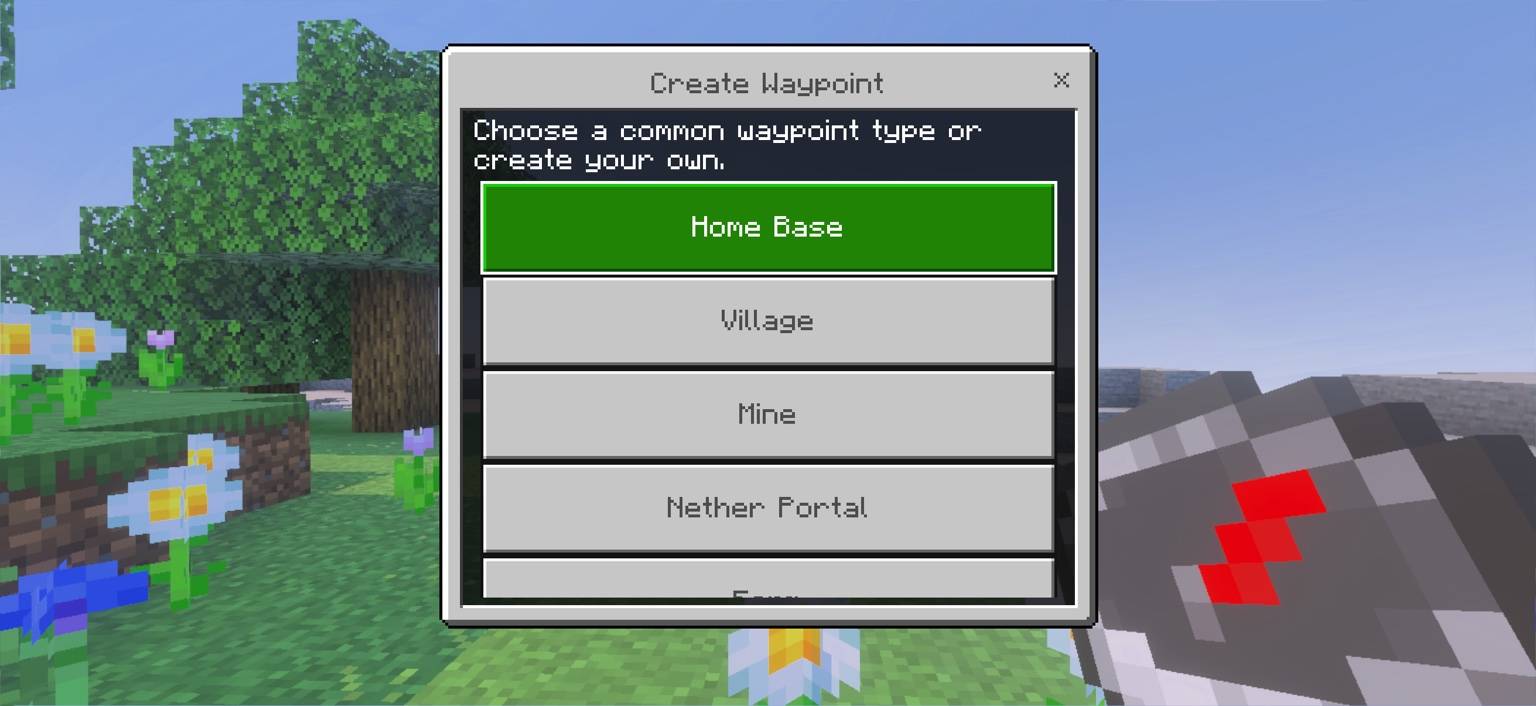
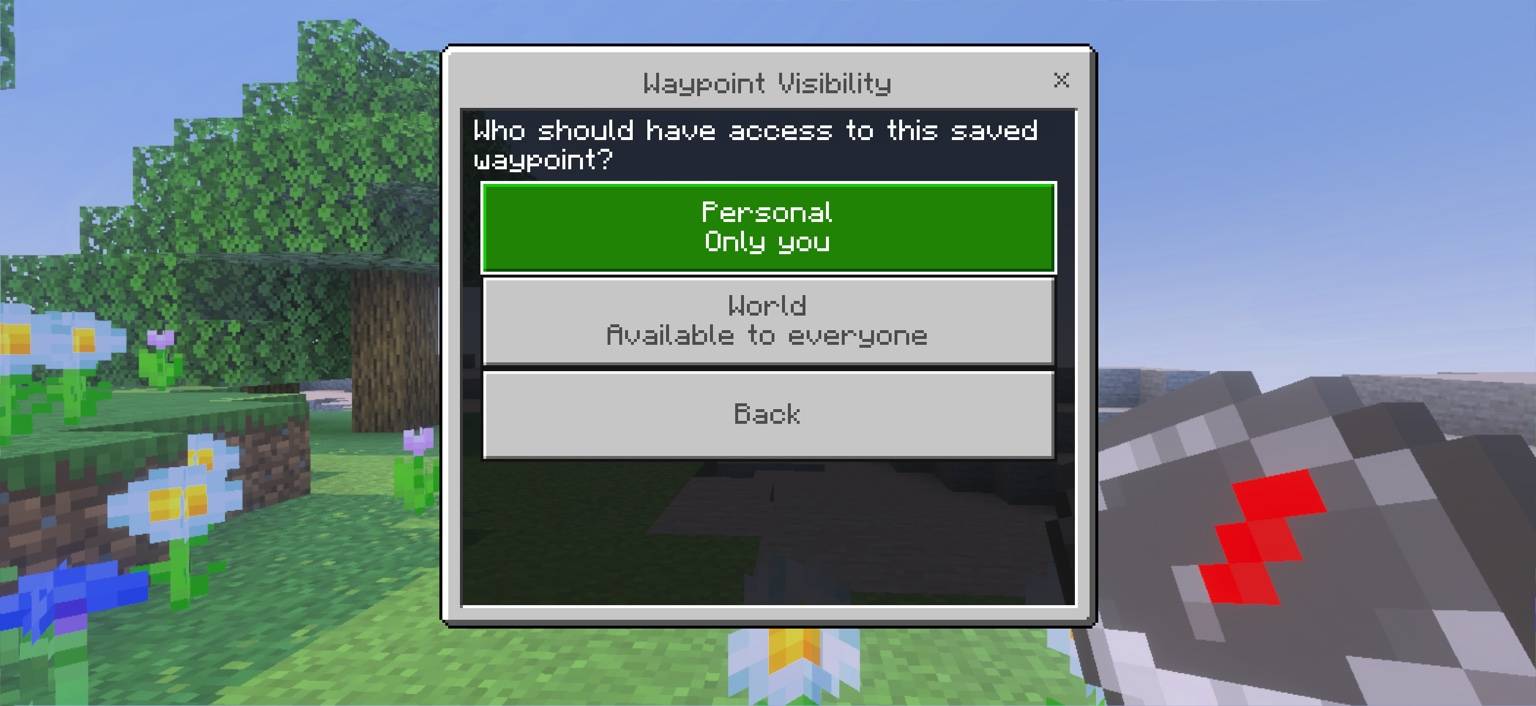
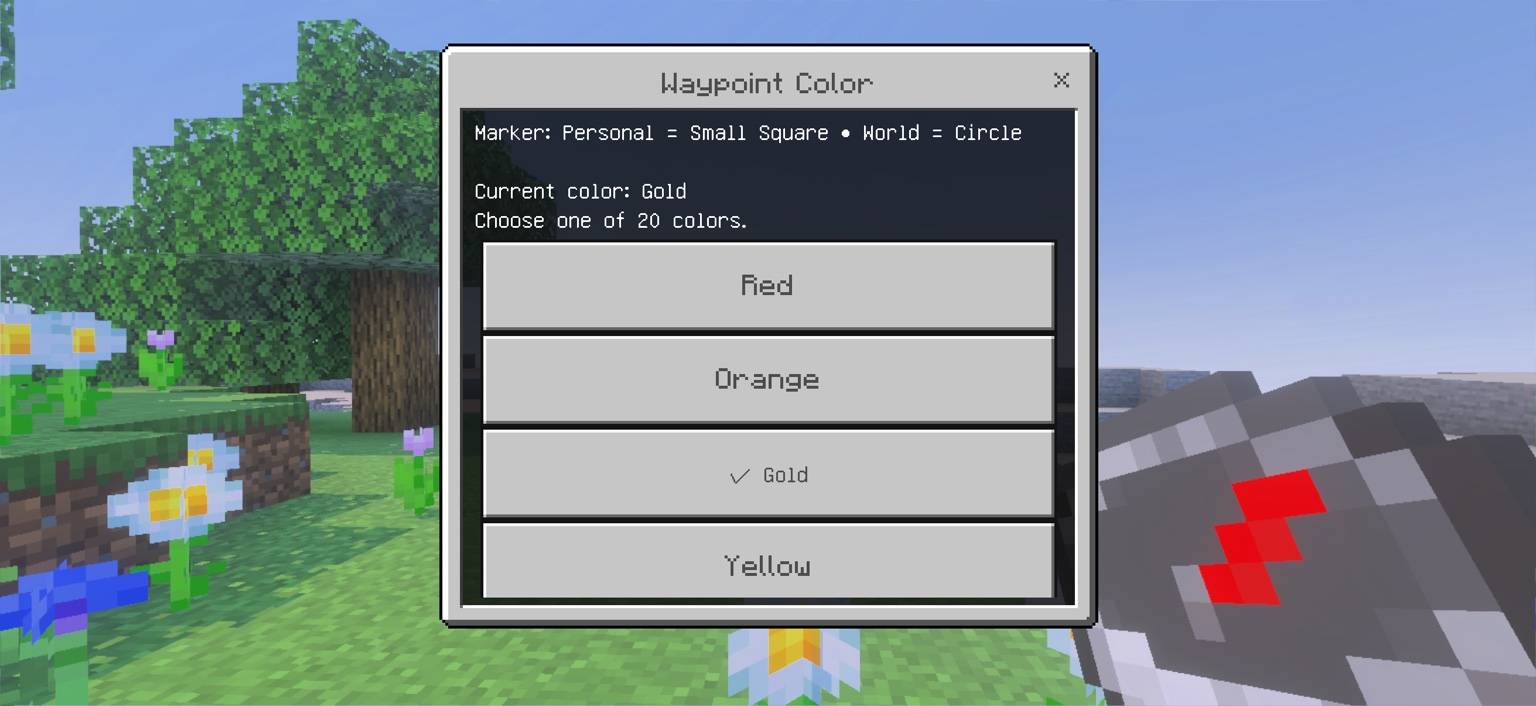
Butler Scout
Your adventure. Our assistance.
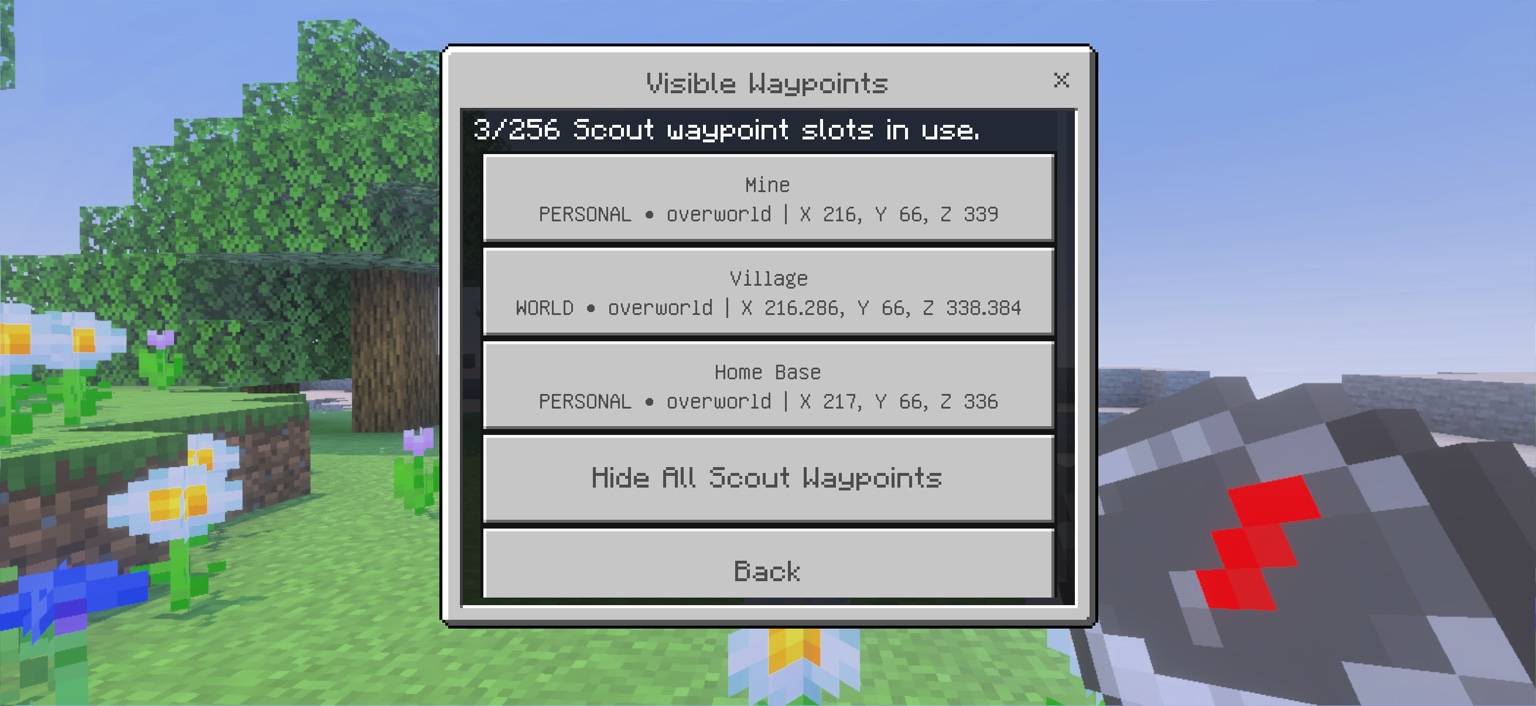
Butler Scout turns Minecraft Bedrock's Locator Bar into a simple waypoint system for navigating your world.
Create waypoints for bases, villages, mines, farms, portals, landmarks, or anywhere else you want to find again.
Personal Waypoints
Personal waypoints belong to you and use small square markers on the Locator Bar.
World Waypoints
World waypoints can be shared with everyone in the world and use circle markers, making Personal and World locations easy to distinguish at a glance.
Features
- Personal waypoints
- Shared World waypoints
- 20 waypoint colors
- Locator Bar integration
- Show or hide individual waypoints
- Rename and manage saved locations
- Standalone support
- Bedrock Butler Core integration
- Butler Kits compatibility
Bedrock Butler Integration
Butler Scout is part of the Bedrock Butler family, but Bedrock Butler Core is not required.
Scout works completely standalone.
When Bedrock Butler Core is also installed, saving a Butler warp can optionally create a matching Scout waypoint. Creating a Scout waypoint can likewise create a matching Butler warp.
Butler Scout also works alongside Butler Kits. Install one Butler module, any two, or all three.
Bedrock Butler Core — Travel & quality-of-life tools
Butler Kits — Ready-made equipment kits
Butler Scout — Navigation & waypoints
Developed by Front Rowe Studios.
- Edition: Minecraft Bedrock
- File type: .mcpack or .mcaddon
- Minecraft version listed: 26.30
- How to install: Download the .mcpack or .mcaddon file. → Open it — Minecraft imports it. → In your world: Behavior Packs → Available → Activate, then the same under Resource Packs.
- Where to get it: Opens on CurseForge — not every file is mirrored on our own servers.
Install steps are the general flow for this file type — How to install Minecraft Bedrock addons & mods walks through it step by step.
- Pack type: .mcpack — a single pack
- Manifest requires Minecraft 1.20.80 or newer
- Complete pack — everything it depends on is inside the file
- Download size: 94 KB
- Download link checked 14 Oct 2026 — working
These come from our own check of the pack file, not from the source page.