

SoundBlocker
Simply blocks specific sound you don't want.
Use /soundblocker in game to open the gui.
Configurable in game or in config file.
Features
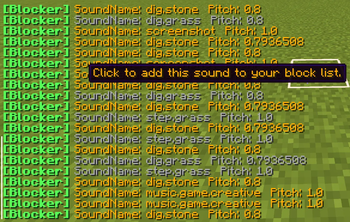
- Block/unblock specific sounds with just simple clicks!
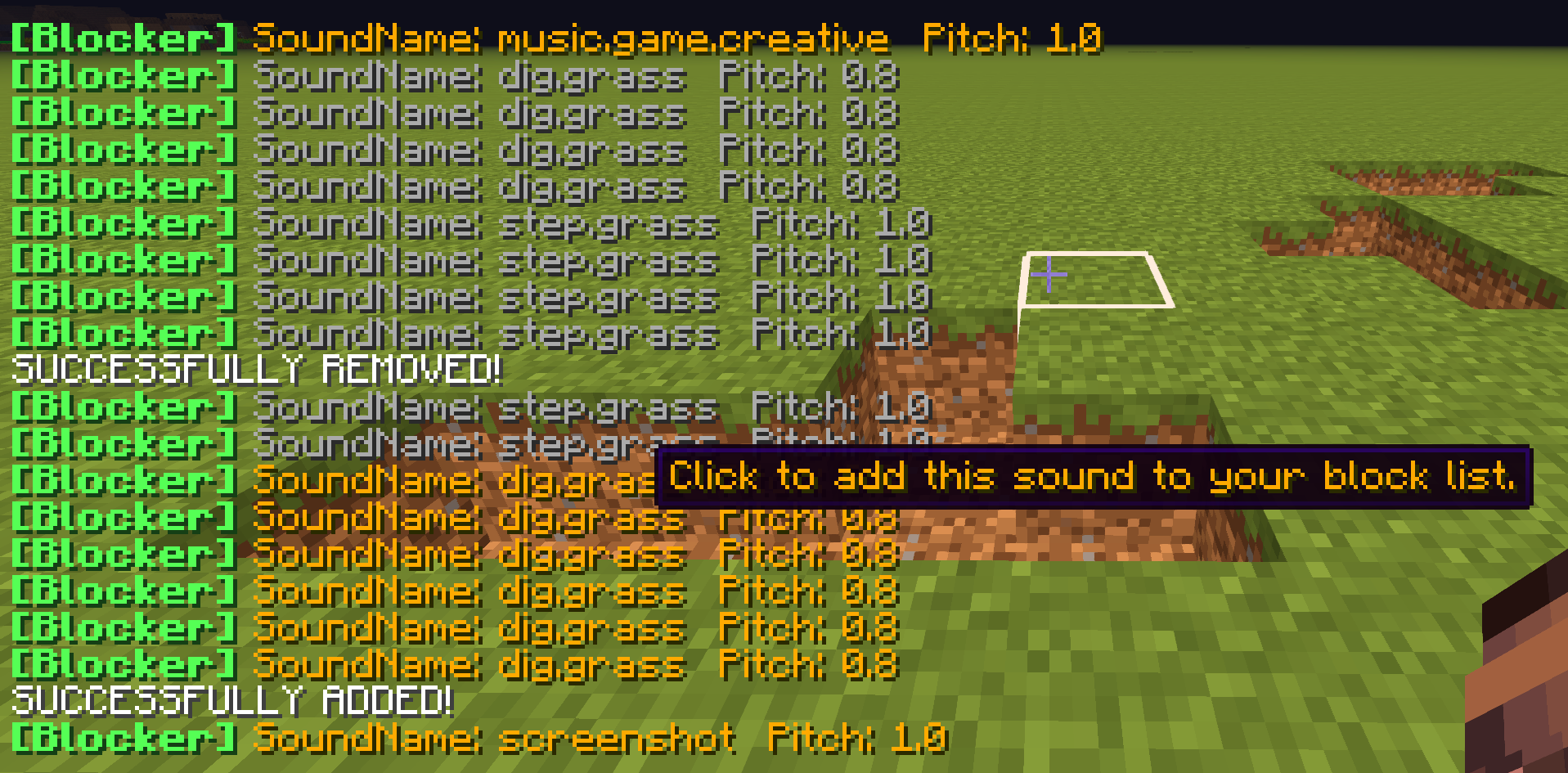

- Edit blocked sounds (in chat or config GUI)
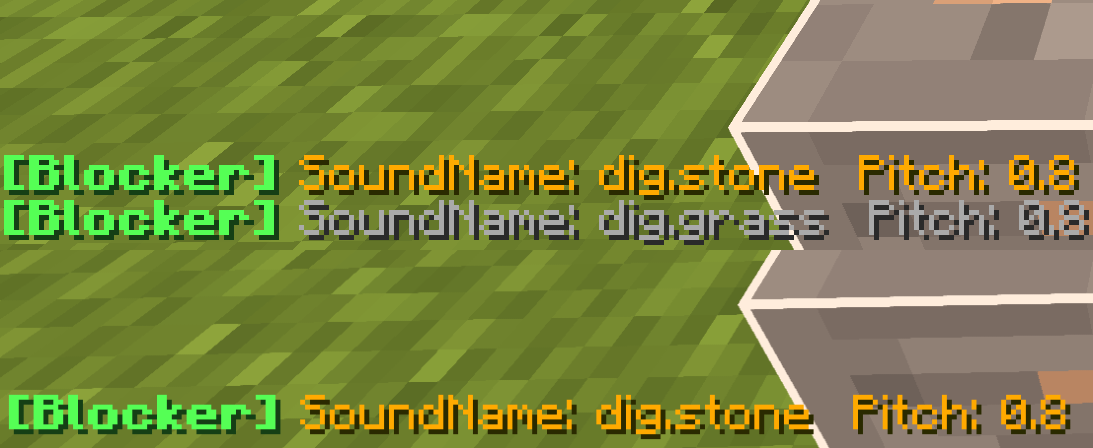
- Hide disabled sounds,allowing you to edit them clearly.
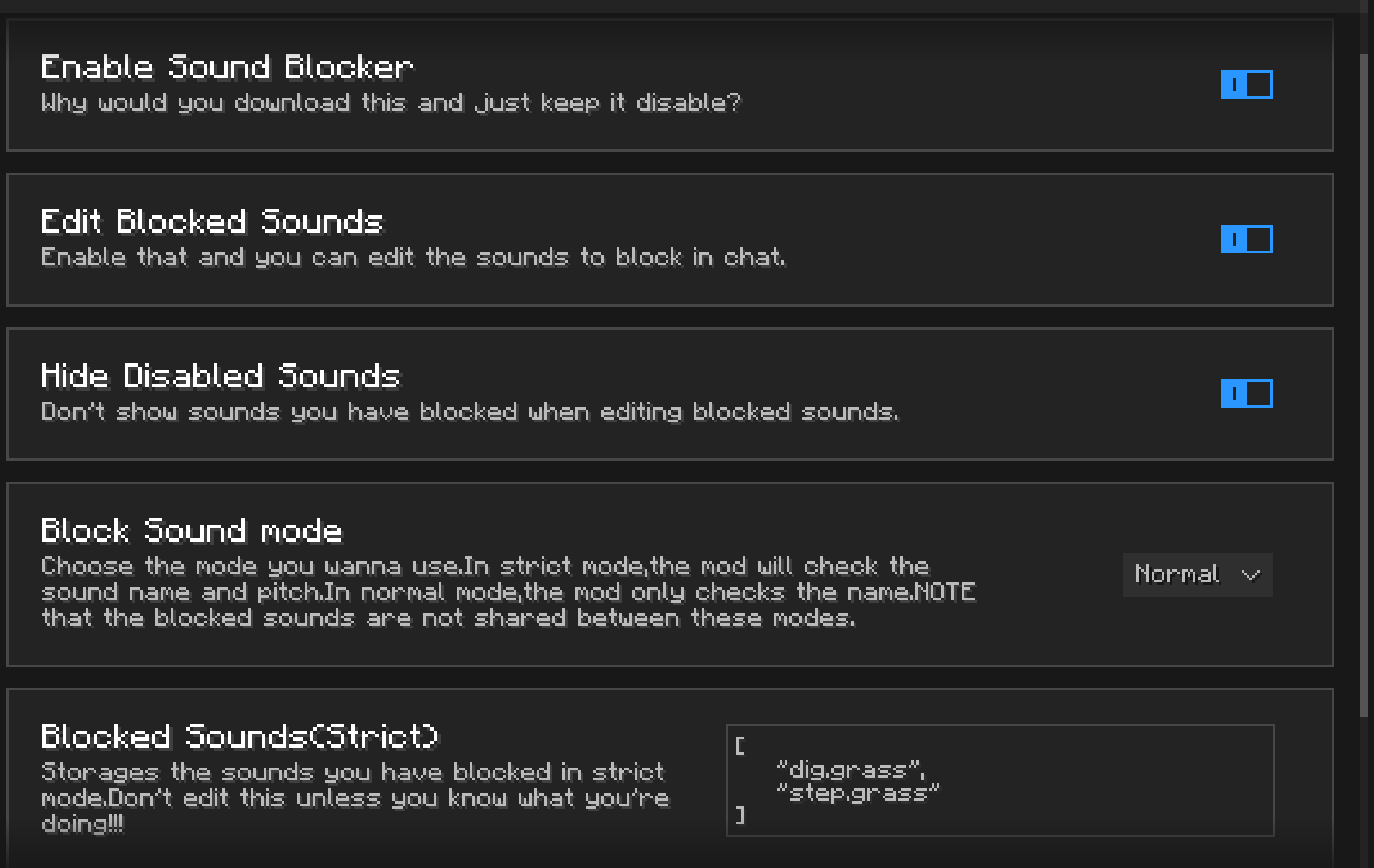
- Normal and strict mode
--Normal mode just blocks all the sounds with specific name.
--Strict mode also checks if the pitch matches.
---and,the sounds to block in different modes are not shared.
TODO
- A GUI to manage and play all the sounds you block.
- Multiple config profiles.
- Not only simply mutes them,but also allows you to change the volume and pitch,or even replacing them with a new one.
Quick facts
- Edition: Minecraft Java
- File type: .jar
- Minecraft version listed: 1.8.9
- How to install: Install the matching mod loader (Forge, Fabric or NeoForge) for your Minecraft version. → Download the .jar. → Put it in the .minecraft/mods folder and launch that loader profile.
- Where to get it: Opens on Modrinth — not every file is mirrored on our own servers.
Install steps are the general flow for this file type — How to install Minecraft Java mods & modpacks walks through it step by step.
Verified by MCModsHub
- Ships as SoundBlocker-1.0.0.jar — drop this file into the mods folder
- Download size: 5.4 MB
- Download link checked 4 Sept 2026 — working
These come from our own check of the pack file, not from the source page.