
ClientModGate
Java mod listed for Minecraft 26.x. Downloads from the MC Java Mods app on Android.
⬇ Download on Modrinth



is not an anti-cheat; it is better than anti-cheat.
While anti-cheats block cheats when they are detected in use, our plugin blocks unauthorized clients as soon as they attempt to log in.
| Feature | ClientModGate | Anti-Cheat |
|---|---|---|
| Detect mods | Yes | No |
| Enforce rules before gameplay | Yes | After suspicious activity |
| Allow, monitor, or block each mod | Yes | No |
| Display the detected mod loader and components | Yes | Limited |
| Detect movement and combat cheats | Limited | Yes |
| Detect silent clients through their behavior | Limited | Yes |
| Best use case | Mod control | Behavioral analysis |
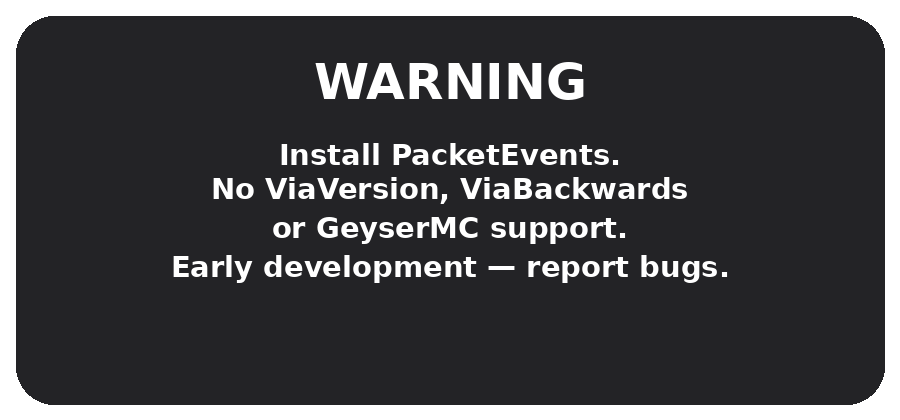
You do not need a companion client mod to make it work. It is compatible, with the Fabric, NeoForge and Vanilla versions of the game. The Fabric and NeoForge and Vanilla versions can be used ass without needing any extra mods.
Built for server owners who want clear client reports, configurable mod

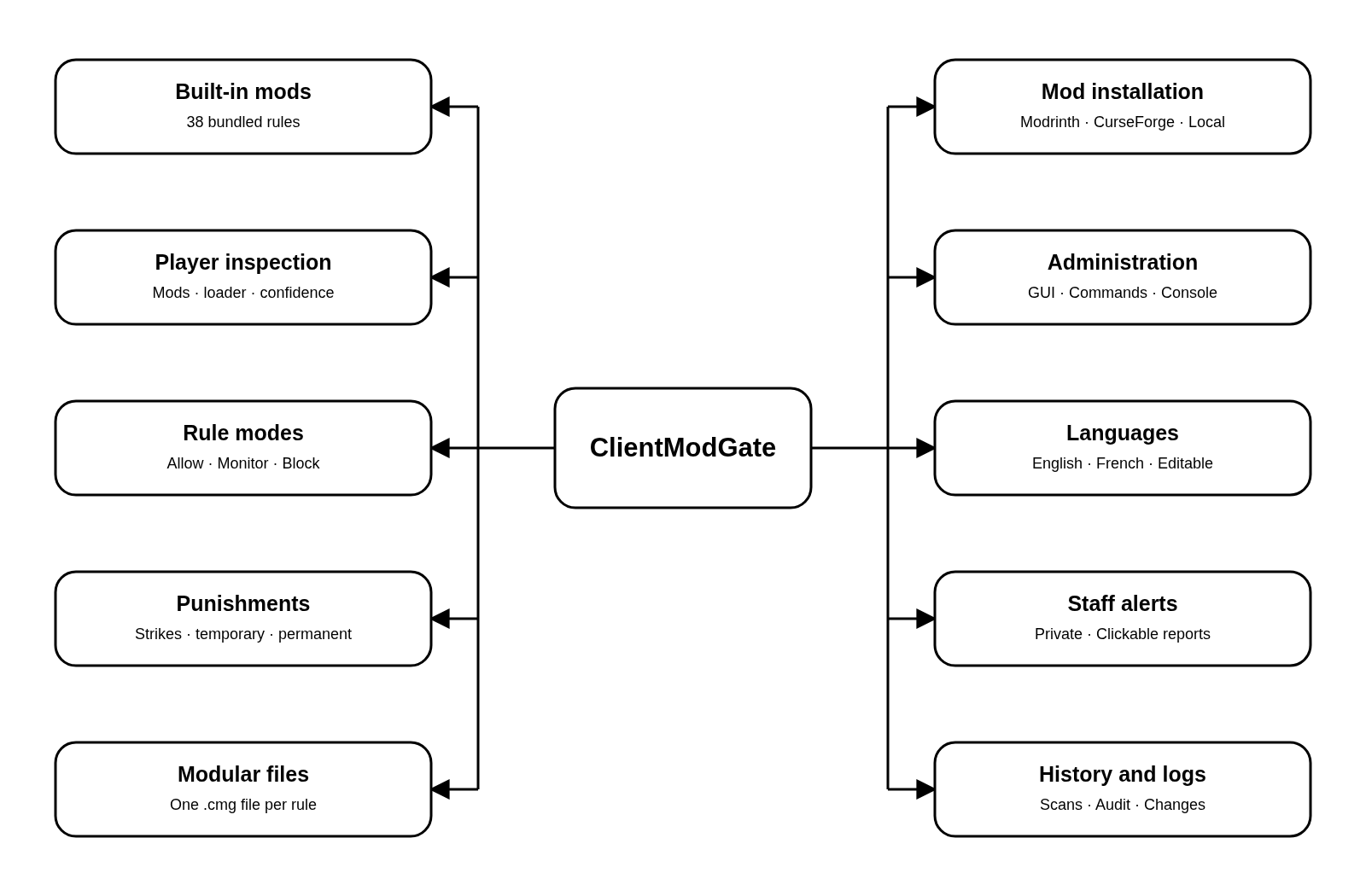
| Feature | Description |
|---|---|
| Built-in mods | 38 built-in mods covering known cheat clients and unfair client-side advantages |
| Player inspection | Detailed player inspection with detected mods, visible client components, loader information and confidence level |
| Rule modes | Three rule modes: allow, monitor or block |
| Punishments | Progressive punishments with strikes, temporary bans and permanent bans |
| Modular files | Modular .cmg mod files, with one clear file for each installed rule |
| Mod installation | Mod installation from Modrinth, CurseForge or local files |
| Administration | Full GUI and command support for server administrators |
| Languages | Editable English and French messages |
| Staff alerts | Private staff alerts that can open the full player report |
| History and logs | Saved scan history and audit logs for detections, punishments and configuration changes |

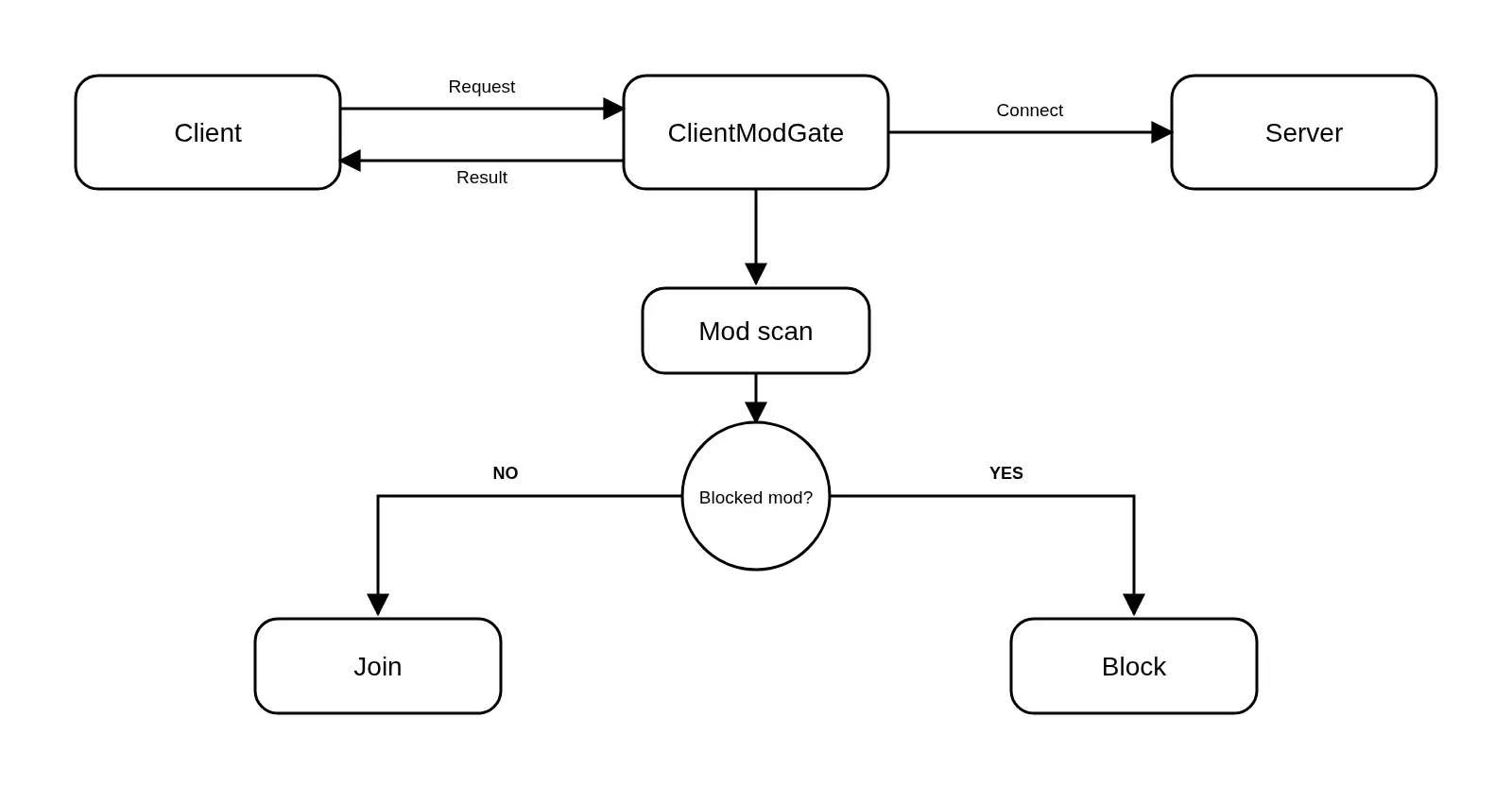
The Minecraft client sends a request to join the server. This is the step when someone wants to play on the server.
Then ClientModGate gets this request. Starts checking the client to see what is going on.
Next the system looks at the Minecraft mods that are installed on the players client. This is like a scan to see what mods they have.
After that ClientModGate checks to see if it finds any mods that are not allowed. This is a decision, for the security of the server.
Finally ClientModGate makes a decision based on what it found.
If ClientModGate does not find any blocked mods then the player can join the server.
If ClientModGate finds a blocked mod then the player cannot join the server and the connection is denied by ClientModGate.
Need help?
ClientModGate includes 20 pages documentation If you want to see it
- Edition: Minecraft Java
- File type: .jar
- Minecraft version listed: 26.1.2
- How to install: Install the matching mod loader (Forge, Fabric or NeoForge) for your Minecraft version. → Download the .jar. → Put it in the .minecraft/mods folder and launch that loader profile.
- Where to get it: Opens on Modrinth — not every file is mirrored on our own servers.
Install steps are the general flow for this file type — How to install Minecraft Java mods & modpacks walks through it step by step.
- Ships as ClientModGate-1.0-paper-26.1.2.jar — drop this file into the mods folder
- Download size: 505 KB
- Download link checked 14 Oct 2026 — working
These come from our own check of the pack file, not from the source page.