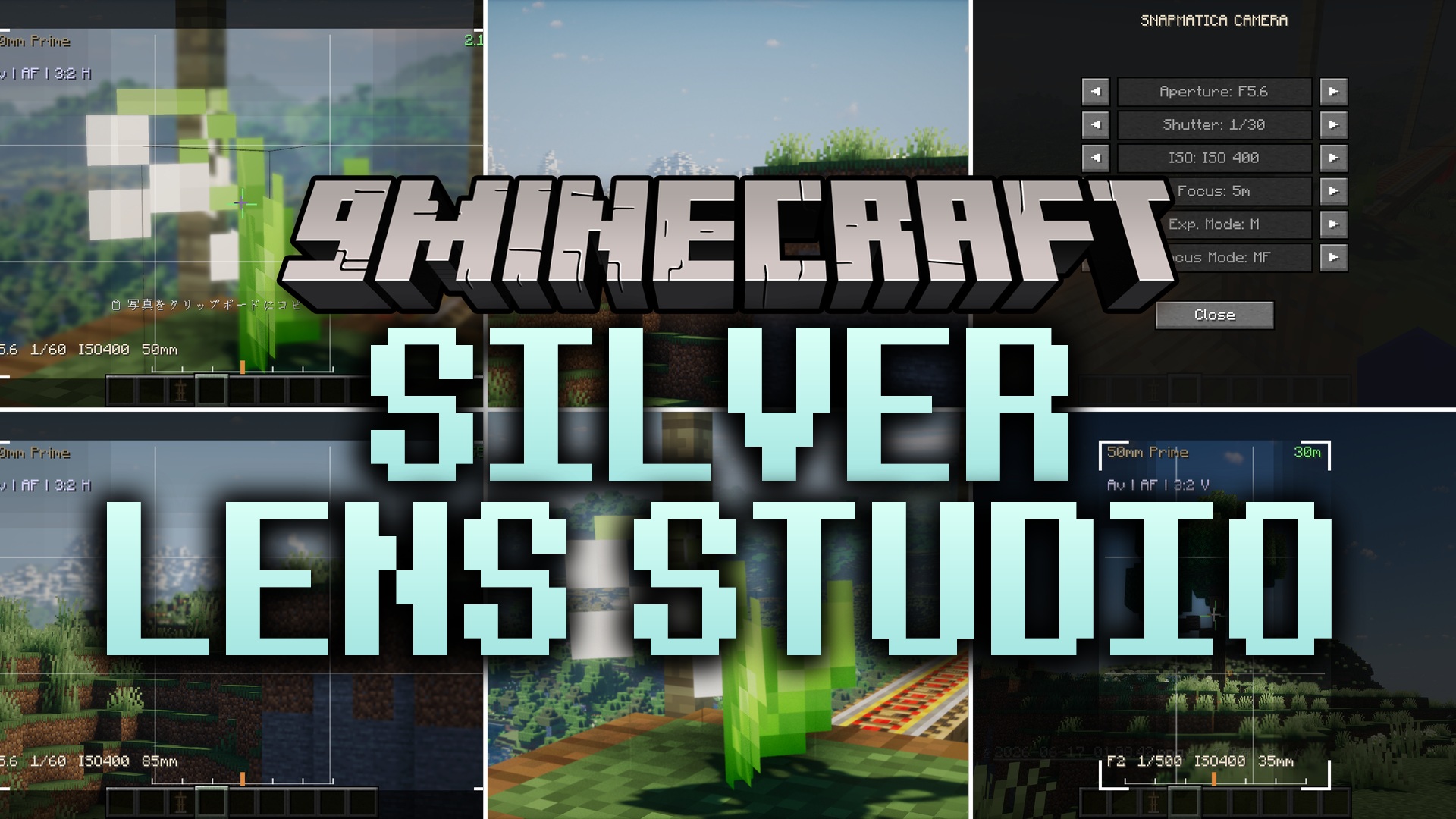
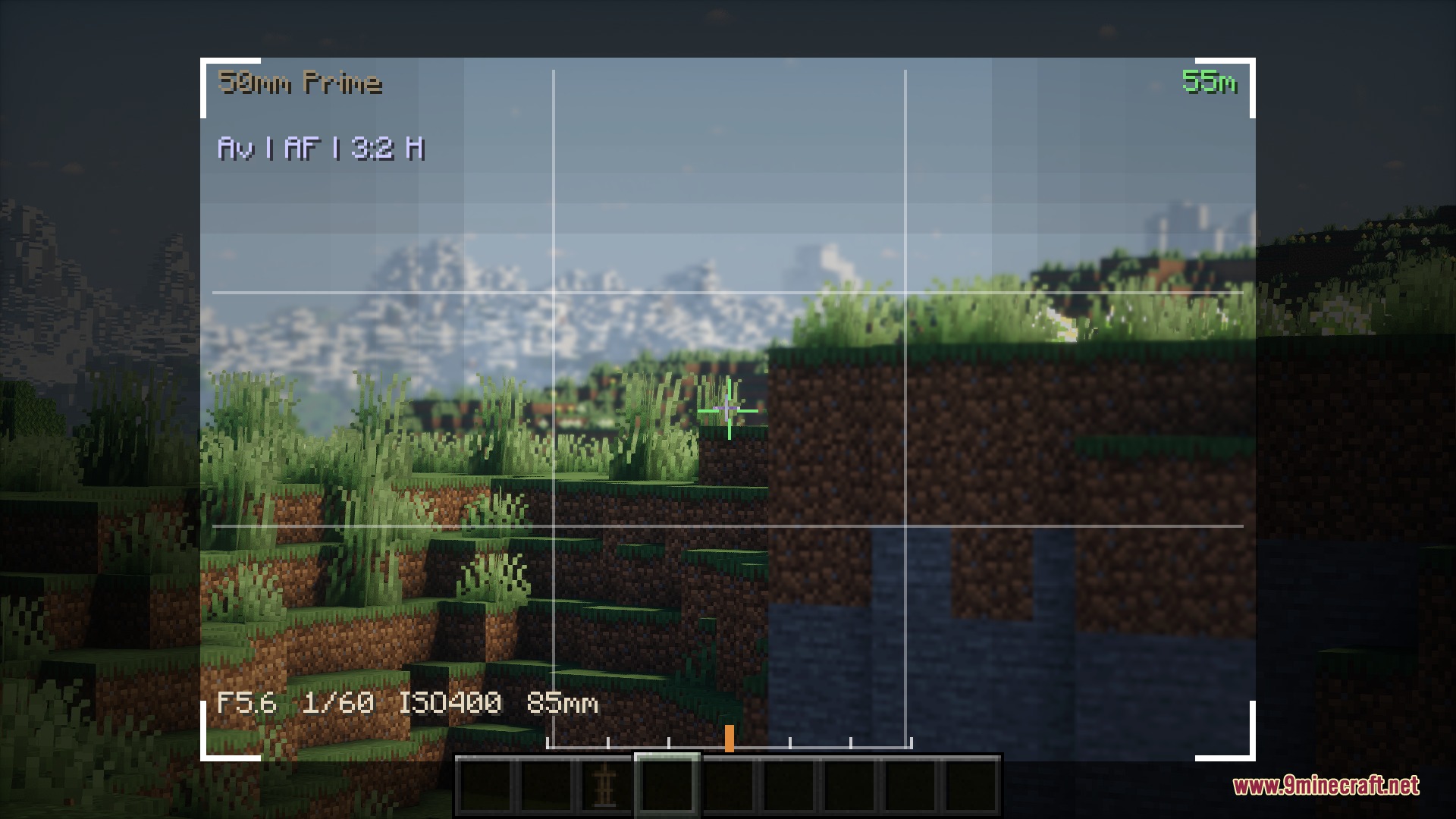
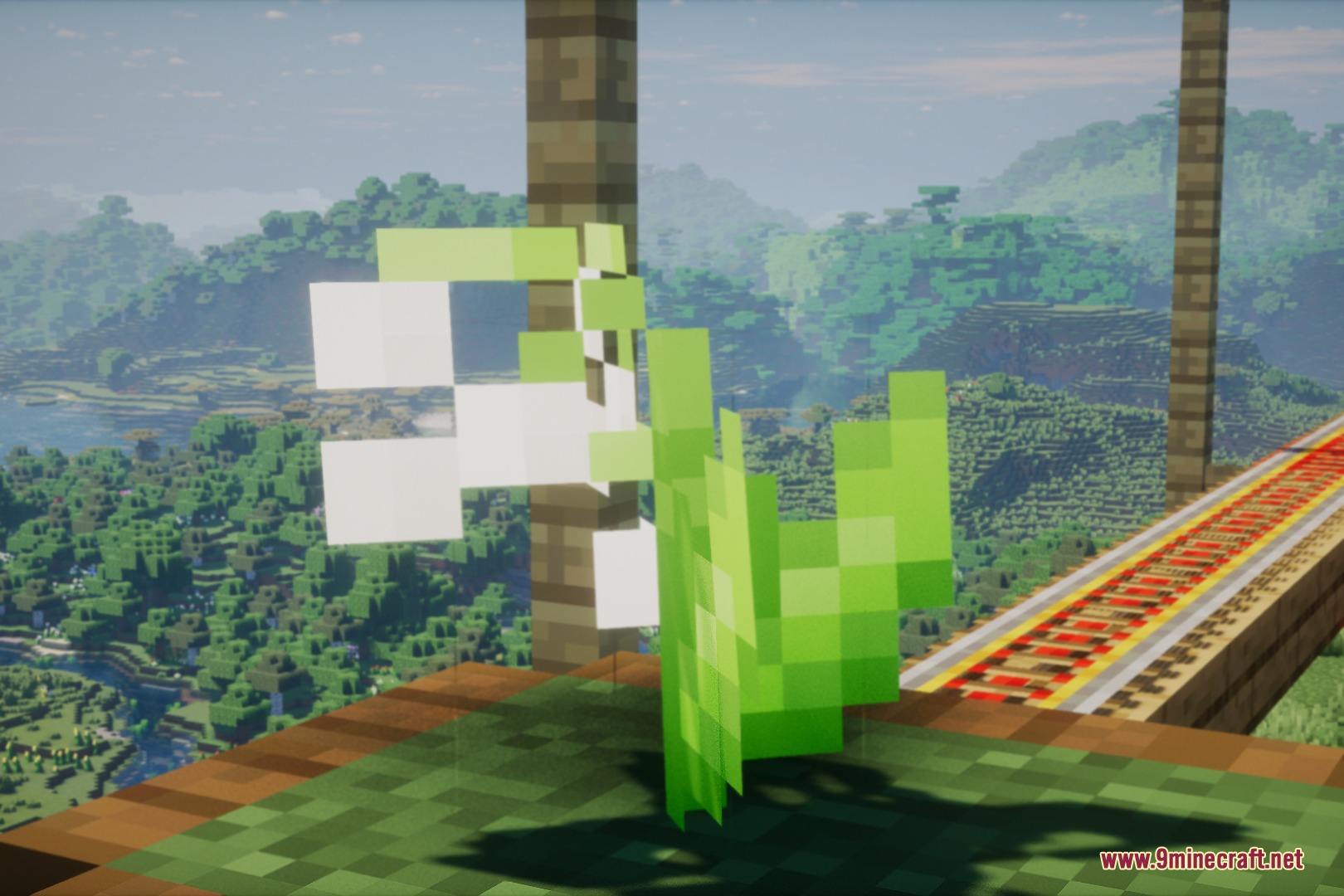
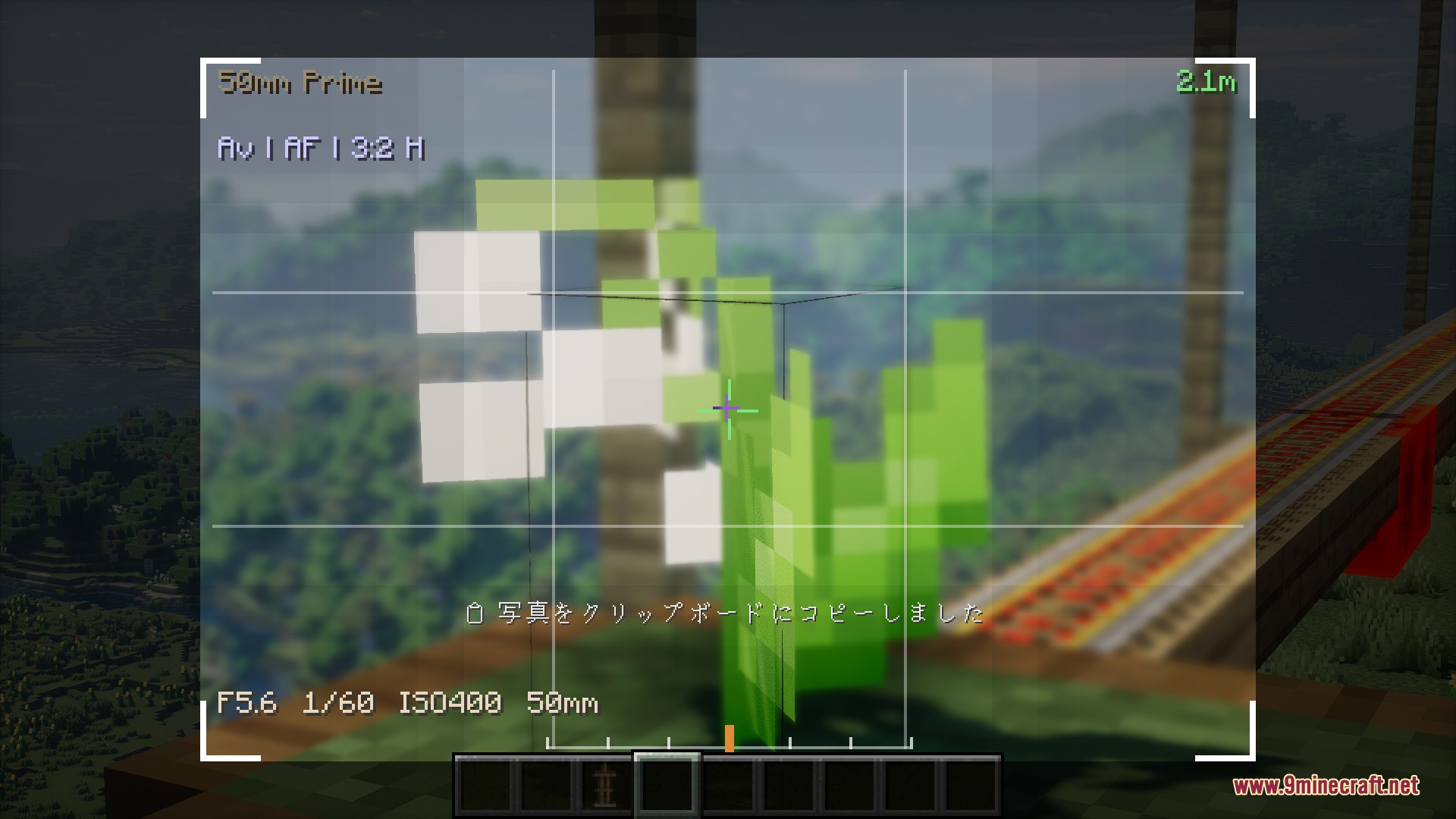
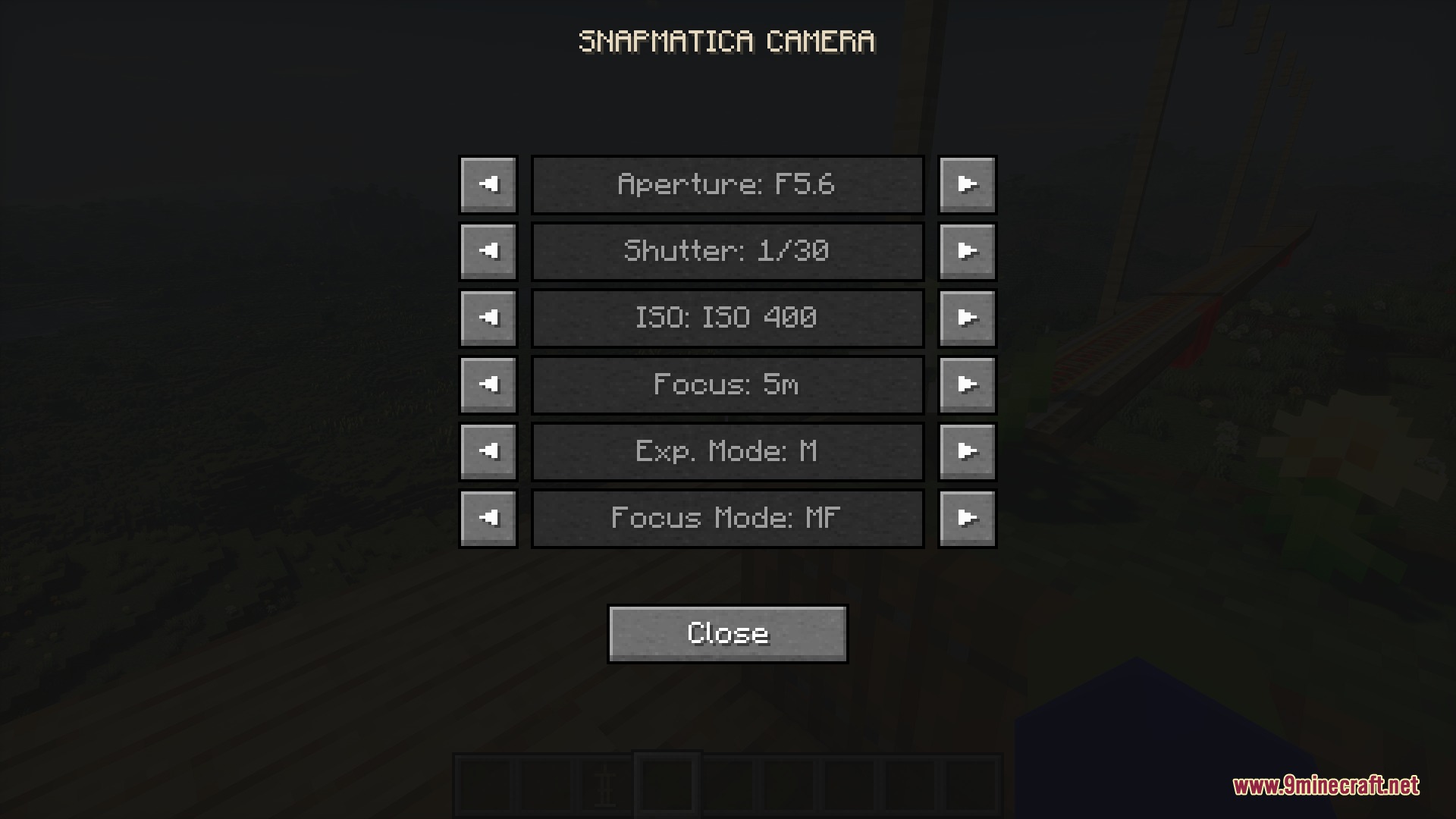
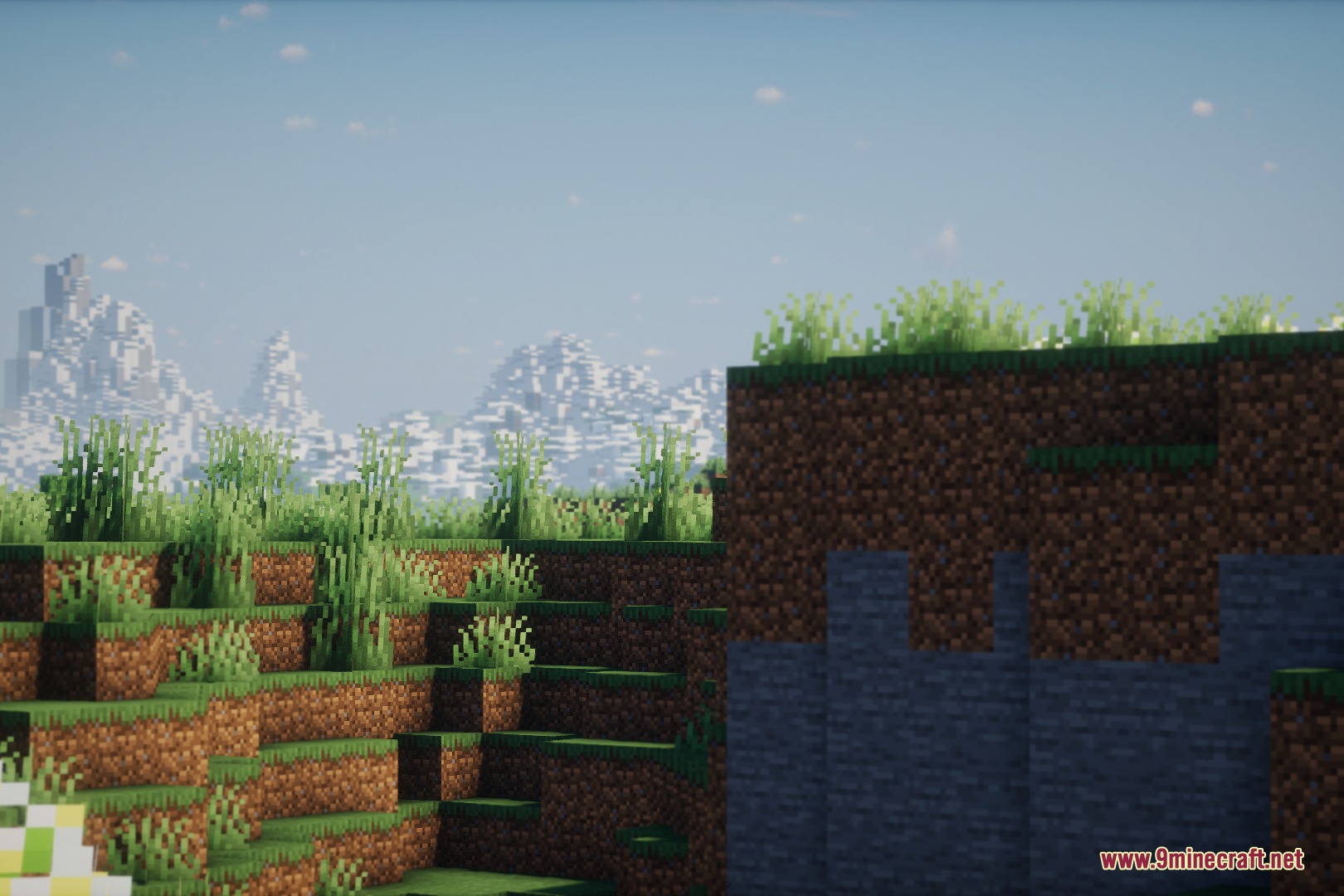
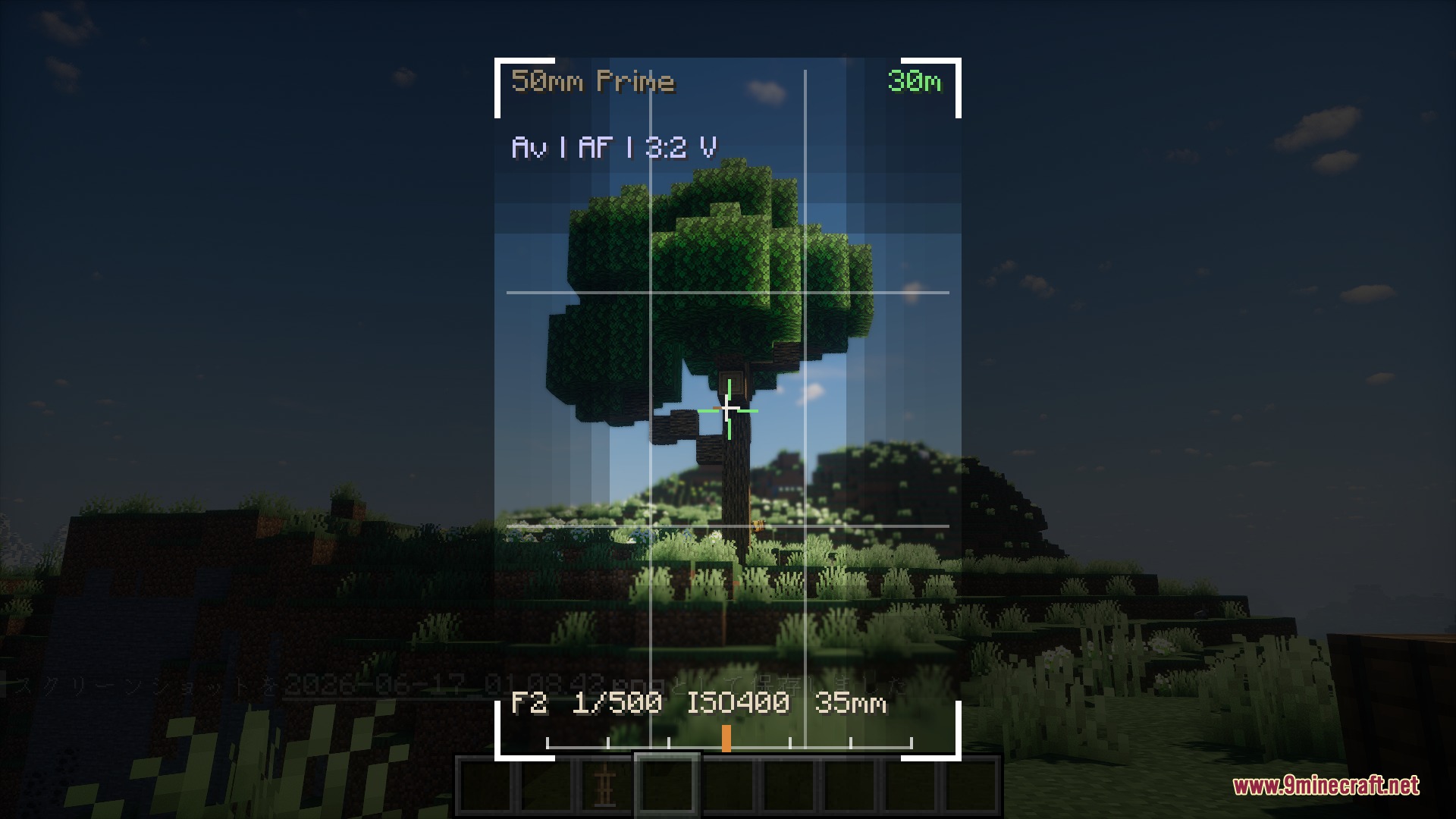
Silver Lens Studio Mod brings real-world photography and cinematic video recording tools straight to your game. It works purely on the client side, which means you can take it onto any multiplayer server or modpack without needing server-side files. The mod simulates actual camera settings like aperture, shutter speed, and focus so you can capture sharp pictures of your builds and adventures.
Features:
- Manual Camera Controls: Adjust aperture, shutter speed, and ISO to set the exact lighting and background blur for every shot.
- Auto Exposure and Auto Focus: Switch on beginner-friendly modes like Av and AF to let the system balance lighting and focus automatically.
- Focus Peaking: Viewfinder highlights sharp edges on your screen so you can check your focus distance without guessing.
- Lets you change the world scale from a tiny miniature look to full-size builds.
- Includes a freecam mode to fly away from your player character and frame the scene from any angle.
- Adds Drone Mode with inertia, altitude hold, and orbit pins to circle smoothly around buildings.
- Records keyframes along a custom camera path for smooth flythrough videos.
- Lets you hide your player character from the frame for clean landscape and mob pictures.
- Locks focus onto specific blocks or moving mobs while the camera moves.
- Works alongside Photon Shader and Distant Horizons.
How to Use:
- Press Shift or , to open the camera viewfinder.
- Hold Shift and scroll the Mouse Wheel to adjust your zoom level.
- Hold Shift + Ctrl and scroll the Mouse Wheel to adjust the aperture setting.
- Hold Shift + Alt and scroll the Mouse Wheel to change your shutter speed.
- Hold Shift + Ctrl + Alt and scroll the Mouse Wheel to fine-tune your focus distance.
- Press Enter to take a photo.
- Press R to start or stop video recording, or press Q to open the camera path menu.
- Press G at any time to open the main settings screen.
- Press C to lock the freecam in place and return control to your character.
- Press X while in Drone Mode to drop or clear an orbit pin.
Screenshots:
Silver Lens Studio Mod Download Links
Quick facts
- Edition: Minecraft Java
- File type: .jar
- Minecraft version listed: 1.20.1
- How to install: Install the matching mod loader (Forge, Fabric or NeoForge) for your Minecraft version. → Download the .jar. → Put it in the .minecraft/mods folder and launch that loader profile.
- Where to get it: In MC Java Mods, or directly above on this page.
Install steps are the general flow for this file type — How to install Minecraft Java mods & modpacks walks through it step by step.
Verified by MCModsHub
- Downloads as 504530.mcaddon
- Download size: 272 KB
- Download link checked 25 Sept 2026 — working
- Mirrored on our own servers — the download does not depend on the original host
These come from our own check of the pack file, not from the source page.