ModsJava
Unbound Gameplay Enhancement Mod (26.2, 26.1.2) – Track Recipes and Mob Drops
Minecraft Java mod. Downloads from the MC Java Mods app on Android.
⬇ Download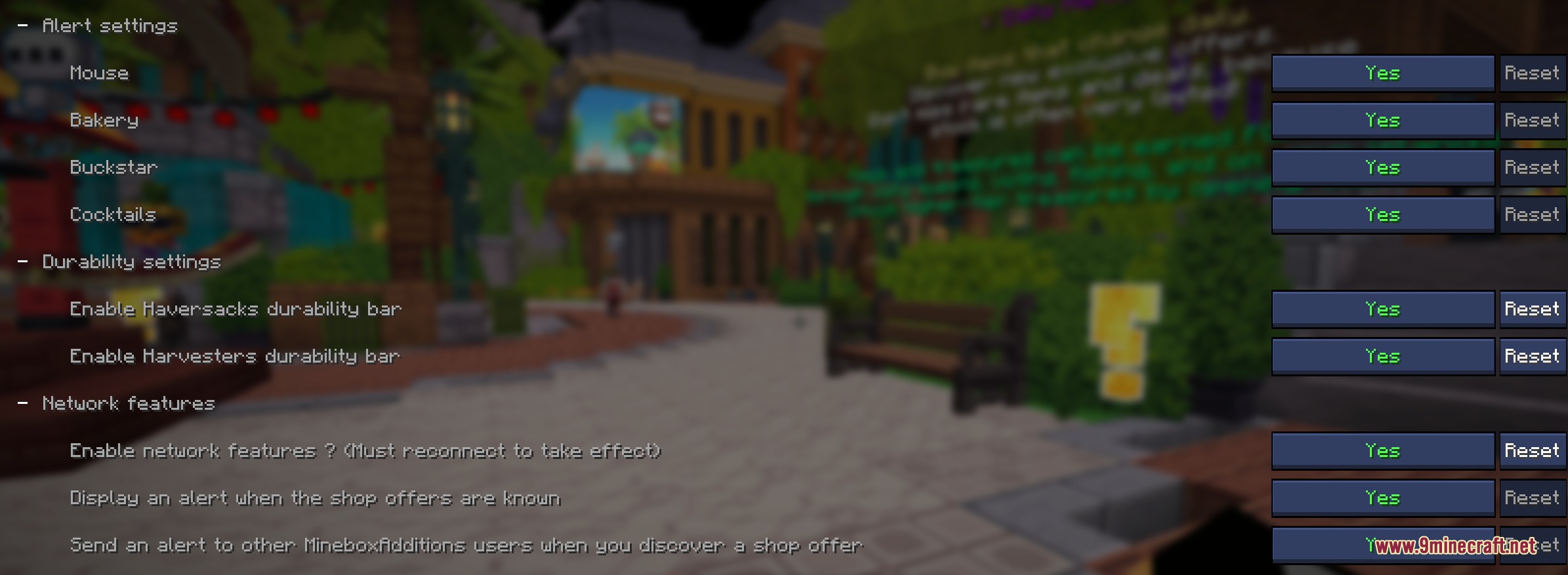

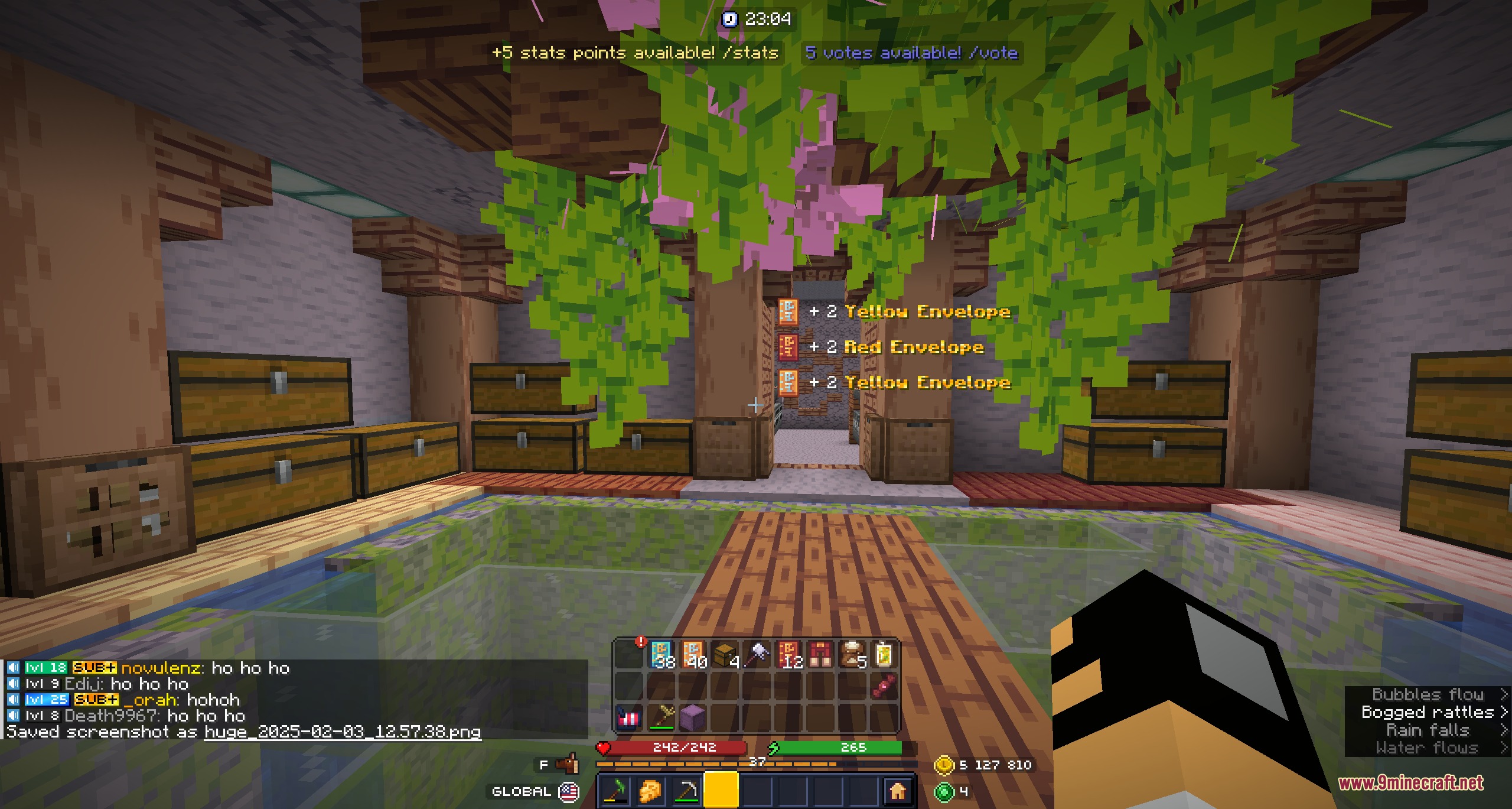
Unbound Gameplay Enhancement Mod brings a full collection of on-screen helpers, guides, and trackers to your world. It adds in-game reference books, custom interface elements, and gathering beacons so you can find resources without guessing. The mod also includes inventory alerts and drop information that keep you informed while farming or exploring.
Features:
- Opens an in-game Atlas that calculates crafting recipes and tracks related items directly on your screen.
- Includes a Bestiary that details mob stats, item drop lists, and exact spawn locations.
- Displays a fishing overlay showing available catches for any fishing spot based on current weather, time, and moon phases.
- Marks harvestable items across the world with tall colored light beams to speed up resource gathering.
- Provides a movable screen display with an editor to track upcoming weather changes, shop deals, full moons, and active requests.
- Highlights missing items directly inside your inventory with special borders for museum tracking.
- Lets you save custom armor and gear sets to swap equipment quickly through extra inventory storage.
- Sends pop-up toast alerts when server shops open or update their stock.
- Shows clear durability and fill bars on tool icons and haversacks.
- Adds colored rarity backgrounds behind item slots with adjustable opacity.
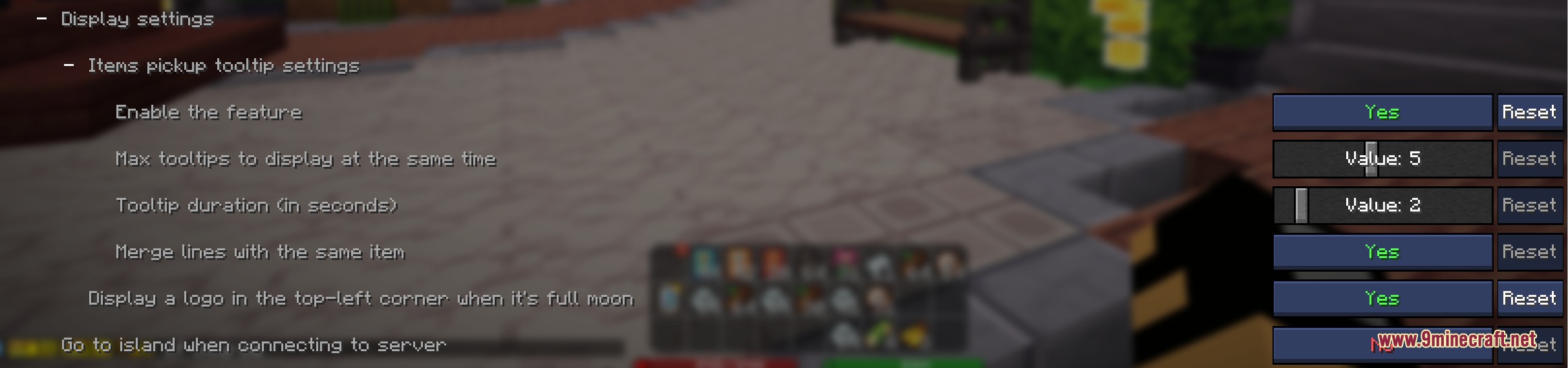
- Lists recently picked up items in on-screen tooltips during farming runs.
- Shares shiny mob encounter notifications with other players.
- Reveals hidden base stats on item tooltips whenever you hold down the assigned inspect key.
- Teleports you straight to your island upon connecting to the server.
How to Use:
- Press M to open the main mod menu and browse available tracking modules.
- Hold Left Alt while hovering over any item in your inventory to see its base stats.
- Open the game menu, go to Options, then Controls, and select Key Binds to change any shortcut keys.
Screenshots:
Unbound Gameplay Enhancement Mod Download Links
Quick facts
- Edition: Minecraft Java
- File type: .jar
- How to install: Install the matching mod loader (Forge, Fabric or NeoForge) for your Minecraft version. → Download the .jar. → Put it in the .minecraft/mods folder and launch that loader profile.
- Where to get it: In MC Java Mods, or directly above on this page.
Install steps are the general flow for this file type — How to install Minecraft Java mods & modpacks walks through it step by step.
File checked by MCModsHub
- Downloads as 504543.mcaddon
- Download size: 4.9 MB
- Download link checked 23 Sept 2026 — working
- Mirrored on our own servers — the download does not depend on the original host
These come from our own check of the pack file, not from the source page.