ModsJava
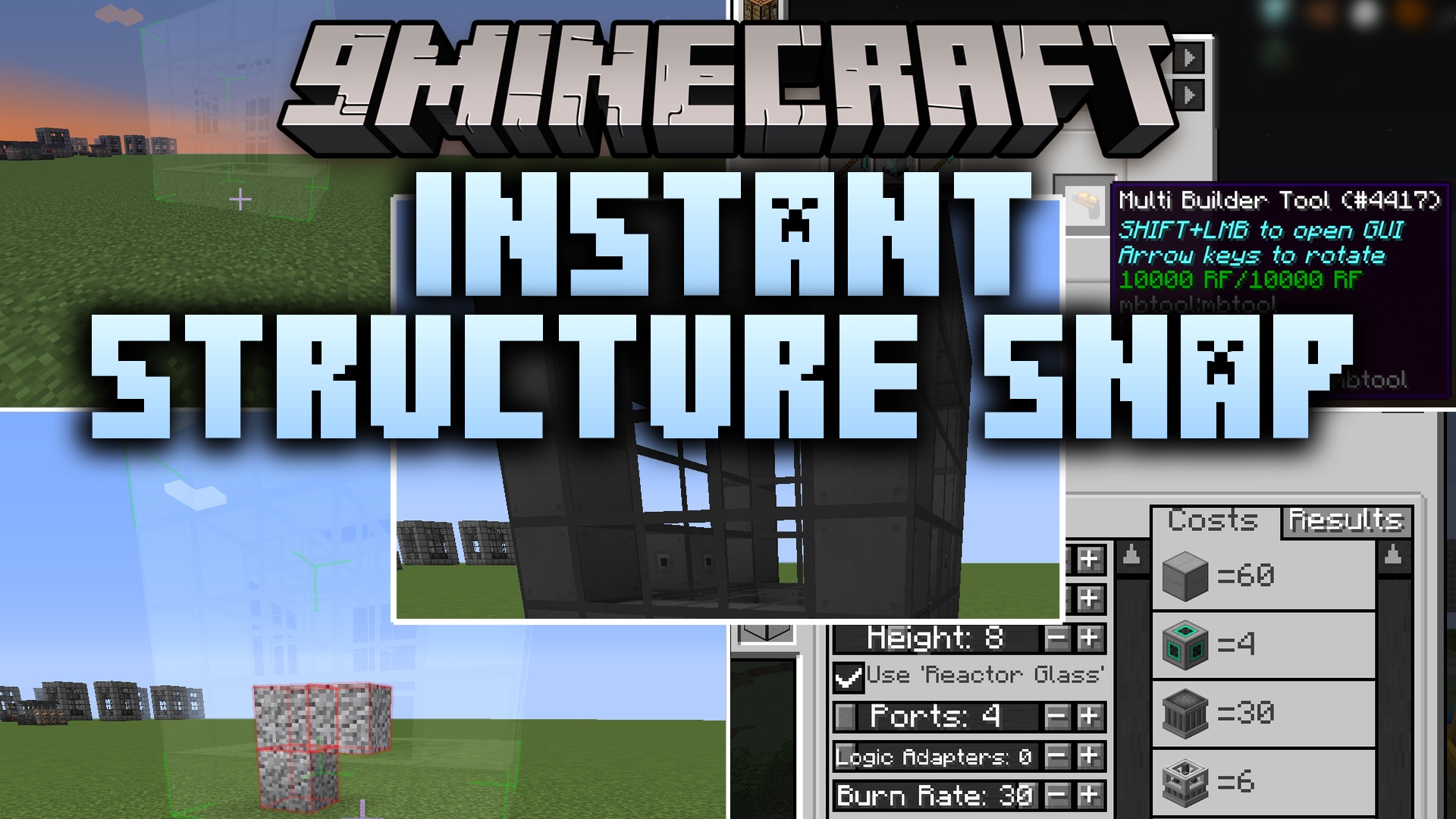
Instant Structure Snap Mod (26.1.2, 1.20.1) – Build Massive Tech Setups
Java mod listed for Minecraft 1.20. Downloads from the MC Java Mods app on Android.
⬇ Download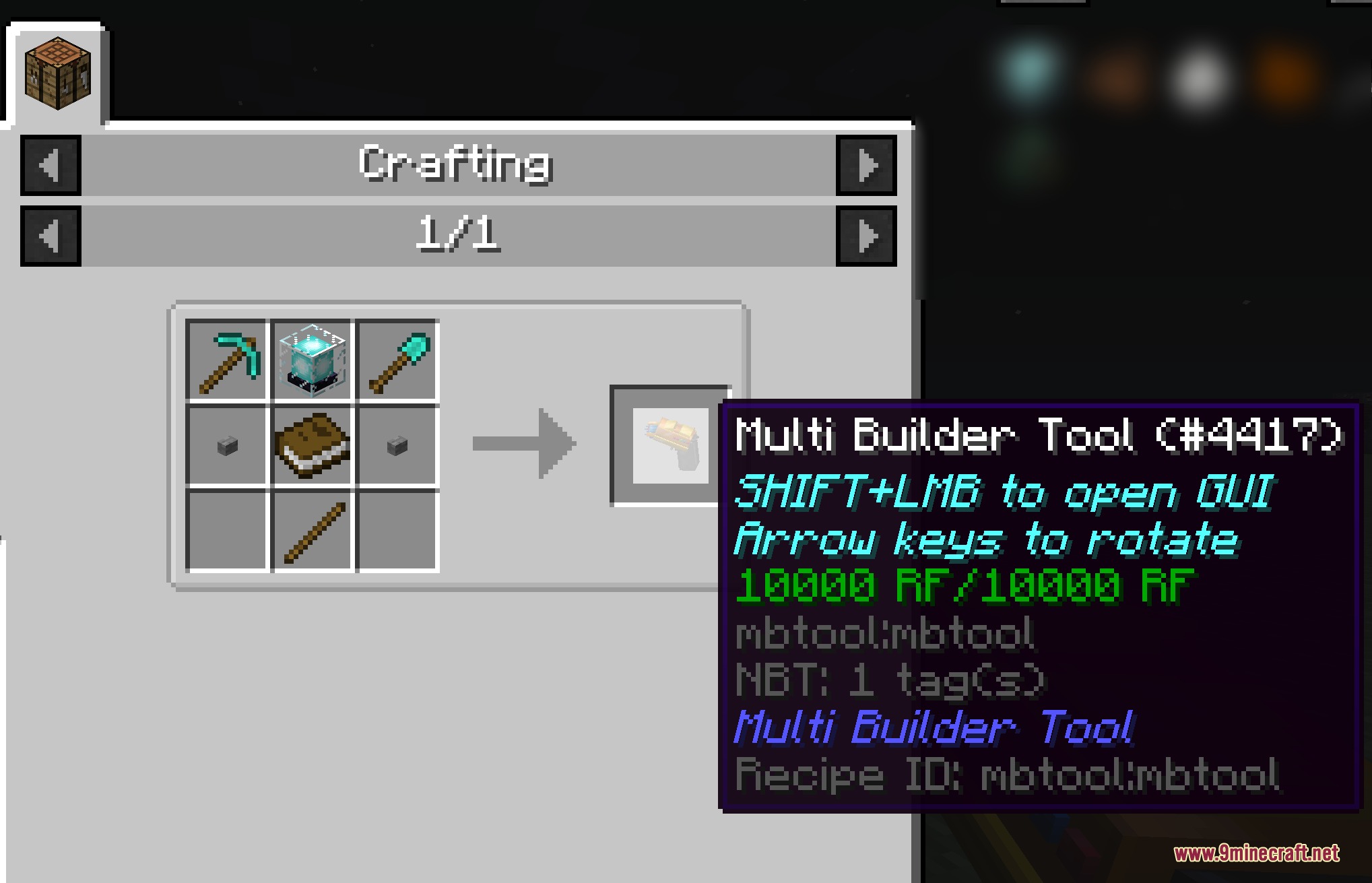
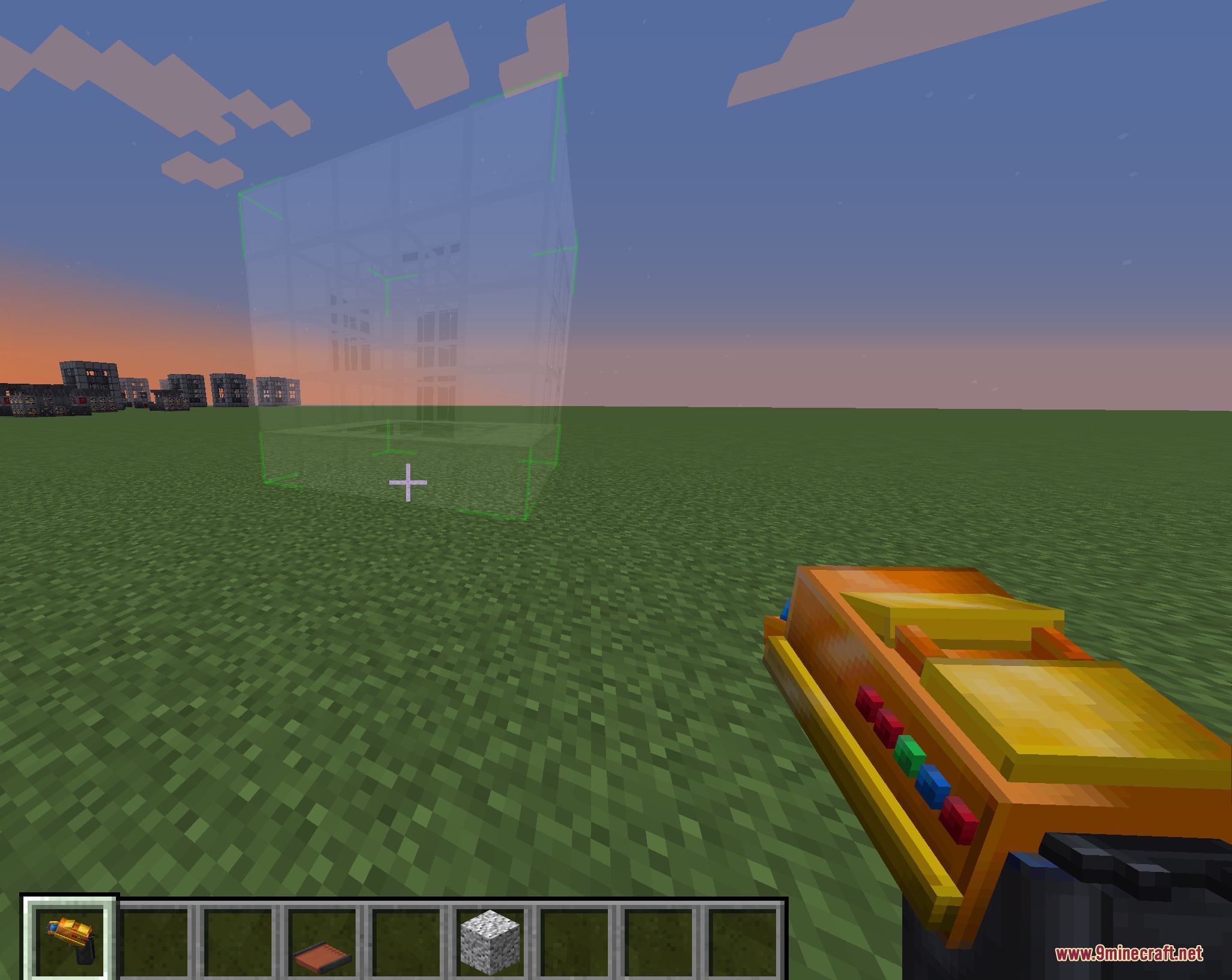
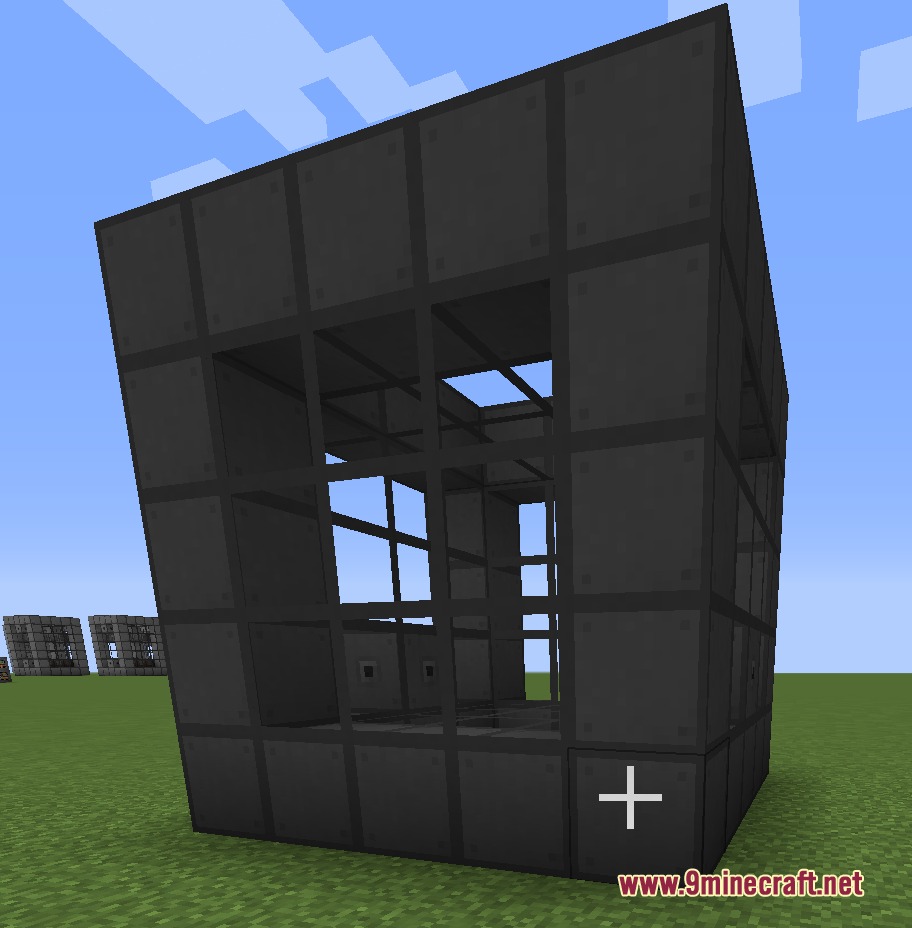
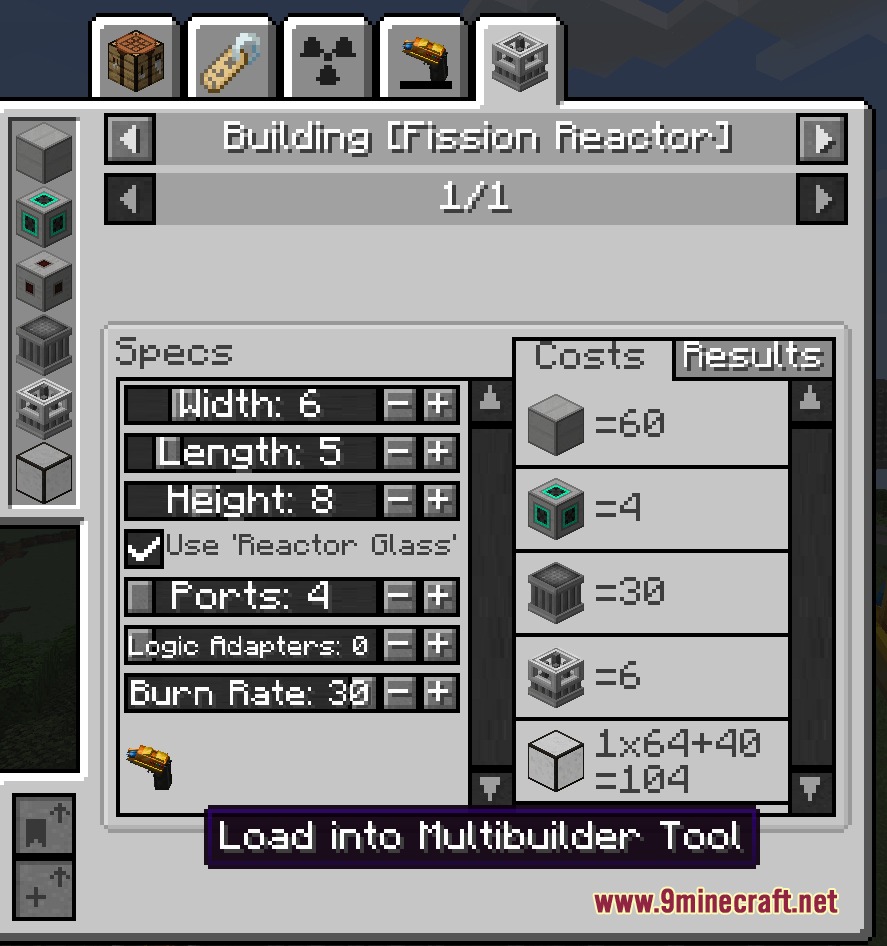
Instant Structure Snap Mod lets you place complex multiblock machines with a single click. It saves you from placing hundreds of blocks by hand when setting up tech and magic bases. The tool holds your building blocks in its own inventory and shows a hologram before you build. You can rotate blueprints freely and pull materials directly from connected storage networks.
Features:
- Instant multiblock construction lets you set up entire tech setups in seconds.
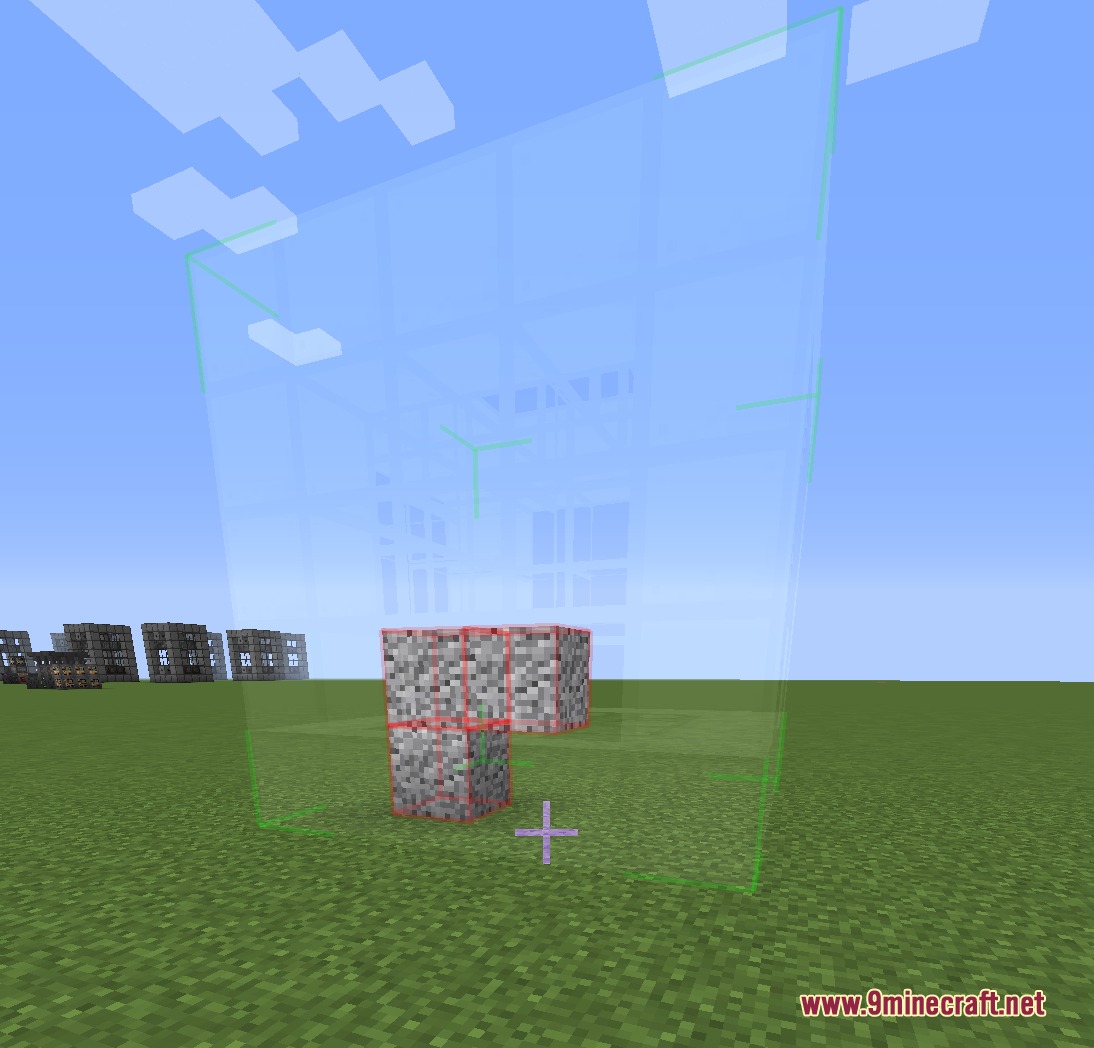
- Visual blueprint holograms show the exact placement and check for obstacles before placing blocks.
- Tool inventory stores all necessary construction blocks so your main inventory stays clean.
- Pulls items directly from Applied Energistics 2 storage when carrying a linked wireless terminal.
- Rotating blueprints is quick and simple using quick scroll inputs.
- Search bar and category filters help you find the exact structure you need quickly.
- Server sync keeps custom structure lists matching between servers and joined players.
- Data pack support lets players add custom NBT structures and custom naming tags.
- KubeJS event handling allows modpack authors to change block palettes and structure groups.
Supported Tech and Magic Mods:
- Mekanism and Mekanism Generators multiblock machines.
- NuclearCraft: Neoteric reactors and processing setups.
- Tinkers’ Construct smelteries and foundries.
- Immersive Engineering multiblock heavy machinery.
- Blood Magic altars and ritual circles.
- Extreme Reactors power generators.
How to Use:
- Craft the builder tool and put the required construction blocks inside its internal inventory.
- Hold Shift and right-click with the tool to open the structure selection menu.
- Pick the blueprint you want to build from the list or search bar.
- Hold Shift and use the mouse wheel to rotate the holographic preview in the world.
- Right-click the ground where you want the structure to instantly place all blocks.
Screenshots:
Instant Structure Snap Mod Download Links
Quick facts
- Edition: Minecraft Java
- File type: .jar
- Minecraft version listed: 1.20.1
- How to install: Install the matching mod loader (Forge, Fabric or NeoForge) for your Minecraft version. → Download the .jar. → Put it in the .minecraft/mods folder and launch that loader profile.
- Where to get it: In MC Java Mods, or directly above on this page.
Install steps are the general flow for this file type — How to install Minecraft Java mods & modpacks walks through it step by step.
File checked by MCModsHub
- Downloads as 504544.mcaddon
- Download size: 358 KB
- Download link checked 24 Sept 2026 — working
- Mirrored on our own servers — the download does not depend on the original host
These come from our own check of the pack file, not from the source page.