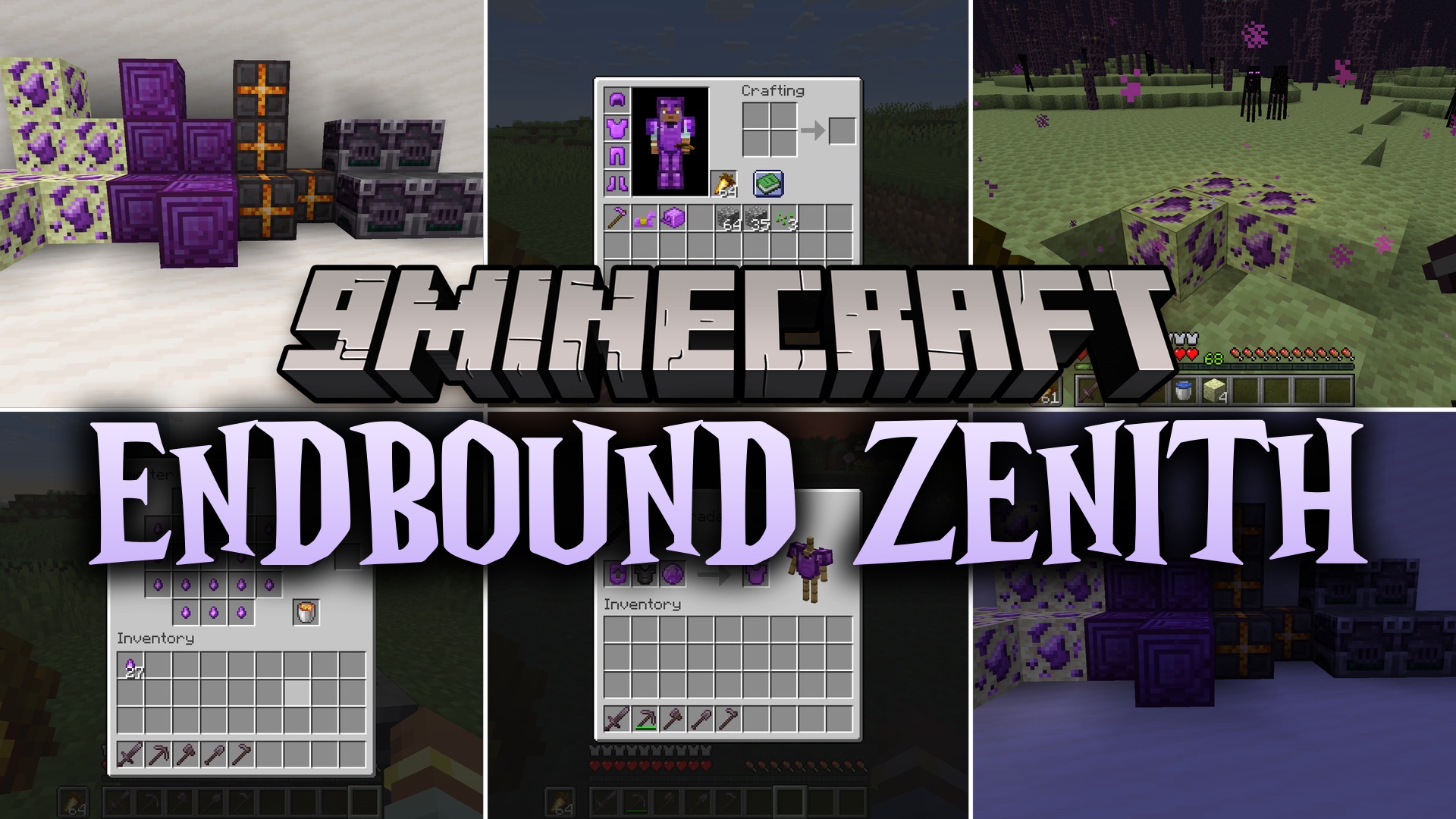
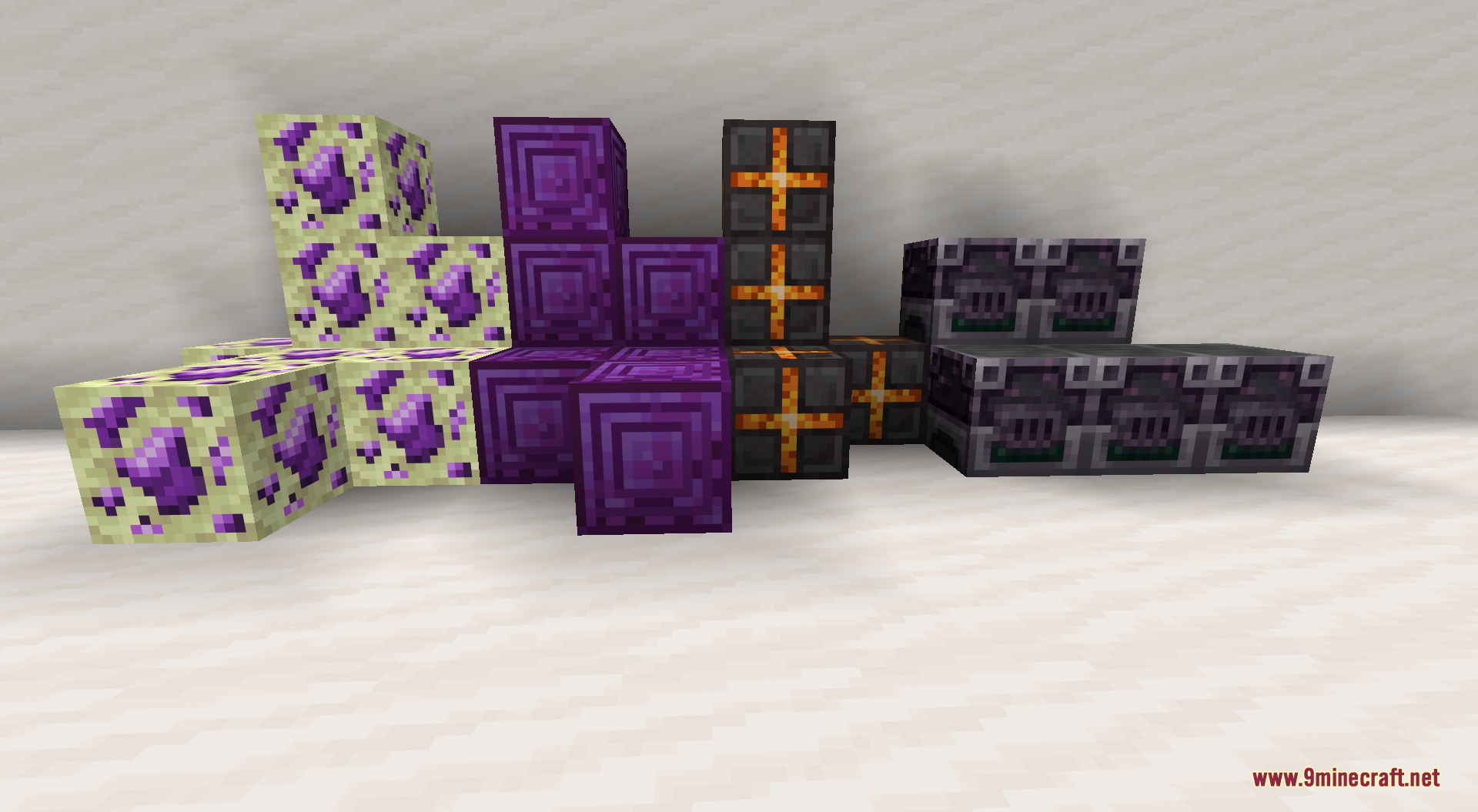
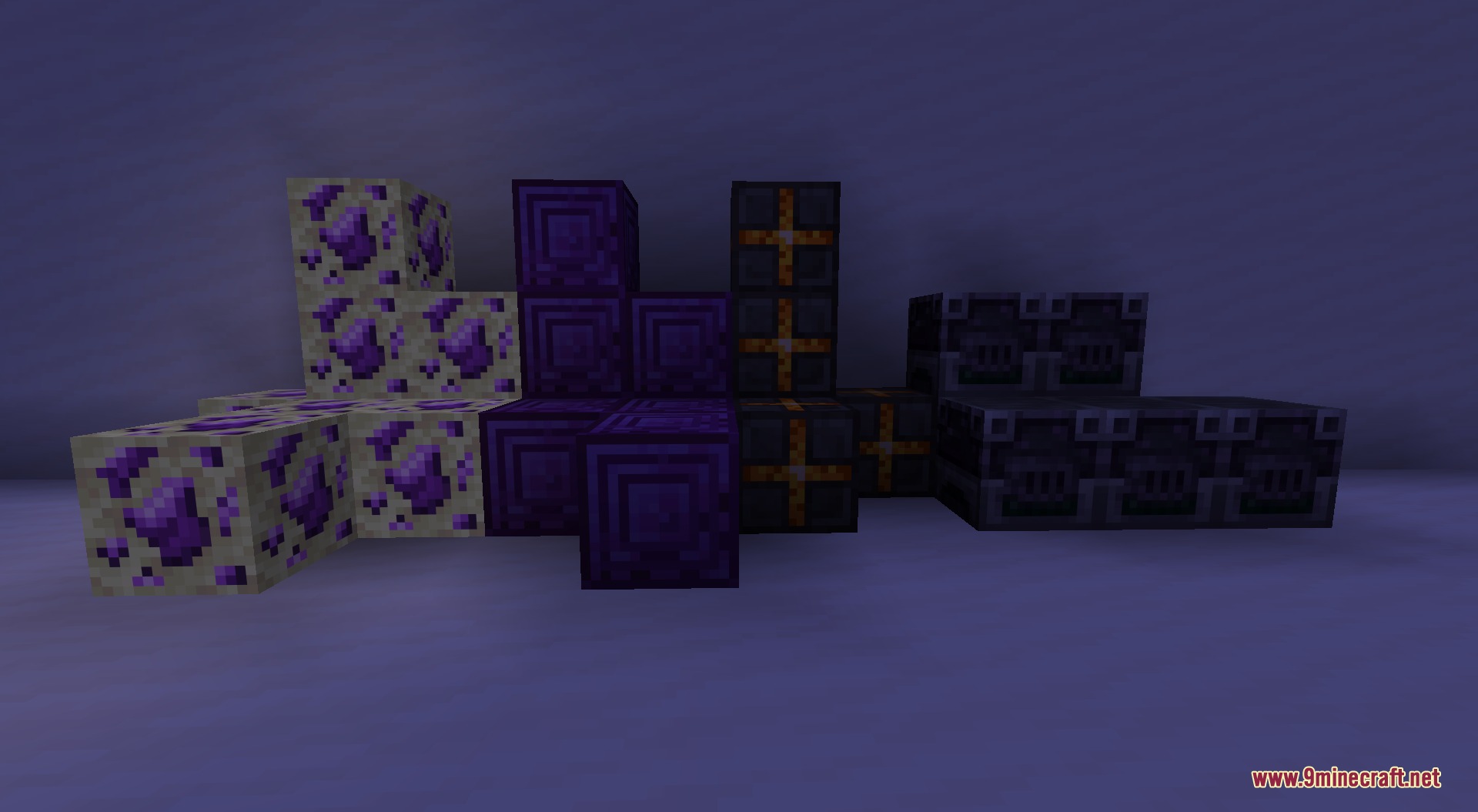
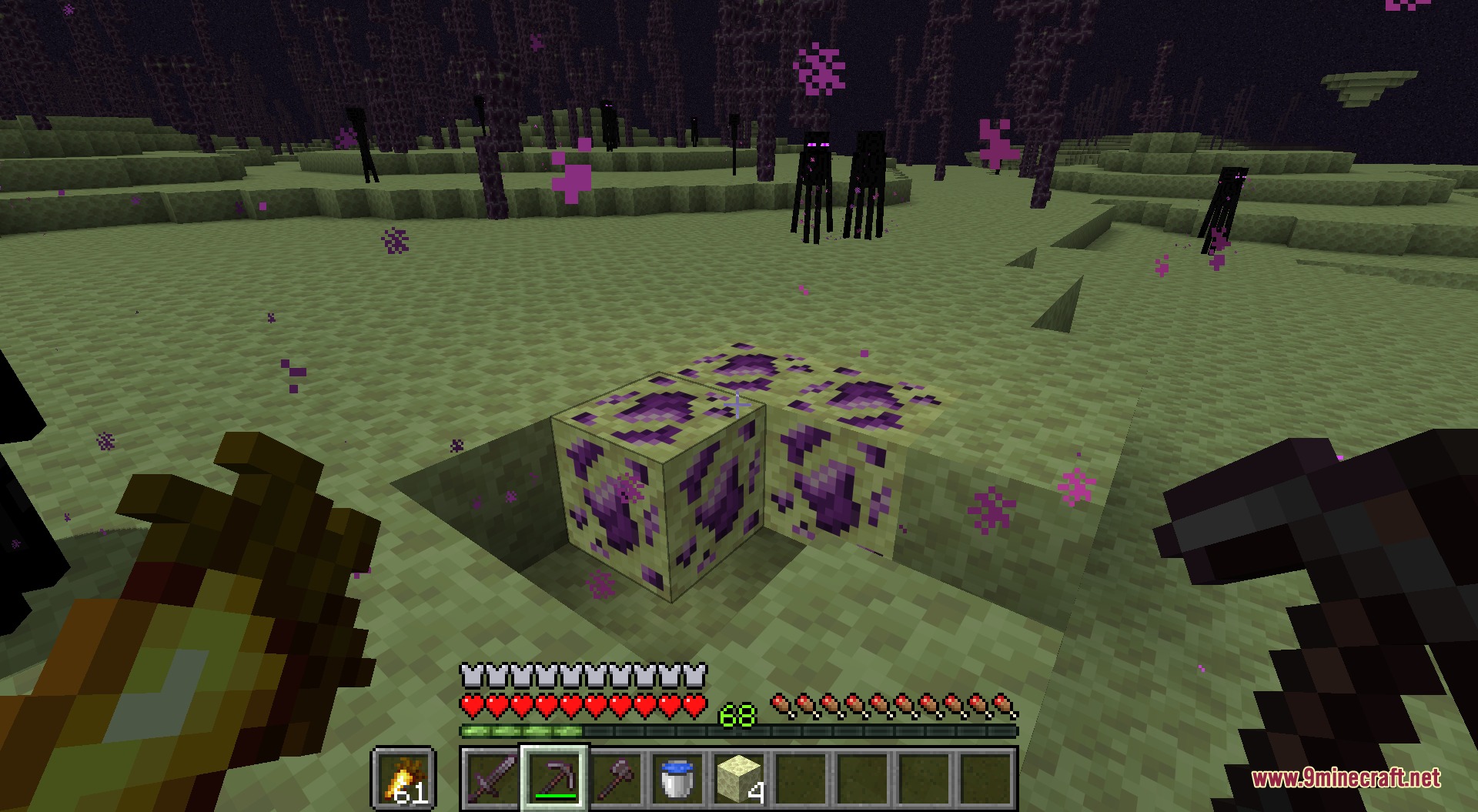
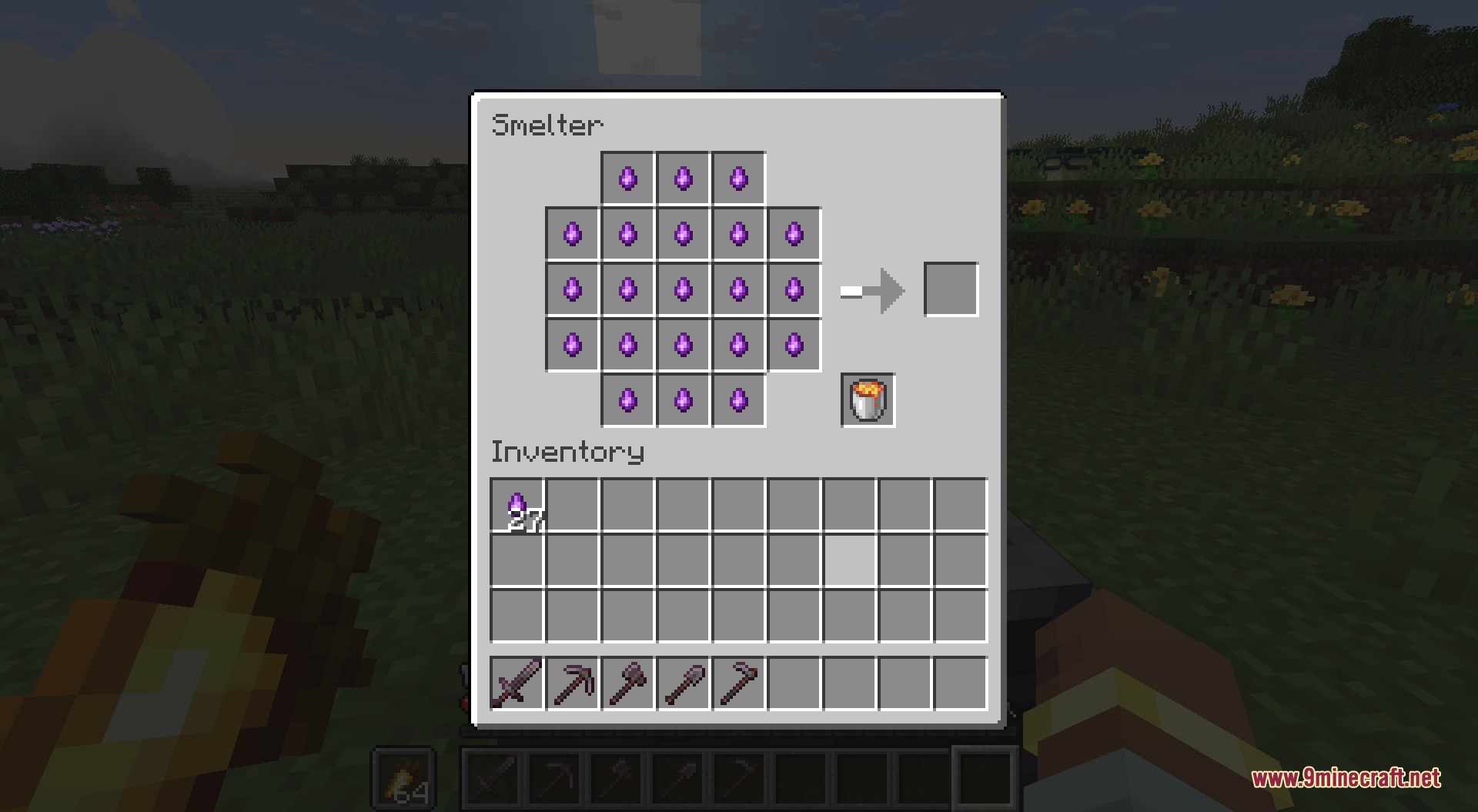
Endbound Zenith Mod adds a powerful tier of equipment past Netherite to your endgame progression. It introduces Purpurite, a rare mineral found only in the End dimension. You can mine this resource, process it using new workstations, and upgrade your standard Netherite items into stronger gear.
Features:
- Spawns Purpurite End Ore across the End dimension for players to find and mine.
- Introduces Purpurite, a late-game material used to craft high-tier gear.
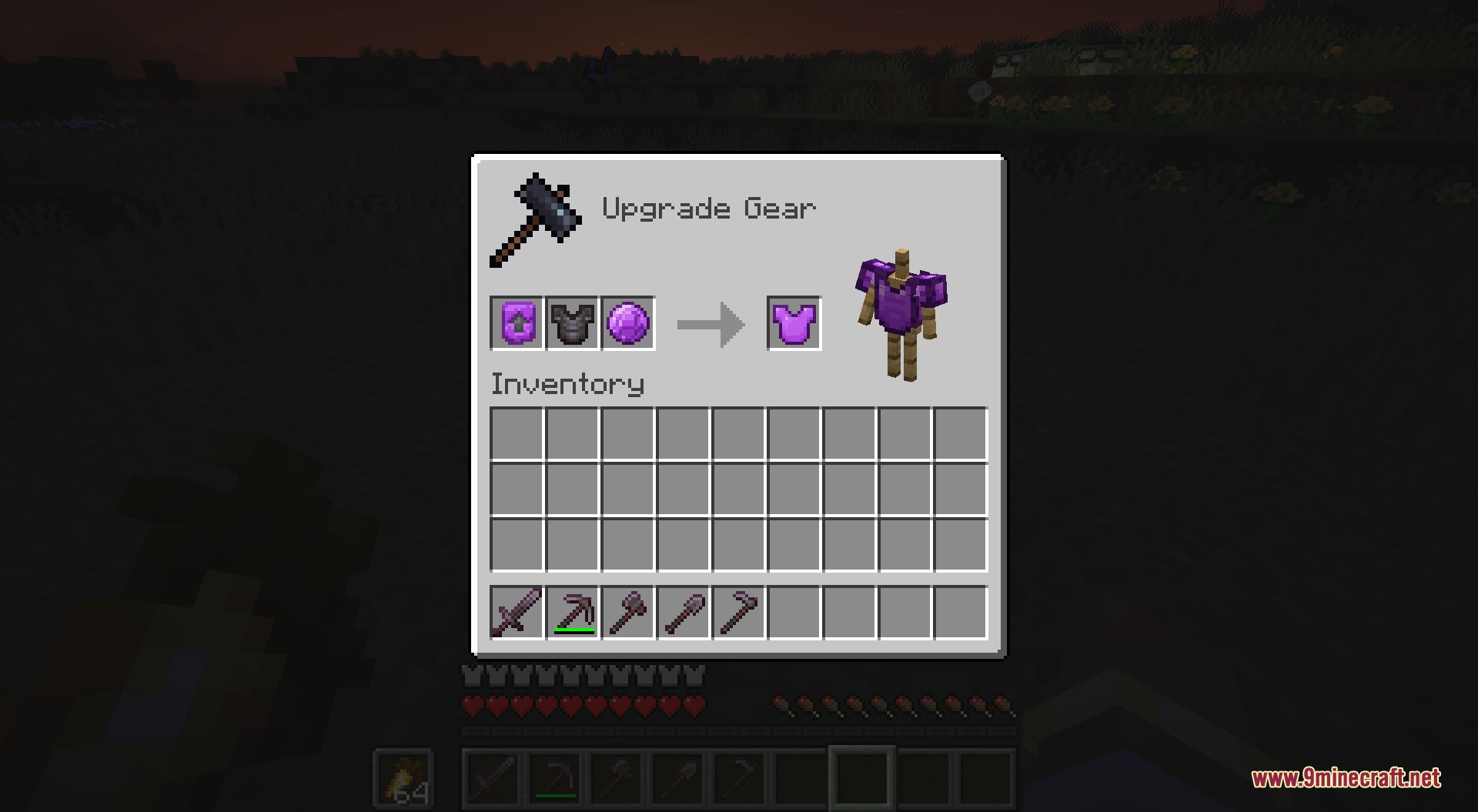
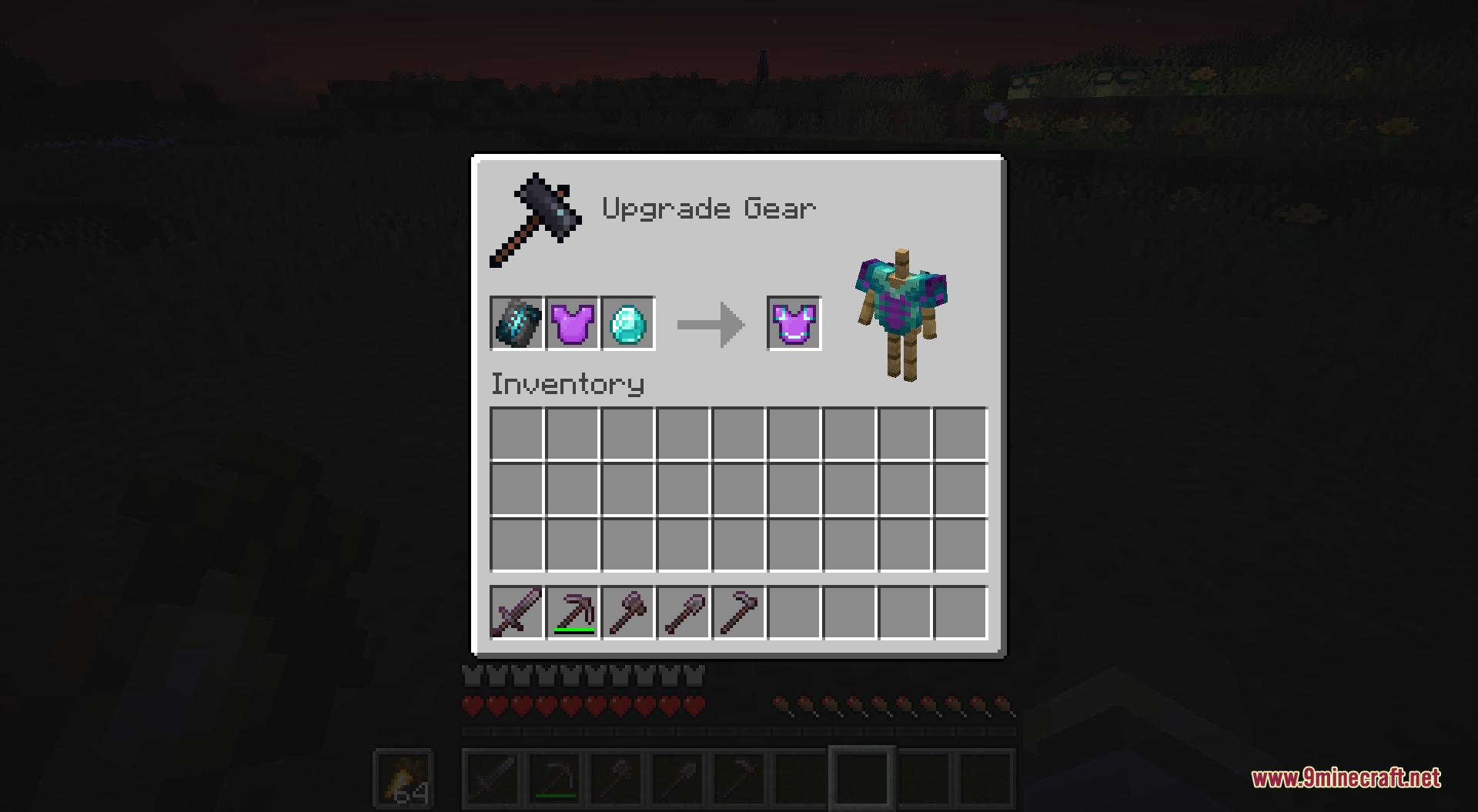
- Lets you upgrade existing Netherite gear into stronger Purpurite armor and weapons.
- Adds custom workstations to process raw materials into refined items.
- Includes a dedicated creative tab to easily access all new items and blocks.
Purpurite Gear:
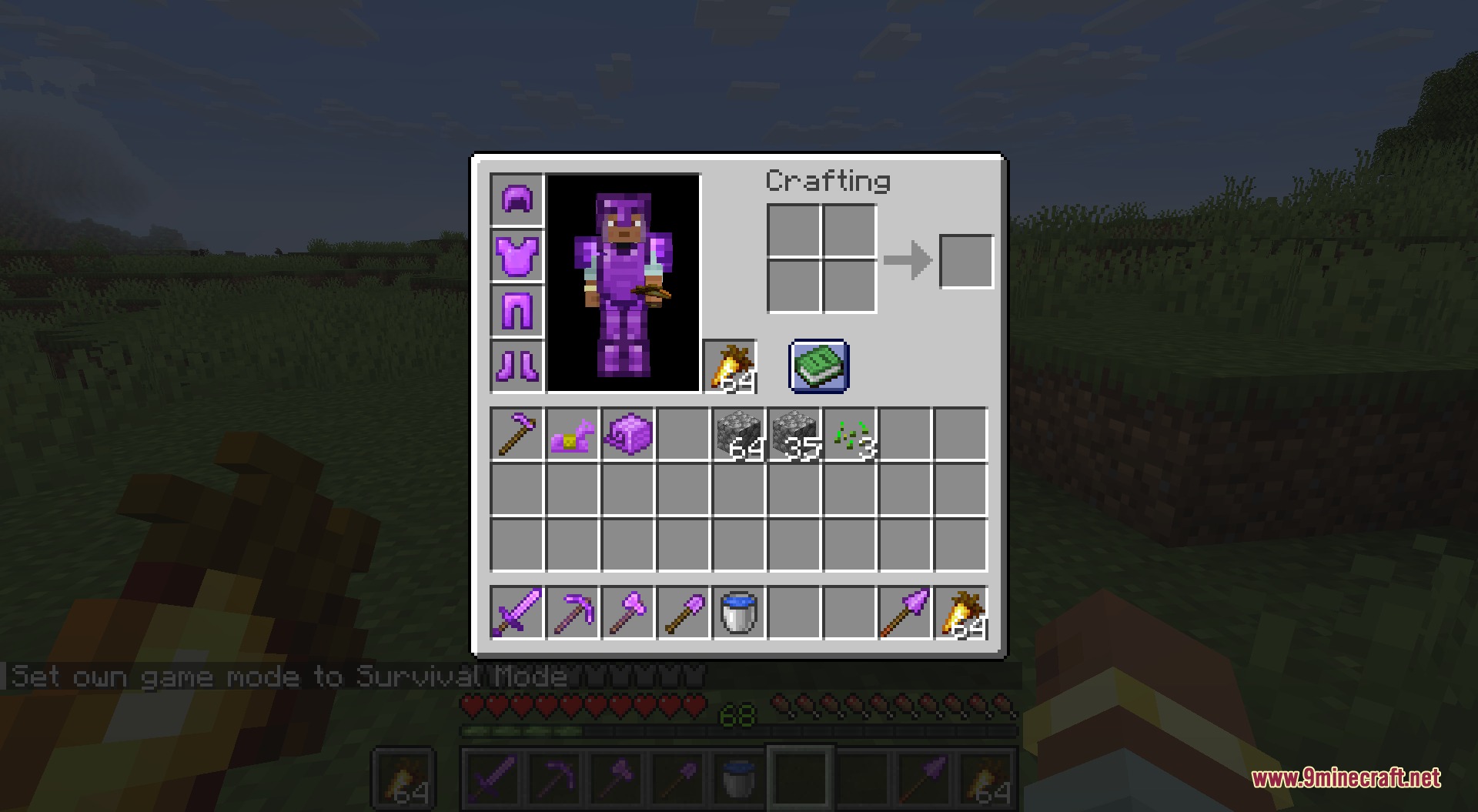
- Equips players with a full armor set consisting of a helmet, chestplate, leggings, and boots.
- Provides a complete toolset including swords, axes, pickaxes, shovels, hoes, and spears.
- Adds specialized defense options like Purpurite horse armor and nautilus armor.
- Accepts armor trims so you can customize how your armor pieces look.
New Workstations and Blocks:
- Smelter Workbench helps you smelt and craft refined Purpurite materials.
- Smasher Block crushes materials during the crafting process.
- Purpurite Block gives you a decorative and compact storage option for your materials.
How to Use:
- Travel to the End dimension to search for and mine Purpurite End Ore.
- Craft the Smelter Workbench and Smasher Block to refine your raw ores.
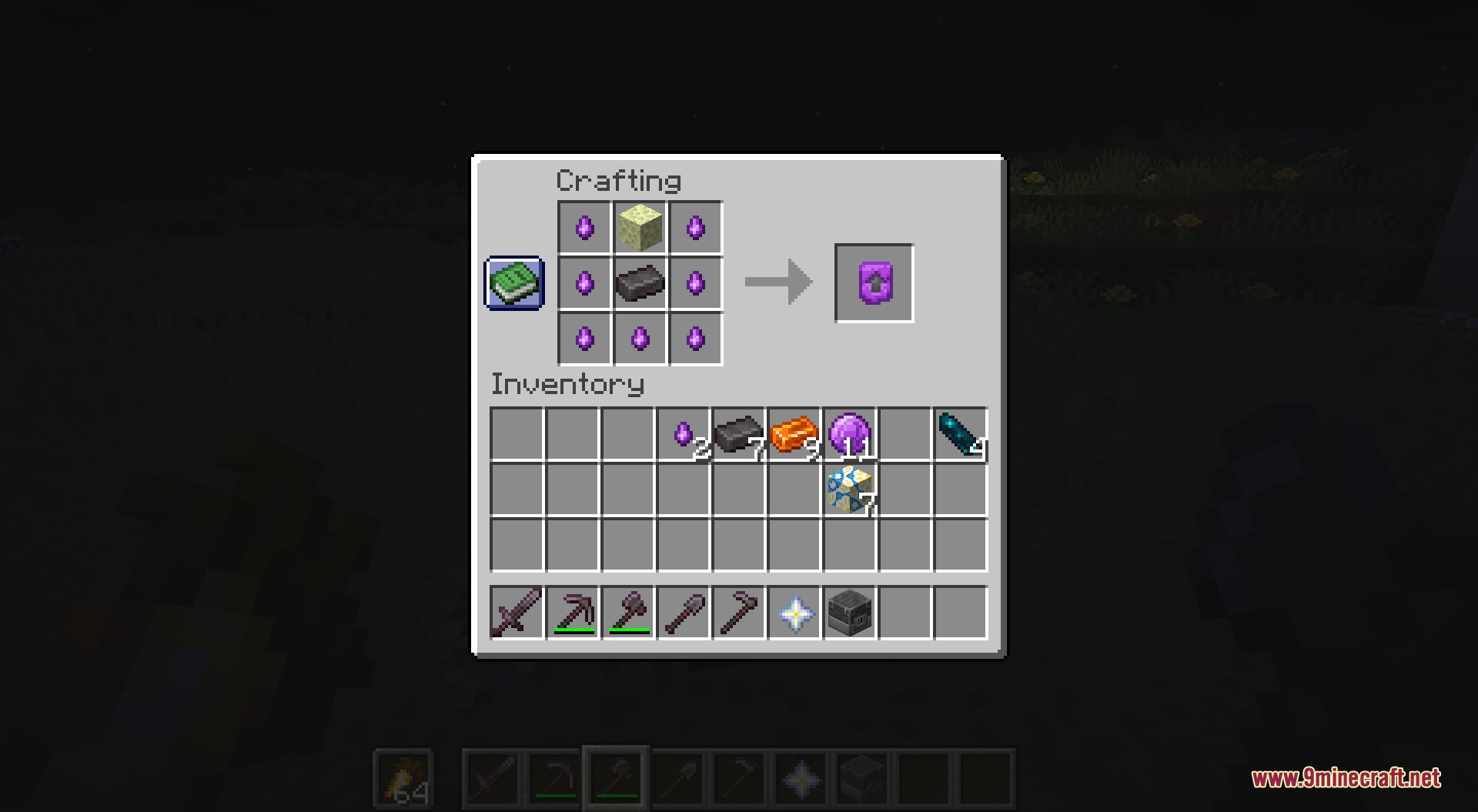
- Craft the Purpurite upgrade template on a crafting table.
- Combine your Netherite gear with the template and Purpurite material to upgrade your equipment.
Screenshots:
Endbound Zenith Mod Download Links
Quick facts
- Edition: Minecraft Java
- File type: .jar
- How to install: Install the matching mod loader (Forge, Fabric or NeoForge) for your Minecraft version. → Download the .jar. → Put it in the .minecraft/mods folder and launch that loader profile.
- Where to get it: In MC Java Mods, or directly above on this page.
Install steps are the general flow for this file type — How to install Minecraft Java mods & modpacks walks through it step by step.
Verified by MCModsHub
- Downloads as 504545.mcaddon
- Download size: 197 KB
- Download link checked 22 Sept 2026 — working
- Mirrored on our own servers — the download does not depend on the original host
These come from our own check of the pack file, not from the source page.