
phongnospicy's Performance Booster FPS for low end pc
Java modpack listed for Minecraft 26.x. Downloads from the MC Java Mods app on Android.
⬇ Download on Modrinth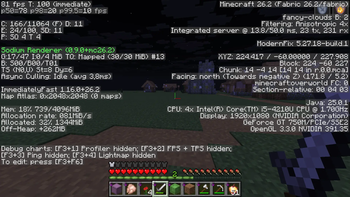
the modpack by phongnospicy (a new creator) with this setting you will have 80fps (NVIDIA geforce GT 750M)This is a lightweight performance-focused modpack designed to boost your FPS and overall game stability on low-end PCs. It includes a carefully curated selection of Fabric mods, such as Sodium, Lithium, and FerriteCore, which work together to reduce lag and optimize memory usage without sacrificing the vanilla experience. Whether you're playing on an older laptop or just looking for a smoother gameplay experience, this pack will give you the boost you need to enjoy Minecraft at its best 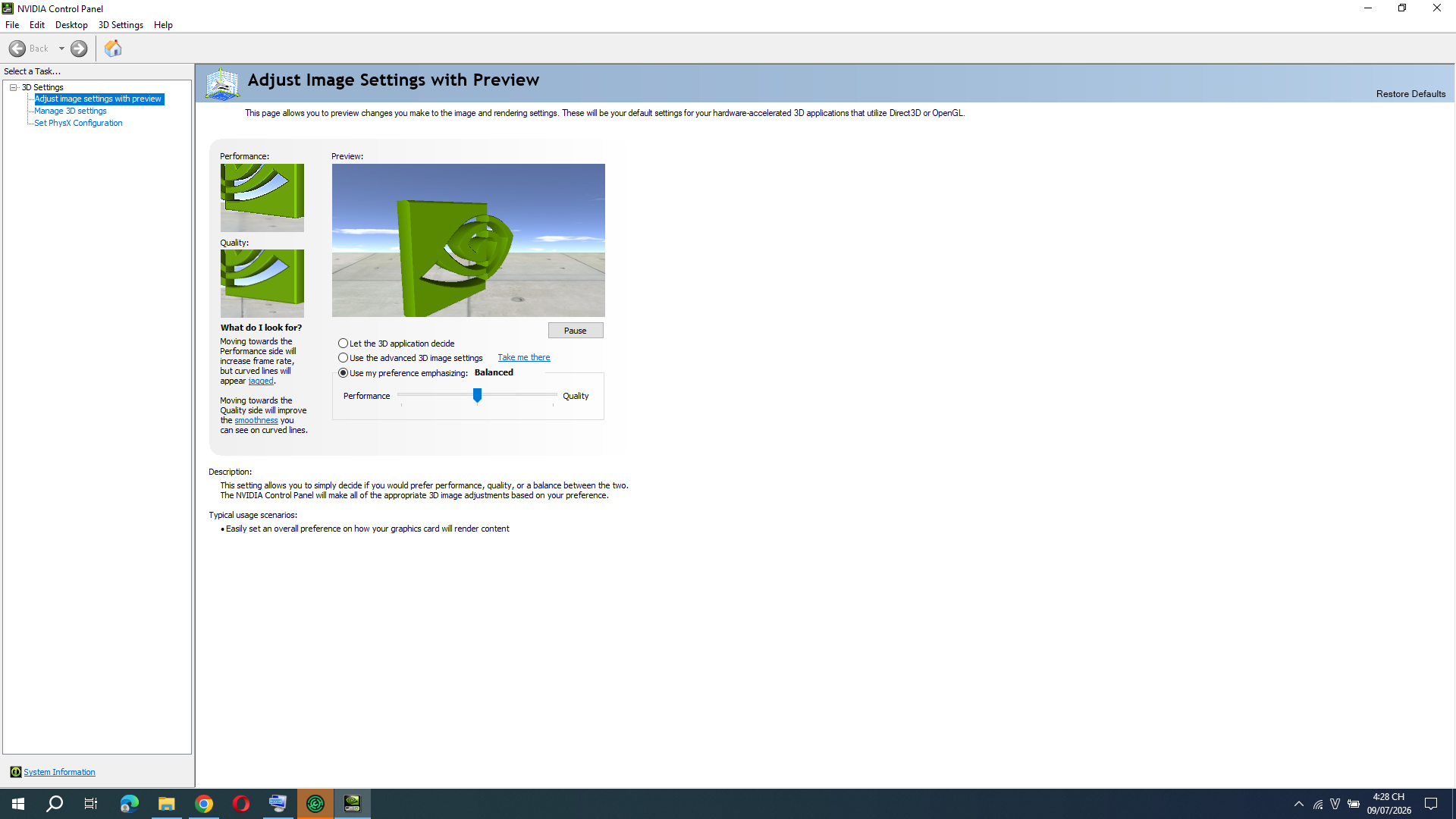
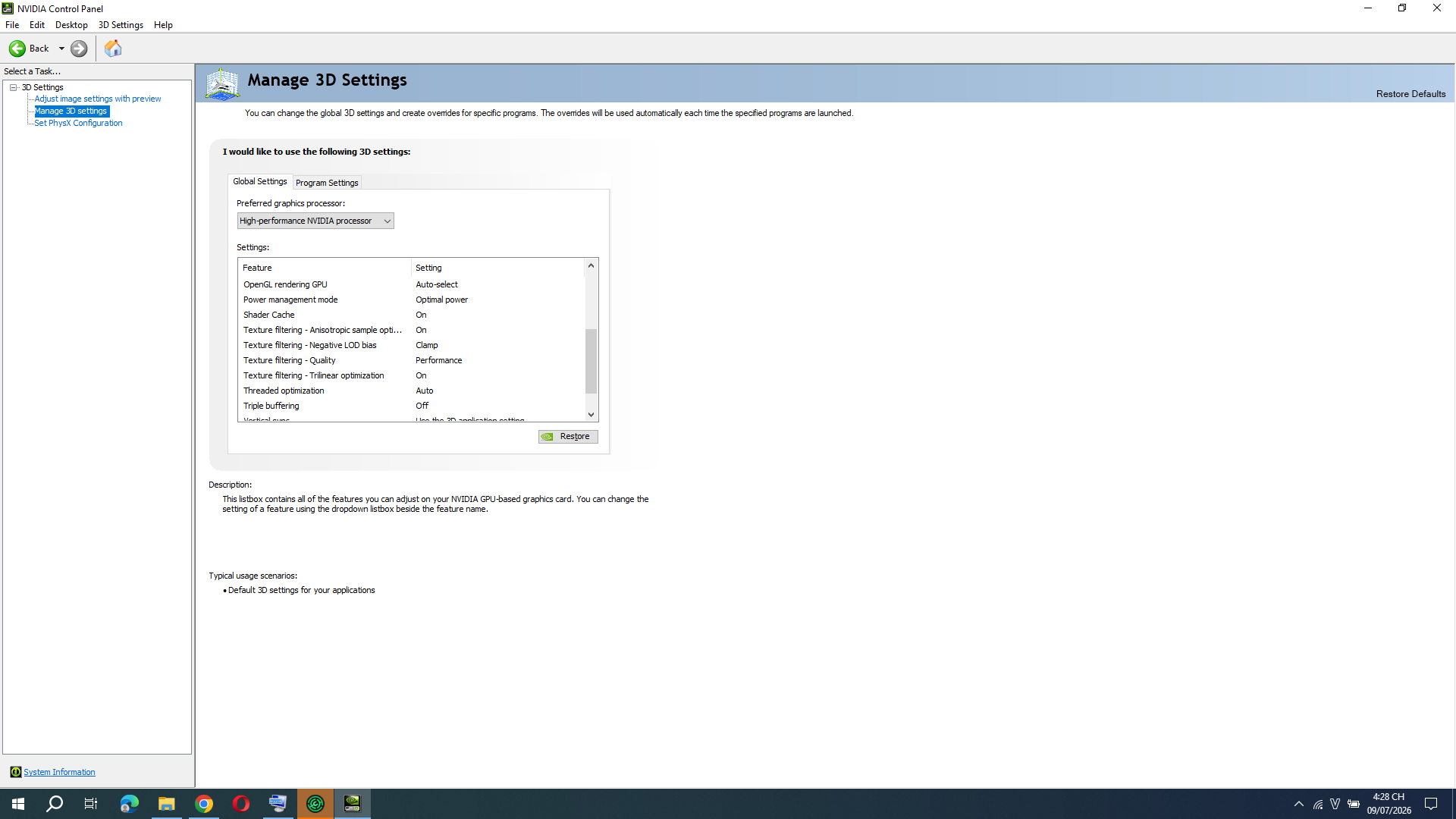 If you need more pls choose performance instead of balanced
if you don't have NVIDIA card the modpack can help you optimize to 50fps ( test from 30fps vanilla before optimized)
this modpack have optifabric (lite) don't at all
the modpack have cosmetic you can open and add cape for free no account minecraft needed
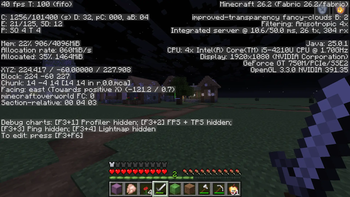
![the image of vanilla ] (https://cdn.modrinth.com/data/cached_images/65a97720f69945ca80cb9968855c6eebd229b84d_0.webp)![minecraft after optimized]
(https://cdn.modrinth.com/data/cached_images/fbf8b0269f1a980004408fc2d67fdcb8a885cf14.png)
If you need more pls choose performance instead of balanced
if you don't have NVIDIA card the modpack can help you optimize to 50fps ( test from 30fps vanilla before optimized)
this modpack have optifabric (lite) don't at all
the modpack have cosmetic you can open and add cape for free no account minecraft needed
![the image of vanilla ] (https://cdn.modrinth.com/data/cached_images/65a97720f69945ca80cb9968855c6eebd229b84d_0.webp)![minecraft after optimized]
(https://cdn.modrinth.com/data/cached_images/fbf8b0269f1a980004408fc2d67fdcb8a885cf14.png)
- Edition: Minecraft Java
- File type: .jar
- Minecraft version listed: 26.2
- How to install: Install the matching mod loader (Forge, Fabric or NeoForge) for your Minecraft version. → Download the .jar. → Put it in the .minecraft/mods folder and launch that loader profile.
- Where to get it: Opens on Modrinth — not every file is mirrored on our own servers.
Install steps are the general flow for this file type — How to install Minecraft Java mods & modpacks walks through it step by step.
- Downloads as phongnospicy'modpack opimitzed minecraft 1.0.0.mrpack
- Download size: 4 KB
- Download link checked 15 Oct 2026 — working
These come from our own check of the pack file, not from the source page.