
Time Stop Watch - Freeze Time At Will
Bedrock add-on listed for Minecraft 1.21–26.x (behavior + resource pack). File opened and checked on 4 Oct 2026; installs from the MC Bedrock Mods app on Android.
Get a magical watch that freezes the entire world in time — mobs, animals, even day and night — with a single tap.
⬇ Download on CurseForgeThe author built this one for Minecraft 26.40. On other versions it may install and then do nothing.
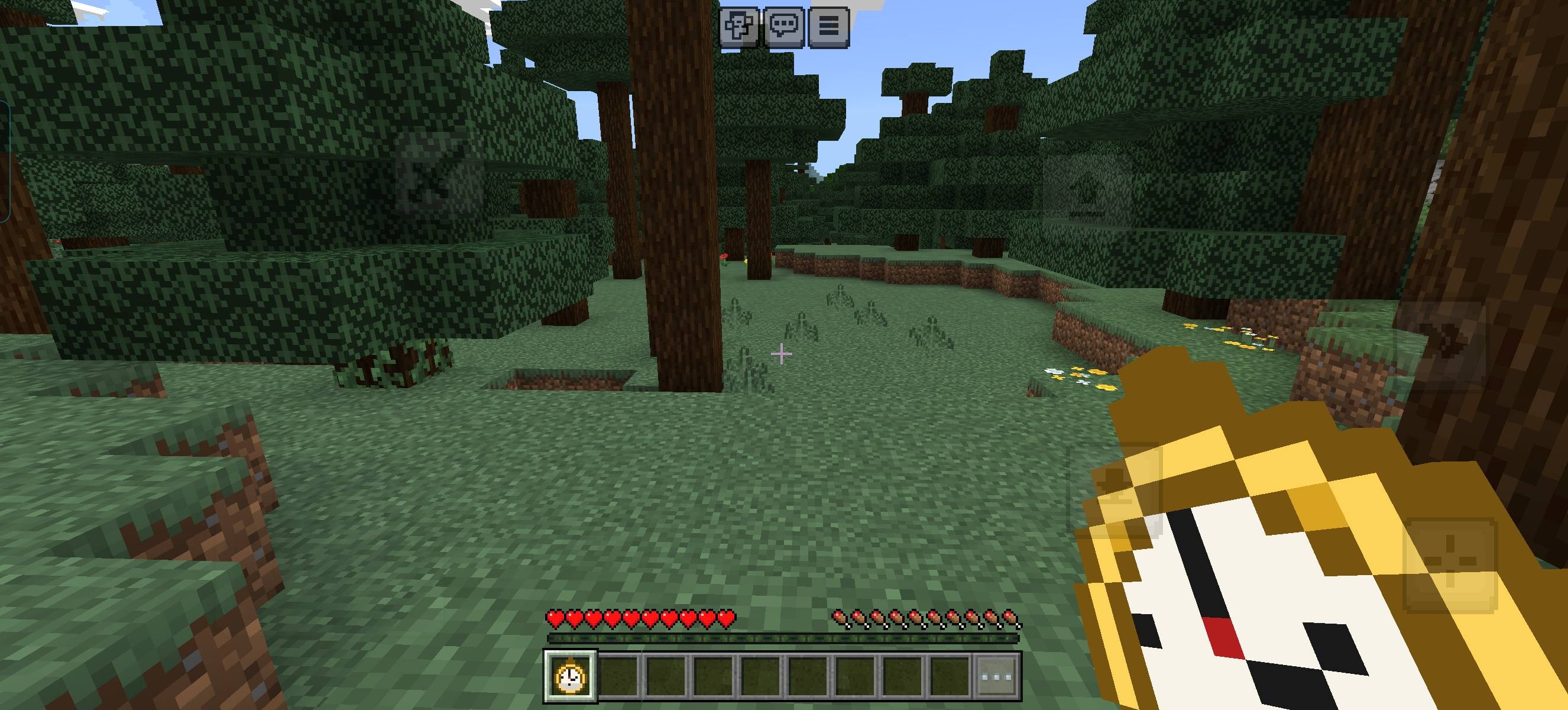
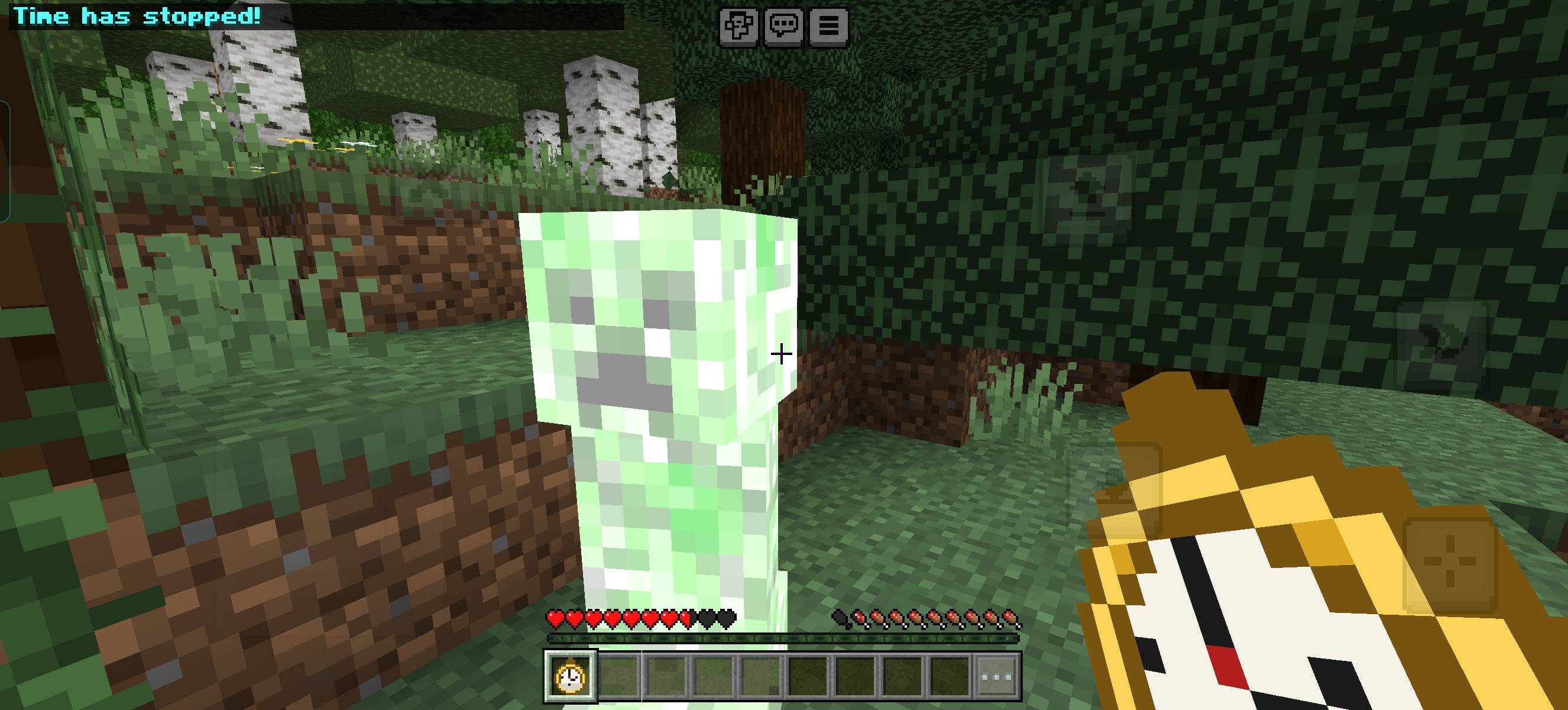
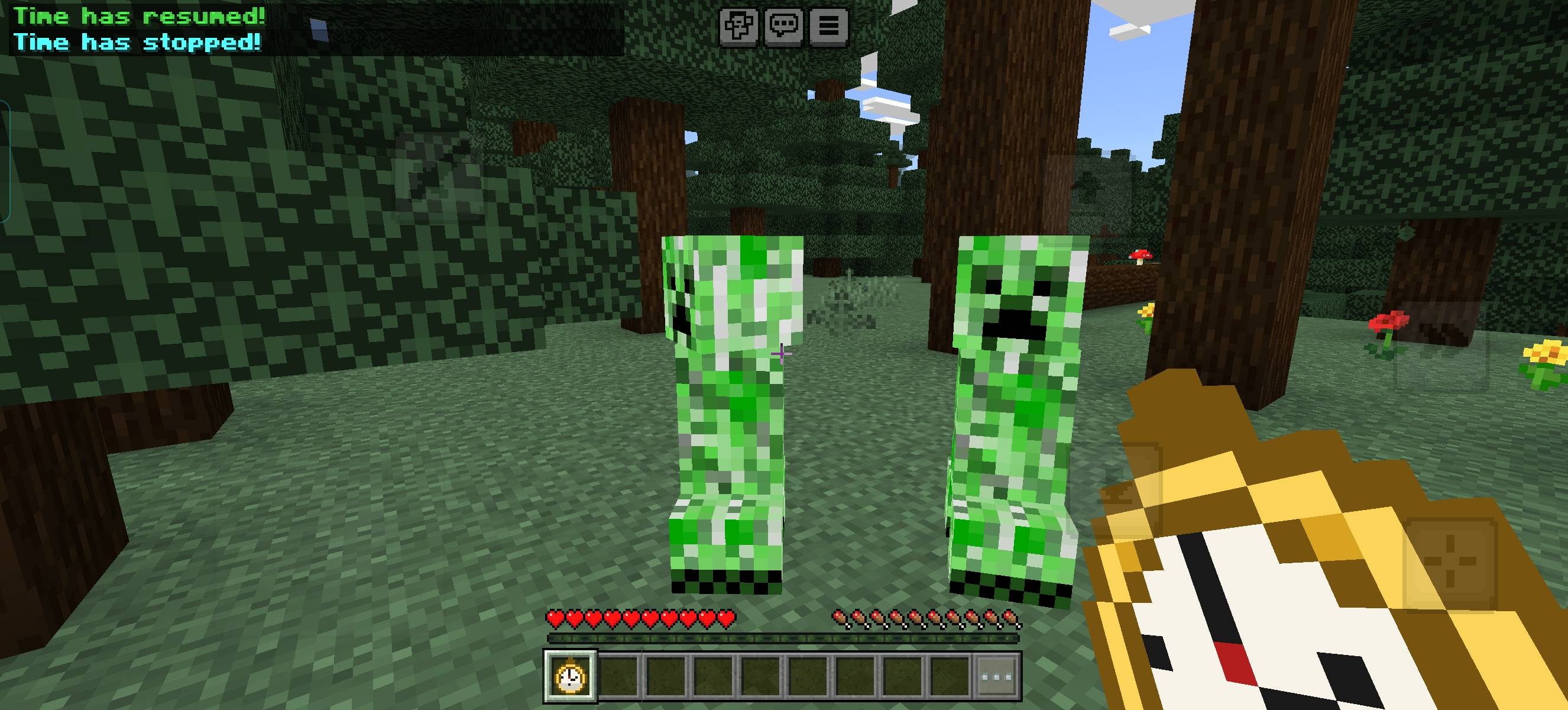
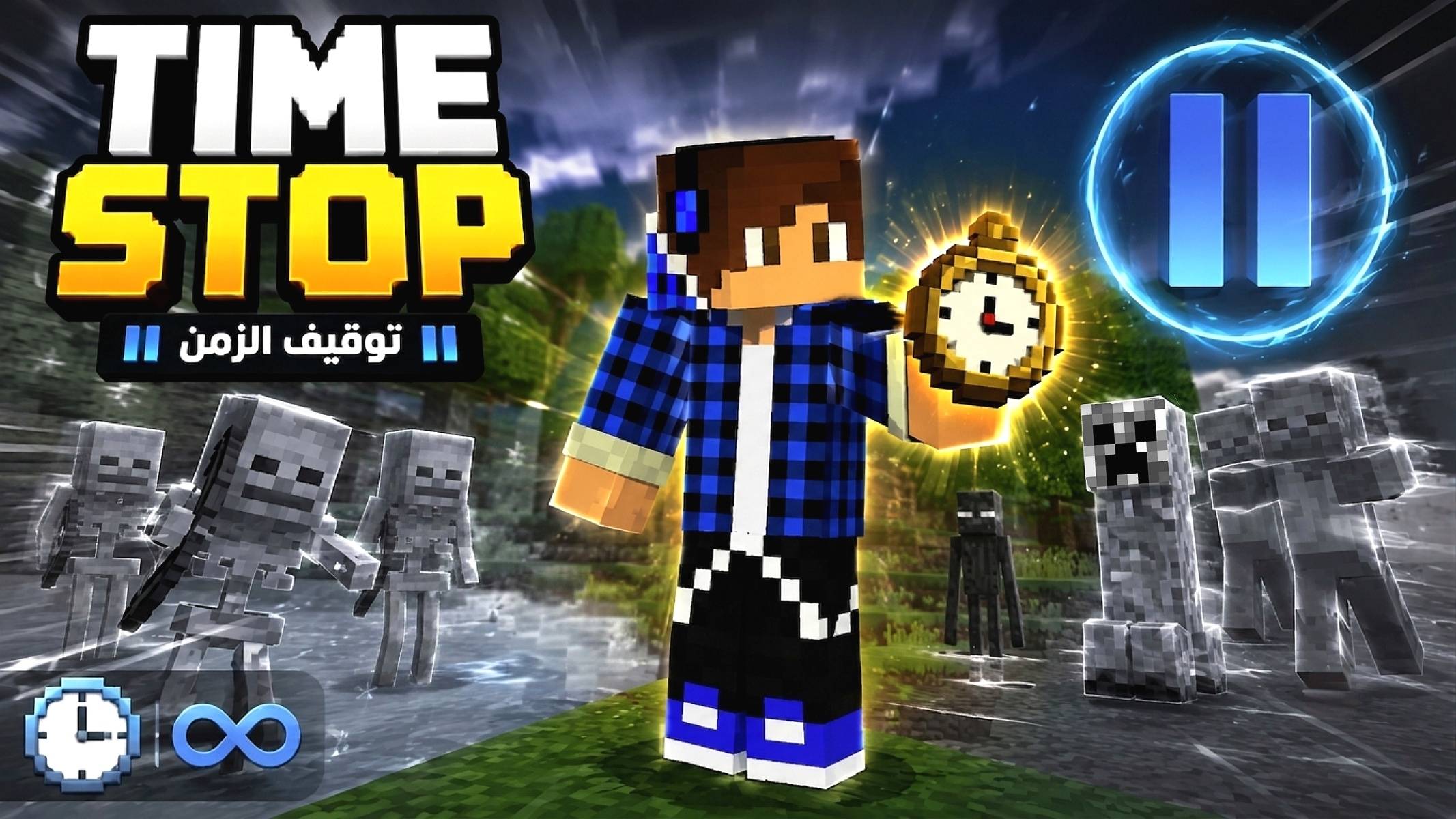
Time Stop Watch gives you the incredible power to freeze time itself! Get ready to feel like the only moving being in a completely frozen world.
HOW IT WORKS:
- The watch is automatically added to your inventory when you join the world
- Tap the watch once → everything in the world instantly freezes in place (mobs, animals, even the day/night cycle stops completely)
- Tap it again → everything returns to normal, as if nothing happened
FEATURES:
- True time-stop mechanic — freezes mobs, animals, and the day/night cycle
- Instant activation and deactivation with a simple tap
- Feels like moving through a completely frozen world while everything else stands still
- Perfect for building, escaping danger, or just having fun with an epic power
Experience what it's like to control time itself in Minecraft — freeze the world around you whenever you want!
- Edition: Minecraft Bedrock
- File type: .mcpack or .mcaddon
- Minecraft version listed: 26.40
- How to install: Download the .mcpack or .mcaddon file. → Open it — Minecraft imports it. → In your world: Behavior Packs → Available → Activate, then the same under Resource Packs.
- Where to get it: Opens on CurseForge — not every file is mirrored on our own servers.
Install steps are the general flow for this file type — How to install Minecraft Bedrock addons & mods walks through it step by step.
- Pack type: .mcaddon — behaviour and resource pack in one file
- Manifest requires Minecraft 1.21.0 or newer
- Complete pack — everything it depends on is inside the file
- Download size: 397 KB
- Download link checked 15 Oct 2026 — working
These come from our own check of the pack file, not from the source page.