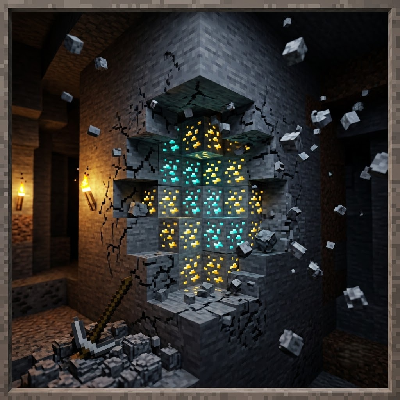
TC Ore Expose
[Achievement friendly] TC Ore Expose automatically breaks the rock layer surrounding the selected ore vein to expose the ore when you hold a pickaxe…
⬇ Download on CurseForge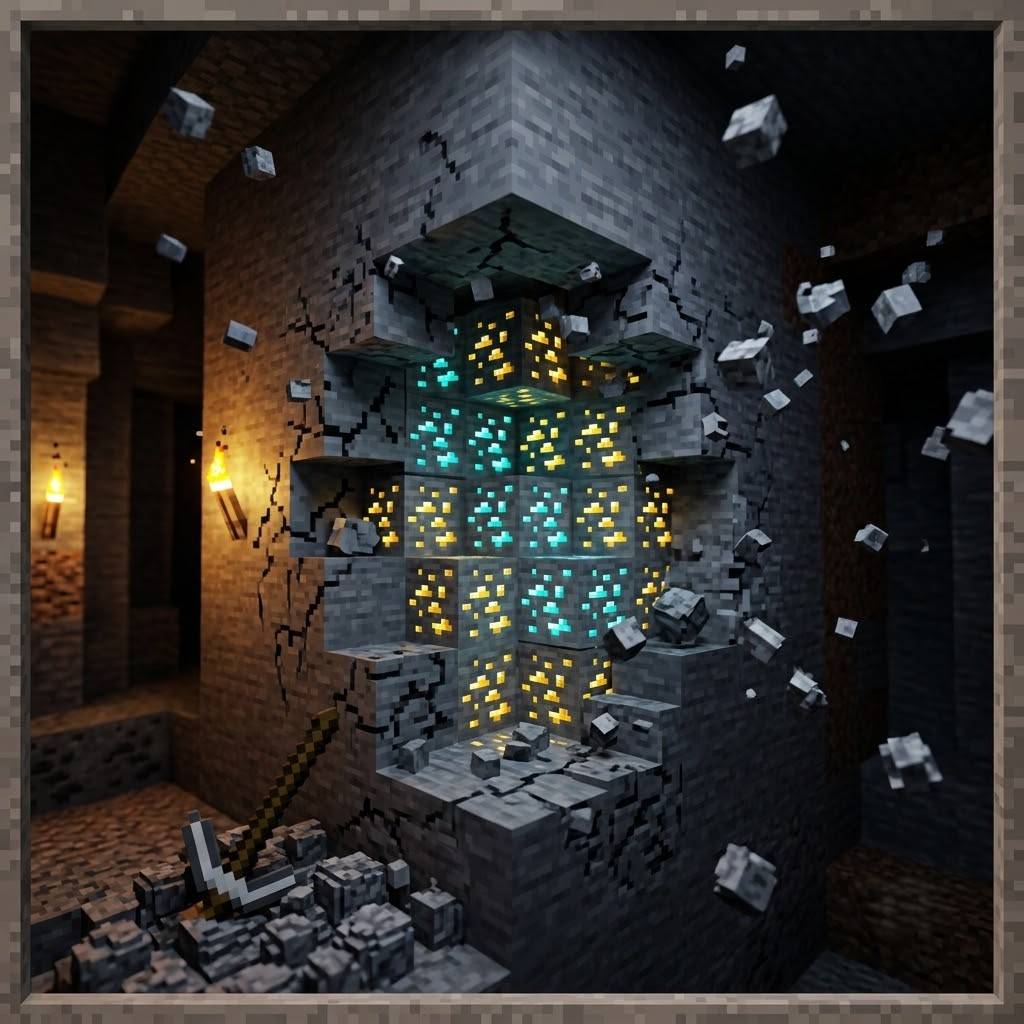
TC Ore Expose v1.0.0
Support: Ko-fi
YouTube: https://www.youtube.com/@toancaomc
TC Ore Expose works in the opposite way to VeinMiner. Instead of mining the entire ore vein, the addon automatically breaks the stone surrounding the selected ore vein to expose the ore. Hold a pickaxe, sneak, and mine normally. Nearby selected ores will automatically be exposed.
How to Play
Enable the pack in the world's Behavior Packs.
Hold a pickaxe in your main hand, sneak (by default), and mine stone normally. When the mining point is within the detection range of a selected ore, the stone surrounding the entire ore vein will automatically break according to the selected thickness. The ore blocks themselves remain untouched.
Feature Commands
/tc:expose— Open the main menu to view the status, enable/disable the feature, change the trigger, radius, thickness, and mode.
Installation
- Download
TC_OreExpose_BP_v1.0.0.mcpack. - Open the file to import the Behavior Pack into Minecraft.
- Create a new world or edit an existing world. Enable TC Ore Expose under Behavior Packs. No Resource Pack is required.
- Enable Beta APIs under Experiments. Cheats can remain disabled.
- Enter the world and run
/tc:expose.
Notes
Requires Minecraft Bedrock 1.21.30 or later with Beta APIs enabled.
This version contains only one Behavior Pack. The UUID in
manifest.jsonis not changed.Re-importing the pack will overwrite the previous version. Back up your world before updating.
Blocks broken by the addon drop their normal items. Fortune does not apply to blocks broken automatically by the feature.
For support and updates:
- Ko-fi: https://ko-fi.com/toancao
- YouTube: https://www.youtube.com/@toancaomc
- Edition: Minecraft Bedrock
- File type: .mcpack or .mcaddon
- Minecraft versions listed: 26.0.02, 26.0, 26.3
- How to install: Download the .mcpack or .mcaddon file. → Open it — Minecraft imports it. → In your world: Behavior Packs → Available → Activate, then the same under Resource Packs.
- Where to get it: Opens on CurseForge — not every file is mirrored on our own servers.
Install steps are the general flow for this file type — How to install Minecraft Bedrock addons & mods walks through it step by step.
- Pack type: .mcpack — a single pack
- Manifest requires Minecraft 1.21.30 or newer
- Download size: 306 KB
- Download link checked 4 Sept 2026 — working
These come from our own check of the pack file, not from the source page.