
Create Rustic GUI Overhaul
This rescource pack changes your gui to a darker more orange type of hud. This can be used if you want your game to look more wooden like some create…
I don't know my version or loader
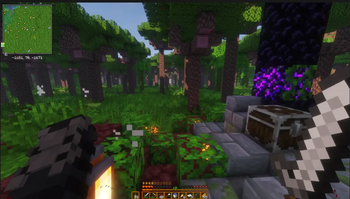
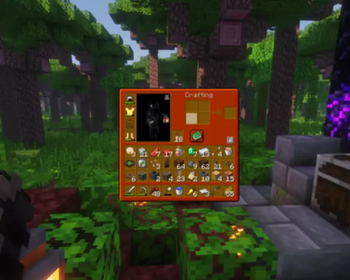
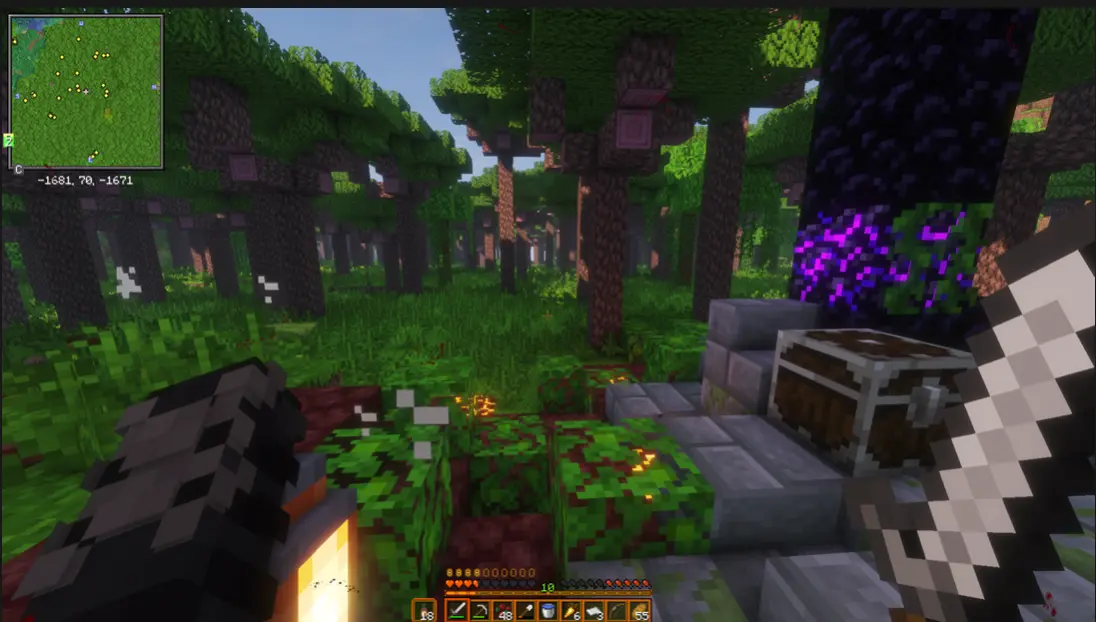
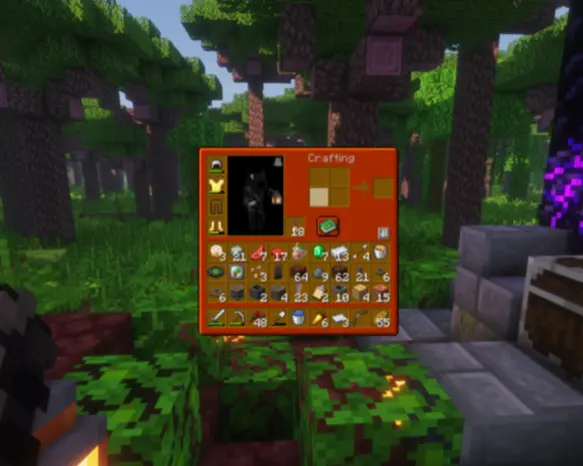
This resource pack changes your GUI to a darker, more orange type of HUD. This can be used if you want your game to look more wooden, like some created items, or if you just want your HUD to look more rustic.
PLEASE report ALL bugs to my DMs on Discord, which are Rats5600 or RatsSlayer-Joseph.
Also, please, if you have any Minecraft version requests, please also DM me there and I will see what I can do.
Here are some screenshots of how it looks in the game!
The best way you can support me is by downloading the pack.
Lastly, if you want to make your own resource pack, you can go to https://resourcepackcreator.com to create it completely FREE online.
- Edition: Minecraft Java
- File type: .zip (resource pack)
- Minecraft versions listed: 1.11, 1.11.1, 1.11.2
- How to install: Download the .zip resource pack — do not unzip it. → Put it in .minecraft/resourcepacks. → Enable it in Options → Resource Packs.
- Where to get it: Opens on Modrinth — not every file is mirrored on our own servers.
Install steps are the general flow for this file type — How to install Minecraft Java resource packs walks through it step by step.
- Downloads as Create_Rustic_GUI_Overhaul (18).zip
- Download size: 196 KB
- Download link checked 5 Sept 2026 — working
These come from our own check of the pack file, not from the source page.