ModsJava
Kinetic Gateway Nexus Mod (1.21.11) – Fling Yourself Across Worlds
Java mod listed for Minecraft 1.21. Downloads from the MC Java Mods app on Android.
⬇ Download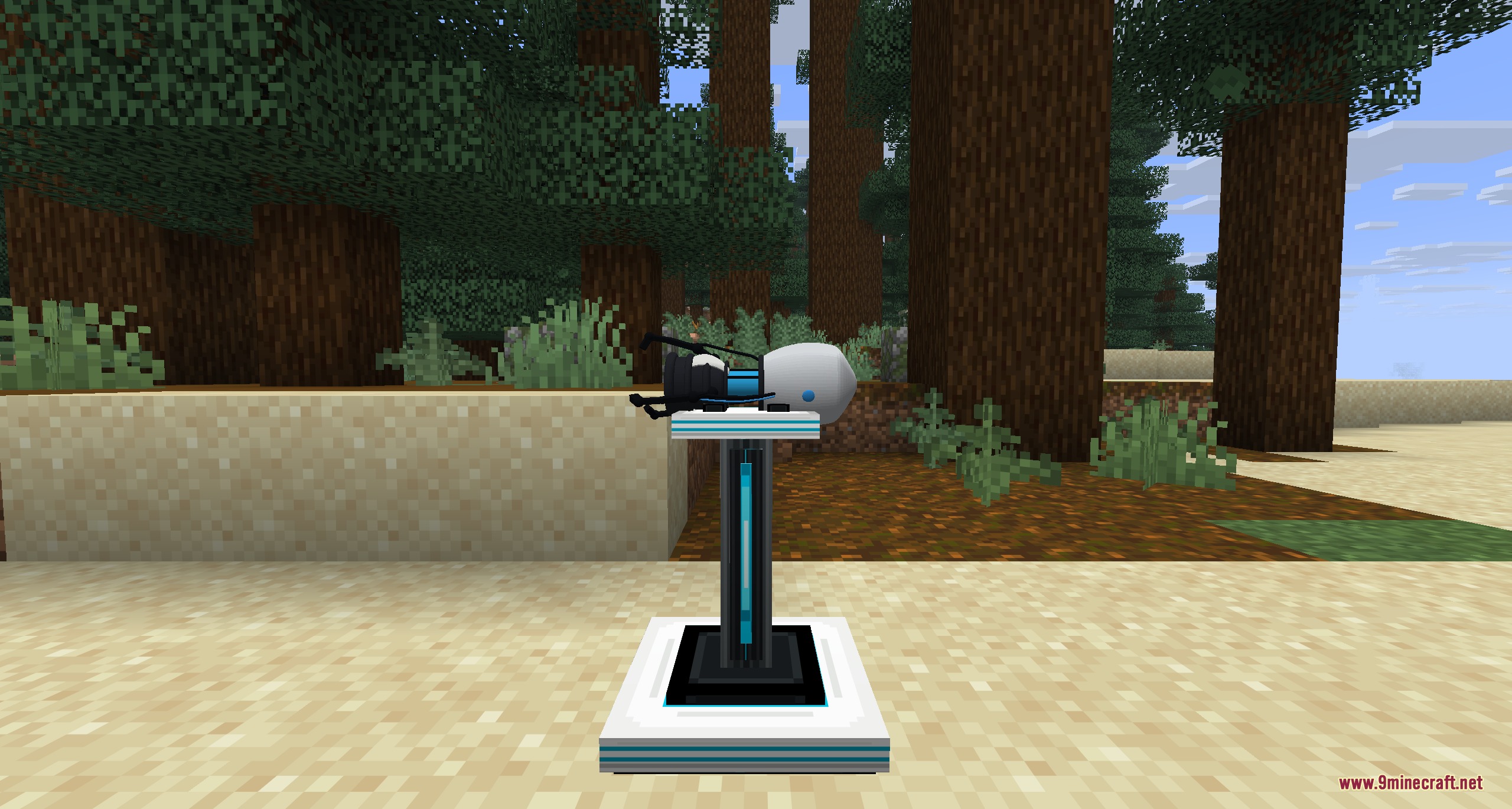
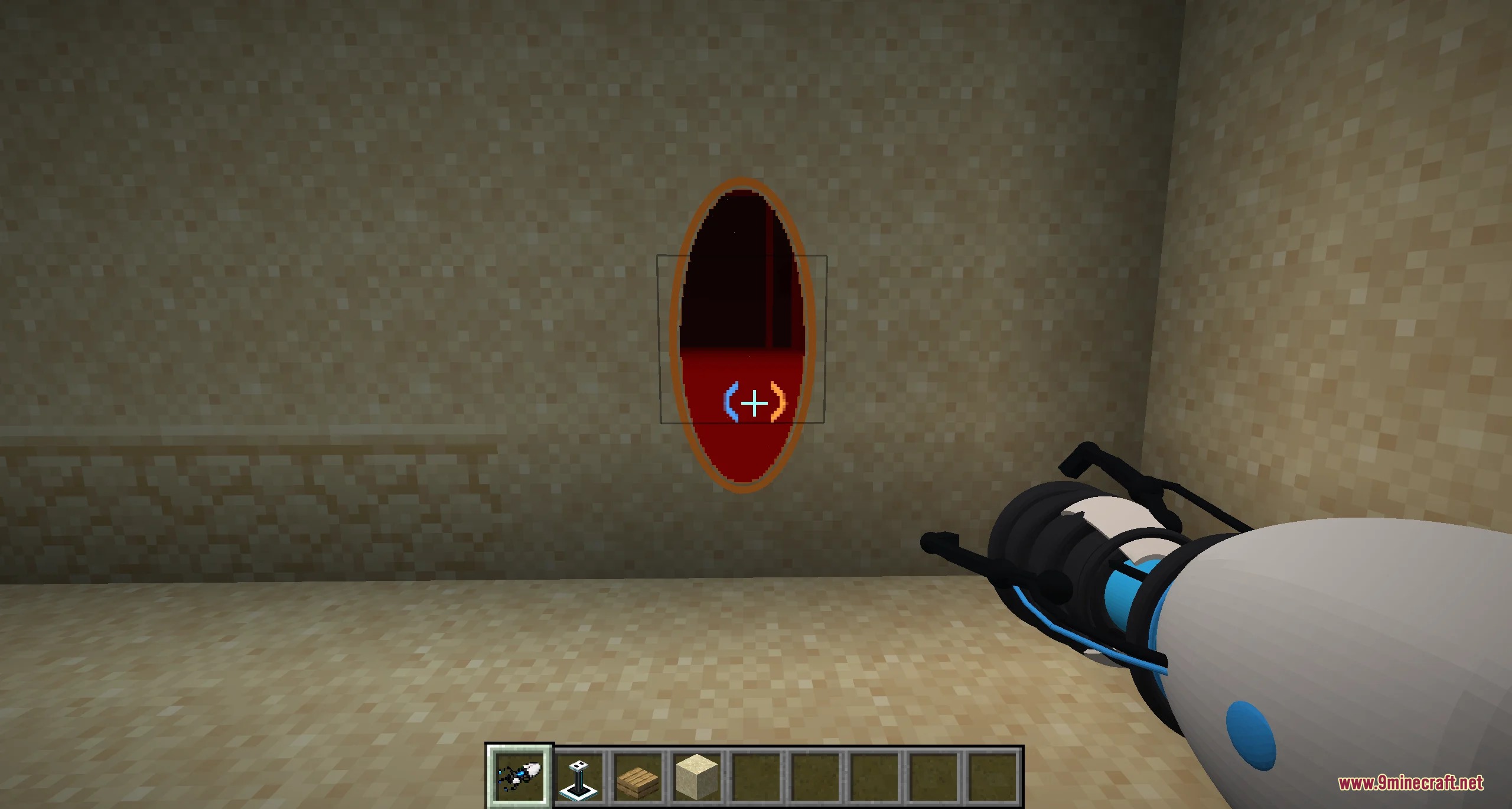
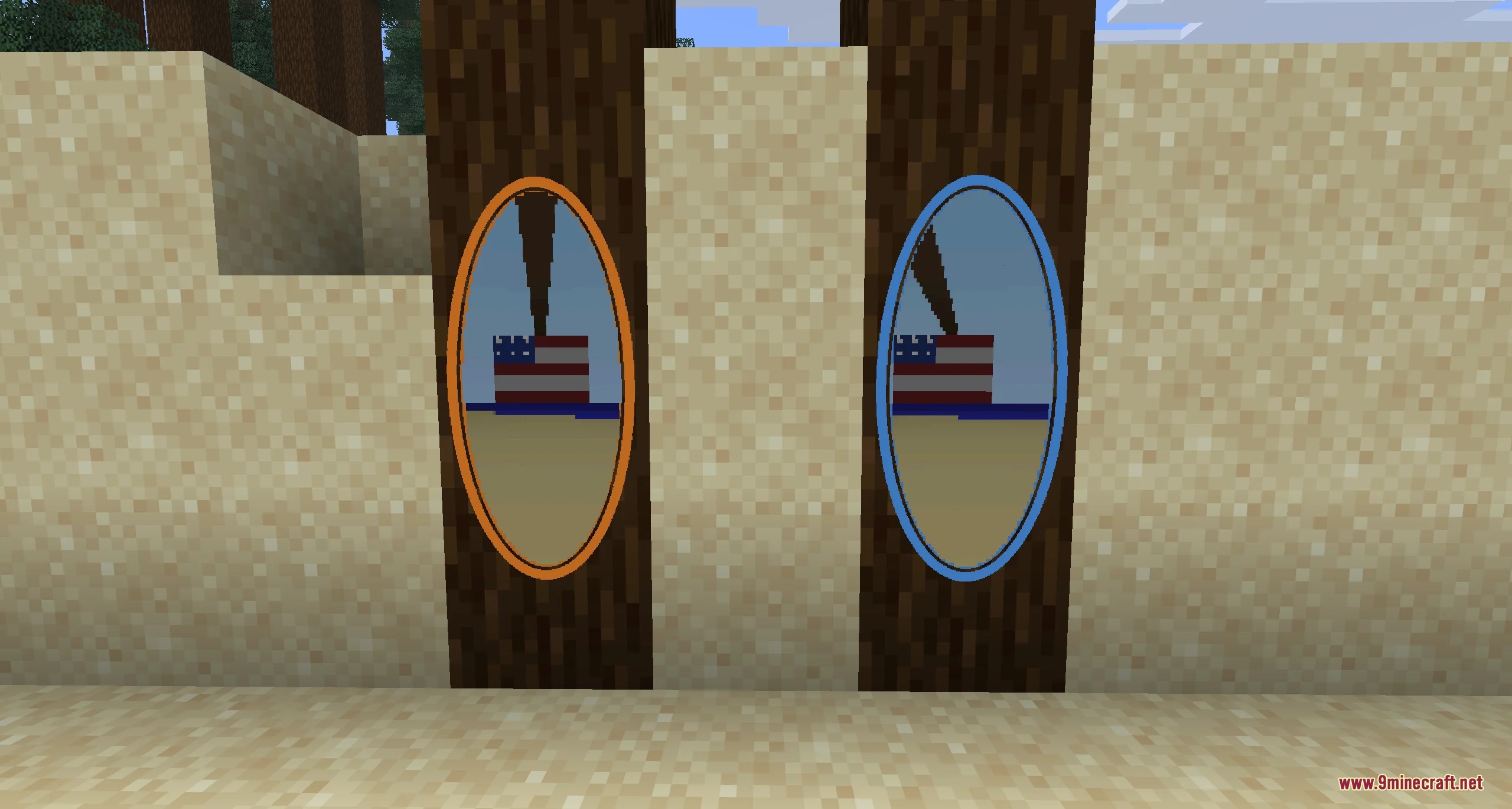
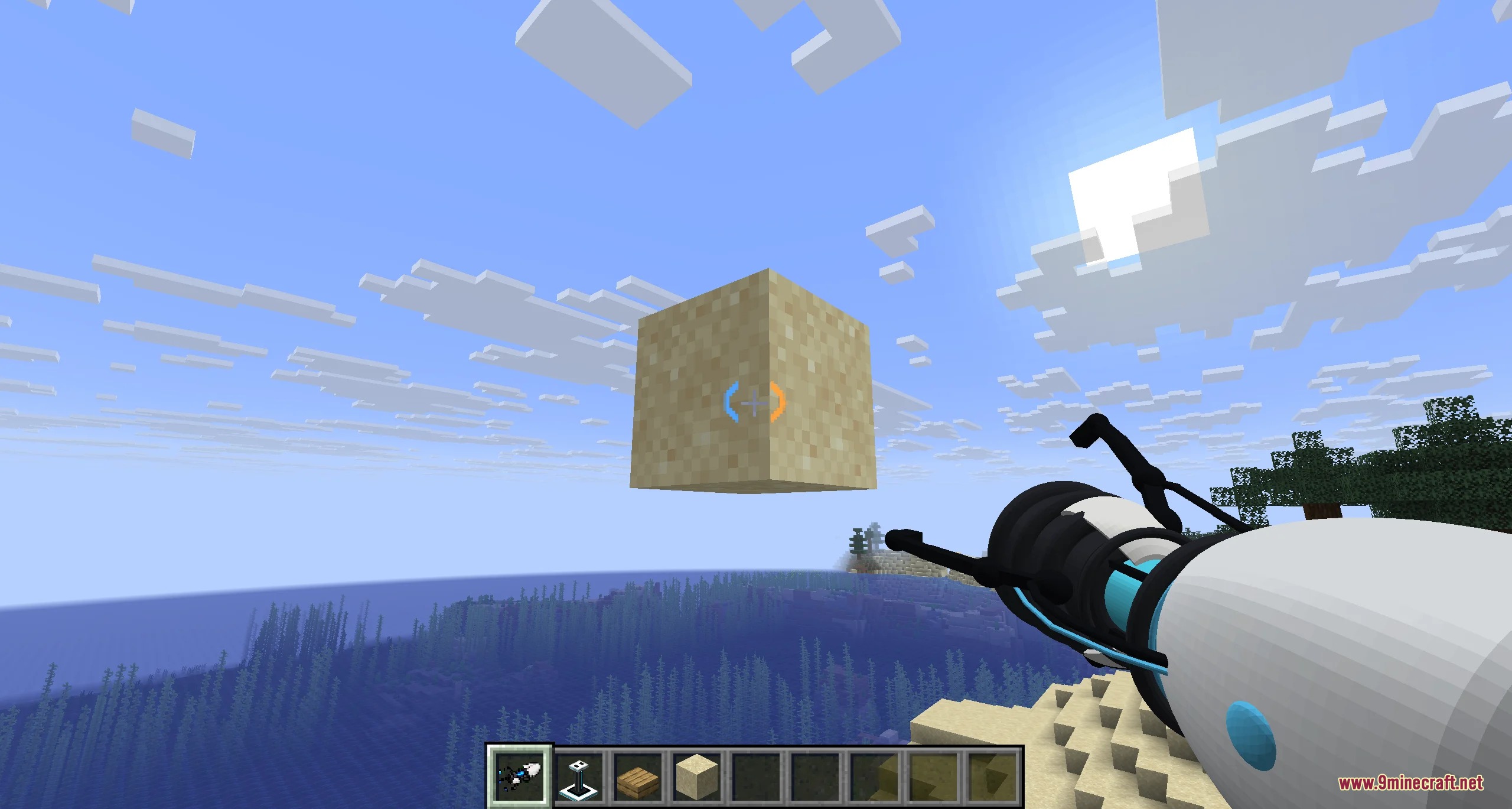
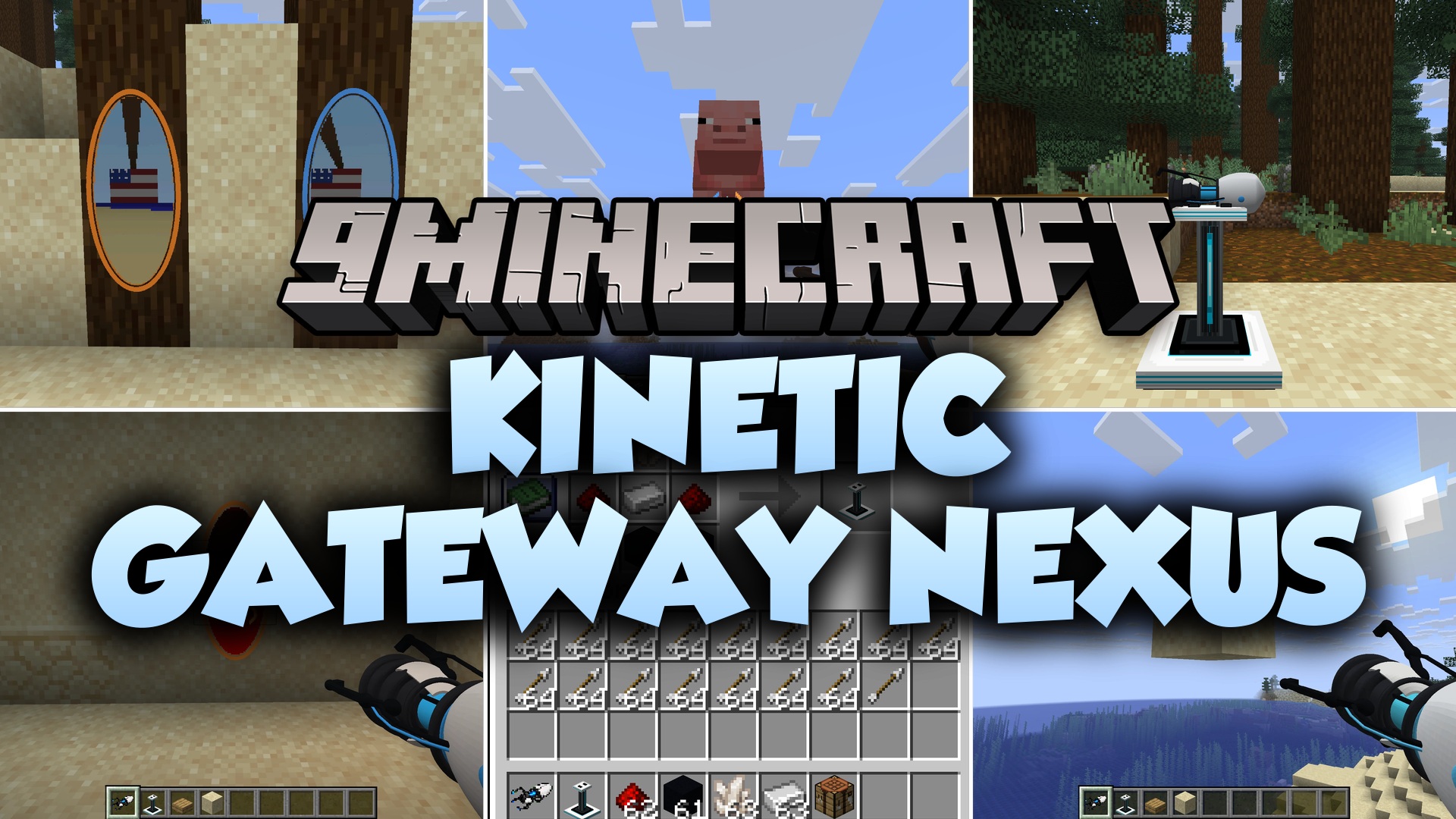
Kinetic Gateway Nexus Mod brings portal-based teleportation and physics to Minecraft. It lets you shoot linked blue and orange gateways onto walls, floors, and ceilings to travel across distances. You keep your full speed when passing through these gateways, letting you fling yourself or launch projectiles across rooms. Each player gets a separate pair of portals, keeping multiplayer worlds tidy and fun.
Features:
- Place blue and orange gateways on flat walls, floors, and ceilings.
- Preserves movement speed for players, mobs, arrows, and snowballs passing through portals.
- Shows a live pixelated view through the opening, even across different dimensions.
- Gives each player a separate portal pair so other players do not disrupt your paths.
- Causes portals to vanish automatically if their supporting blocks are broken.
- Adds custom first-person animations, recoil effects, and muzzle flashes to the handheld tool.
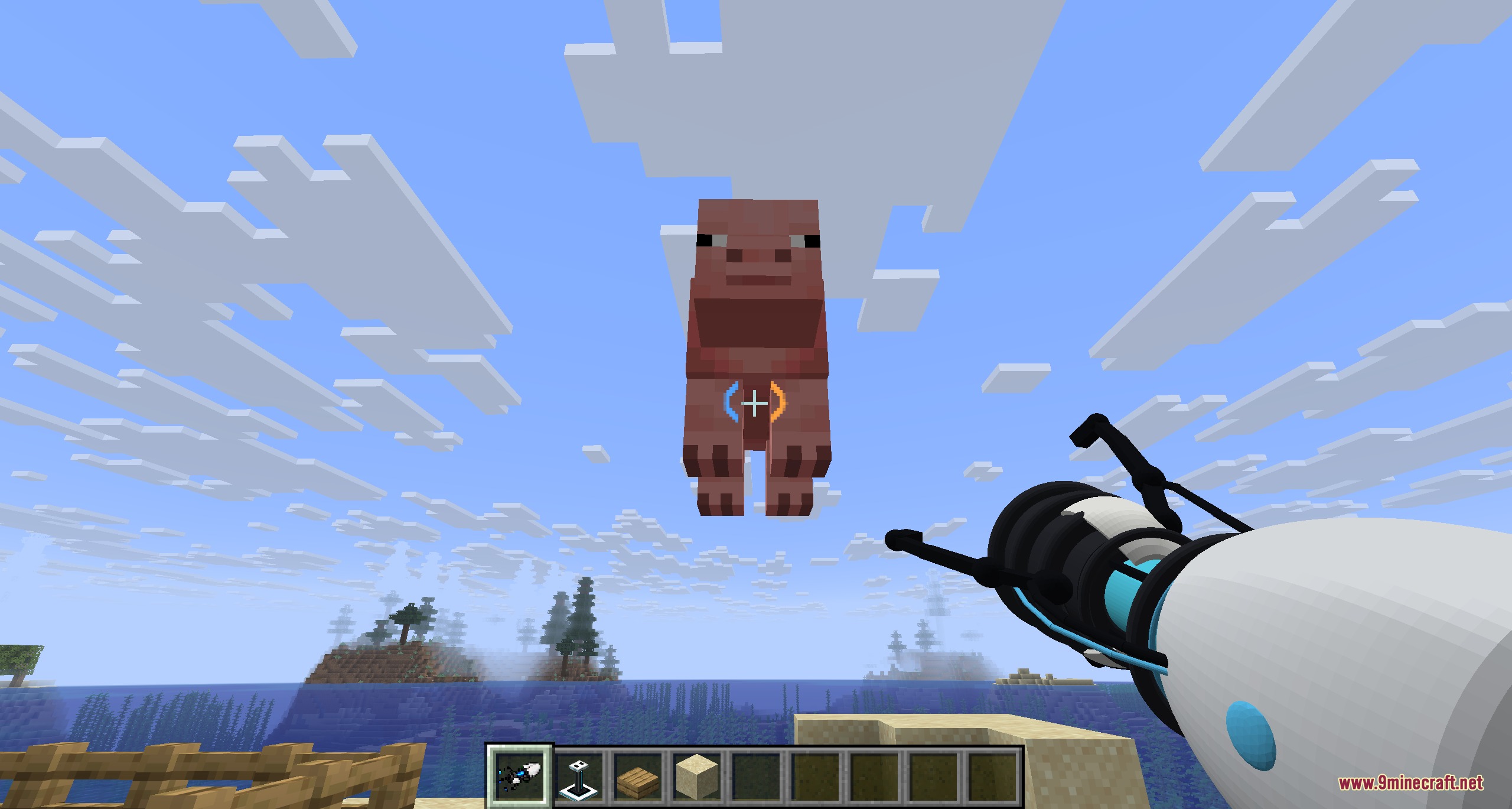
- Displays a custom crosshair on your screen that tracks active portal connections.
- Lets you grab nearby mobs and solid blocks, including Monster Spawners with their data intact.
- Allows you to throw held mobs or blocks forward using mouse clicks.
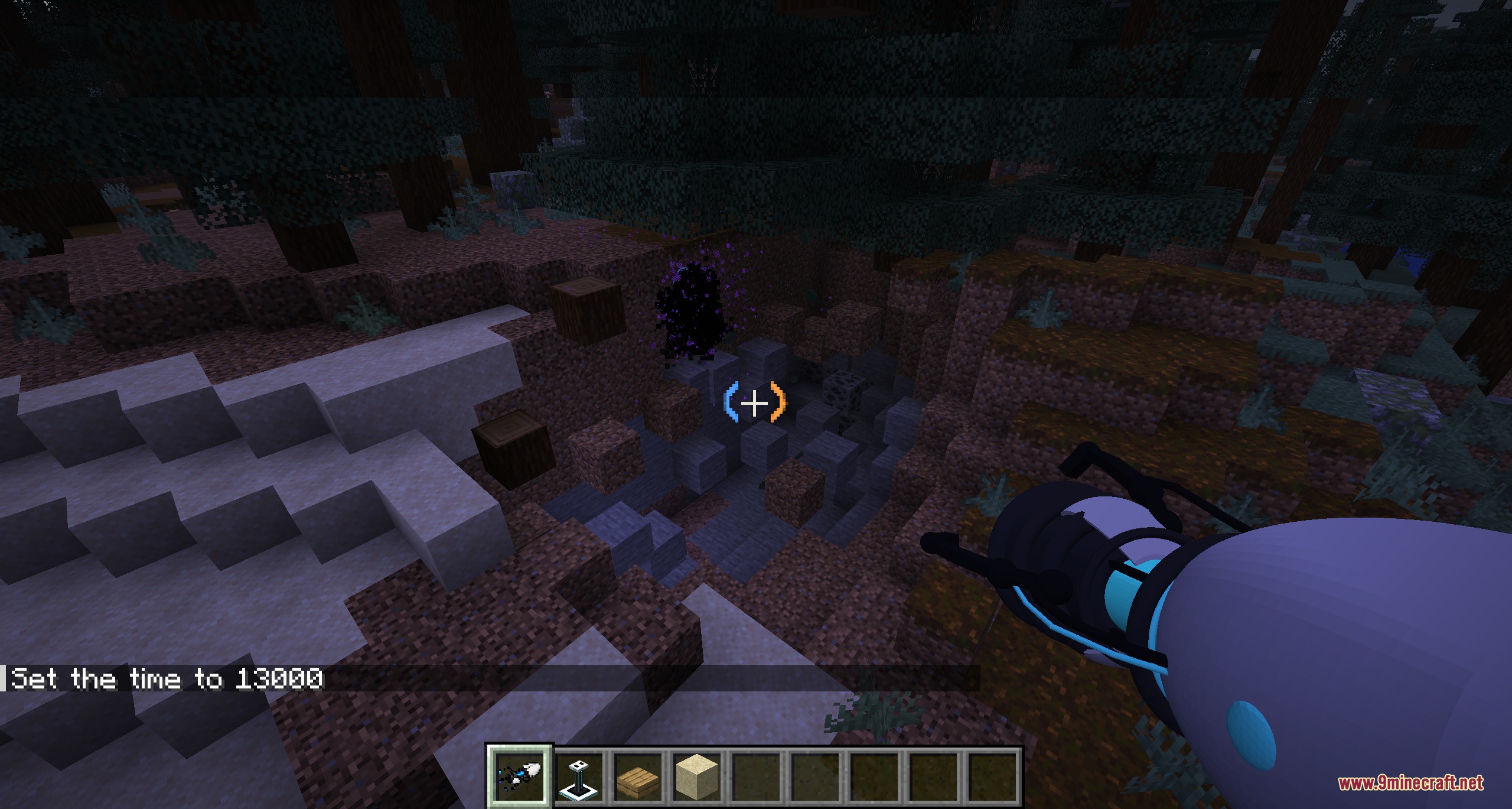
- Creates a pull effect that drags in entities and blocks when a portal hits the moon at night.
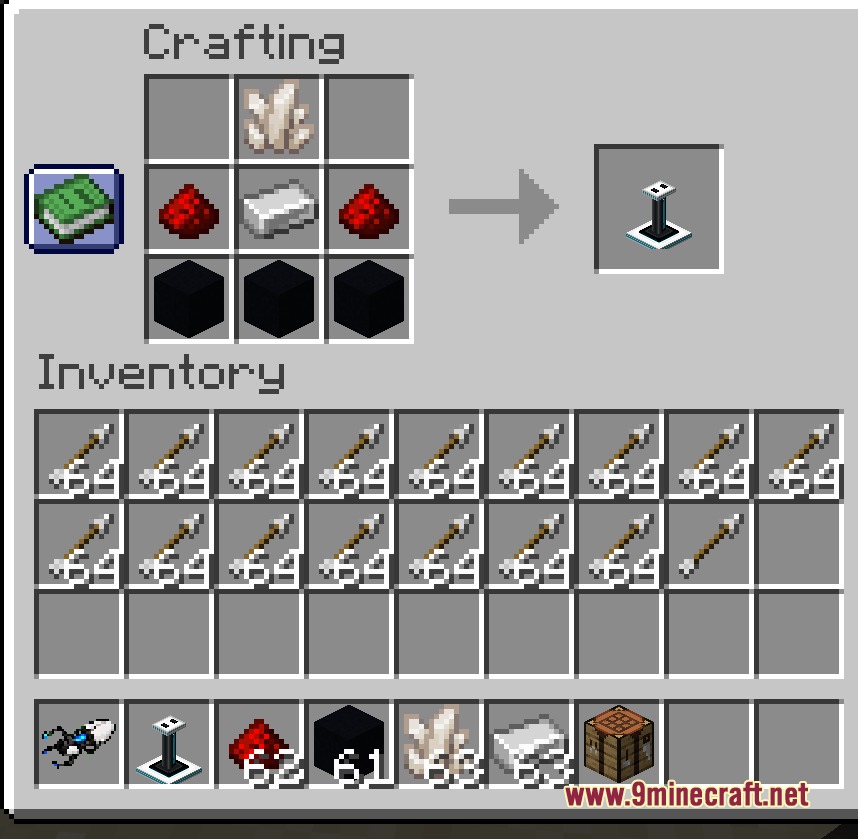
- Adds a decorative pedestal to display your portal tool inside your base.
- Plays custom sound effects for firing, warping, grabbing objects, and clearing portals.
How to Use:
- Aim at any flat solid surface and fire to open your blue or orange gateway.
- Walk or jump through the gateway to teleport while keeping your movement momentum.
- Press G while aiming at a mob or supported block to pick it up and carry it.
- Press Left-Click or Right-Click while carrying an object to throw it.
- Press V to clear and close your active portals.
Screenshots:
Kinetic Gateway Nexus Mod Download Links
Quick facts
- Edition: Minecraft Java
- File type: .jar
- Minecraft version listed: 1.21.11
- How to install: Install the matching mod loader (Forge, Fabric or NeoForge) for your Minecraft version. → Download the .jar. → Put it in the .minecraft/mods folder and launch that loader profile.
- Where to get it: In MC Java Mods, or directly above on this page.
Install steps are the general flow for this file type — How to install Minecraft Java mods & modpacks walks through it step by step.
File checked by MCModsHub
- Downloads as 505288.mcaddon
- Download size: 1.6 MB
- Download link checked 24 Sept 2026 — working
- Mirrored on our own servers — the download does not depend on the original host
These come from our own check of the pack file, not from the source page.