Dynasty Stoneworks Mod (26.2, 1.20.1) – Build Modern Highways and Bustling City
Java mod listed for Minecraft 1.20. File opened and checked on 12 Oct 2026; downloads from the MC Java Mods app on Android.
⬇ Download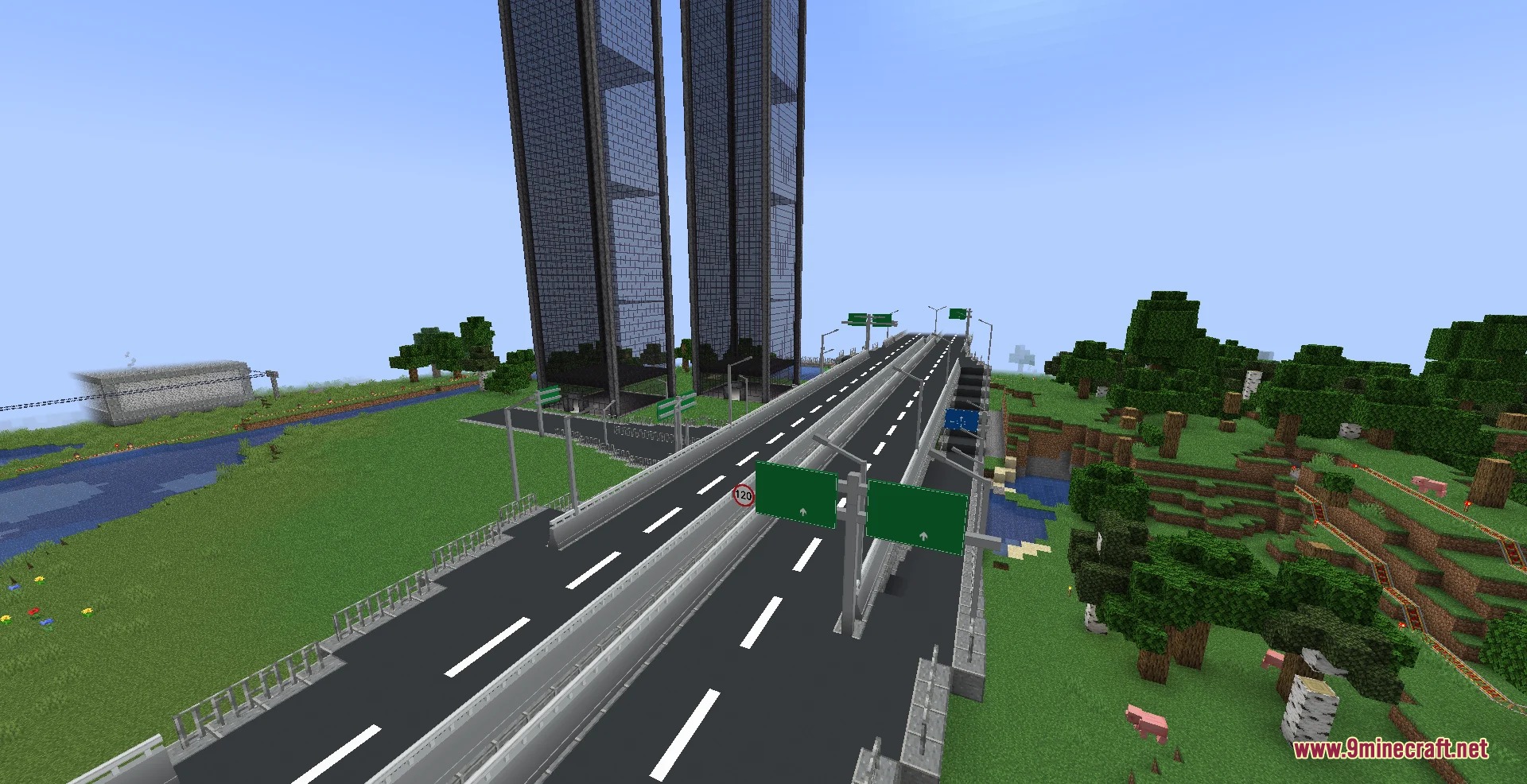
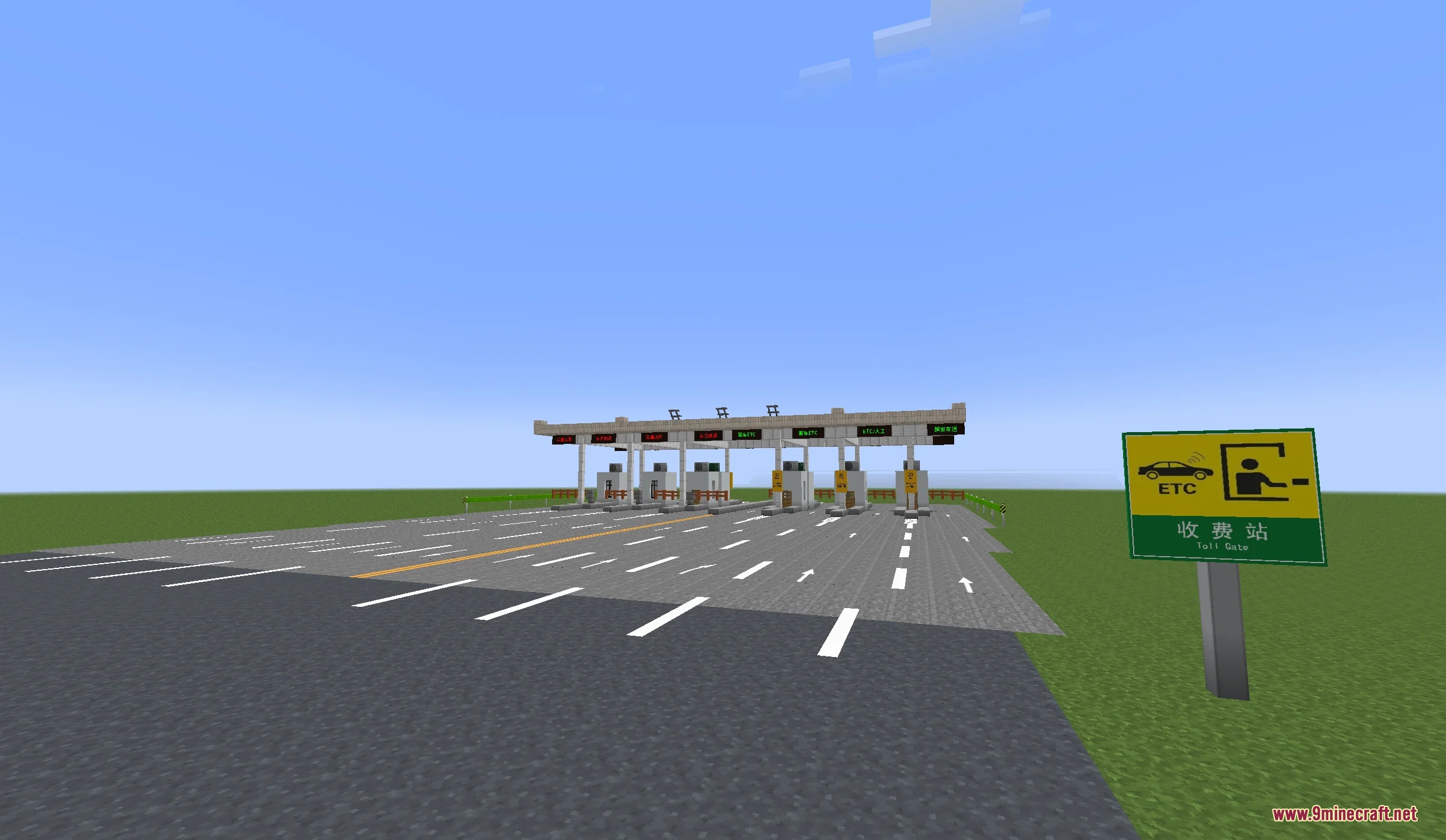
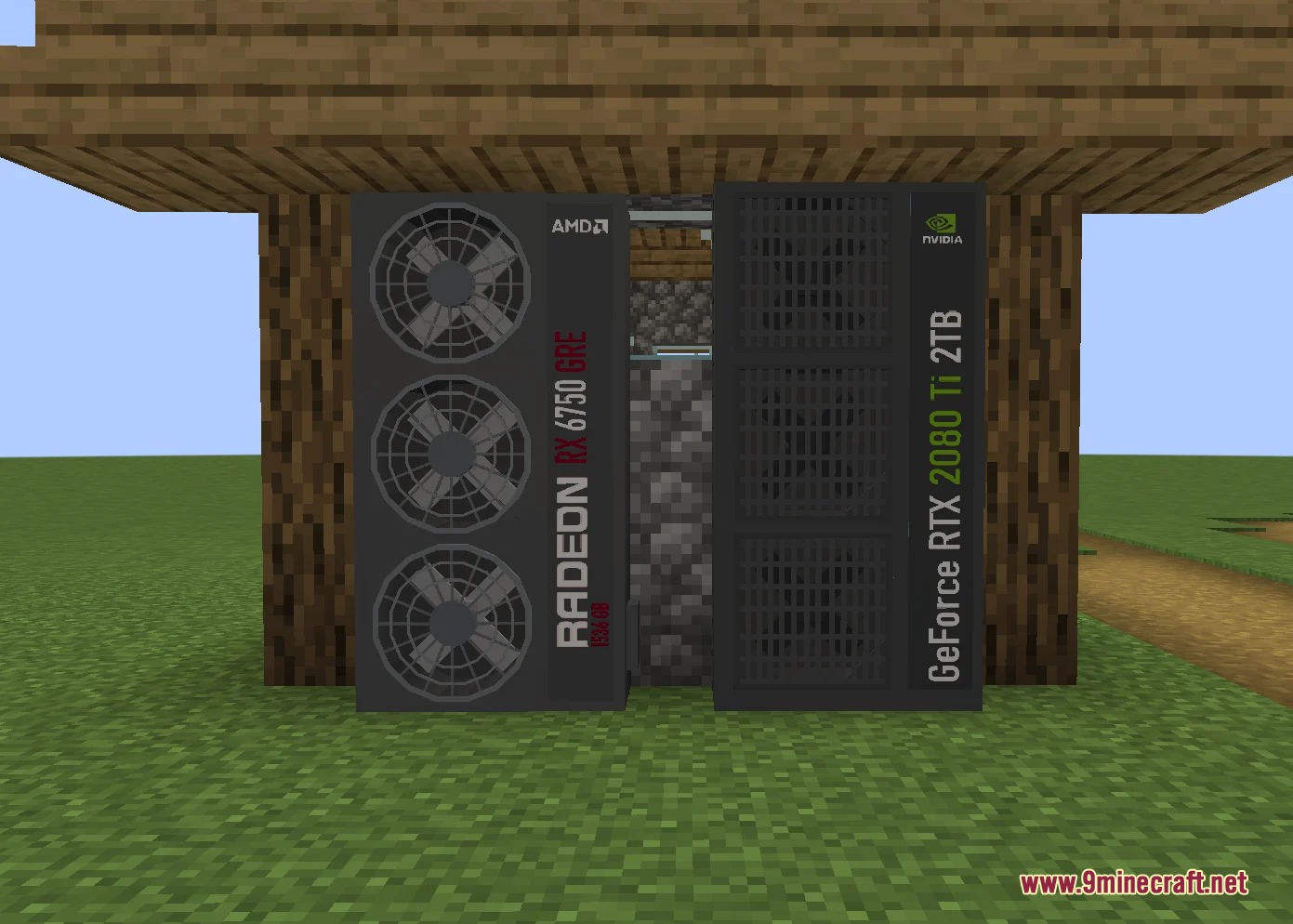
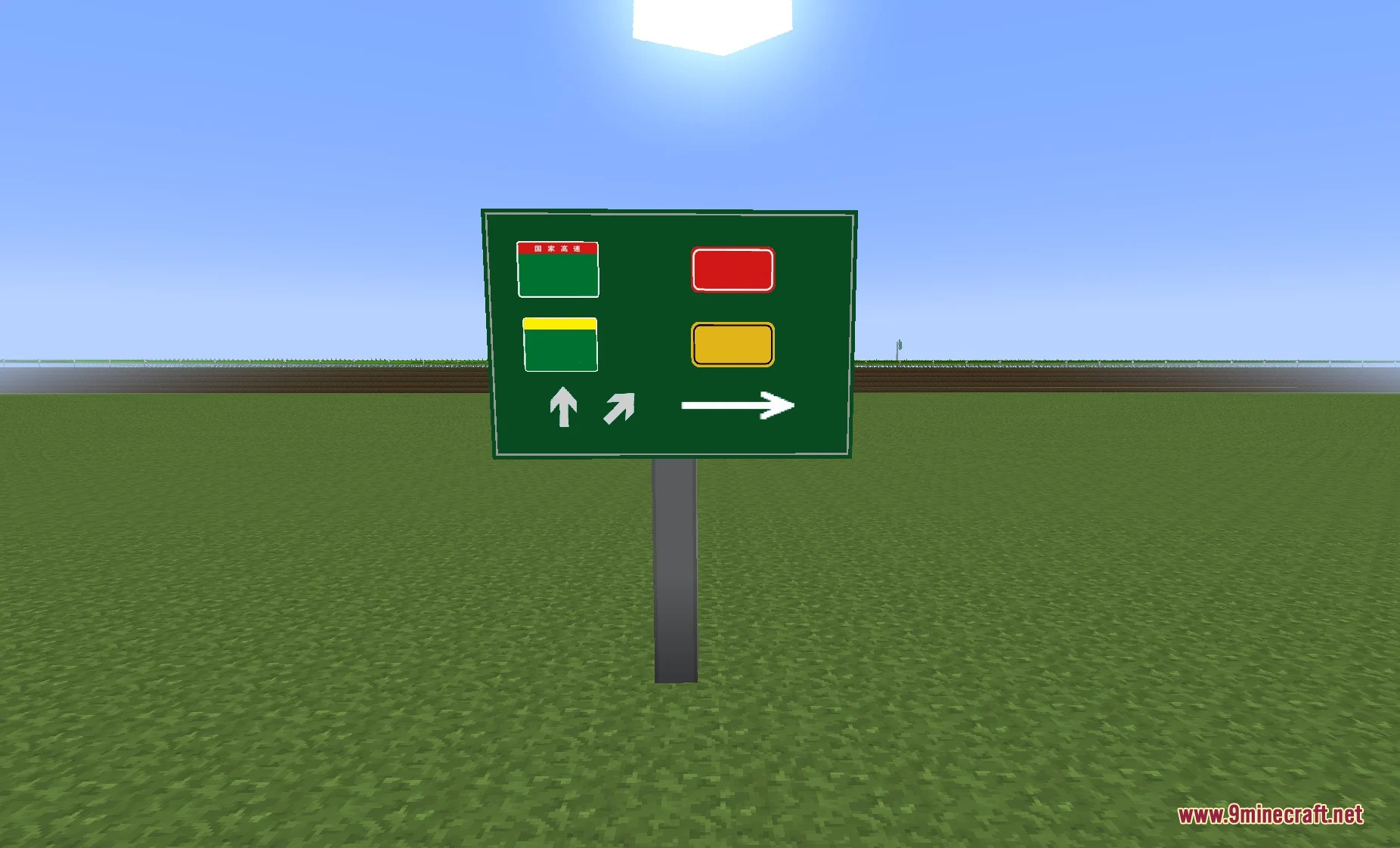
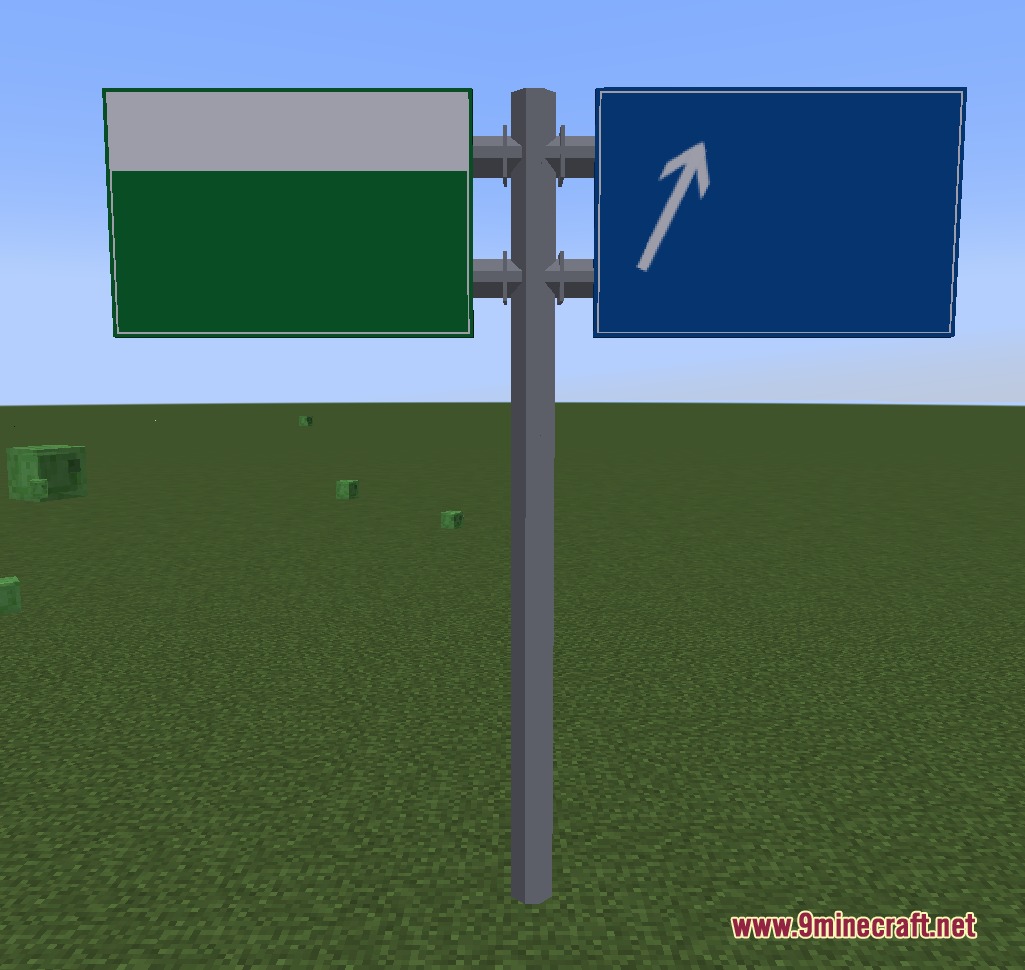
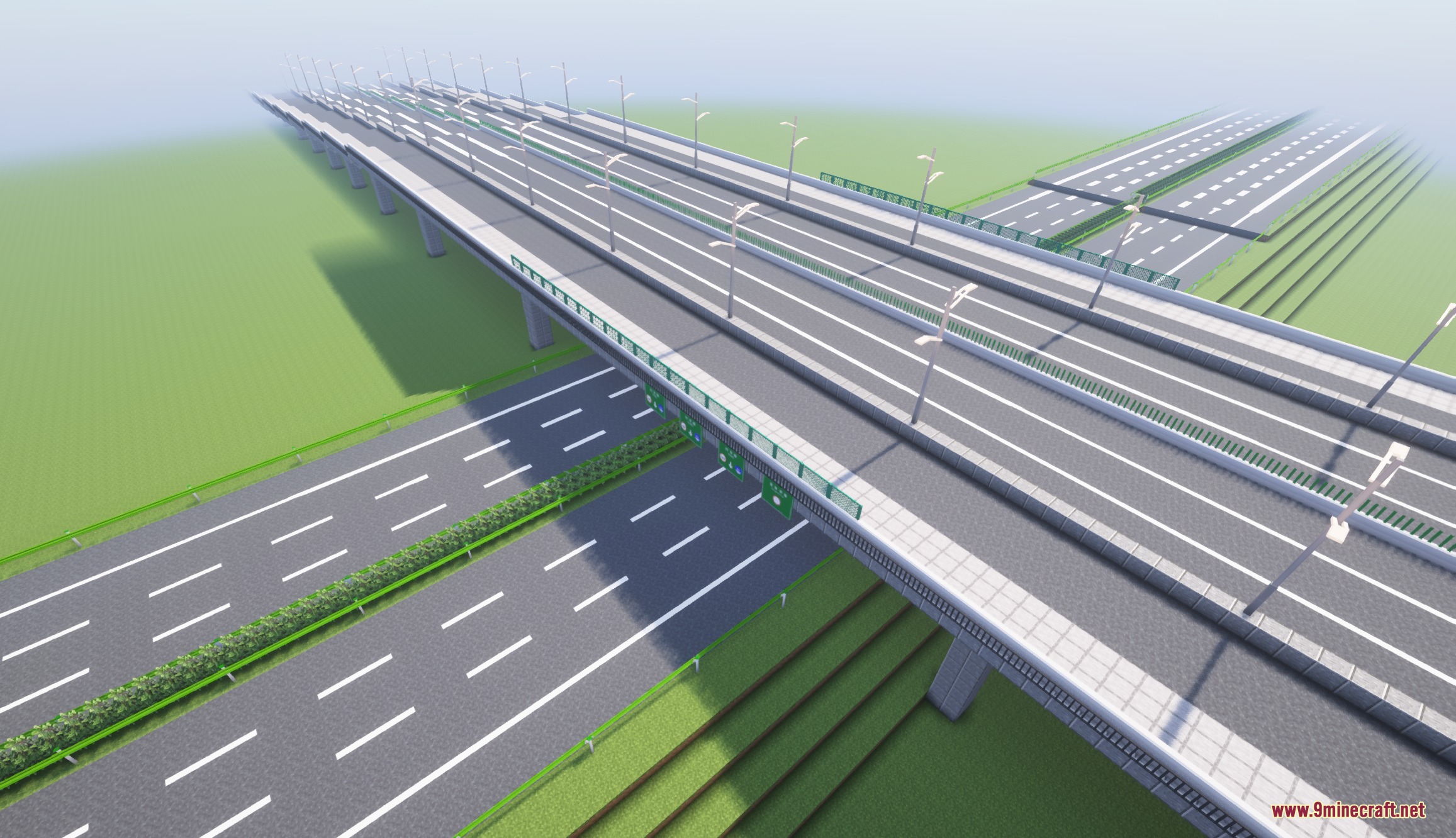
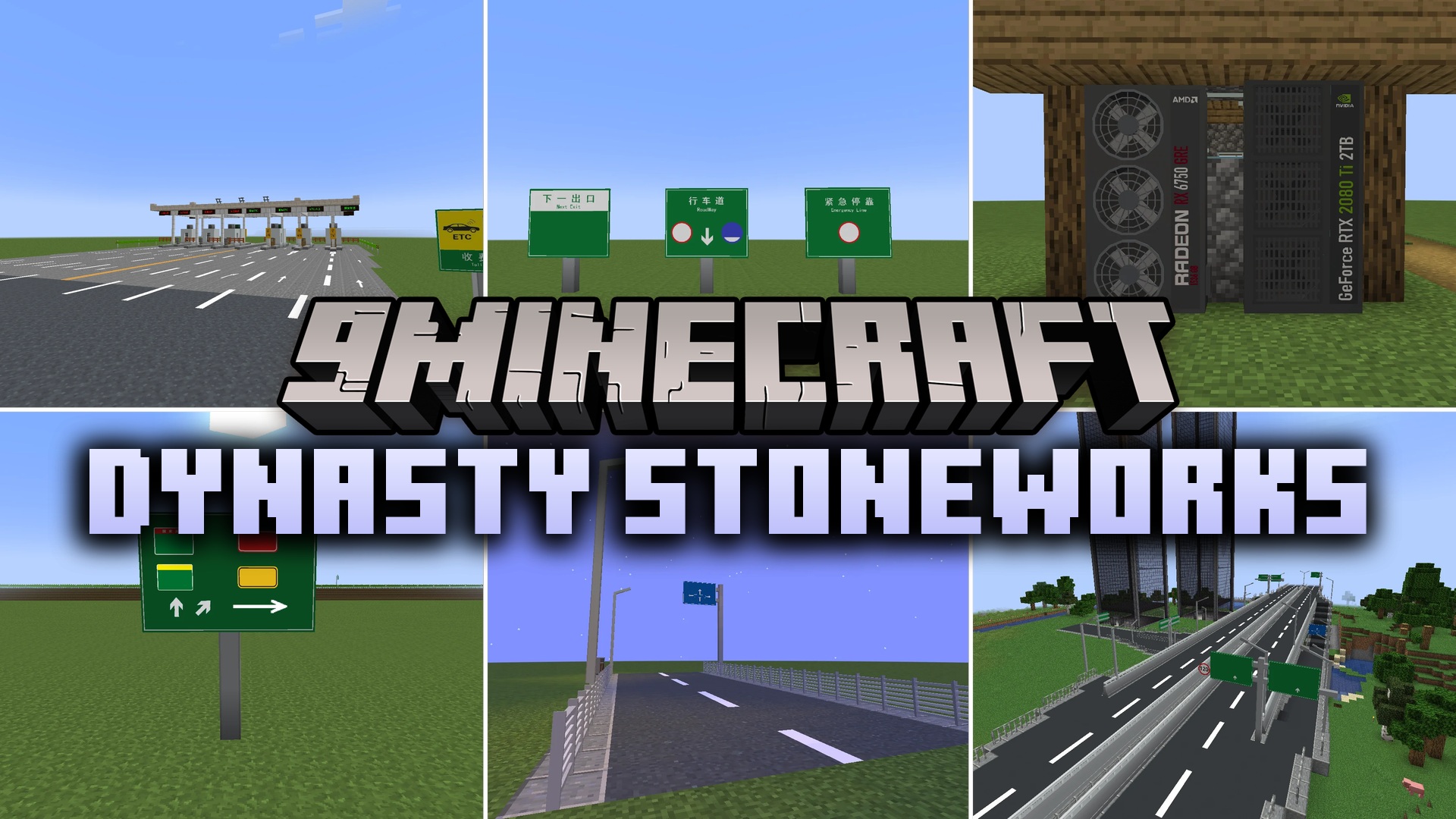
Dynasty Stoneworks Mod brings authentic modern Chinese city building blocks to your Minecraft world. It adds asphalt roads, directional signs, street lights, and detailed home electronics to help you construct bustling urban centers. You can lay down multi-lane expressways, set up highway toll booths, and furnish apartments with modern appliances. This mod gives builders every piece needed to transform empty flatlands into busy metropolitan neighborhoods.
Features:
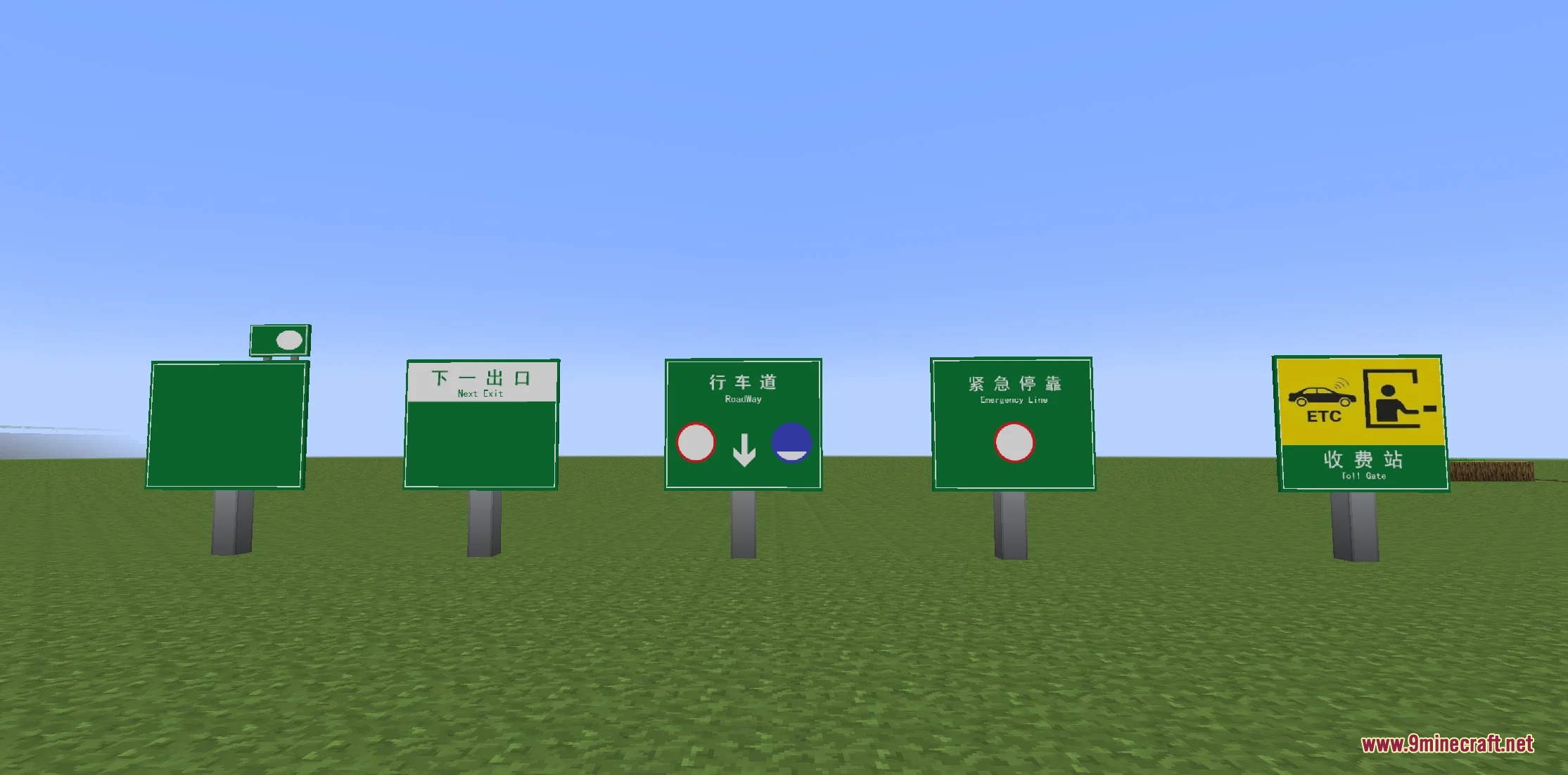
- Adds asphalt road line blocks and directional traffic signs.
- Includes traffic lights that help manage street intersections.
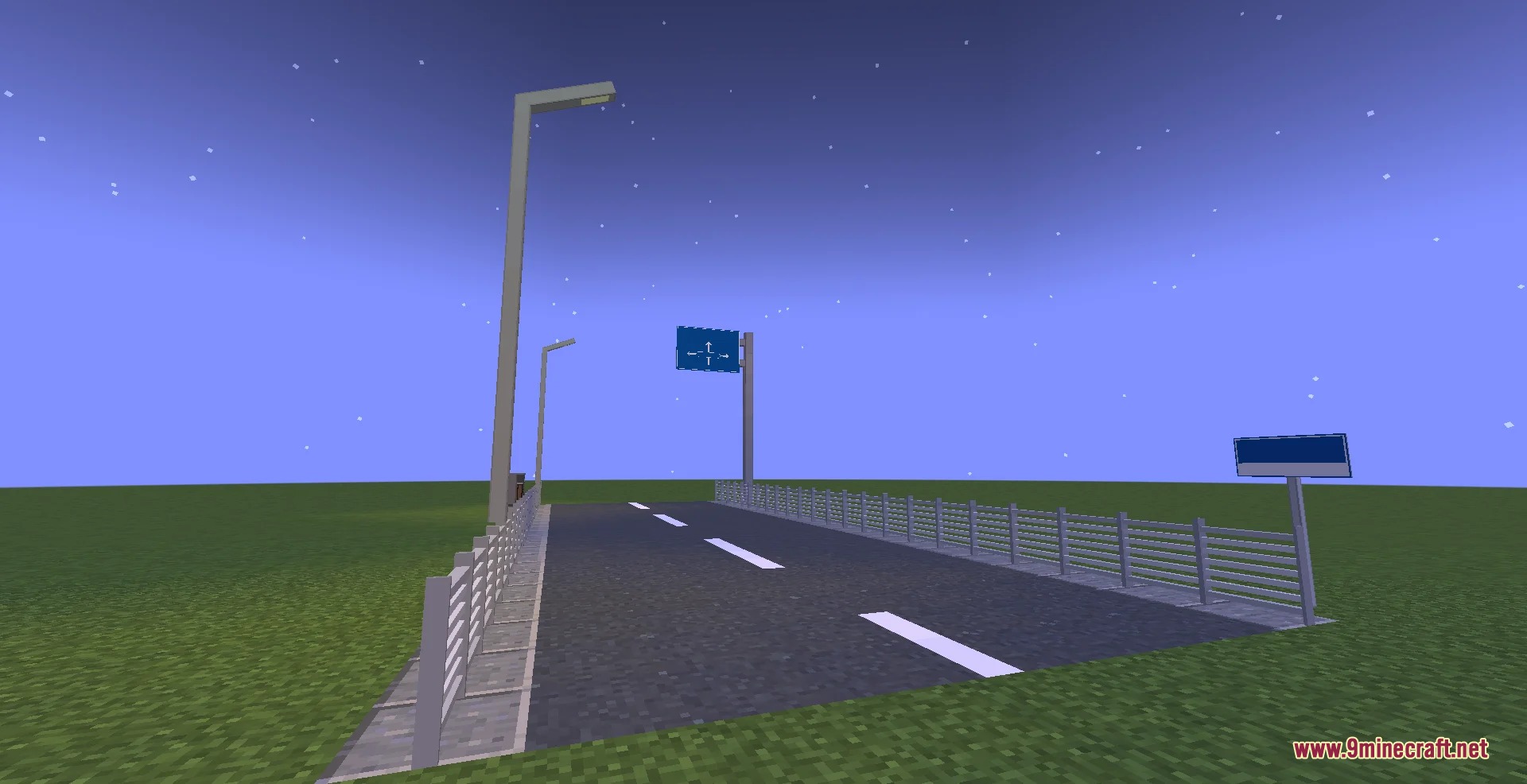
- Adds highway toll gates and modern roadside fence barriers.
- Brings detailed household appliances like desktop gaming PCs and air conditioners.
- Features outdoor utility blocks including solar water heaters and fire extinguisher boxes.
- Adds modern glass windows and street poles for urban architecture.
Road and Traffic Blocks:
- Road line markings: white and yellow lane blocks for multi-lane streets and highways.
- Traffic signs: directional road boards, route markers, and street name plates.
- Traffic lights: signal light blocks built for city crosswalks and intersections.
- Toll gates: highway entrance booths suited for long expressway routes.
Modern Decor and Appliances:
- Cooling units: outdoor air conditioners and themed GPU cooling blocks.
- Electronics: realistic personal computer setups for modern desks.
- Safety equipment: wall-mounted fire extinguisher boxes for public buildings.
- Rooftop utilities: residential solar water heaters for apartment roofs.
Screenshots:
Dynasty Stoneworks Mod Download Links
- Edition: Minecraft Java
- File type: .jar
- Minecraft version listed: 1.20.1
- How to install: Install the matching mod loader (Forge, Fabric or NeoForge) for your Minecraft version. → Download the .jar. → Put it in the .minecraft/mods folder and launch that loader profile.
- Where to get it: In MC Java Mods, or directly above on this page.
Install steps are the general flow for this file type — How to install Minecraft Java mods & modpacks walks through it step by step.
- Downloads as 505289.mcaddon
- Download size: 7.5 MB
- Download link checked 25 Sept 2026 — working
- Mirrored on our own servers — the download does not depend on the original host
These come from our own check of the pack file, not from the source page.